
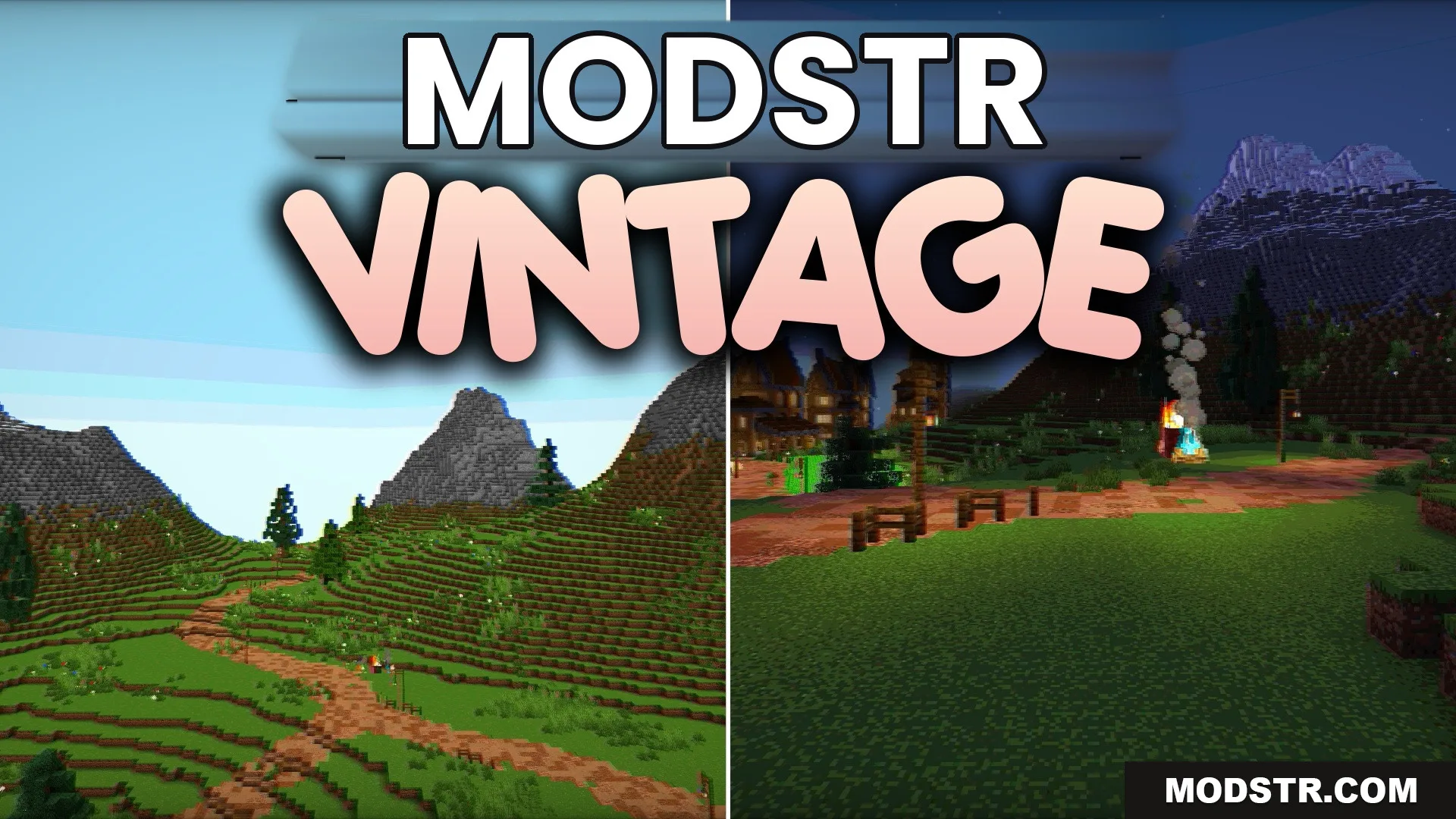
Vintage Shaders (26.2, 1.20.1) – Restricted Palette and Analog Interference
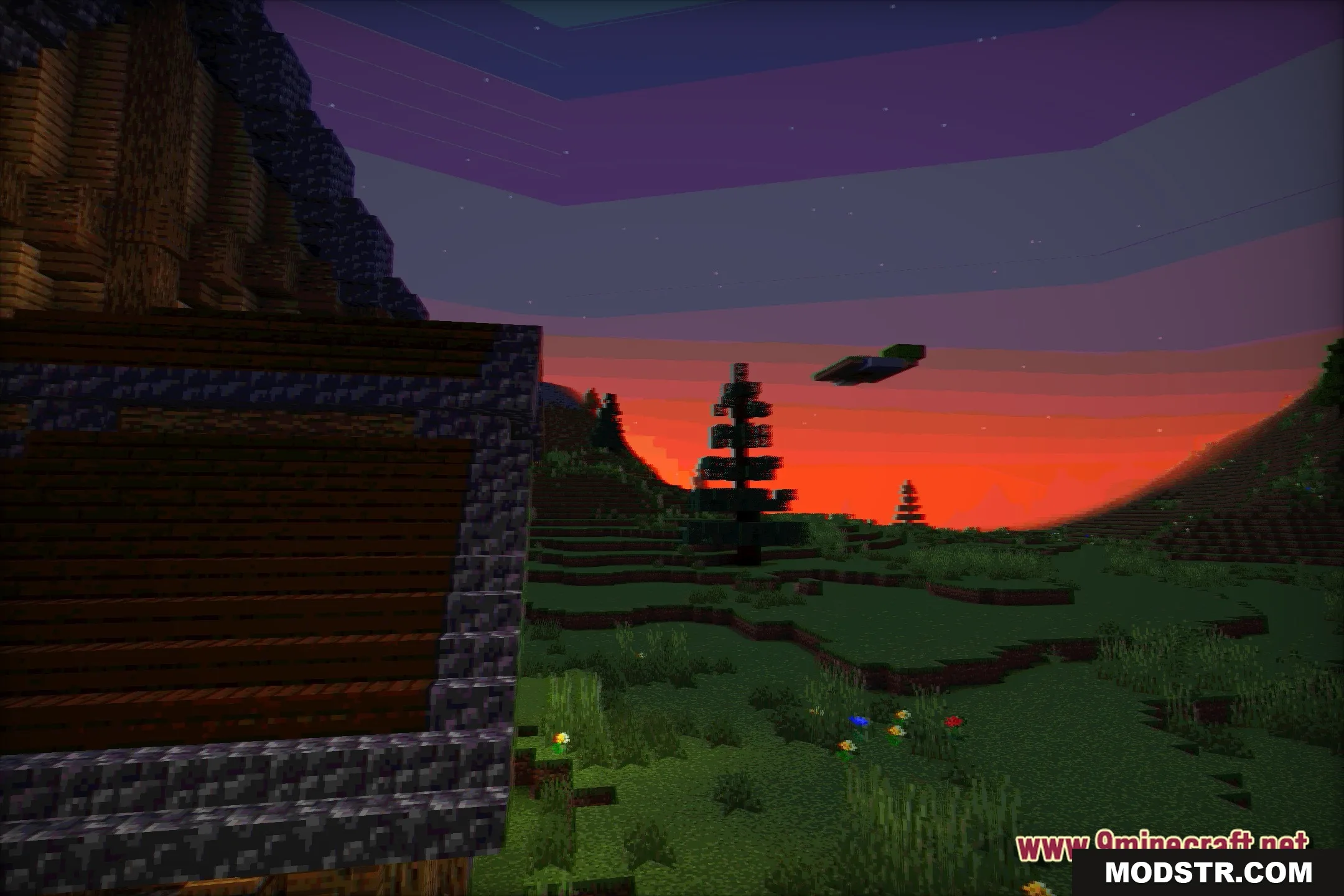
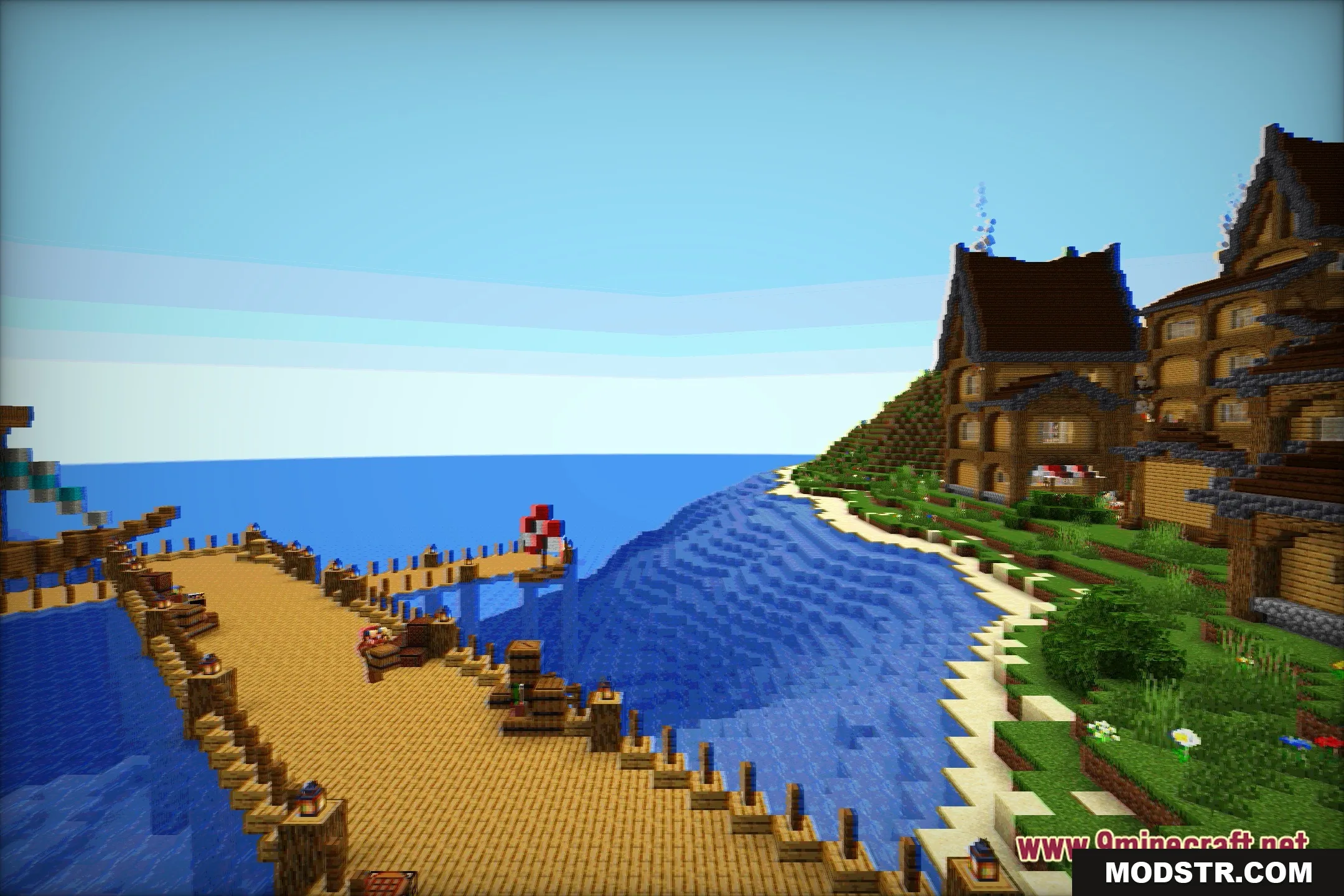
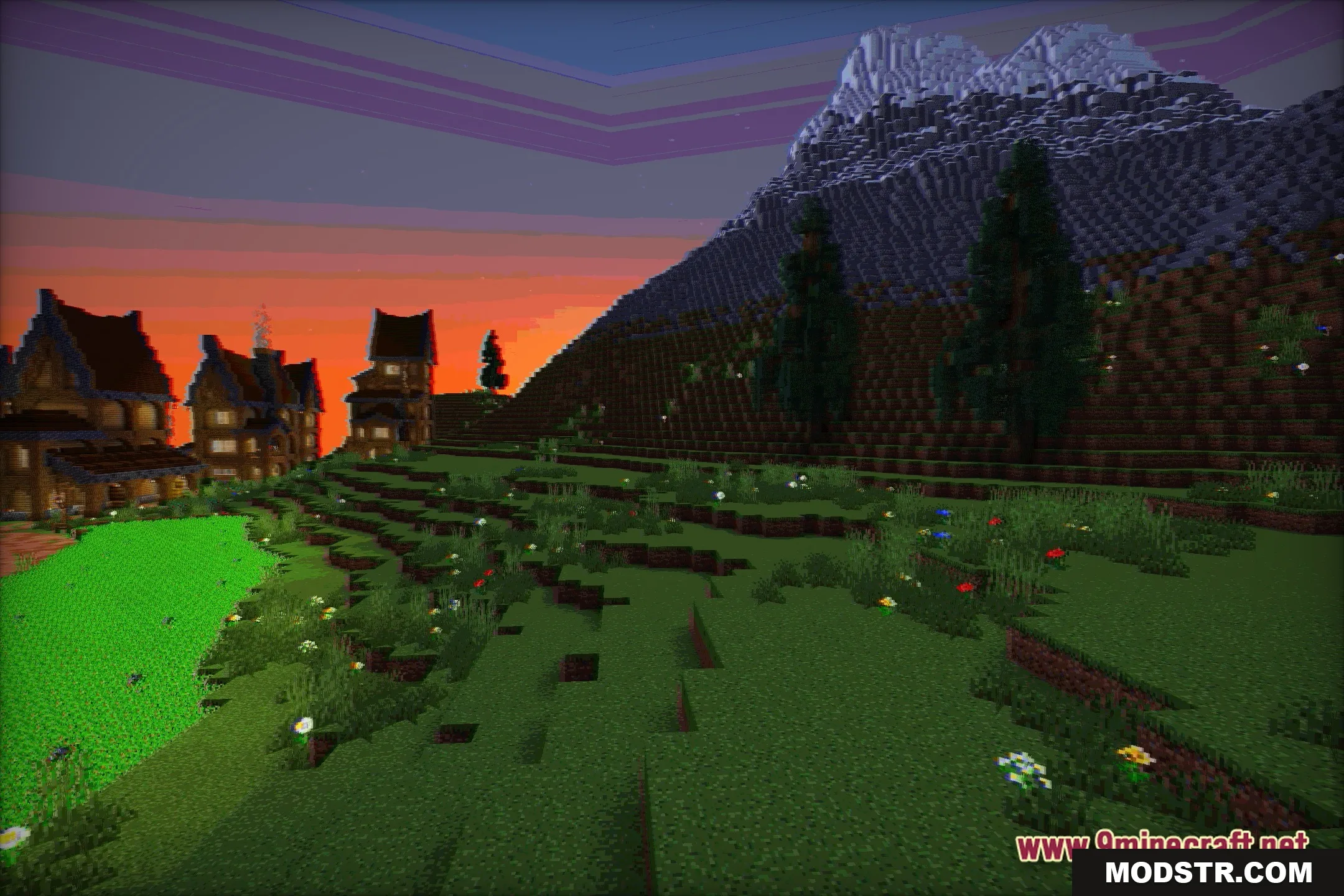
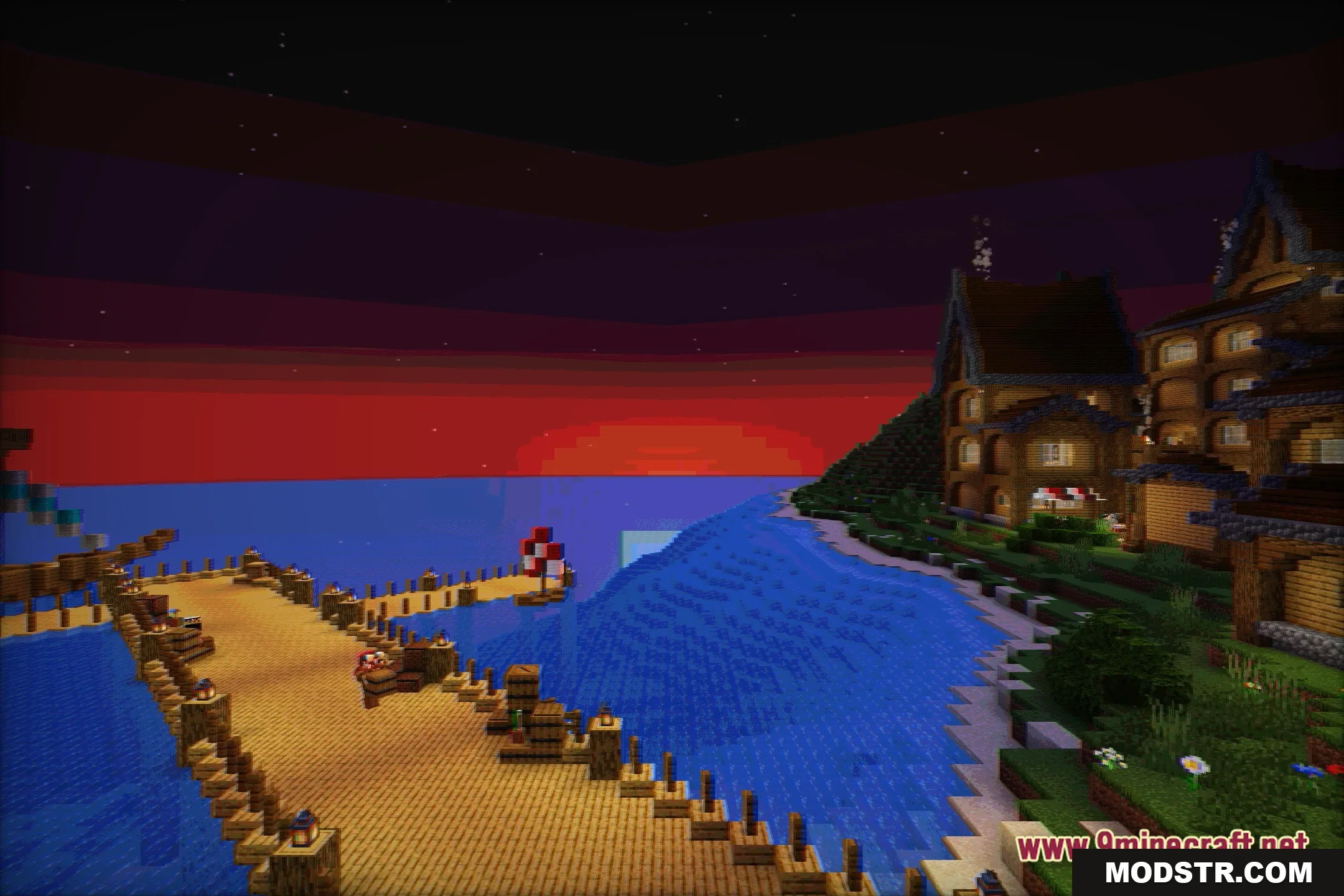
Vintage Shaders alters the visual style of Minecraft to evoke the appearance of classic gaming hardware. It offers a restricted color palette and vintage screen effects.
- 1.20.1
Vintage Shaders changes the aesthetics of Minecraft to reflect an old-school gaming experience. This shader is designed for those who appreciate retro visuals reminiscent of early computer and console graphics.
Features
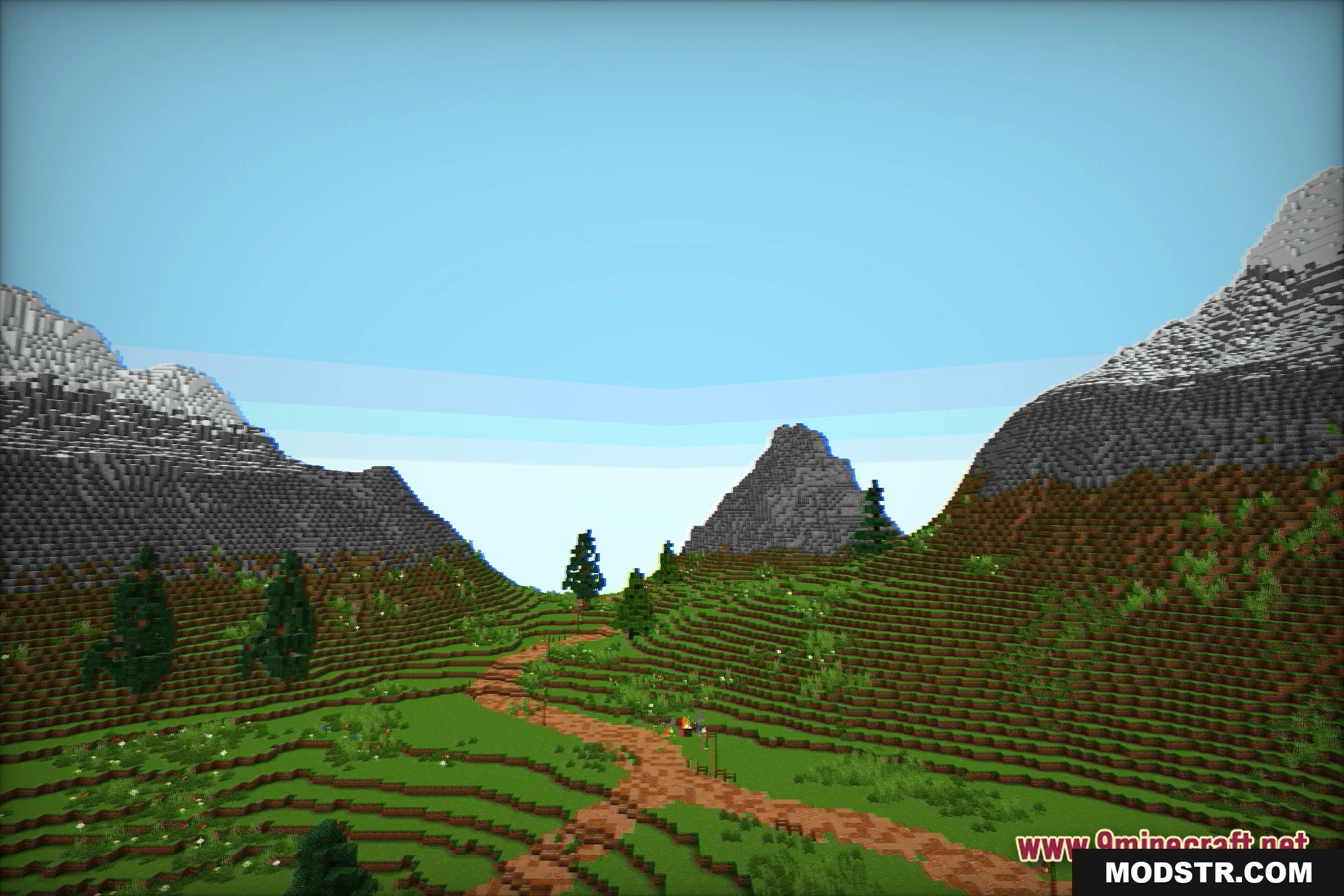
- Changes the game colors to a restricted palette for a classic retro look.
- Adds analog signal interference that looks like static on an old TV screen.
- Transforms the world into a fantasy setting inspired by older console generations.
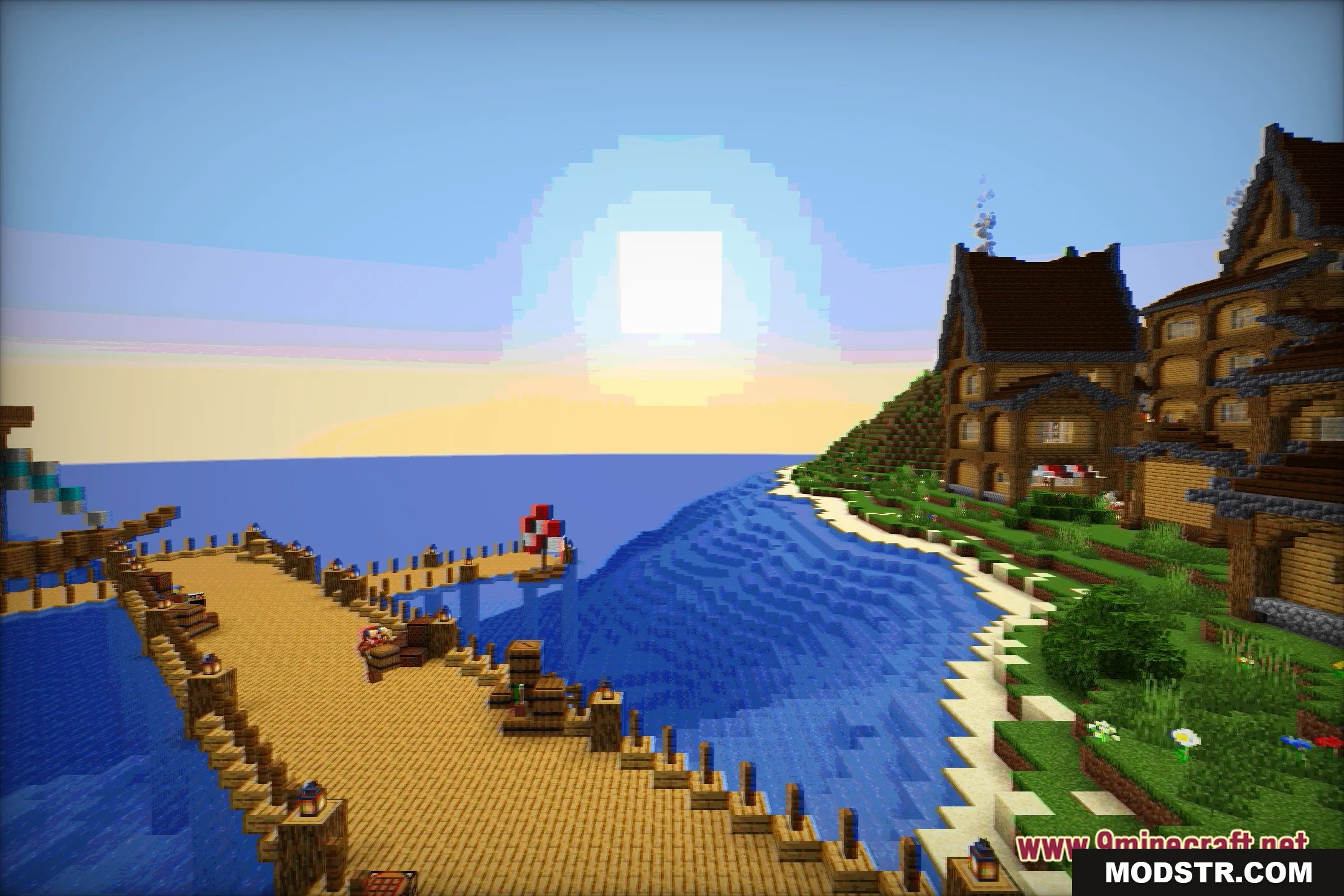
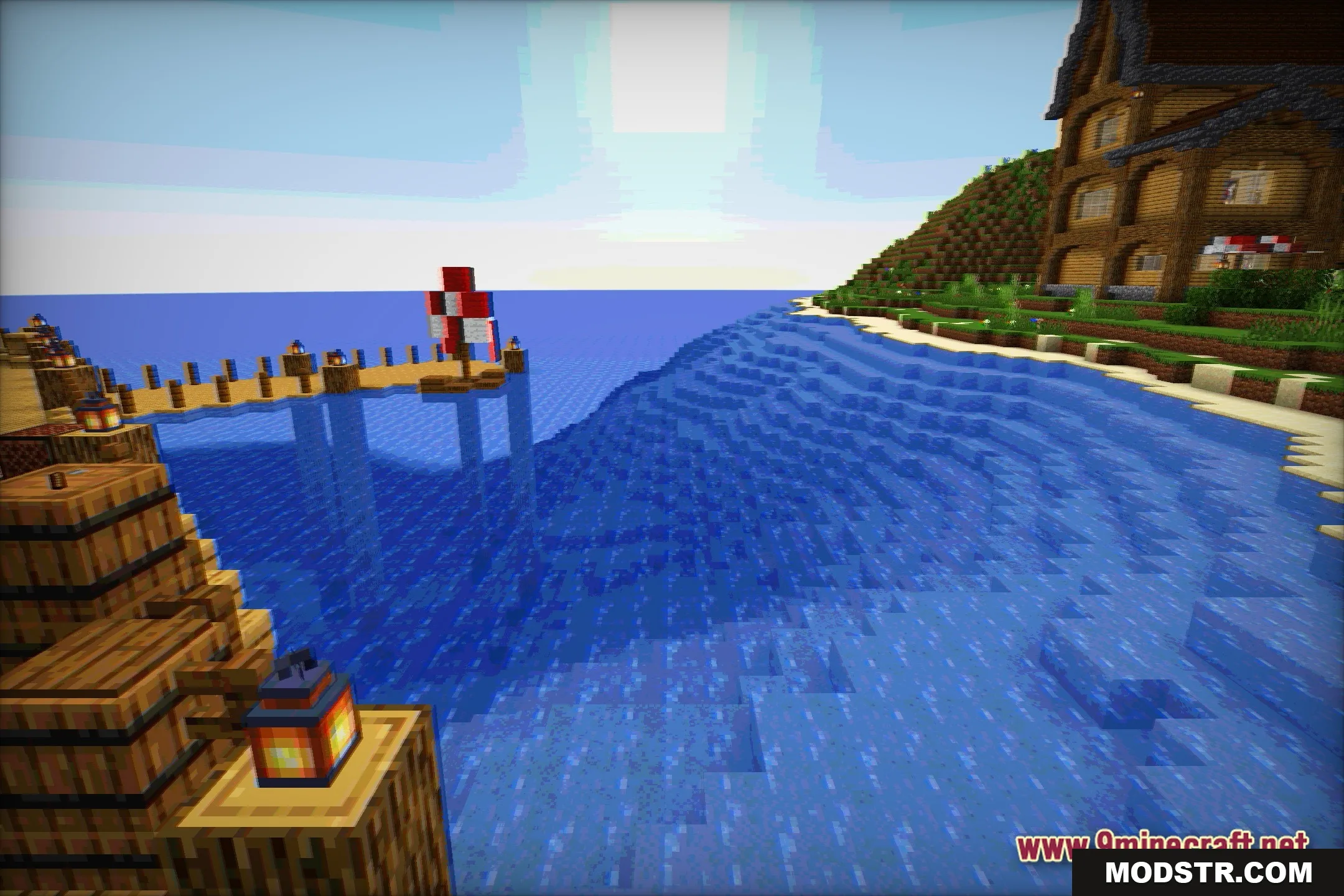
- Replaces modern bright lighting with a muted visual style typical of past hardware.
- Gives blocks and items a nostalgic appearance without altering their actual textures.
Installation
- Download the Vintage Shaders file from the source.
- Place the downloaded file into the shader packs folder in your Minecraft directory.
- Open Minecraft and navigate to the options menu.
- Select the video settings and then choose shaders.
- Activate Vintage Shaders from the list of available shaders.
Screenshots
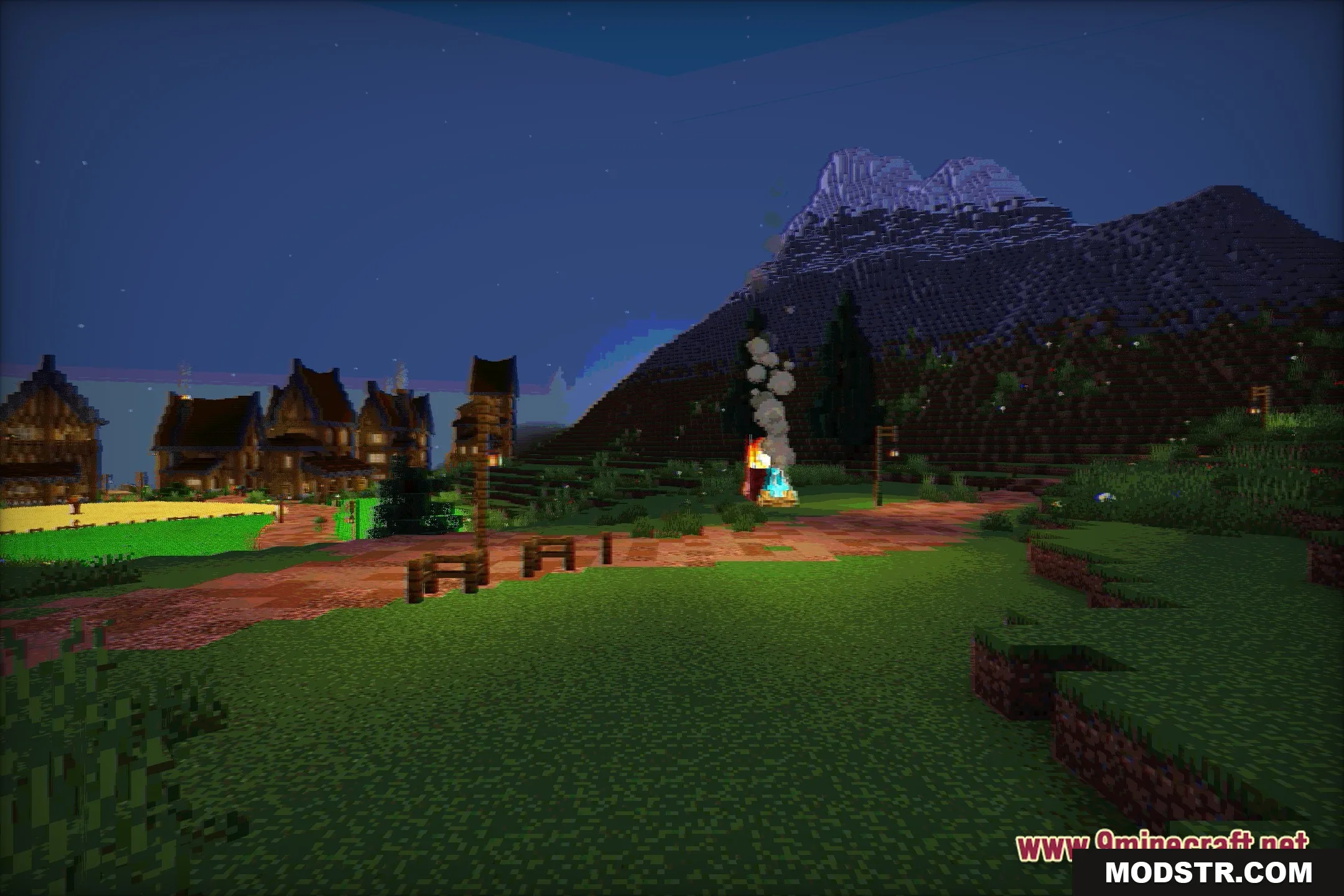
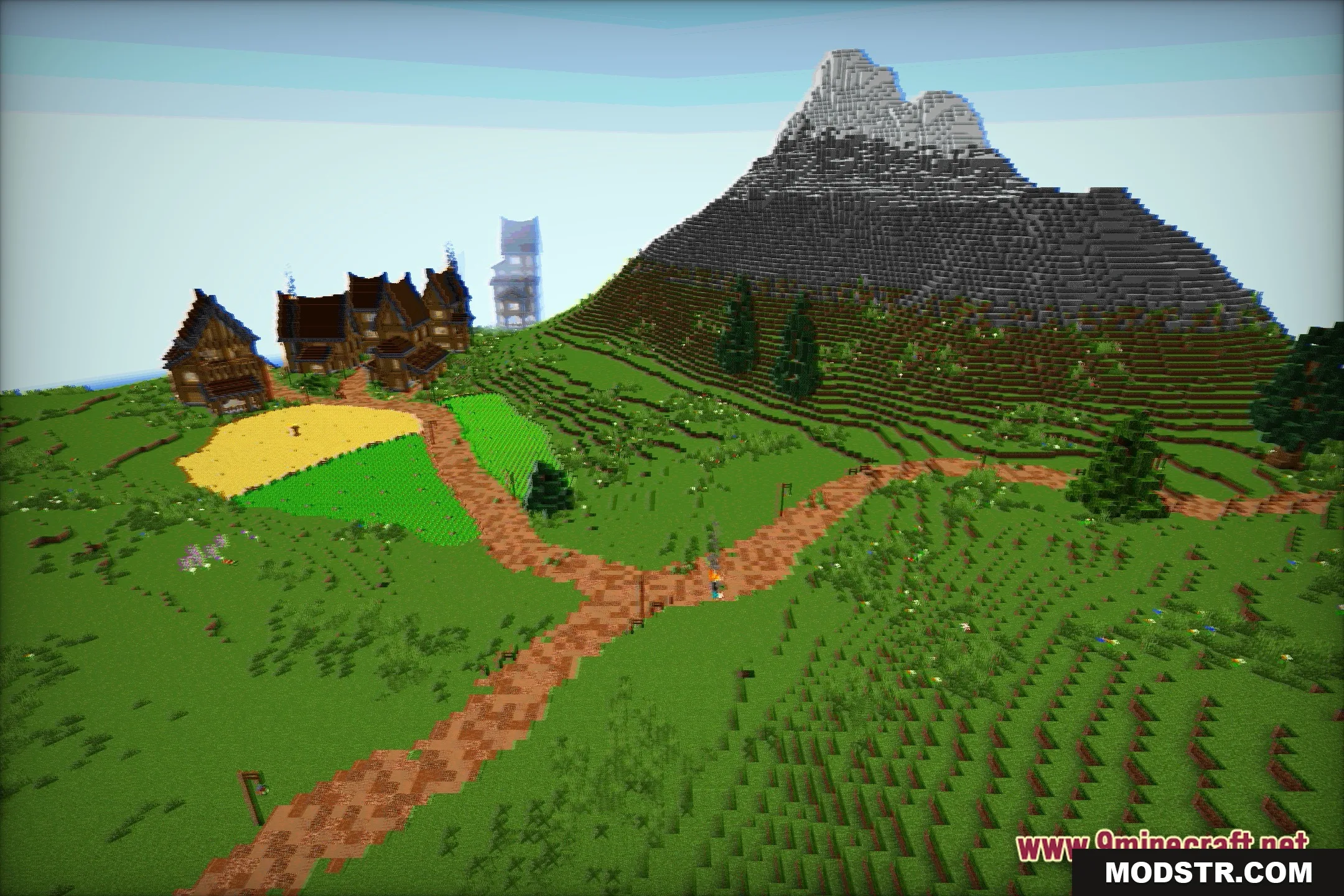
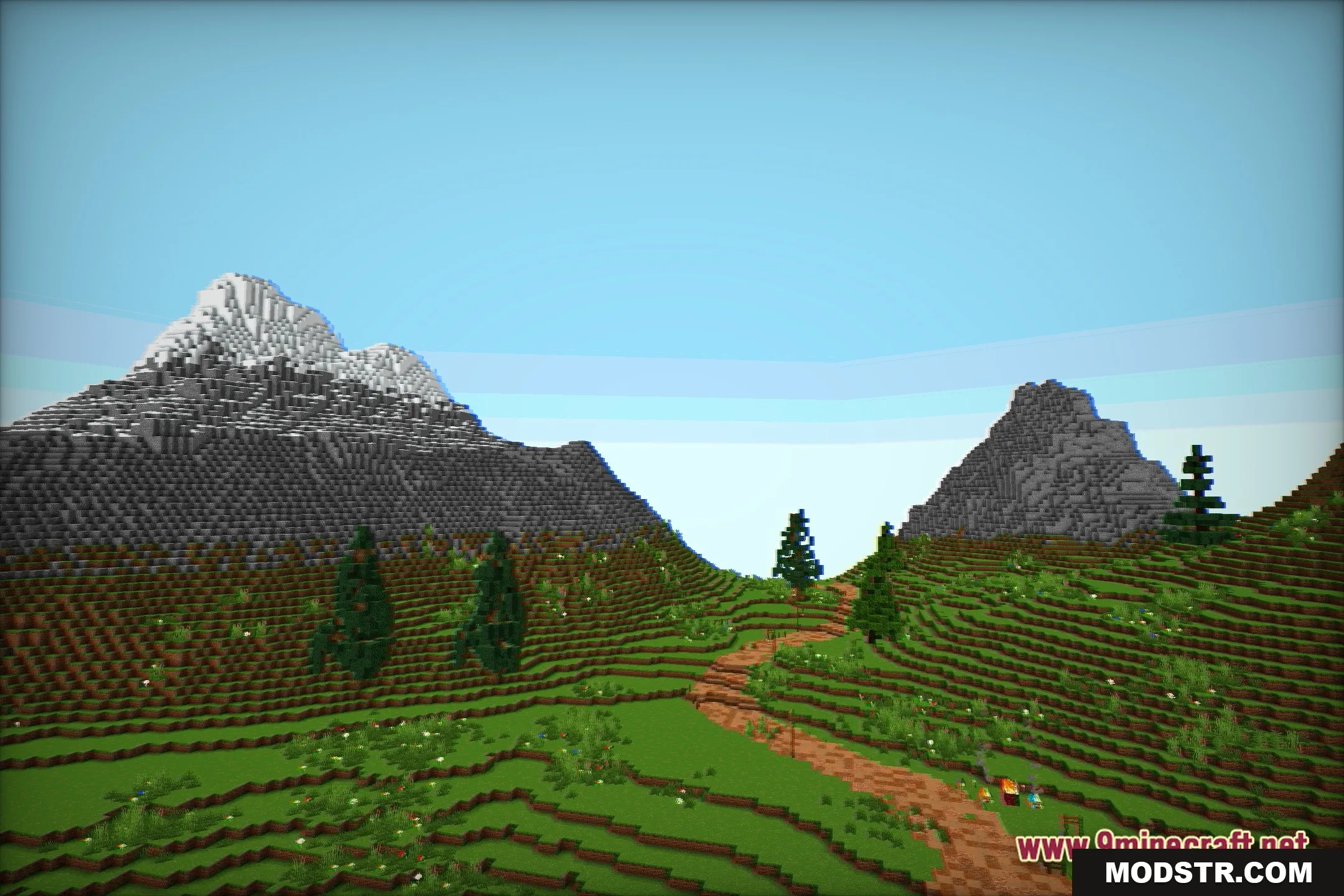
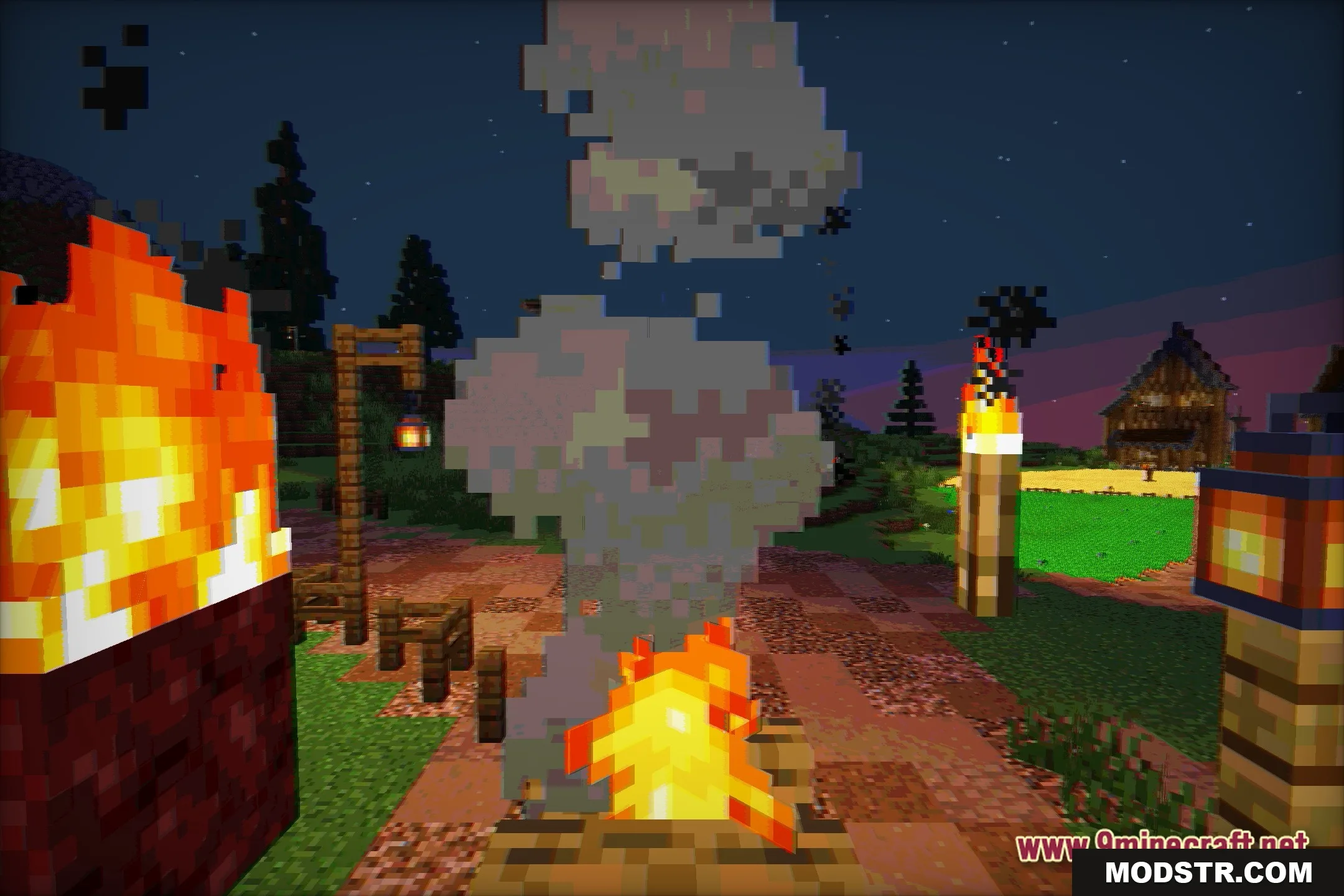
DOWNLOAD FILES
- shader