
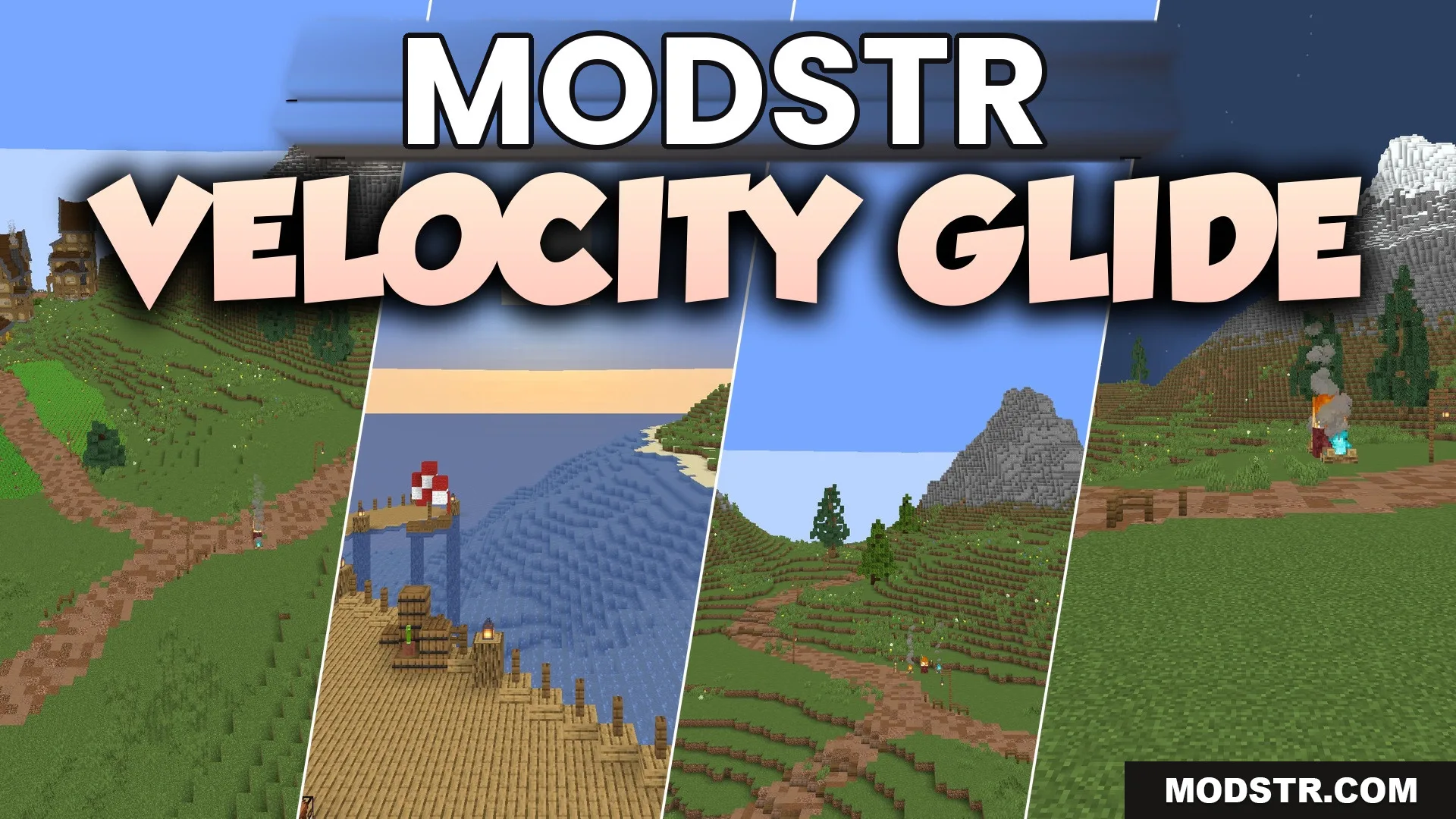
Velocity Glide Shaders (26.2, 1.20.1) – Motion Blur and Soft Bloom
Velocity Glide Shaders enhances Minecraft with motion blur and soft bloom effects, maintaining the original aesthetic while improving visuals. Suitable for various system specifications.
- 1.20.1
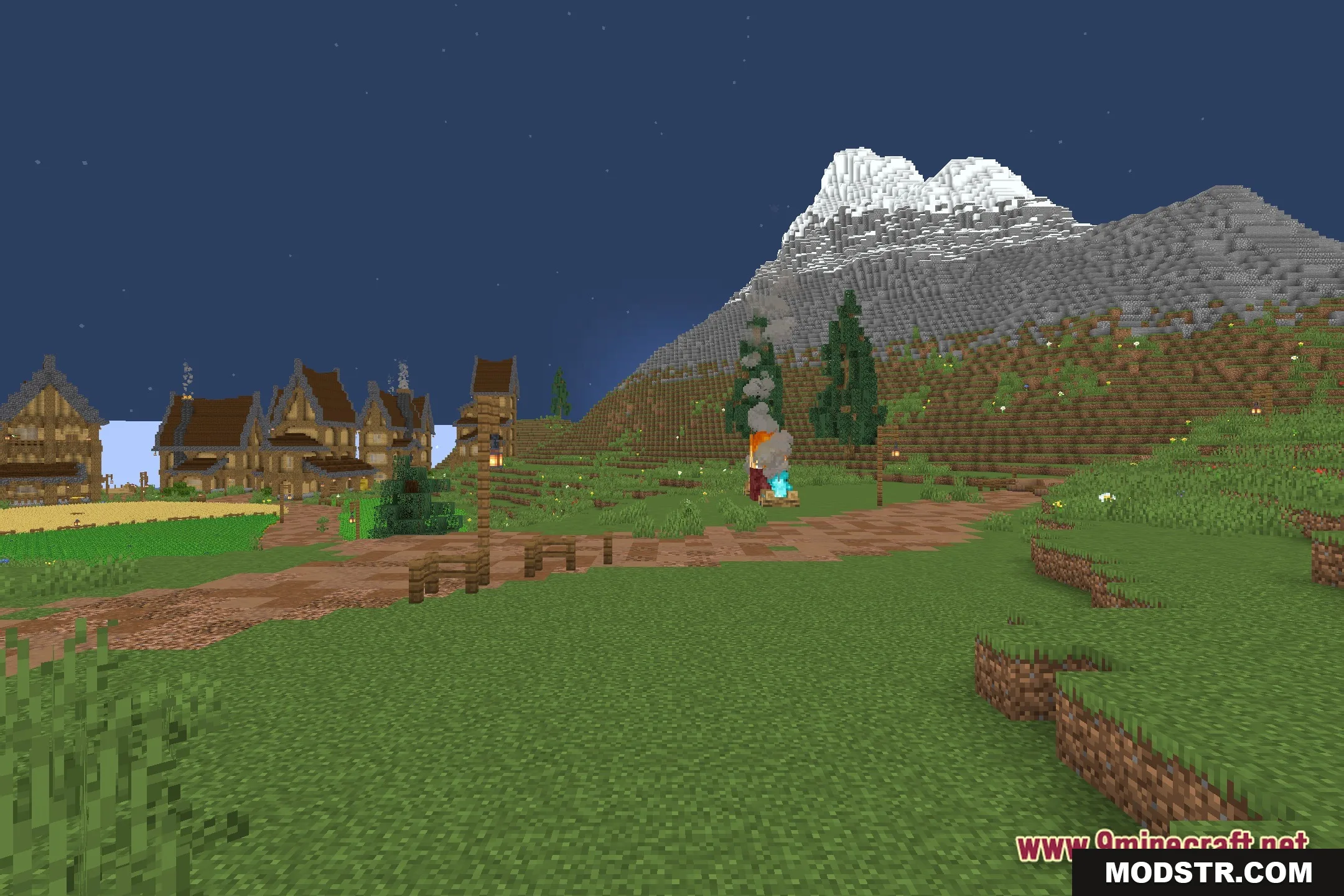
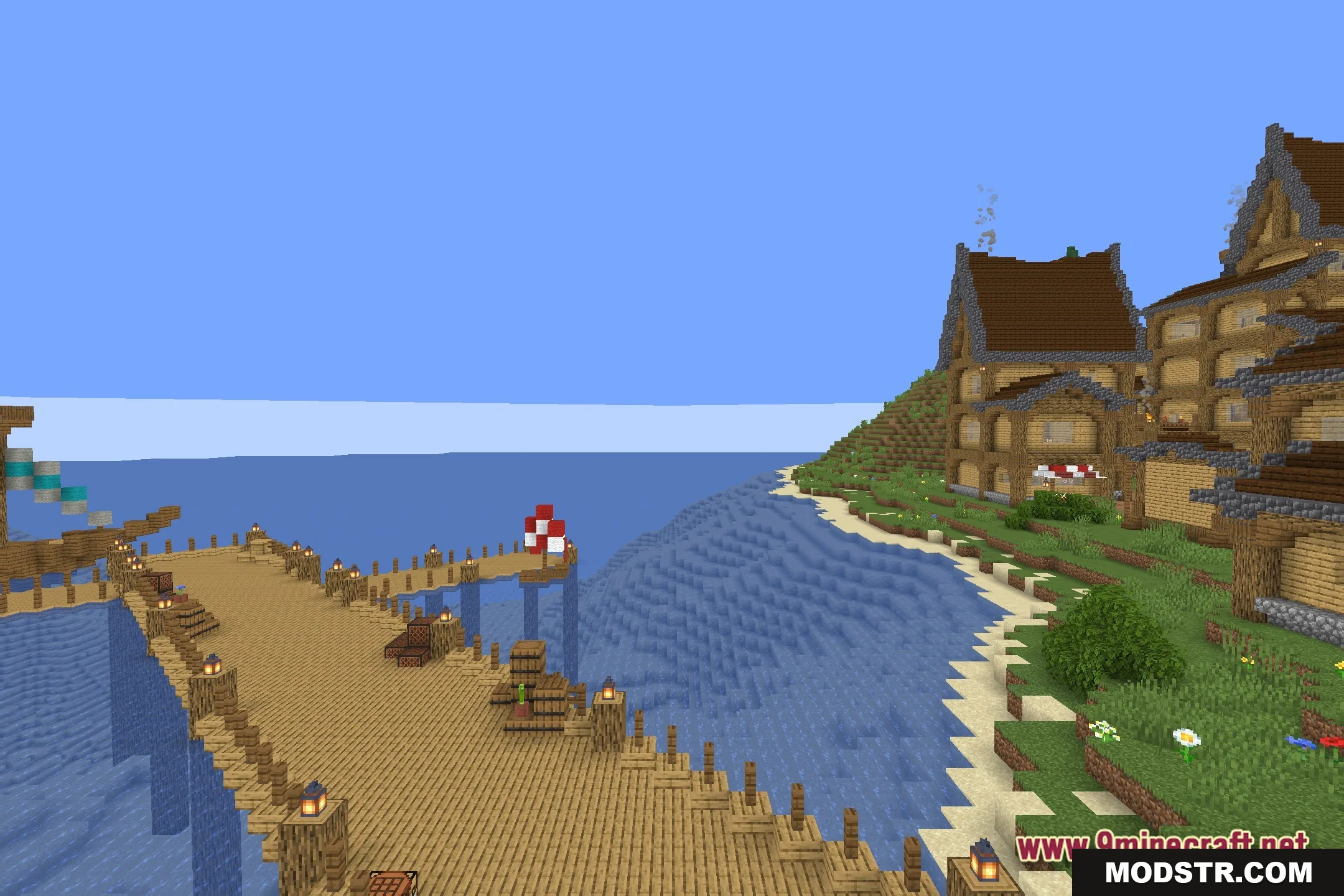
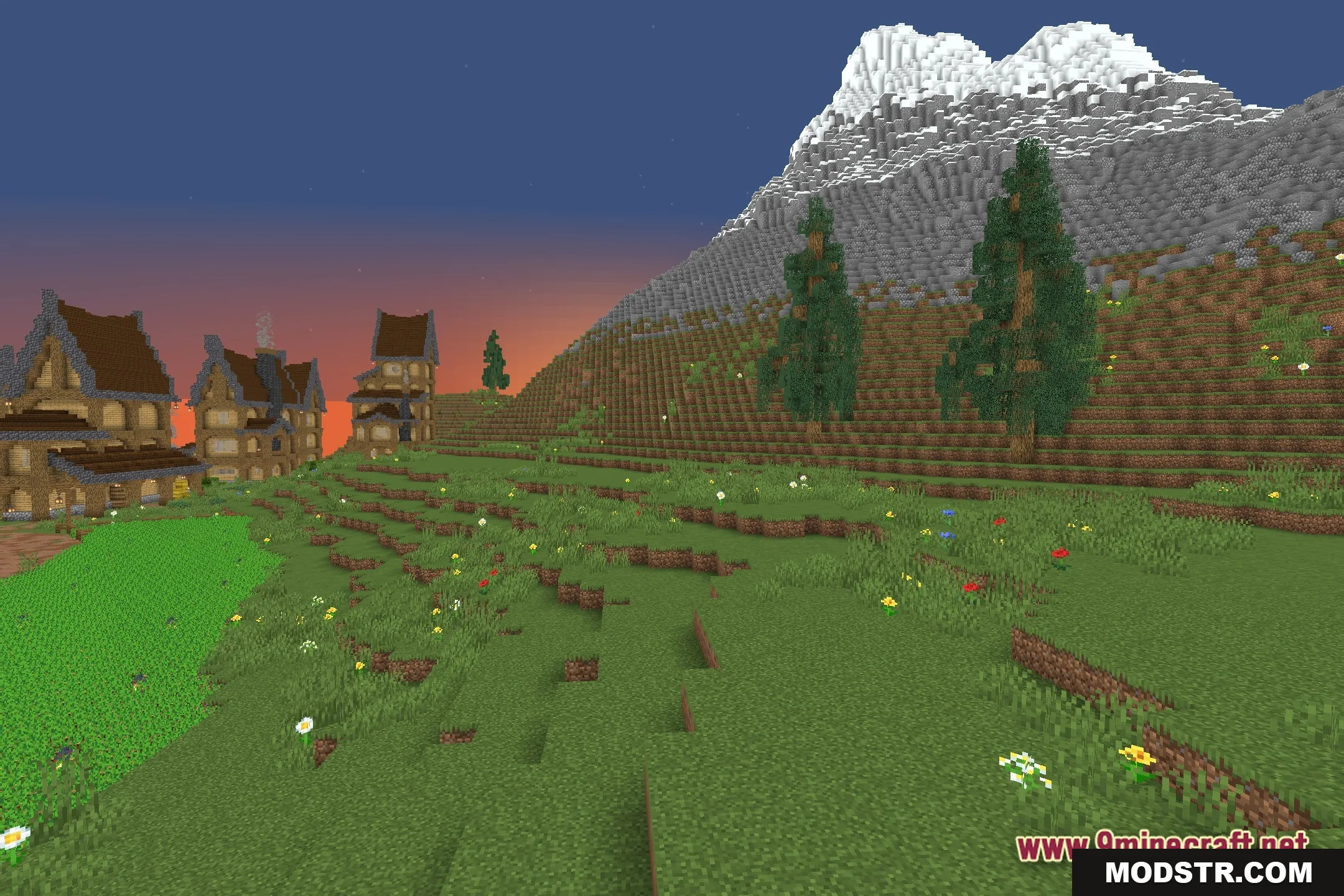
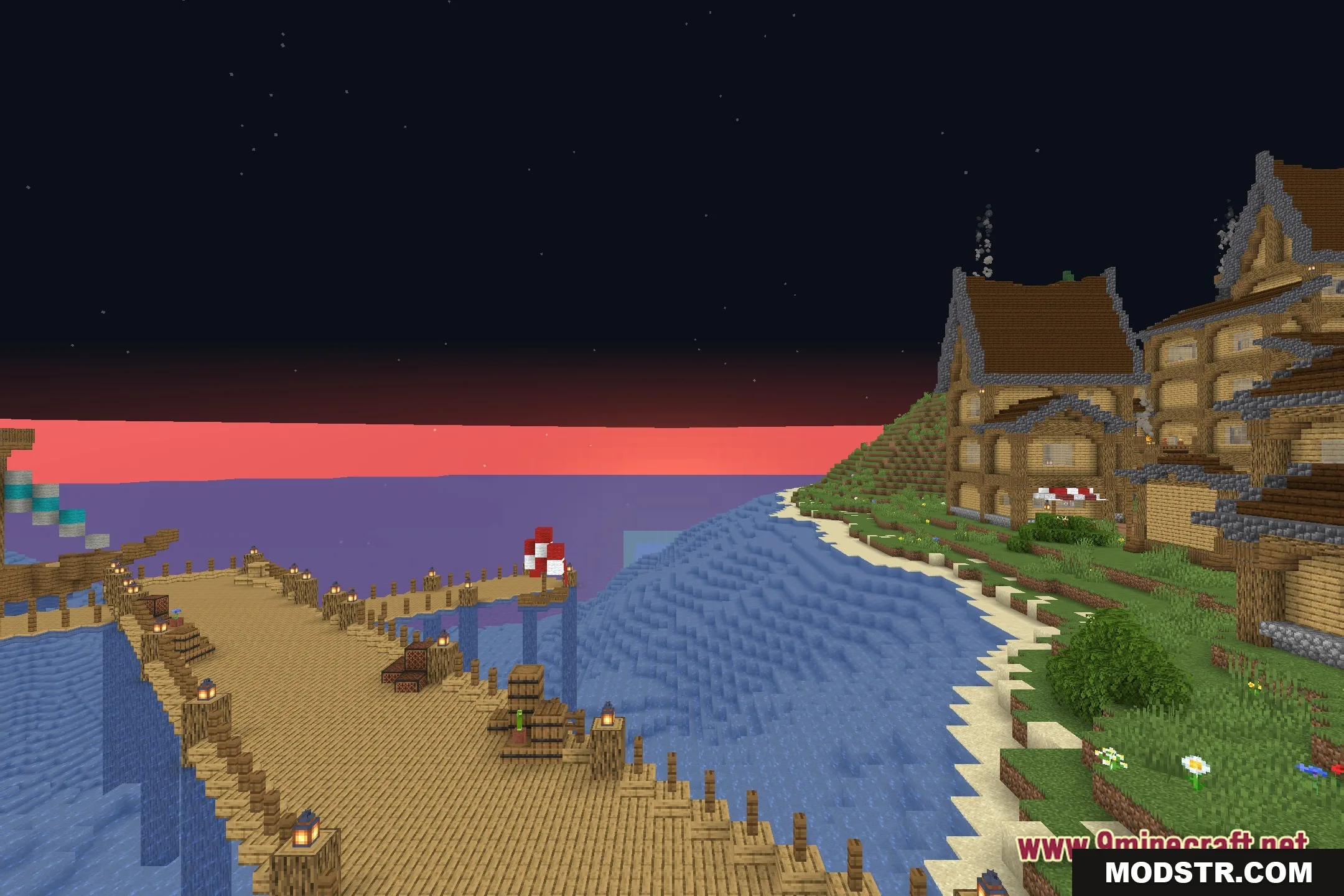
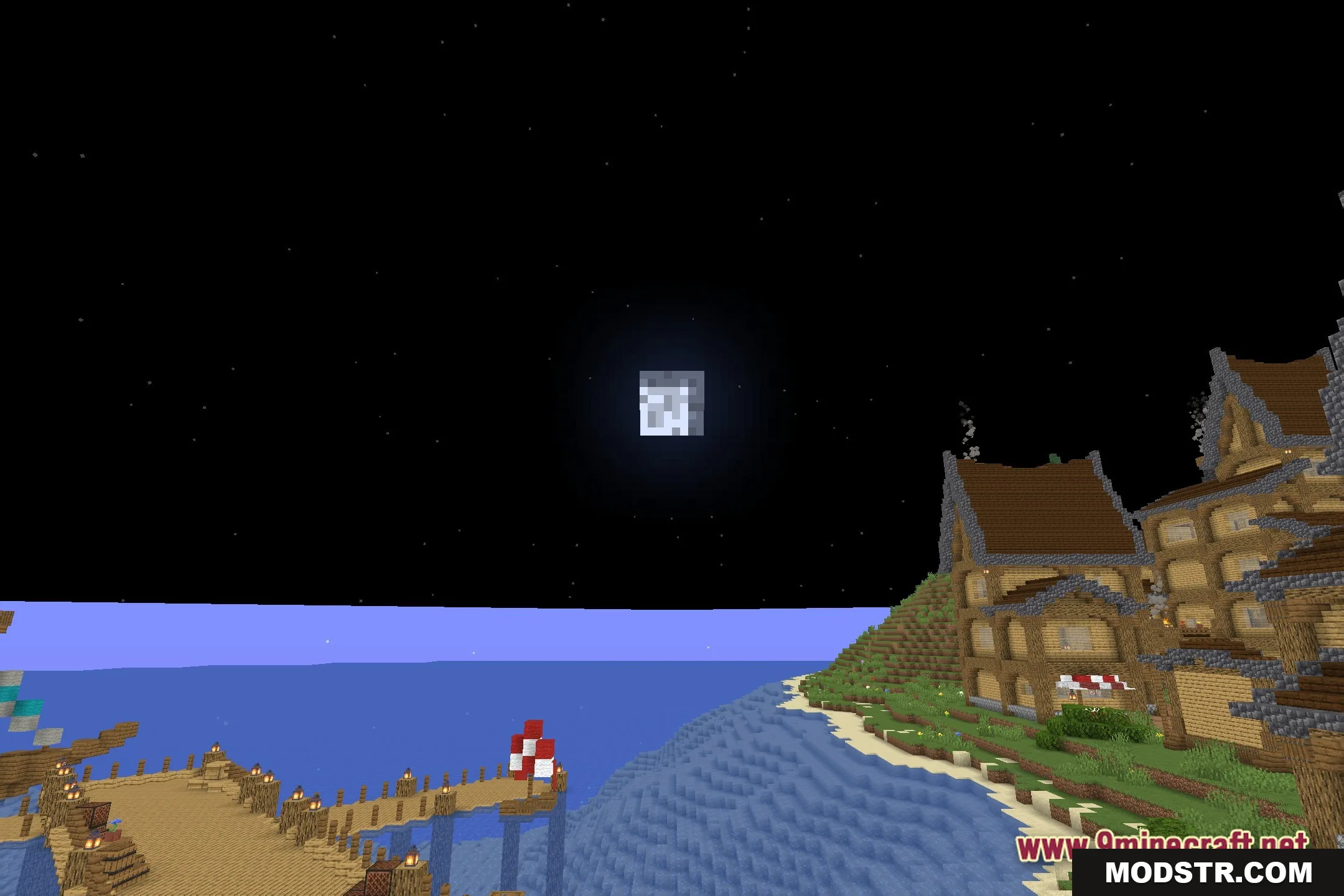
Velocity Glide Shaders improve your Minecraft experience by introducing a motion blur effect and soft bloom to enhance the visual quality of the game. This shader is designed for players who want to keep the classic look of their Minecraft world while adding subtle effects.
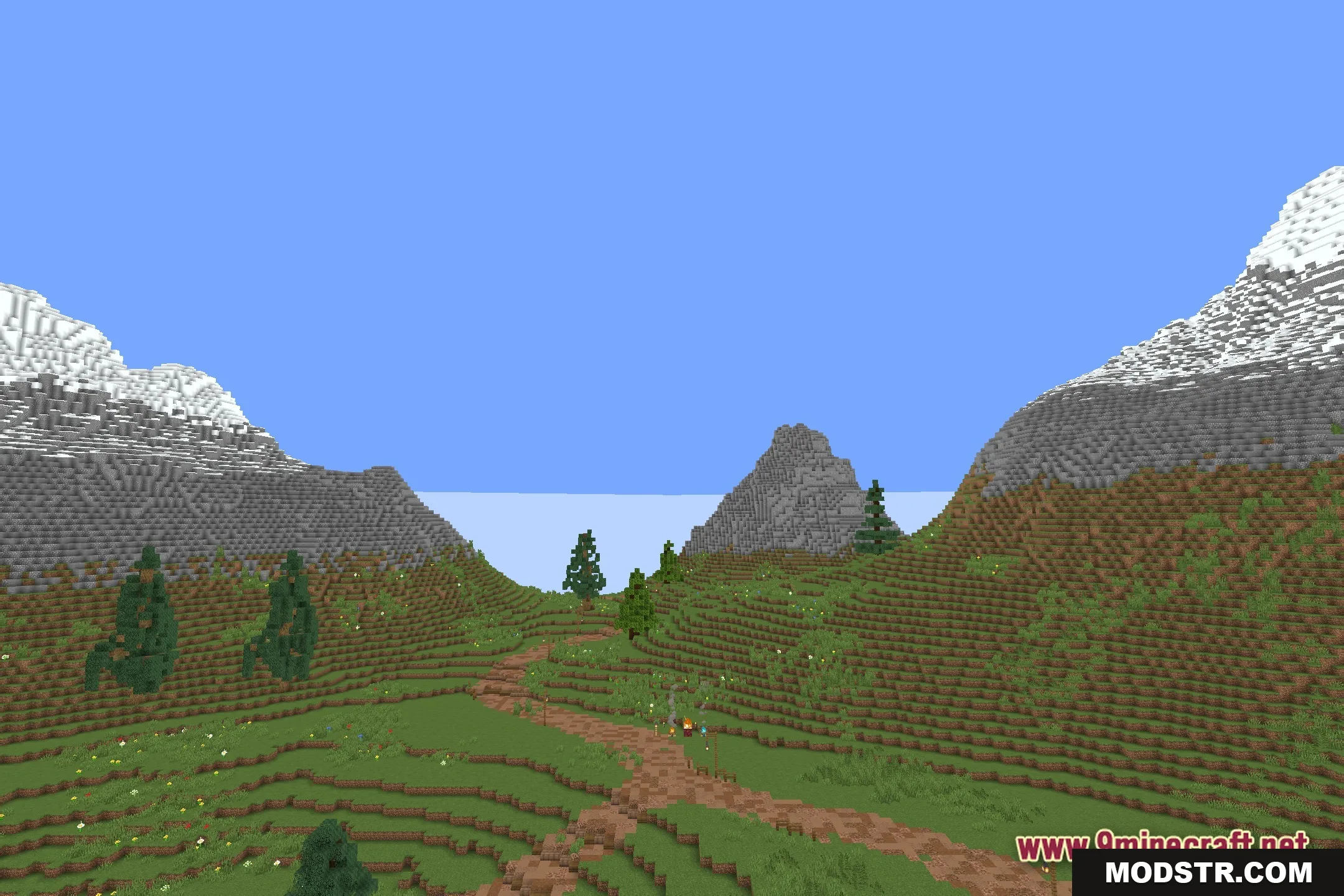
Features
- Custom Motion Blur: Adds a smooth blur effect when you look around or move quickly.
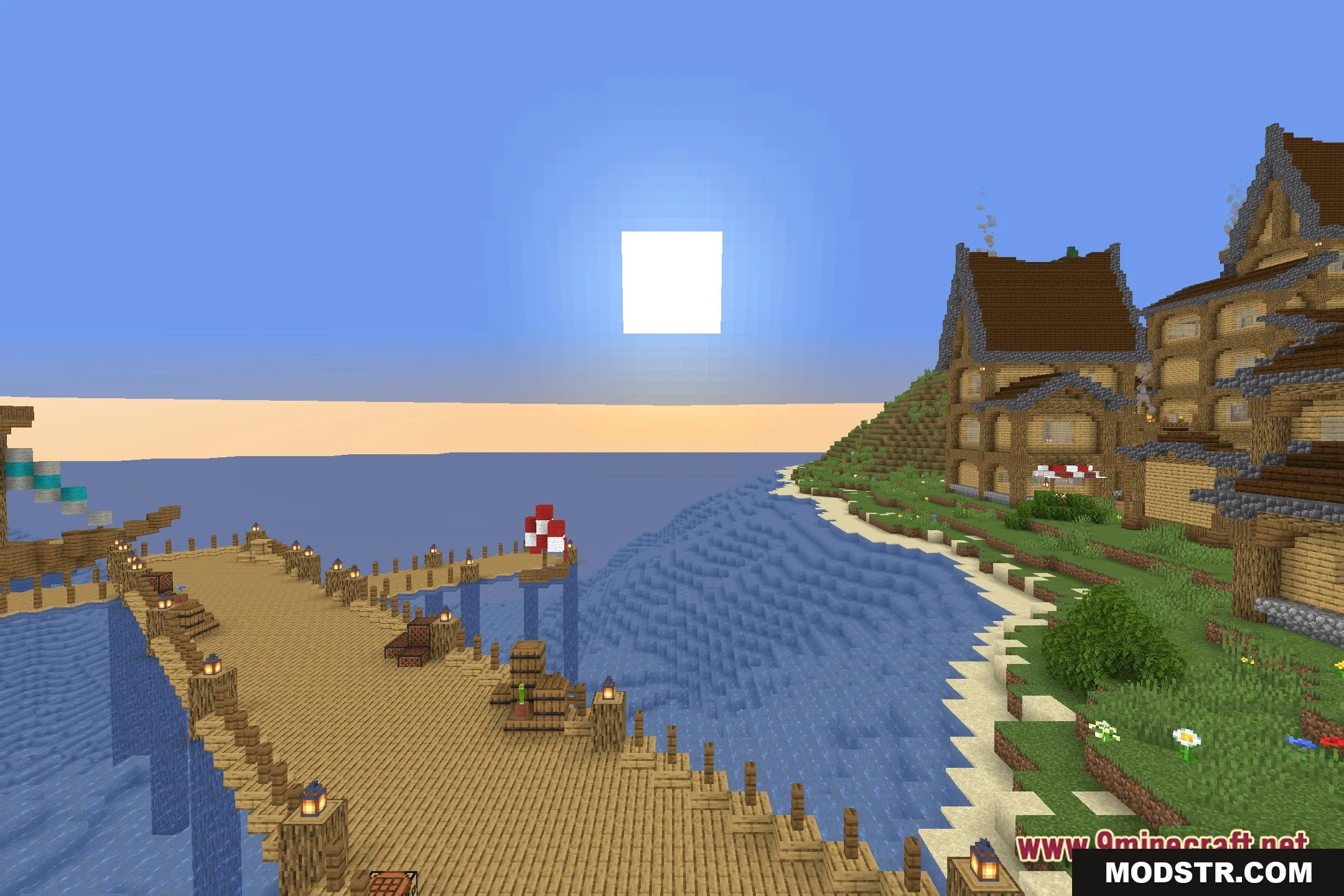
- Soft Bloom: Creates a gentle glow around light sources like torches and lanterns.
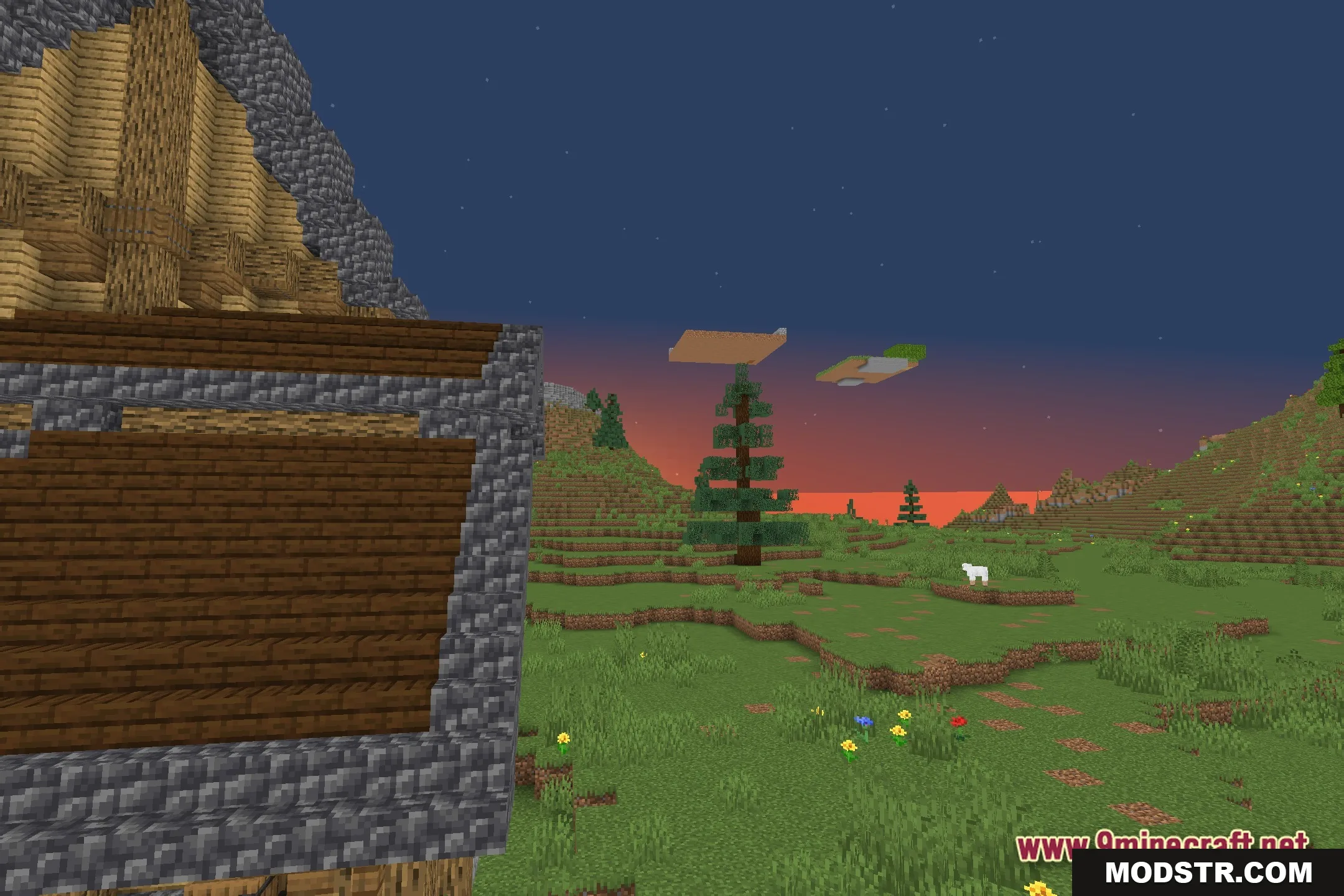
- Introduces colored lighting with warm tints in darker areas.
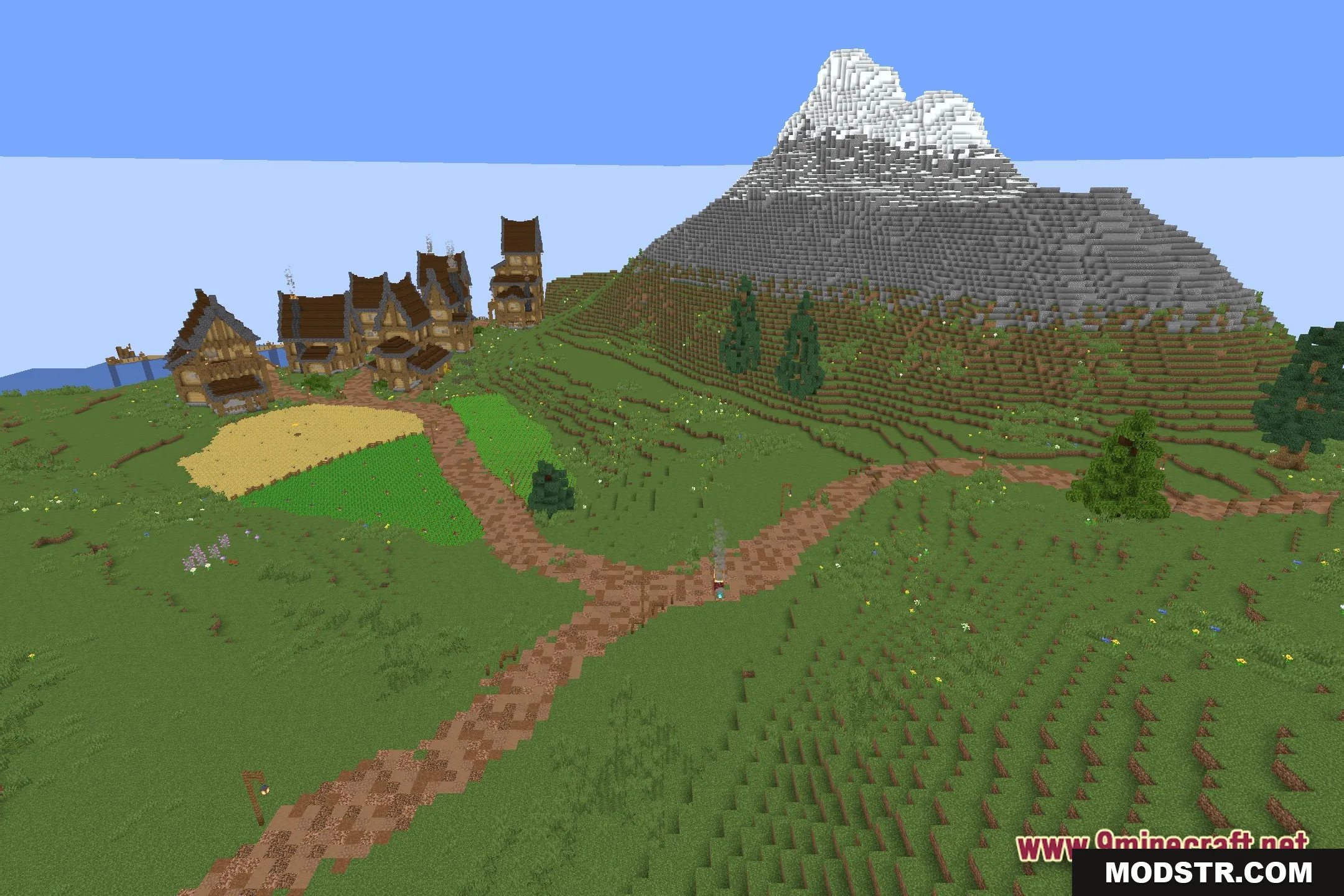
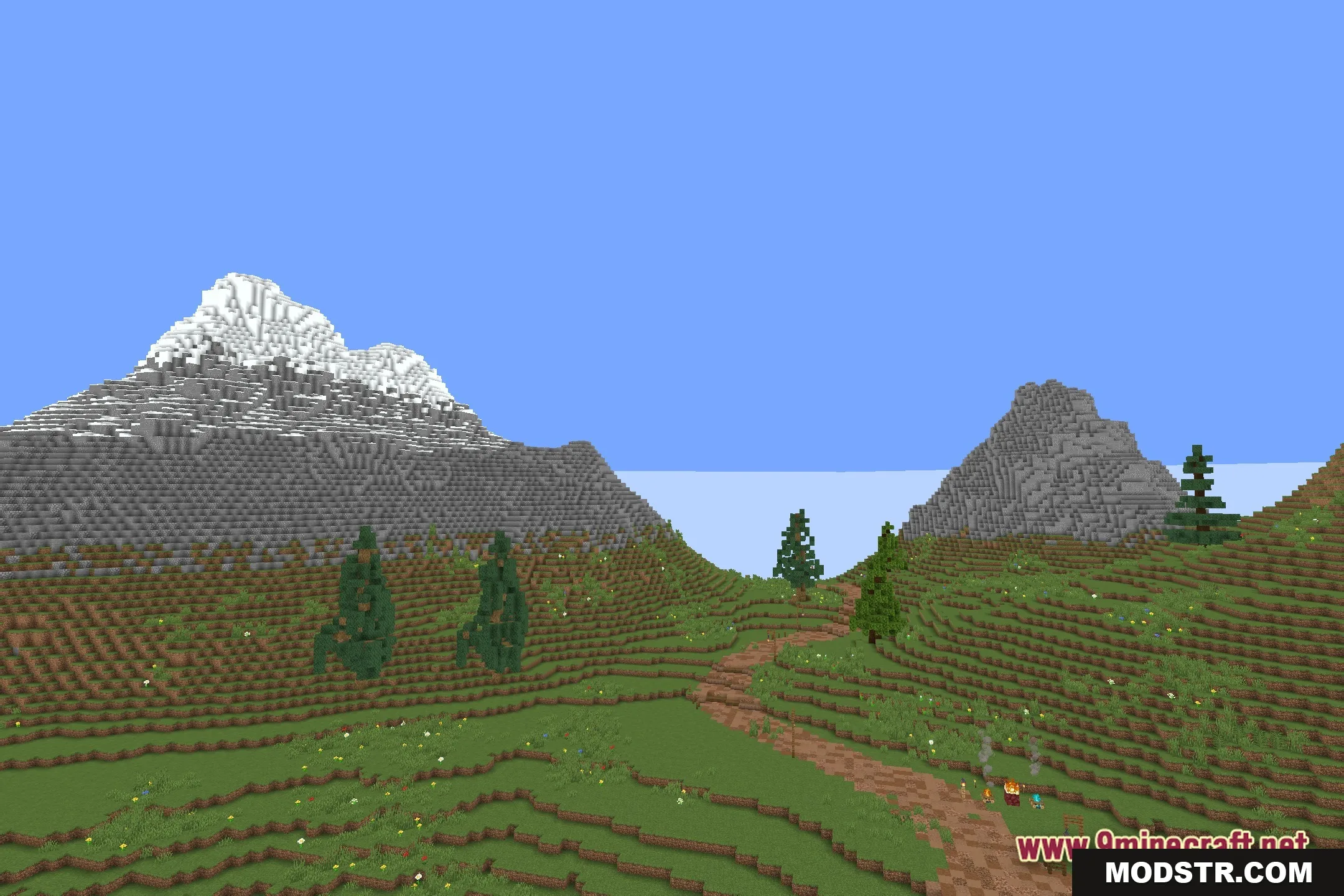
- Retains the familiar vanilla look while increasing clarity in scenes.
- Operates efficiently on both budget PCs and lower-end laptops.
- Ensures clear daylight and sharp shadows for easy visual tracking.
Installation
- Download the shader file from your chosen source.
- Open Minecraft and navigate to the options menu.
- Go to the video settings and select the shaders option.
- Add the downloaded shader file to the shaders folder.
- Choose the Velocity Glide Shaders from the list to activate.
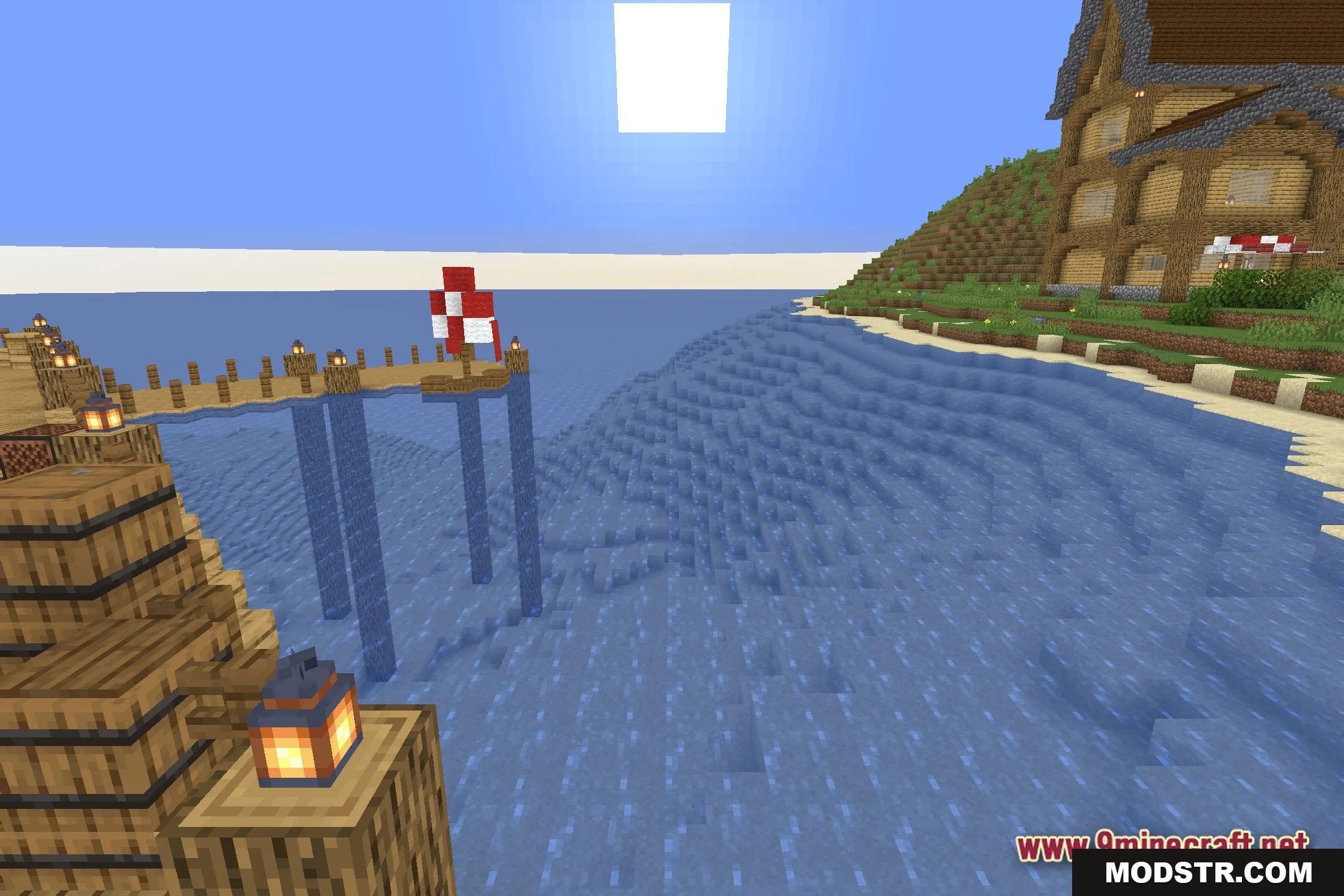
Screenshots
DOWNLOAD FILES
- shader