
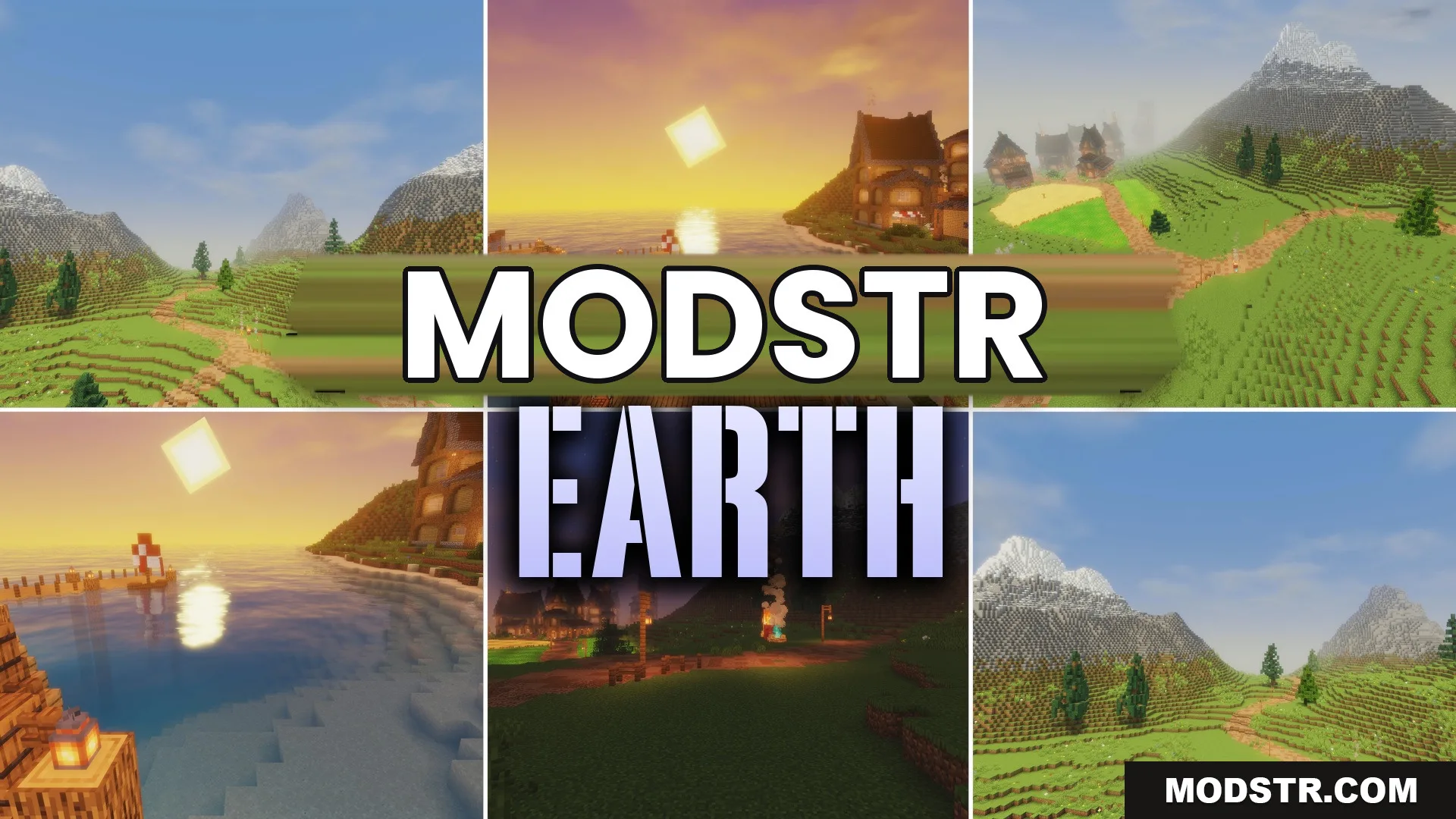
Earth Shaders (26.2, 1.20.1) – Smooth Lighting and Clear Water Reflections
Earth Shaders enhances lighting and water effects in Minecraft, providing a more realistic visual experience. Ideal for players seeking improved graphics while retaining the game's original aesthetic.
- 1.20.1
Earth Shaders improves lighting and water visuals in Minecraft, making the game feel more natural. This shader is suitable for players looking for enhanced graphics without altering the core game's style.
Features
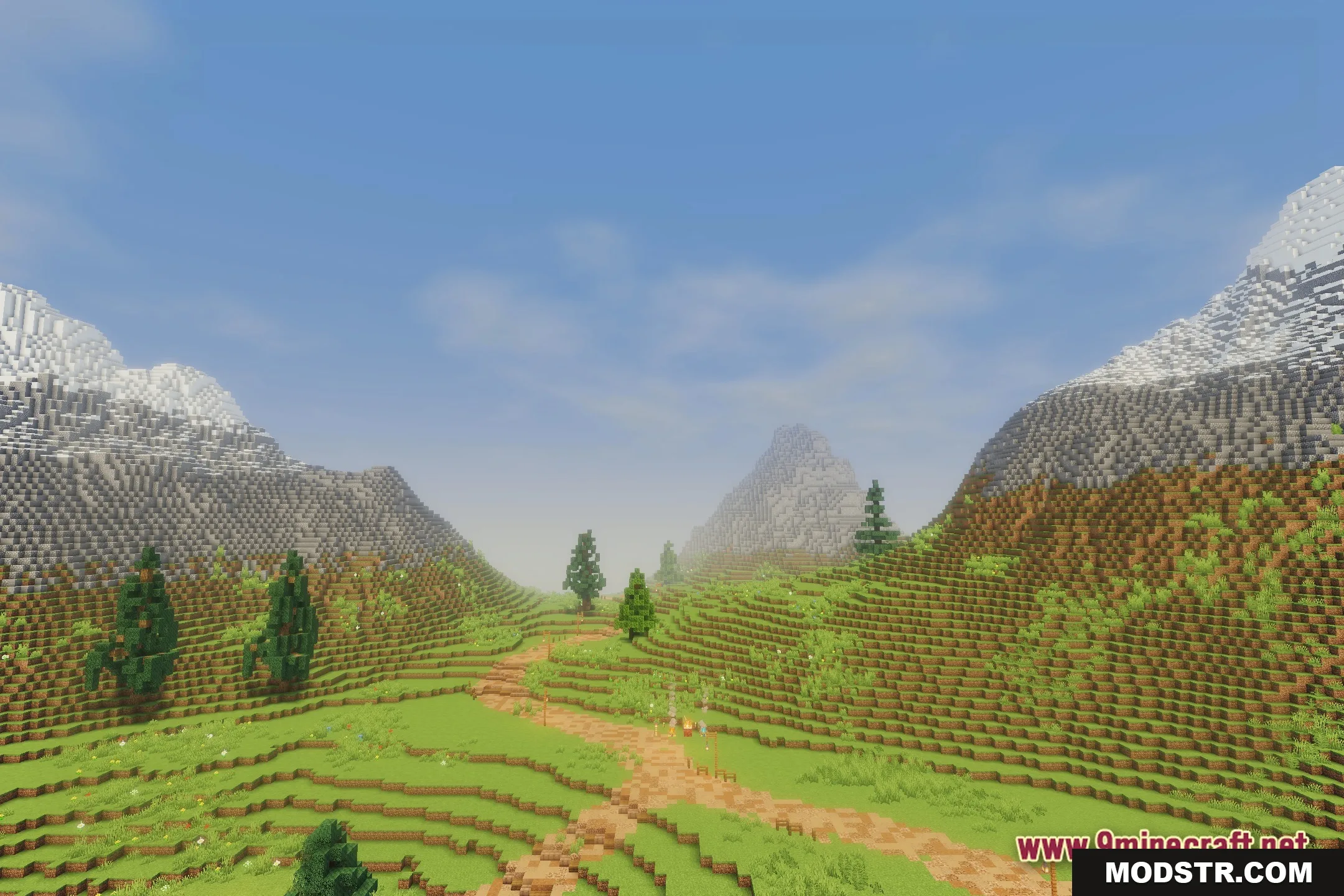
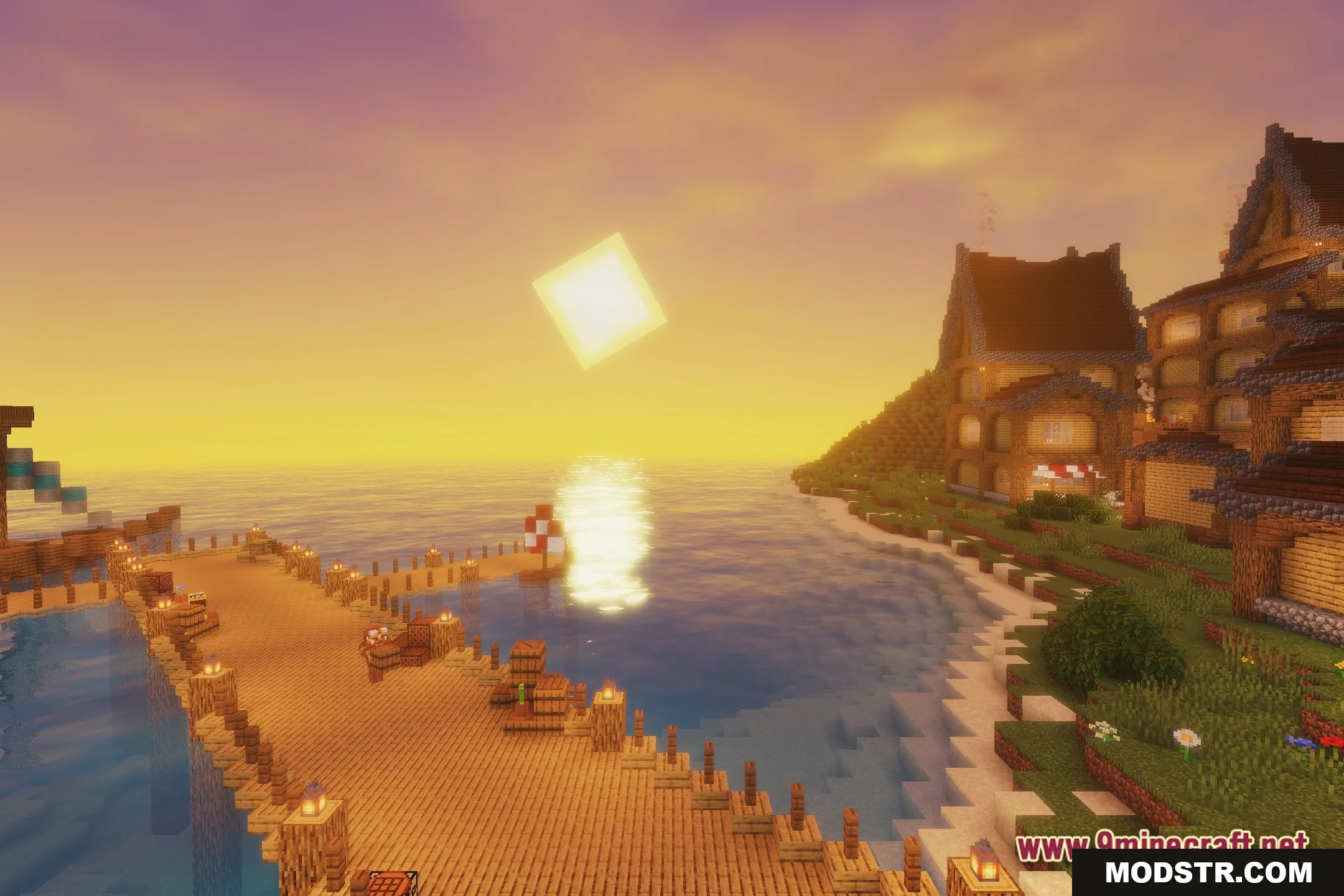
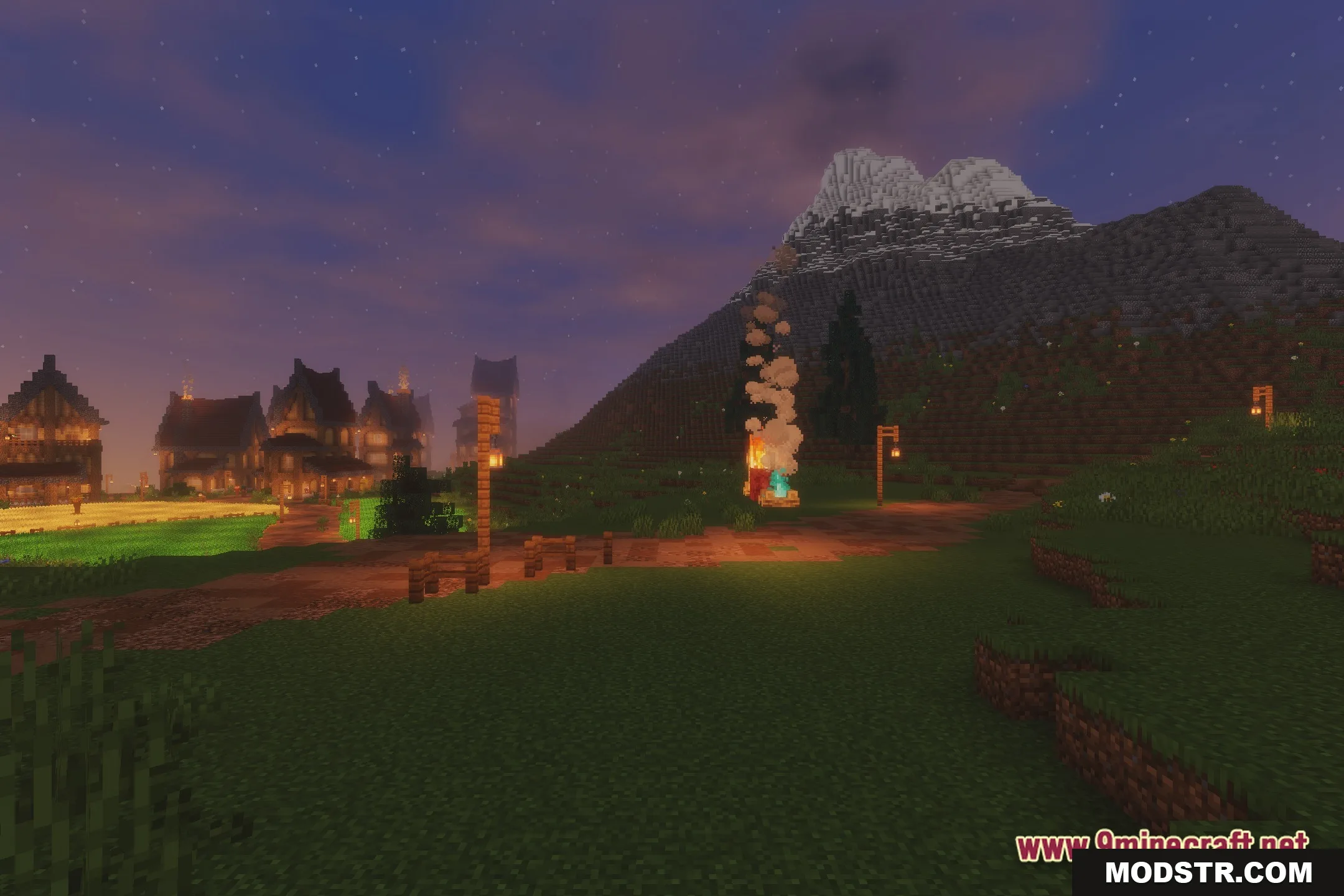
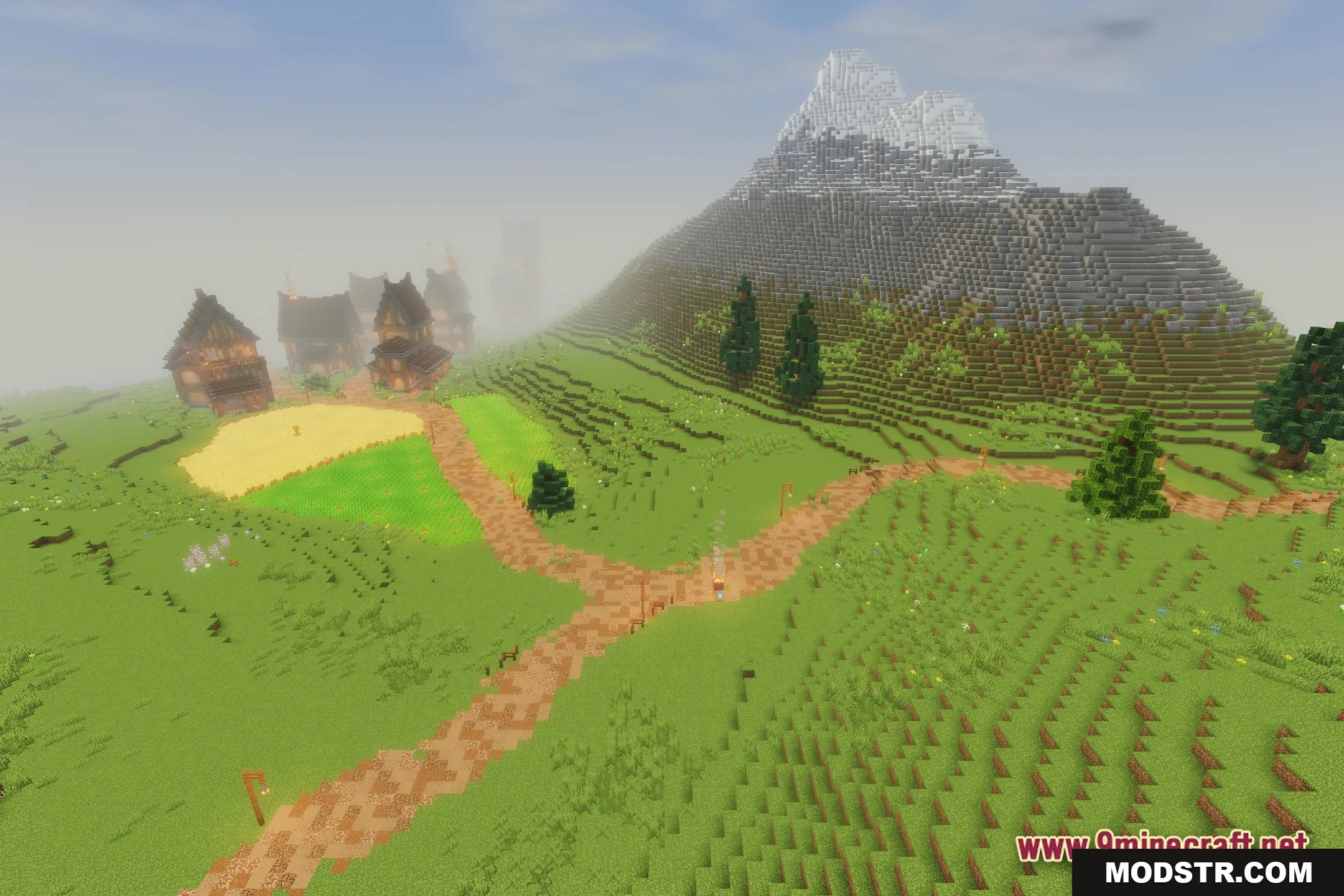
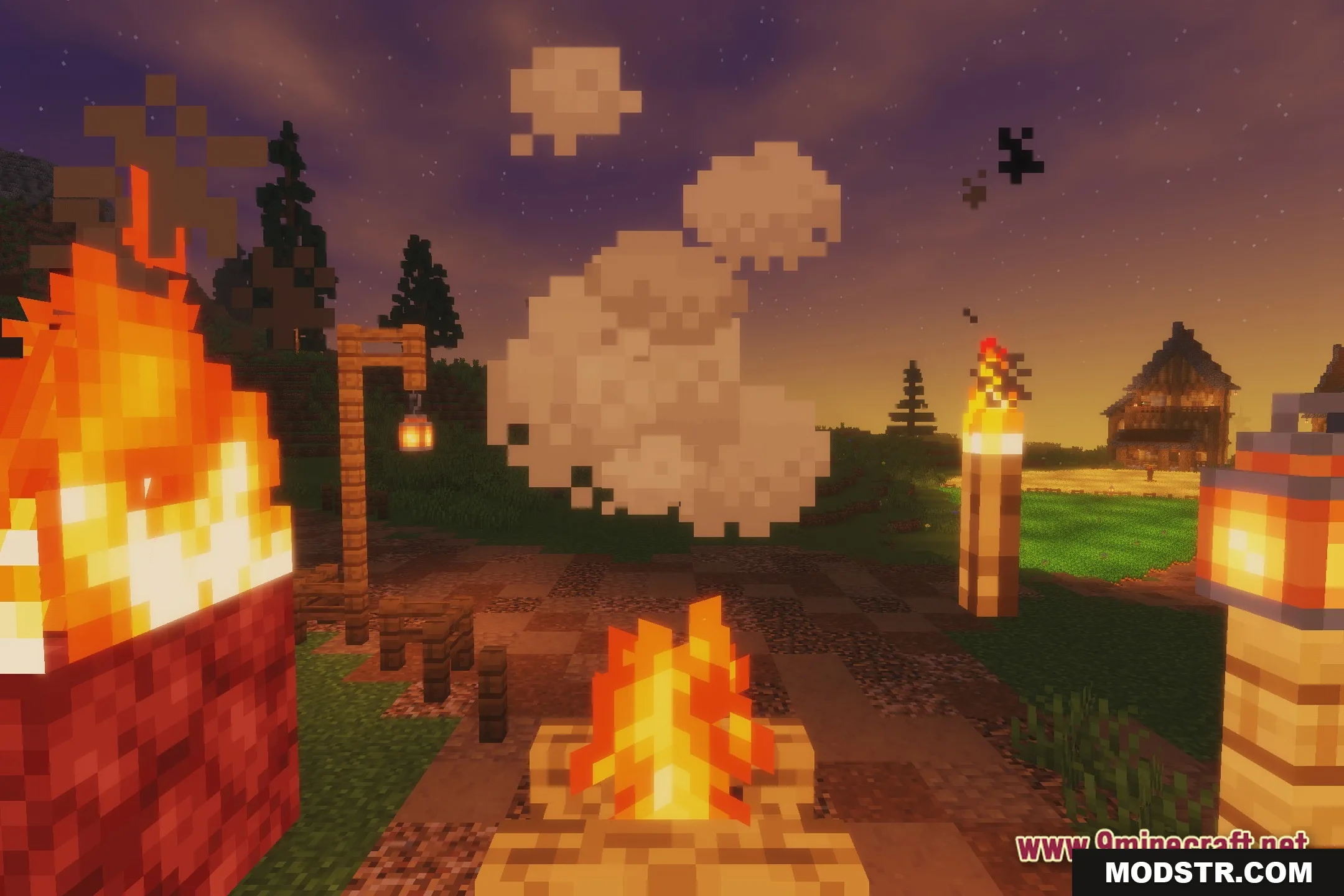
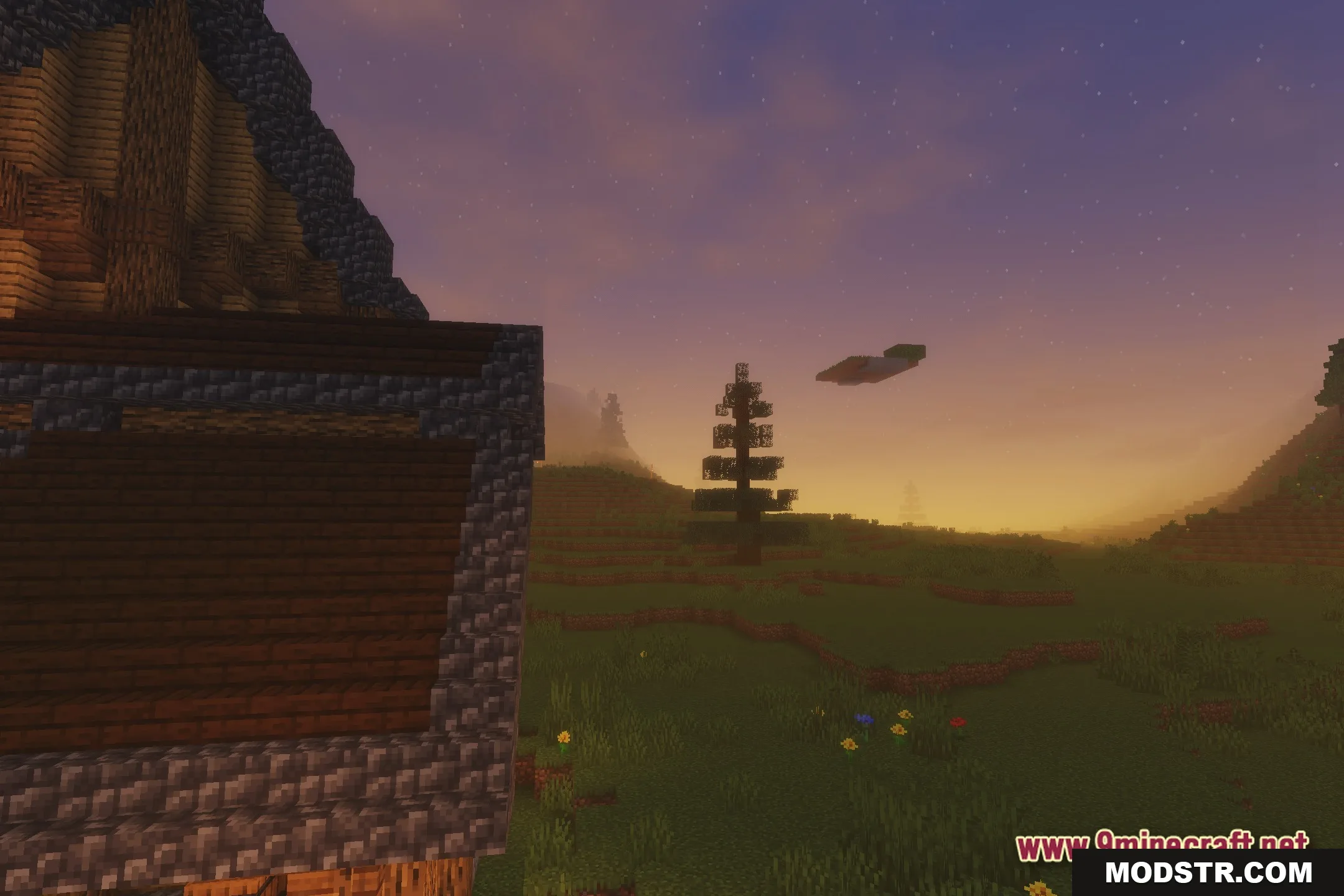
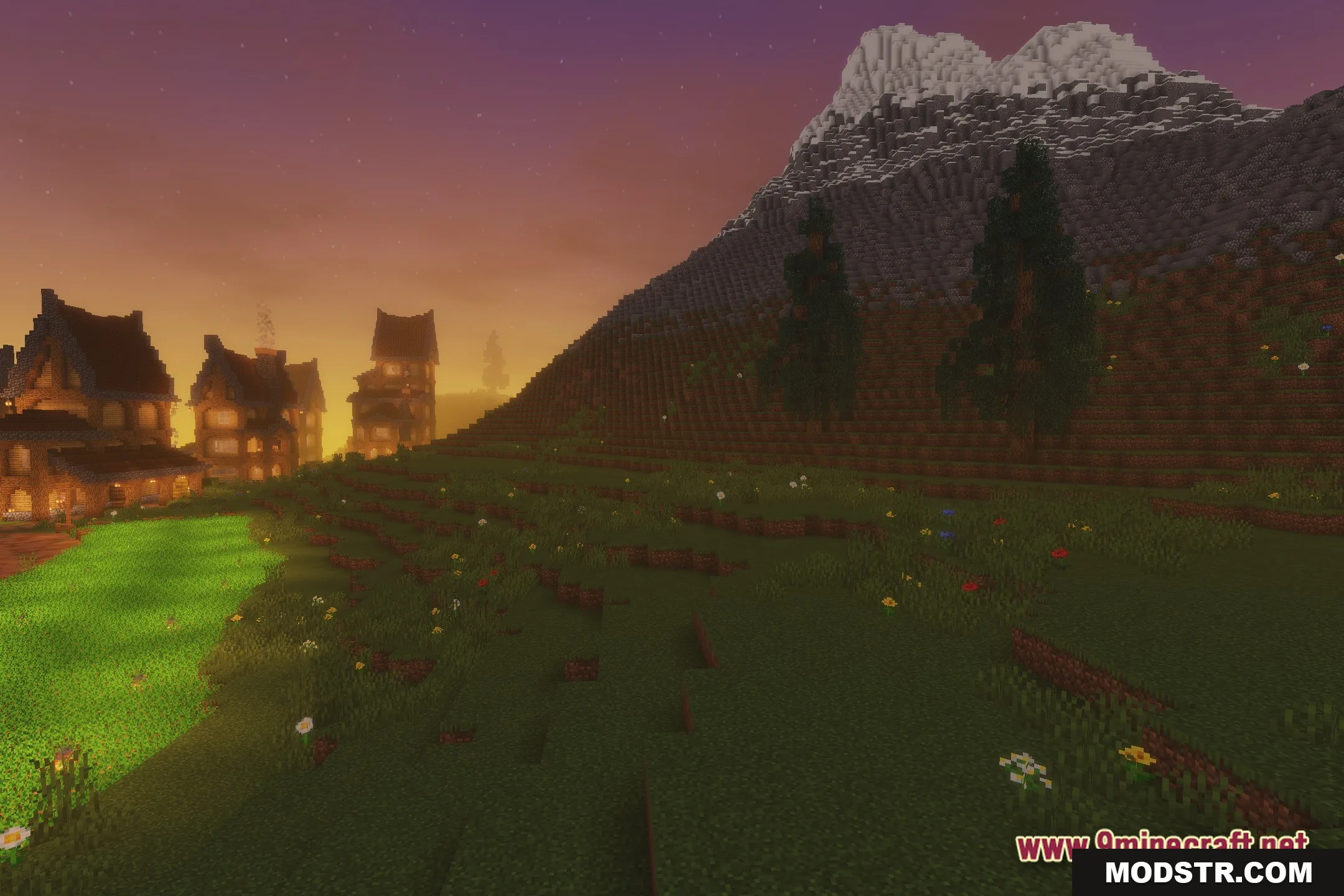
- Adds smooth lighting that brightens up the whole environment.
- Casts soft shadows under trees and buildings for a realistic look.
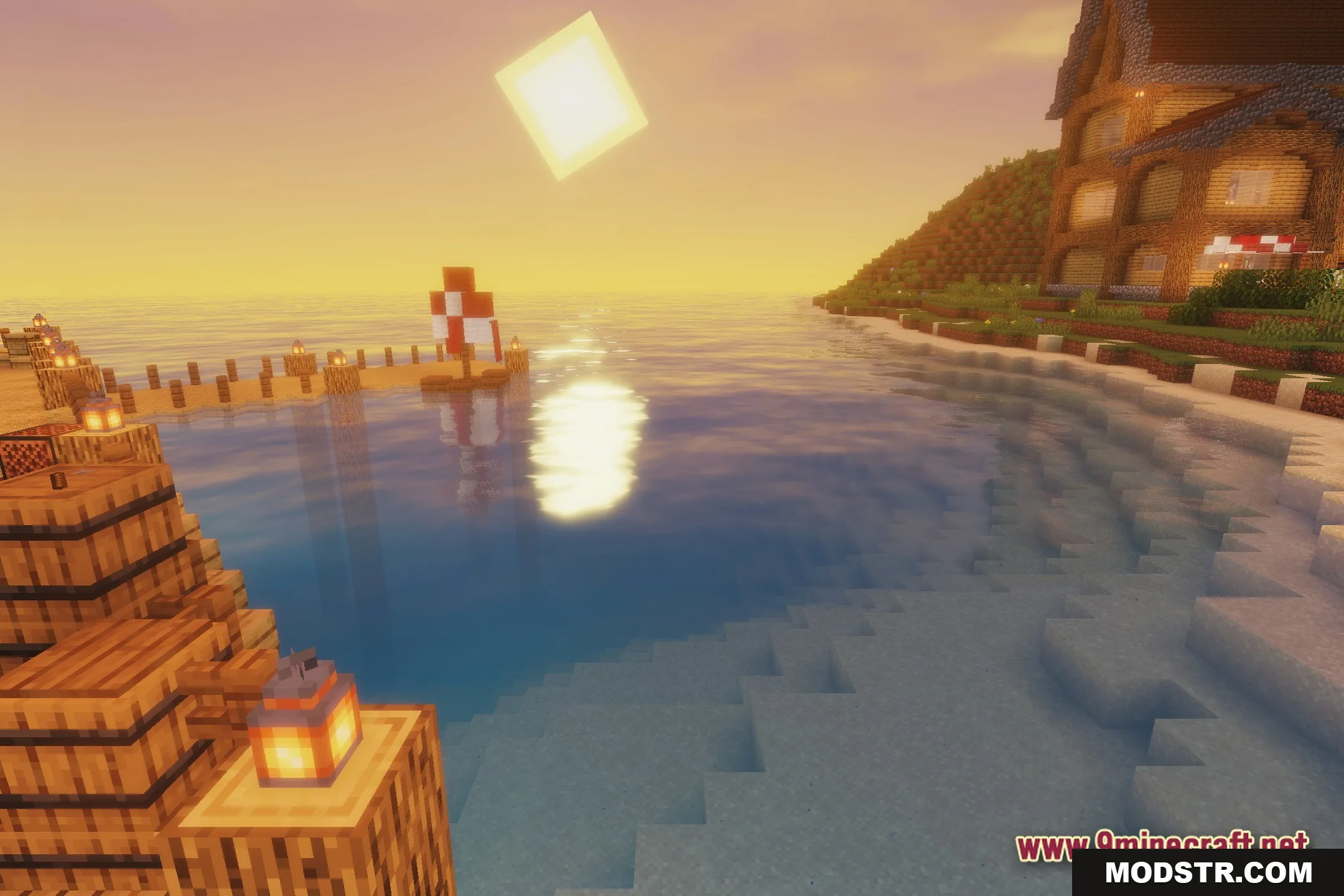
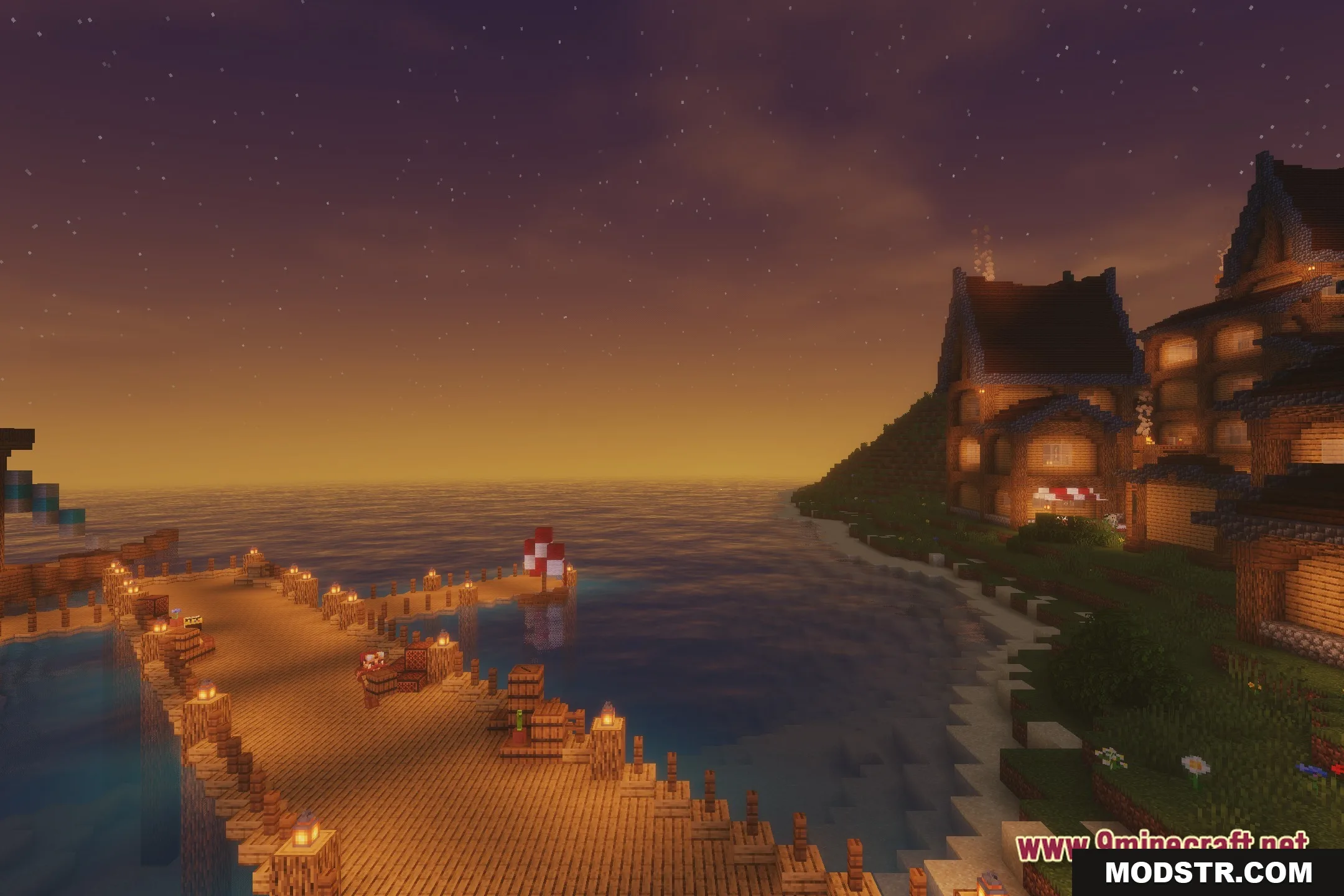
- Turns plain water into clear blocks with natural reflections.
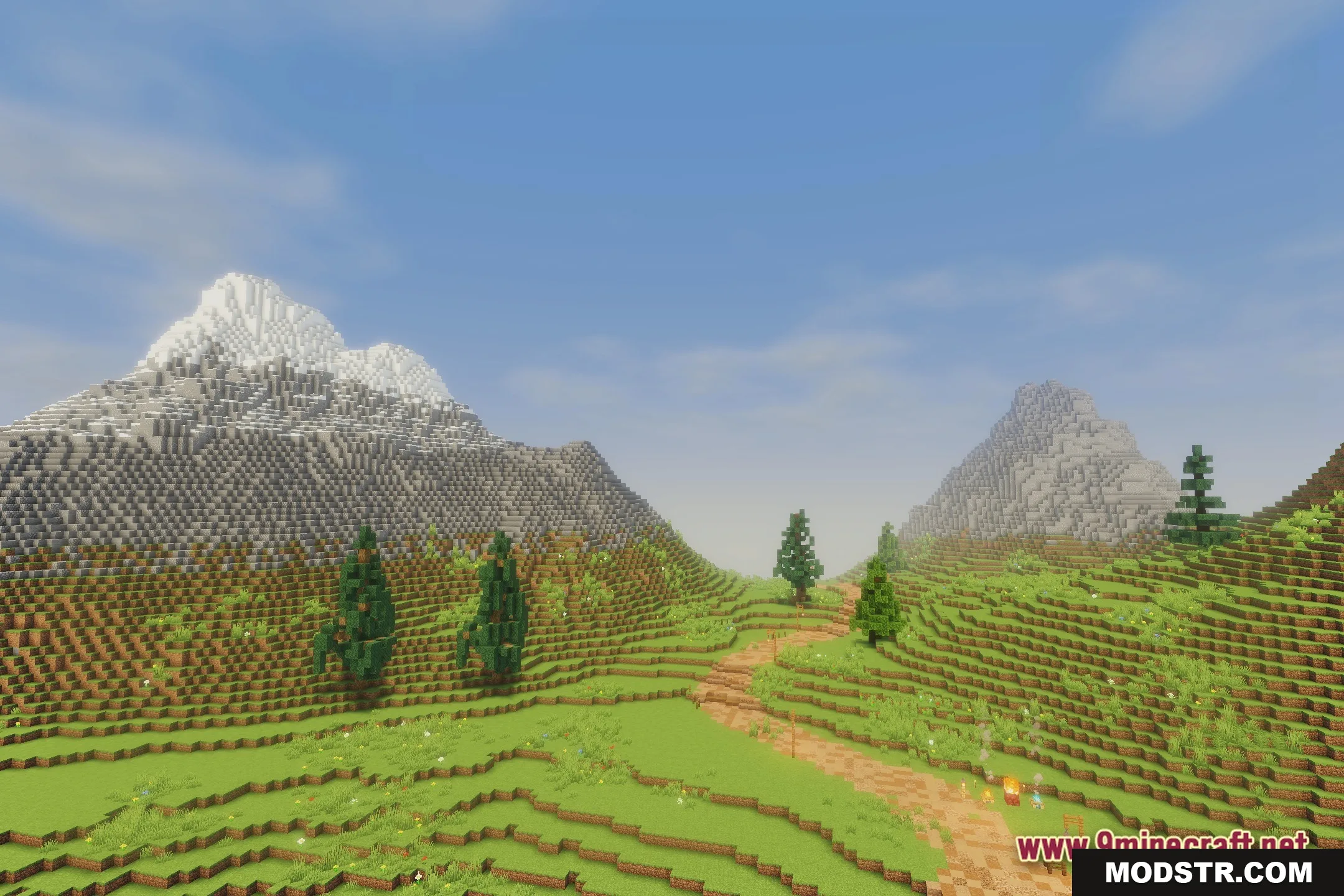
- Creates a calm and bright scene across all biomes.
- Keeps the original game style intact while upgrading the visuals.
Installation
- Download the Earth Shaders shader pack.
- Open Minecraft and go to the settings menu.
- Select 'Shaders' and then 'Shader Packs'.
- Click on 'Open Shaderpack Folder' and place the downloaded files there.
- Return to the game, choose the shader from the list, and apply it.
Screenshots
DOWNLOAD FILES
- shader