
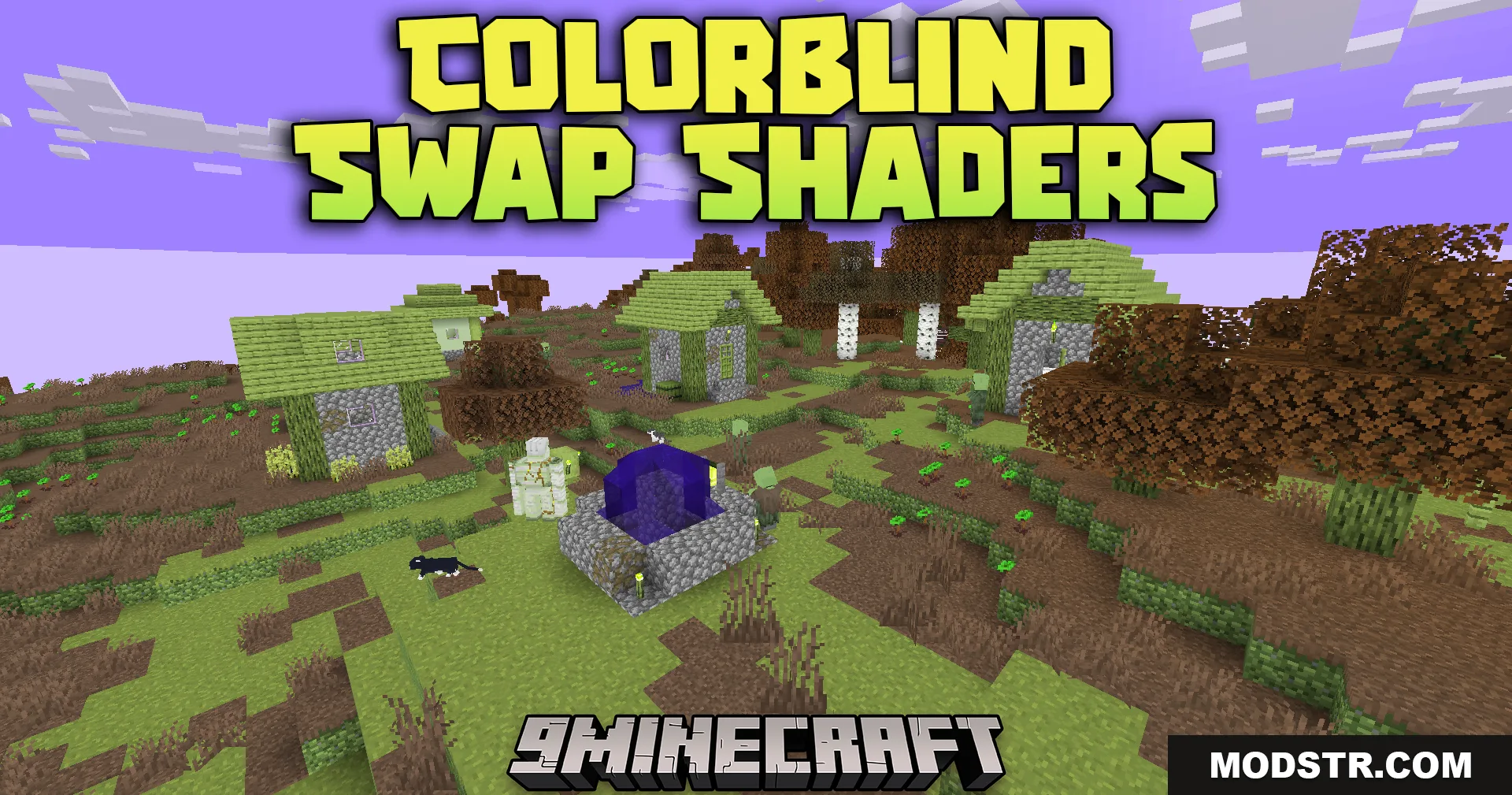
Colorblind Swap Shaders (26.2, 1.20.1) – Lightweight Shader With Timed Color
Lightweight shader that cycles through color transformations on a timer with smooth transitions. Minimal performance impact, designed for various color vision modes.
- 1.7.3 → 1.21.11 +78
Show all 78 versions
- 1.21.11
- 1.21.10
- 1.21.9
- 1.21.8
- 1.21.7
- 1.21.6
- 1.21.5
- 1.21.4
- 1.21.3
- 1.21.2
- 1.21.1
- 1.21
- 1.20.6
- 1.20.5
- 1.20.4
- 1.20.3
- 1.20.2
- 1.20.1
- 1.20
- 1.19.4
- 1.19.3
- 1.19.2
- 1.19.1
- 1.19
- 1.18.2
- 1.18.1
- 1.18
- 1.17.1
- 1.17
- 1.16.5
- 1.16.4
- 1.16.3
- 1.16.2
- 1.16.1
- 1.16
- 1.15.2
- 1.15.1
- 1.15
- 1.14.4
- 1.14.3
- 1.14.2
- 1.14.1
- 1.14
- 1.13.2
- 1.13.1
- 1.13
- 1.12.2
- 1.12.1
- 1.12
- 1.11.2
- 1.11.1
- 1.11
- 1.10.2
- 1.10.1
- 1.10
- 1.9.4
- 1.9.3
- 1.9.2
- 1.9.1
- 1.9
- 1.8.9
- 1.8.8
- 1.8.7
- 1.8.6
- 1.8.5
- 1.8.4
- 1.8.3
- 1.8.2
- 1.8.1
- 1.8
- 1.7.10
- 1.7.9
- 1.7.8
- 1.7.7
- 1.7.6
- 1.7.5
- 1.7.4
- 1.7.3
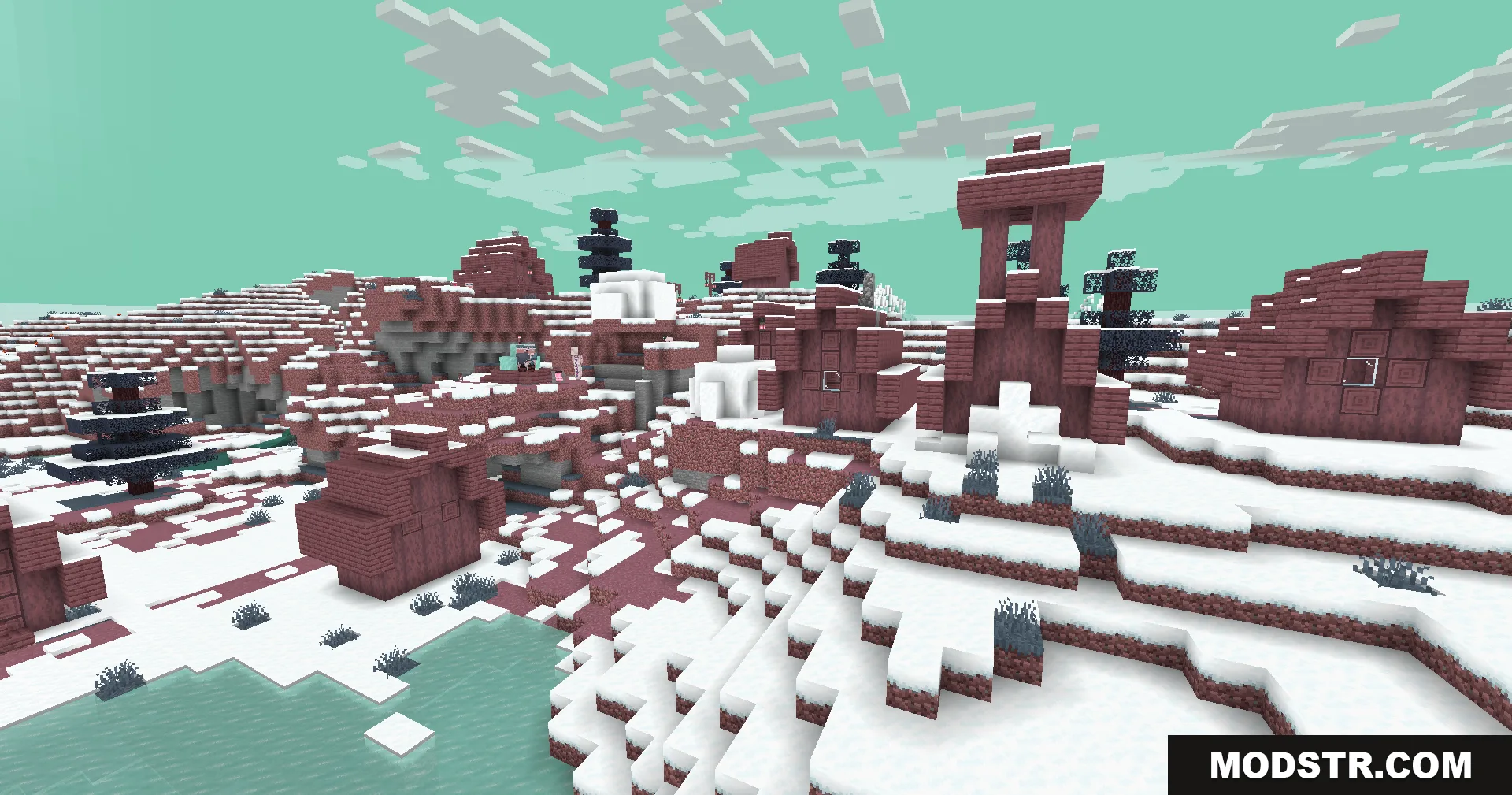
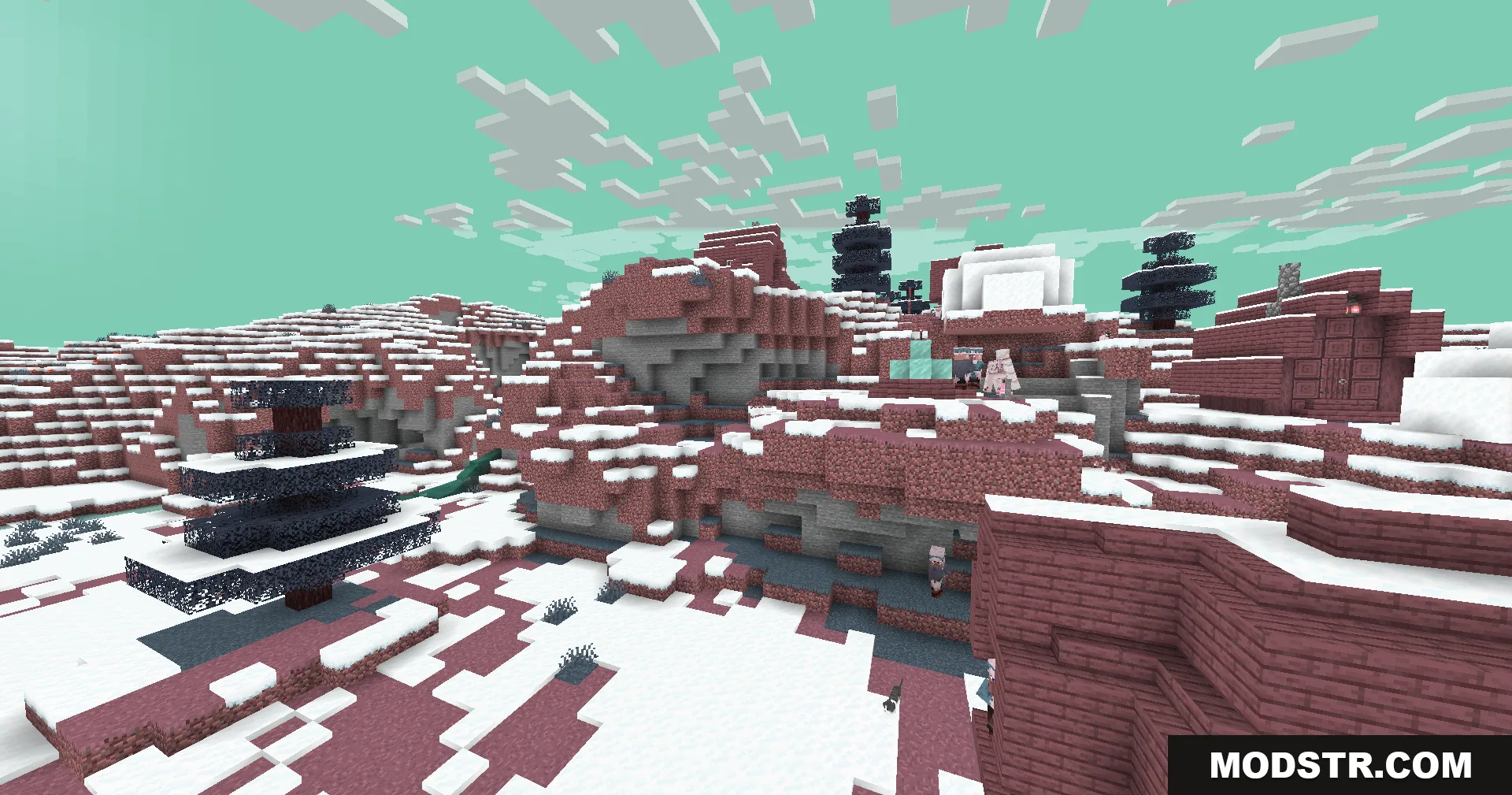
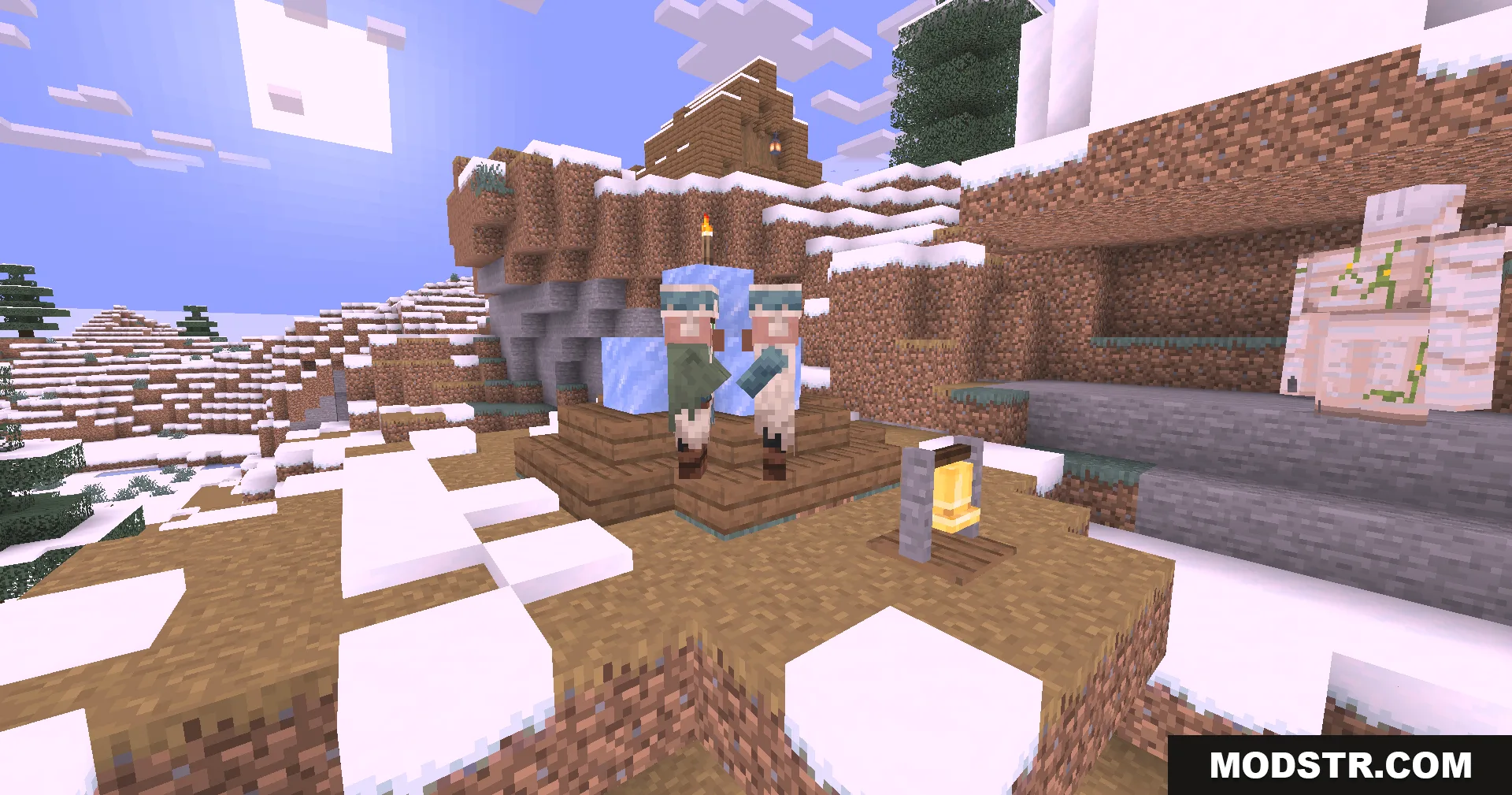
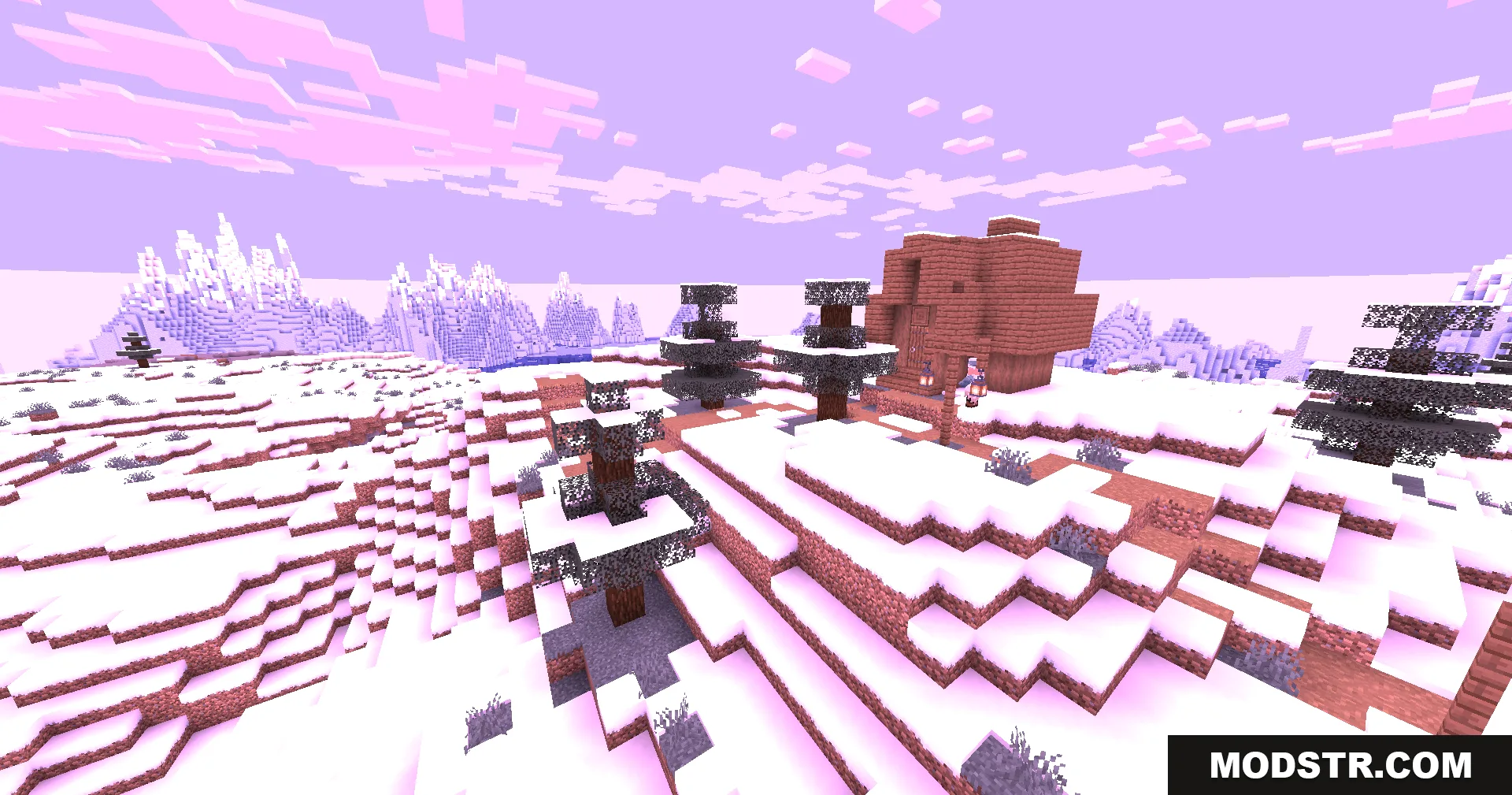
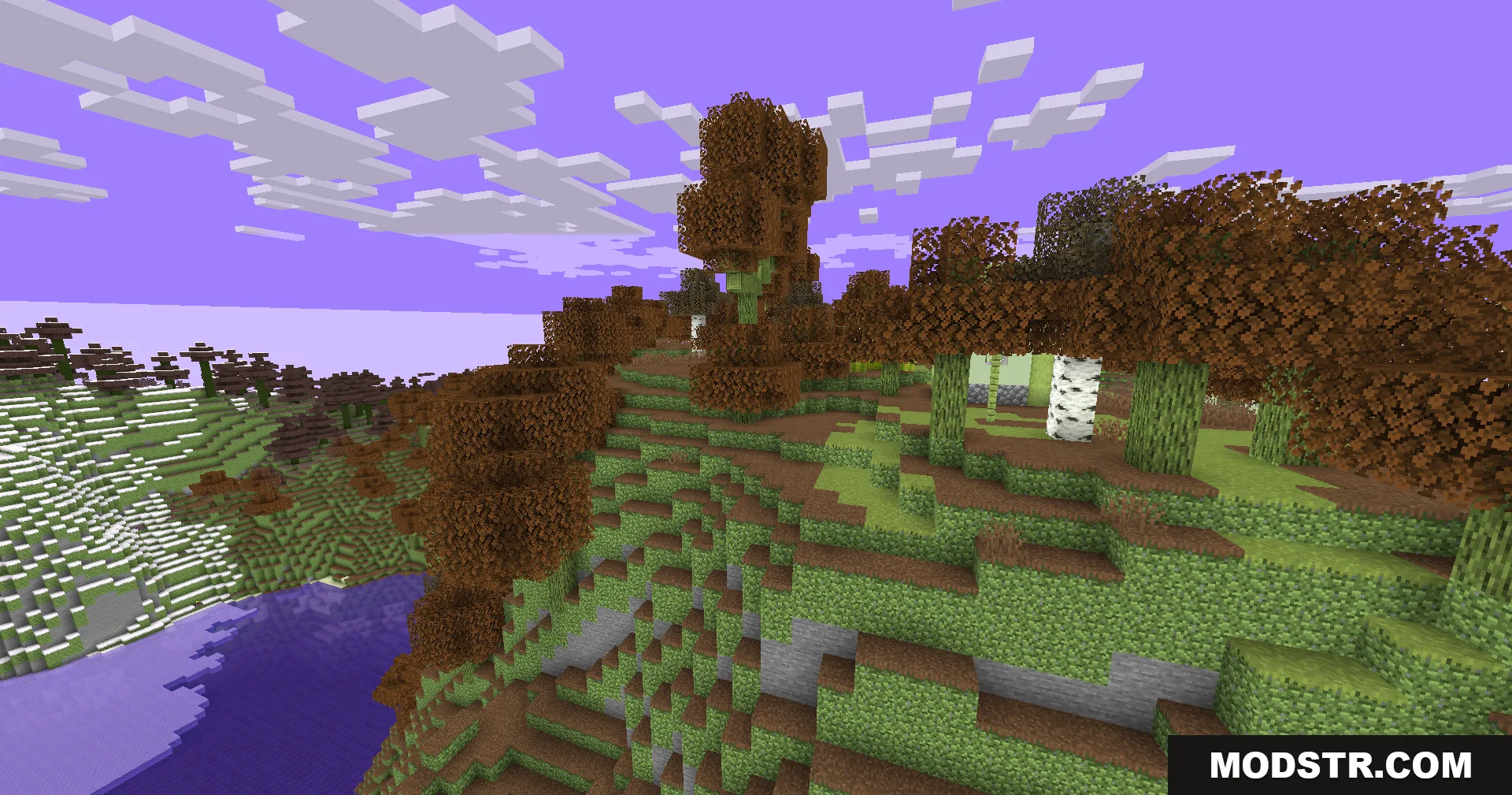
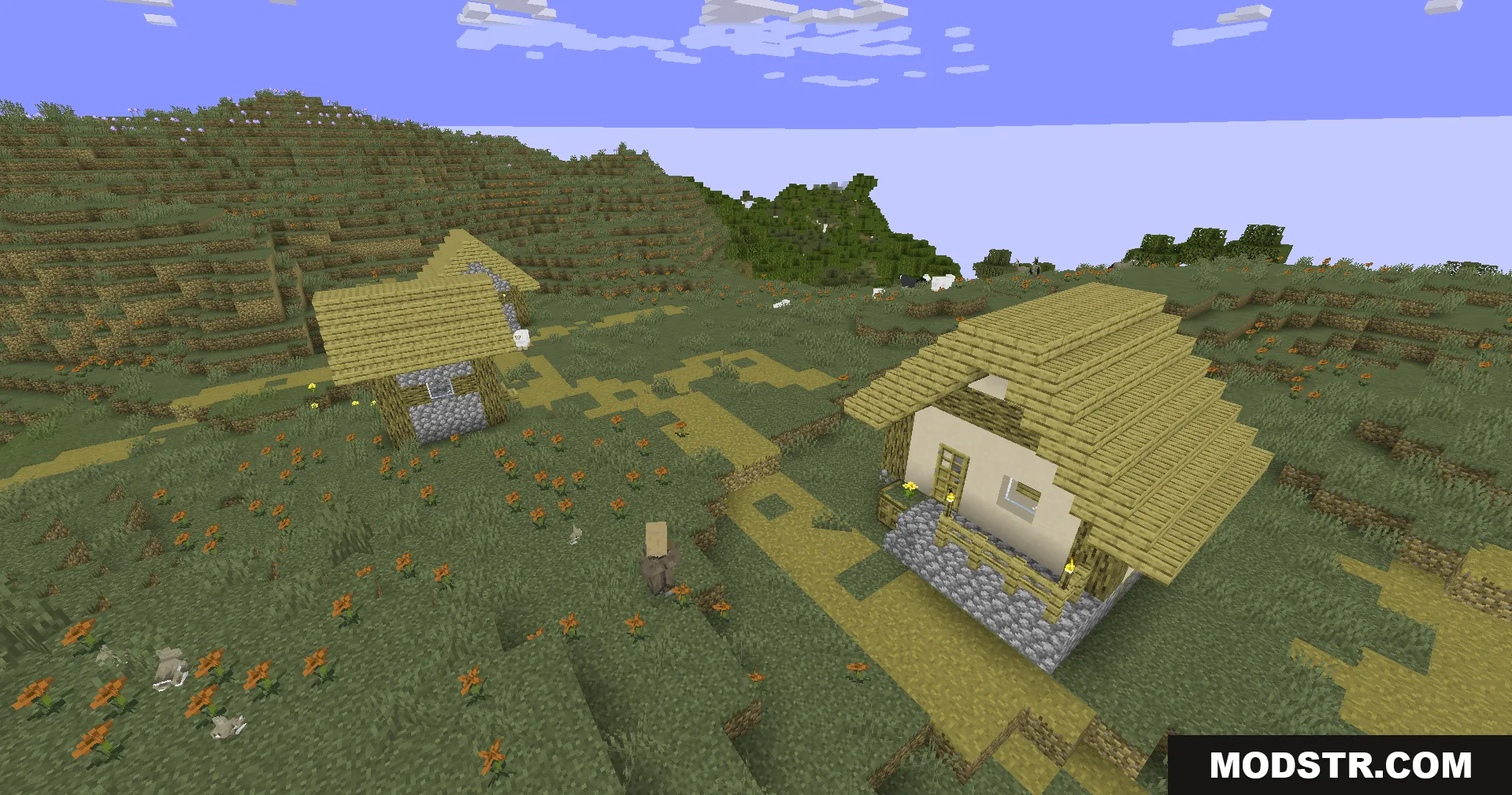
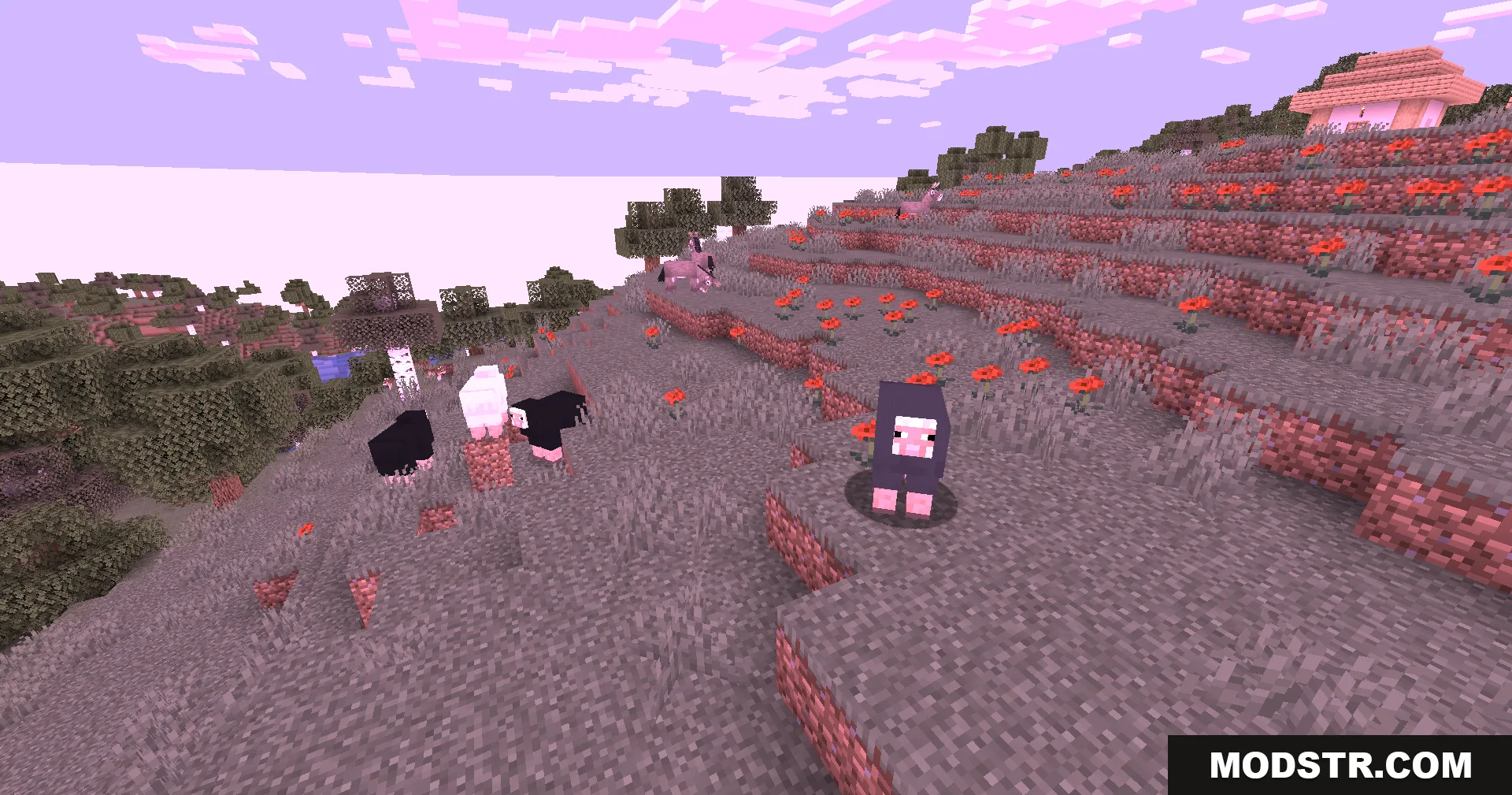
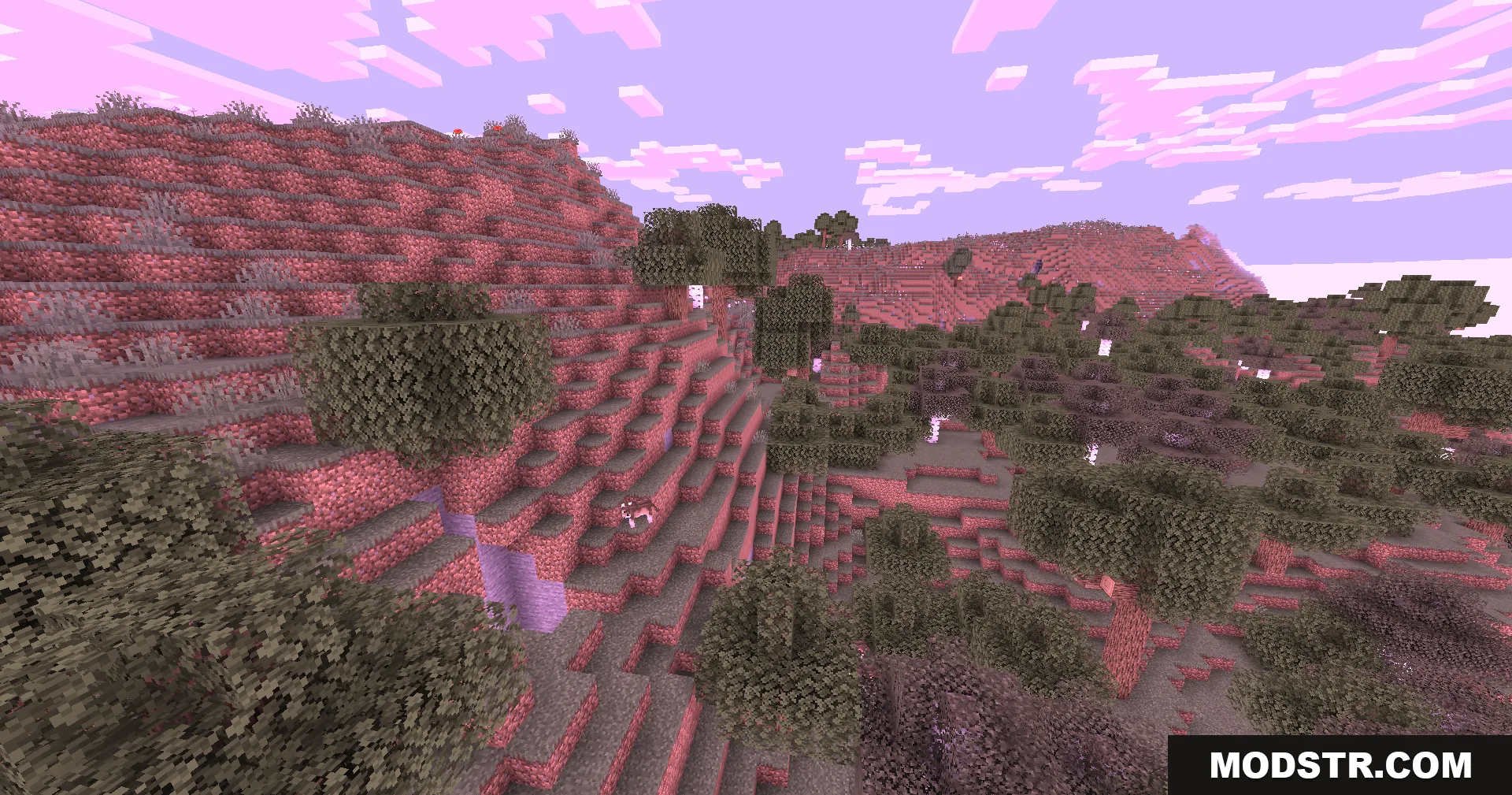
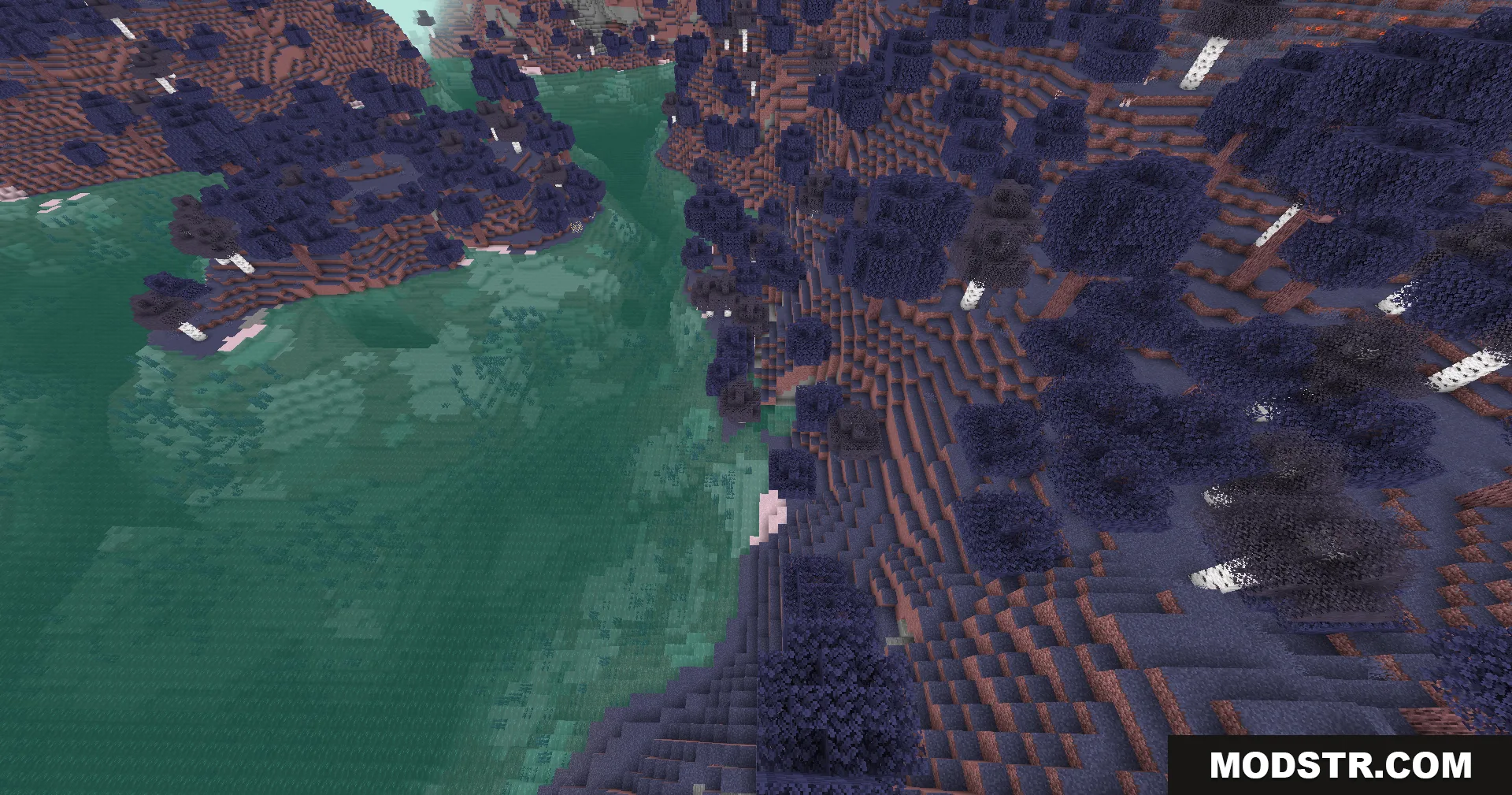
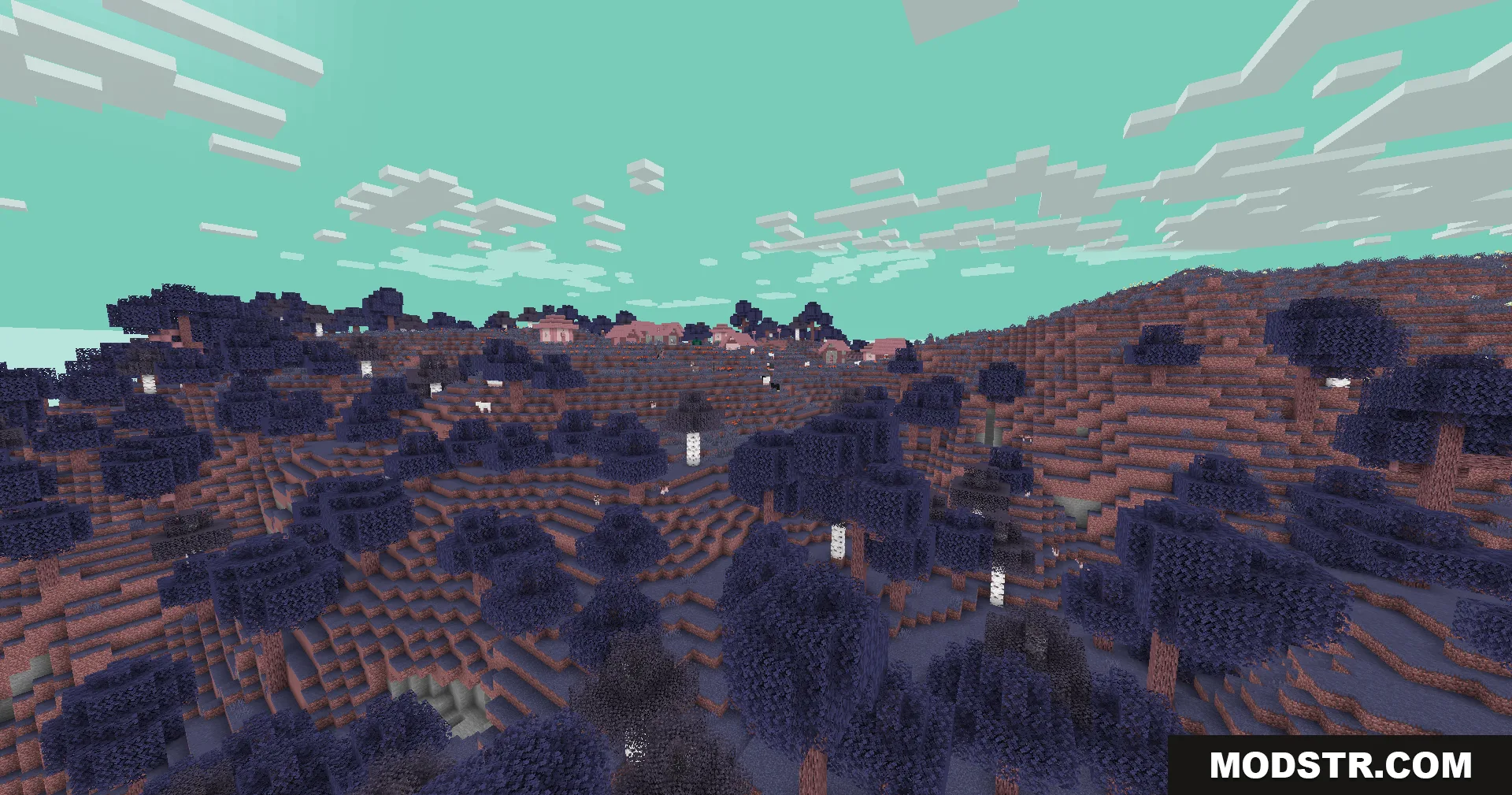
Colorblind Swap Shaders applies timed color transformations to your Minecraft world, cycling through different color palettes at set intervals. The shader uses screen-level filters without heavy rendering effects, making it suitable for lower-end systems. Color transitions are gradual rather than instant, with a brief flash effect preceding each new cycle.
Features
- Timed color palette cycling that continuously shifts the appearance of your world.
- Smooth color transitions between modes instead of abrupt changes.
- Transition flash effect that displays opposite colors briefly before each cycle begins.
- Lightweight performance impact, using only screen filtering without complex shadow rendering.
- Red-green color mode that swaps these channels to simulate red-green color vision differences.
- Blue-green blending mode that unifies ocean, sky, and forest colors into similar tones.
- Red reduction mode that replaces red values with environmental brightness data.
- Warm-cool mode that intensifies red and yellow tones while cooling blue values.
Installation
- Locate your Minecraft shader folder (usually .minecraft/shaderpacks on Windows/Linux or Library/Application Support/minecraft/shaderpacks on macOS).
- Download the shader pack file and place it in the shaderpacks folder without extracting.
- Open Minecraft and go to Options > Video Settings > Shaders.
- Find Colorblind Swap Shaders in the list and select it to activate.
- Adjust shader options if available to customize transition speed or cycle timing.
Compatibility
This shader is designed for Minecraft 1.20.1 and requires a compatible shader loader such as Optifine or Iris. The lightweight design means it can run on systems with integrated graphics or older dedicated GPUs, though performance depends on your base game framerate and resolution.
DOWNLOAD FILES
- shader