
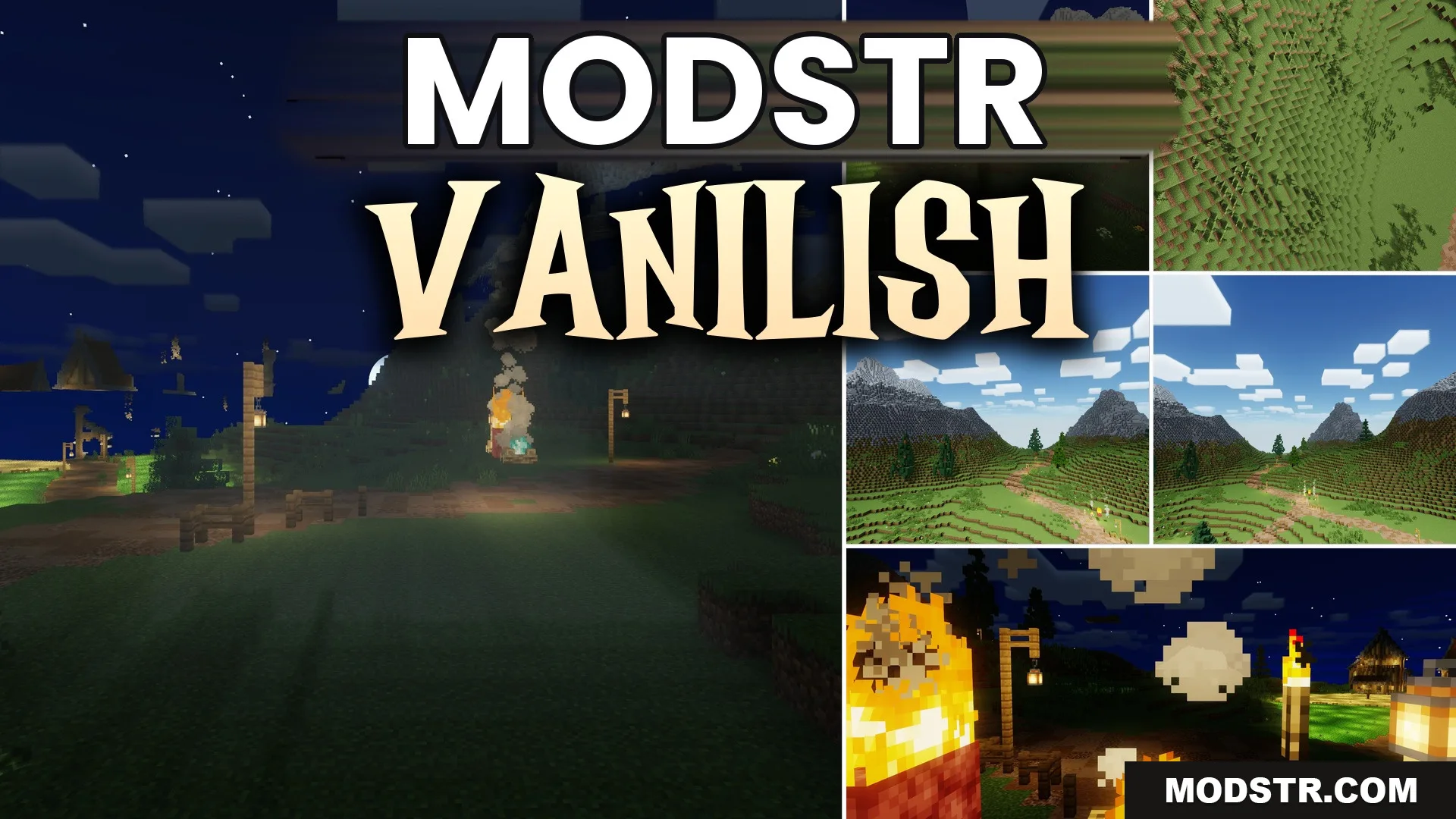
Vanilish Shaders (26.2, 1.20.1) – Soft Shadows and Warm Bloom
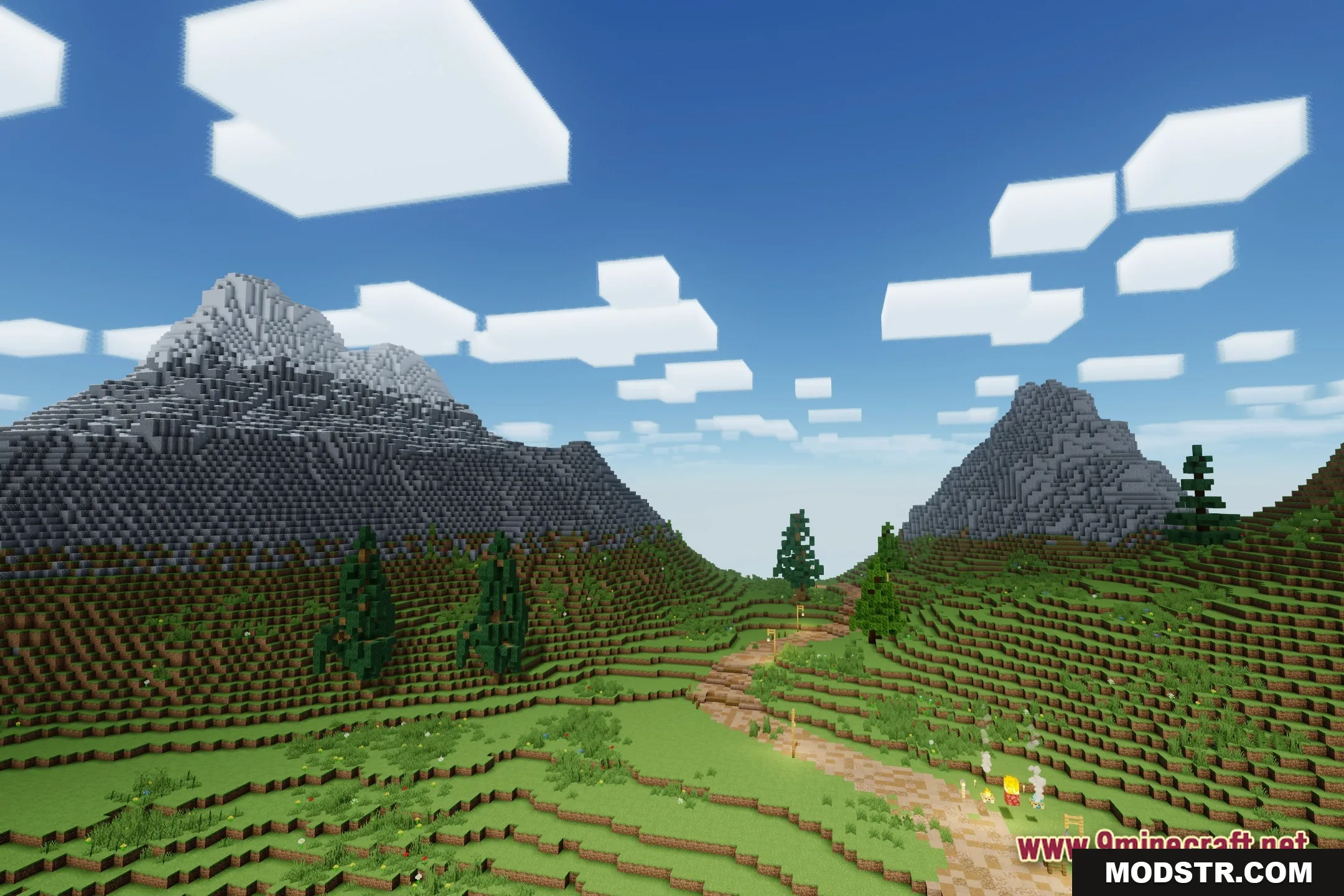
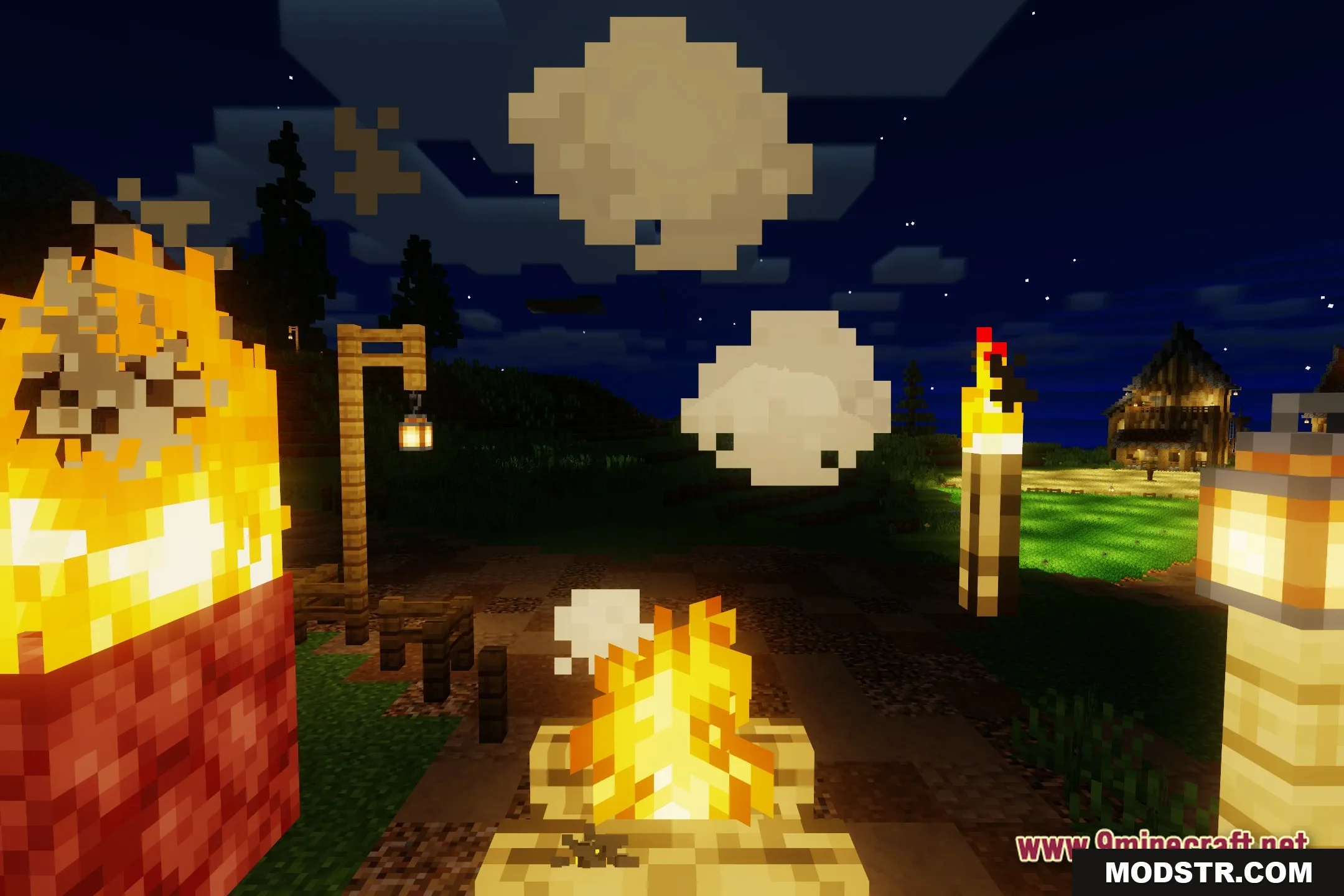
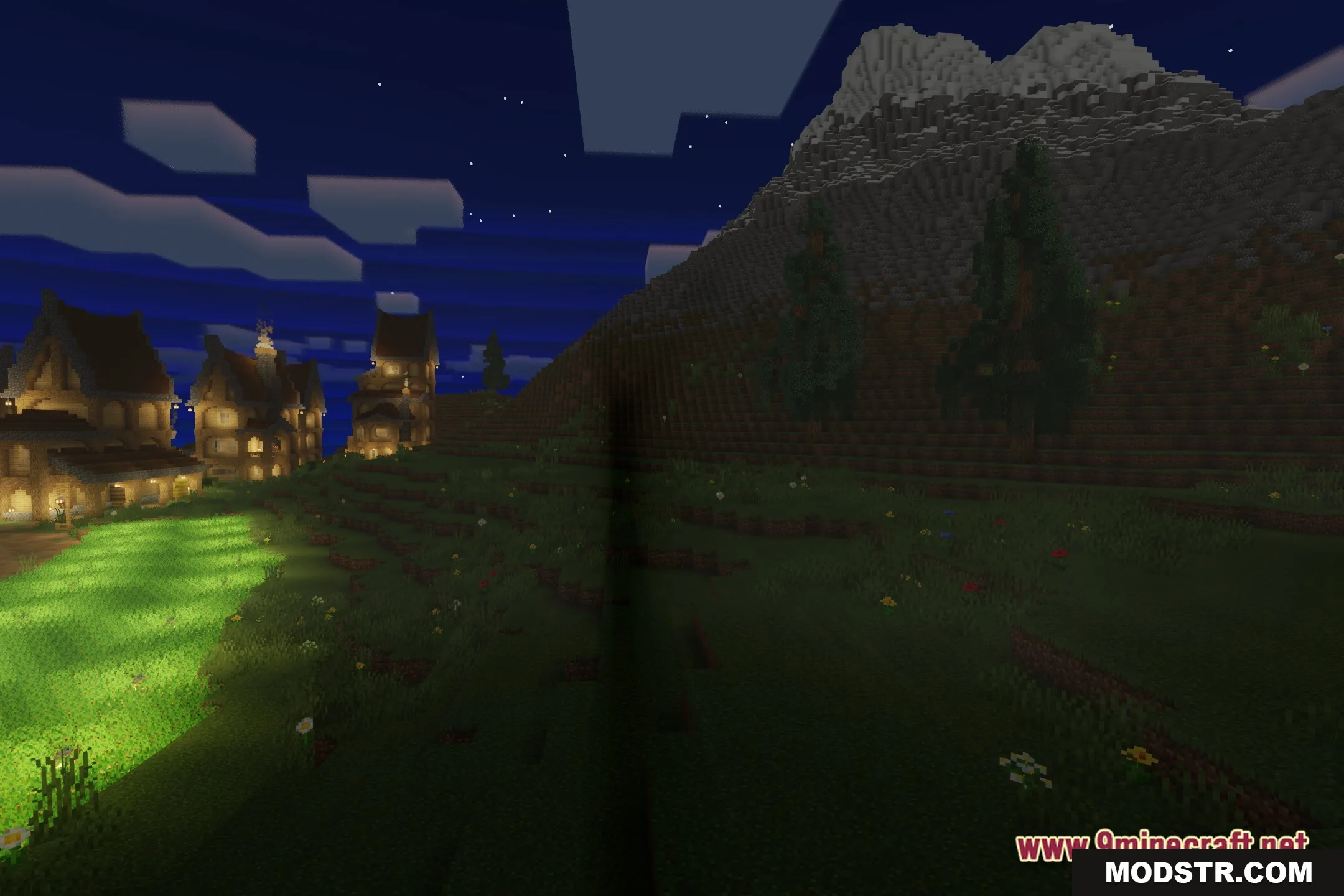
Vanilish Shaders enhances Minecraft's visuals with soft shadows and warm lighting. Ideal for players seeking improved graphics without impacting performance.
- 1.20.1
Vanilish Shaders provides soft lighting and realistic shadows, catering to those looking for enhanced visual effects in Minecraft. This shader is optimized for performance, making it suitable for older computers.
Features
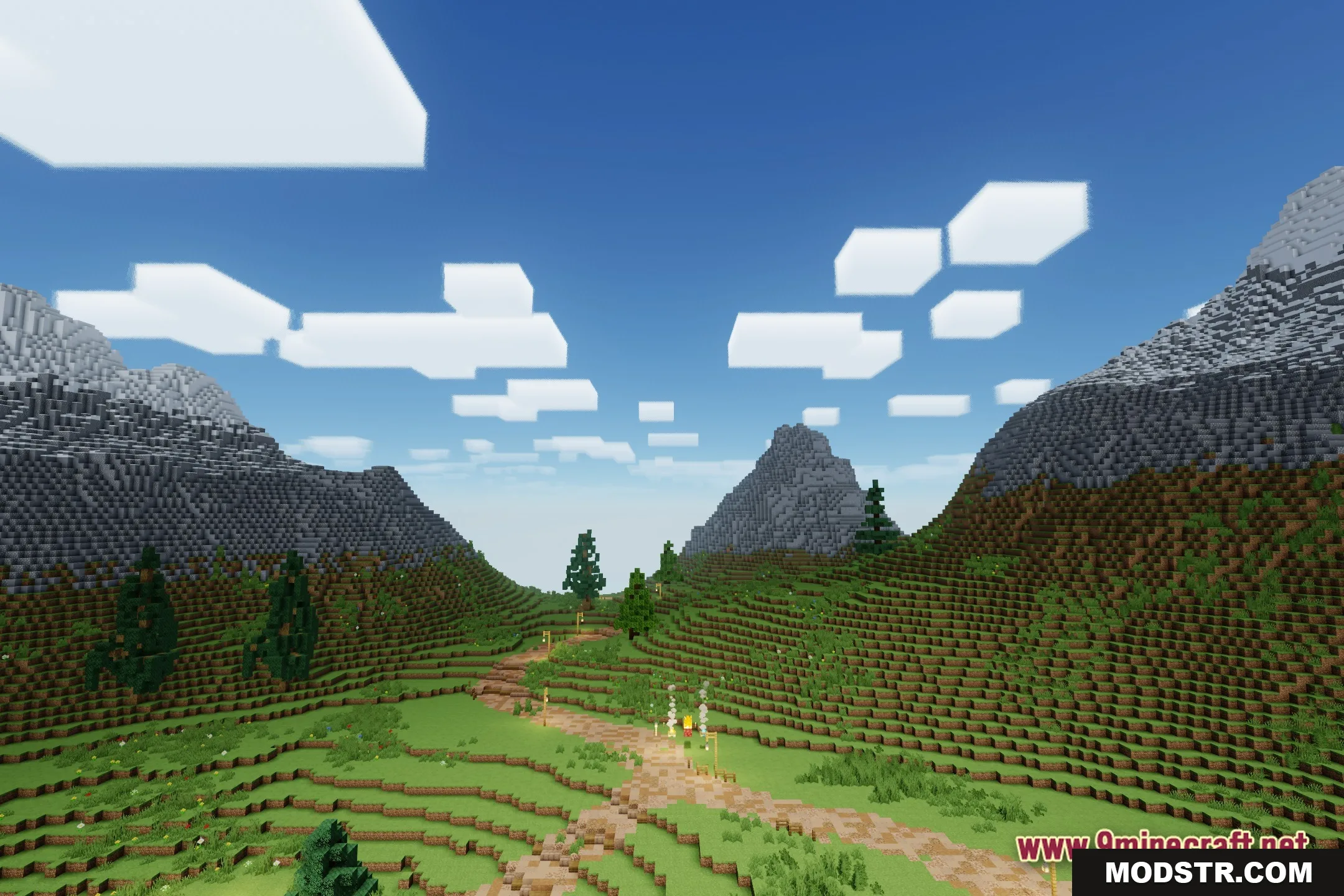
- Soft Shadows: Casts realistic shadows from trees, buildings, and mobs without slowing down the game.
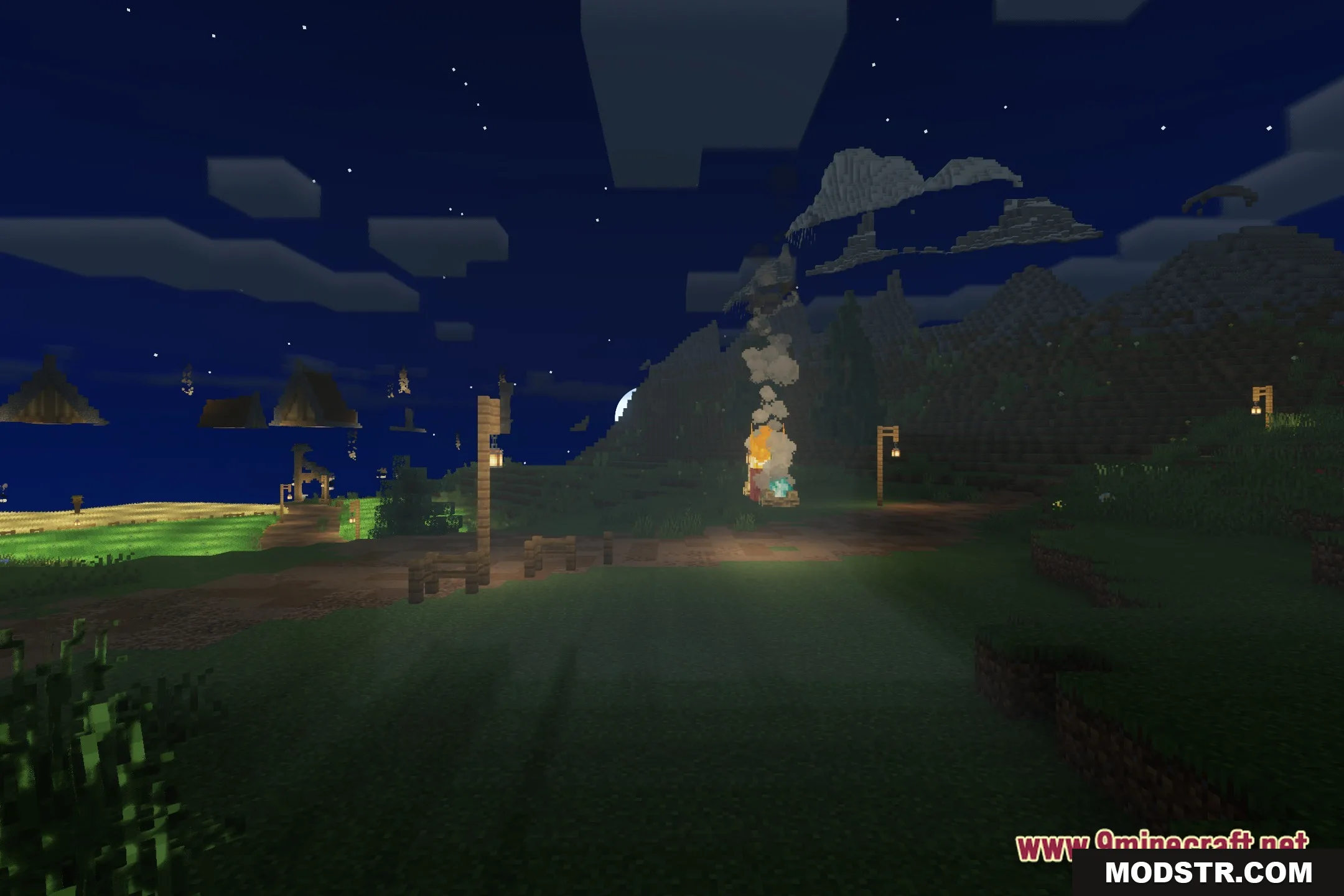
- Warm Bloom: Adds a glowing effect to bright areas and light sources like torches or lava.
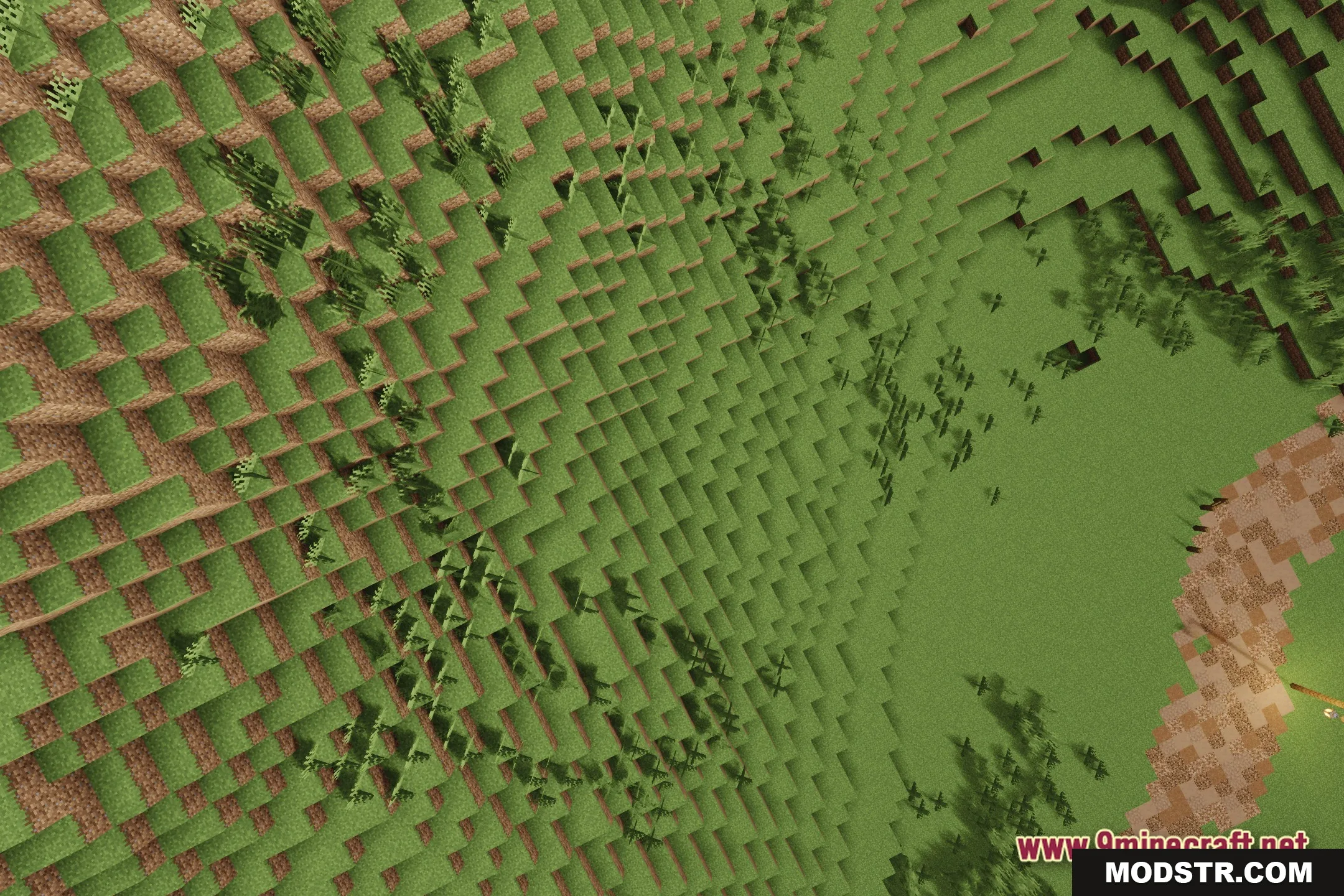
- Keeps the familiar vanilla style so your favorite blocks and textures still look normal.
- Runs well on potato PCs and older computers with low-end hardware.
- Changes the lighting to feel warmer and more natural during the day.
- Balances visual quality and speed to keep your framerate high while exploring.
Installation
- Download the Vanilish Shaders file.
- Open Minecraft and select the "Options" menu.
- Click on "Shaders" and then on "Shaders Folder".
- Move the downloaded shader file into the shaders folder.
- Return to the Minecraft menu and select your shader from the list.
Compatibility
This shader is compatible with versions 1.20.1 and higher, providing a smooth experience while maintaining the game's original aesthetic.
DOWNLOAD FILES
- shader