
Image Shaders (26.2, 1.20.1) – Flat Image Overlay for Cursed Screenshots
Image Shaders is a shader that overlays a flat image on your Minecraft screen, providing a unique visual effect. It is designed for those looking to create humorous or unconventional screenshots.
- 1.20.1
Image Shaders adds a single image overlay onto your Minecraft screen, disregarding typical lighting and world details. This shader is primarily intended for those who enjoy creating amusing or bizarre screenshots.
Features
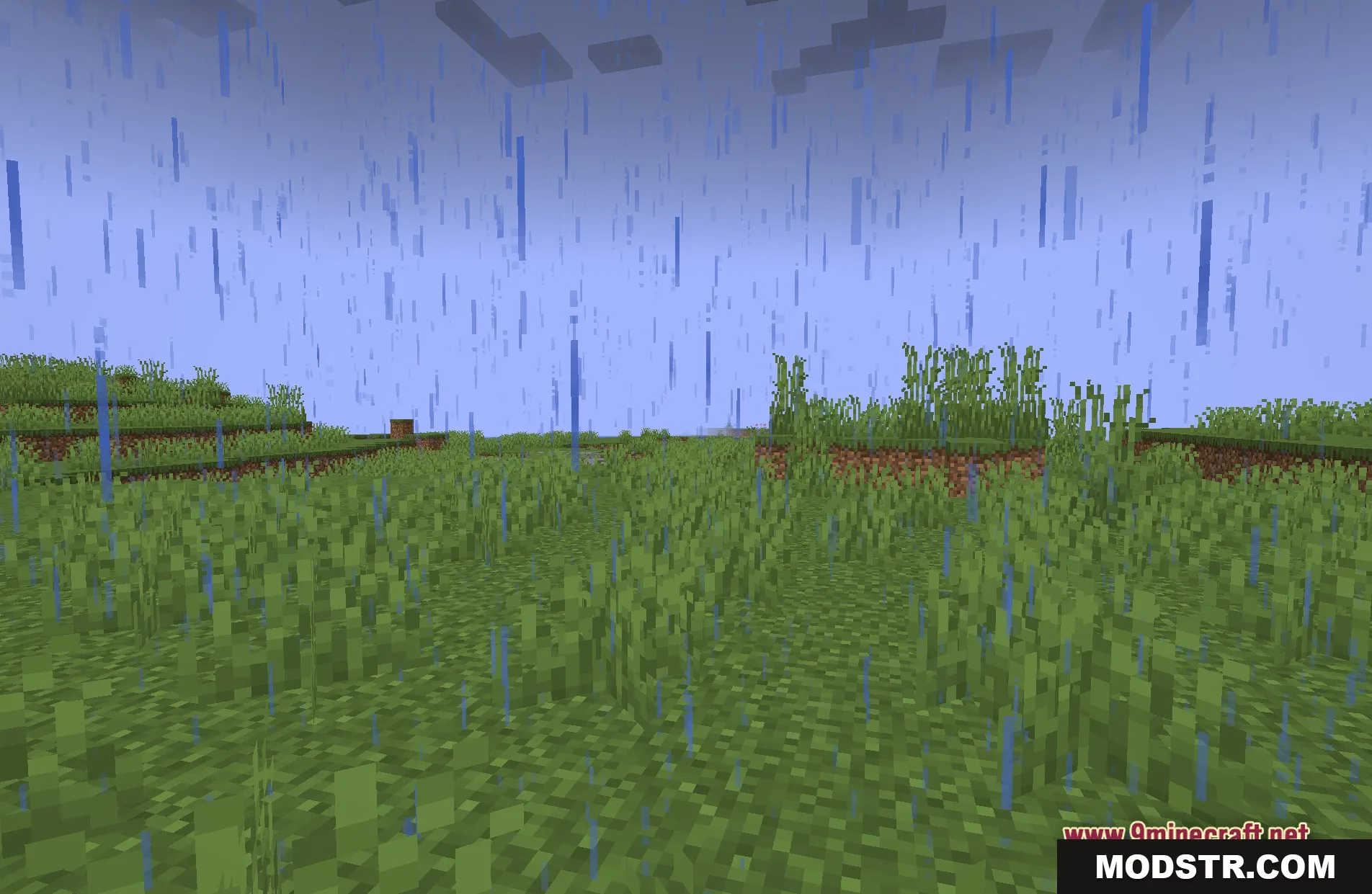
- Screen Picture: Places a flat image over your whole screen instead of normal graphics.
- Runs easily on very old or slow computers because it skips complicated lighting calculations.
- Gives your game a funny and cursed look for silly screenshots.
- Ignores normal shadows, sun rays, and water reflections.
- Turns your normal Minecraft view into a flat graphic display.
Installation
- Download the Image Shaders file.
- Open your Minecraft launcher and select the correct version.
- Navigate to the shader settings in the game menu.
- Upload the downloaded shader file.
- Apply the shader and enjoy the new visual effect.
Screenshots
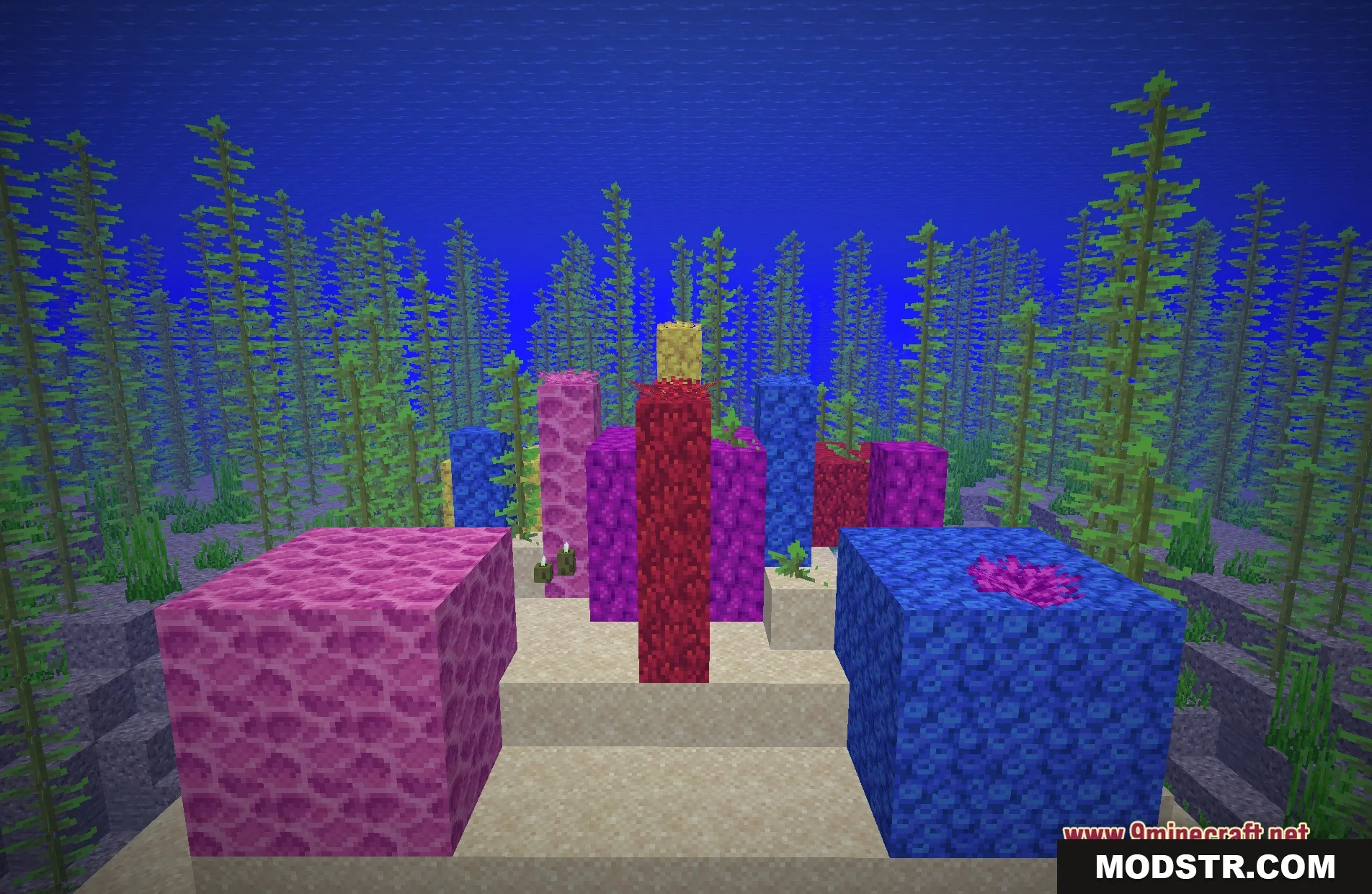
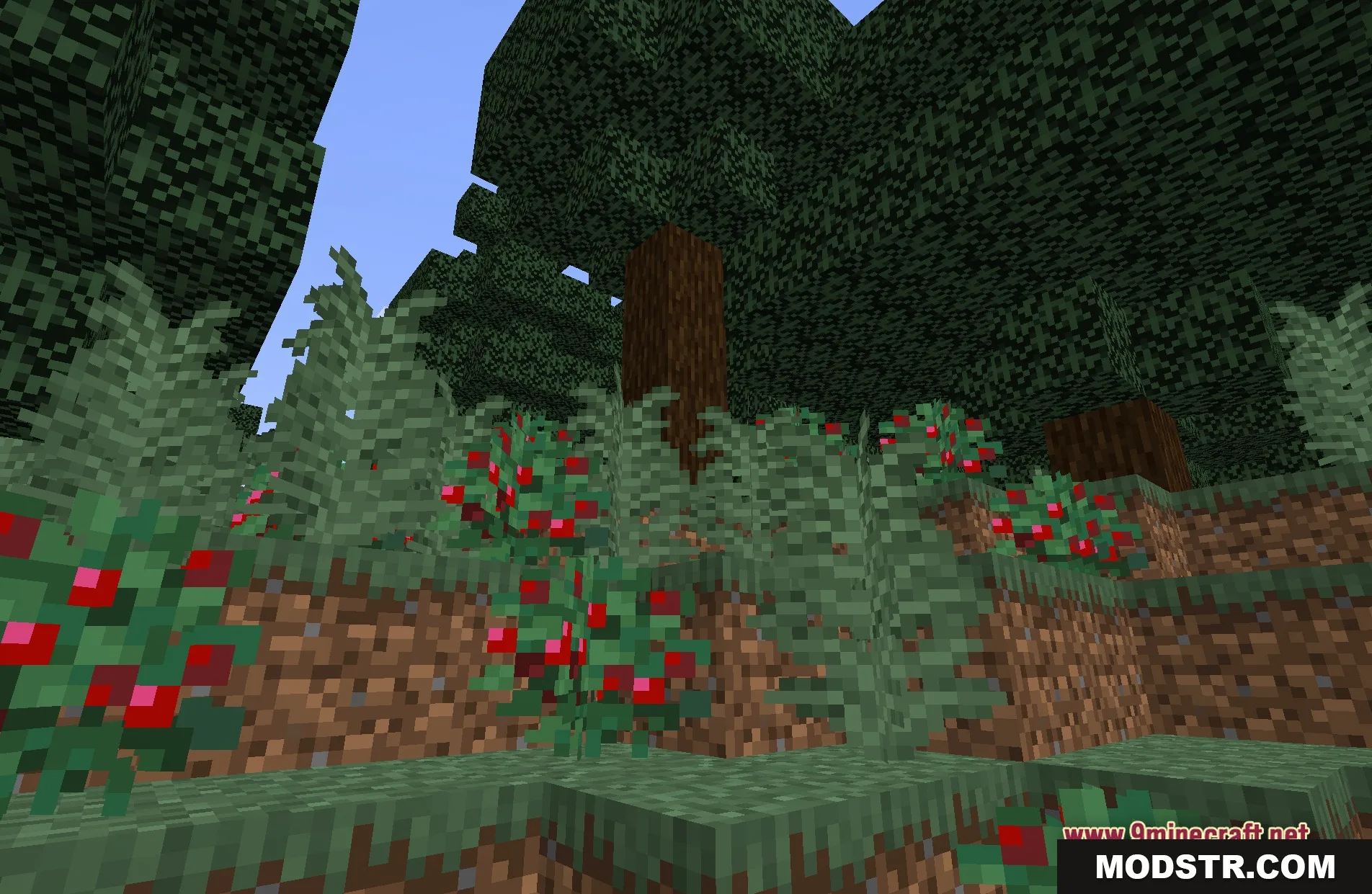
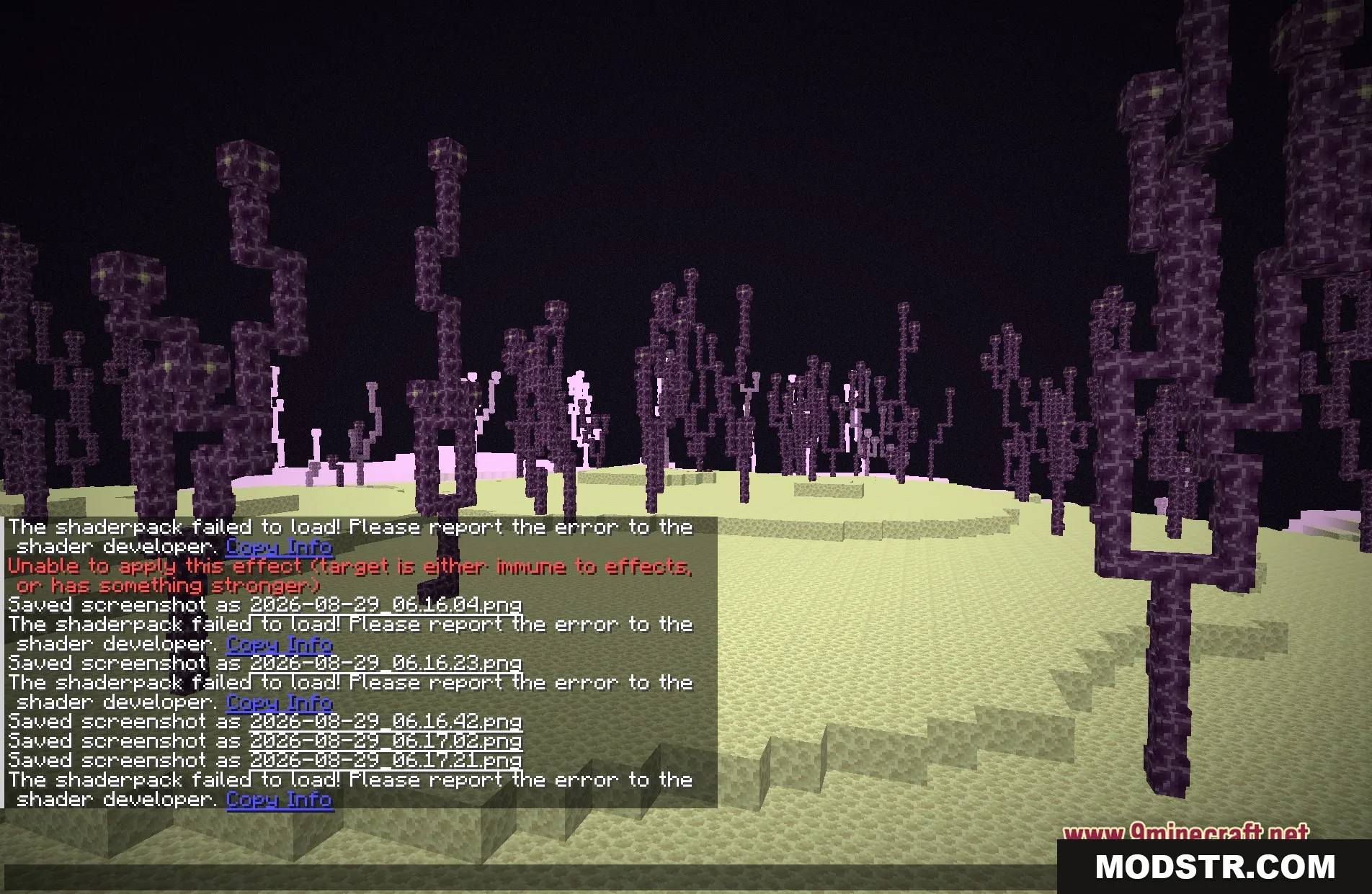
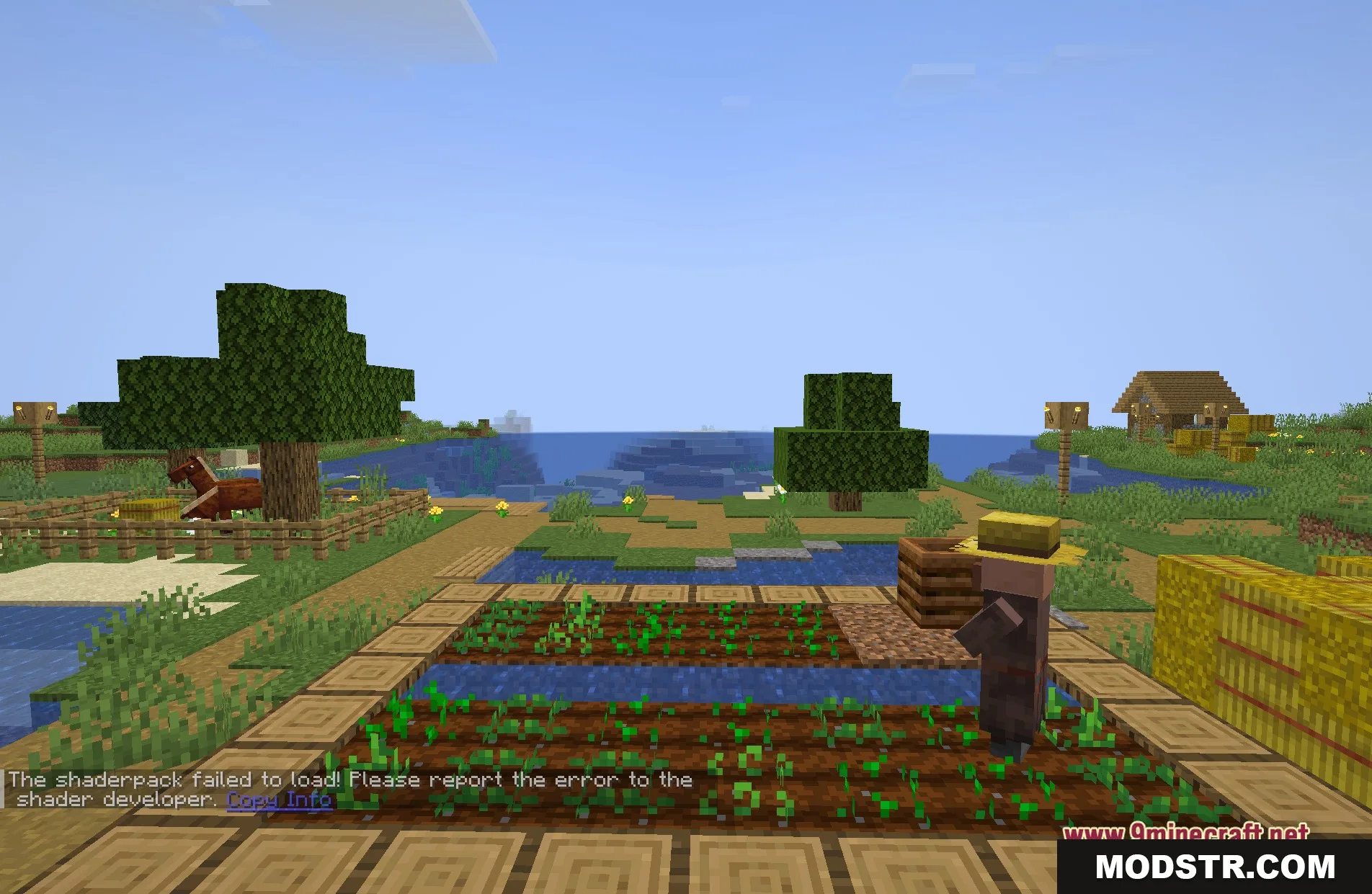
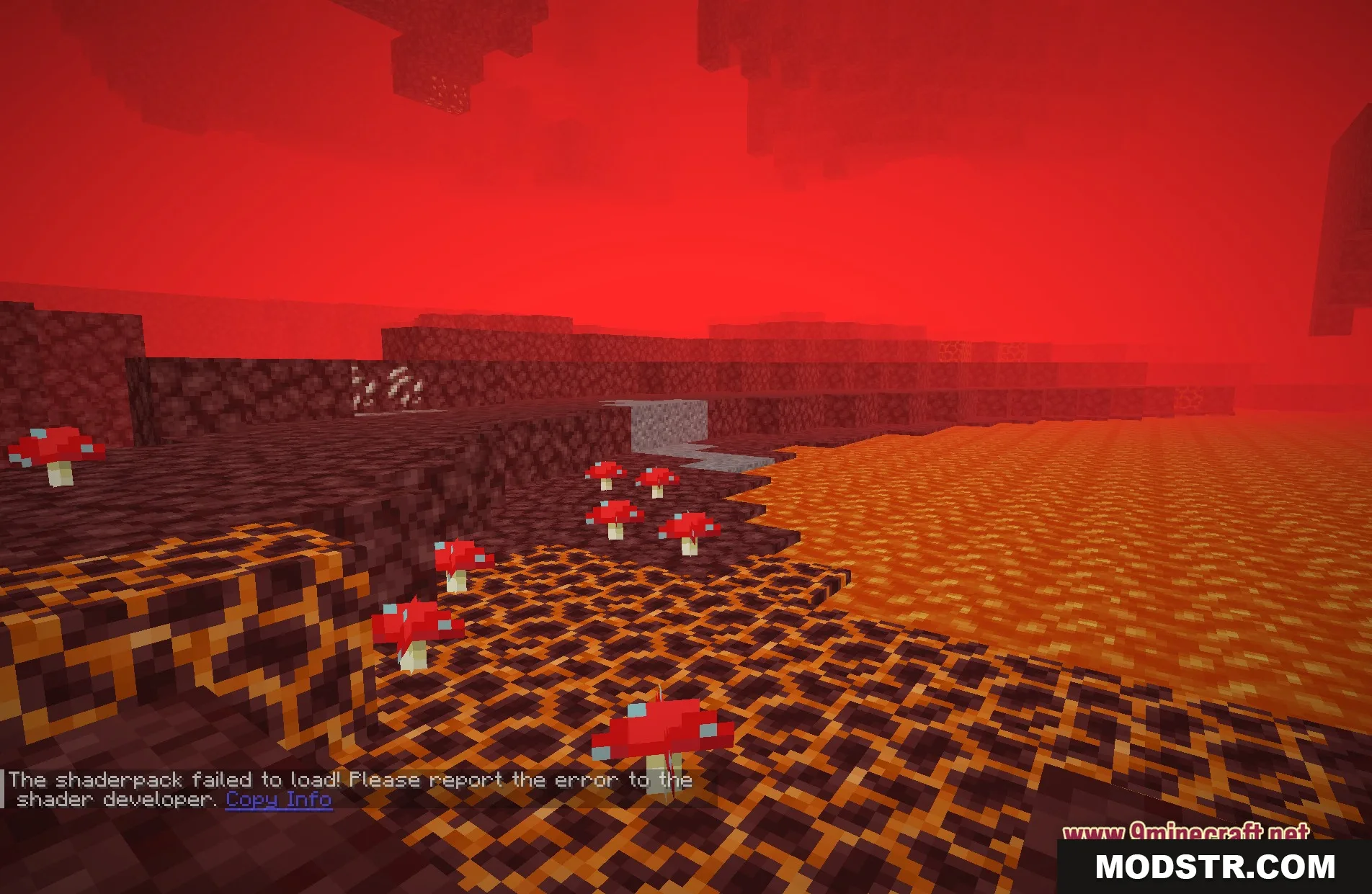
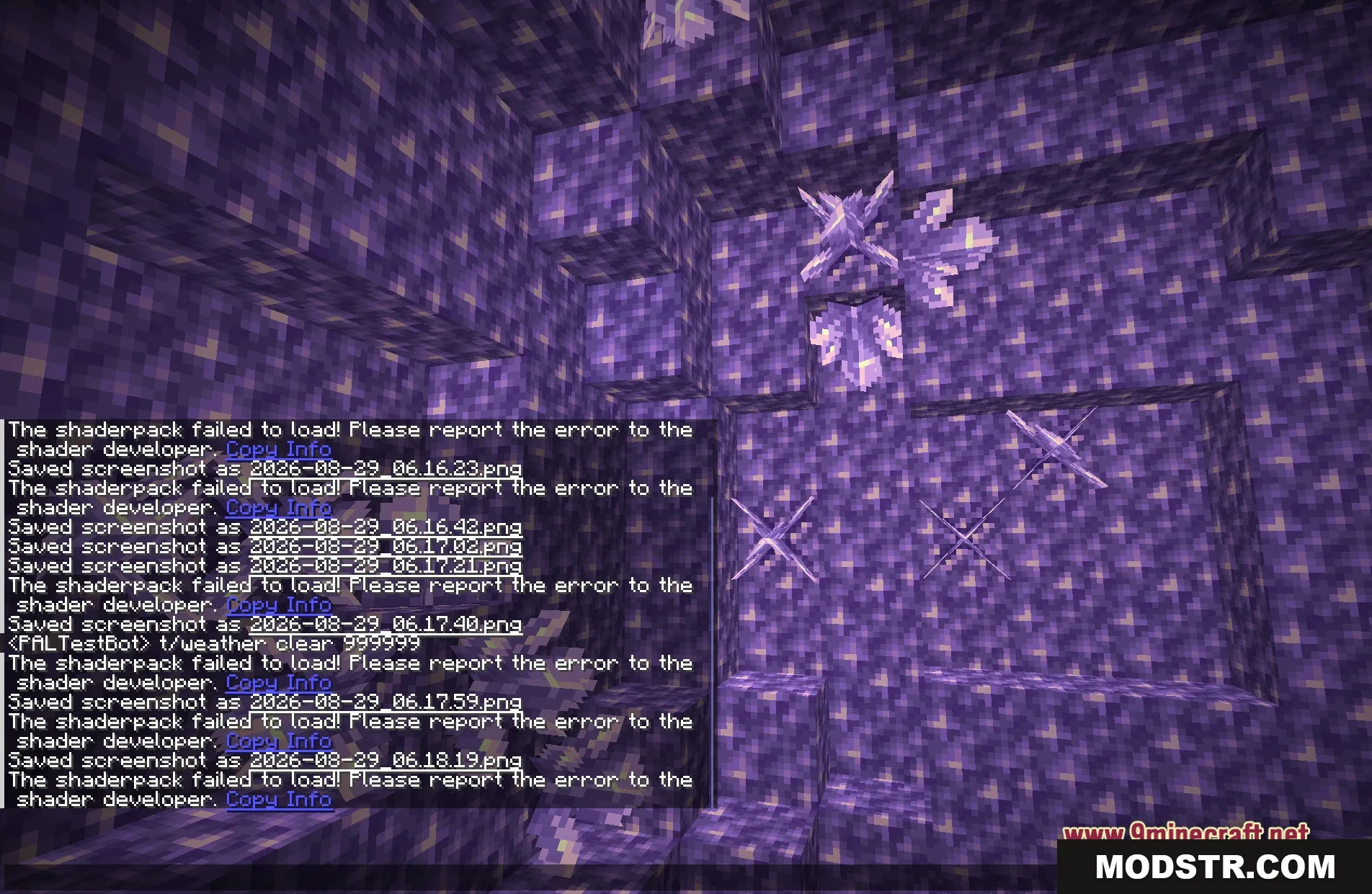
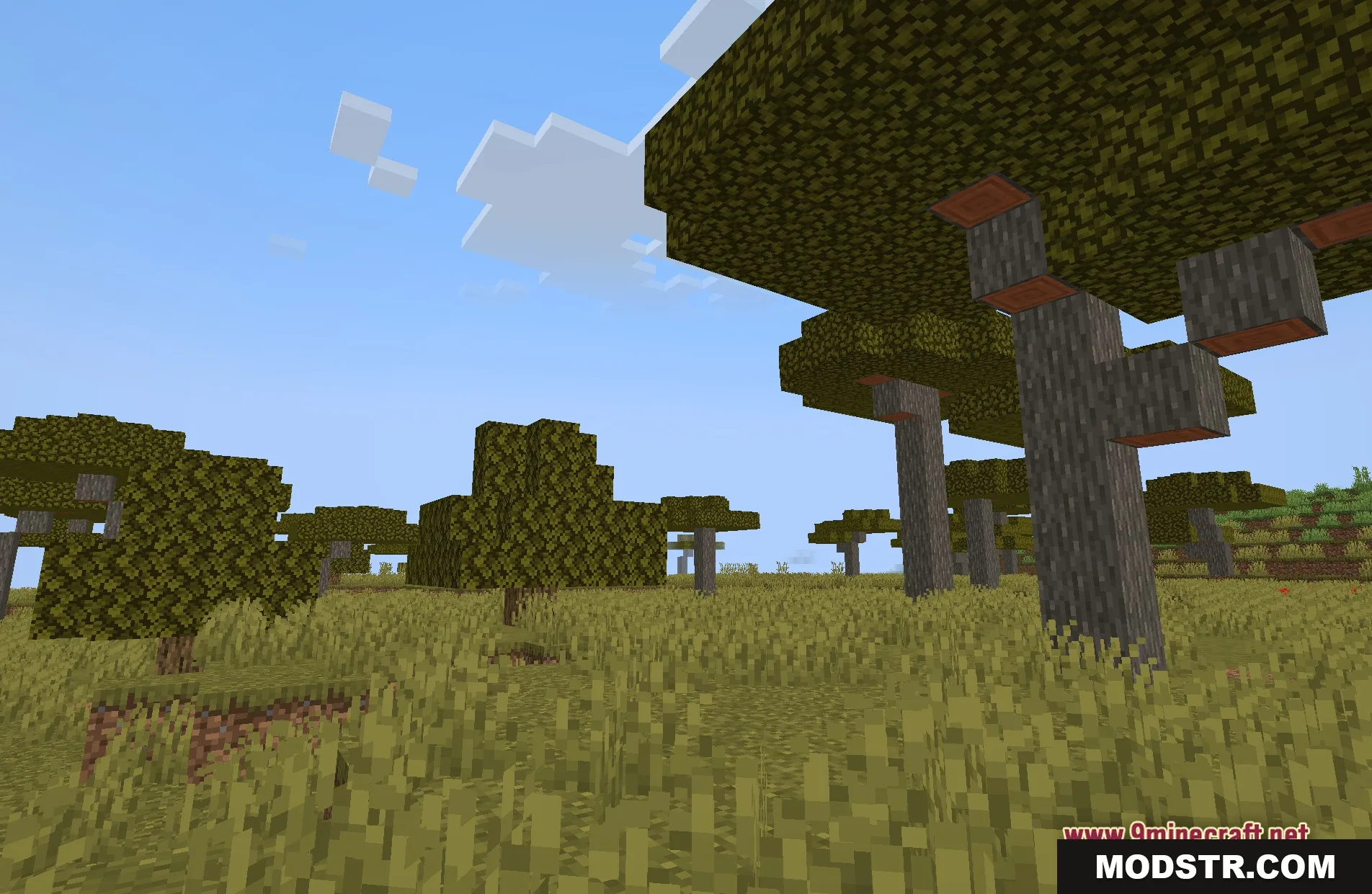
DOWNLOAD FILES
- shader