
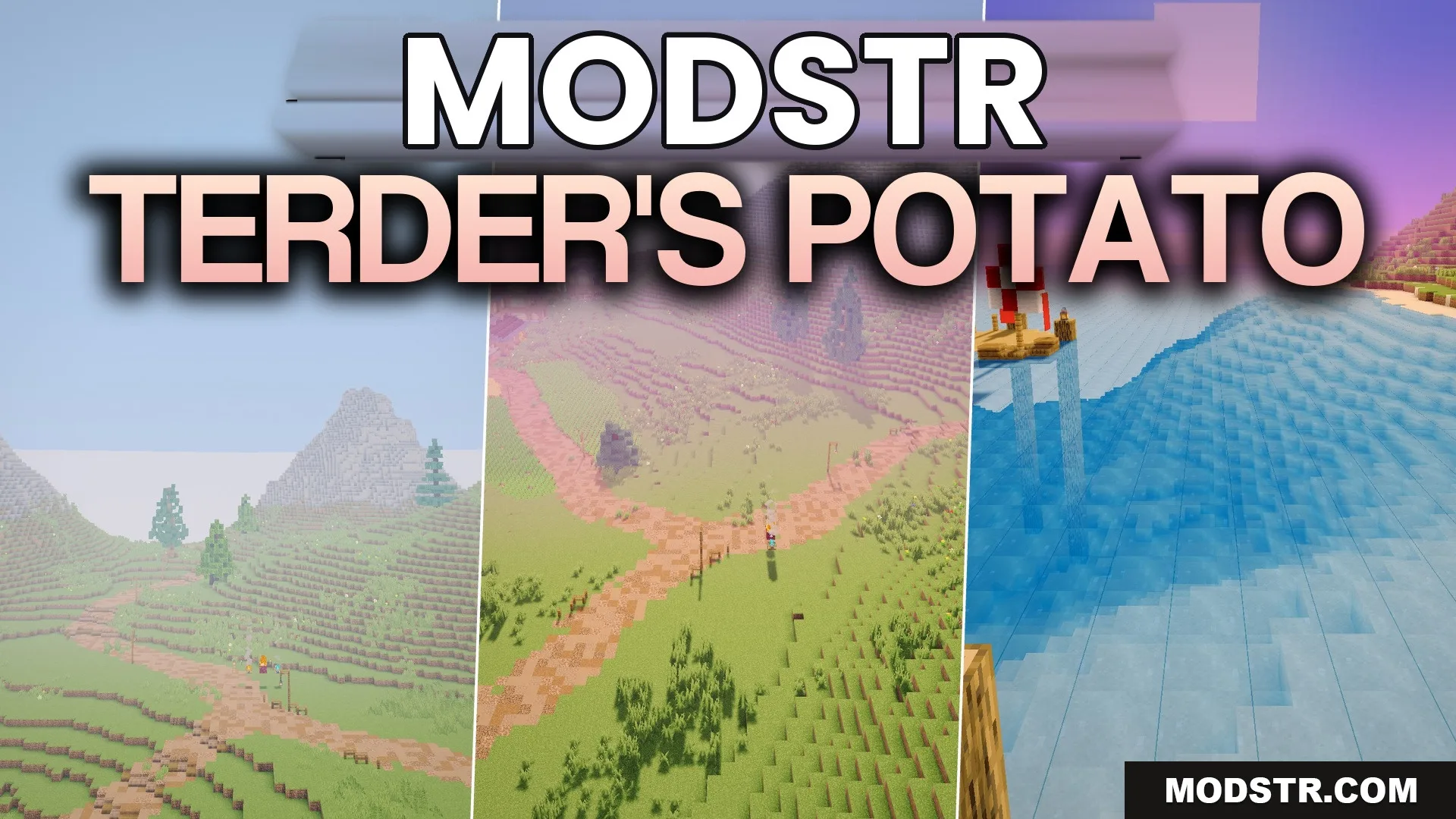
Terder’s Potato Shaders (26.2, 1.20.1) – Basic Shadows Without Any Lag
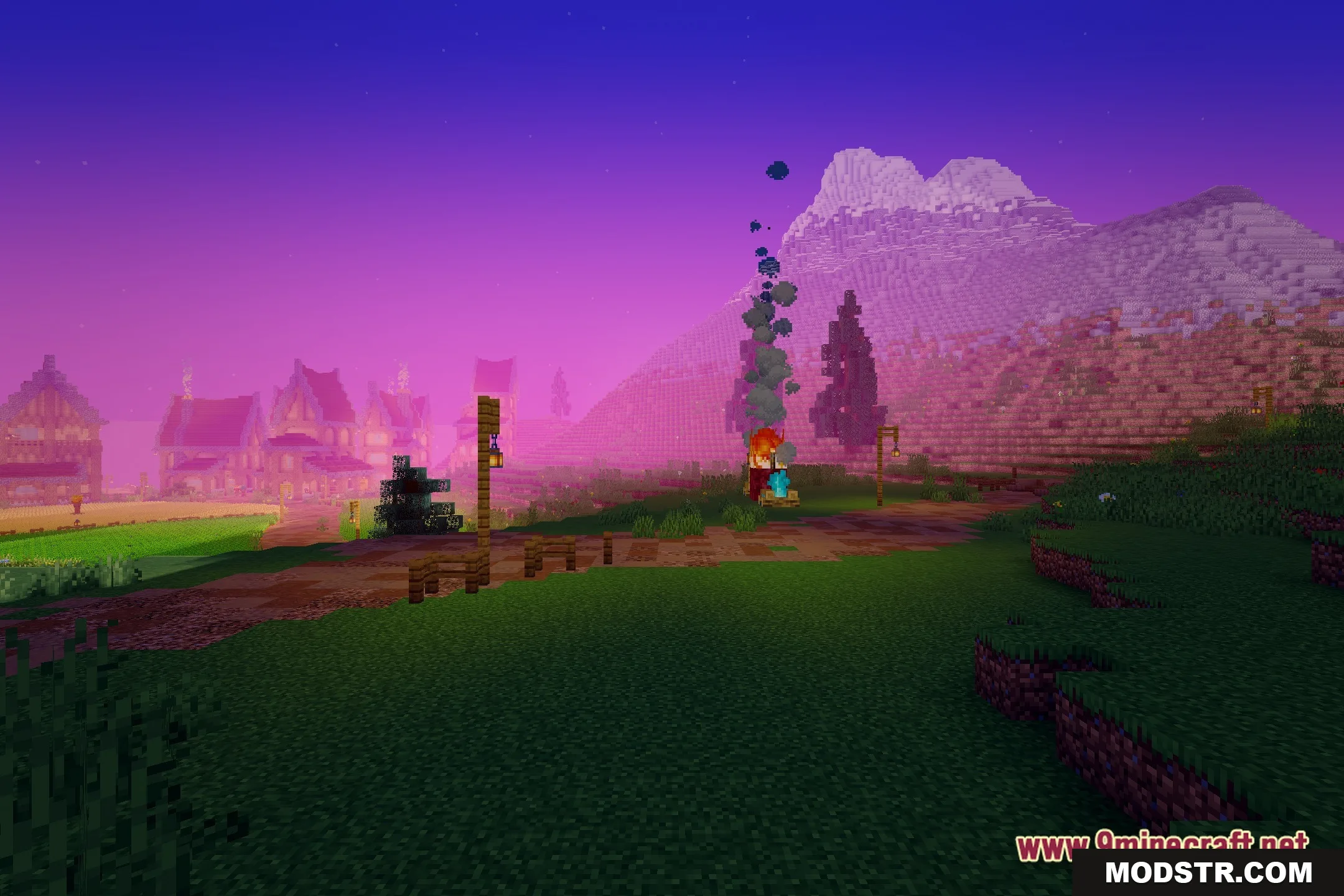
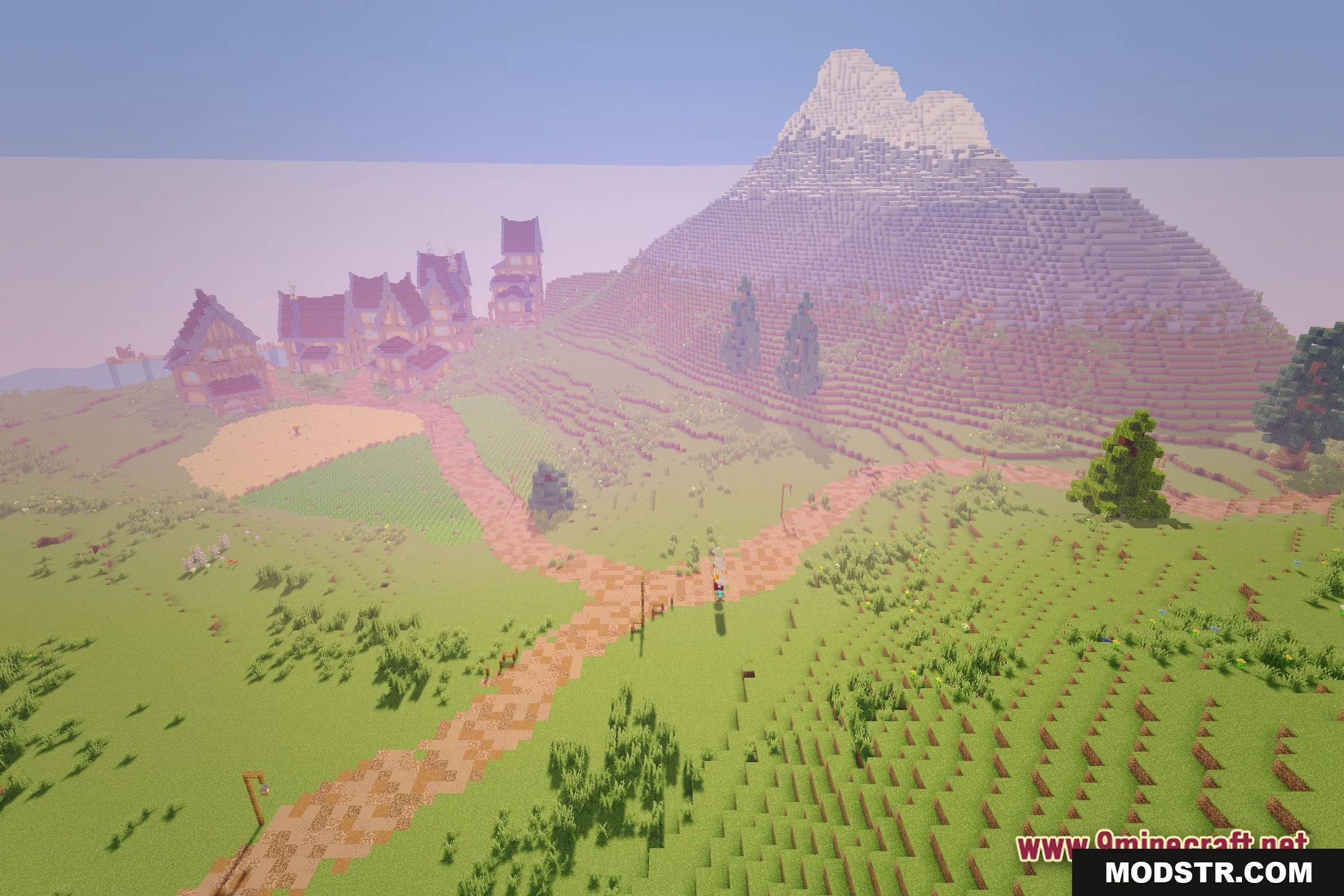
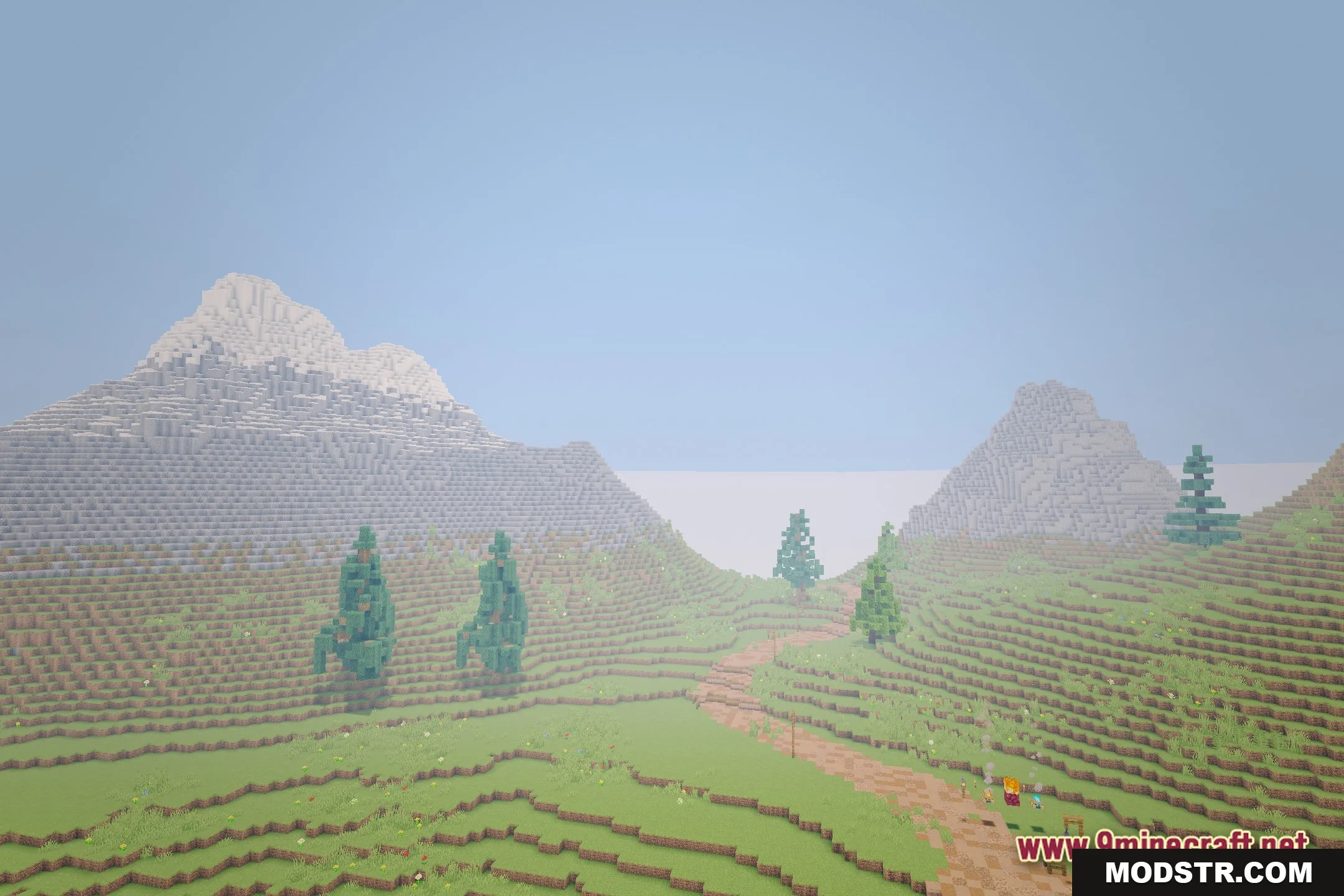
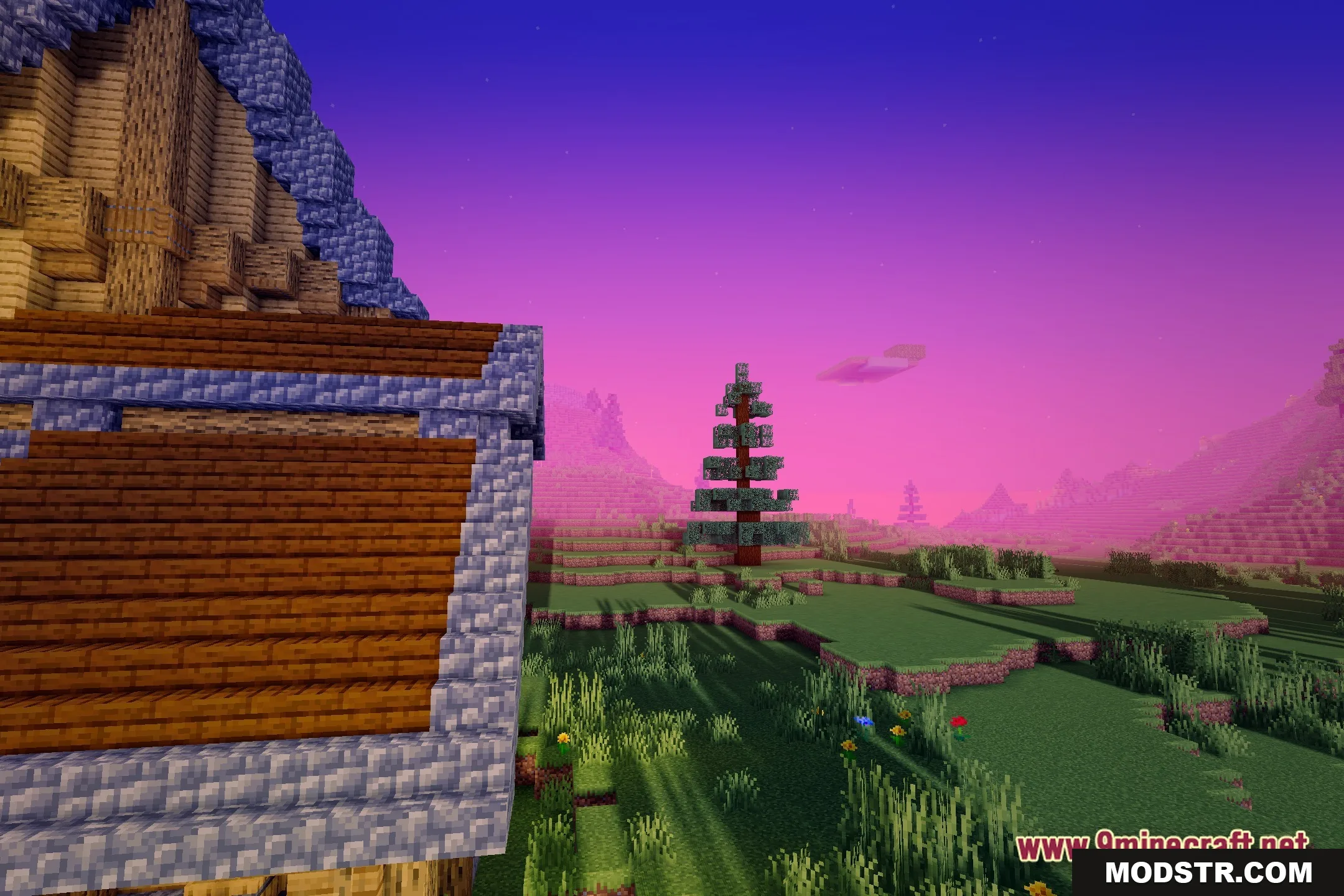
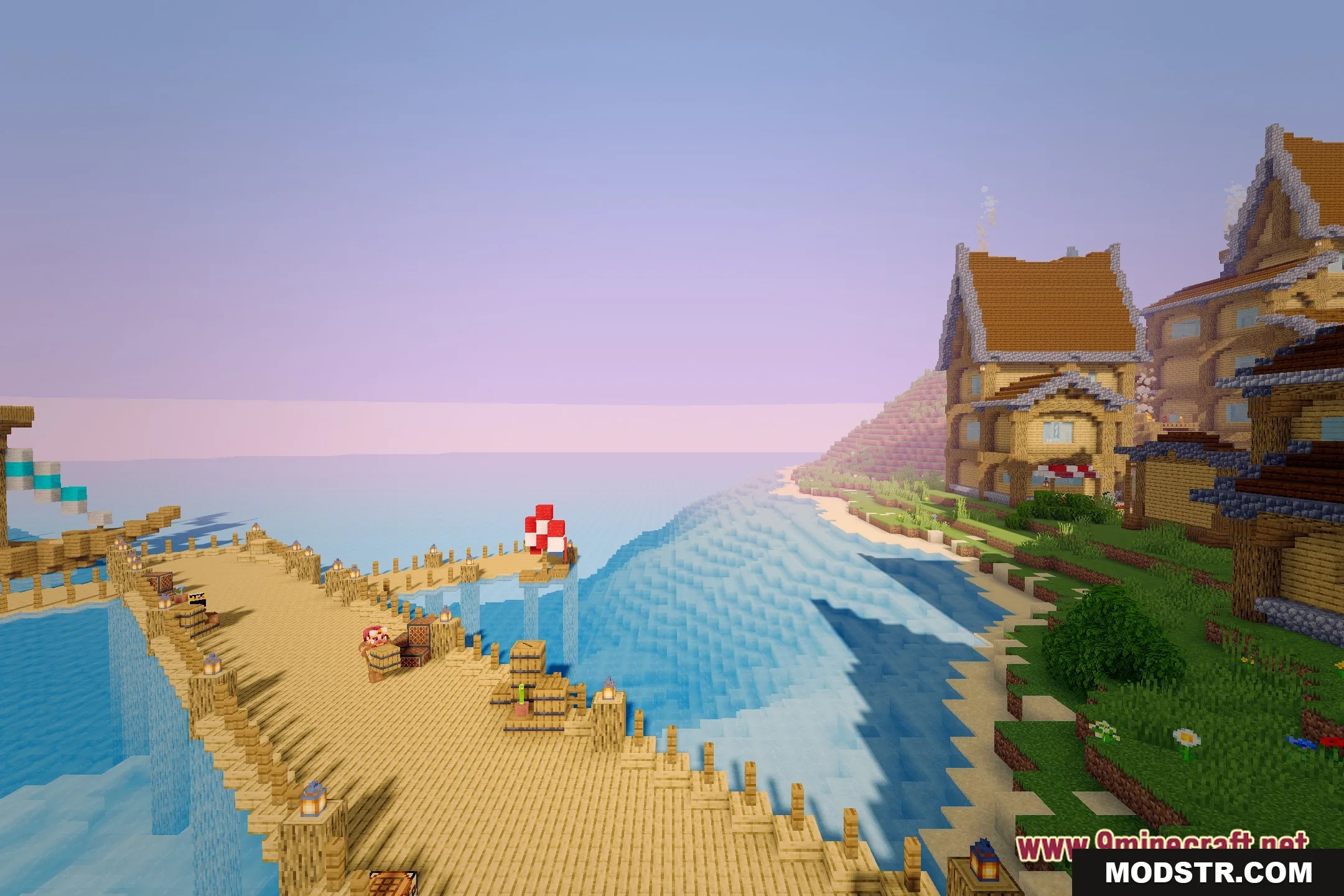
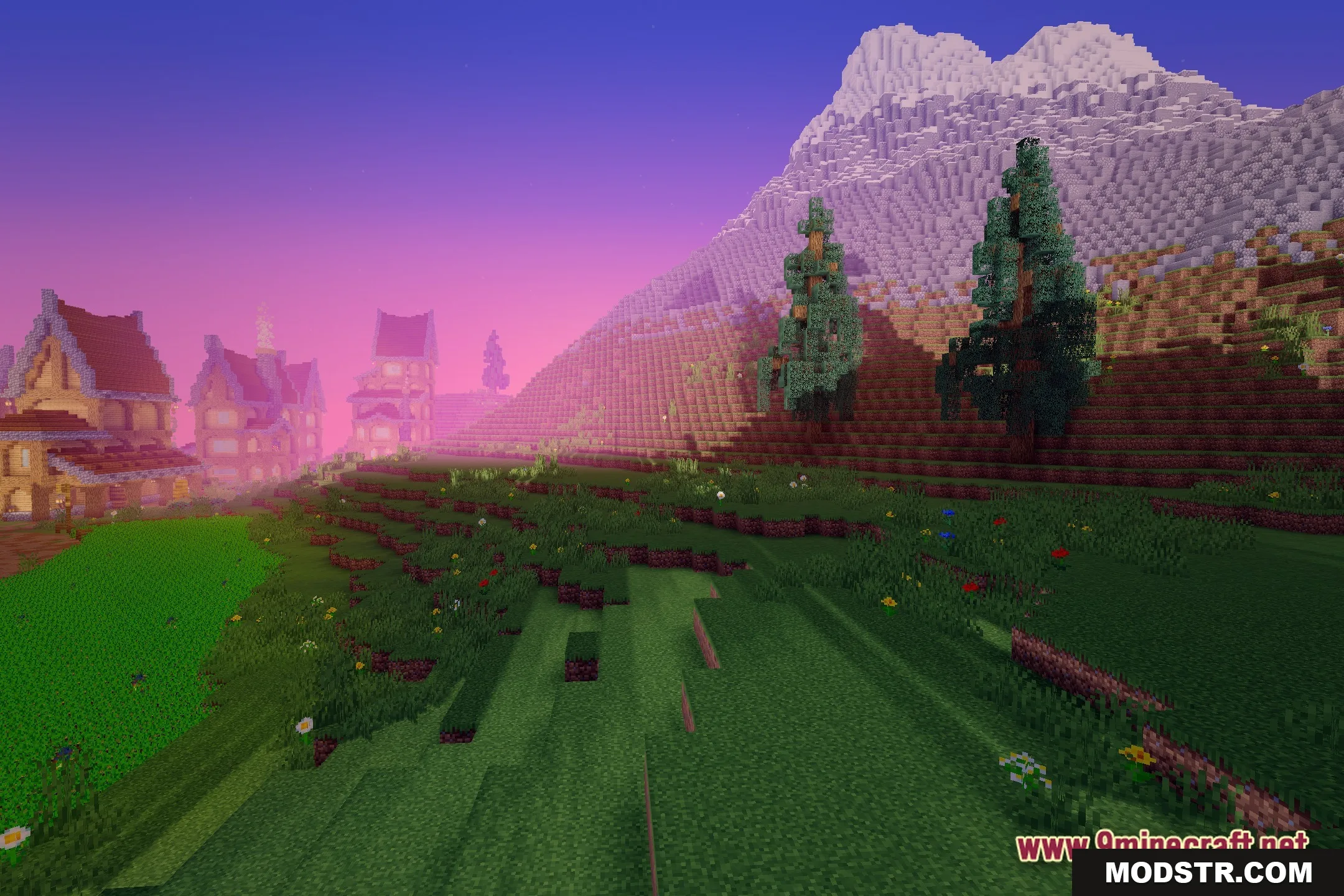
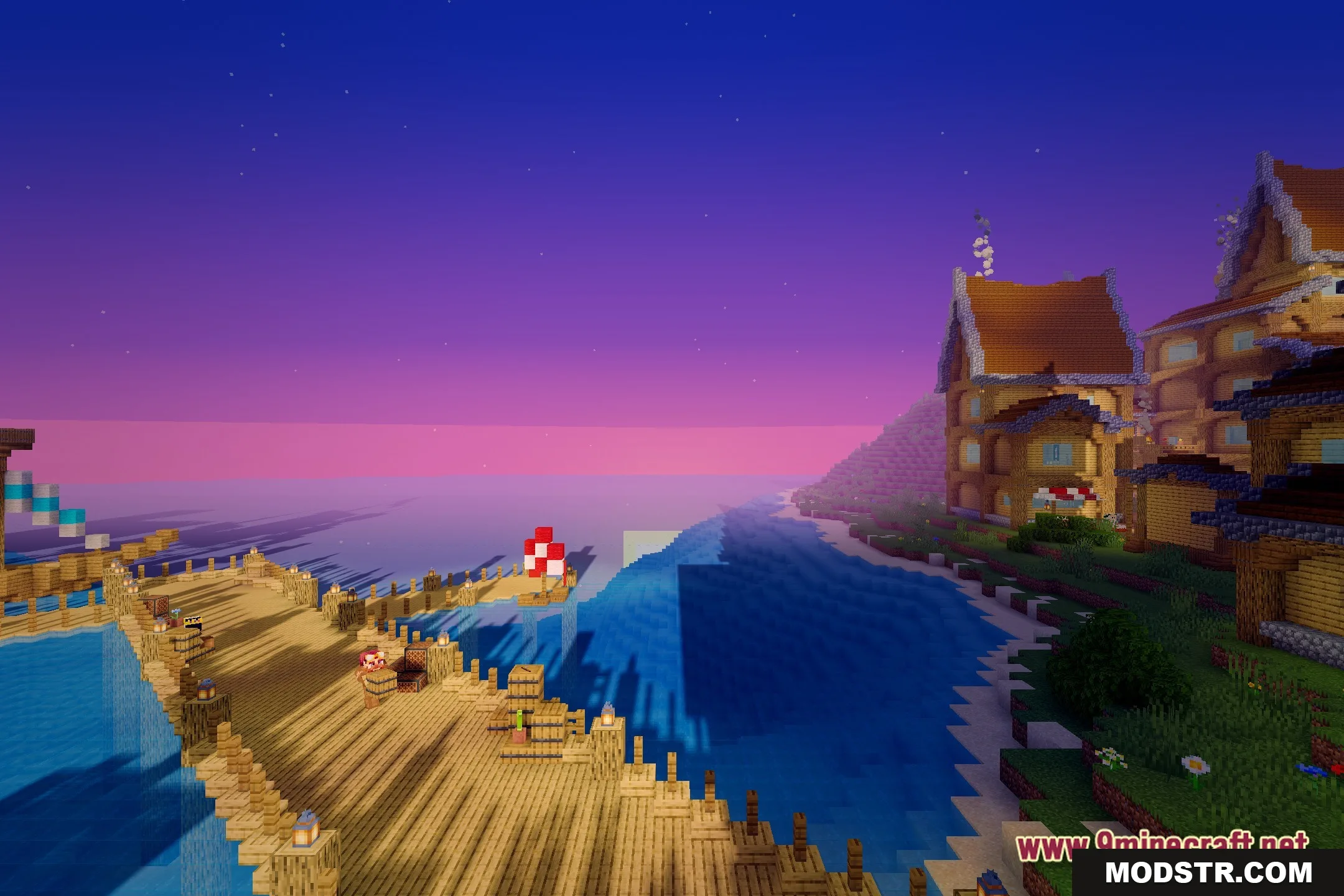
Terder's Potato Shaders enhances your Minecraft visuals with basic shadows and improved lighting, ideal for players using low-end systems. It focuses on maintaining performance while upgrading aesthetics.
- 1.20.1
Terder’s Potato Shaders provides a visual upgrade for Minecraft without burdening your system. It is tailored for players using older or less powerful computers who want to enhance their gaming visuals without sacrificing performance.
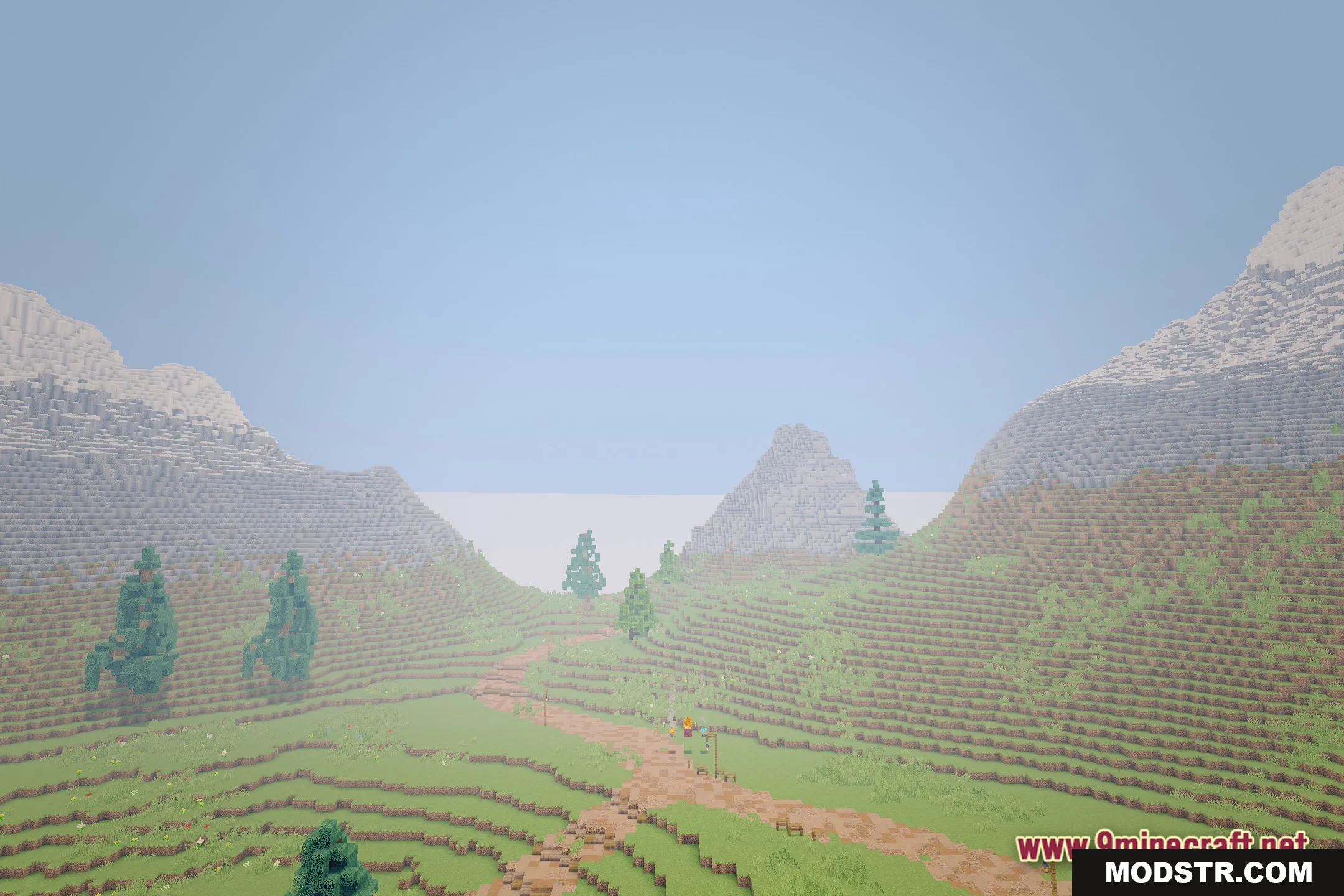
Features
- Low-End Focus: Operates efficiently on older computers and laptops.
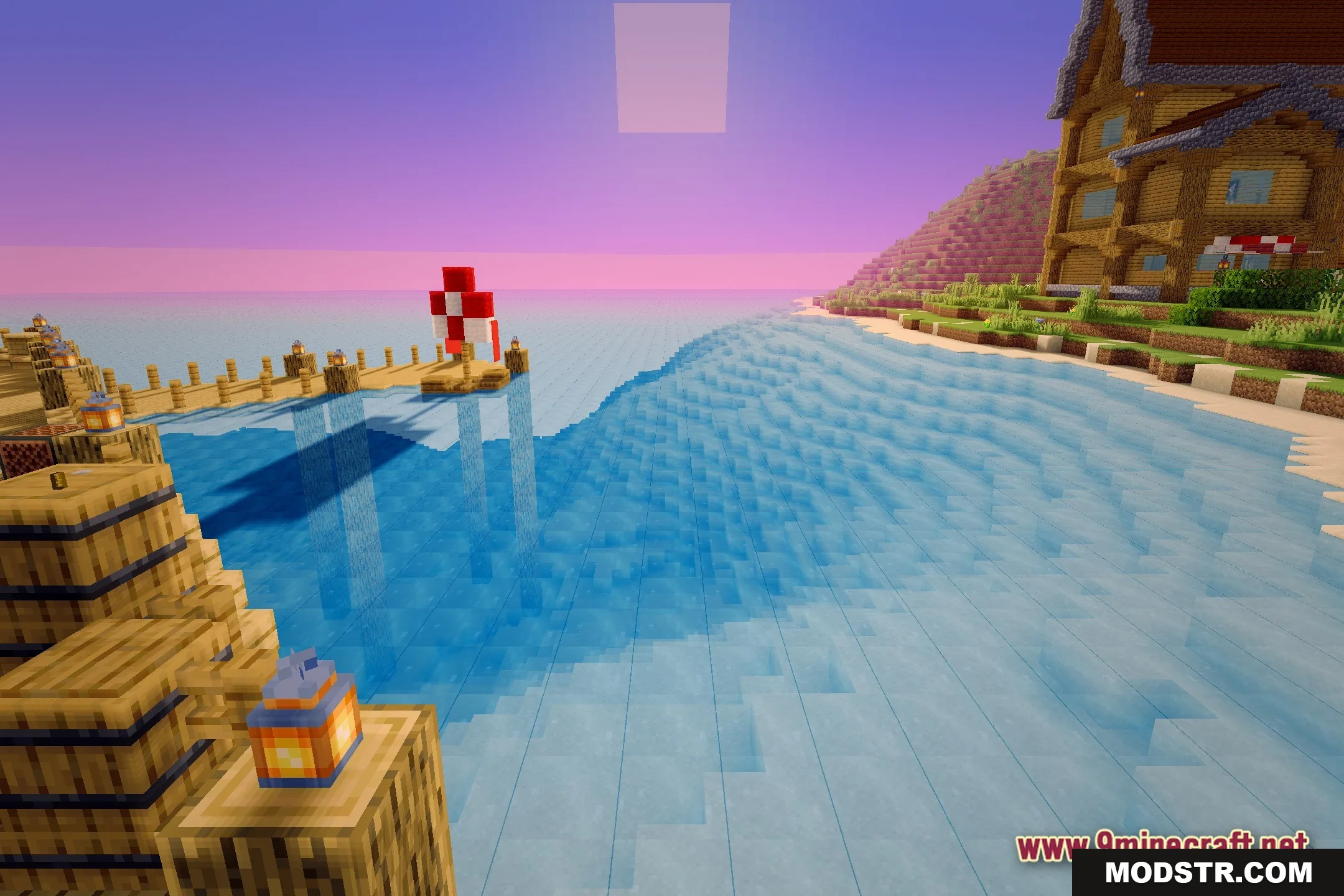
- Implements basic shadows for blocks and mobs to enhance depth.
- Maintains high performance to prevent lag during gameplay.
- Improves lighting for a more appealing appearance compared to default settings.
- Offers a new visual aesthetic for players unable to run demanding graphics packs.
Installation
- Download the shader pack file from the provided source.
- Open your Minecraft launcher and select the appropriate version.
- Go to the game settings and find the video settings menu.
- Select the option for shaders and add the downloaded pack.
- Activate the shader pack and enjoy the enhanced visuals.
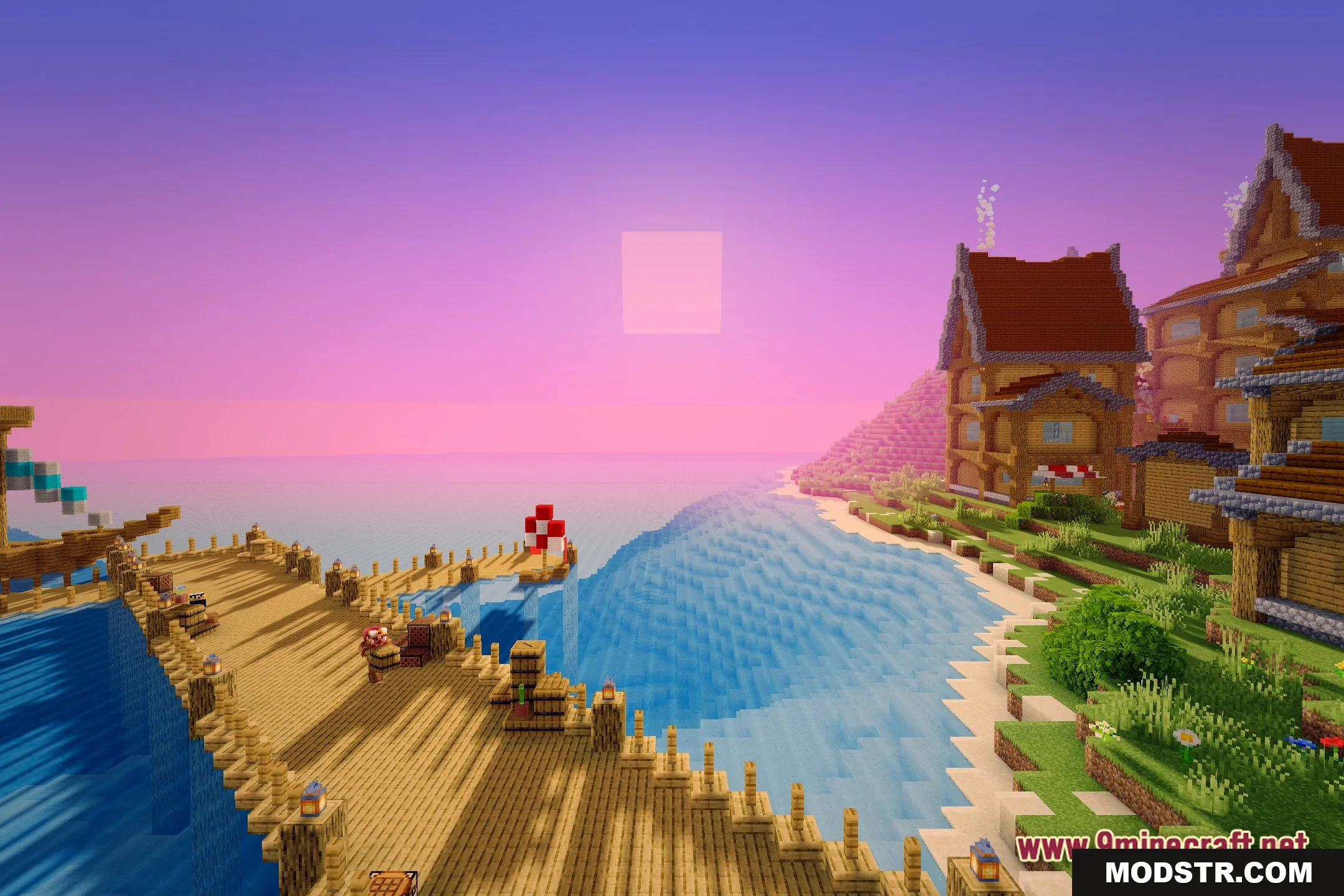
If you are looking for a straightforward way to improve your Minecraft graphics, Terder’s Potato Shaders offers a valuable solution without overwhelming your computer hardware.


DOWNLOAD FILES
- shader