
Pack & White Shaders (26.2, 1.20.1) – Monochrome Vanilla Style Core Shader
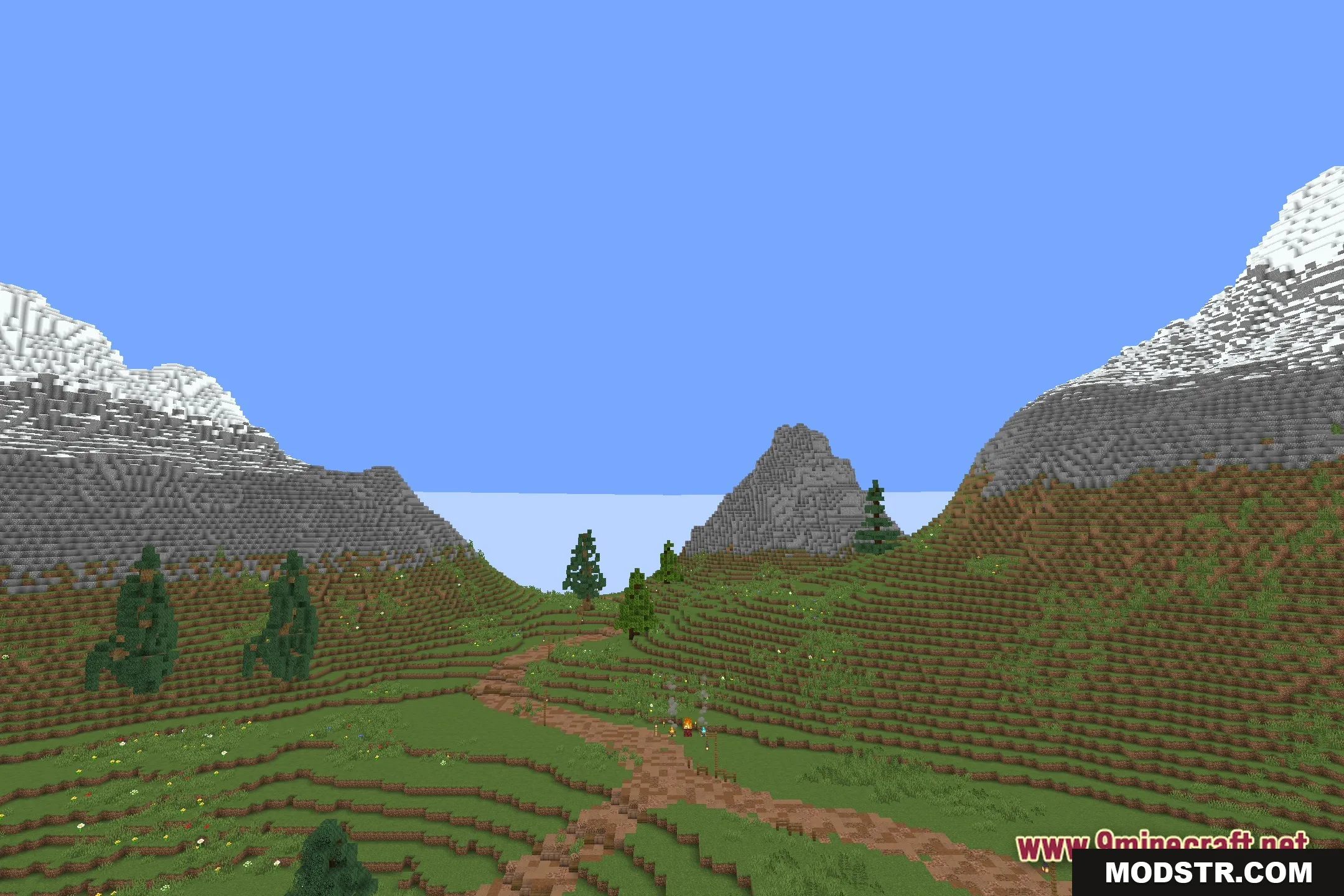
Pack & White Shaders offers a monochrome visual experience in Minecraft. It alters the colors of the game world to shades of gray while maintaining the classic Minecraft aesthetic.
- 1.20.1
Pack & White Shaders transforms your Minecraft environment into a black and white scene, giving everything from blocks to mobs a grayscale appearance. This shader is designed for players who prefer a classic monochrome look while playing.
Features
- Monochrome World: Changes all colors in the game to black, white, and gray.
- Keeps the normal 16x resolution so blocks still look like standard Minecraft.
- Updates the look of all mobs and animals to match the new gray theme.
- Applies the black and white effect to your armor, tools, and all held items.
- Runs as a core shader to change how the base game draws graphics.
Installation
- Download the shader files from the appropriate source.
- Place the shader files in the designated shader folder in your Minecraft installation.
- Launch Minecraft and select the shader in the video settings.
- Adjust any settings if necessary for optimal performance.
- Enjoy your newly monochrome Minecraft world.

DOWNLOAD FILES
- shader