

Heart of the Universe Shaders (26.2, 1.20.1) – Real Shadows and Fantasy Colors
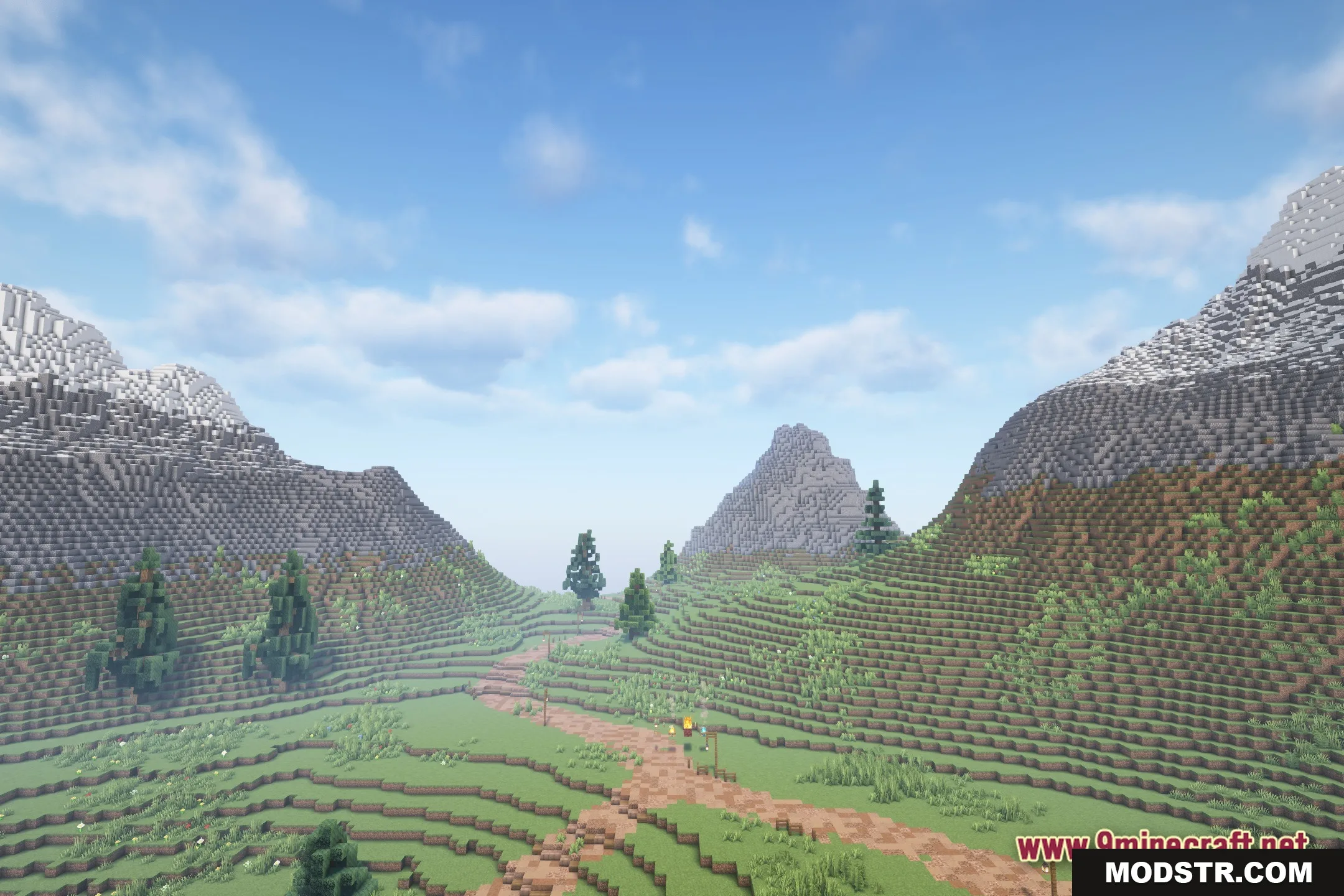
Heart of the Universe Shaders offers a blend of realistic shadows and fantasy-inspired lighting for Minecraft. This shader pack maintains the original block aesthetics while enhancing the game's atmosphere.
- 1.20.1
Heart of the Universe Shaders introduces a unique lighting system to Minecraft, creating a mysterious ambiance through a combination of realistic shadows and fantasy colors. It is designed for players looking to enhance their game's visual experience without altering the core gameplay.
Features
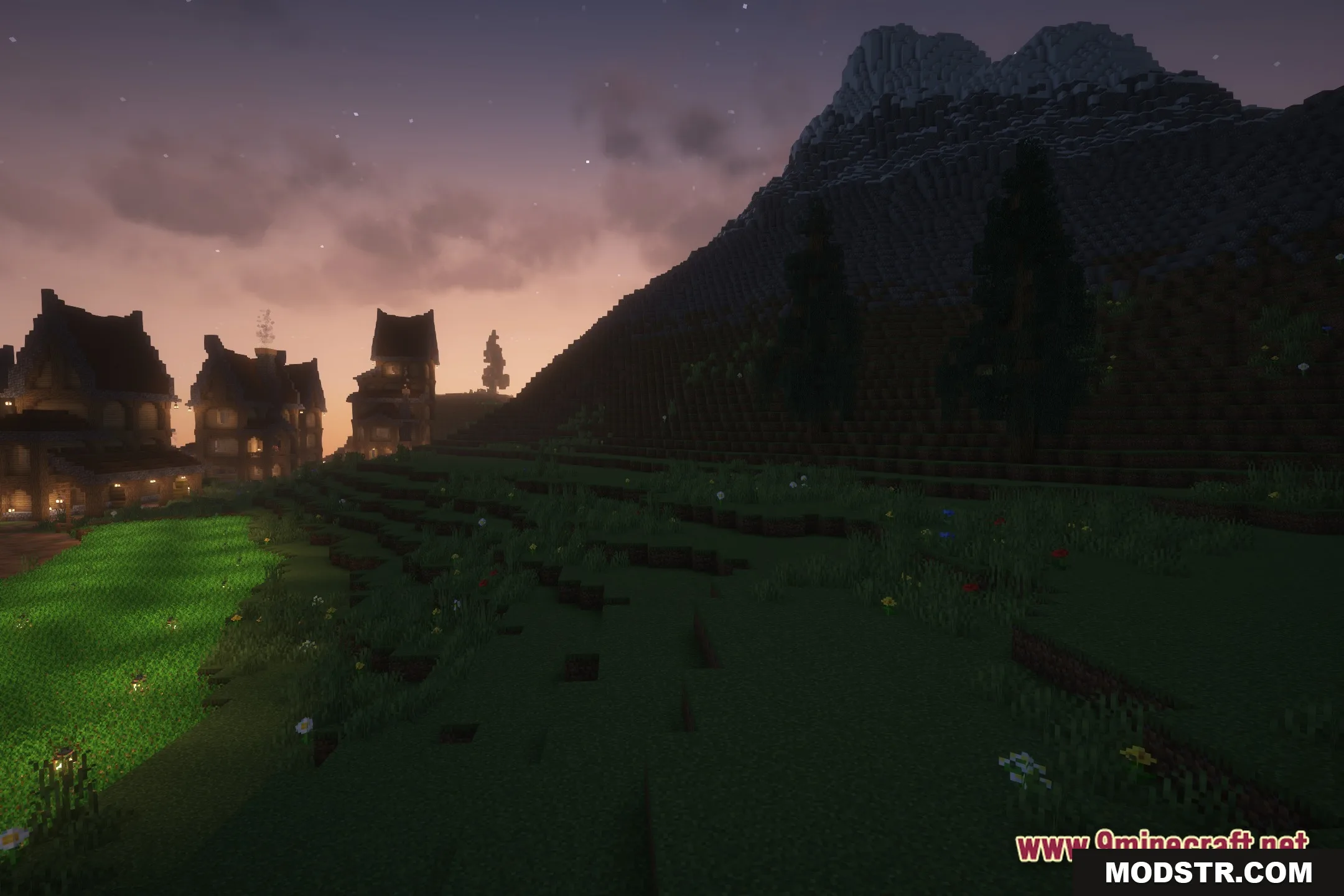
- The lighting system mixes real-world shadows with fantasy colors.
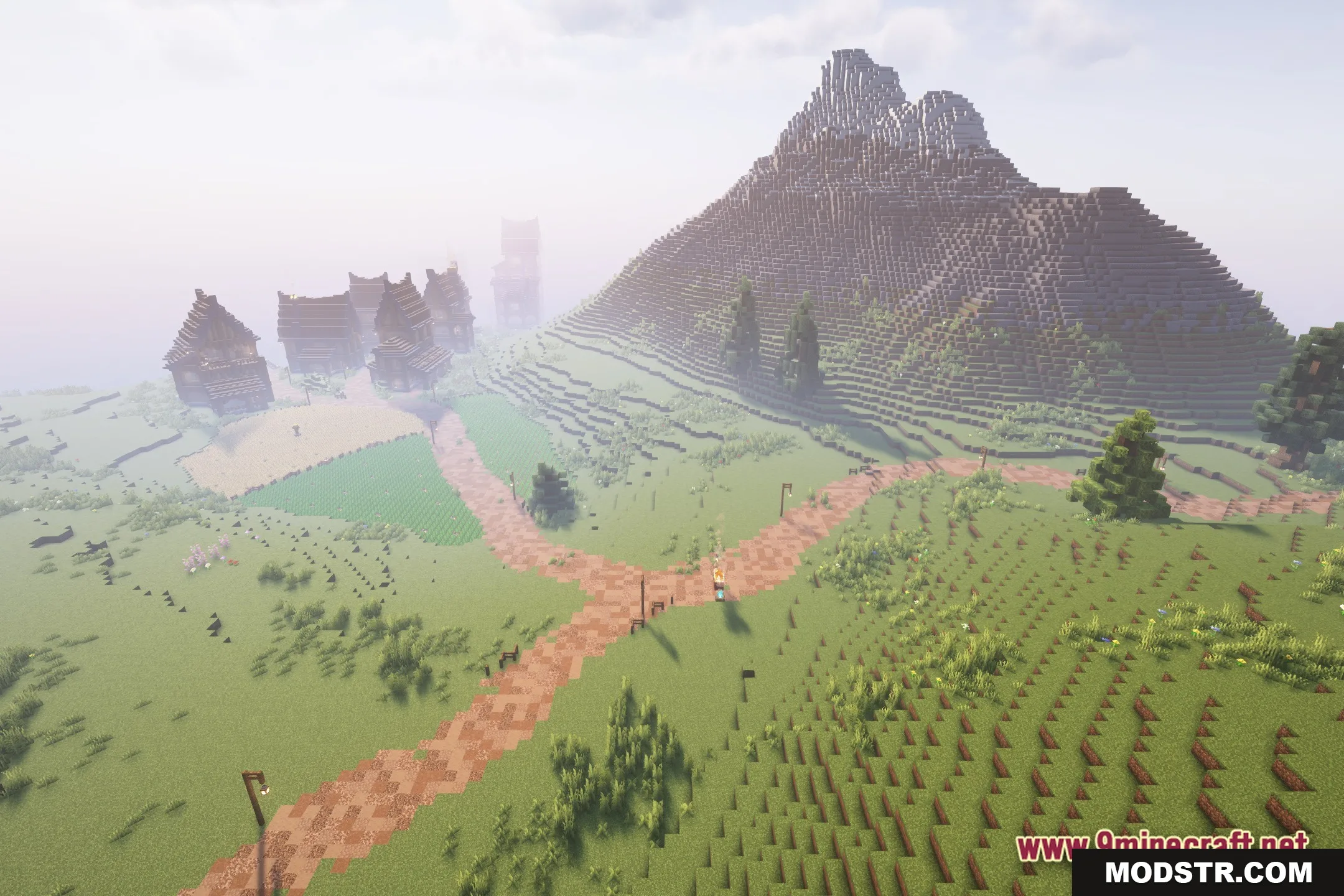
- Keeps the vanilla style so your buildings still look normal but with better light.
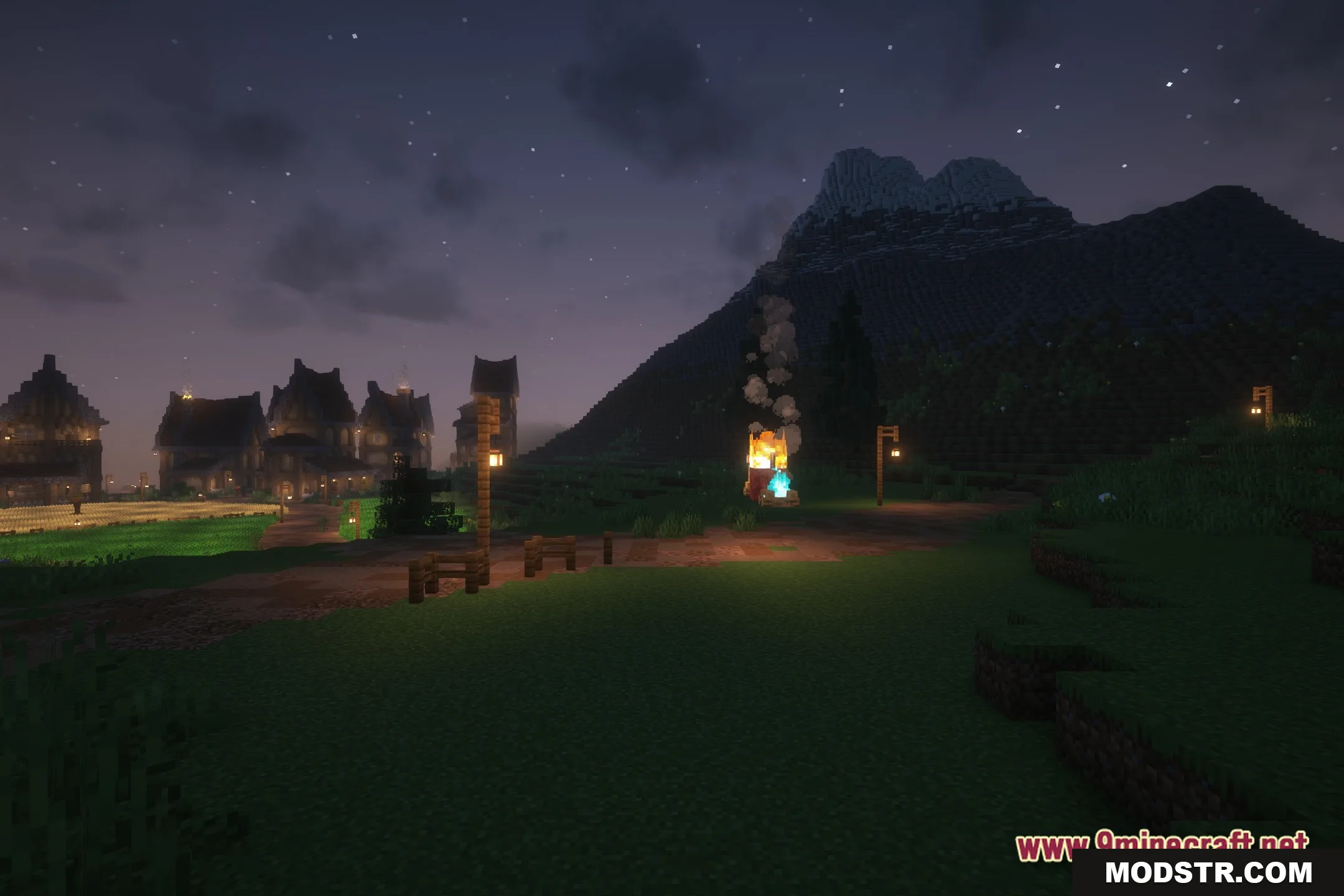
- Adds a dark and mysterious mood to caves and nighttime travel.
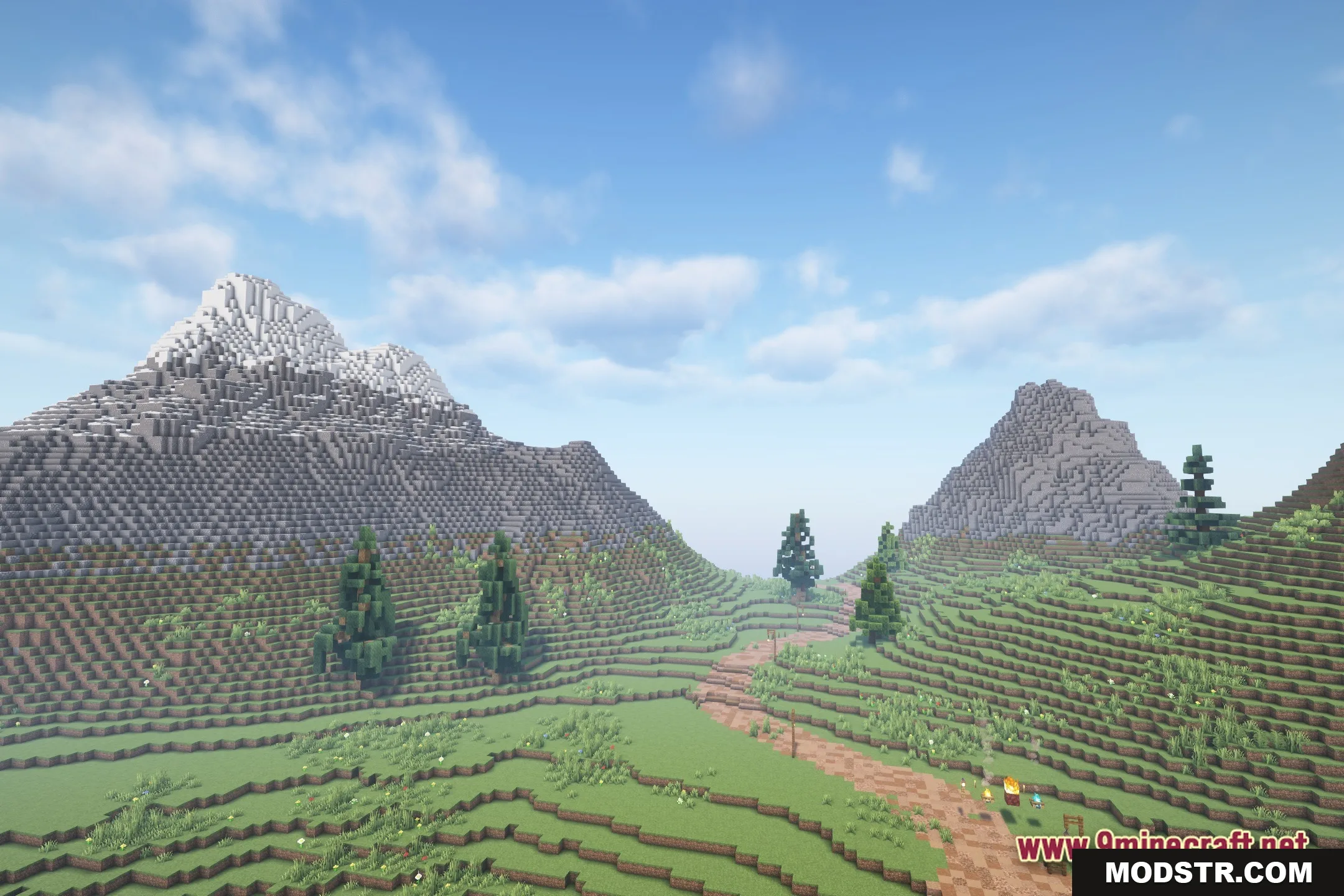
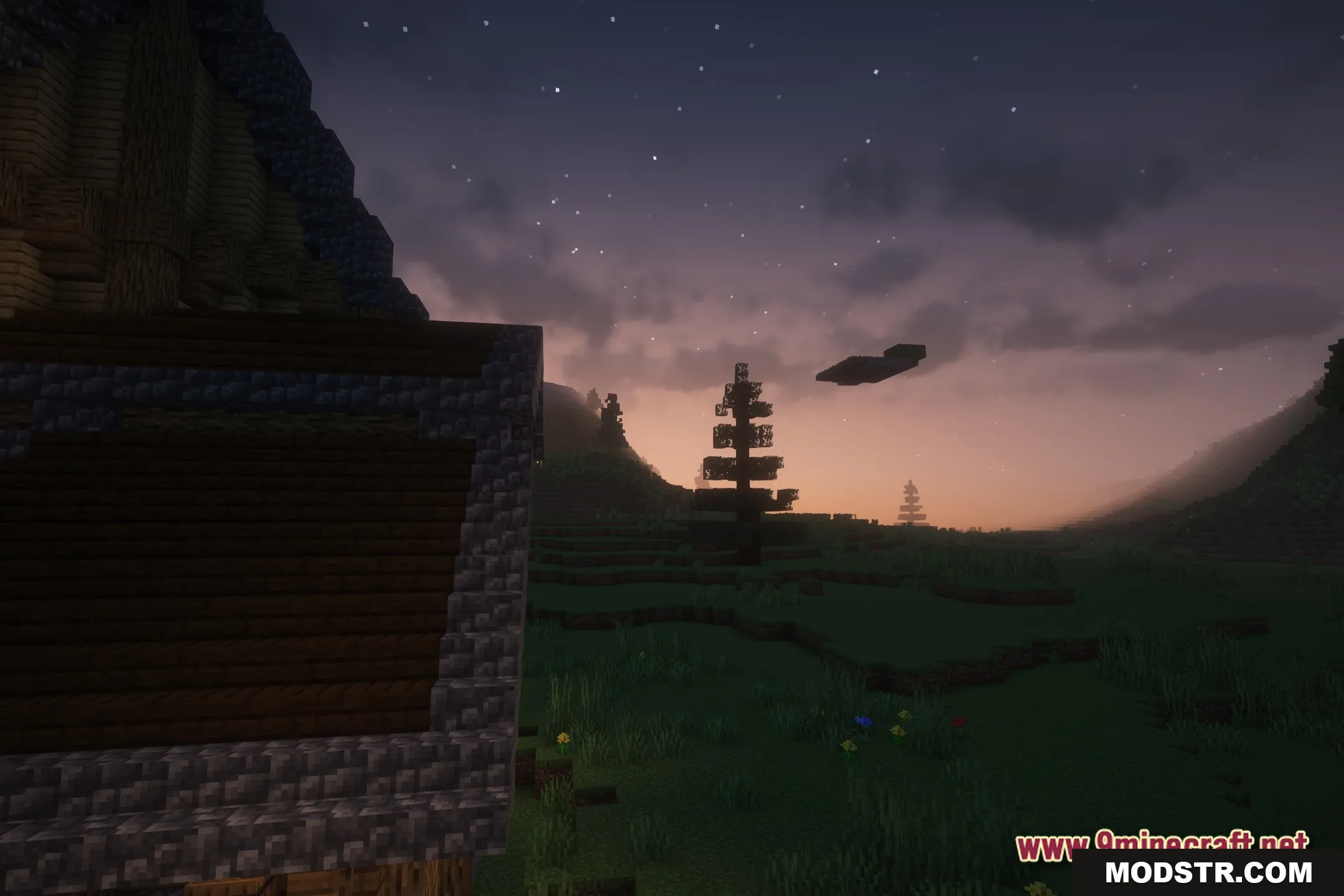
- Changes how the sky looks to match the unknown theme of the pack.
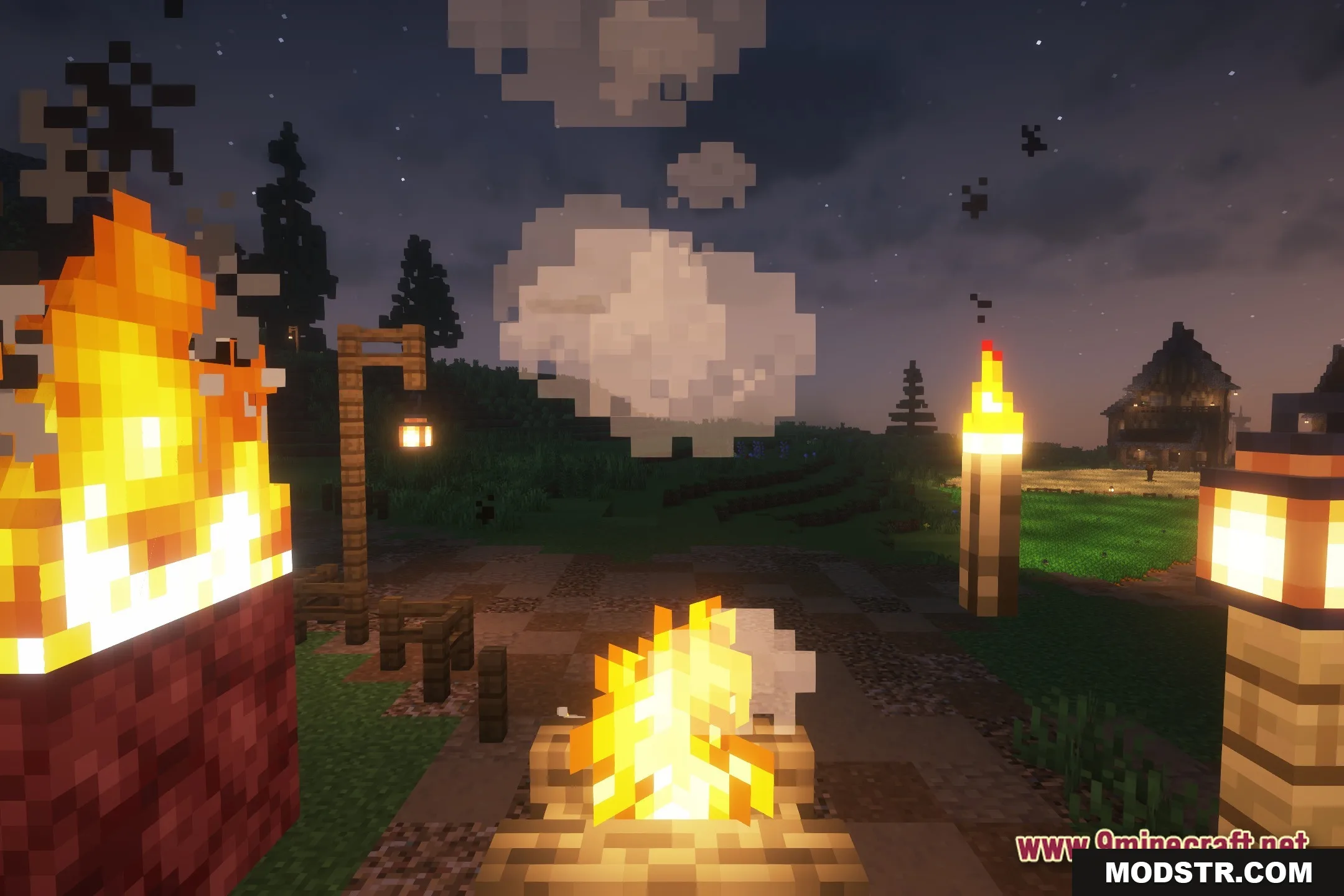
- Makes light sources glow softly against dark backgrounds.
Installation
- Download the shader pack from the appropriate source.
- Open Minecraft and go to the Settings menu.
- Select Graphics, then navigate to 'Shaders'.
- Click on 'Shaders Folder' and move the downloaded shader pack file into this directory.
- Return to the Shaders menu and select the Heart of the Universe Shaders from the list.

Screenshots




DOWNLOAD FILES
- shader