
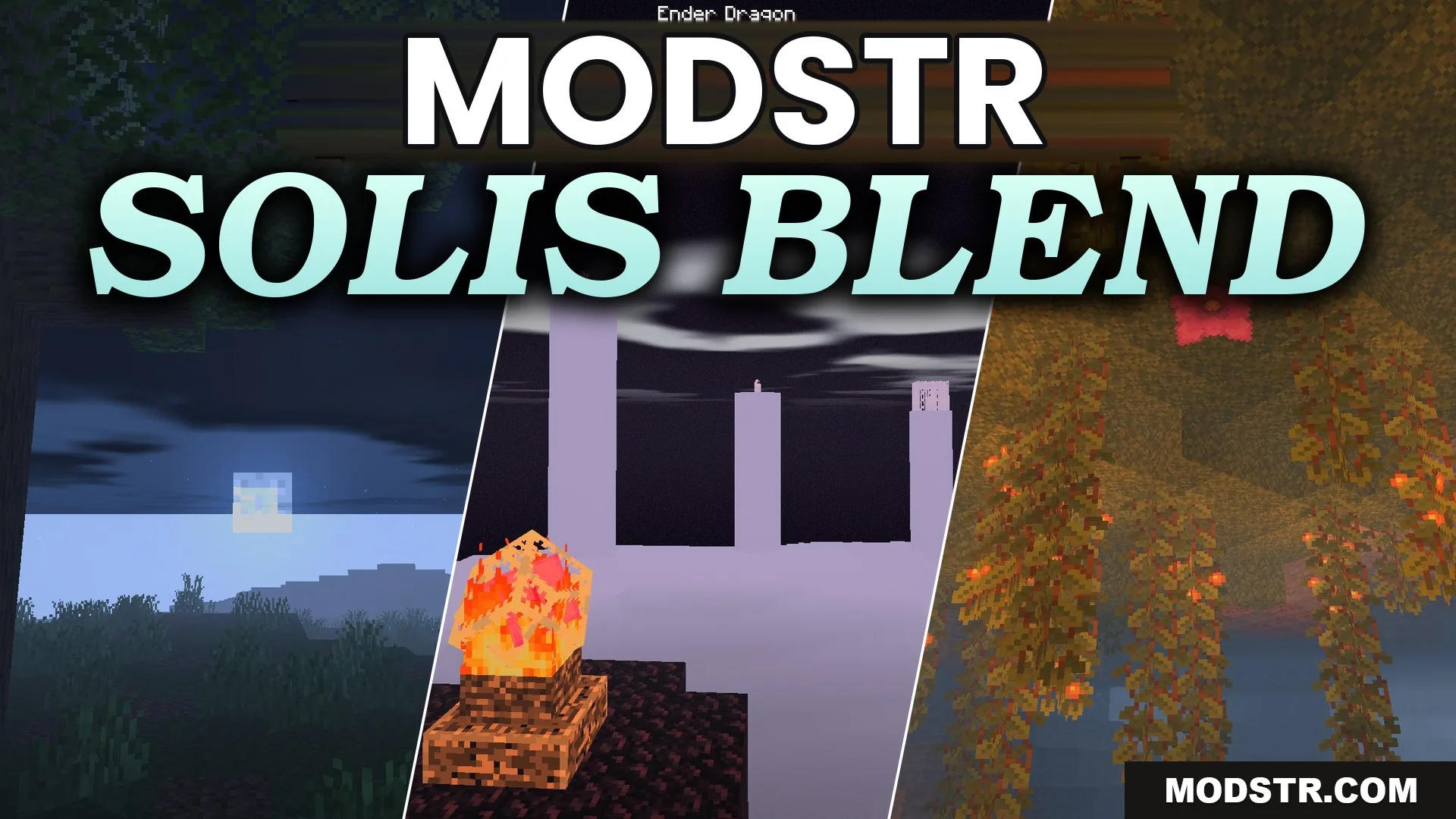
Solis Blend Shaders (26.2, 1.20.1) – Reflective Water and Handheld Lighting
Solis Blend Shaders enhances the visual experience in Minecraft with realistic lighting and effects. This shader is suitable for players looking to create an immersive and atmospheric game environment.
- 1.20.1
Solis Blend Shaders modifies the lighting in Minecraft to achieve a blend of realism and fantasy aesthetics. It features glowing water, atmospheric fog, and handheld lighting.
Features
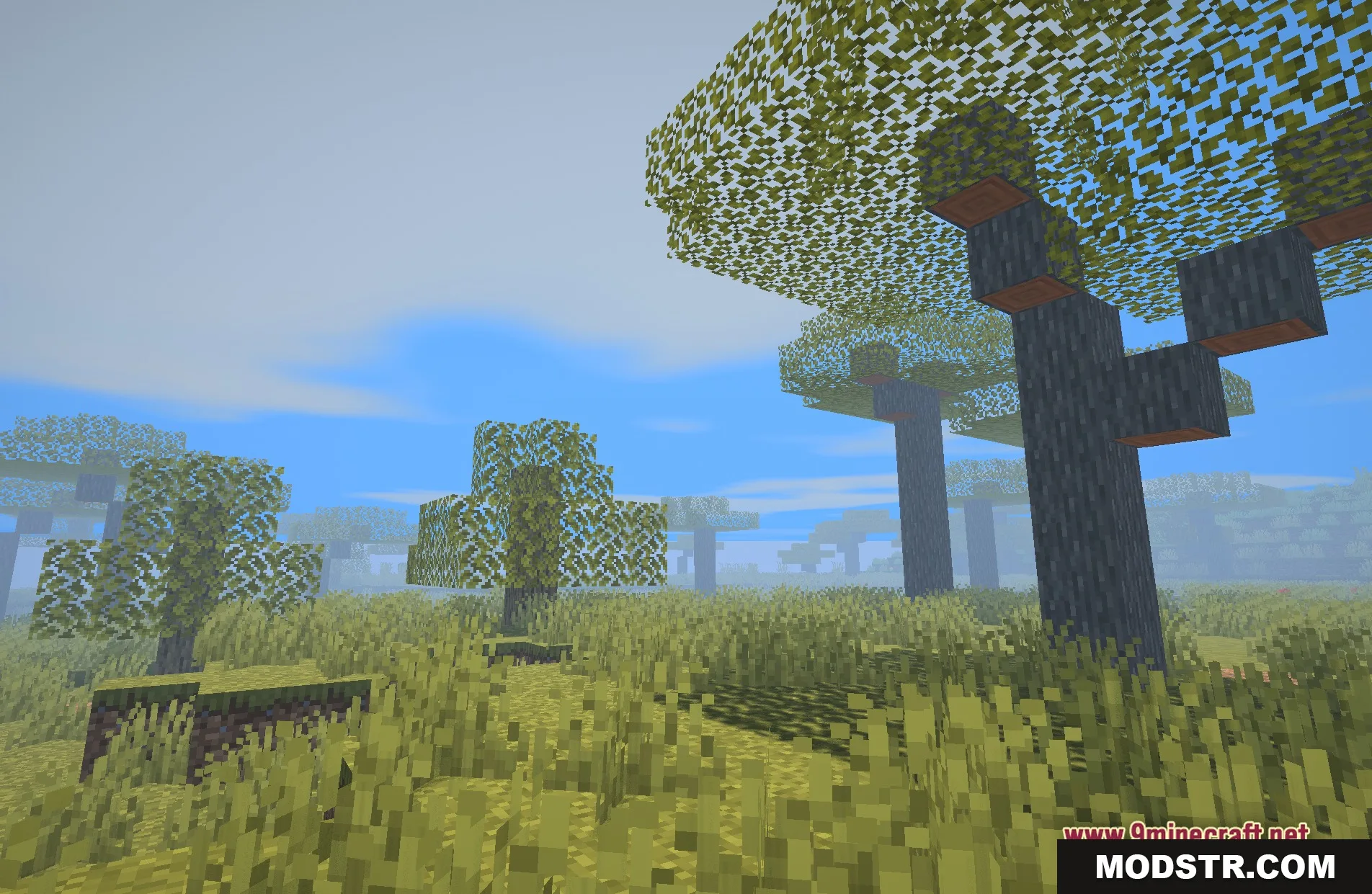
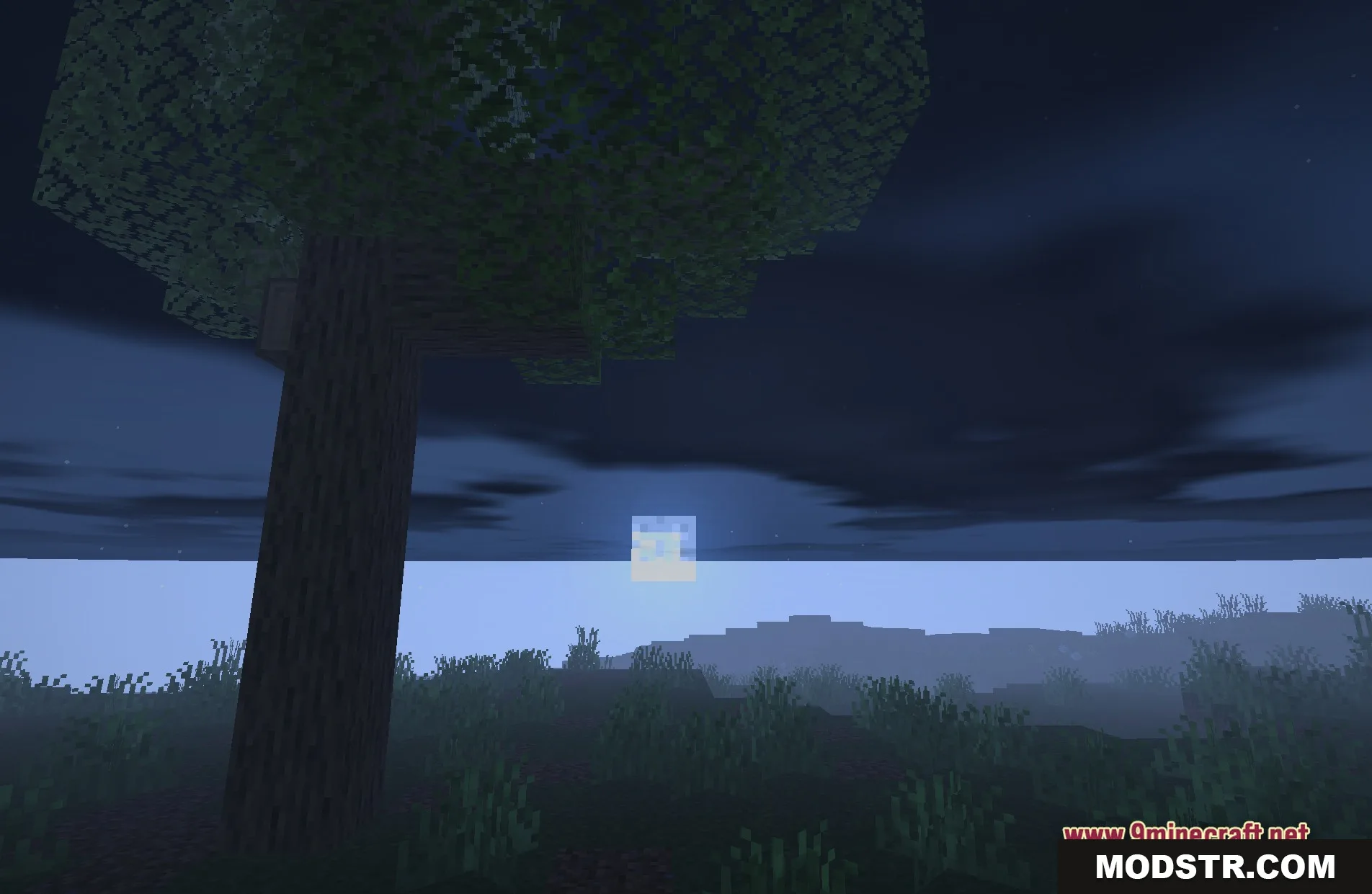
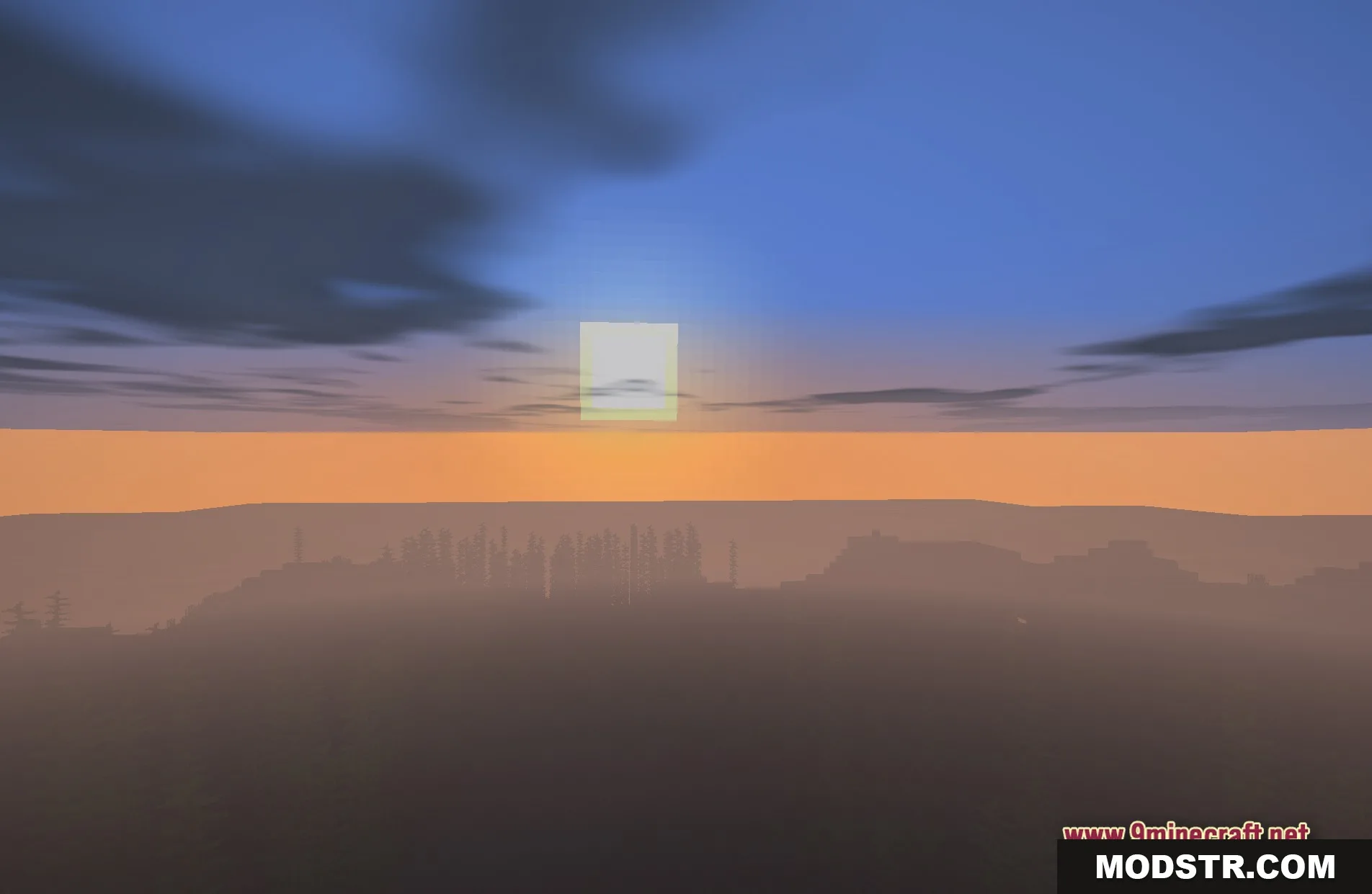
- Realistic Lighting: Alters how the sun and moon illuminate blocks.
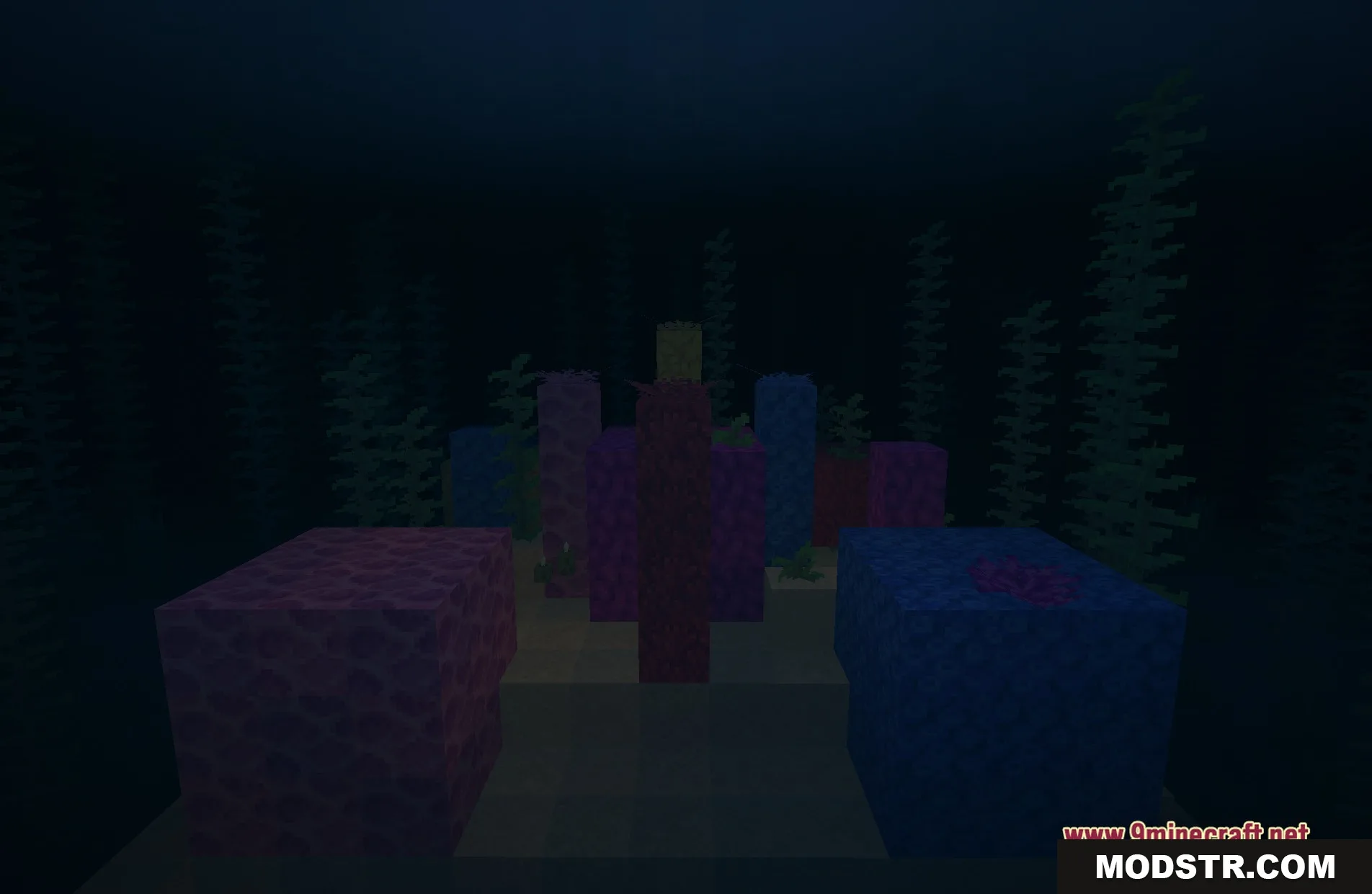
- Reflective Water: Causes oceans and rivers to mirror their surroundings.
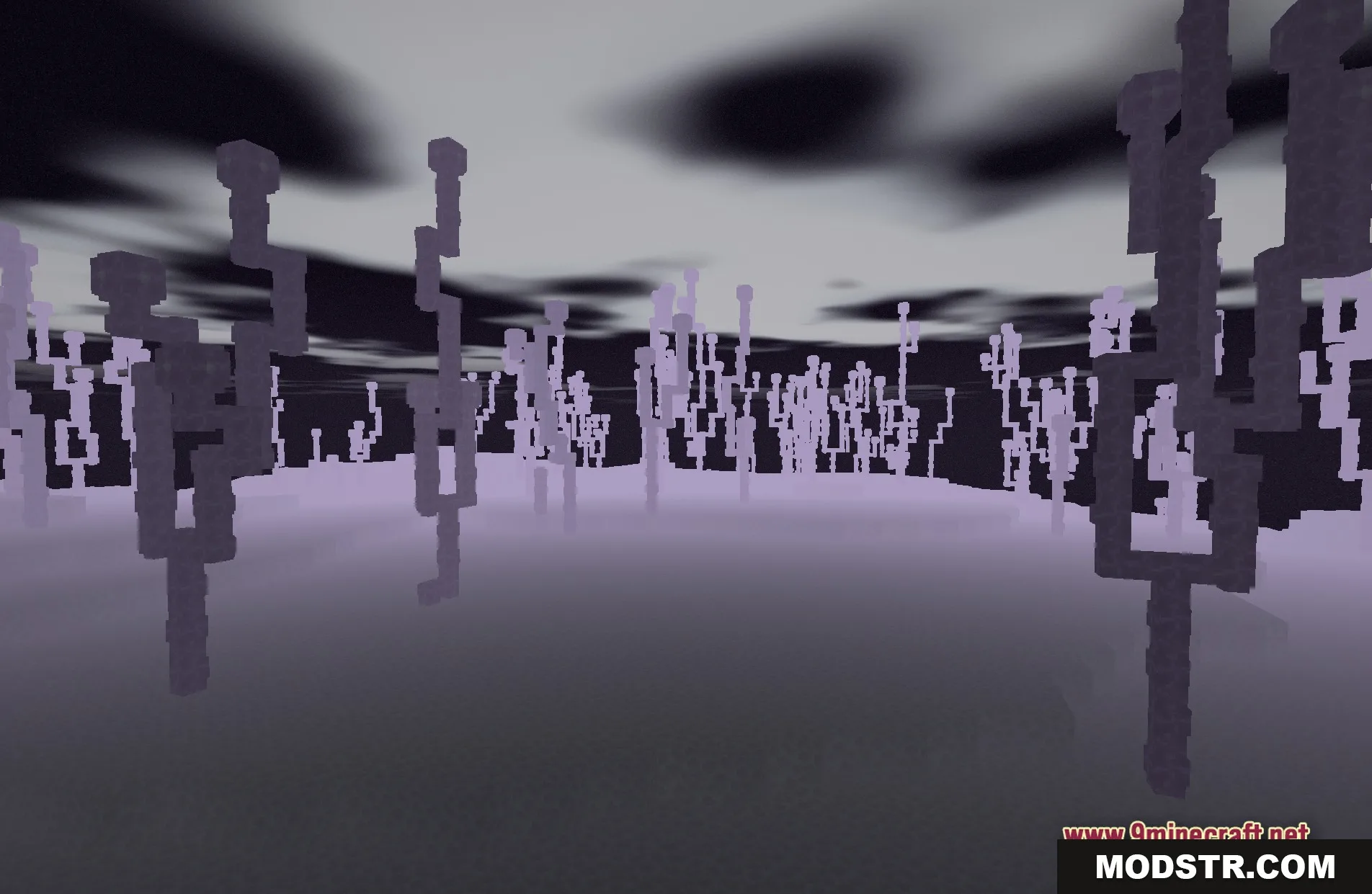
- Creepy Fog: Introduces a dense mist for a spooky atmosphere.
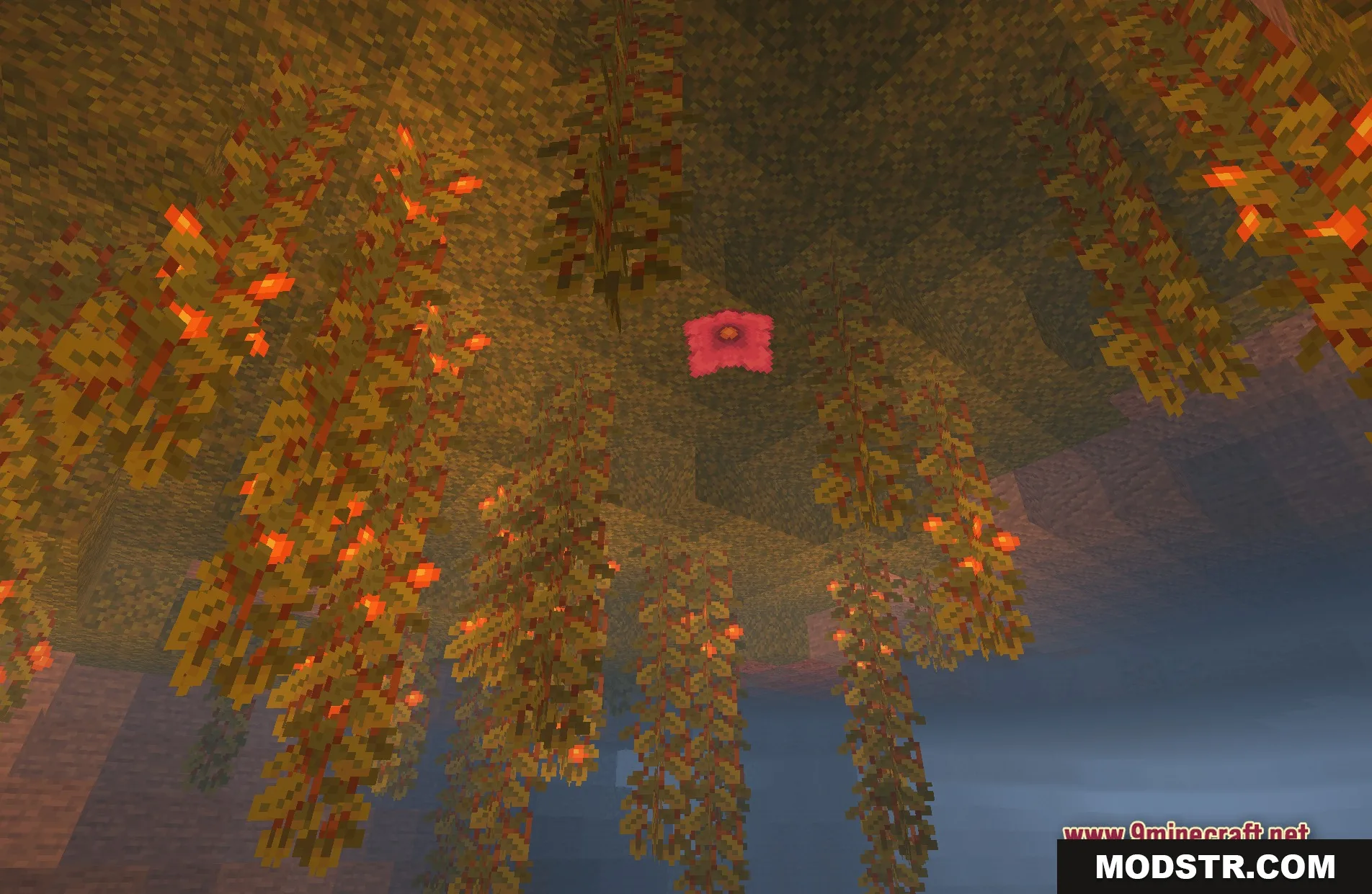
- Illuminates handheld items like torches when moving in low light.
- Transforms the overall game appearance to resemble a fantasy story.
Installation
- Download the shader pack from a trusted source.
- Open the Minecraft launcher and select the correct version.
- Navigating to Options, find the Shaders section.
- Click on the folder button and place the downloaded shader file into this directory.
- Select the Solis Blend Shaders from the list and apply it.
Screenshots
DOWNLOAD FILES
- shader