
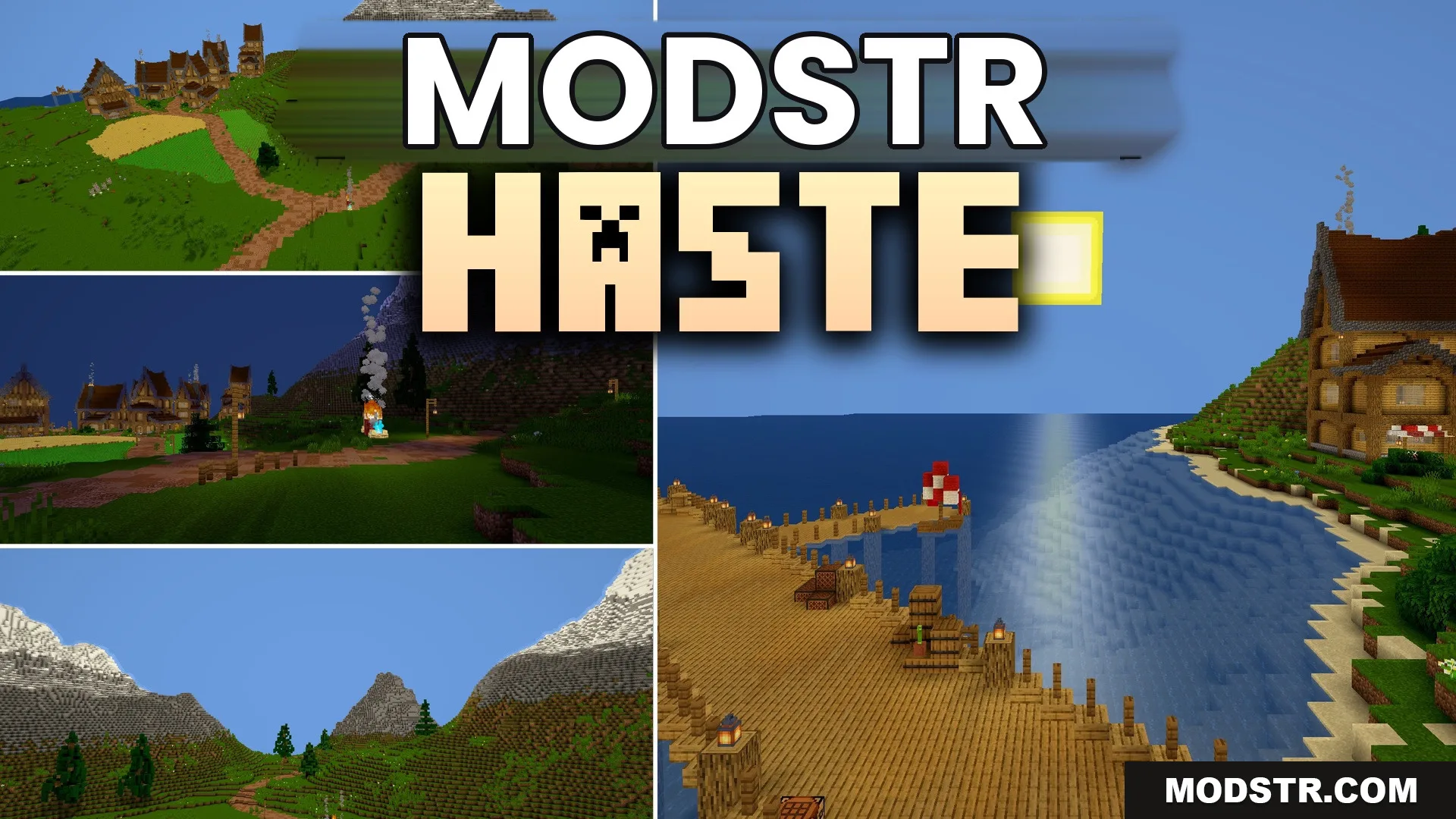
Haste Shaders (26.2, 1.20.1) – Vanilla Lighting with High Frame Rates
Haste Shaders offers improved lighting for Minecraft players on low-end devices. It enhances visuals without sacrificing frame rates, maintaining a classic aesthetic.
- 1.20.1
Haste Shaders is designed for Minecraft players using older computers or basic laptops. It enhances the game's lighting while ensuring a smooth performance without compromising frame rates.
Features
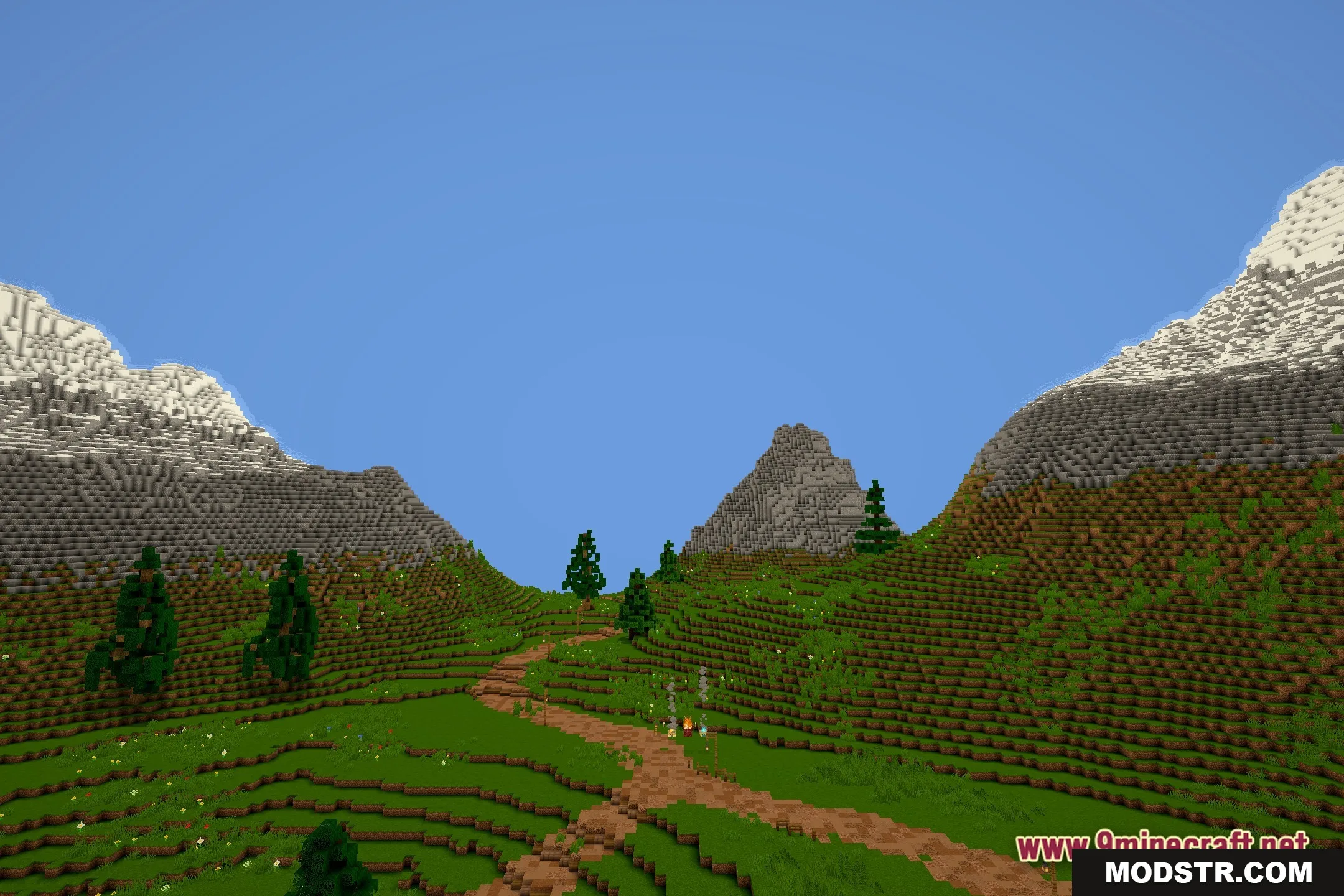
- Performance Focused: Keeps your frame rate high even on older laptops that struggle with heavy graphics.
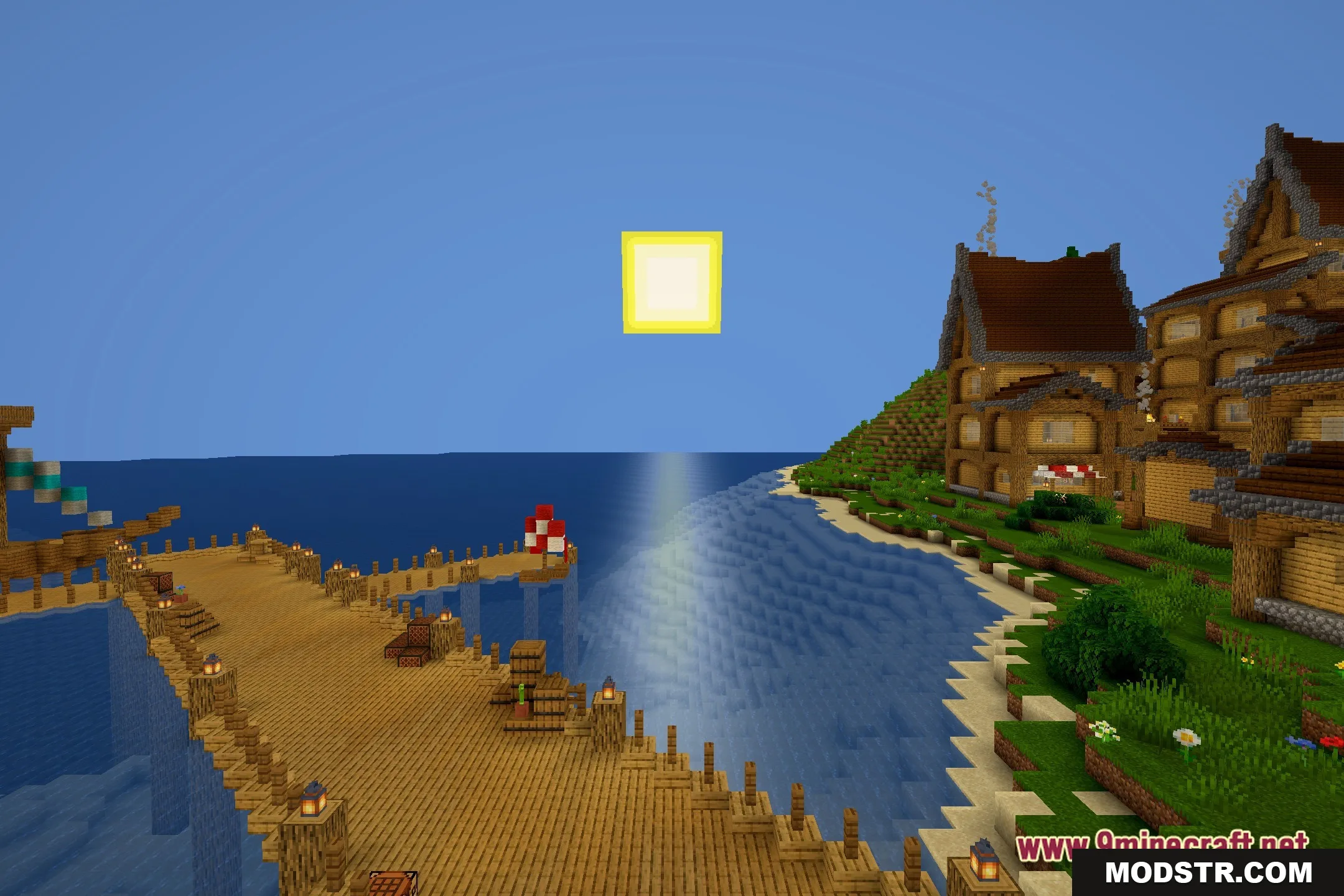
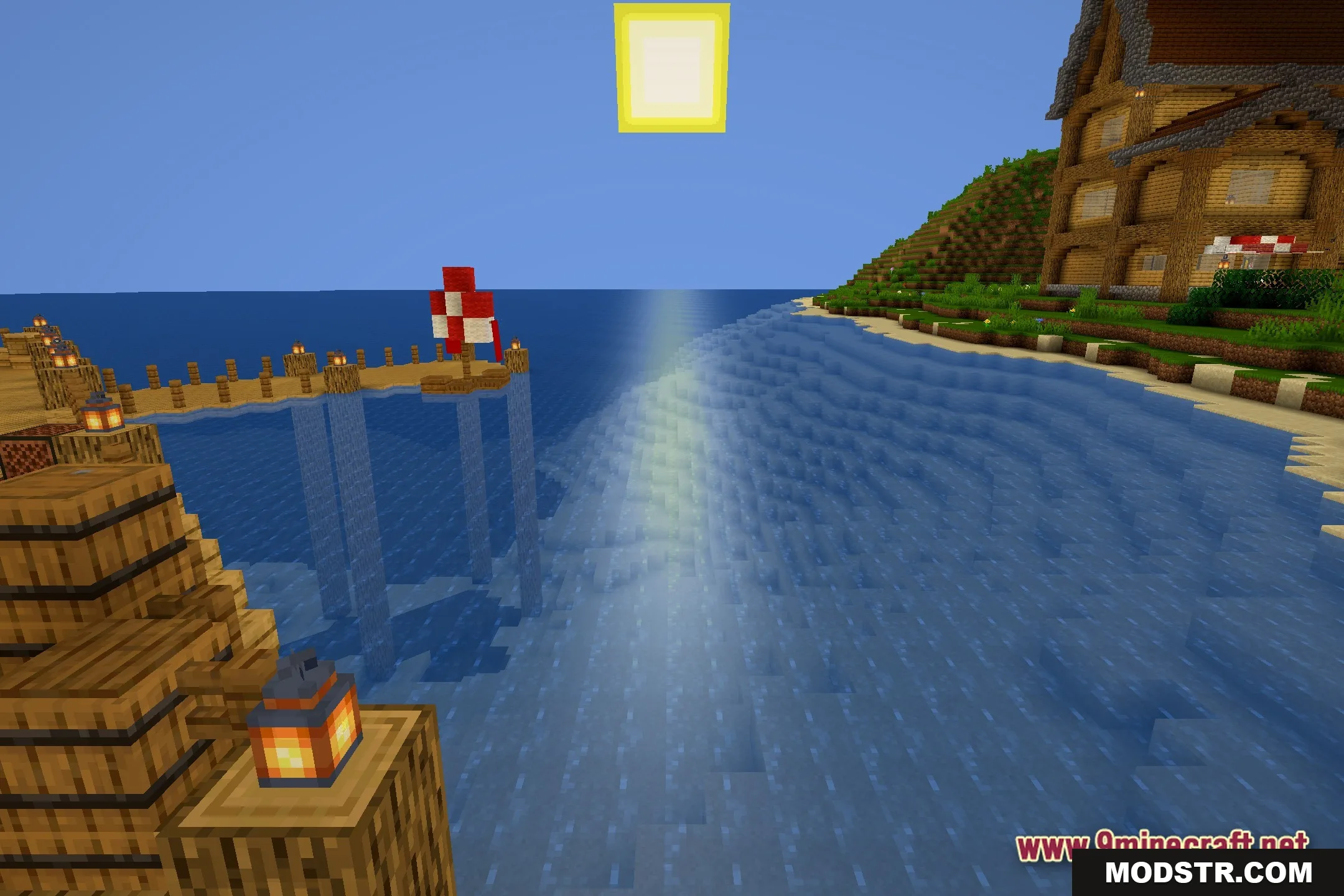
- Keeps the classic vanilla feel of the game while adding subtle lighting changes.
- Removes heavy visual effects that cause lag on basic computers.
- Players get a cleaner, brighter world without needing an expensive gaming setup.
Installation
- Download the Haste Shaders file.
- Open the Minecraft launcher and navigate to the 'Installations' tab.
- Select the profile you wish to modify and click on 'More Options'.
- Add the shader pack to the 'Shaders' folder in Minecraft's directory.
- Launch the game and enable Haste Shaders from the settings menu.
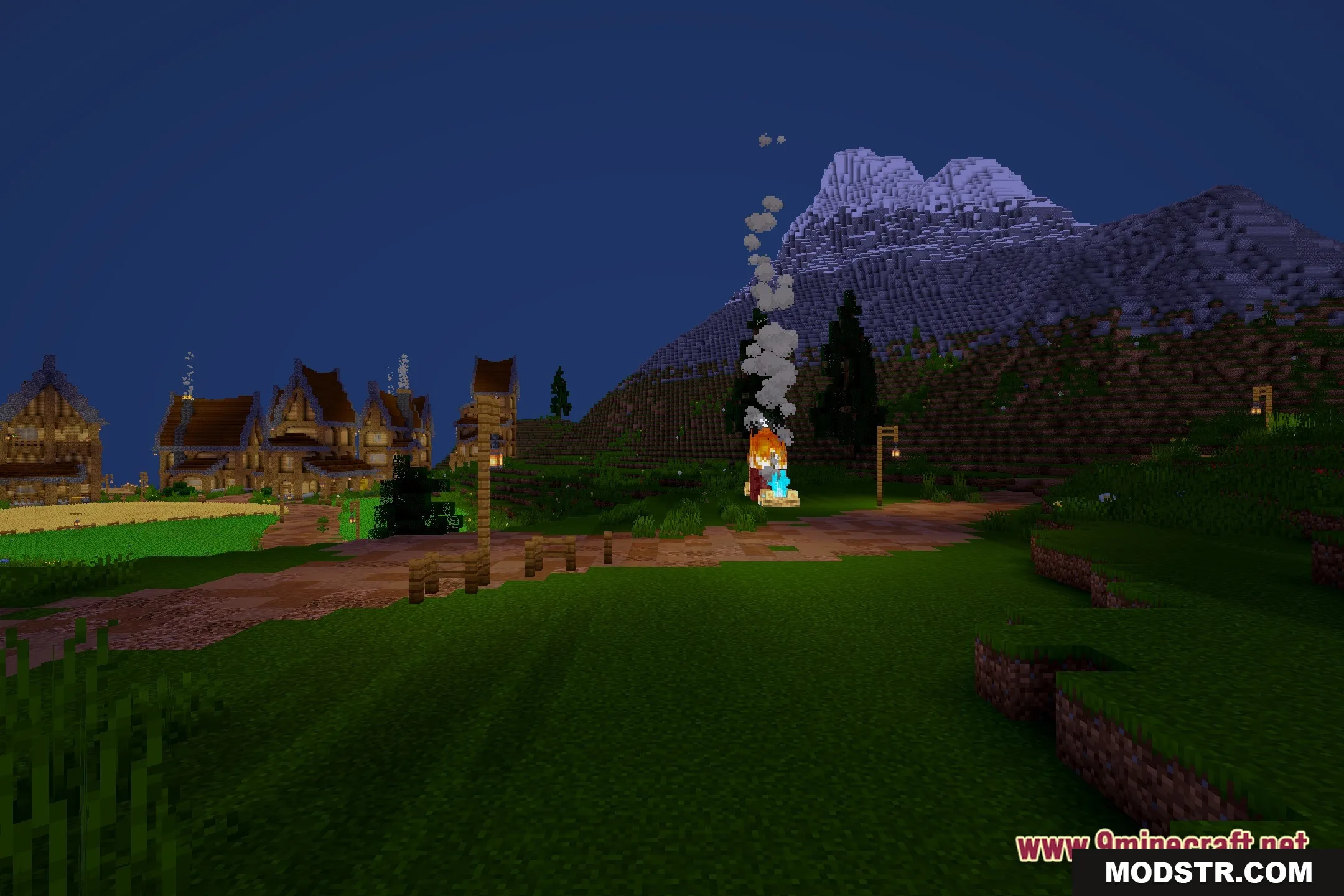
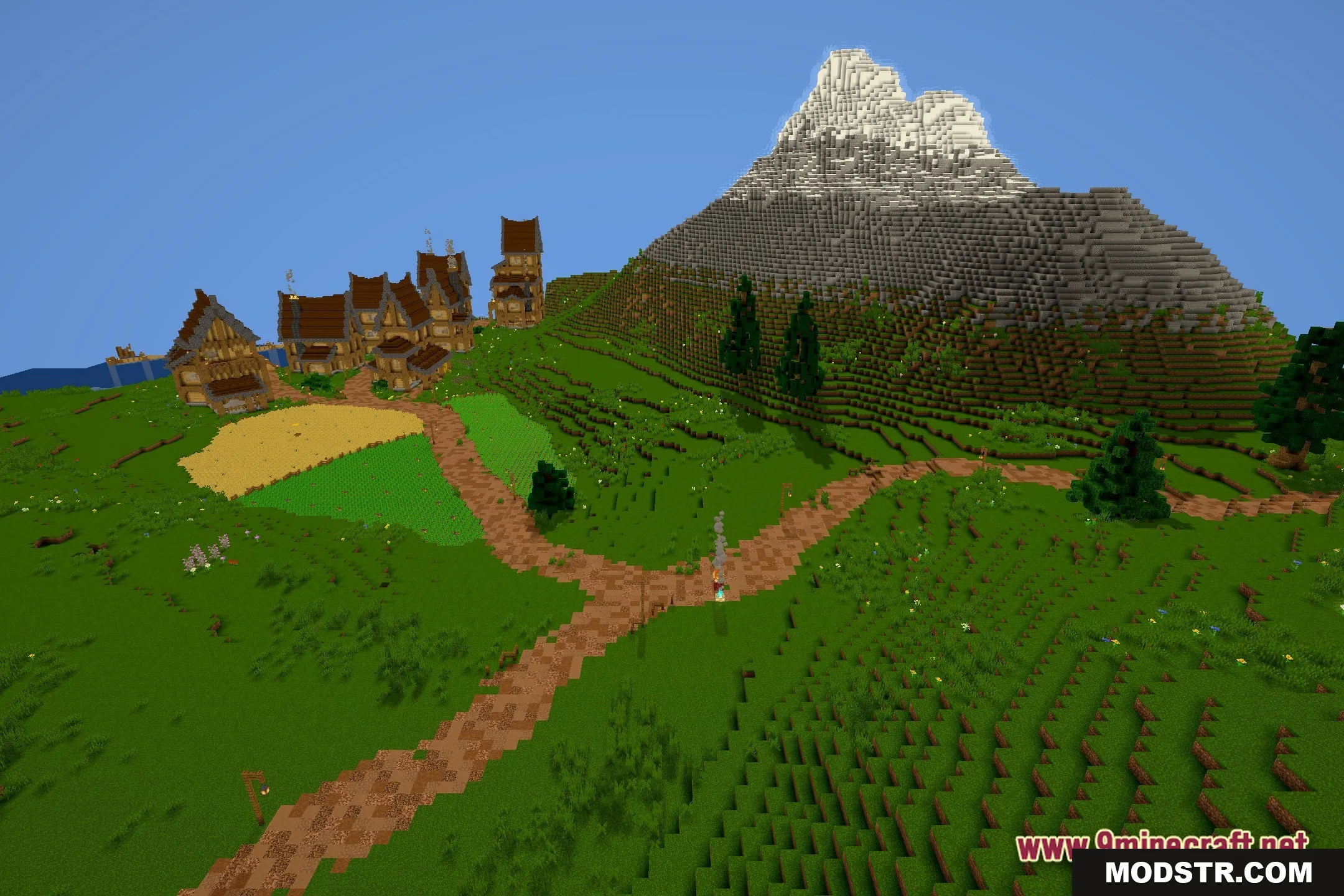
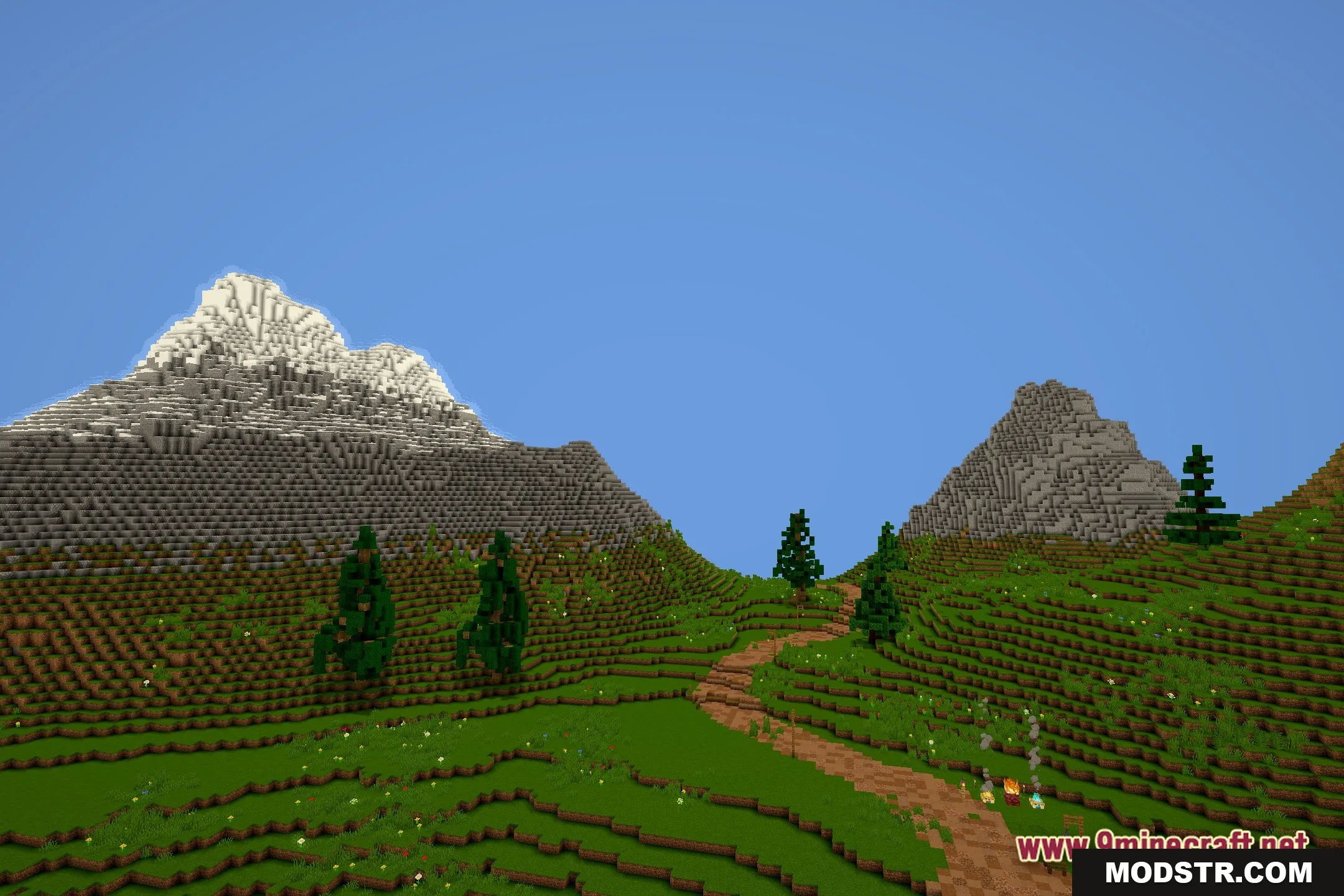
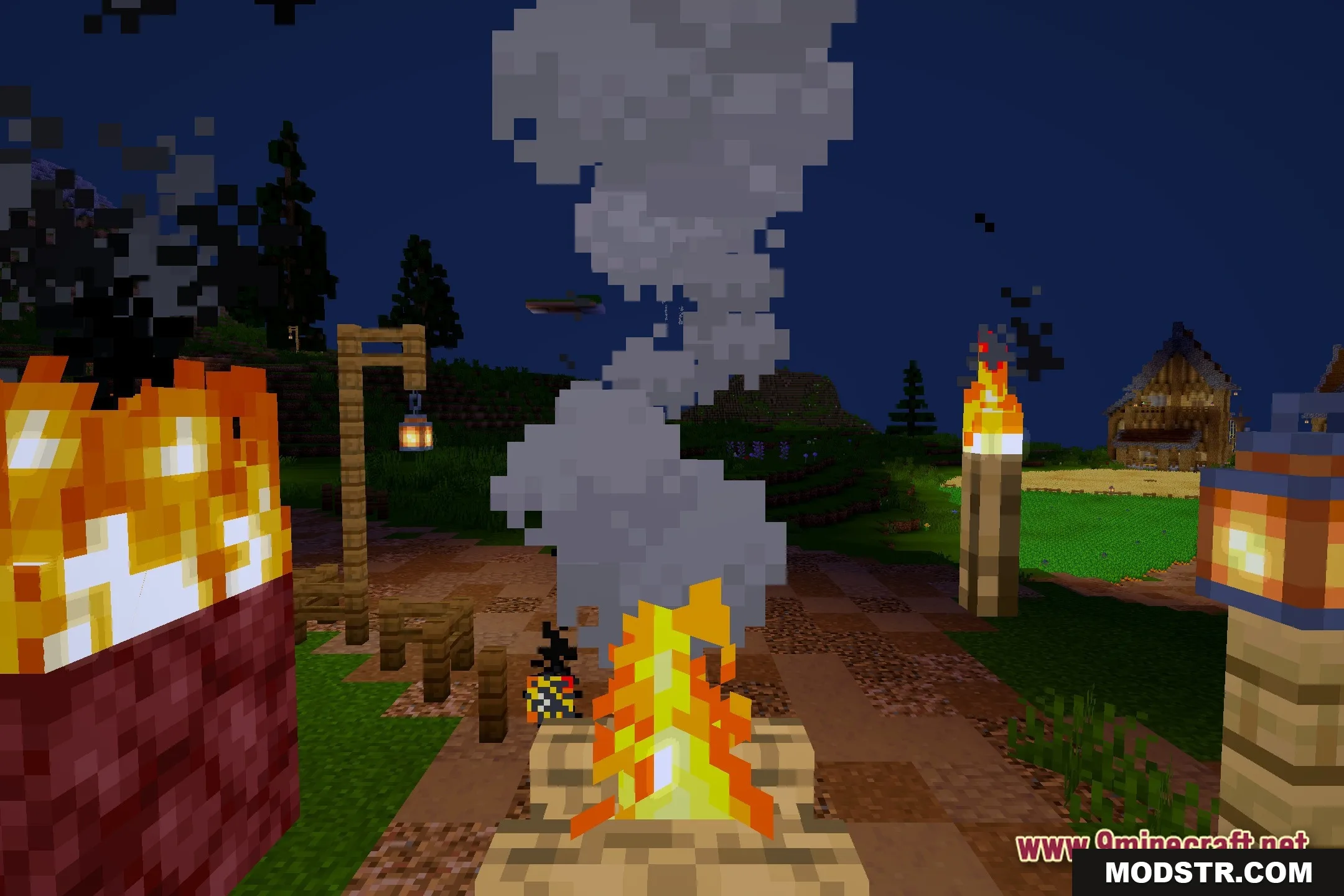
Screenshots
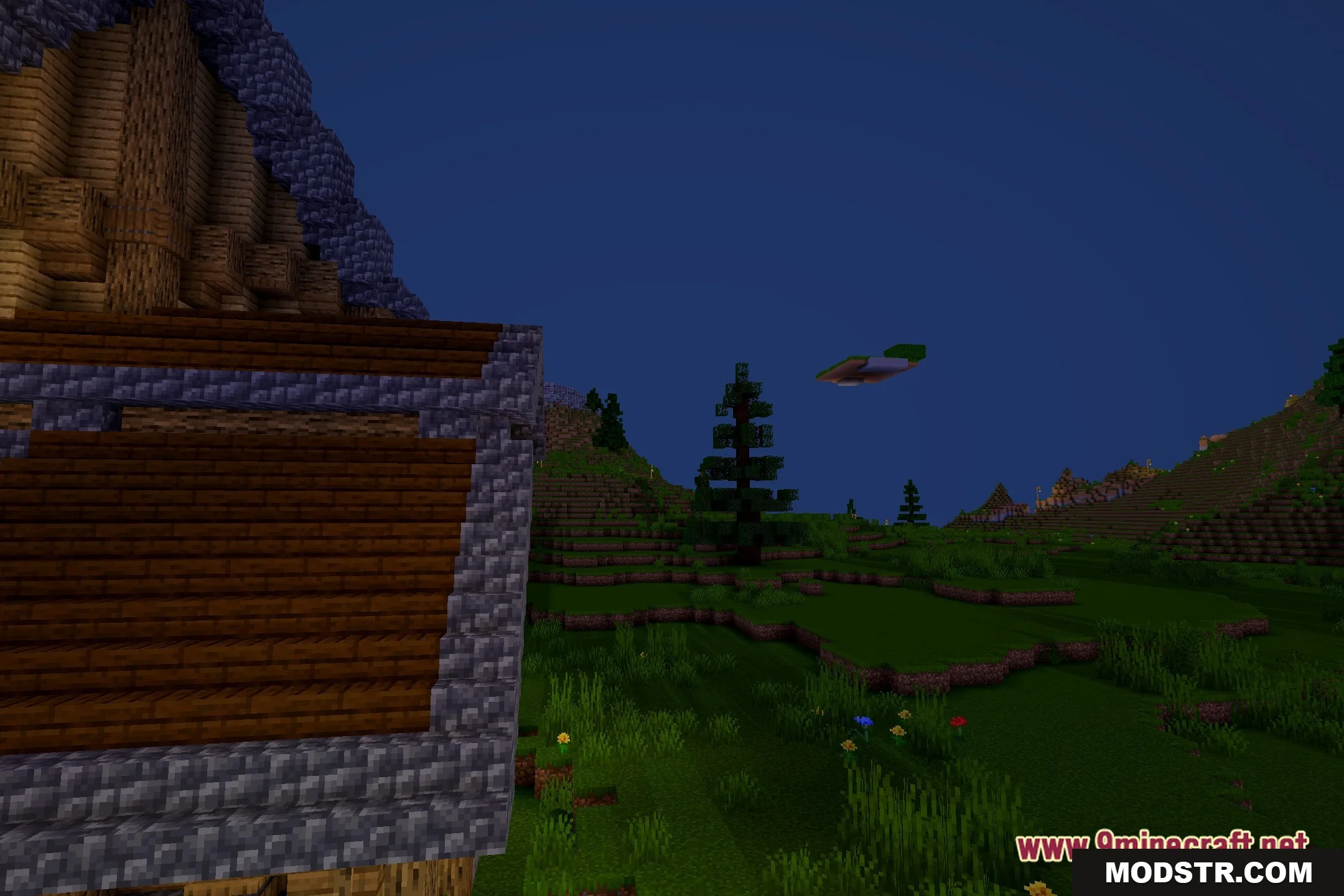
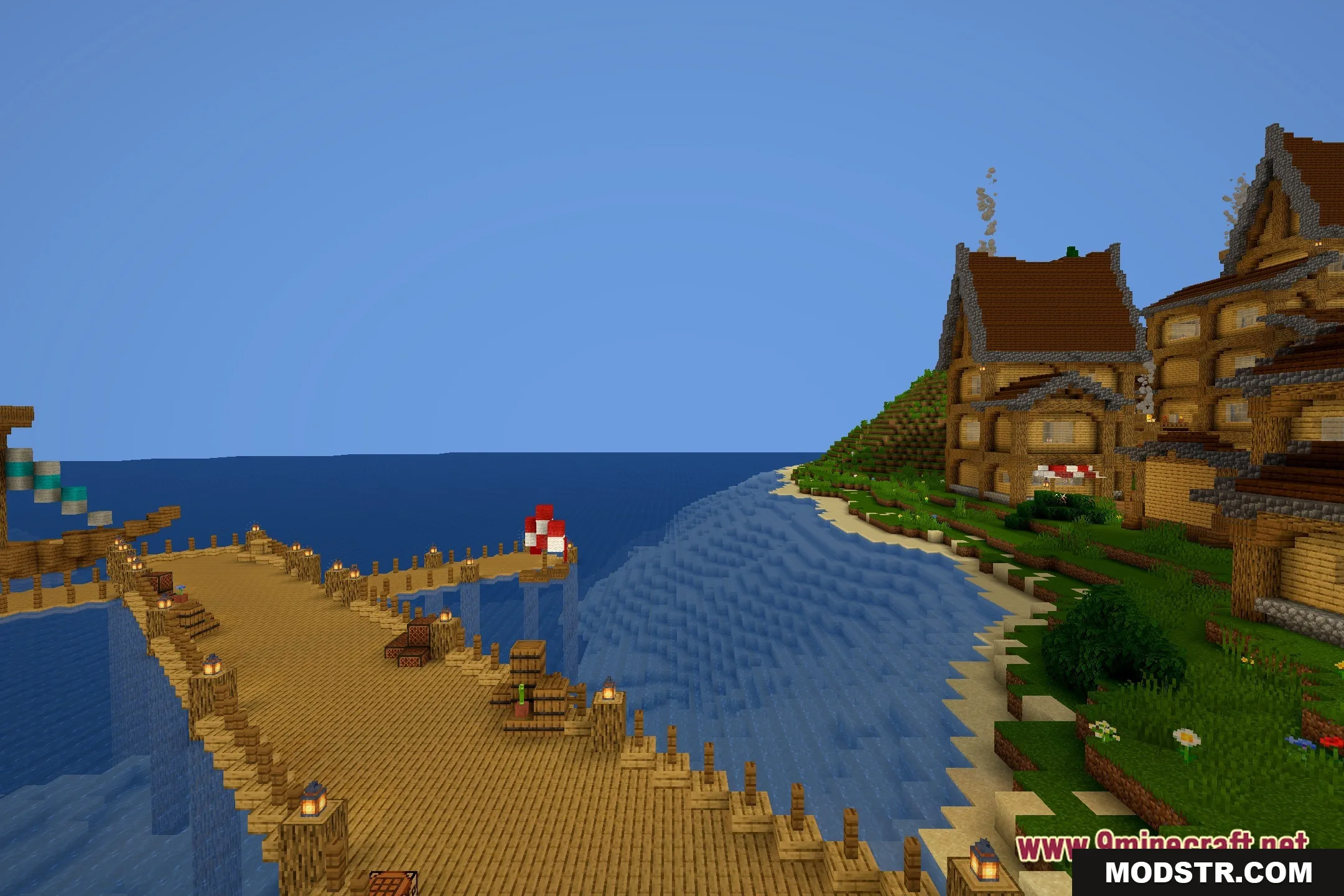
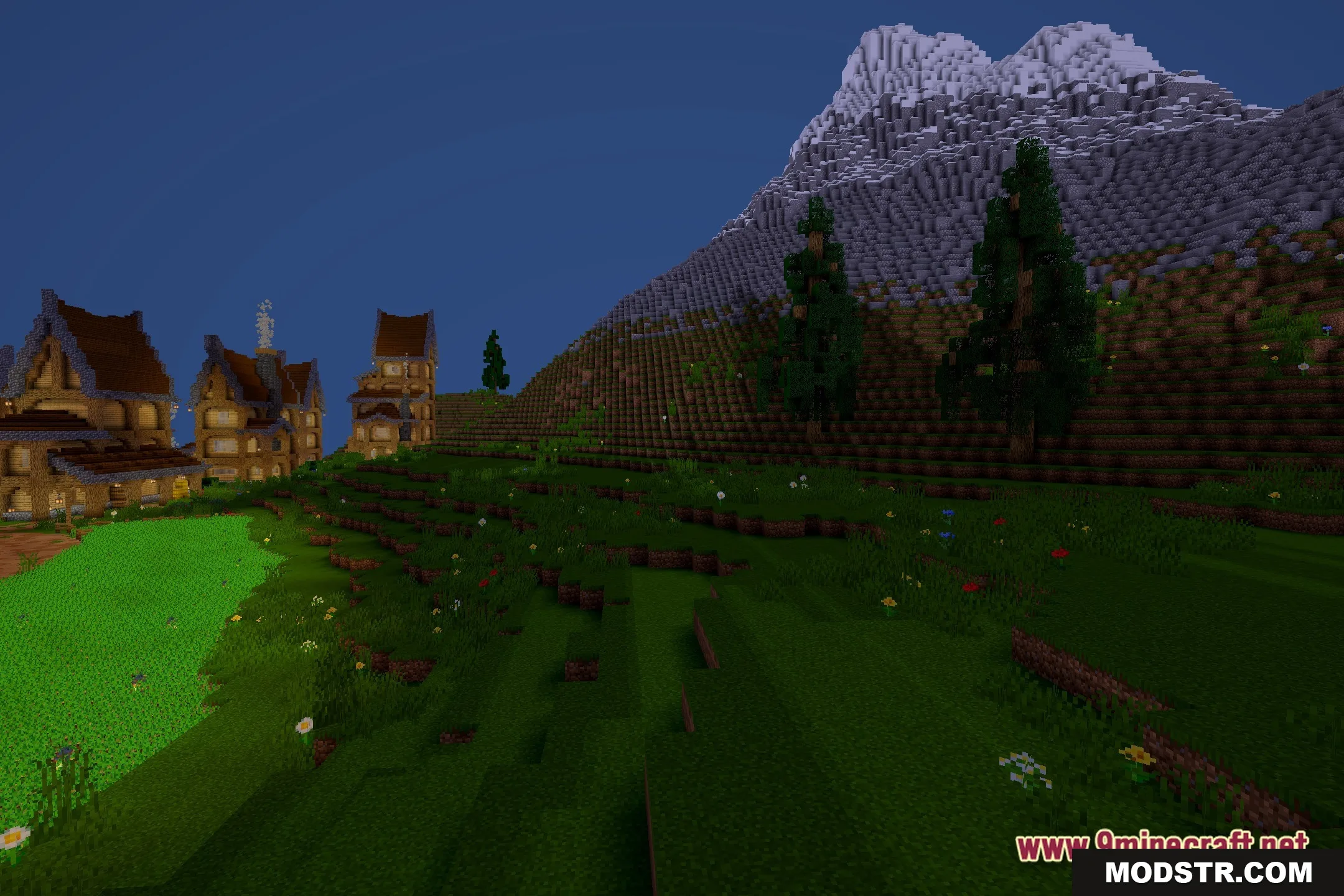
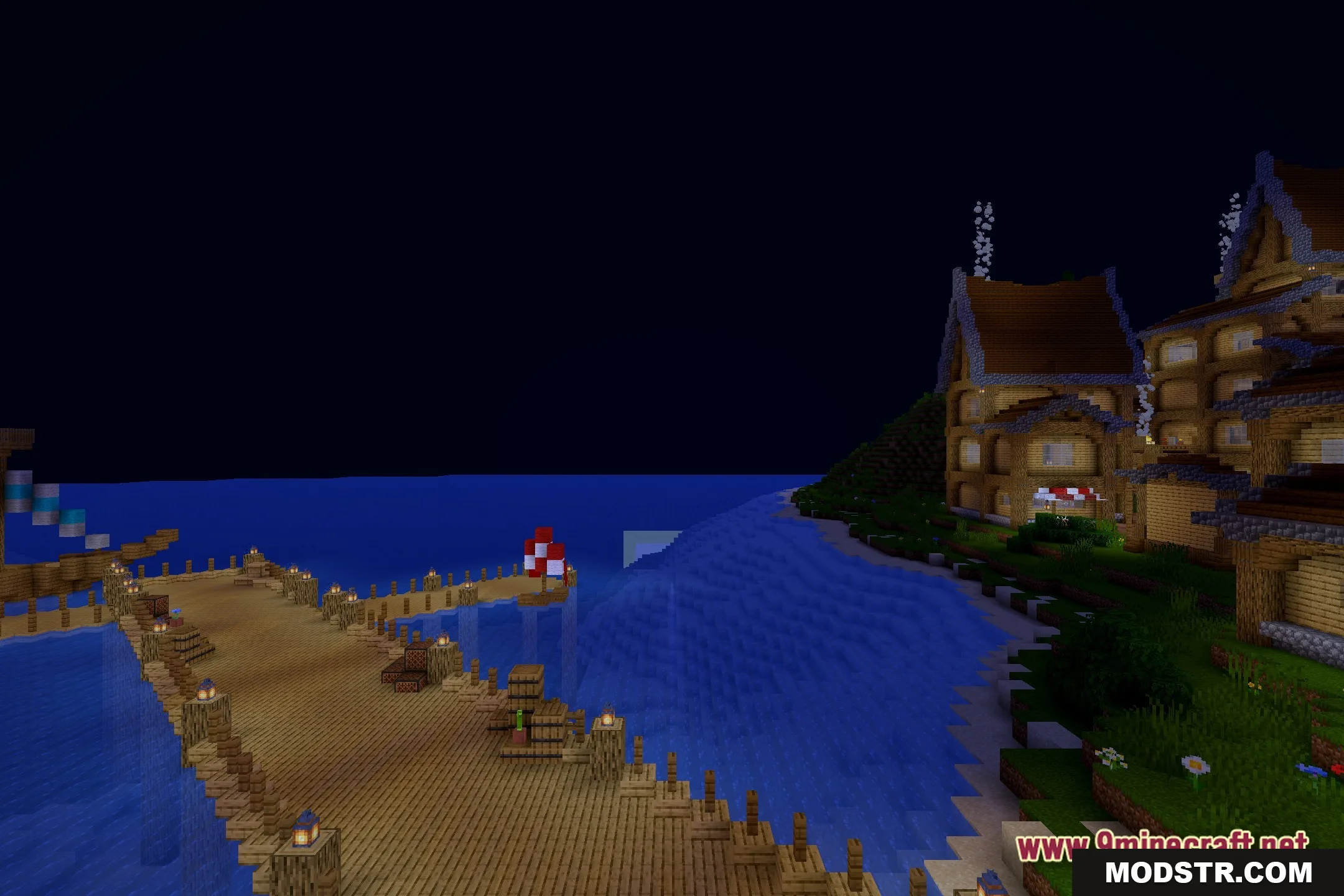
DOWNLOAD FILES
- shader