
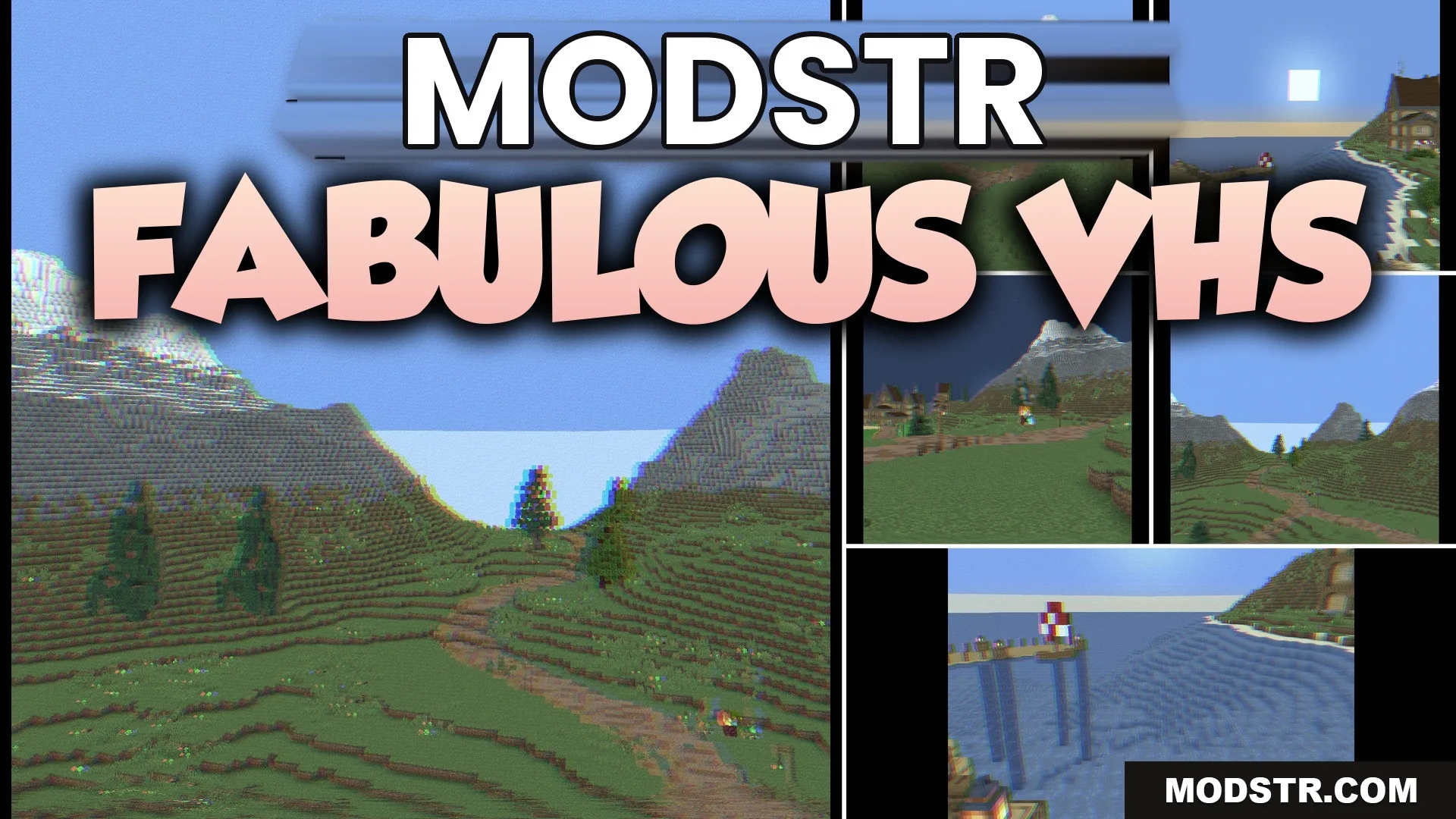
Fabulous VHS Shaders (26.2, 1.20.1) – Classic Scanlines with Low GPU Cost
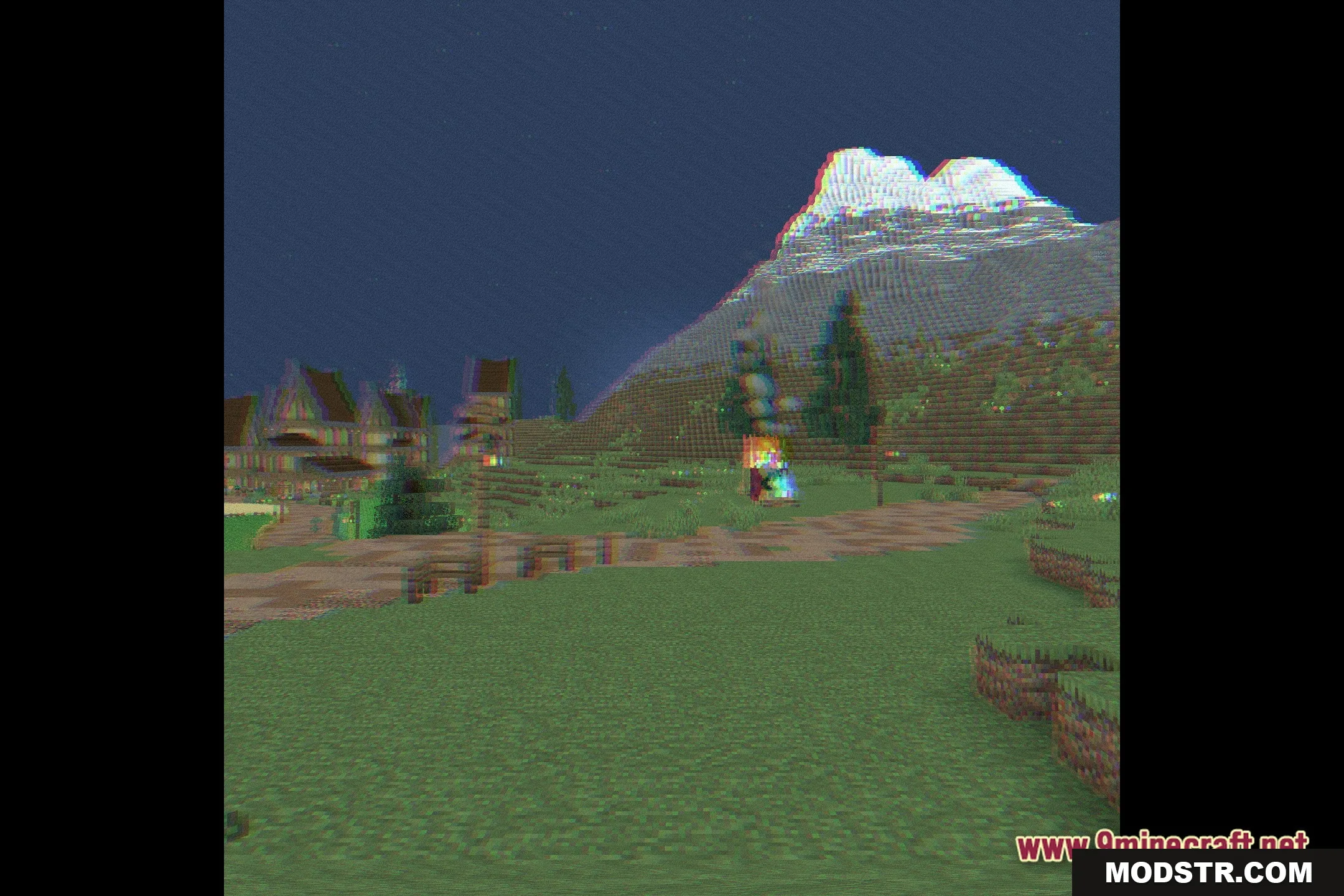
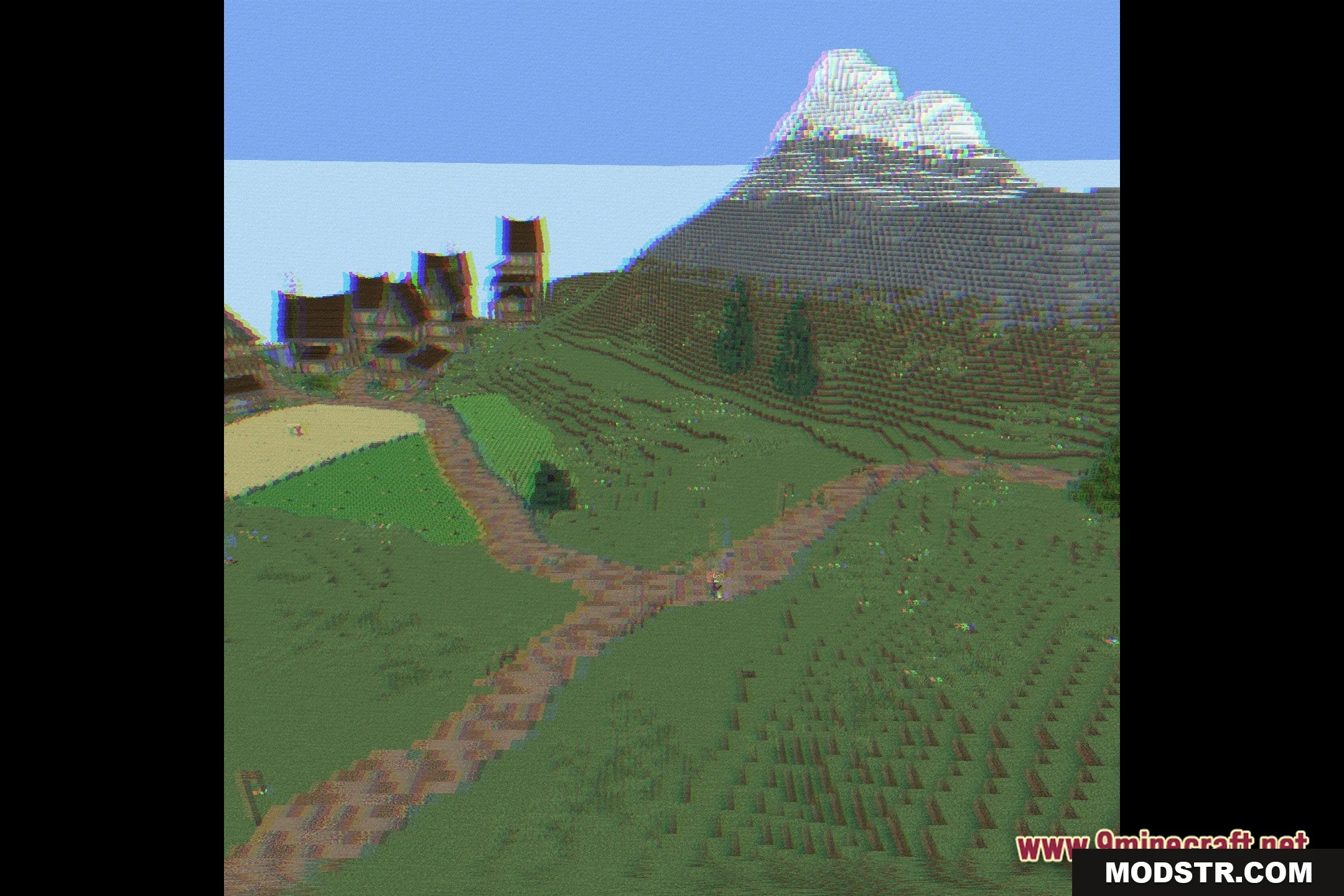
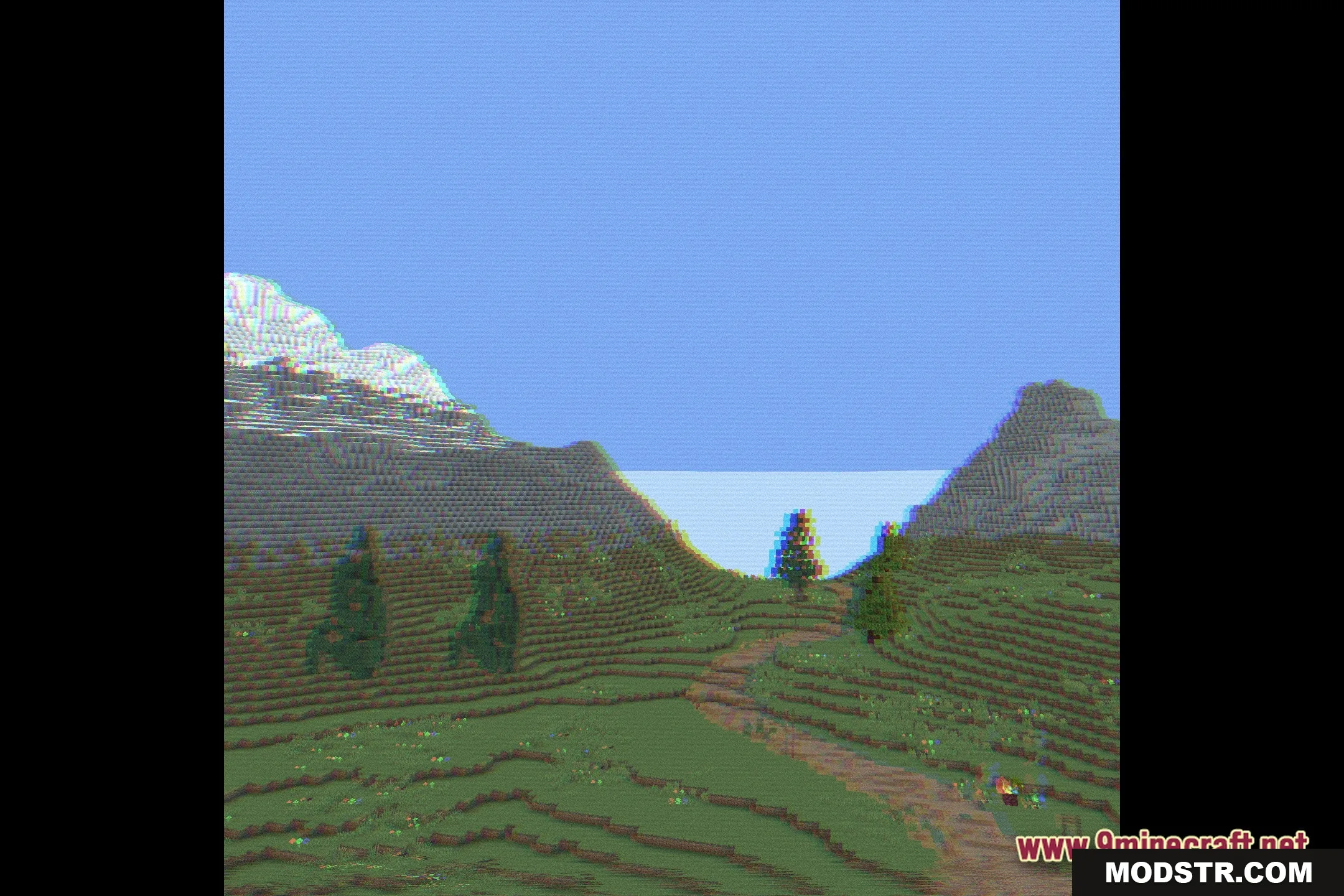
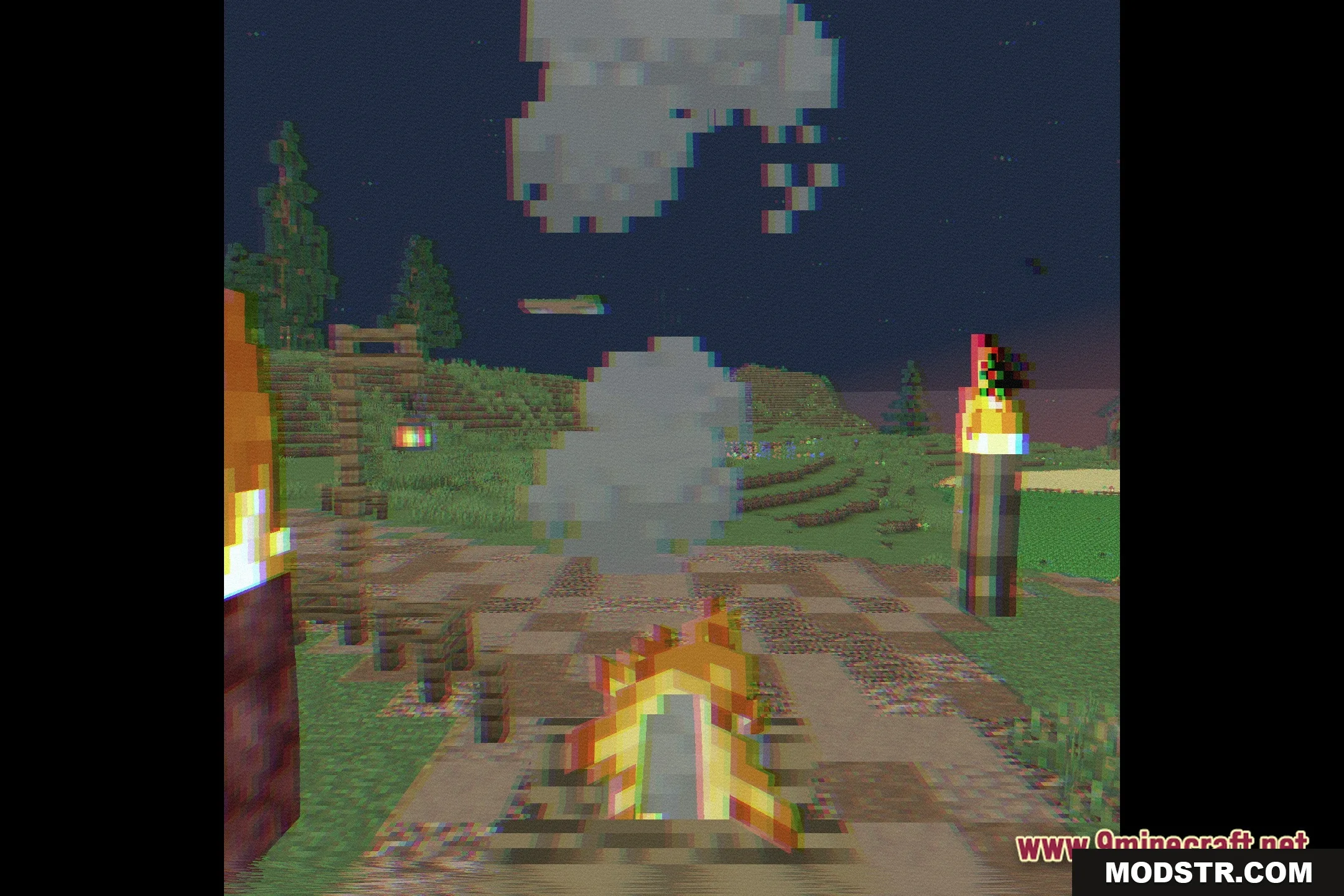
Fabulous VHS Shaders provides a retro video tape filter for Minecraft, designed for low-spec computers. It enhances the game's visuals while maintaining performance.
- 1.20.1
Fabulous VHS Shaders applies a classic video tape filter to your Minecraft experience. This shader is ideal for players using older hardware, delivering a distinctive retro aesthetic without significantly impacting performance.
Features
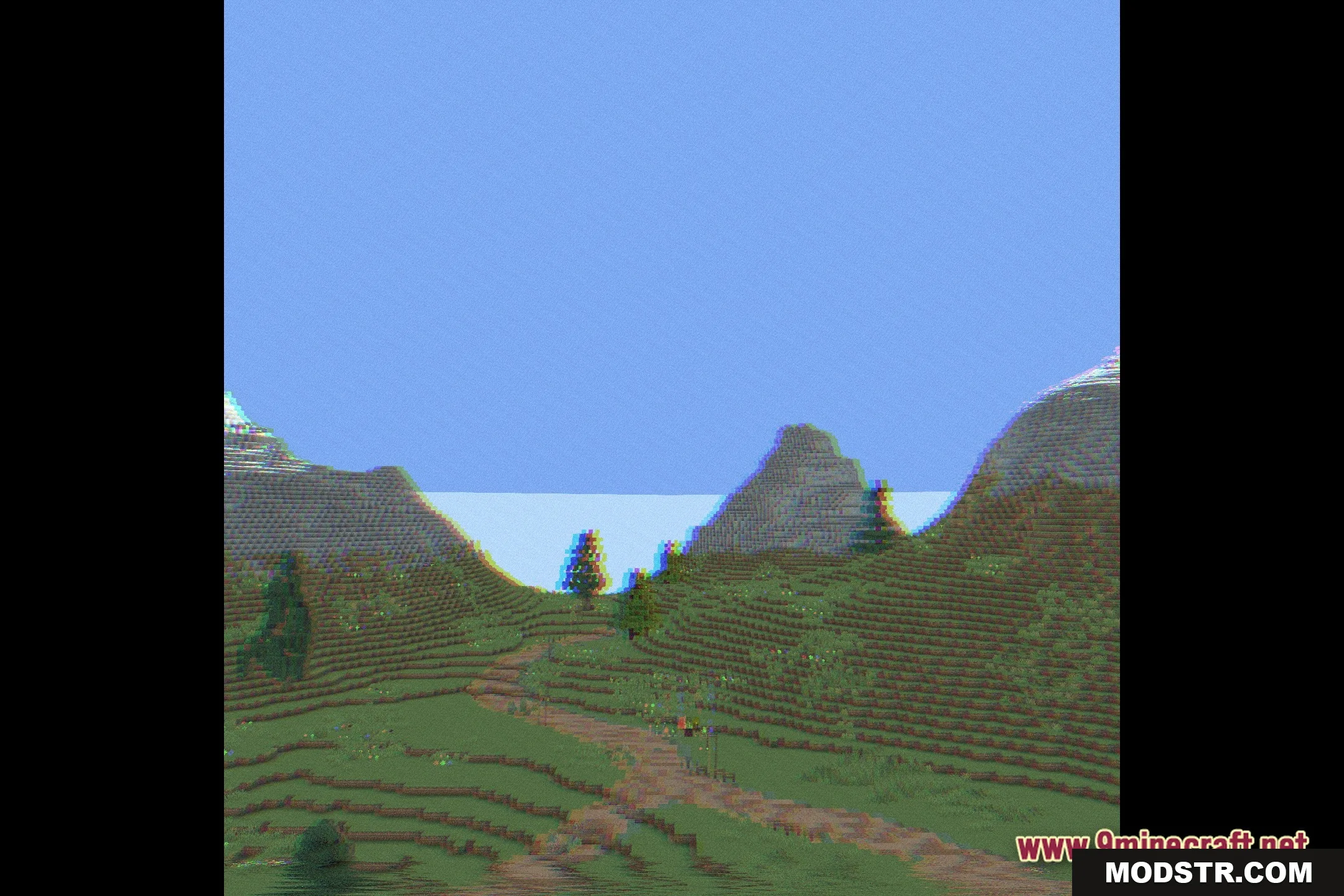
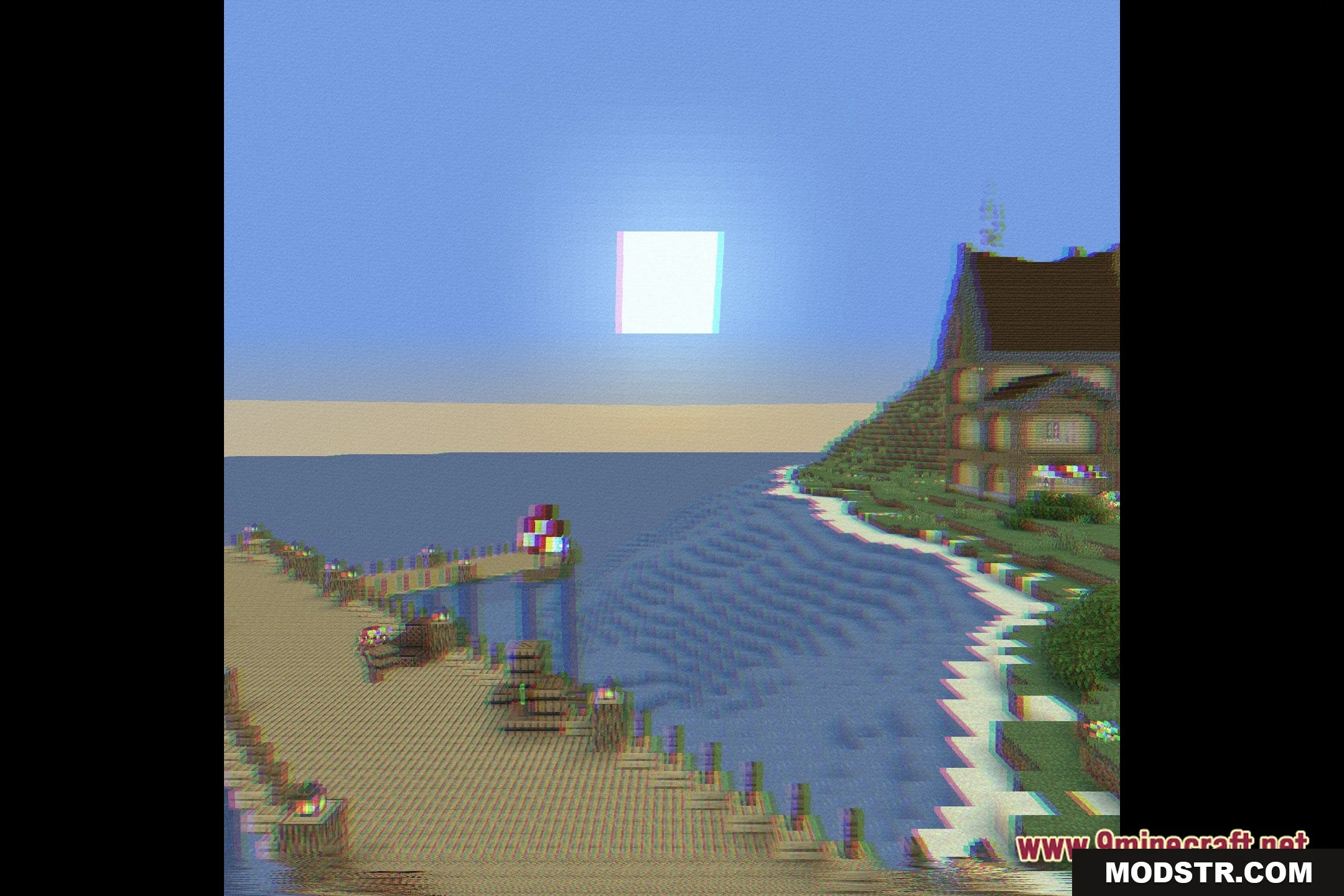
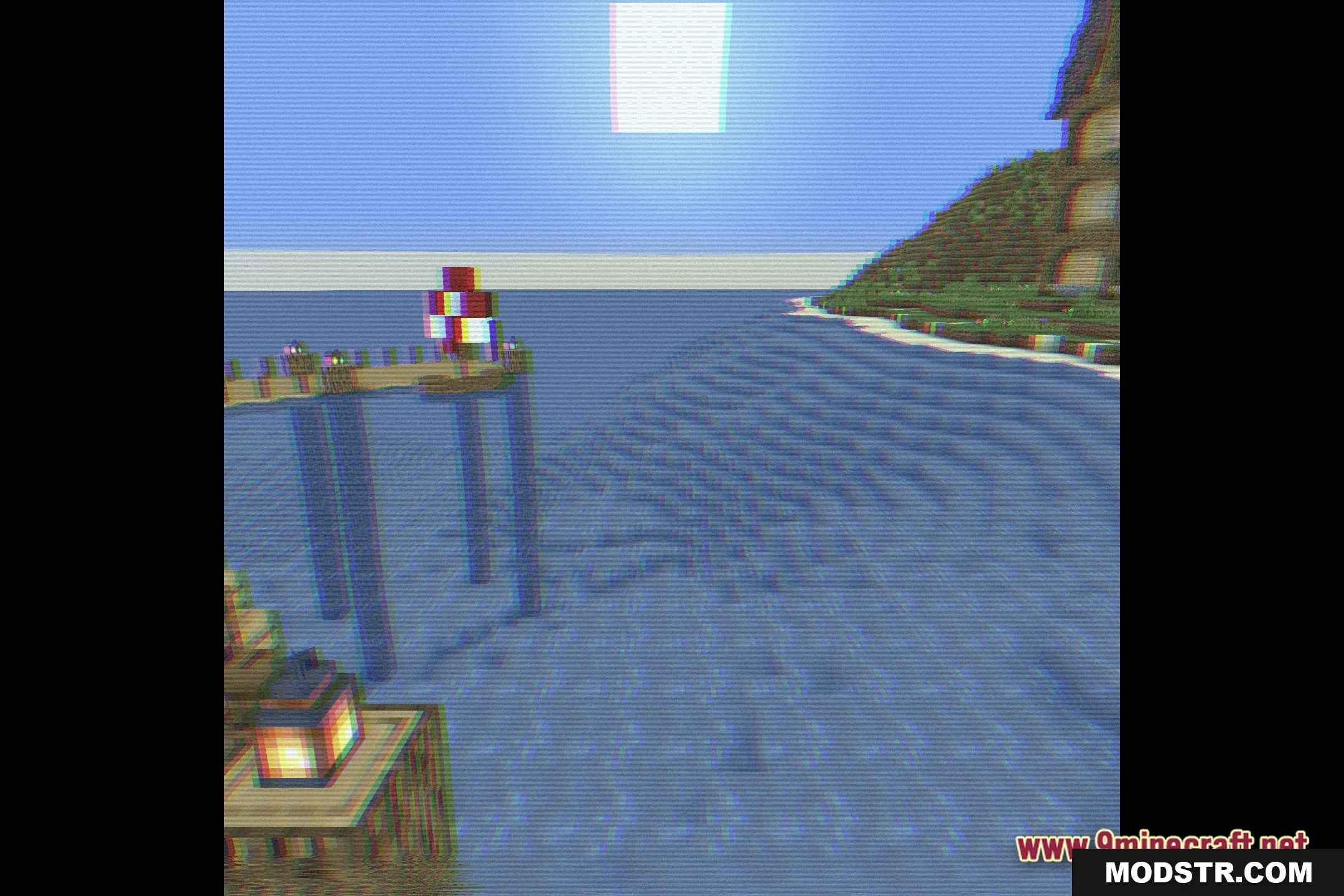
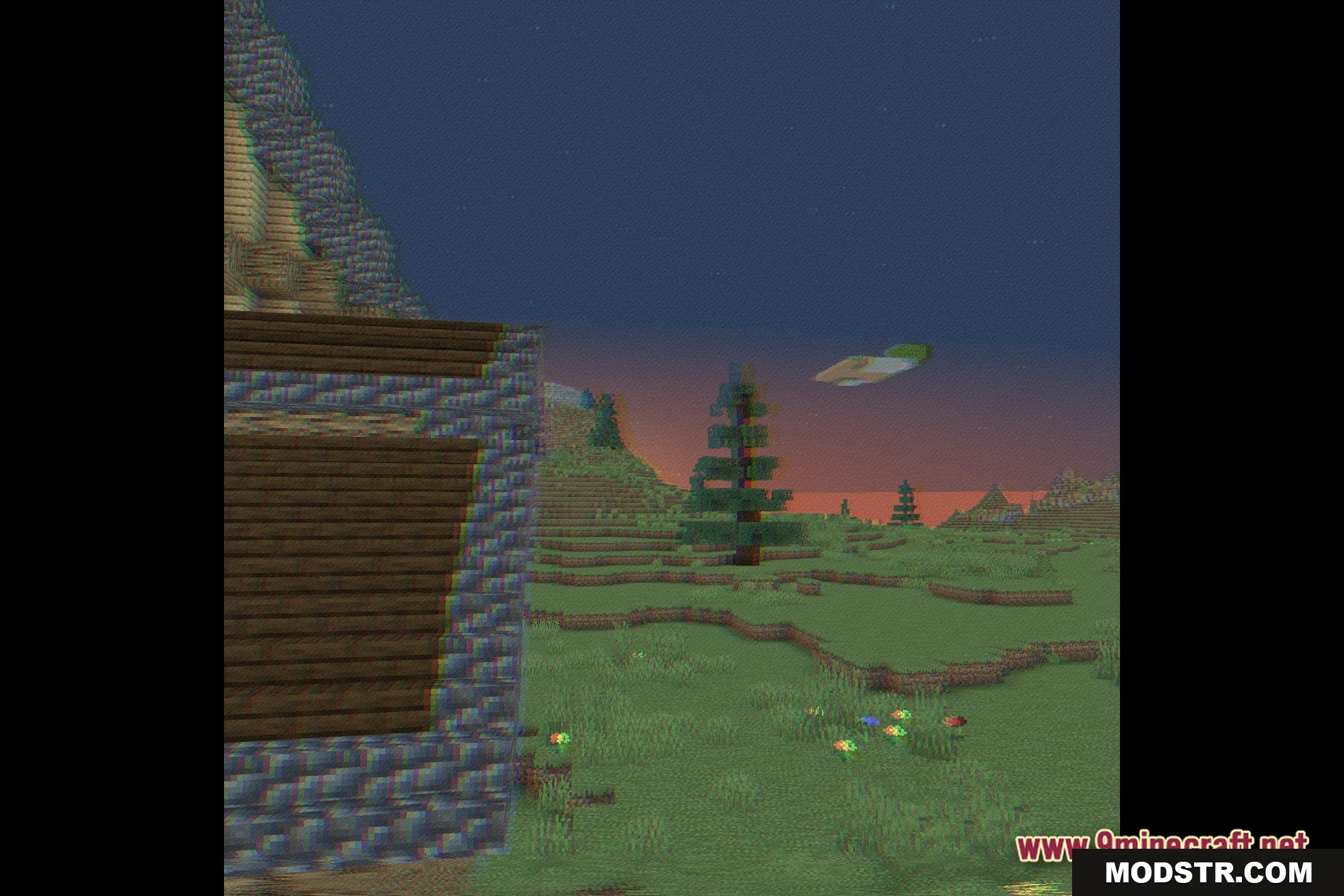
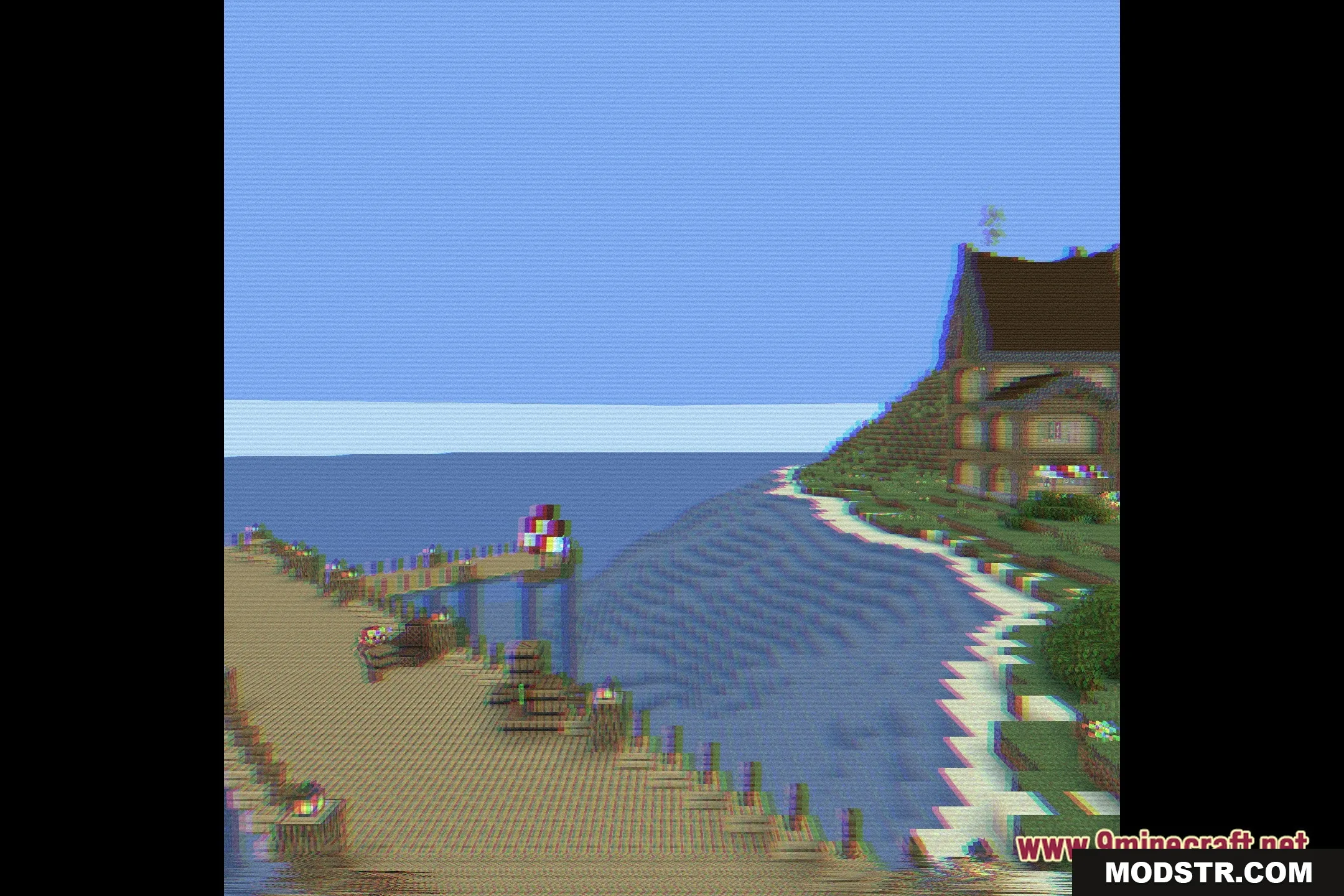
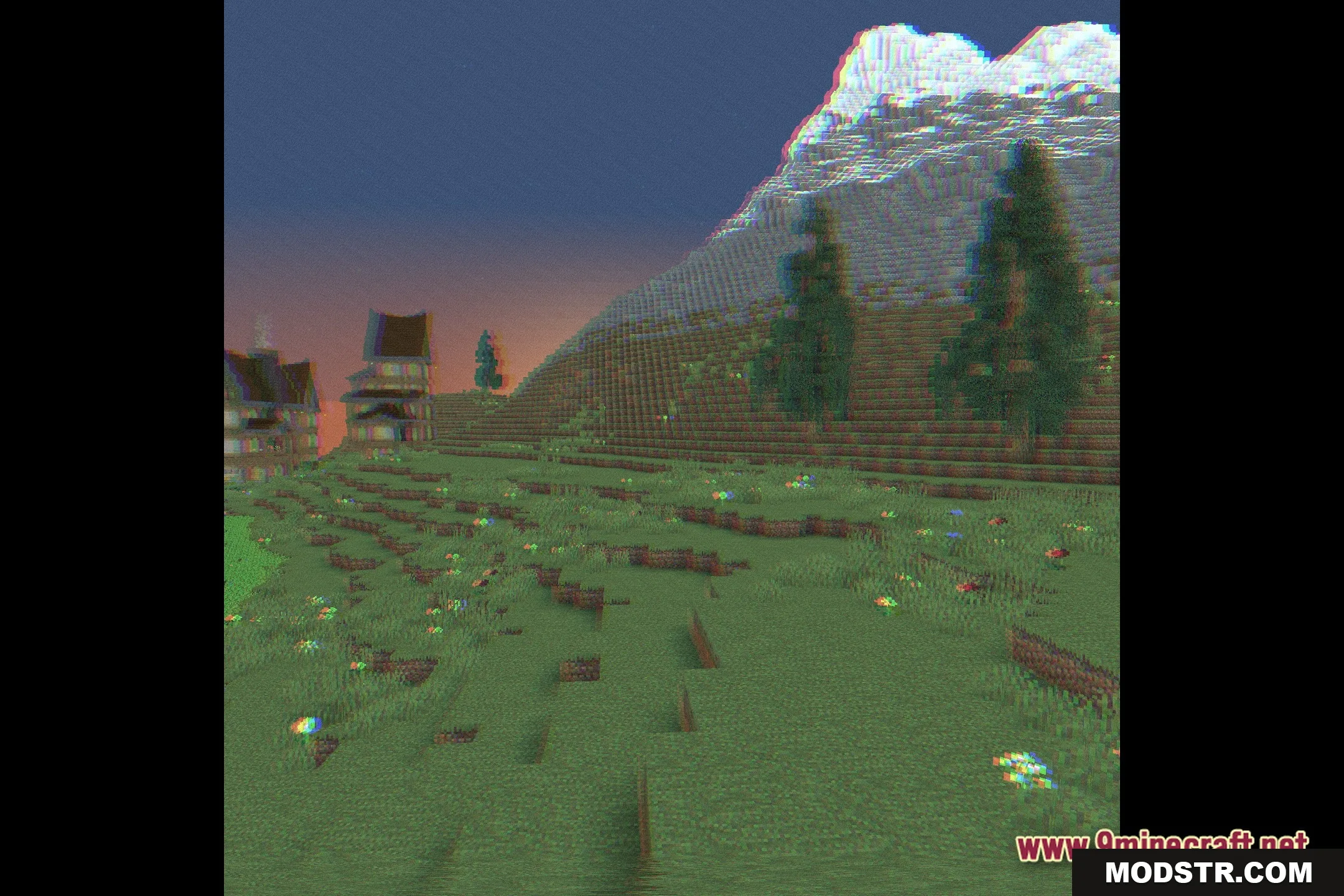
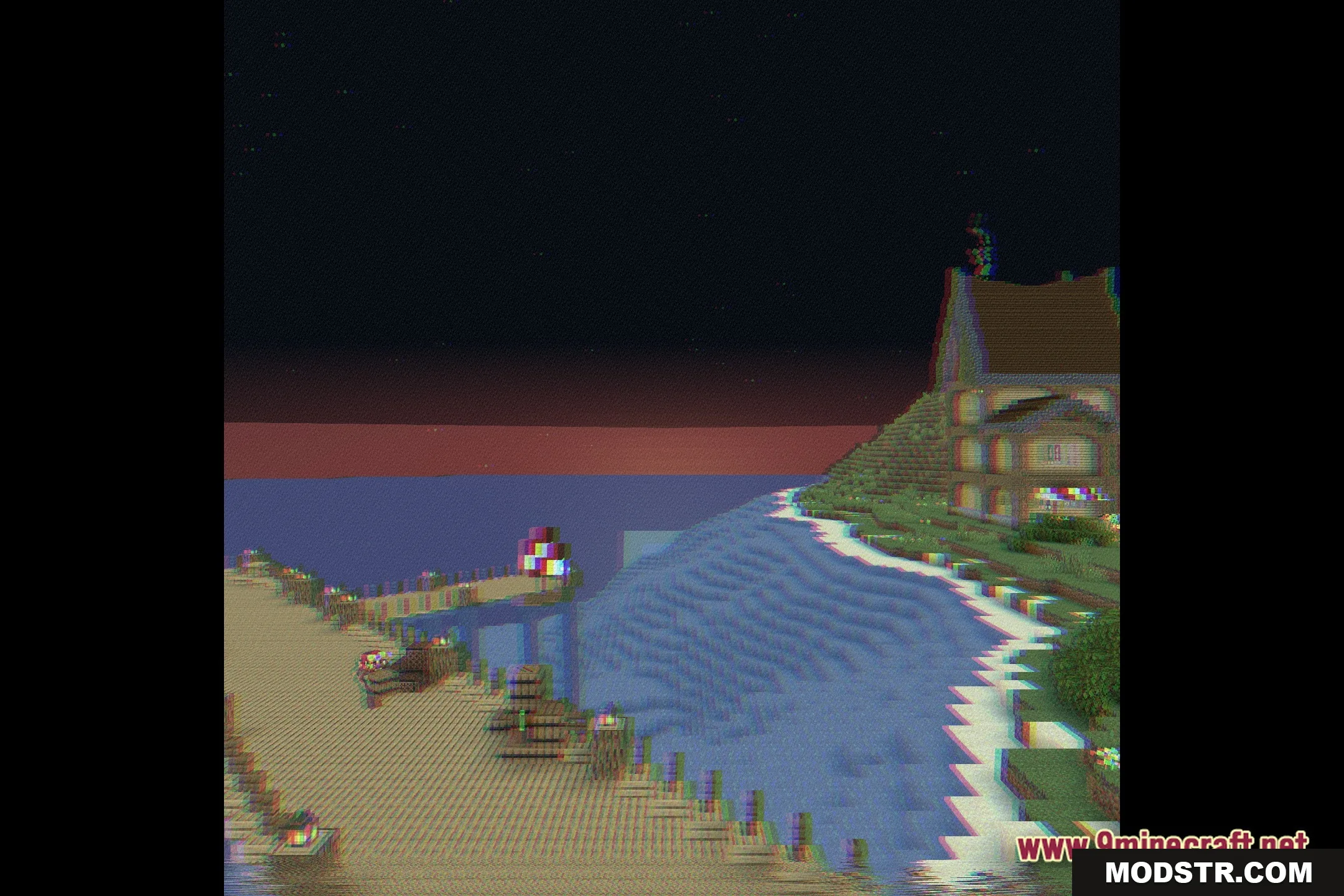
- Vintage Filter: Adds classic scanlines and static effects reminiscent of old tapes.
- Potato Friendly: Optimized for older or slower computers.
- Modifies the game's colors to emulate a retro television display.
- Maintains high performance with minimal resource usage.
- Provides a unique visual style that differentiates itself from standard Minecraft graphics.
Installation
- Download the Fabulous VHS Shaders file.
- Place the shader file in the 'shaderpacks' folder in your Minecraft directory.
- Launch Minecraft and go to the options menu.
- Select 'Video Settings', then 'Shaders'.
- Choose Fabulous VHS Shaders from the list.
Screenshots

DOWNLOAD FILES
- shader