
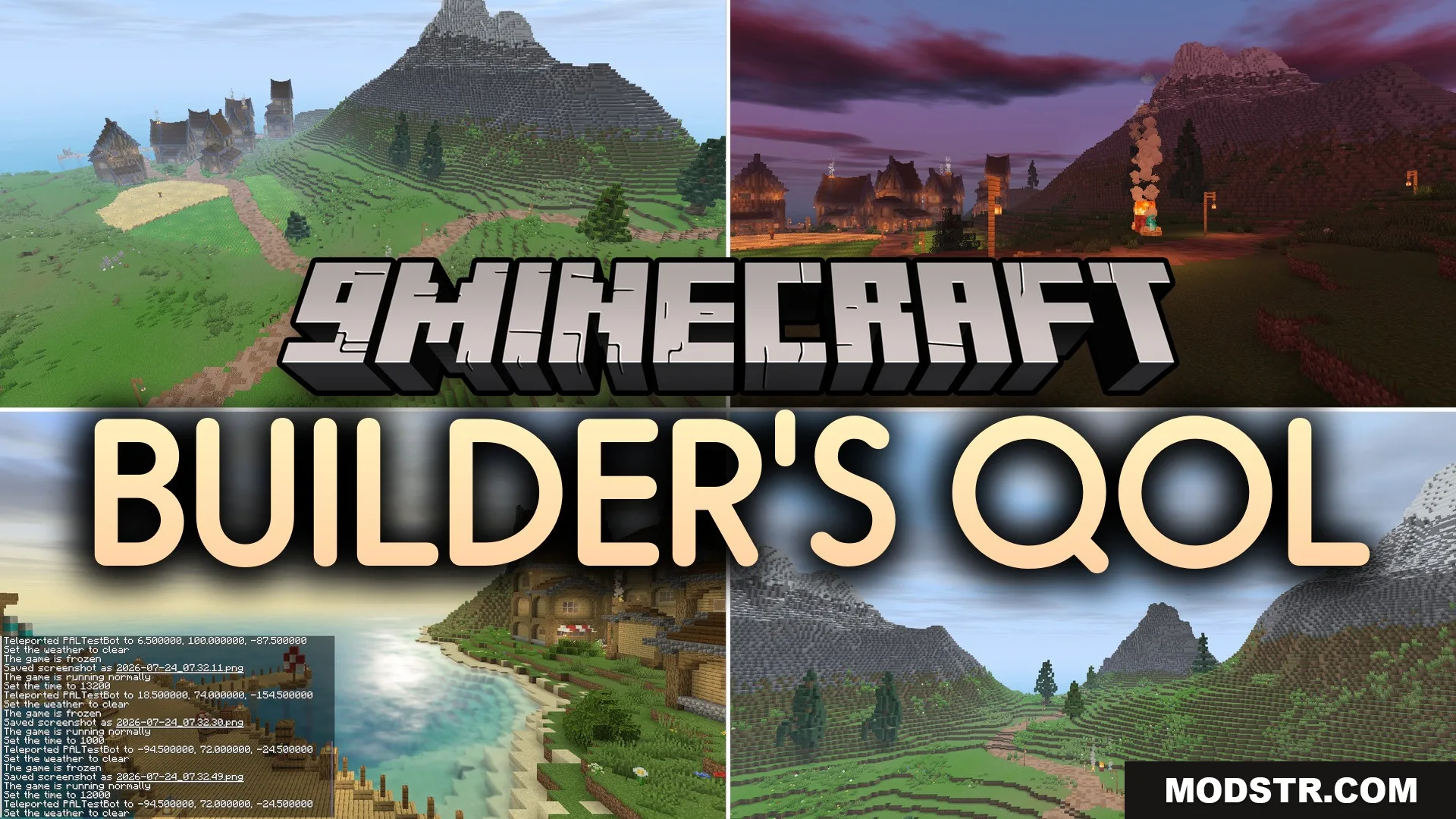
Builder’s QOL Shaders (26.2, 1.20.1) – Clean Lighting for Potato PCs
A lightweight shader for low-end PCs that adds clean lighting and subtle details while maintaining vanilla visuals and high framerates.
- 1.20.1
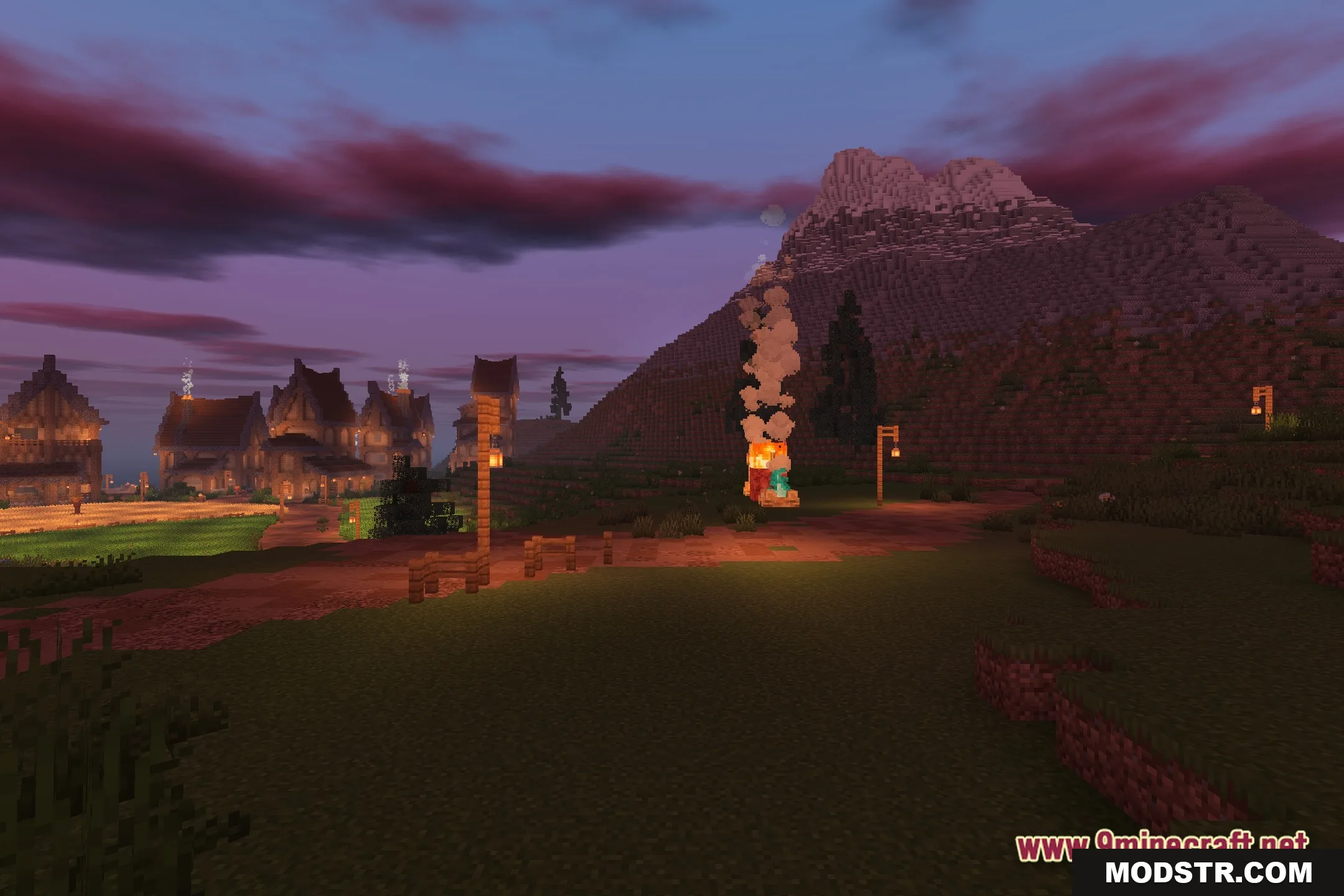
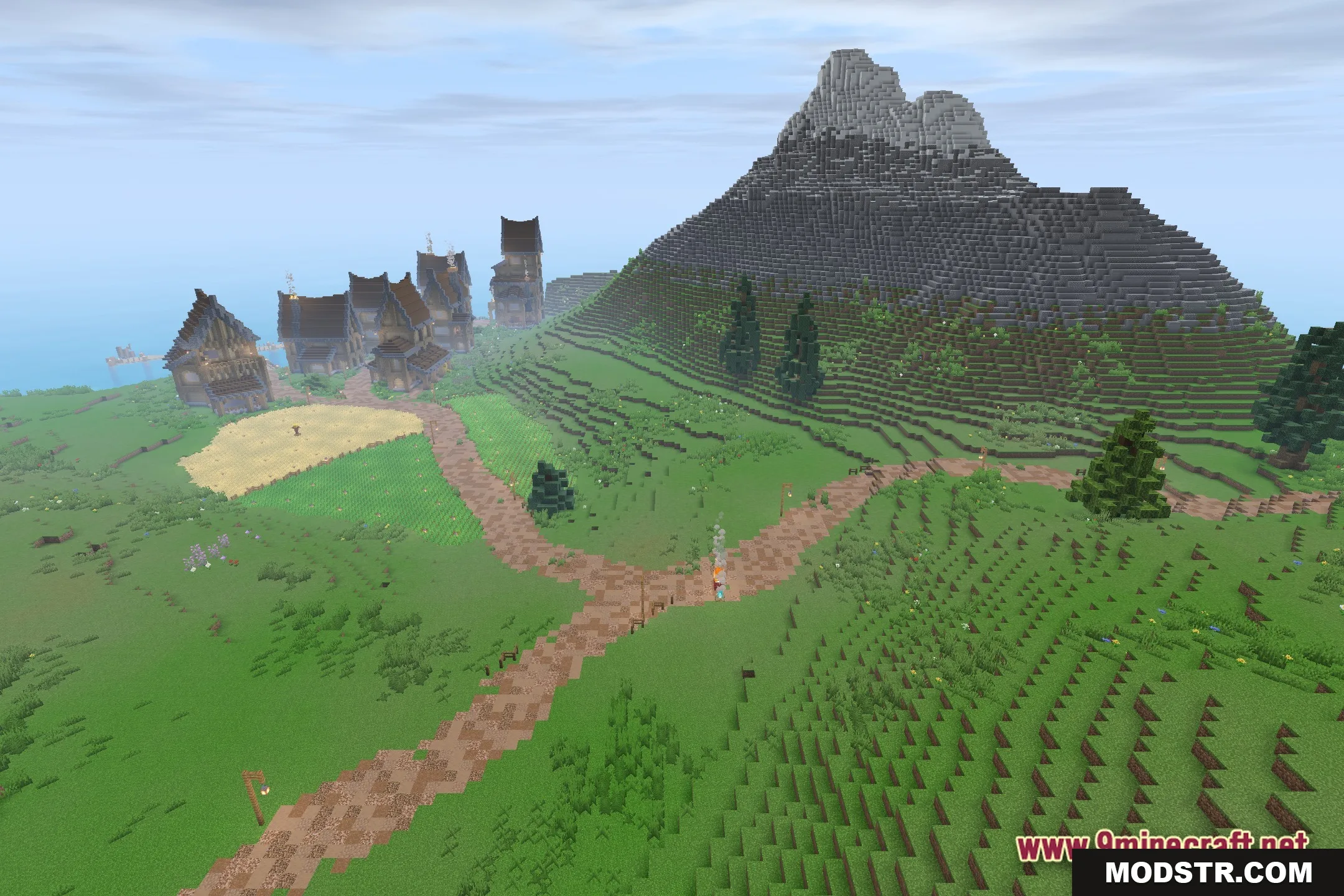
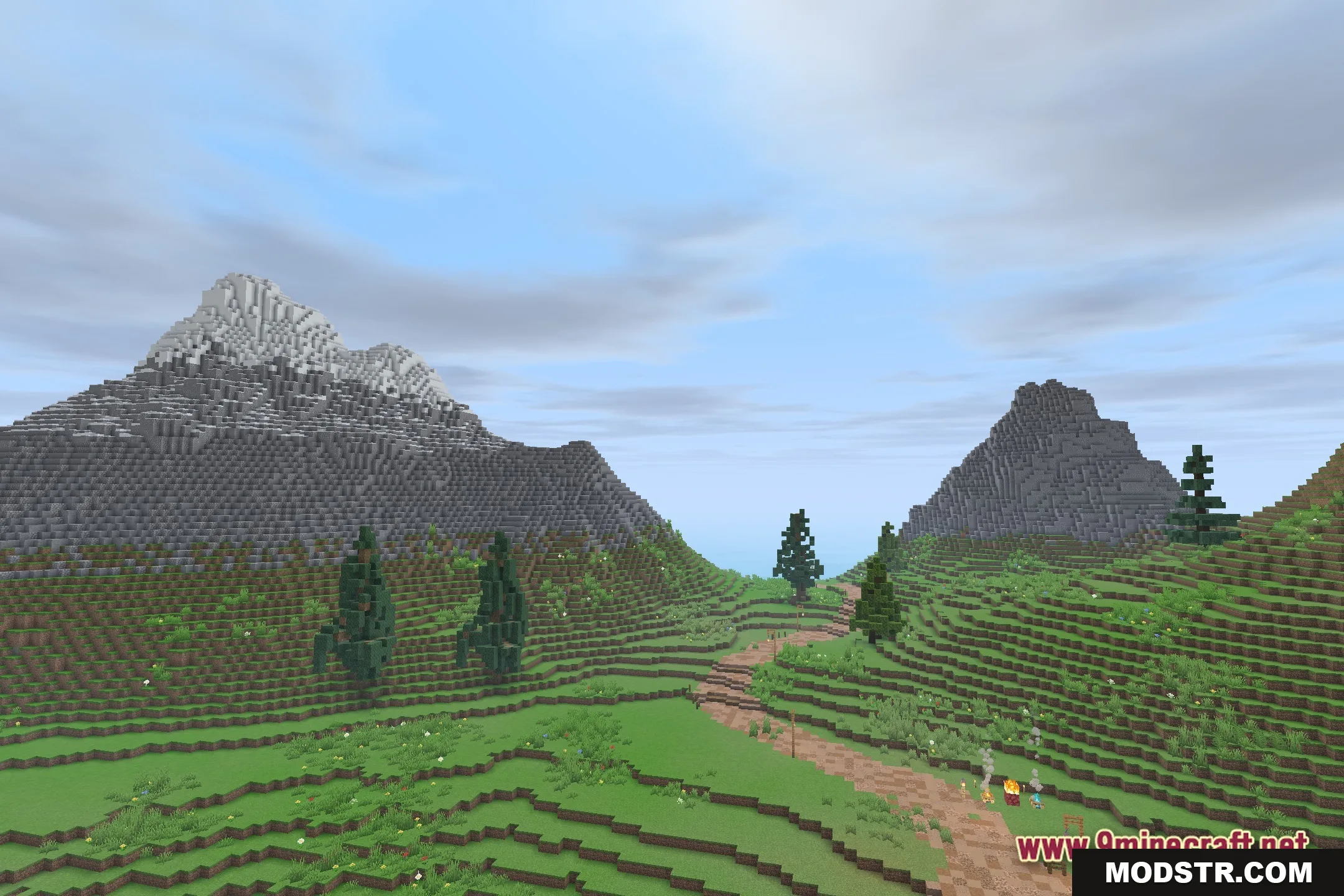
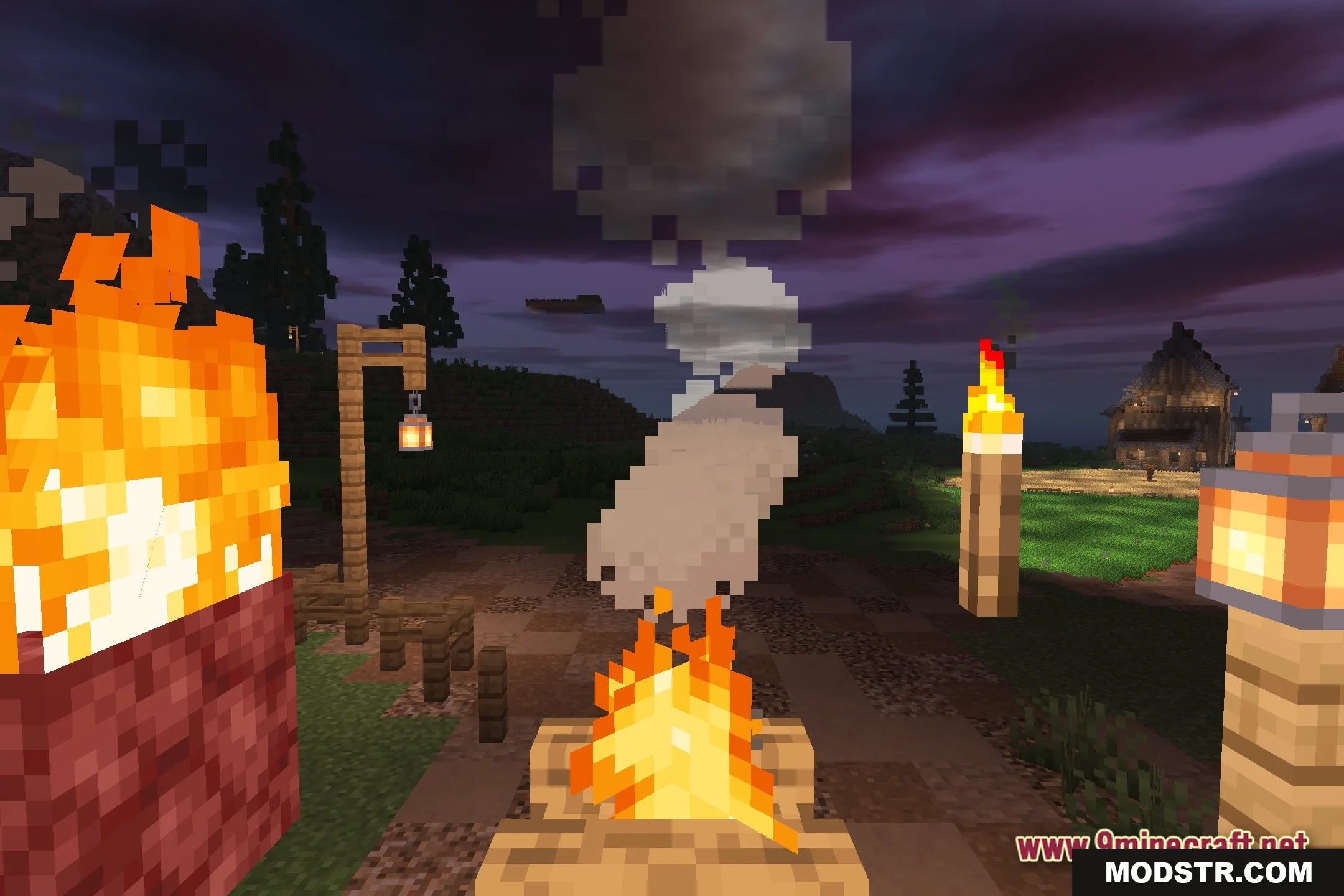
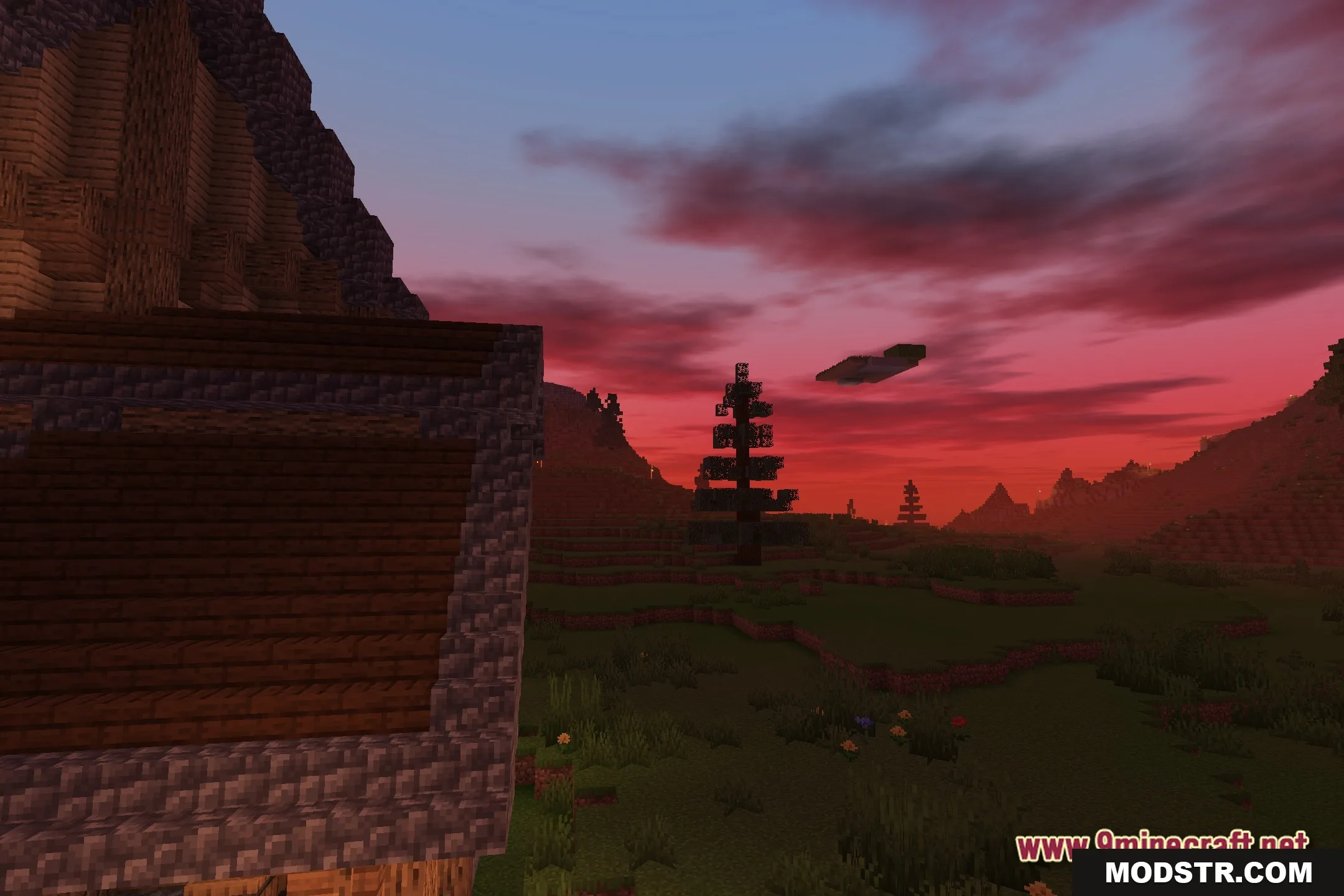
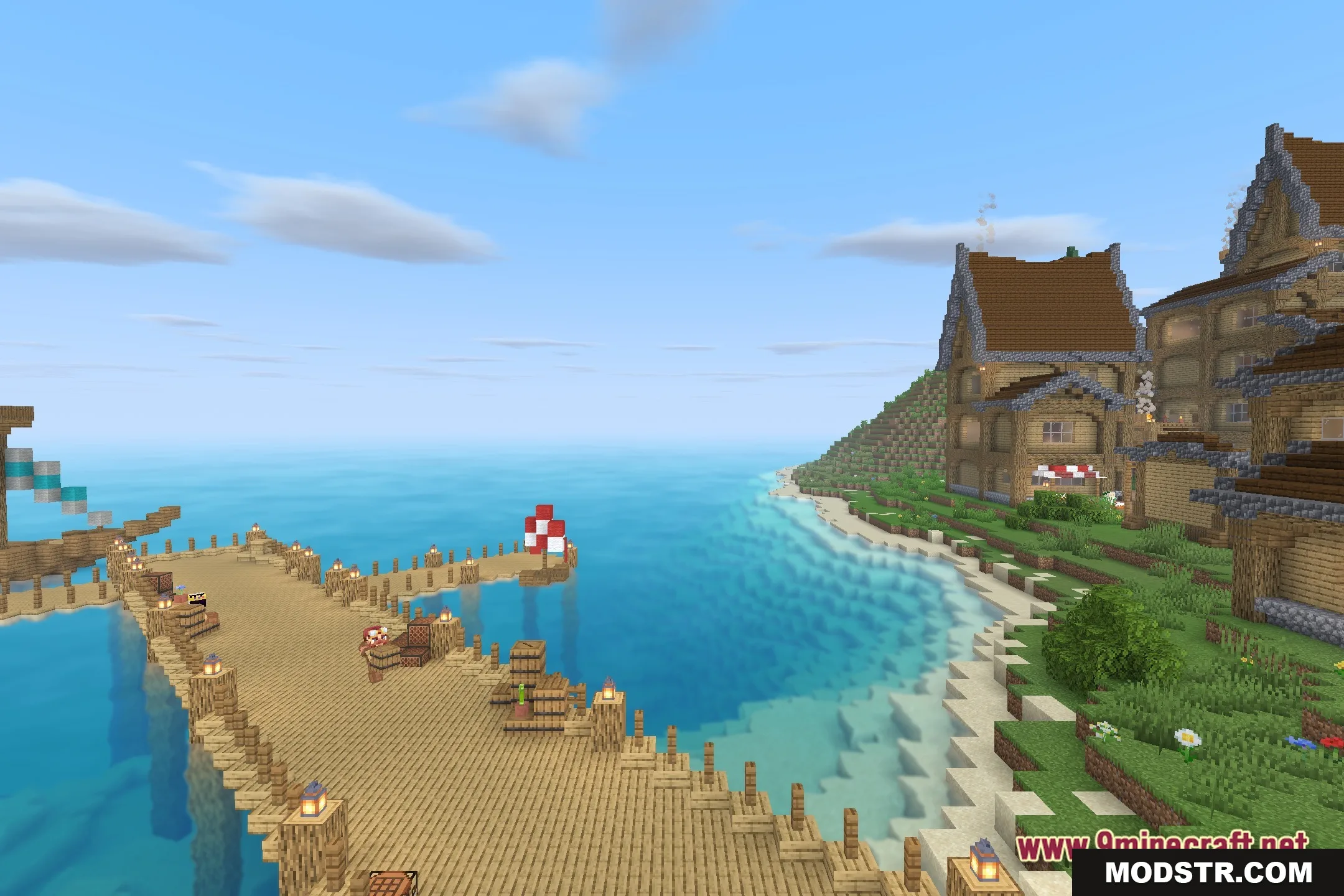
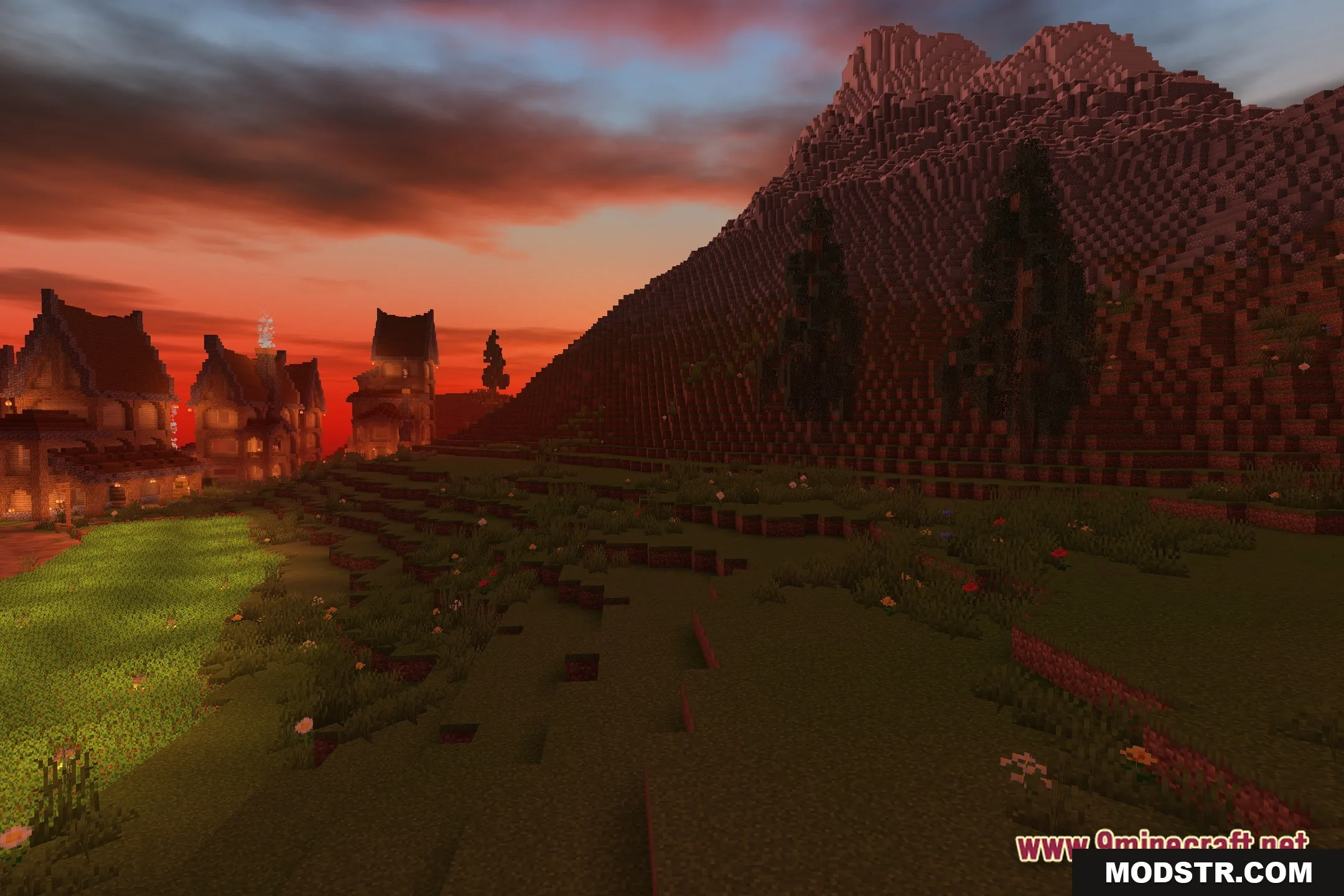
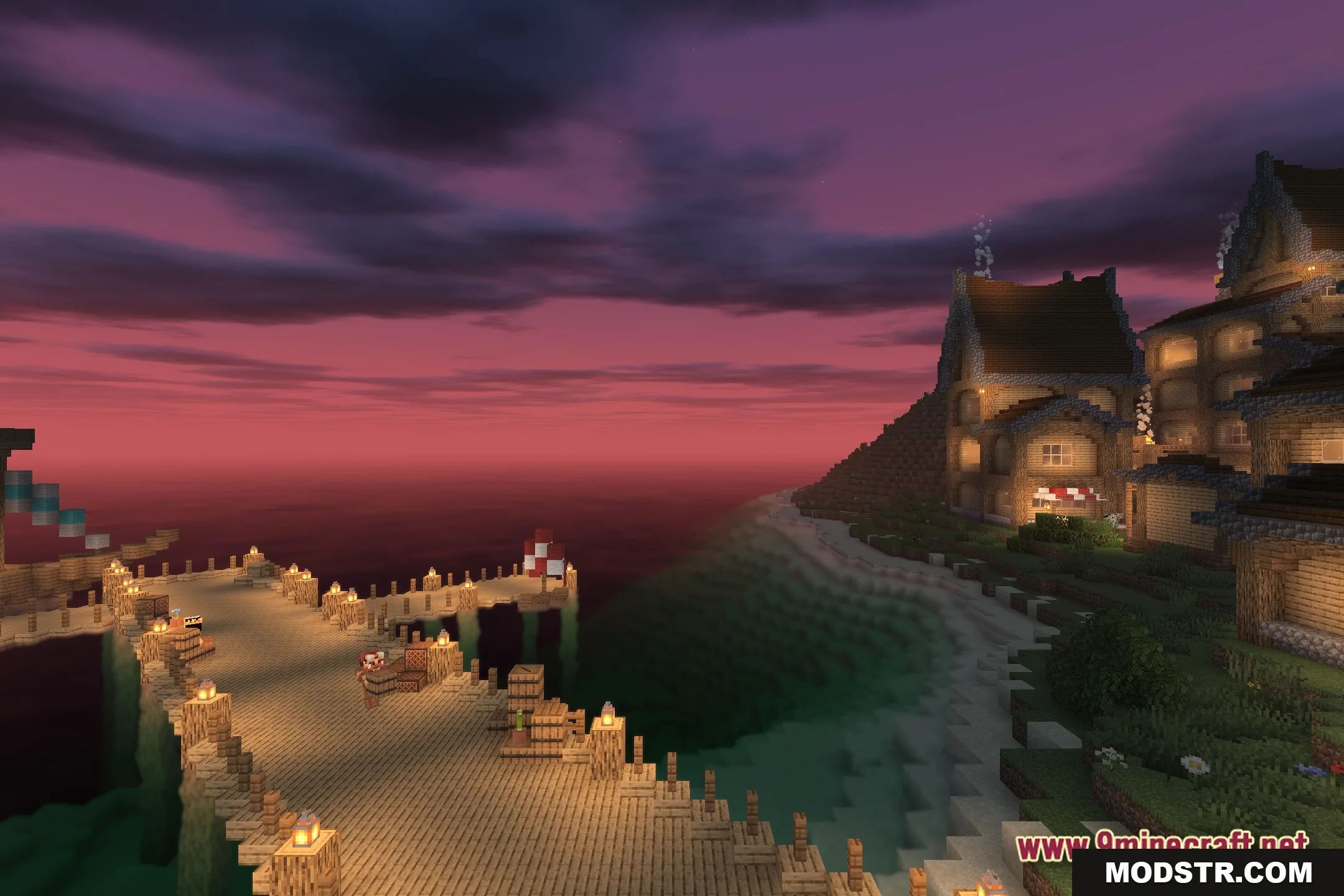
Builder's QOL Shaders is designed for players running Minecraft on older or low-end hardware. The shader enhances lighting and adds subtle visual details while preserving the classic blocky aesthetic and maintaining smooth performance.
Features
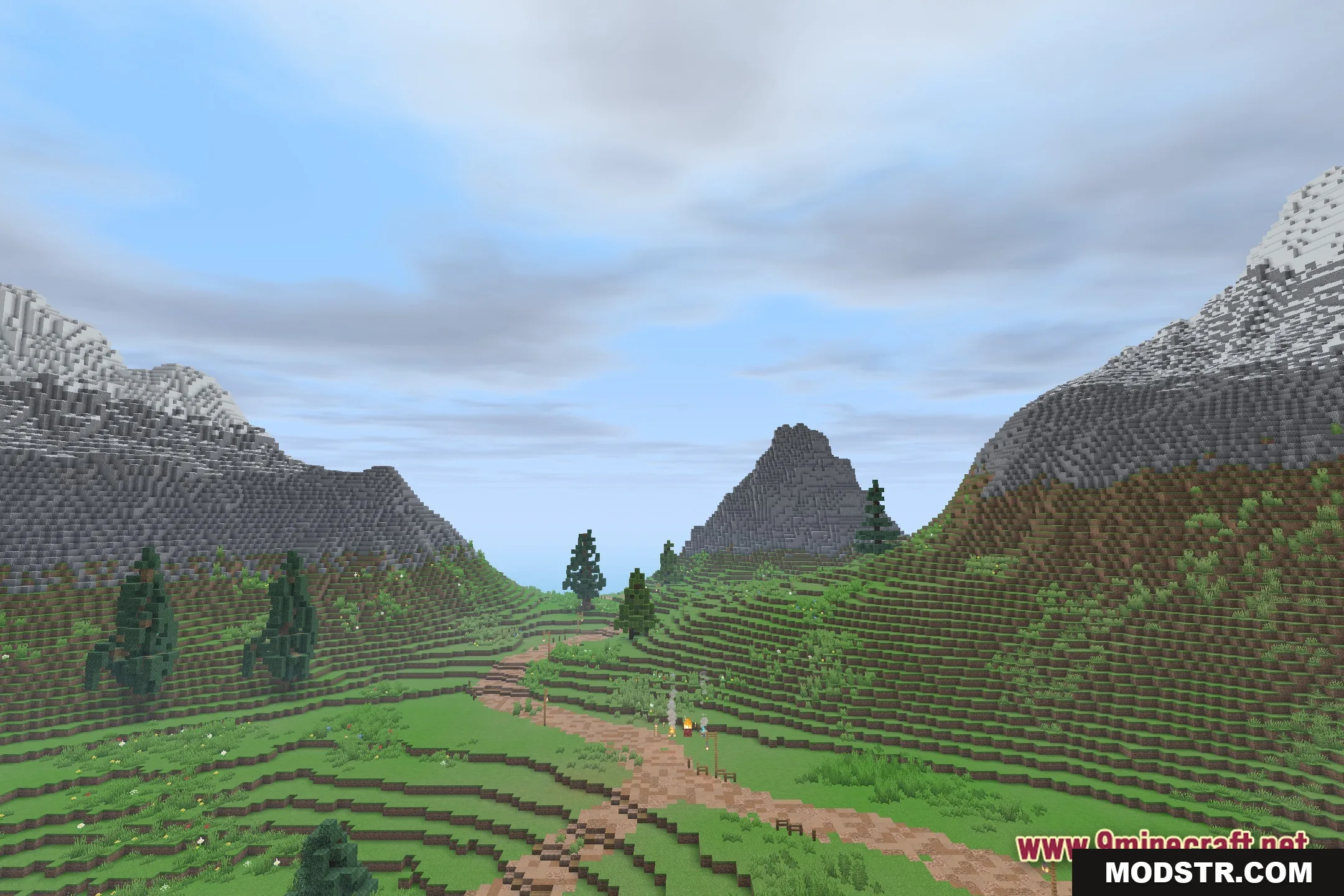
- Optimized for older computers and low-end devices with minimal performance impact.
- Preserves the classic vanilla Minecraft visual style.
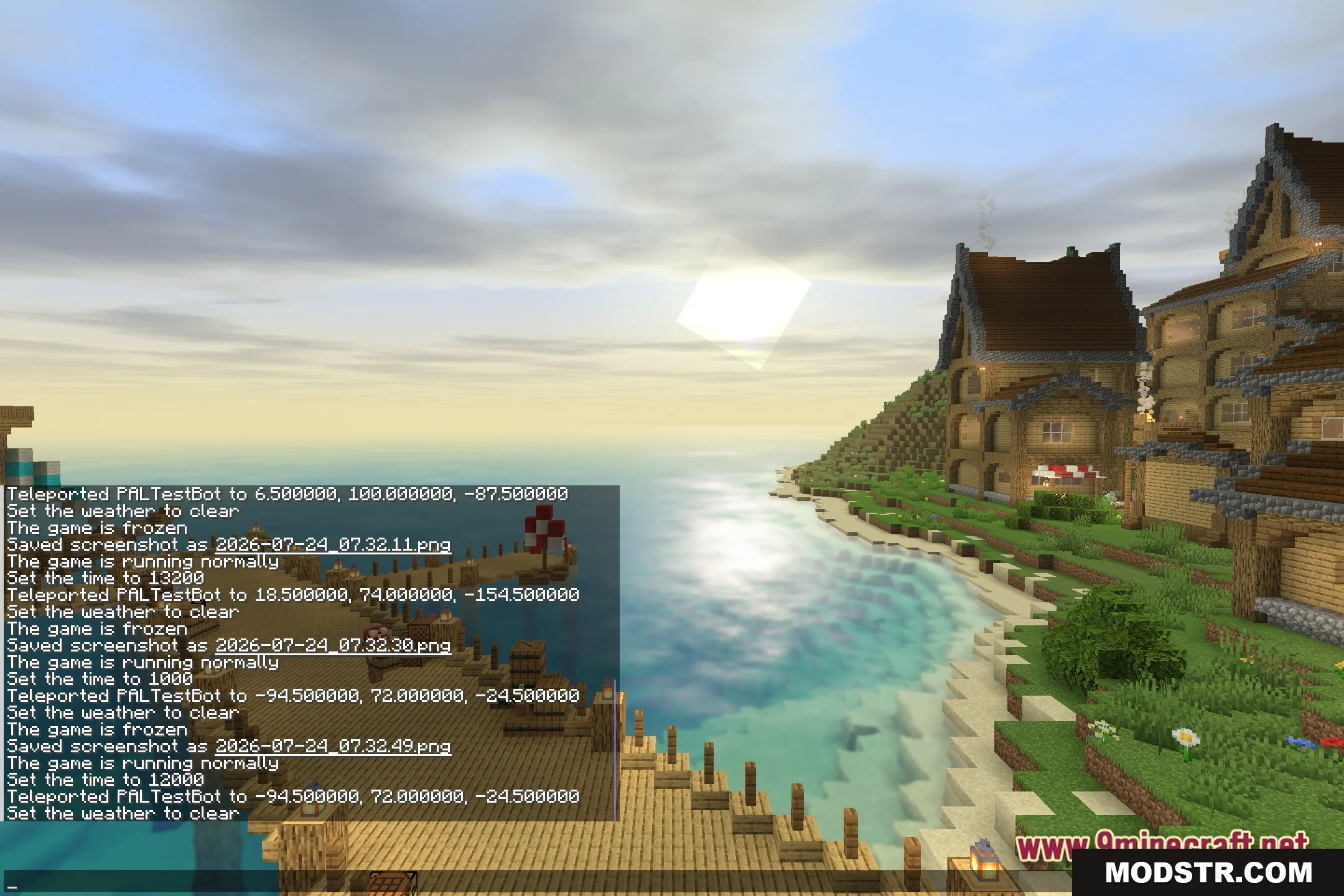
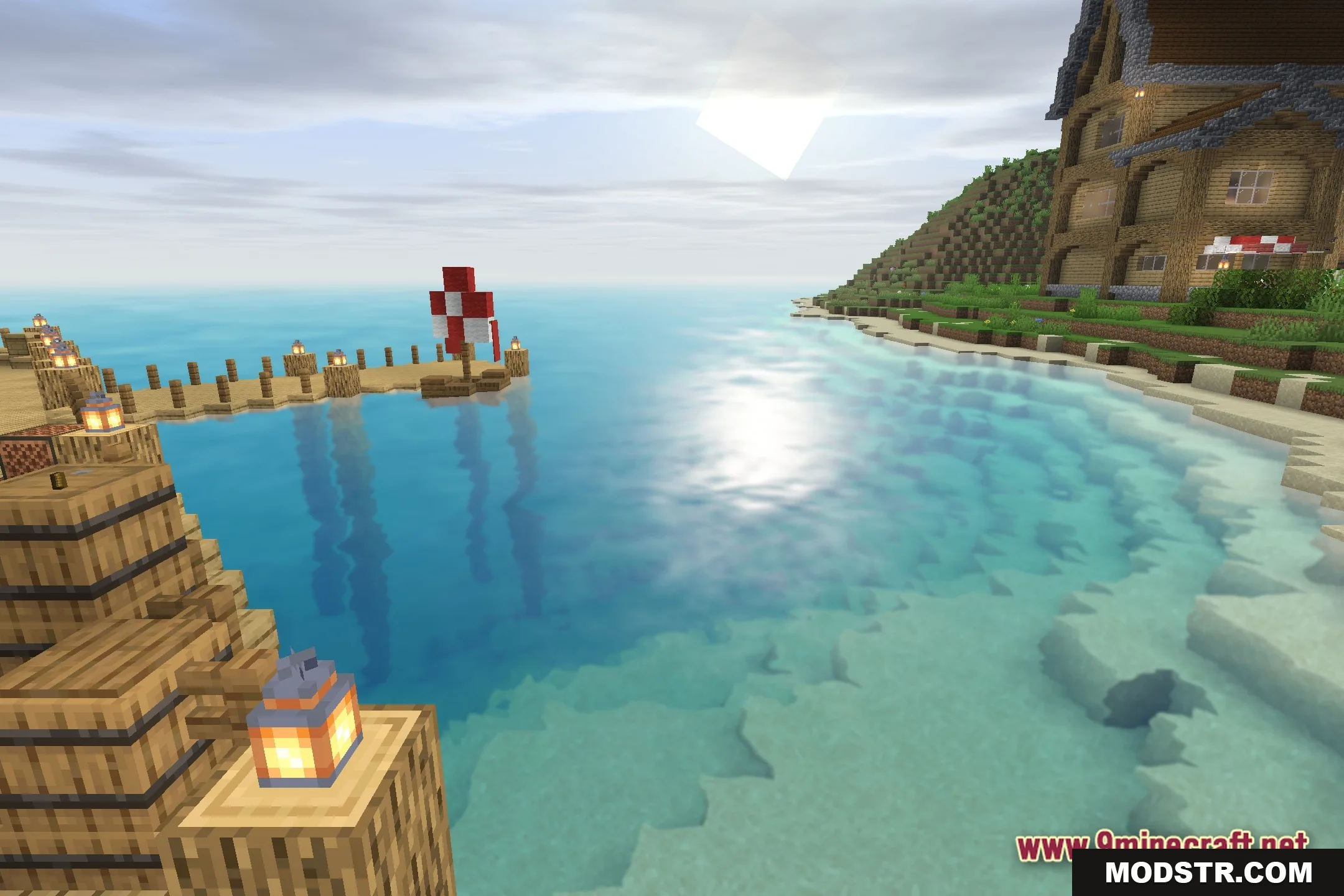
- Improves lighting without heavy visual effects or post-processing.
- Maintains high framerates while adding visual enhancements.
- Provides a clean view of blocks and structures for builders.
Installation
- Ensure you have a compatible shader loader installed for your Minecraft version.
- Download the shader file for your version (1.20.1 or later as available).
- Place the file in your shader folder or use your loader to import it.
- Launch Minecraft and enable the shader from the graphics settings menu.
- Adjust video settings as needed for your hardware.
Compatibility
Builder's QOL Shaders version 26.2 is compatible with Minecraft 1.20.1. Check the mod page for updated versions if you use a different Minecraft version.

DOWNLOAD FILES
- shader