Telegram
GlamorousSP Shaders (26.2, 1.21.11) – Vibrant Lighting With Low-End cover art

GlamorousSP Shaders (26.2, 1.21.11) – Vibrant Lighting With Low-End

A vibrant shader with multiple PC profiles for Minecraft 1.21.11. Delivers rich colors and bright lighting while maintaining performance on low-end to high-end hardware.

29 JAVA
  • 1.21.11

GlamorousSP Shaders applies vibrant lighting and rich colors to Minecraft while maintaining playable performance across a wide range of hardware. The shader includes multiple built-in profiles tuned for different PC capabilities, from older laptops to powerful gaming rigs, with customizable settings to fine-tune the visual output.
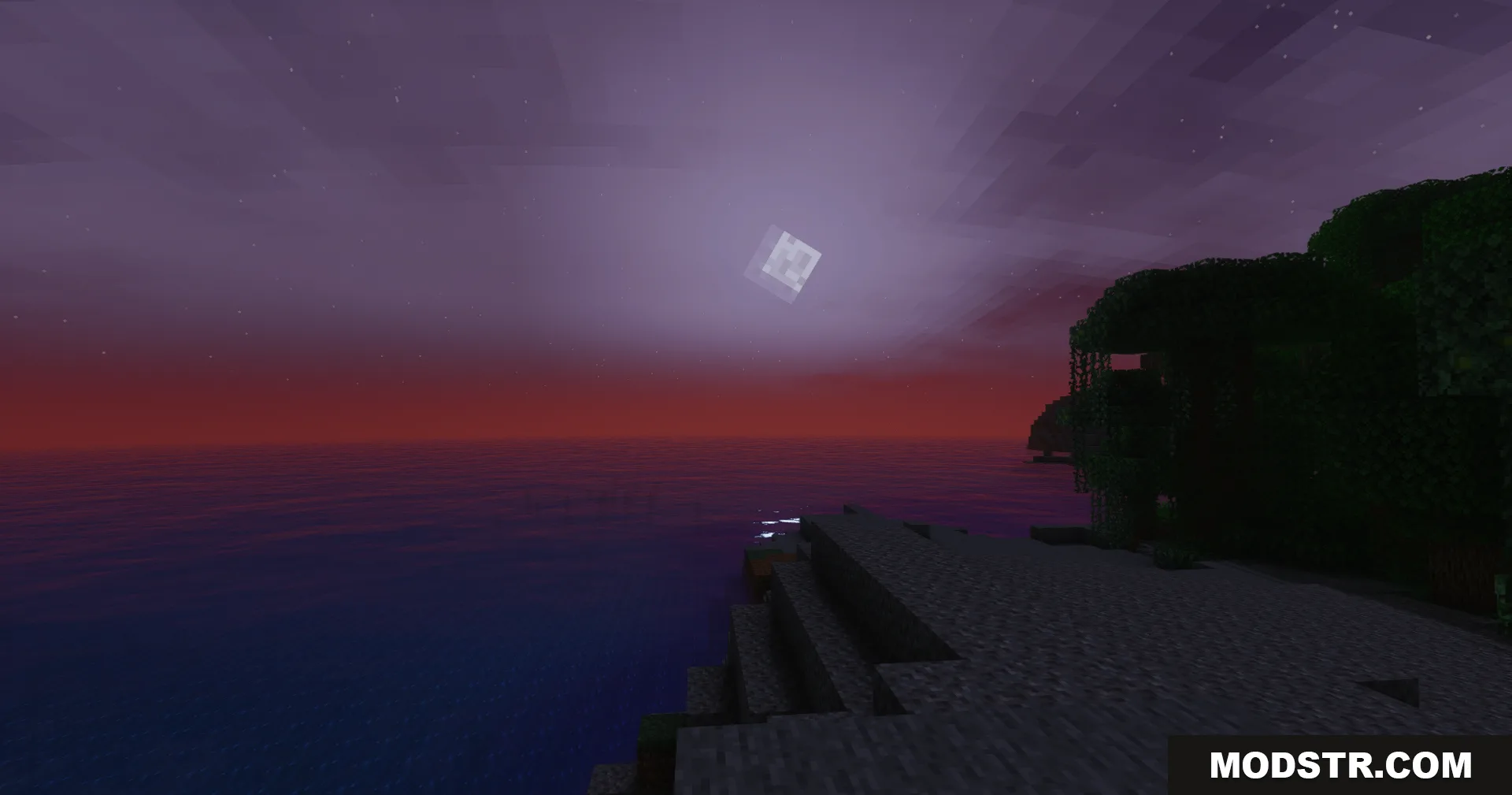
GlamorousSP Shaders creates a vibrant purple sunset over a calm Minecraft ocean

Features

  • Multiple performance profiles optimized for both low-end and high-end systems.
  • Vibrant color grading and enhanced lighting throughout the world.
  • Smooth performance on older hardware with the low-end profile selected.
  • High image quality options for powerful computers.
  • Customizable visual settings to adjust the look to your preference.
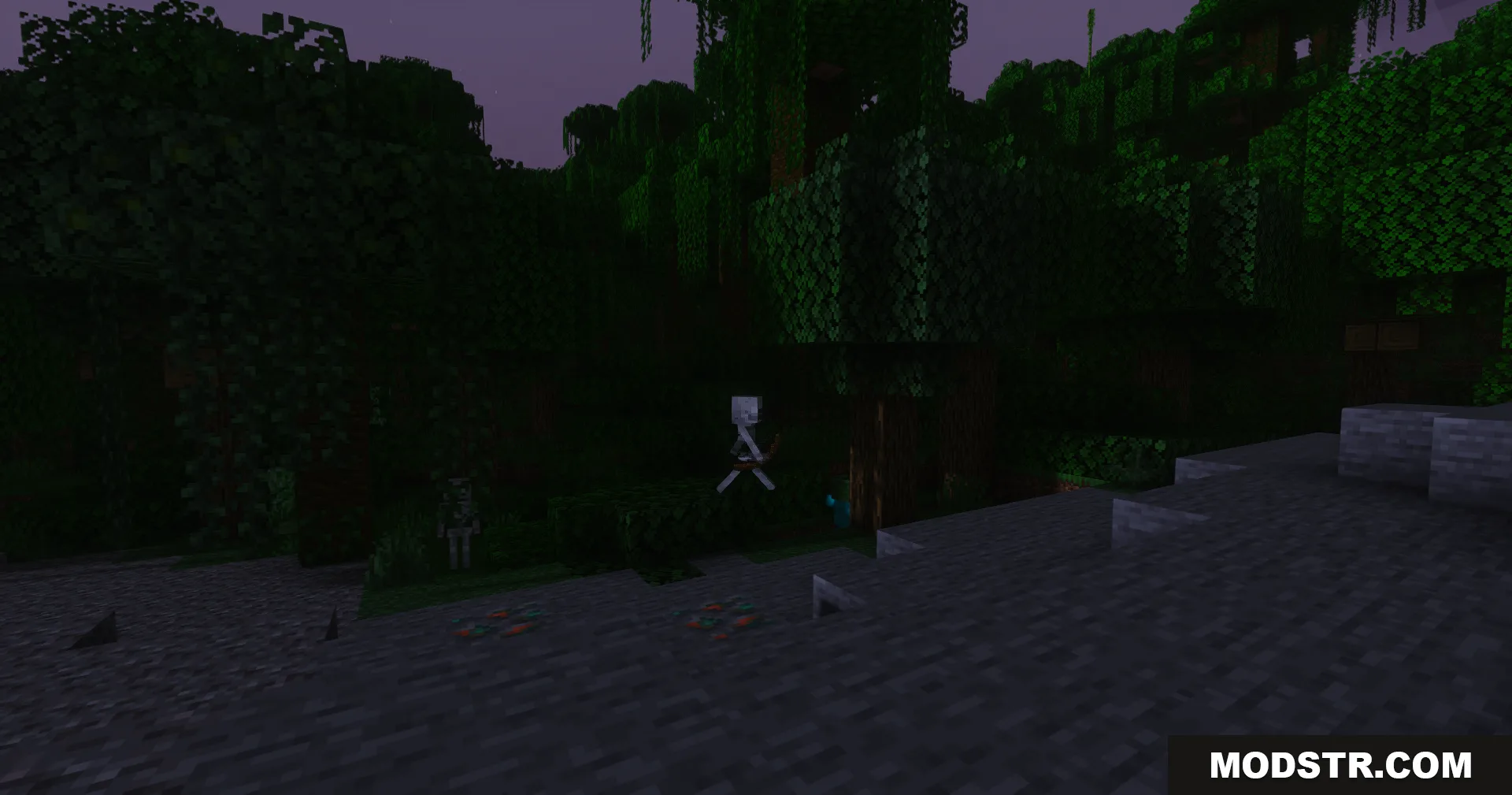
A skeleton archer stands among dense jungle trees in the dark night
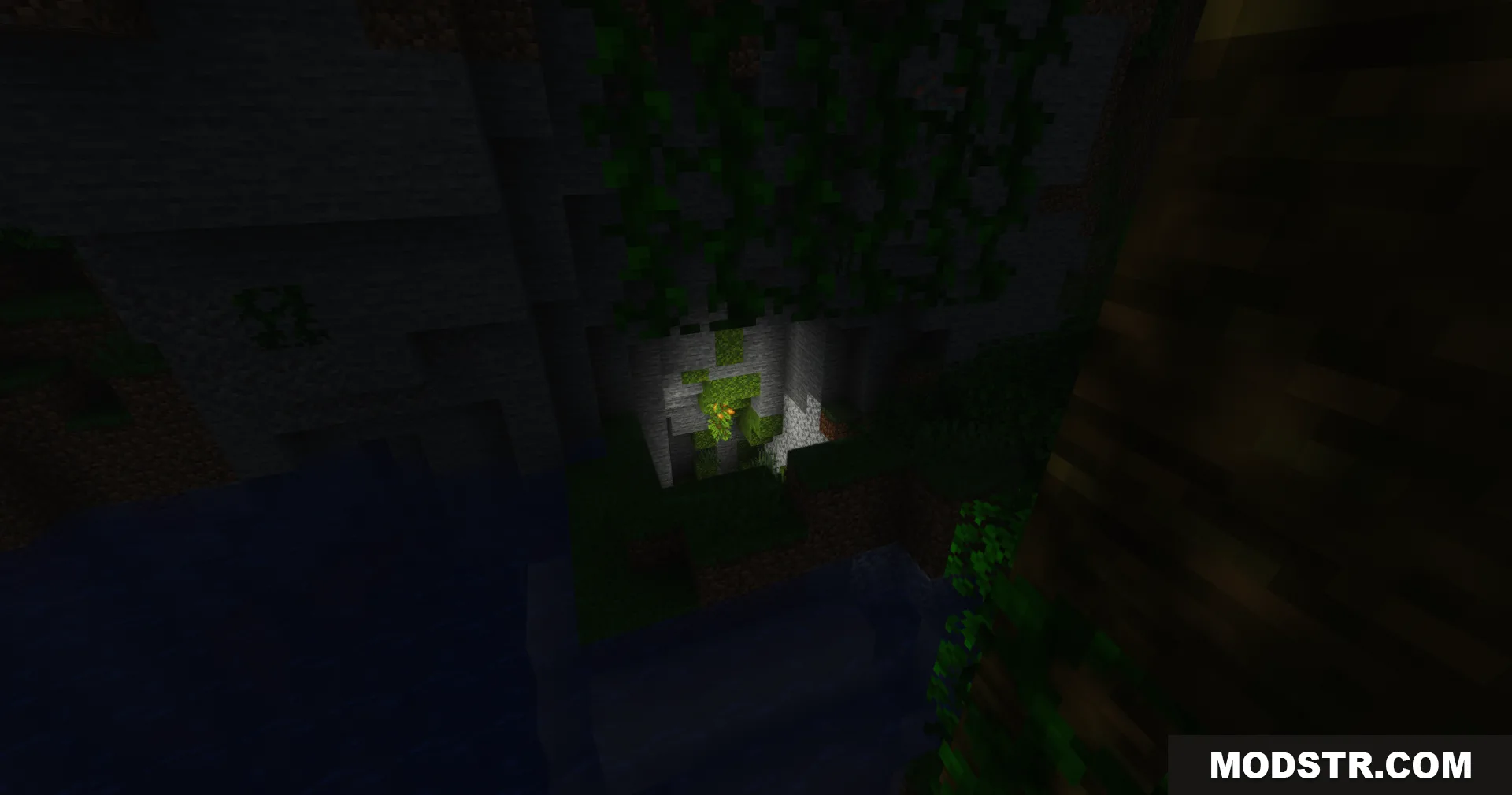
GlamorousSP Shaders displays a dark cave entrance with hanging green vines
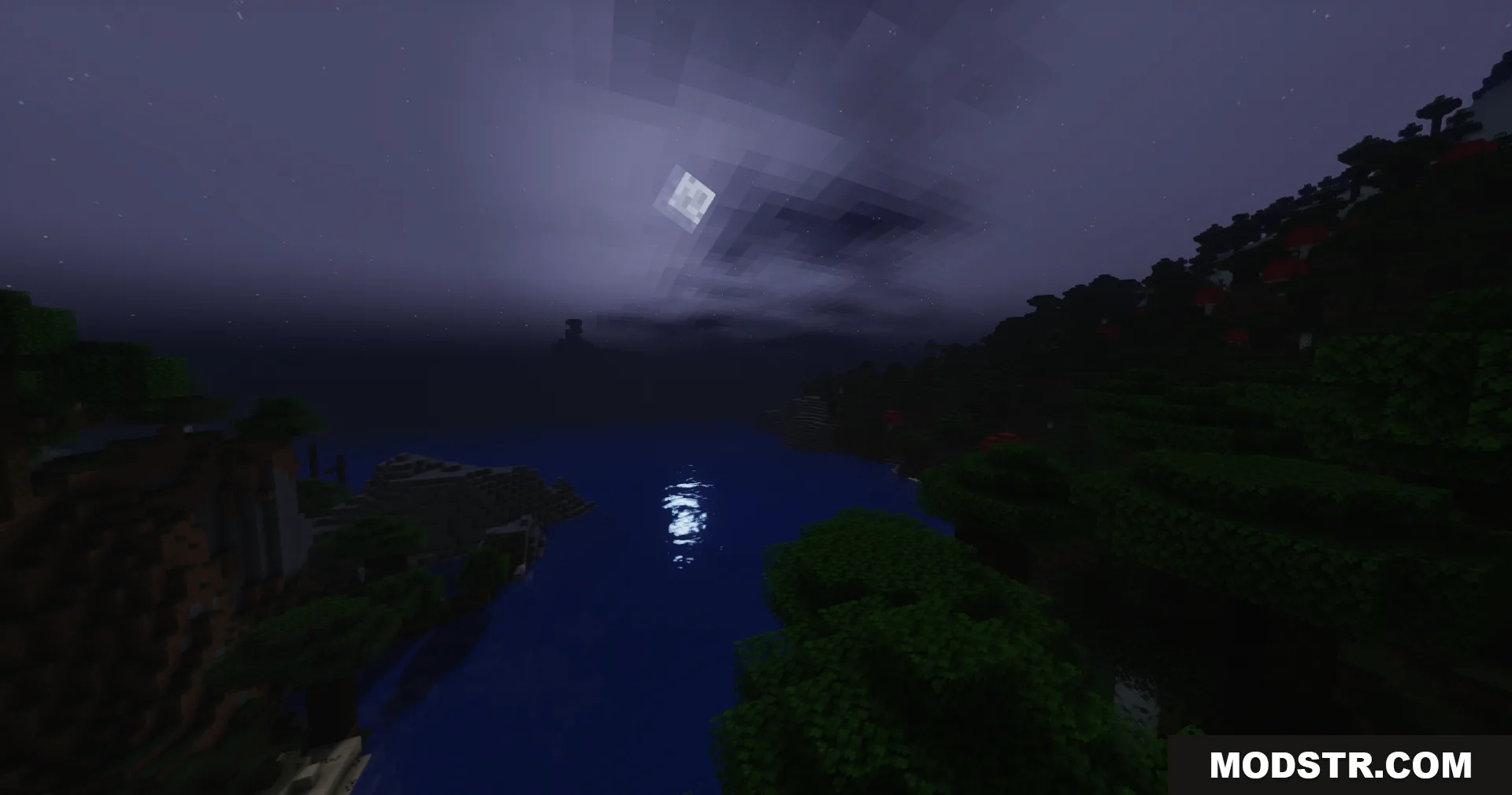
A scenic night landscape with the moon reflecting on the water
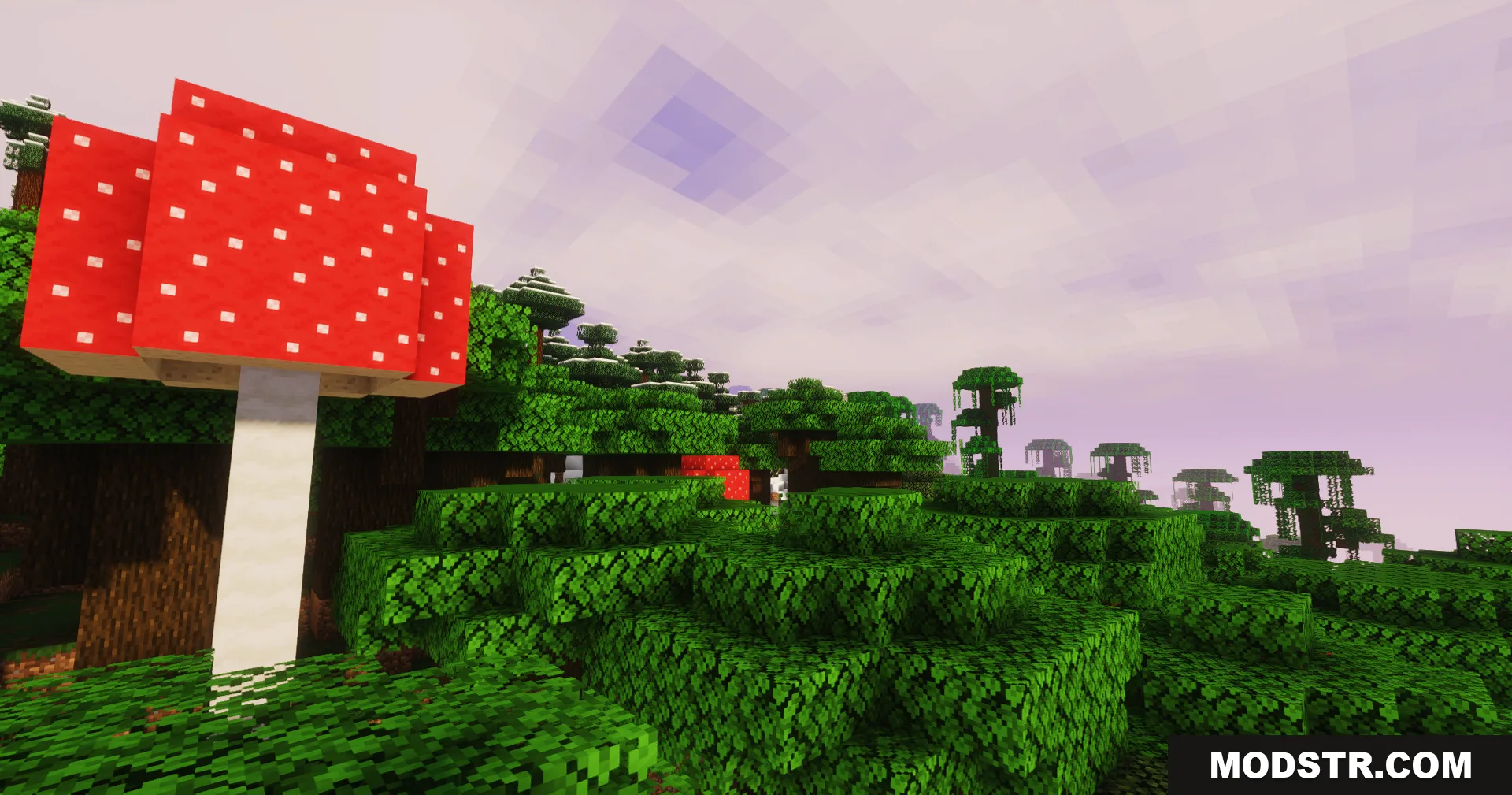
A giant red mushroom stands in a lush forest under a soft purple sky

Installation

  1. Ensure you are using Minecraft 1.21.11.
  2. Install a shader-compatible mod loader if you haven't already (such as Forge or Fabric).
  3. Download and place the shader file in your shaders folder.
  4. Open Minecraft and navigate to Video Settings to activate the shader.
  5. Select your desired performance profile from the shader options.
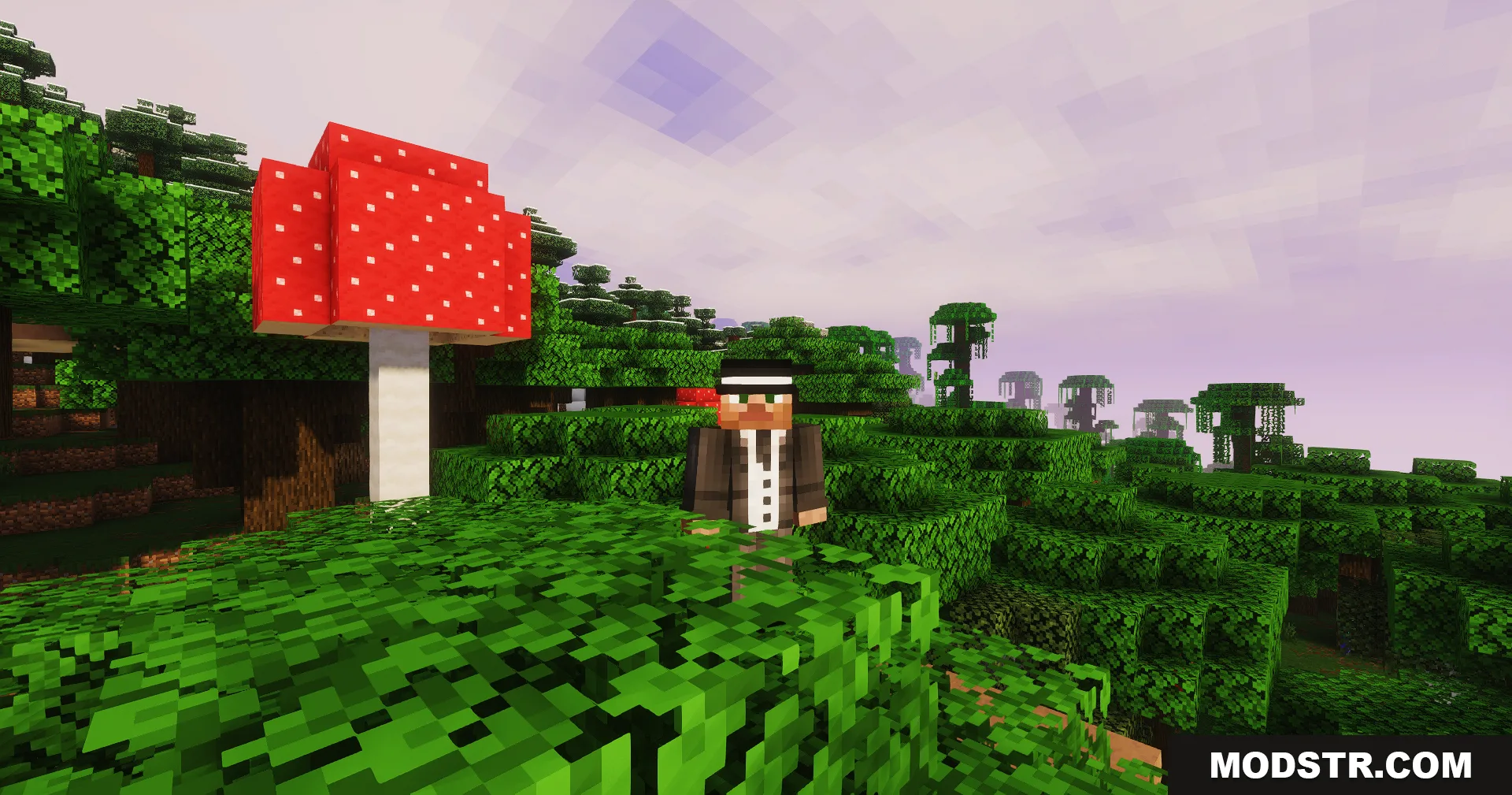
Minecraft player in a suit stands next to a giant mushroom in the forest
GlamorousSP Shaders creates a beautiful purple sunset over a lush forest biome
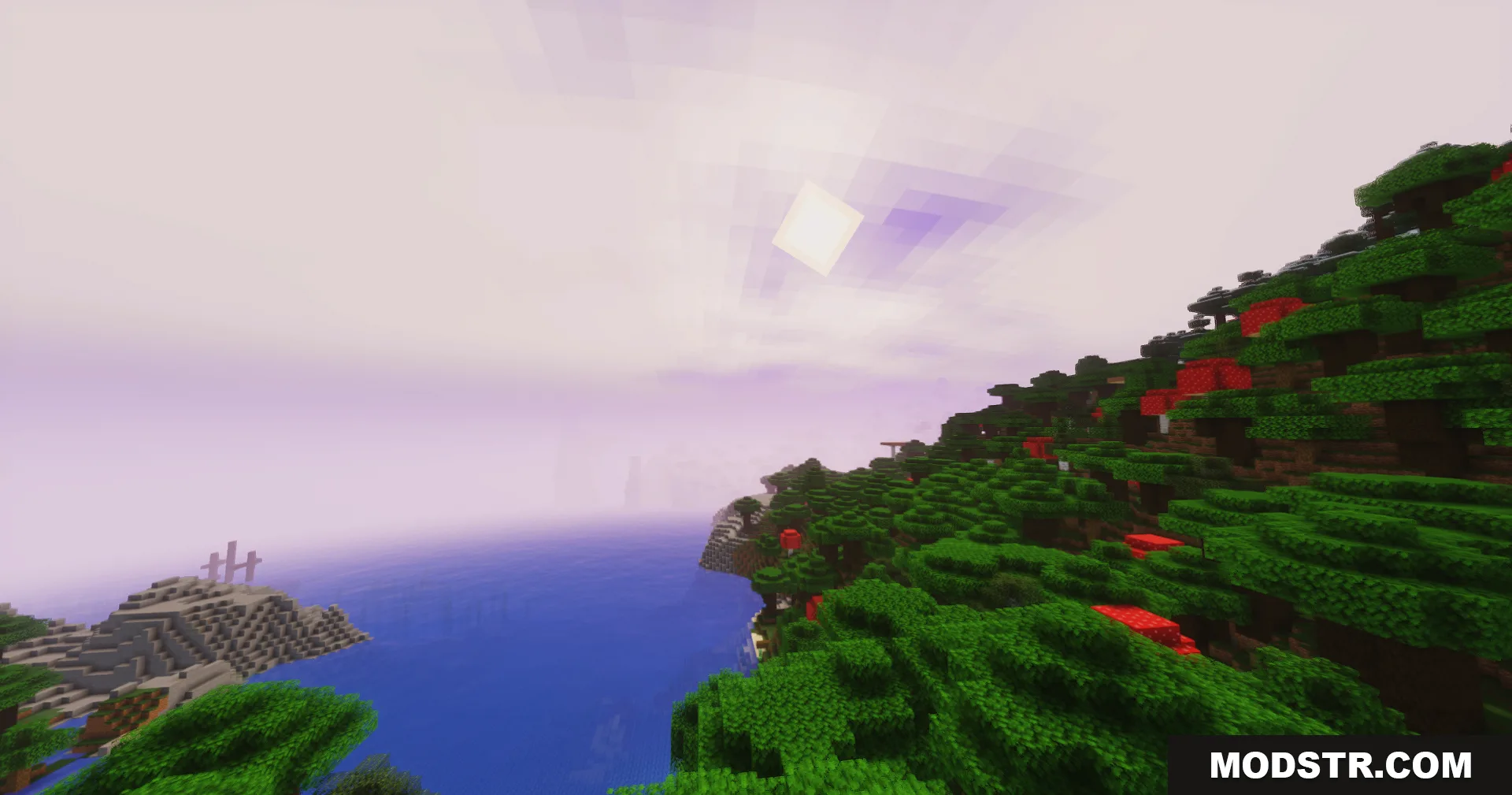
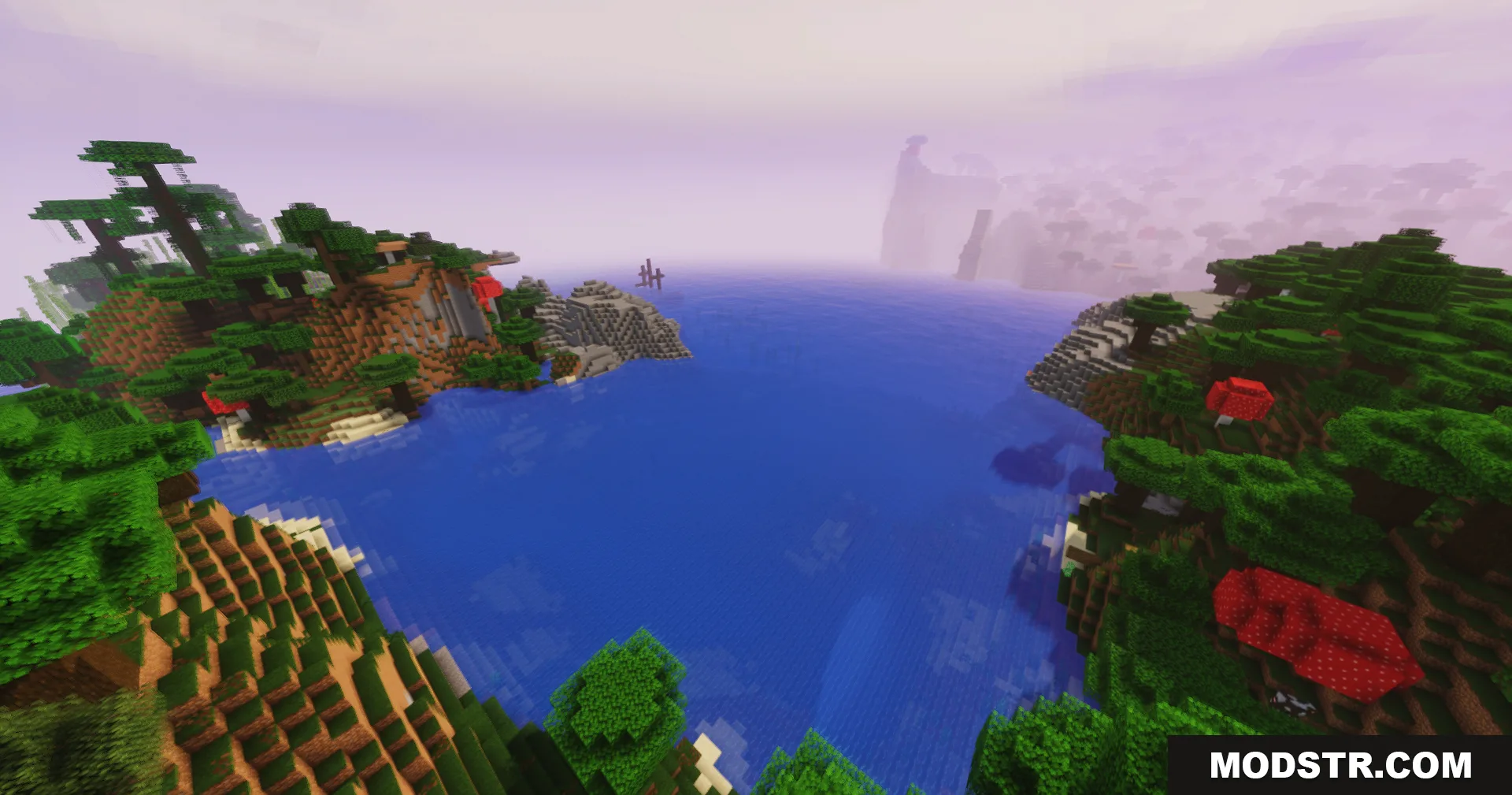
Lush green hills and red mushrooms overlooking a calm blue ocean bay
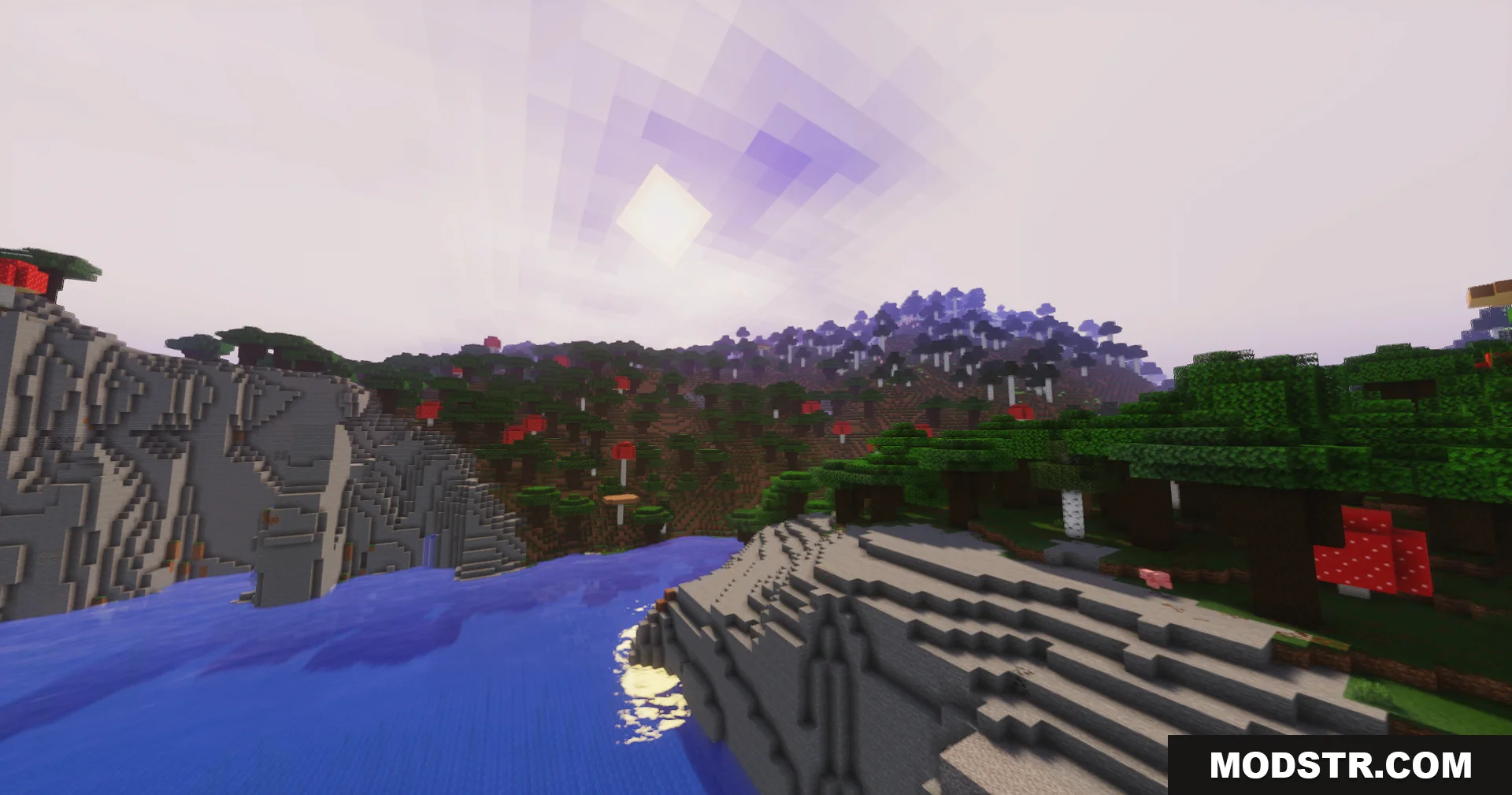
Vibrant lighting effects on a Minecraft landscape with a river and mushrooms
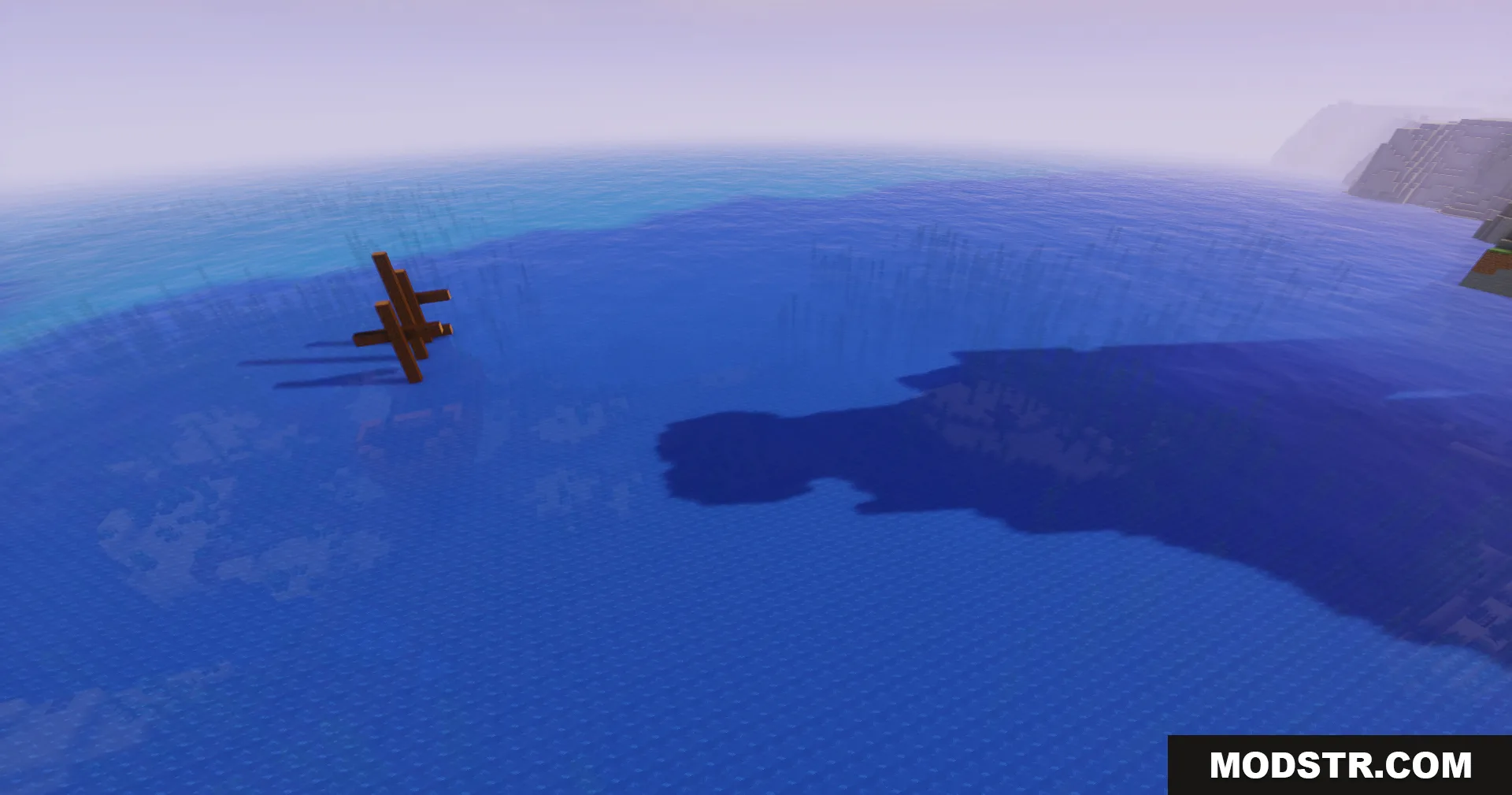
A wooden structure casting a long shadow on the vast blue ocean

DOWNLOAD FILES

  • shader
    26.2, 26.1.2, 26.1.1 (+2 more) All Versions Covered 26.2 26.1.2 26.1.1 26.1 1.21.11 ▲ Collapse · Glamoroussp-Shaders-All-Versions.zip
    • 1.21.11