
Authentic Night Vision Shaders (26.2, 1.20.1) – Green Action Camera Effect
Authentic Night Vision Shaders provides a unique green glow to your Minecraft world, mimicking the look of real night vision cameras. Ideal for players exploring dark areas and wanting enhanced visibility.
- 1.20.1
Authentic Night Vision Shaders enhances your Minecraft environment with a bright green glow reminiscent of night vision camera footage. This shader is designed for players exploring caves or navigating during nighttime.
Features
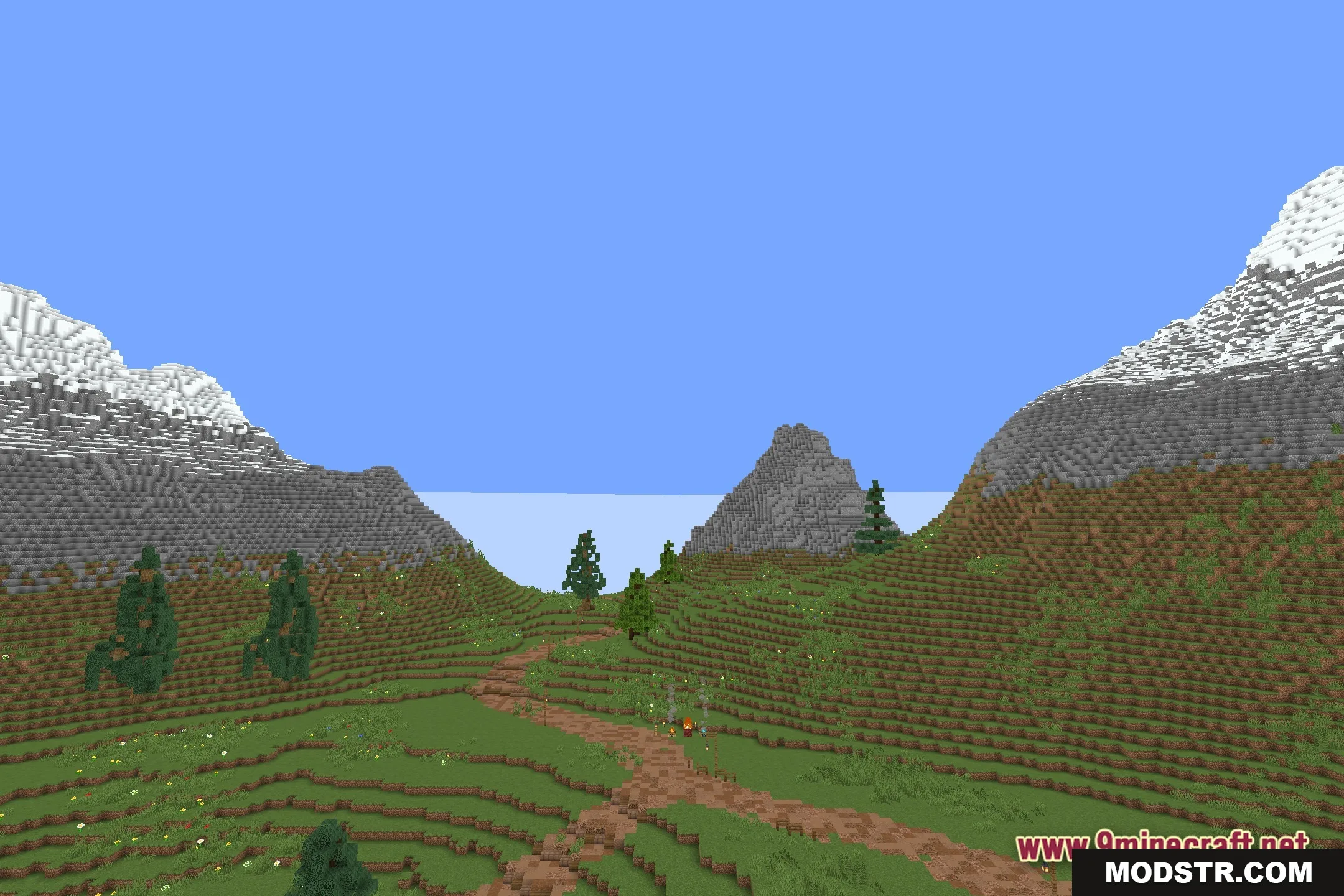
- Action Camera Look: Turns your screen green and bright like real night vision goggles.
- Improves visibility in dark caves without needing torches.
- Alters light mechanics so monsters cannot conceal themselves in shadows.
- Functions as a core shader, making it accessible for players without high-end graphic cards.
Installation
- Download the shader pack.
- Move the downloaded file to the shader packs folder in your Minecraft directory.
- Open Minecraft and navigate to the settings menu.
- Select the video settings option and then choose the shaders menu.
- Pick Authentic Night Vision Shaders from the list and apply it.
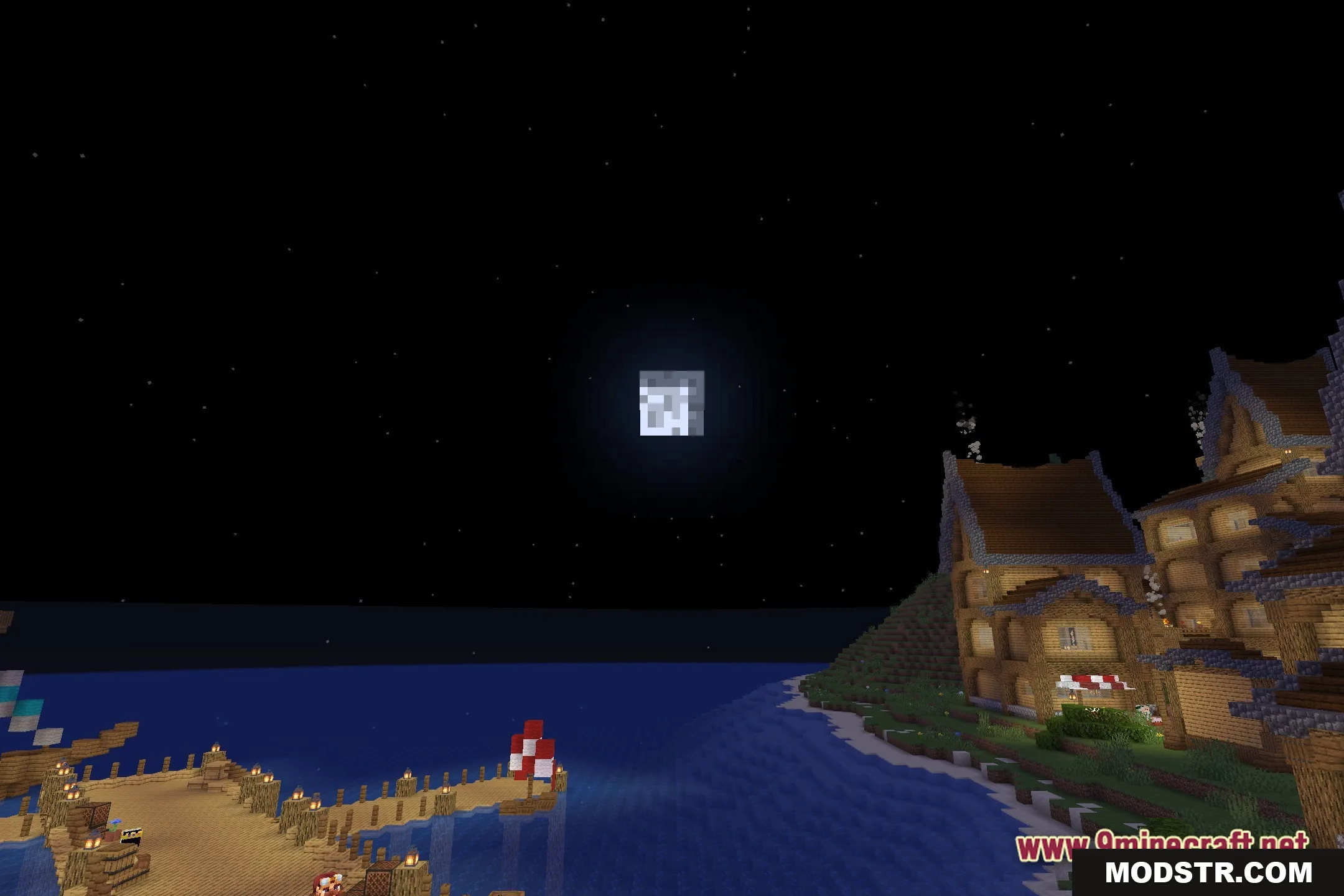
Screenshots
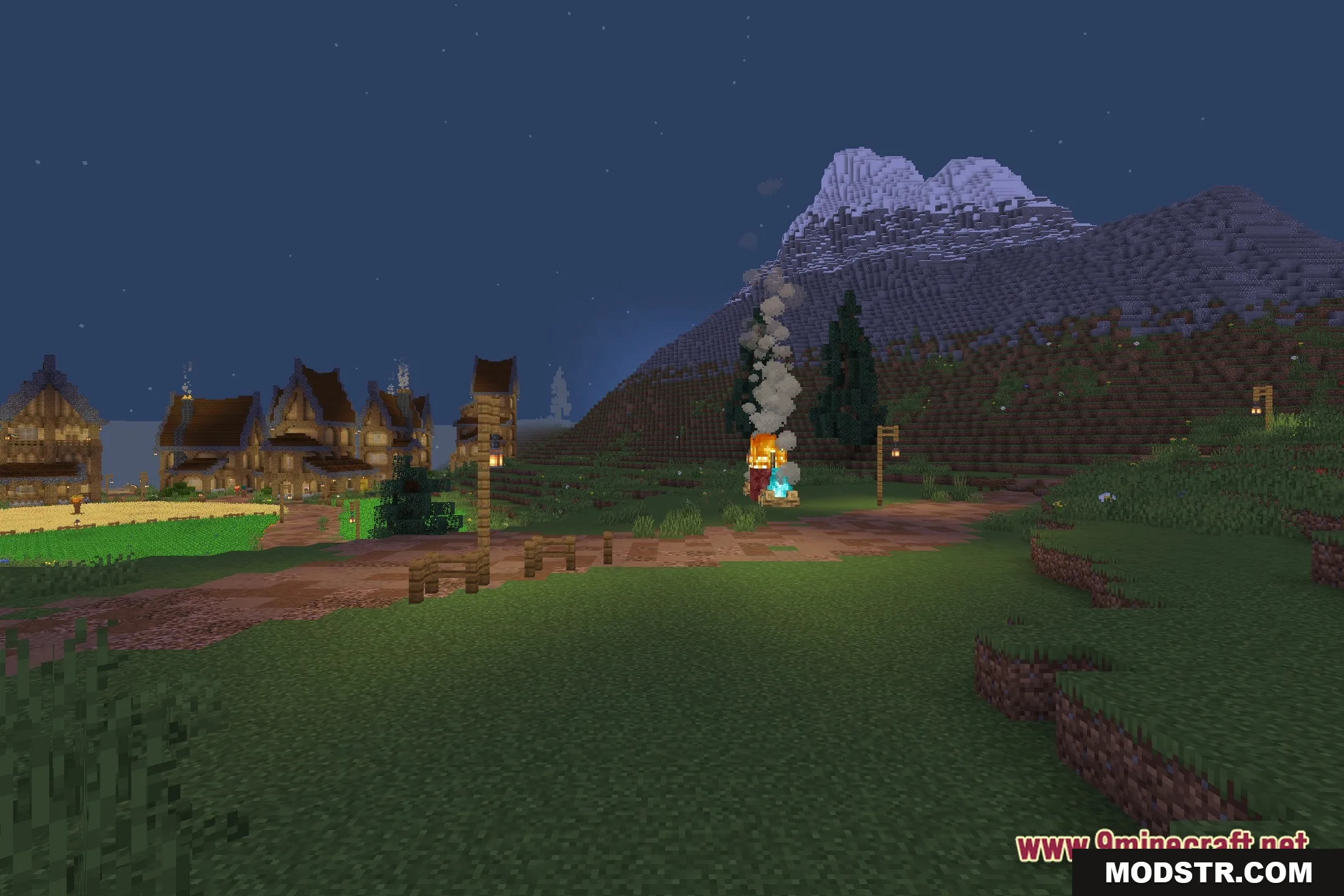
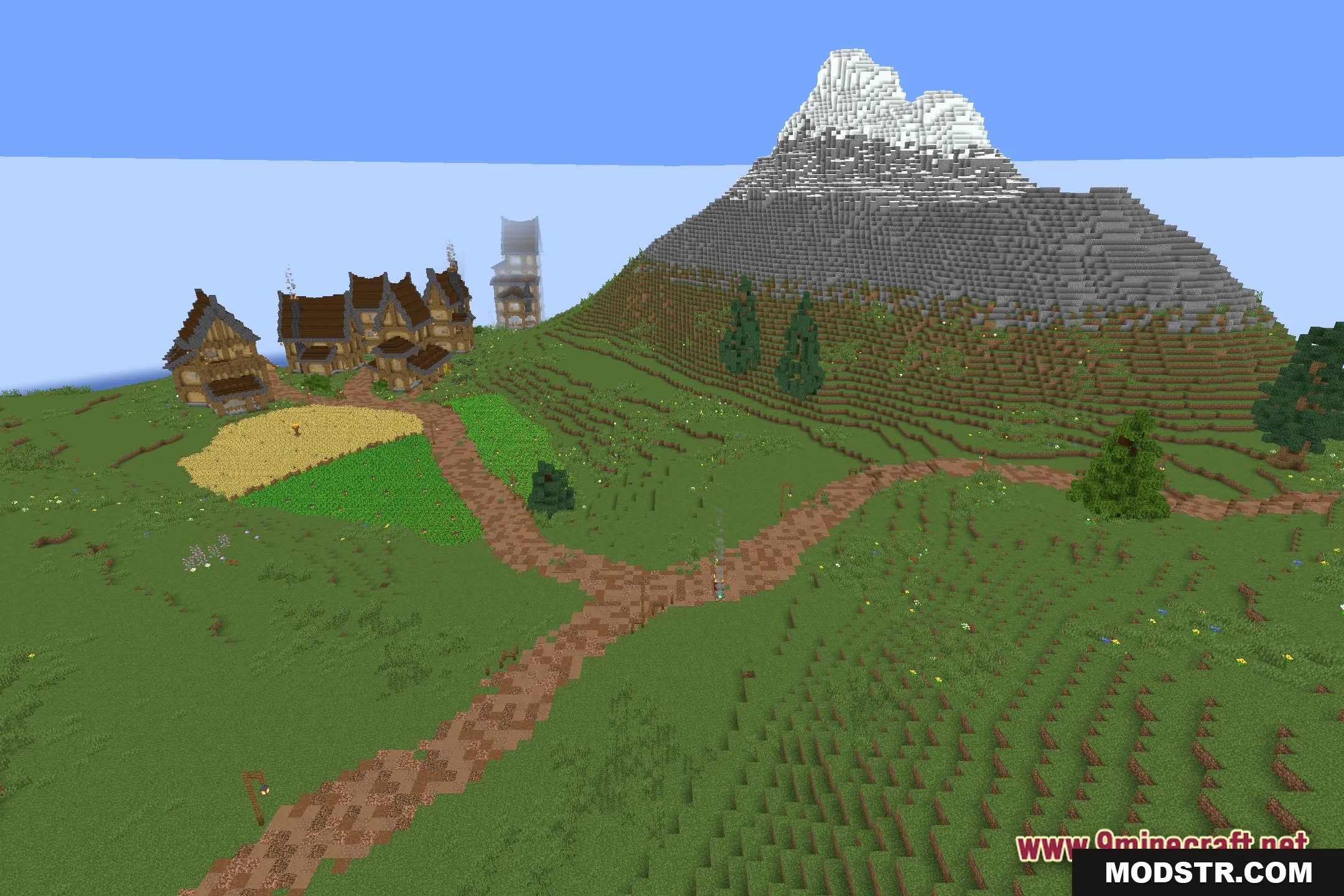
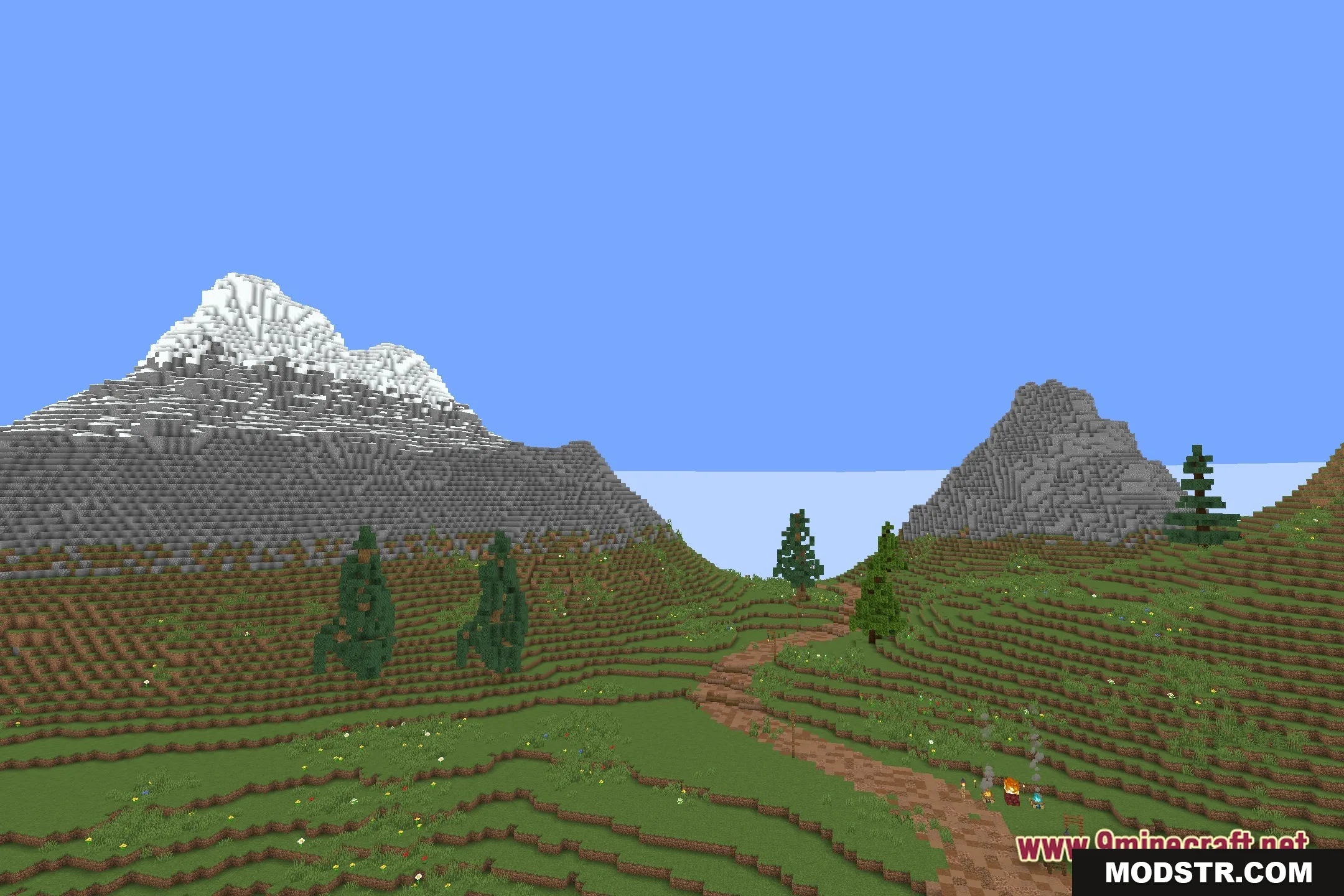
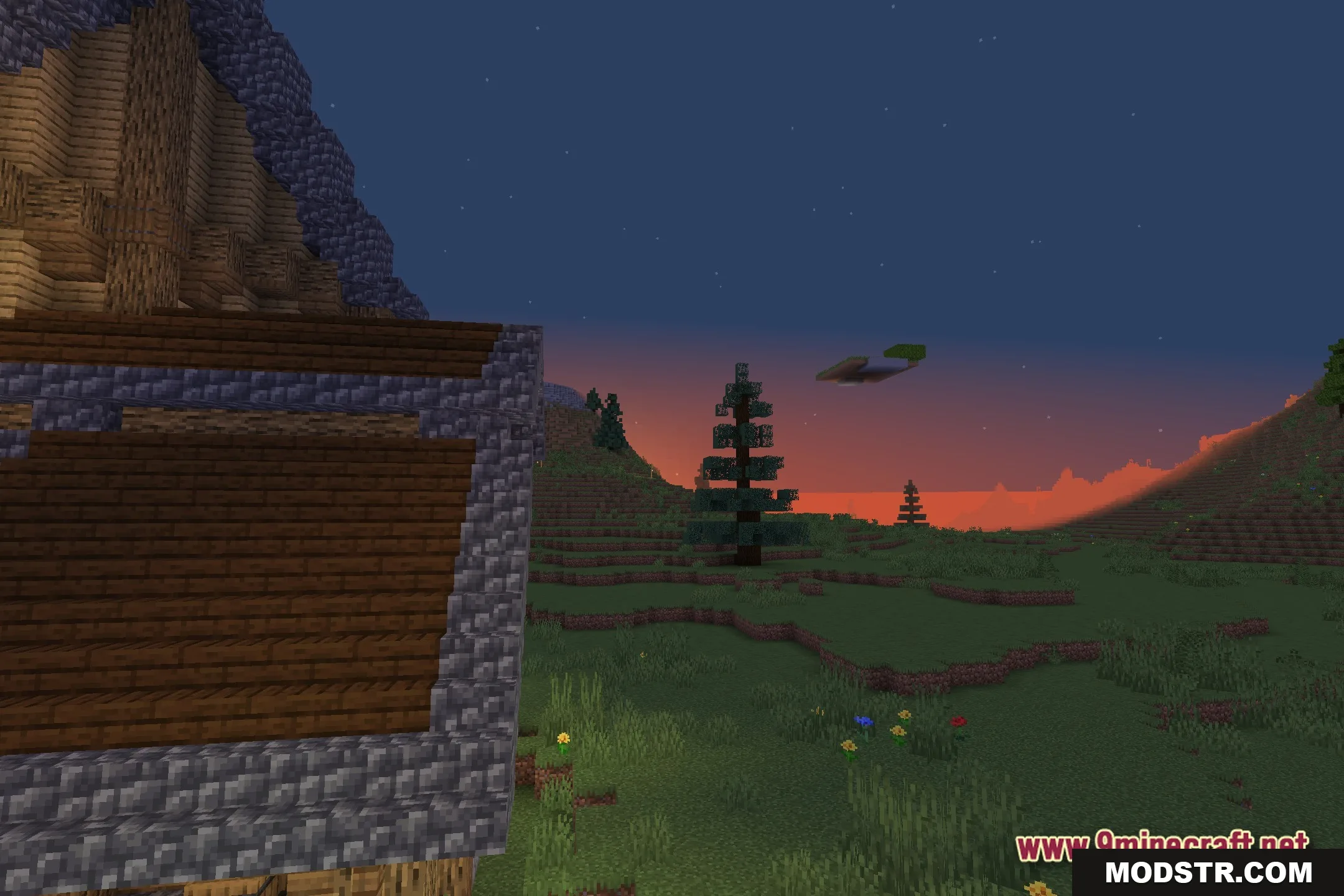
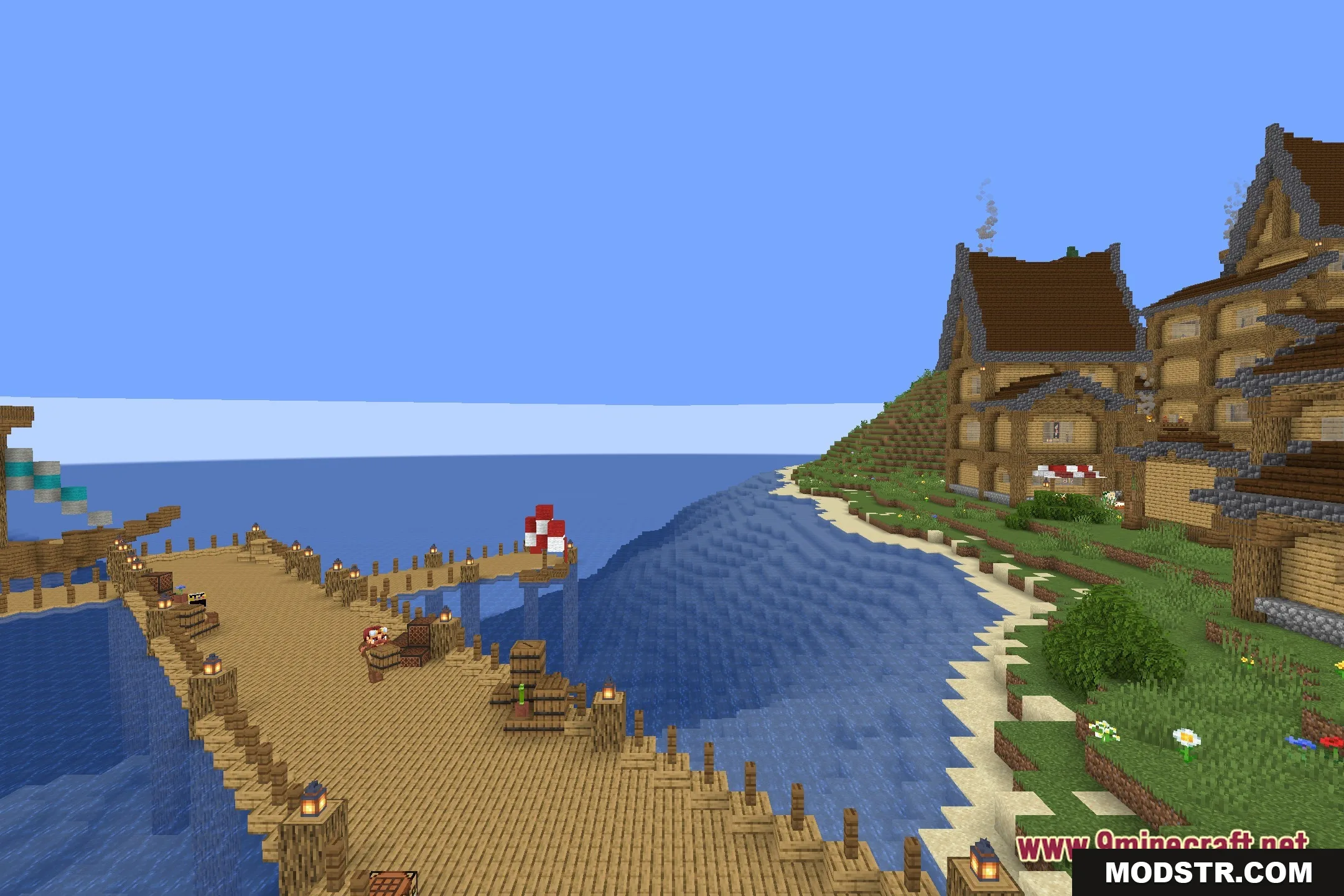
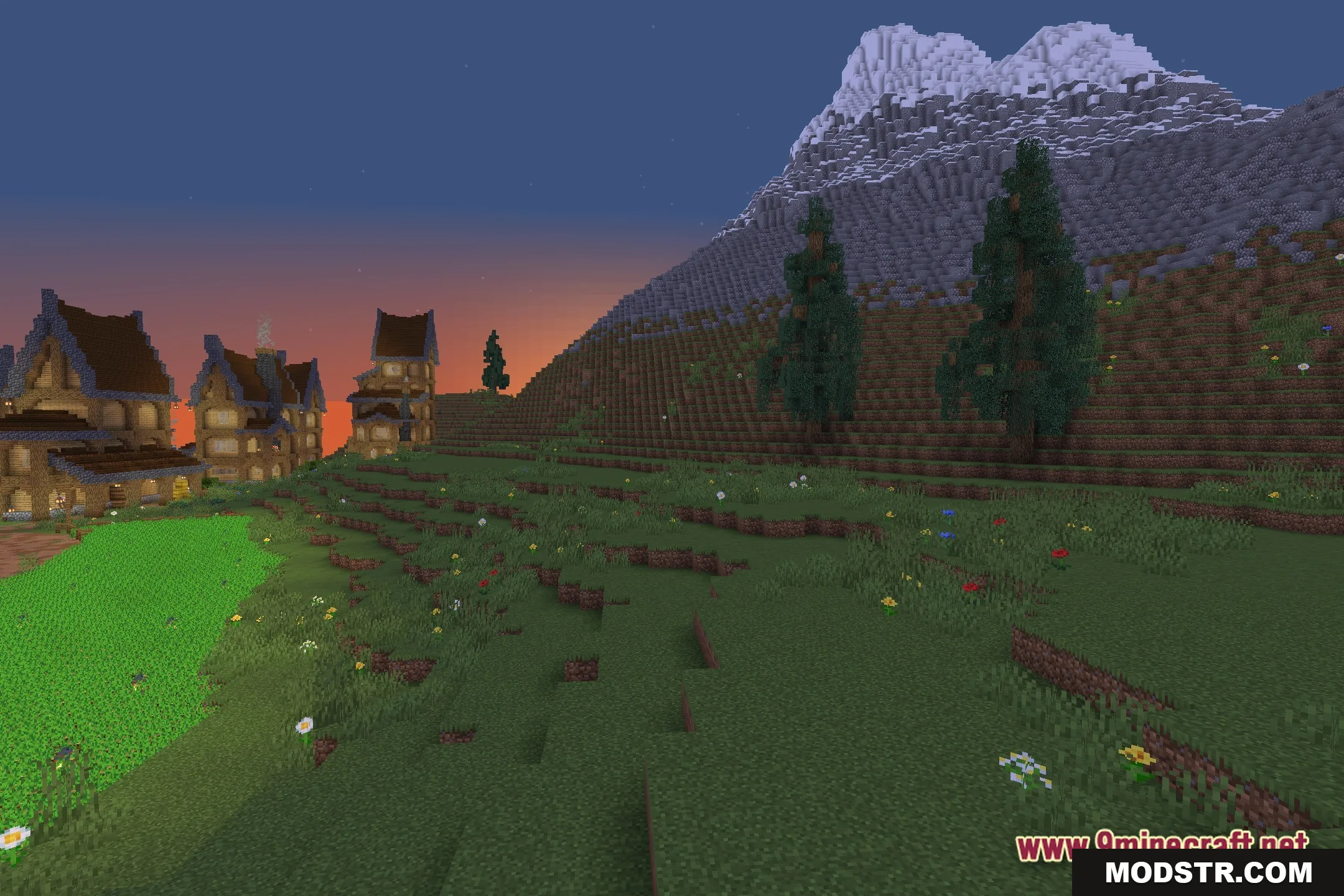
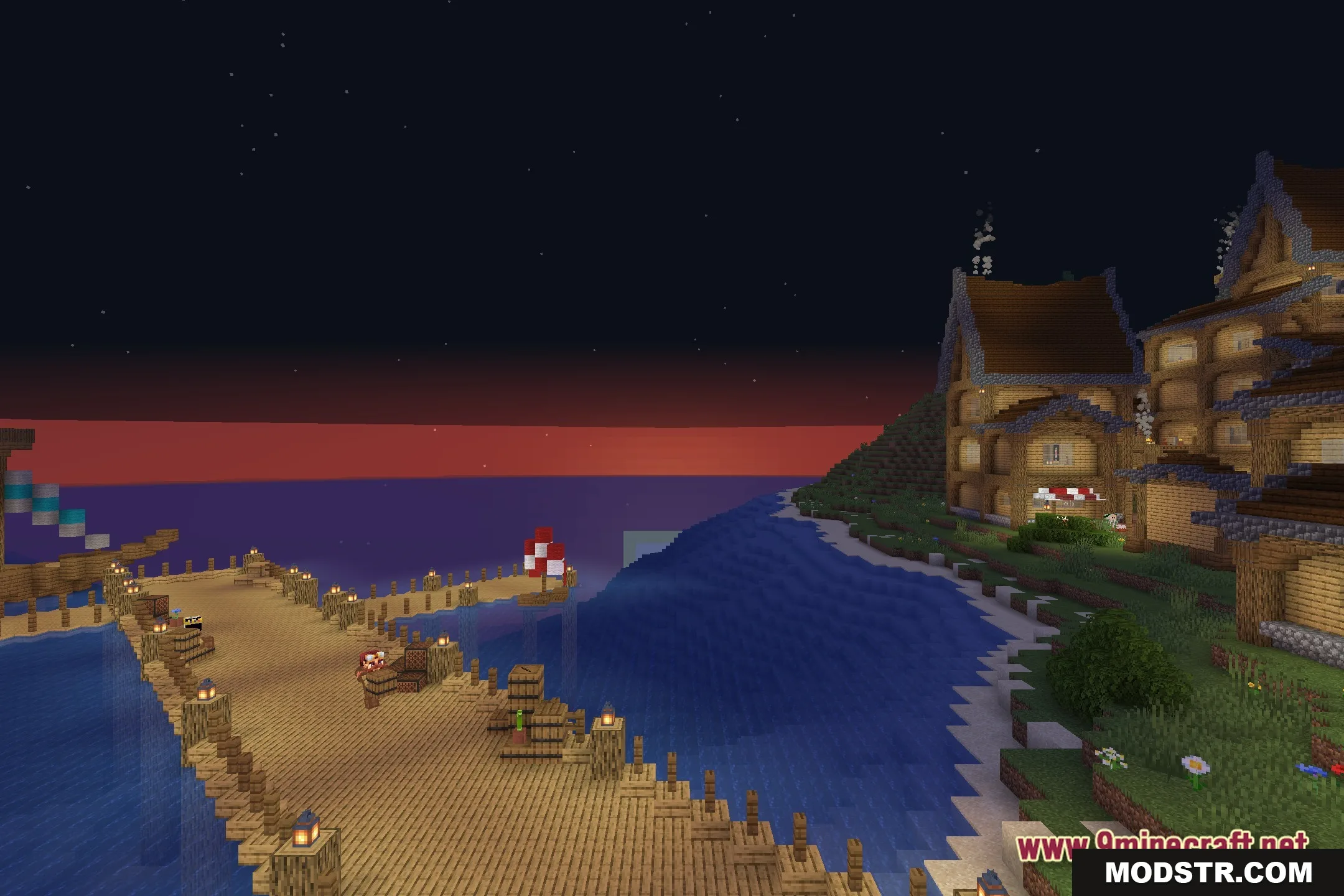
DOWNLOAD FILES
- shader