
MagicShader Shaders (26.2, 1.20.1) – Custom Player Models Without Optifine
MagicShader allows players to customize their character models directly in Minecraft without the need for Optifine. This shader pack offers a way to change your character's appearance seamlessly.
- OptiFine
- 1.20.1
MagicShader provides the ability to modify your player model in Minecraft. This shader pack manages character alterations independently, eliminating the requirement for Optifine to utilize custom models.
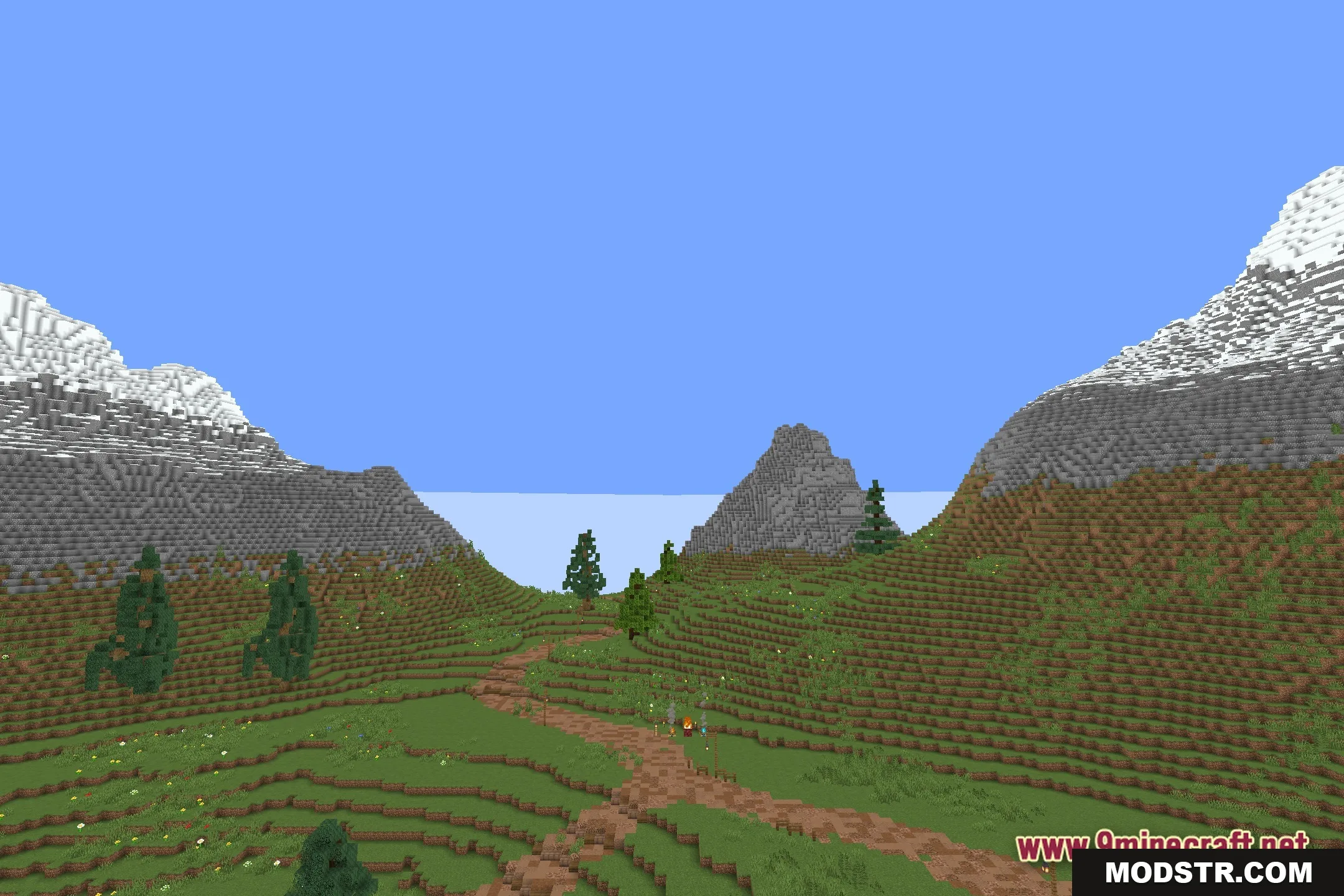
Features
- Lets you change the shape and look of your character model.
- Removes the need to install Optifine for custom models.
- Loads character visual updates directly through the shader system.
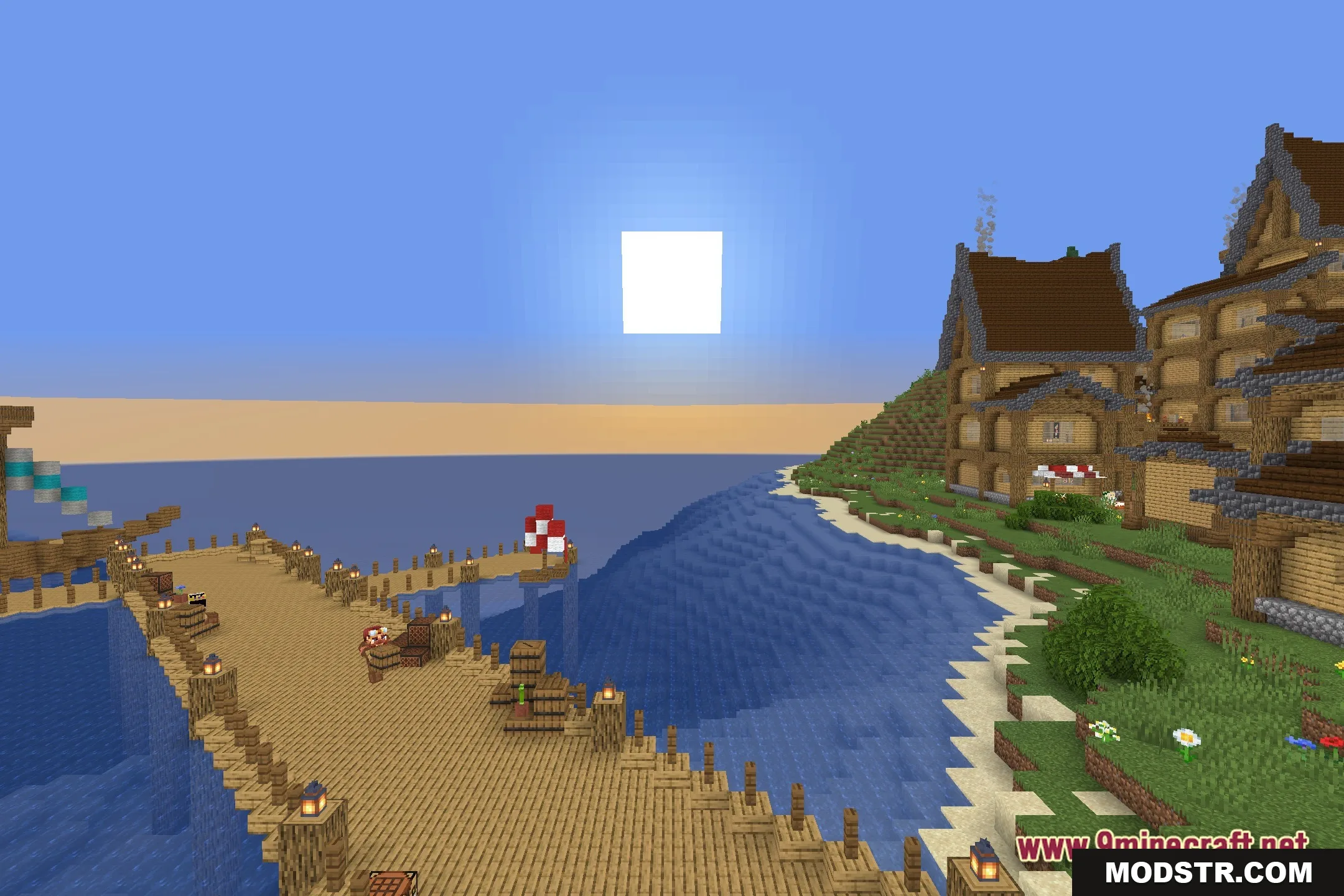
Installation
- Download the MagicShader shader pack.
- Open the Minecraft Launcher and select the appropriate version.
- Navigate to the 'Shaders' menu in the game settings.
- Click on 'Shaders Folder' to open the directory.
- Copy the downloaded shader pack into this folder and select it in the menu.
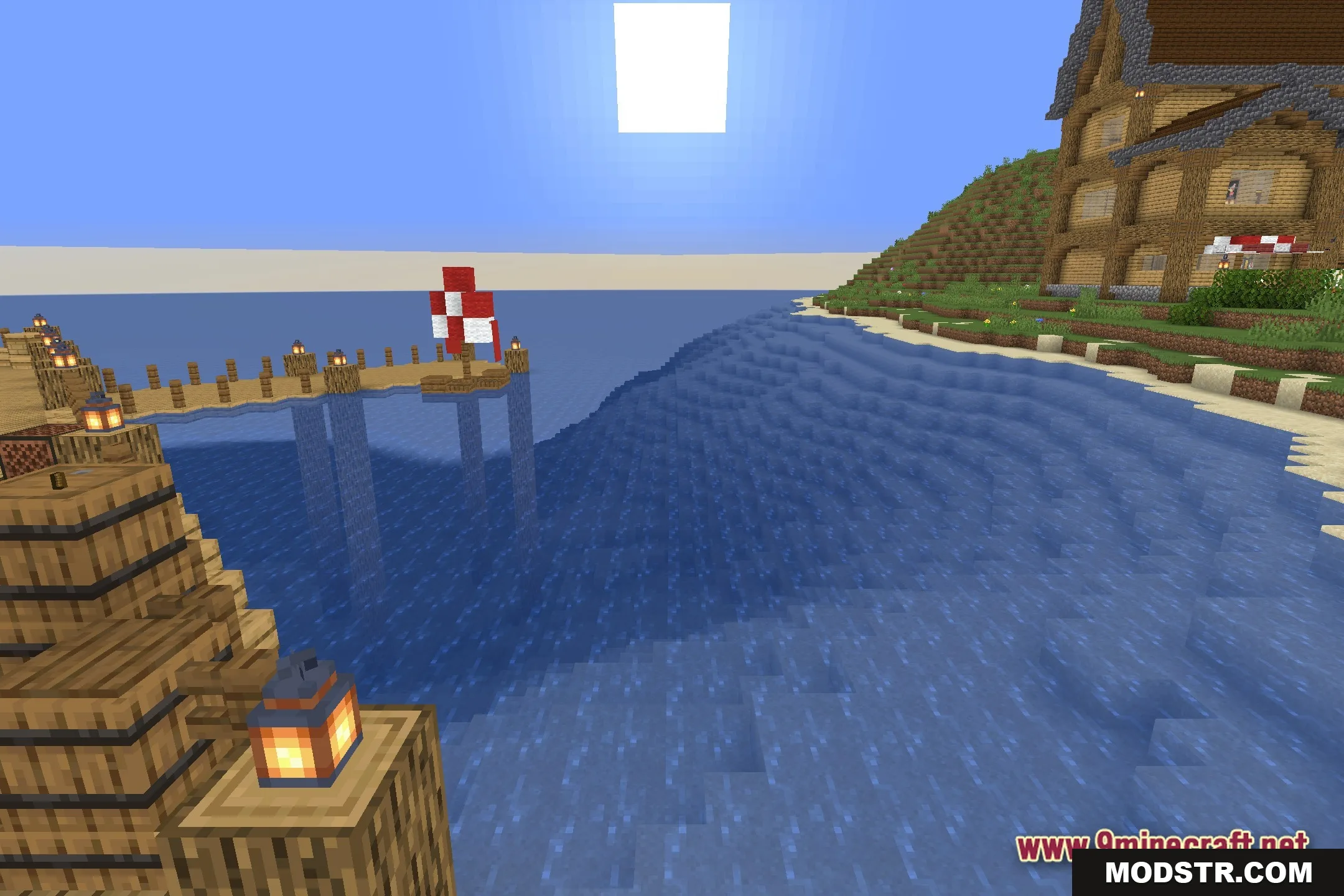
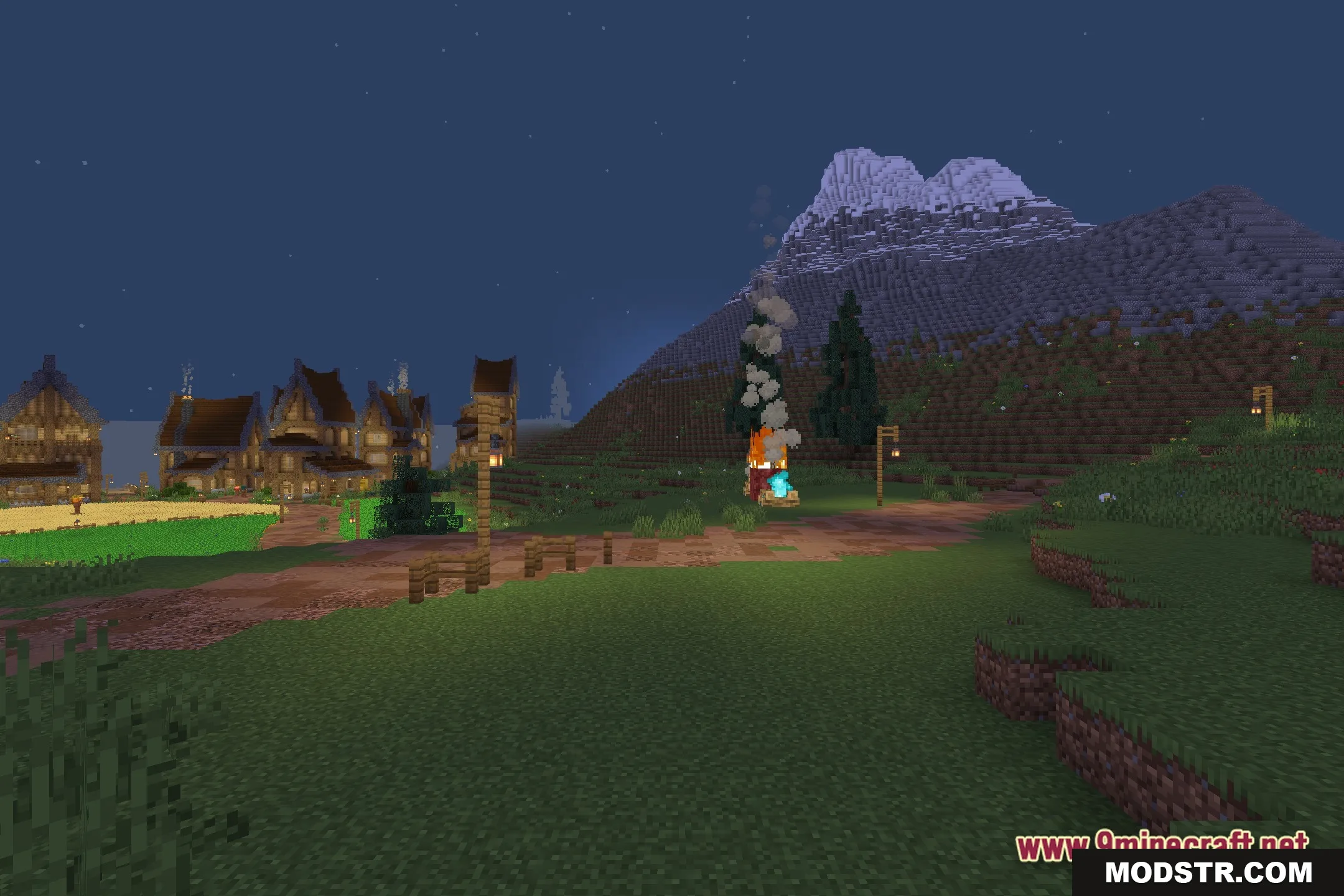
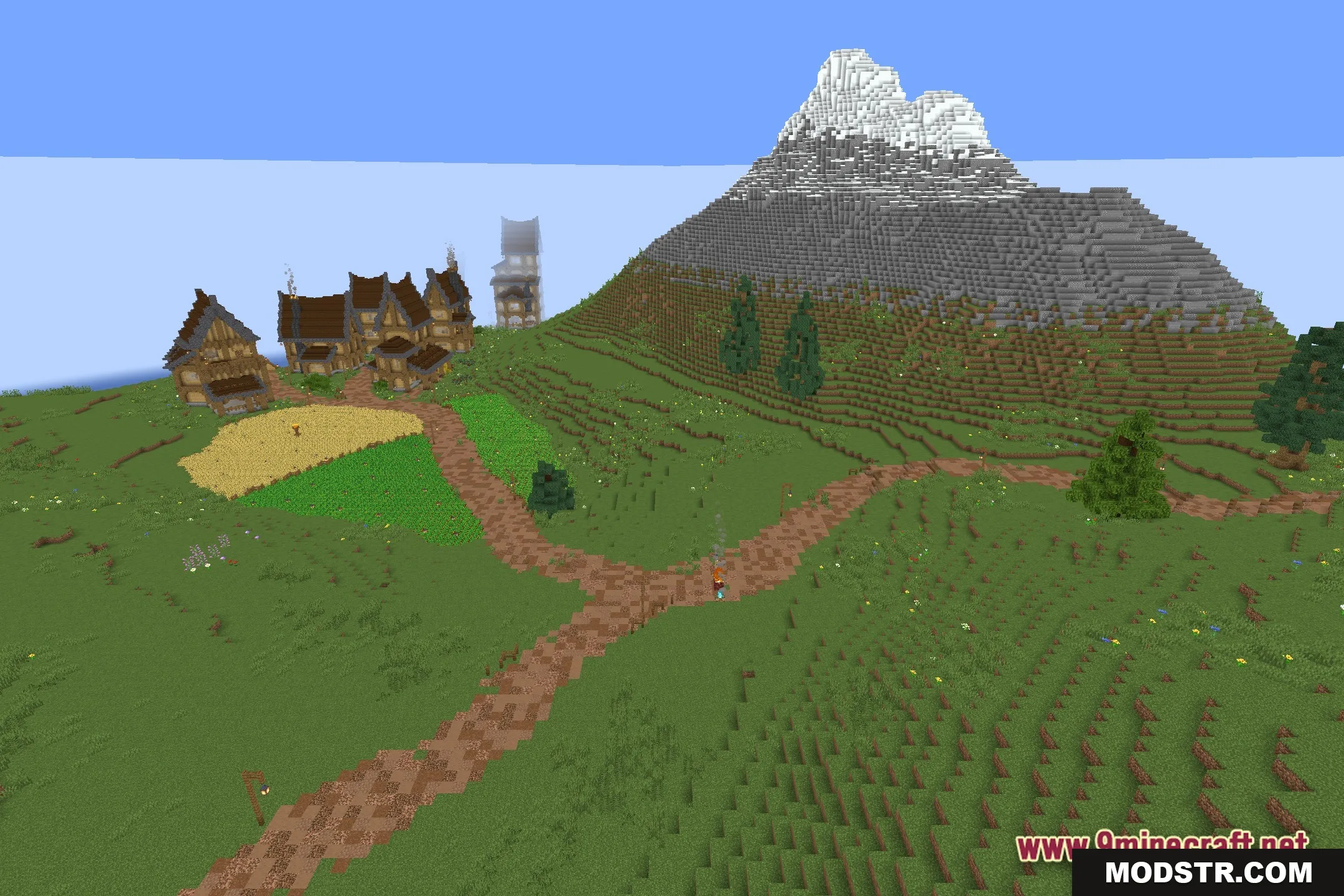
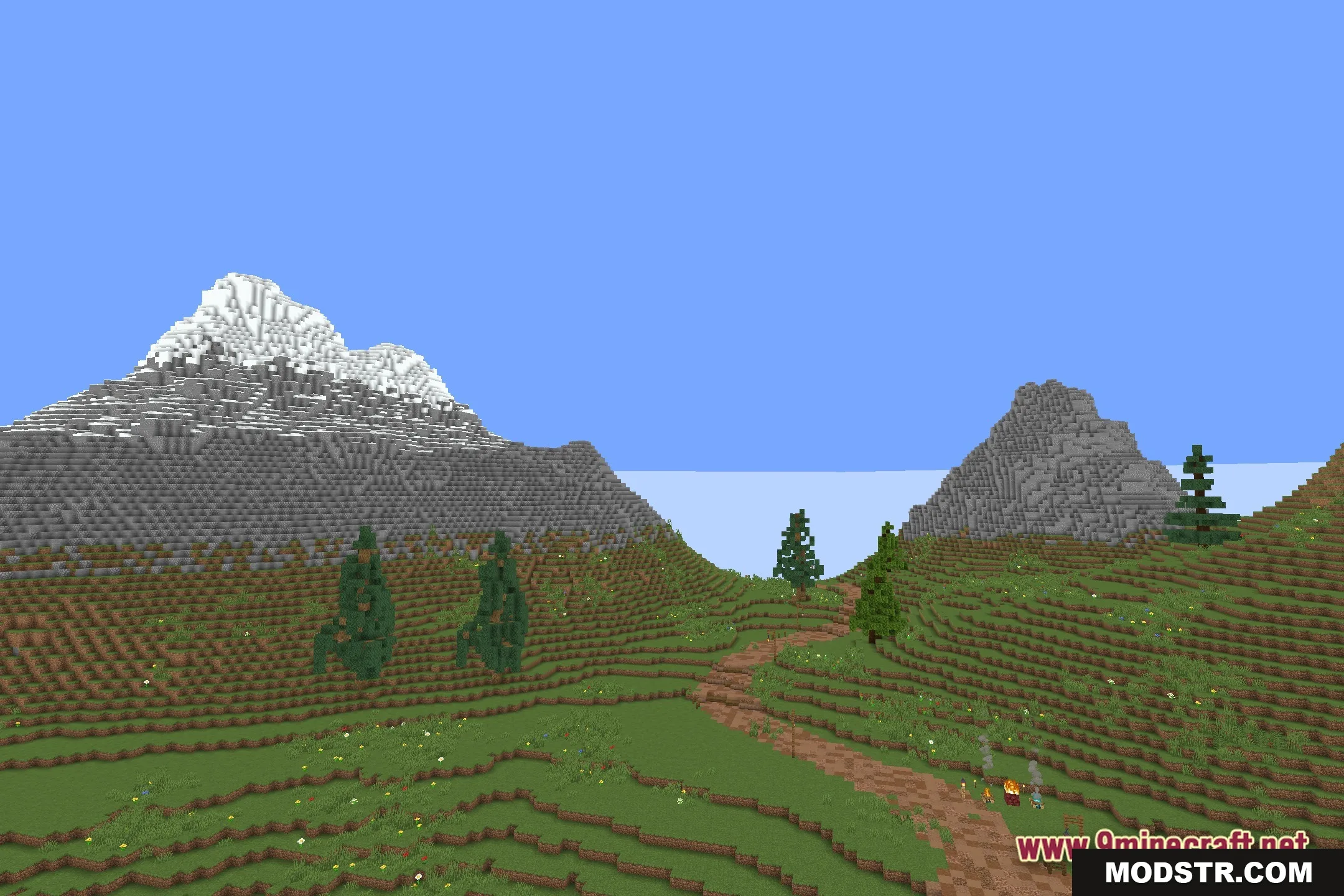
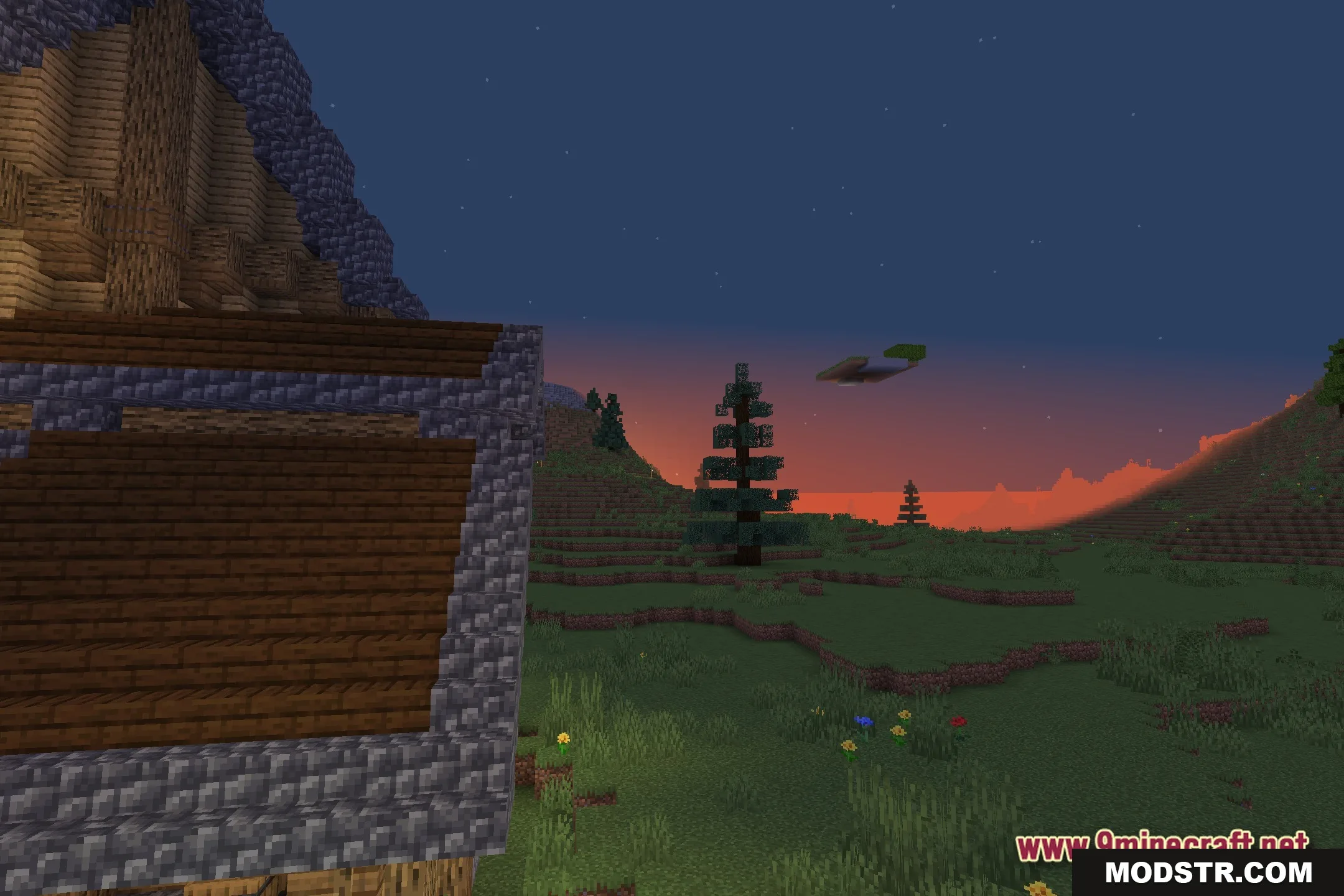
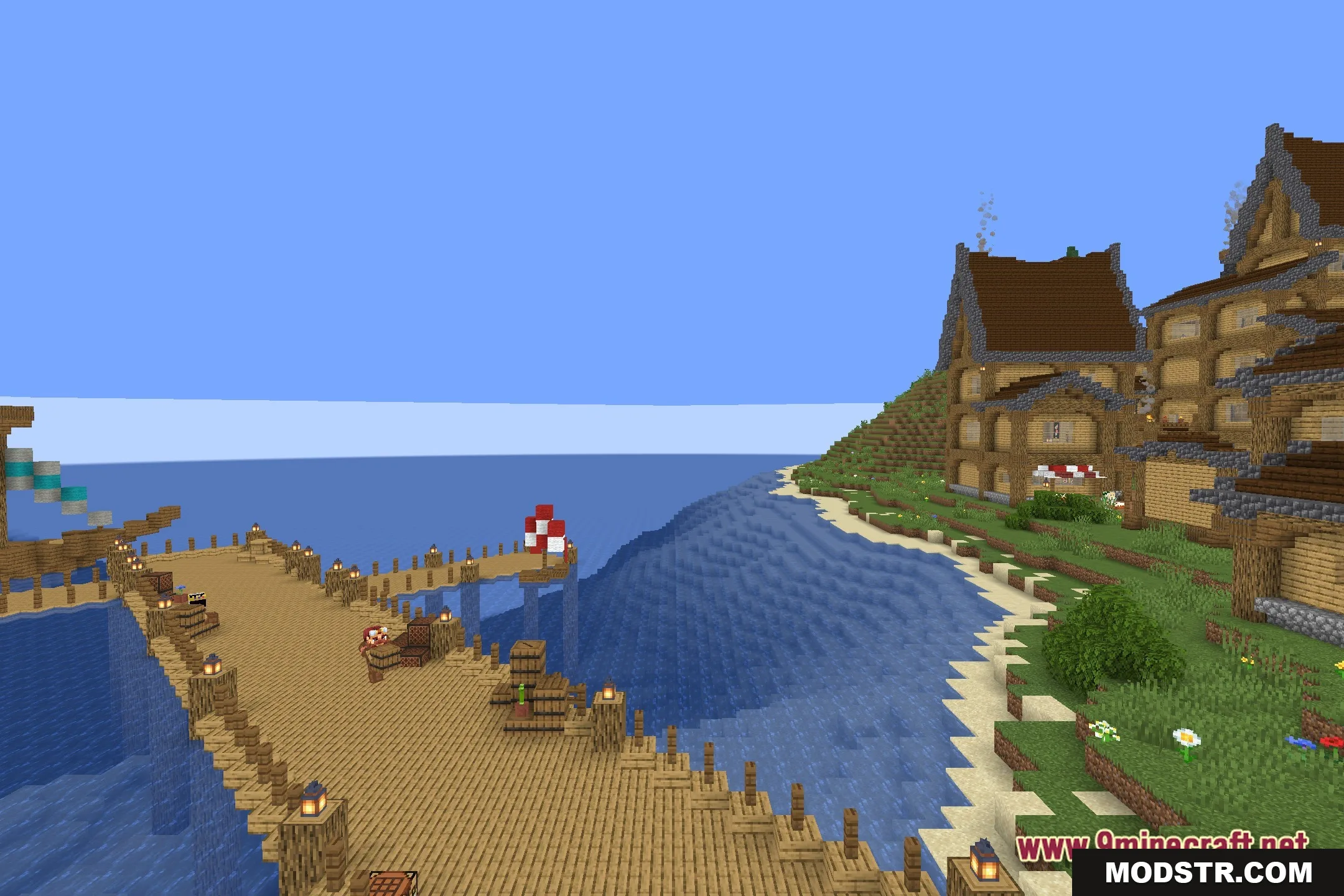
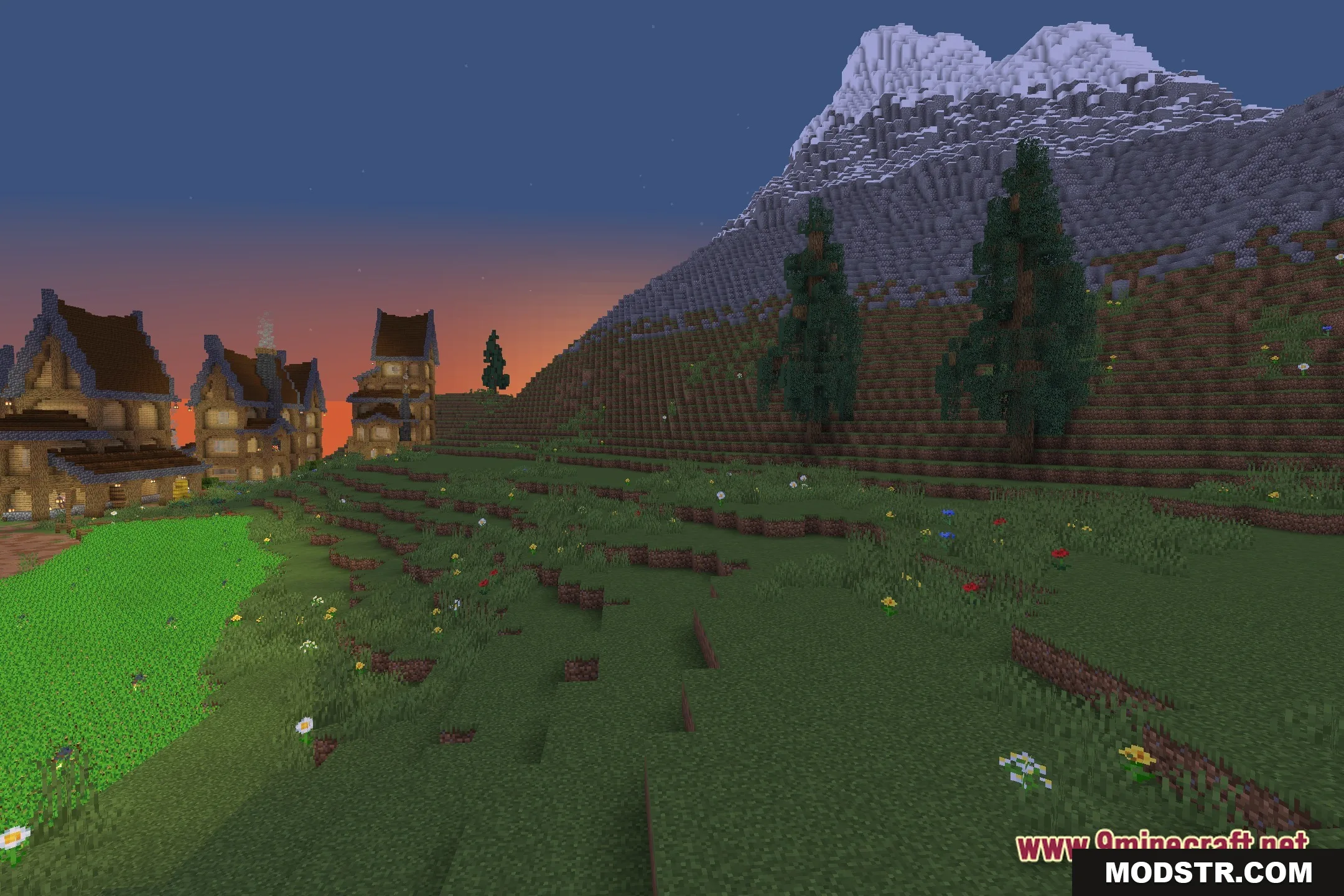
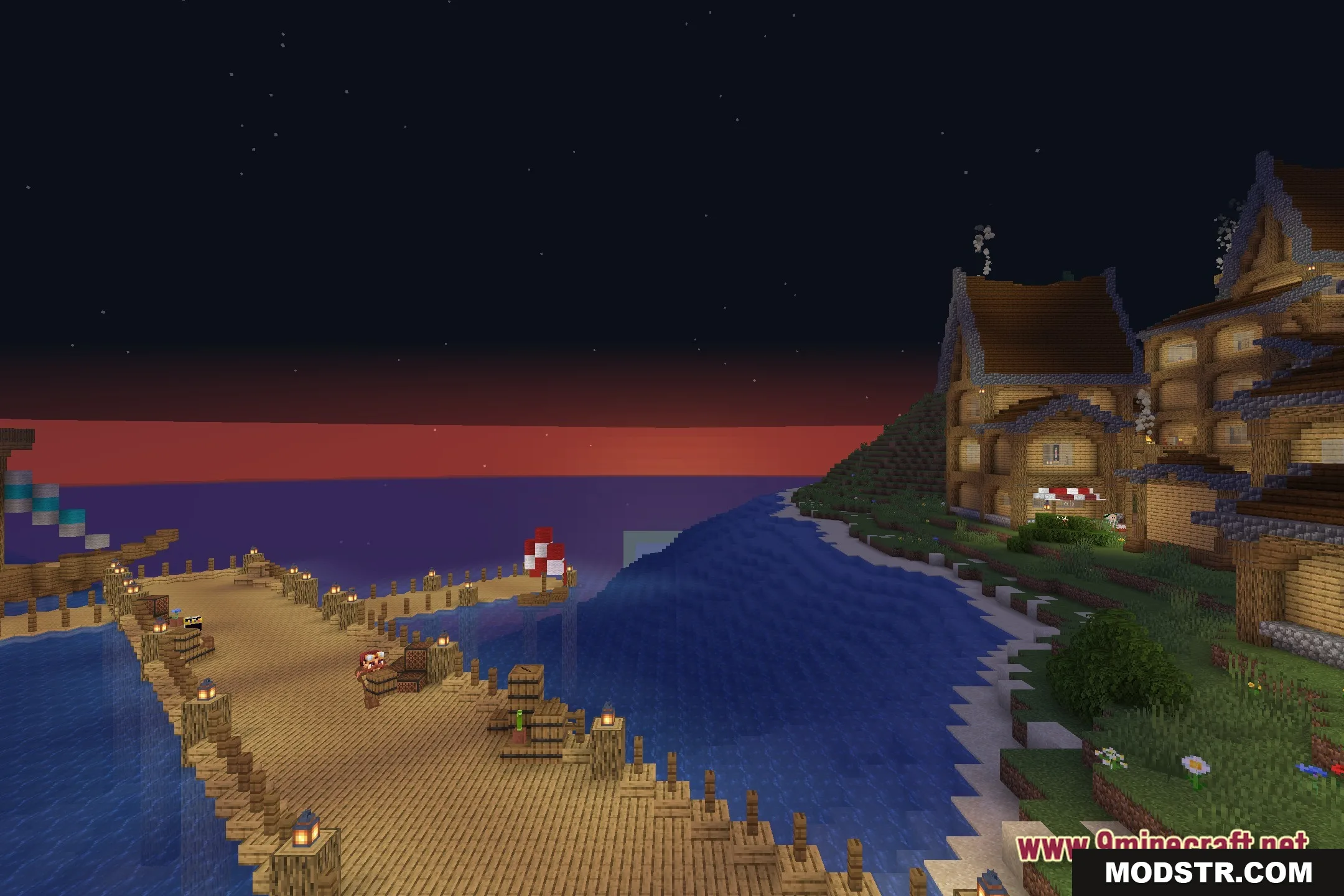
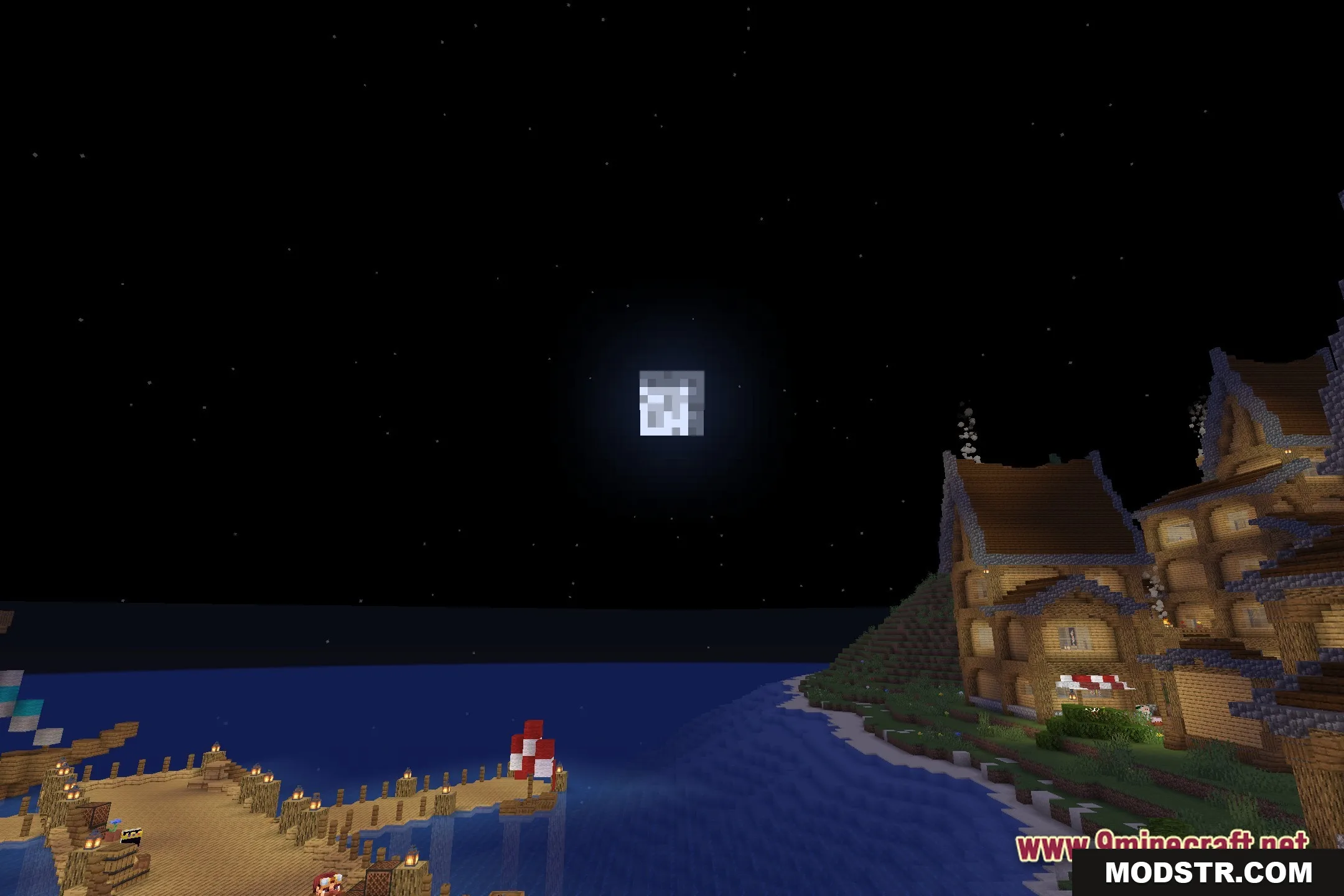
Screenshots
DOWNLOAD FILES
- shader