
AuroraRT Shaders (26.2, 1.20.1) – Realistic Shadows and Reflective Water
AuroraRT Shaders enhance Minecraft with realistic lighting and vibrant colors. Ideal for players seeking a visual upgrade while maintaining a familiar style.
- 1.20.1
AuroraRT Shaders modify the visual elements of Minecraft to incorporate realistic shadows and reflective water, while still retaining the classic blocky aesthetics. These shaders are suitable for players looking to visually enhance their gameplay experience.
Features
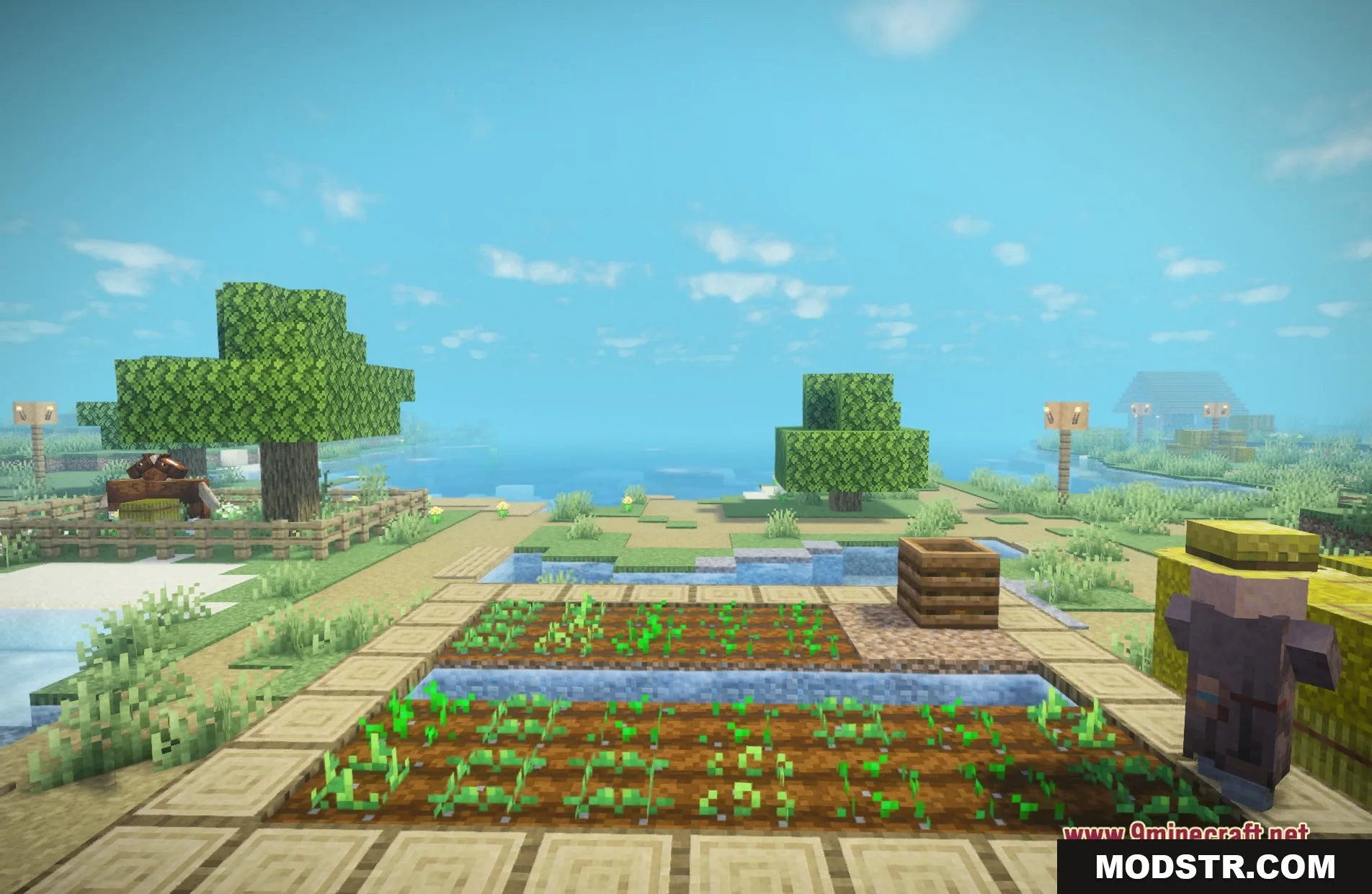
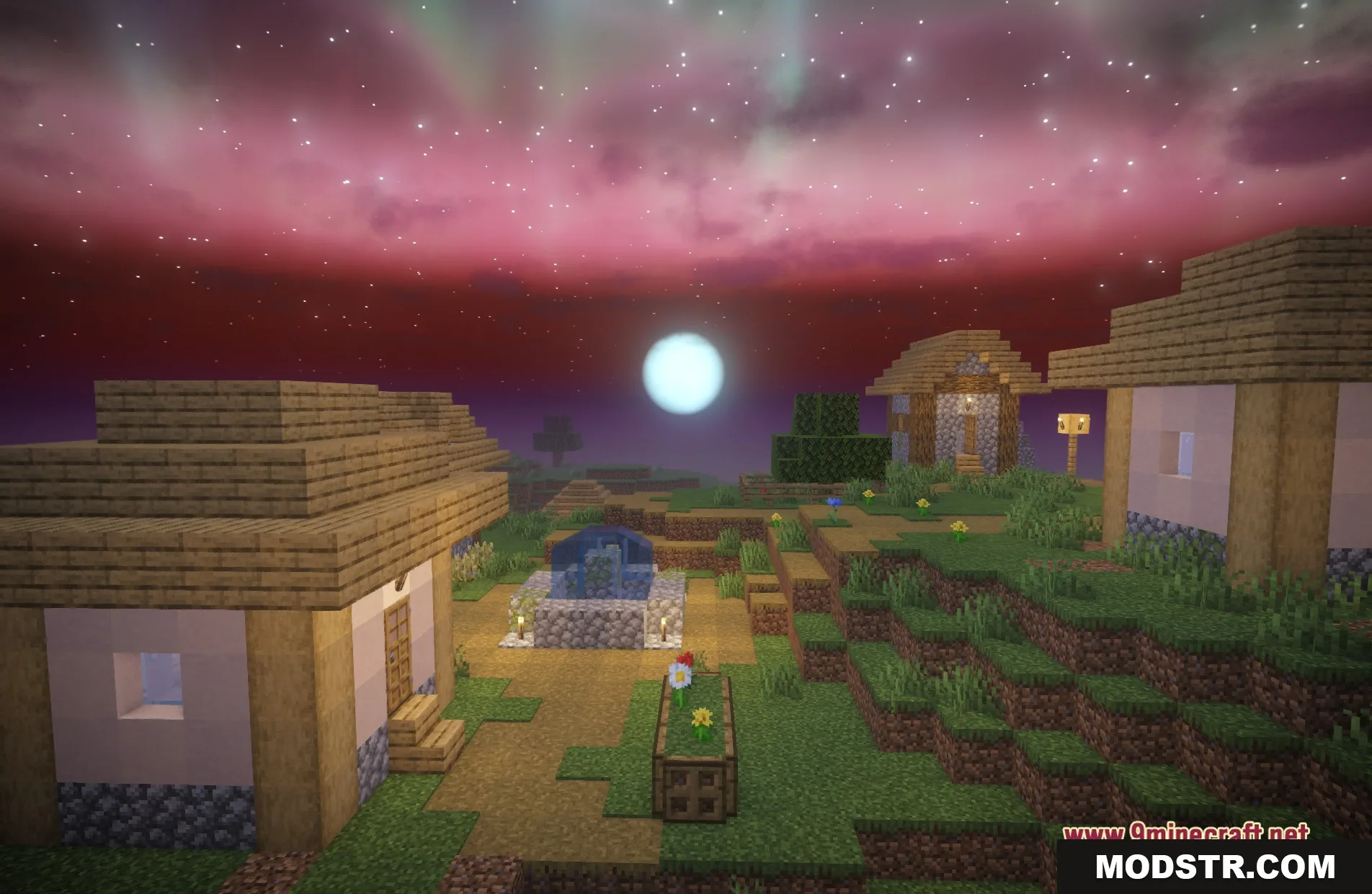
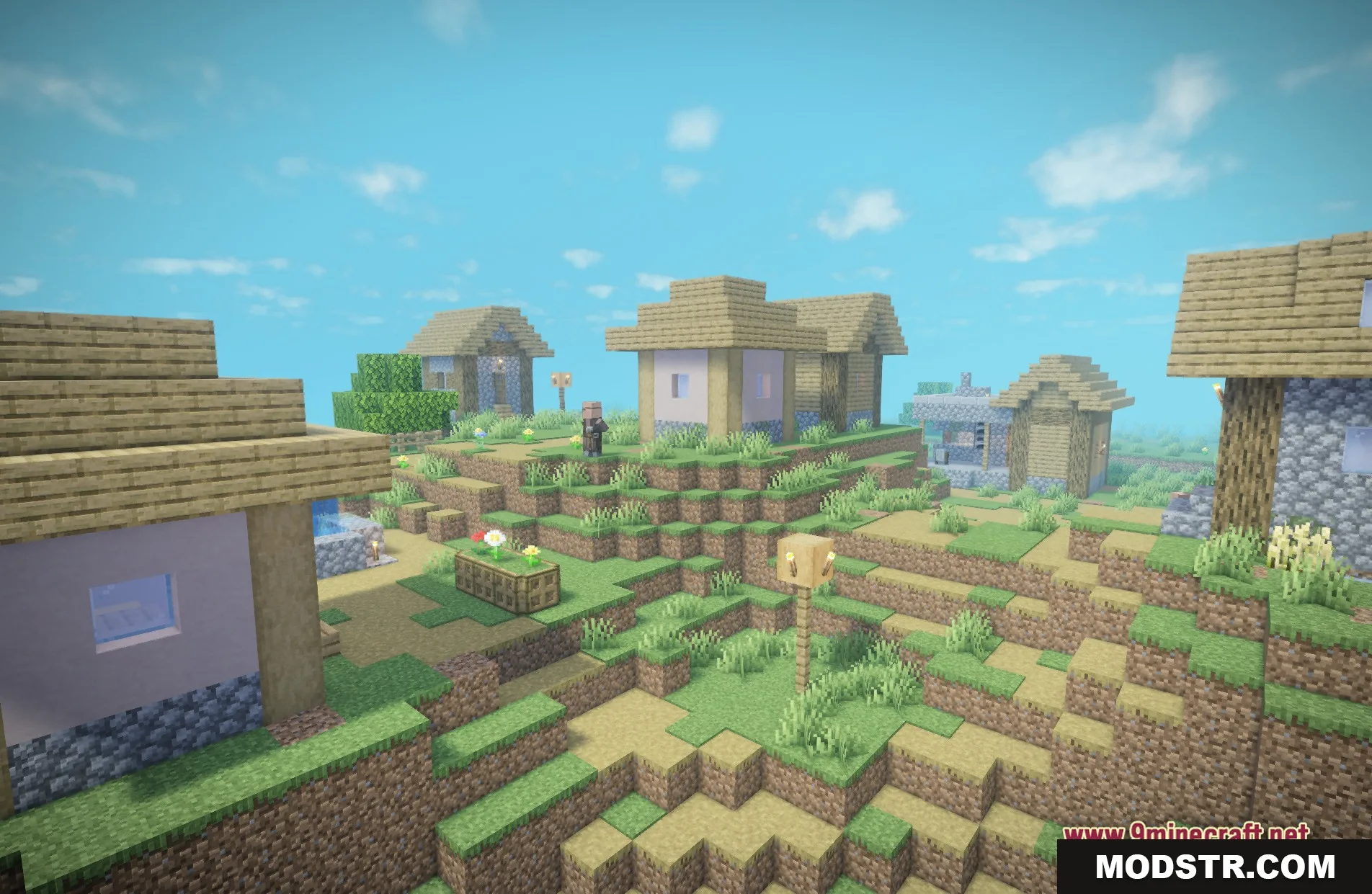
- Adds realistic shadows that adjust with the sun and moon movements.
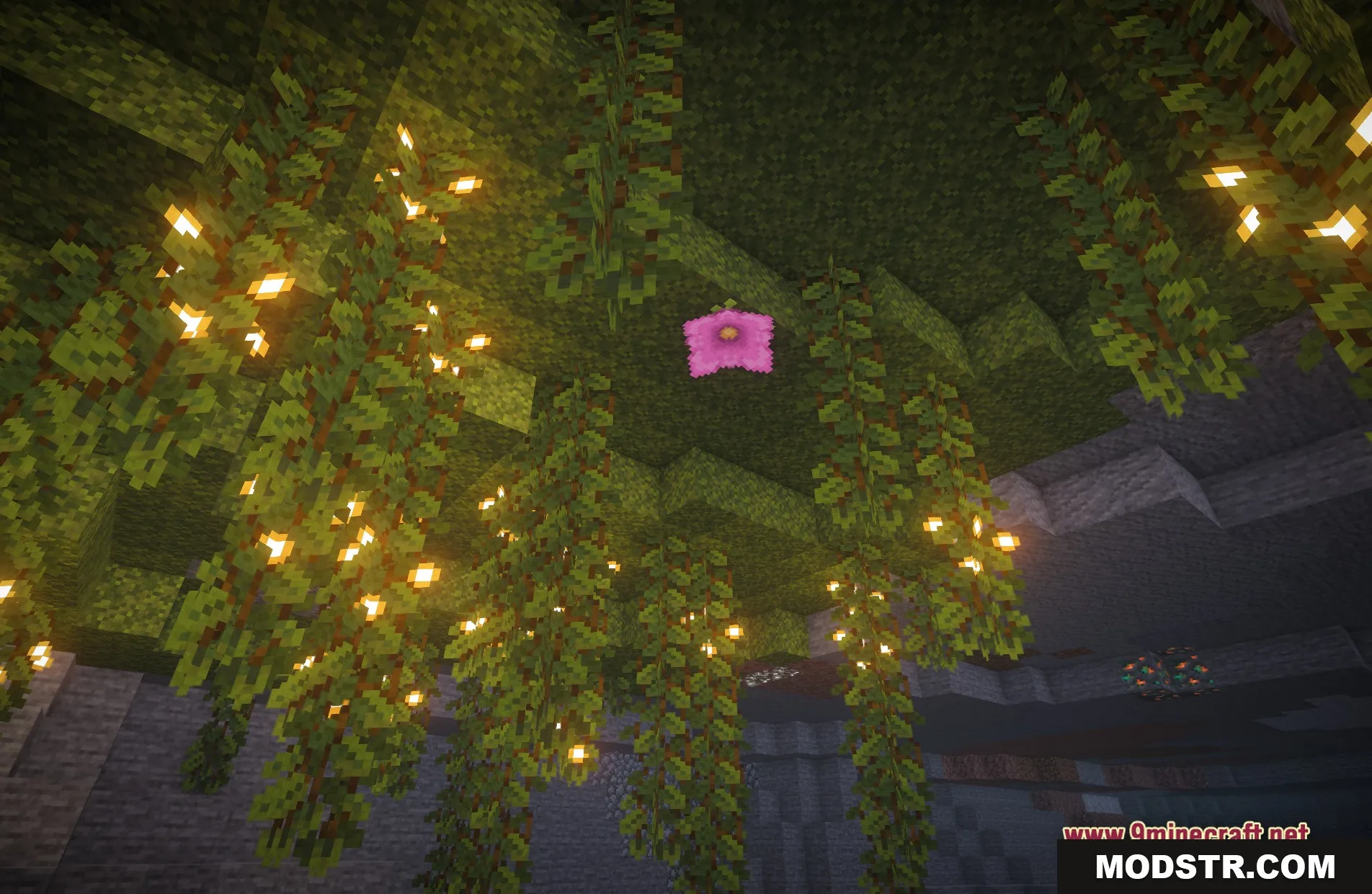
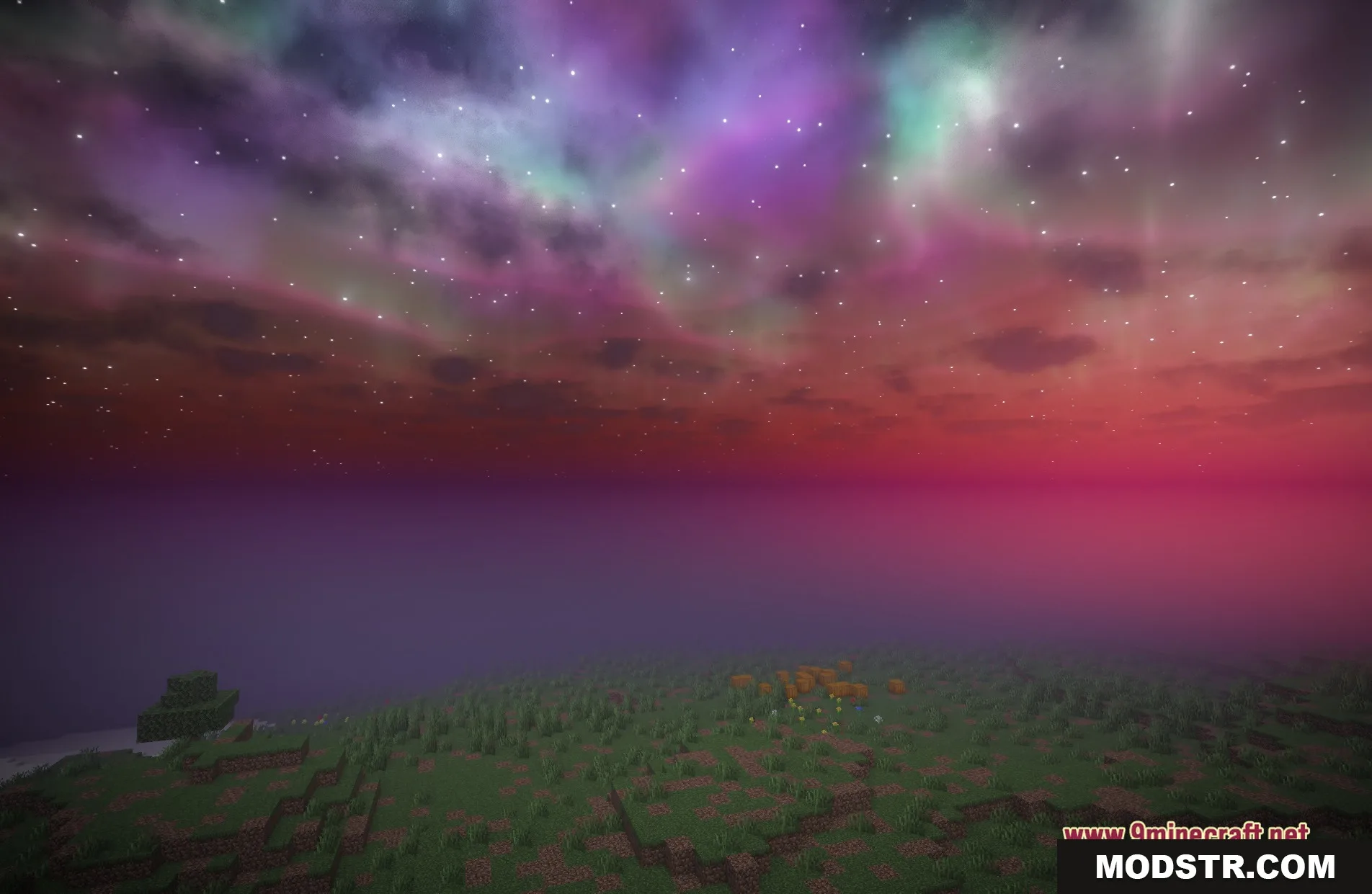
- Provides a fantasy atmosphere with softer colors and luminous lights.
- Maintains the vanilla Minecraft appearance of blocks and items.
- Improves water visuals, making it clearer and more reflective.
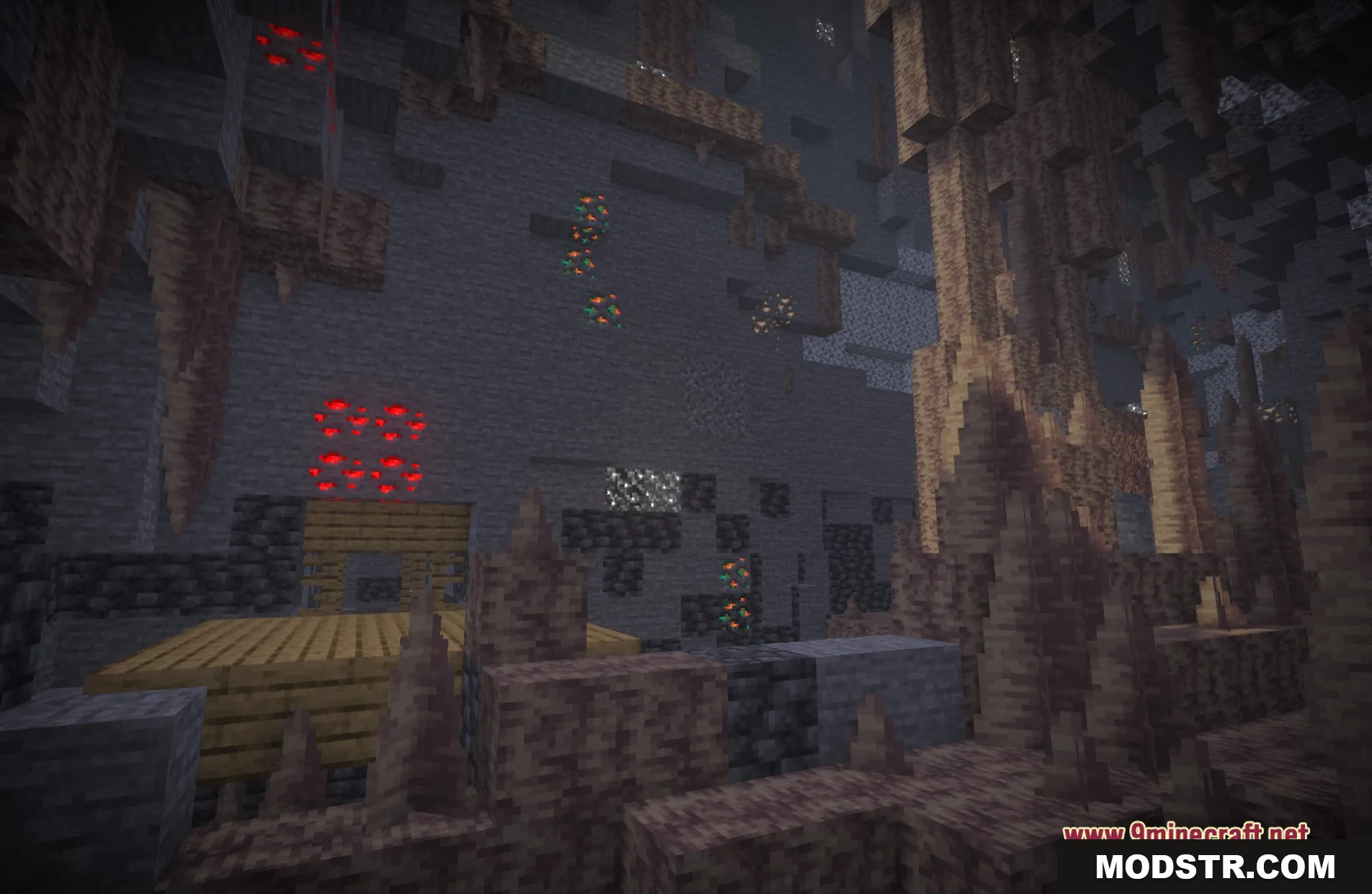
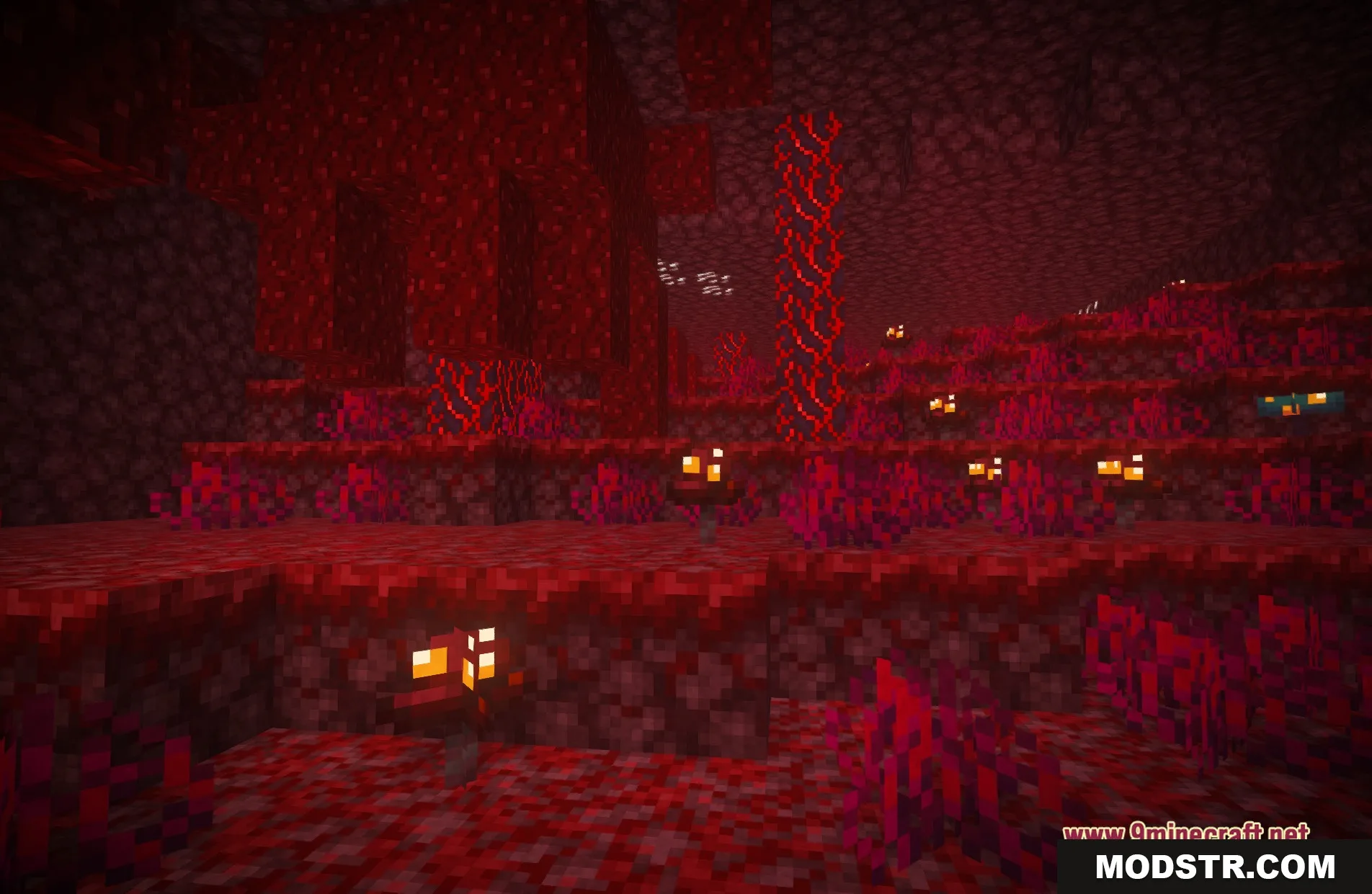
- Enhances cave lighting with improved torch glow and light spread.
- Upgrades the sky with custom clouds and more colorful sunsets.
Installation
- Download the AuroraRT Shaders package.
- Open your Minecraft launcher and select the appropriate version.
- Navigate to the shader settings and open the shader folder.
- Place the downloaded shader files into the shader folder.
- Activate the AuroraRT Shaders from the shader settings.
Screenshots
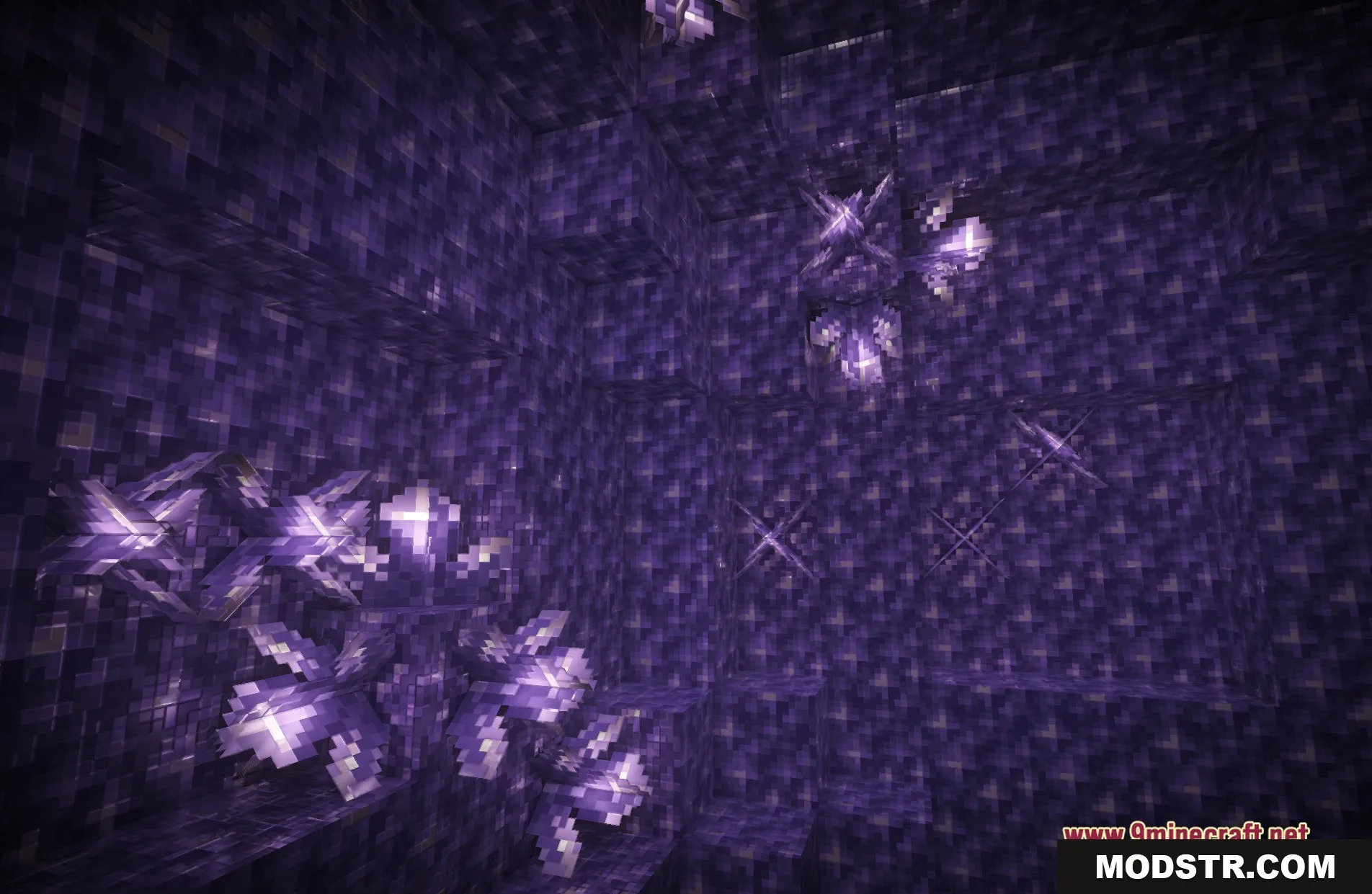
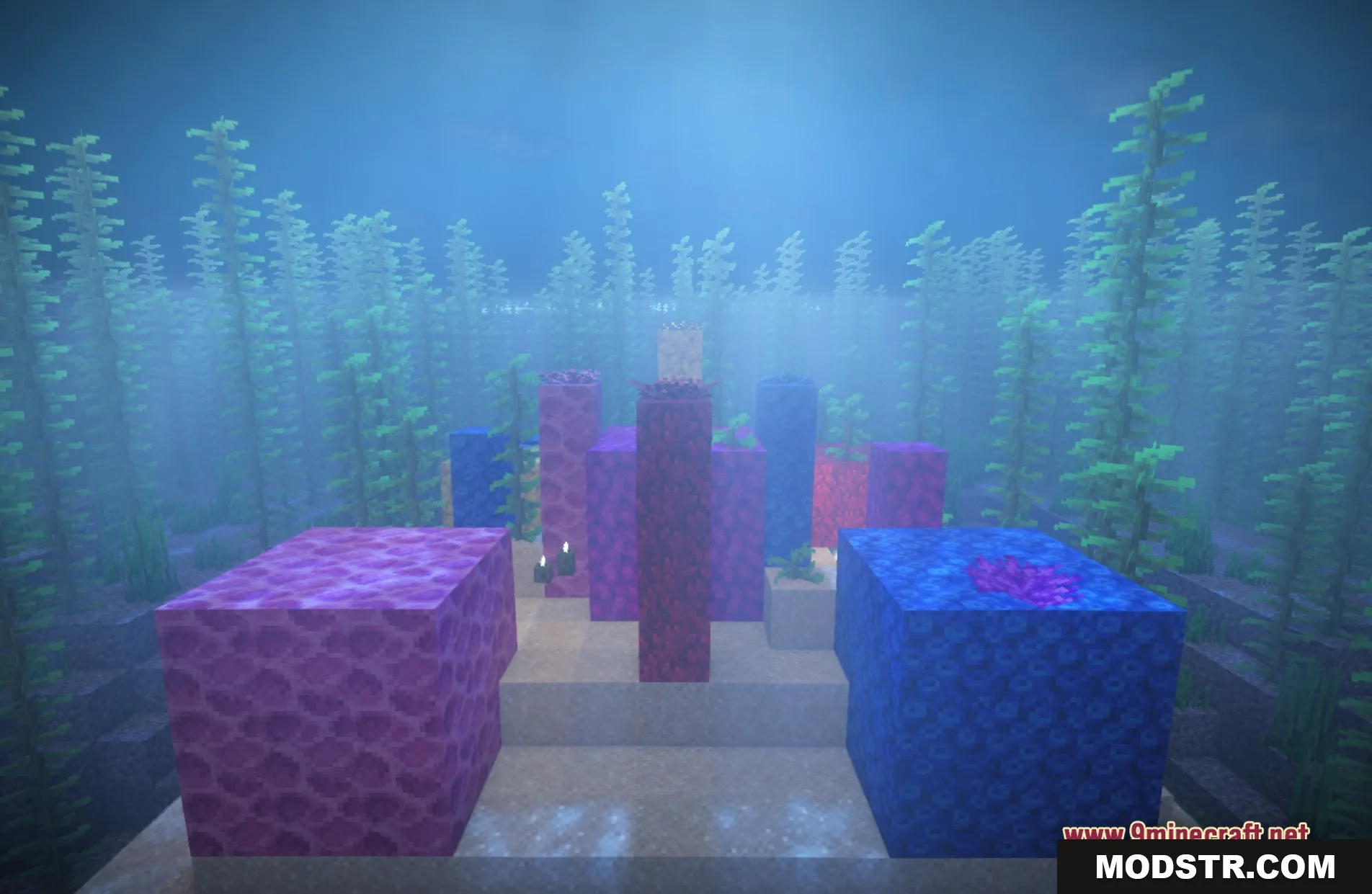
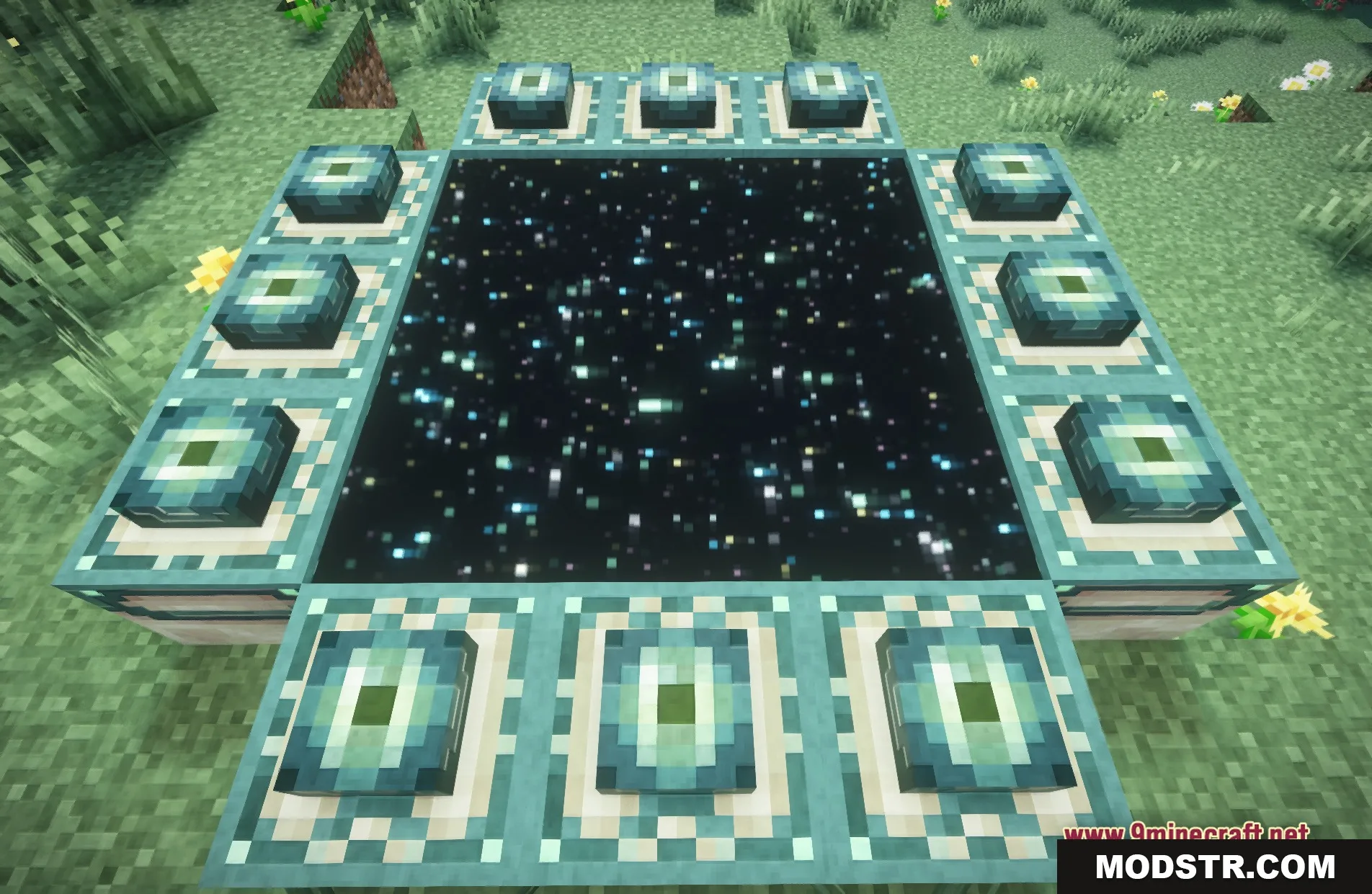
DOWNLOAD FILES
- shader