
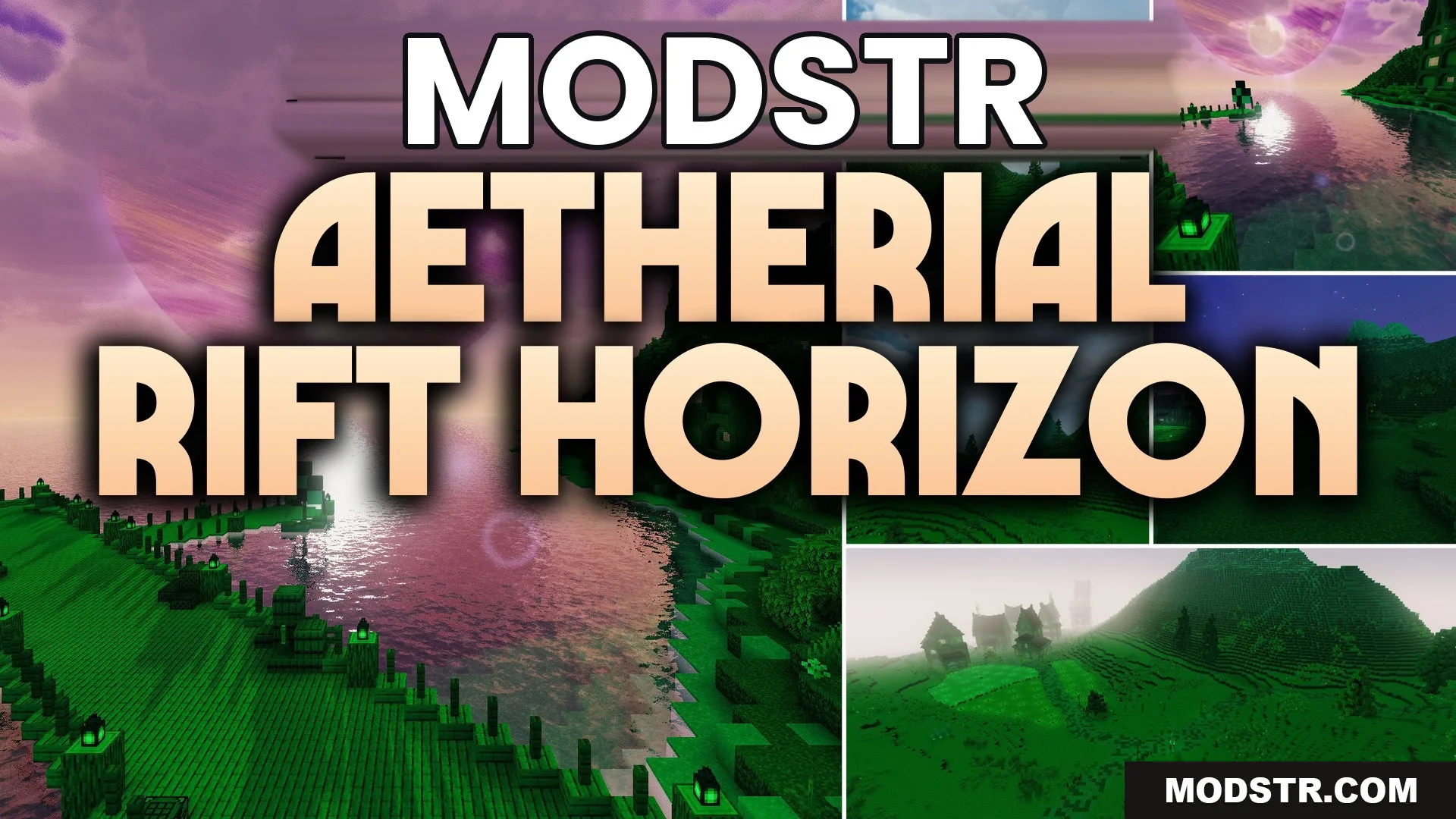
Aetherial Rift Horizon Shaders (26.2, 1.20.1) – Cosmic Skybox and Astral Rifts
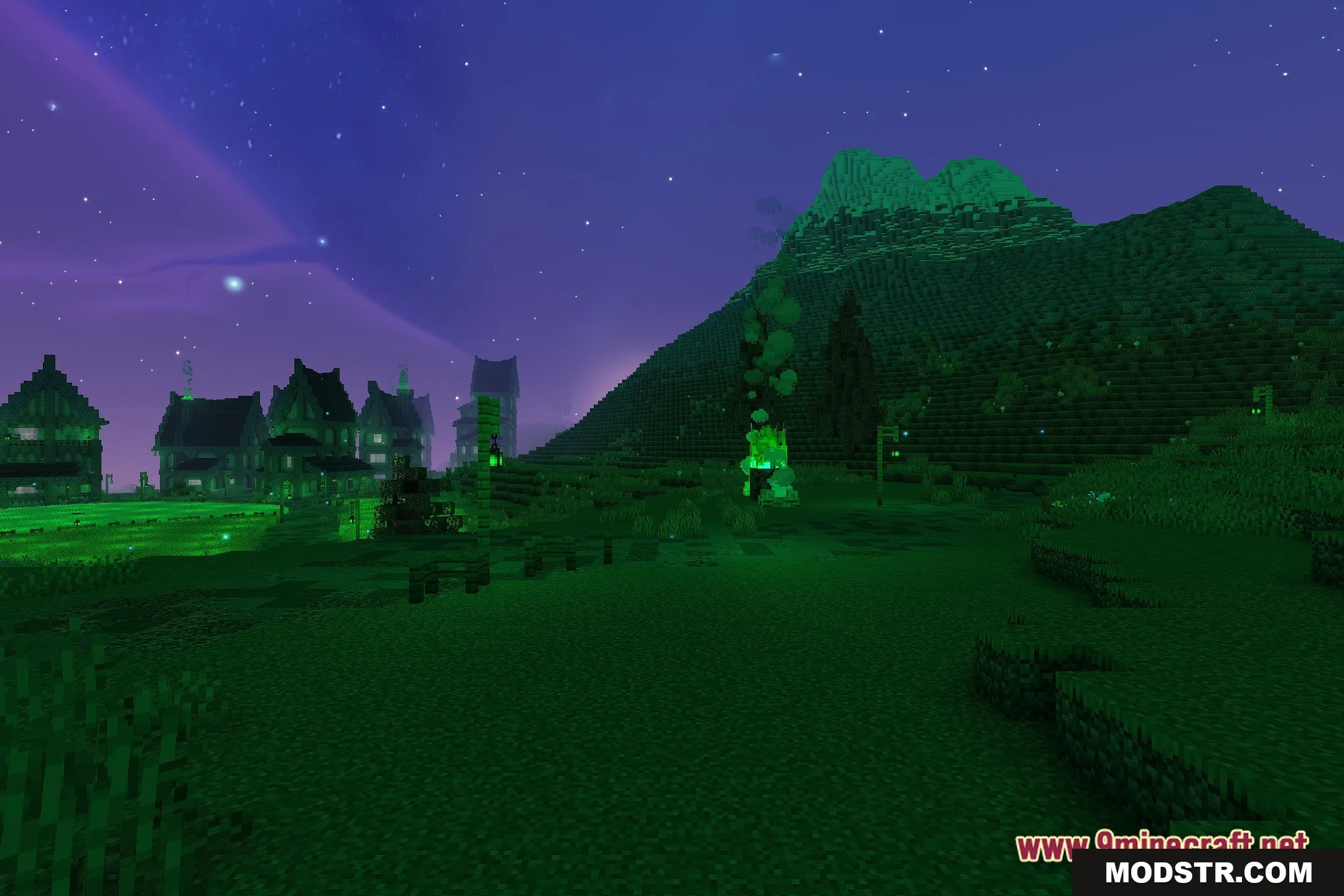
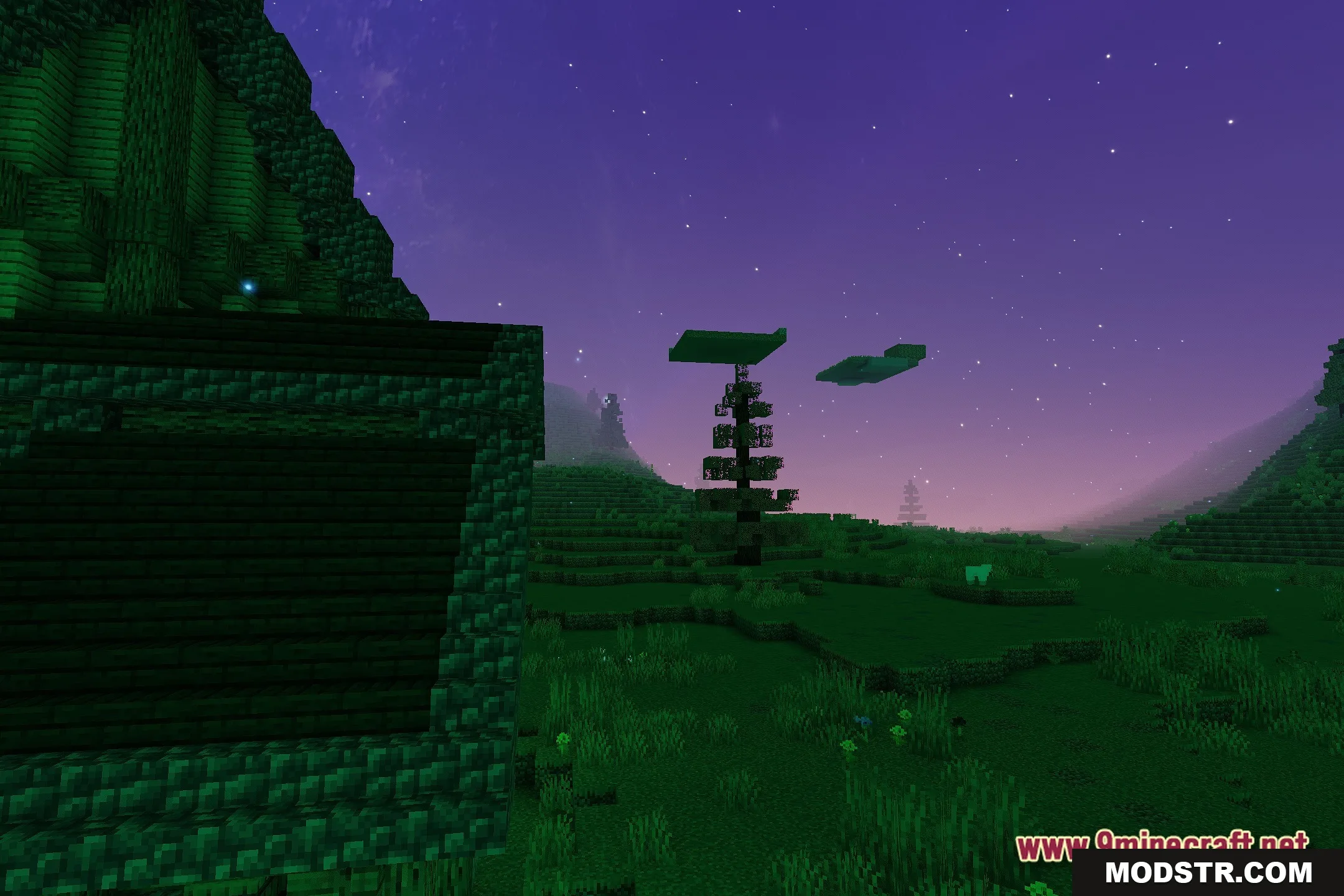
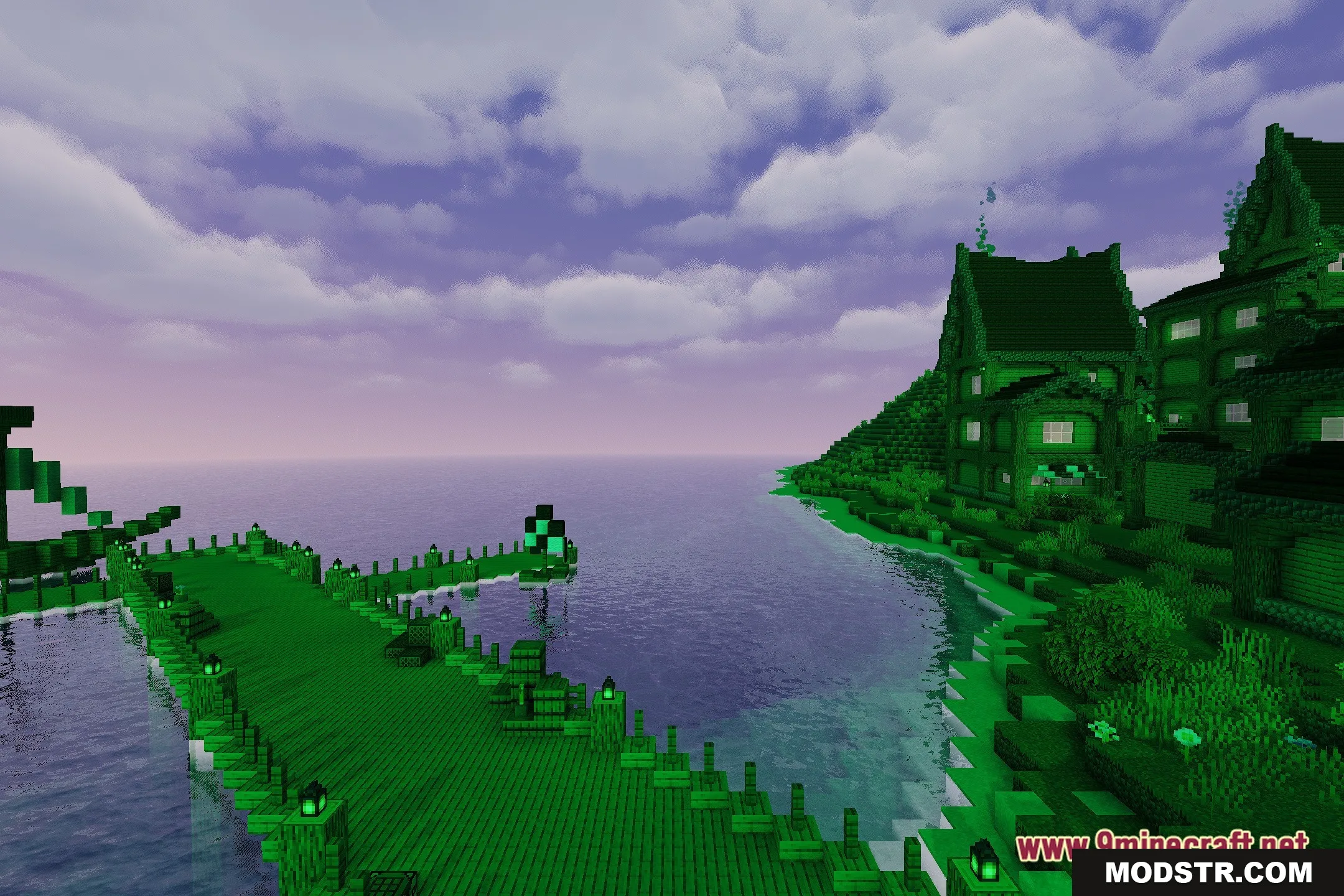
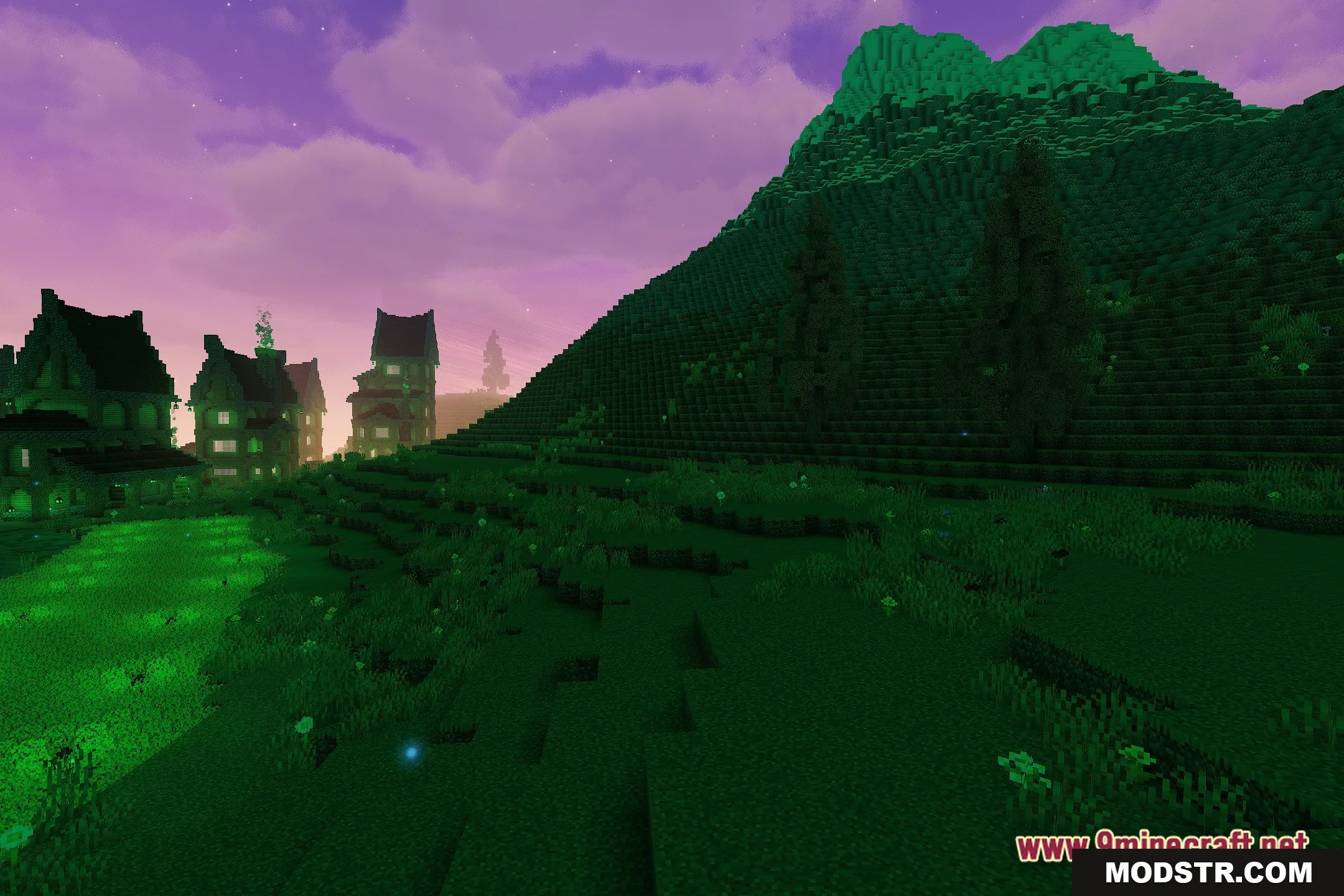
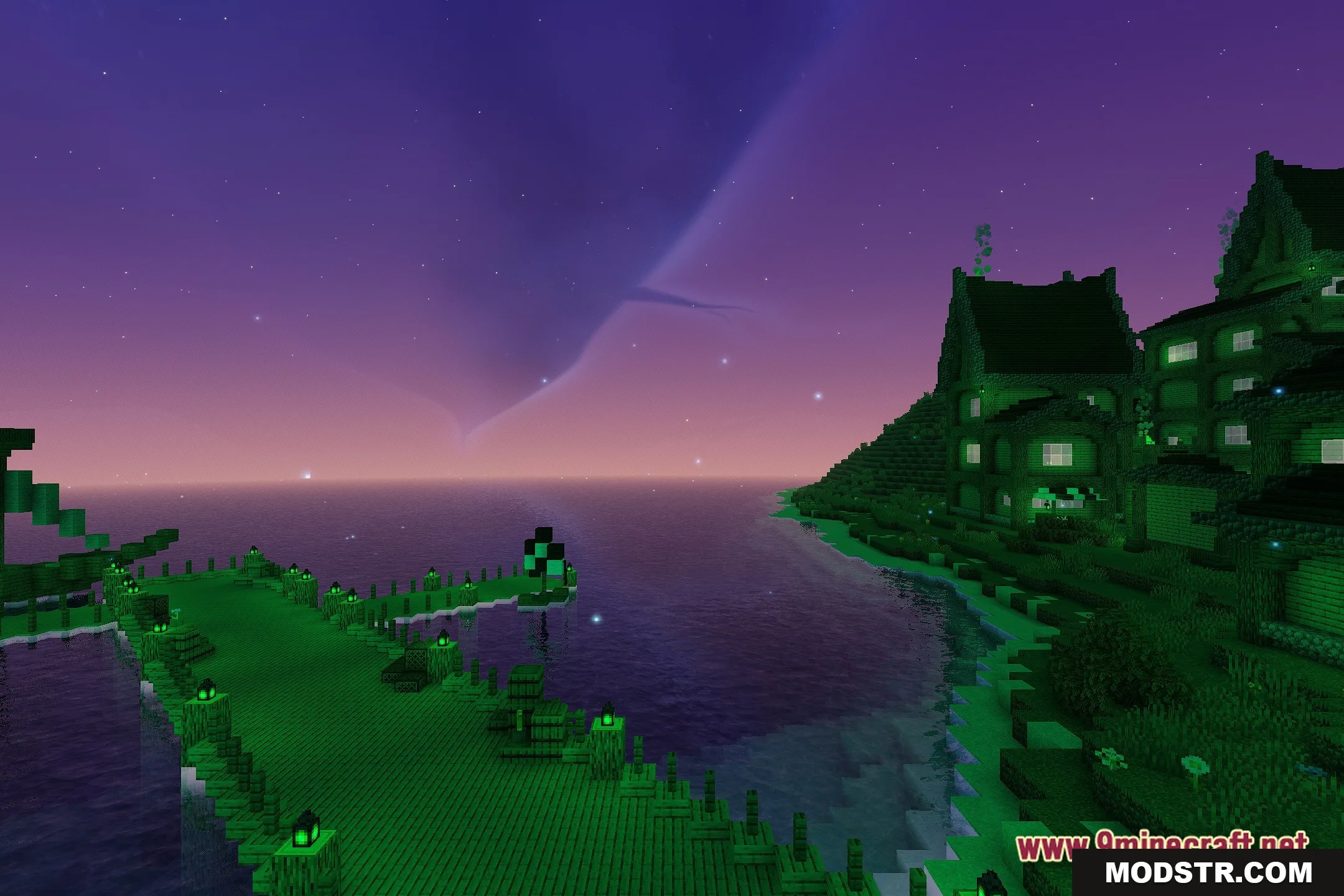
Aetherial Rift Horizon Shaders enhances the Minecraft skybox with cosmic visuals, featuring animated rifts and celestial bodies. This shader retains the original terrain lighting while transforming the sky experience.
- 1.20.1
Aetherial Rift Horizon Shaders brings an otherworldly aesthetic to Minecraft by replacing the skybox with vivid cosmic imagery. This shader is suitable for players who want to enhance the visual appeal of their game without altering the familiar lighting of their world.
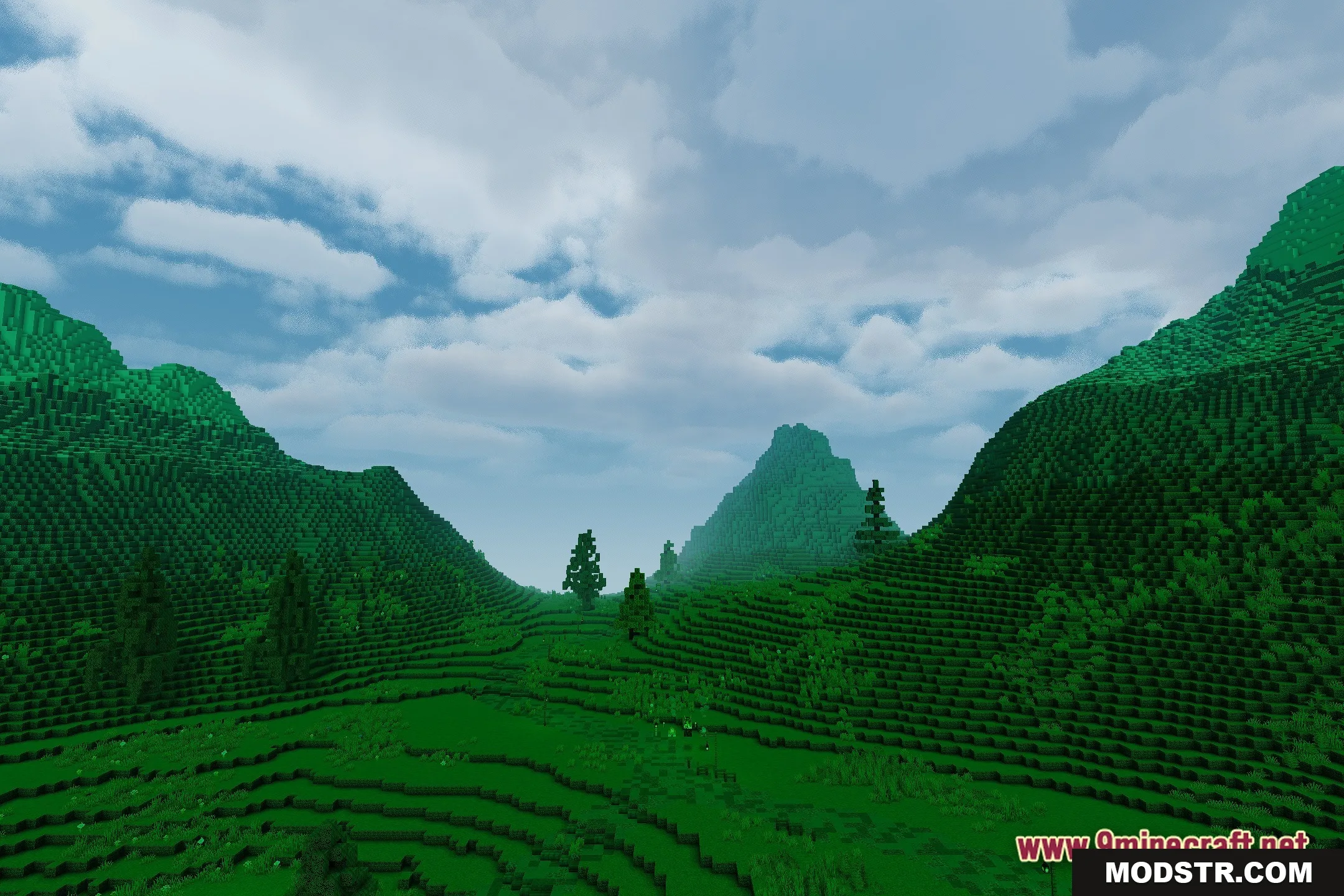
Features
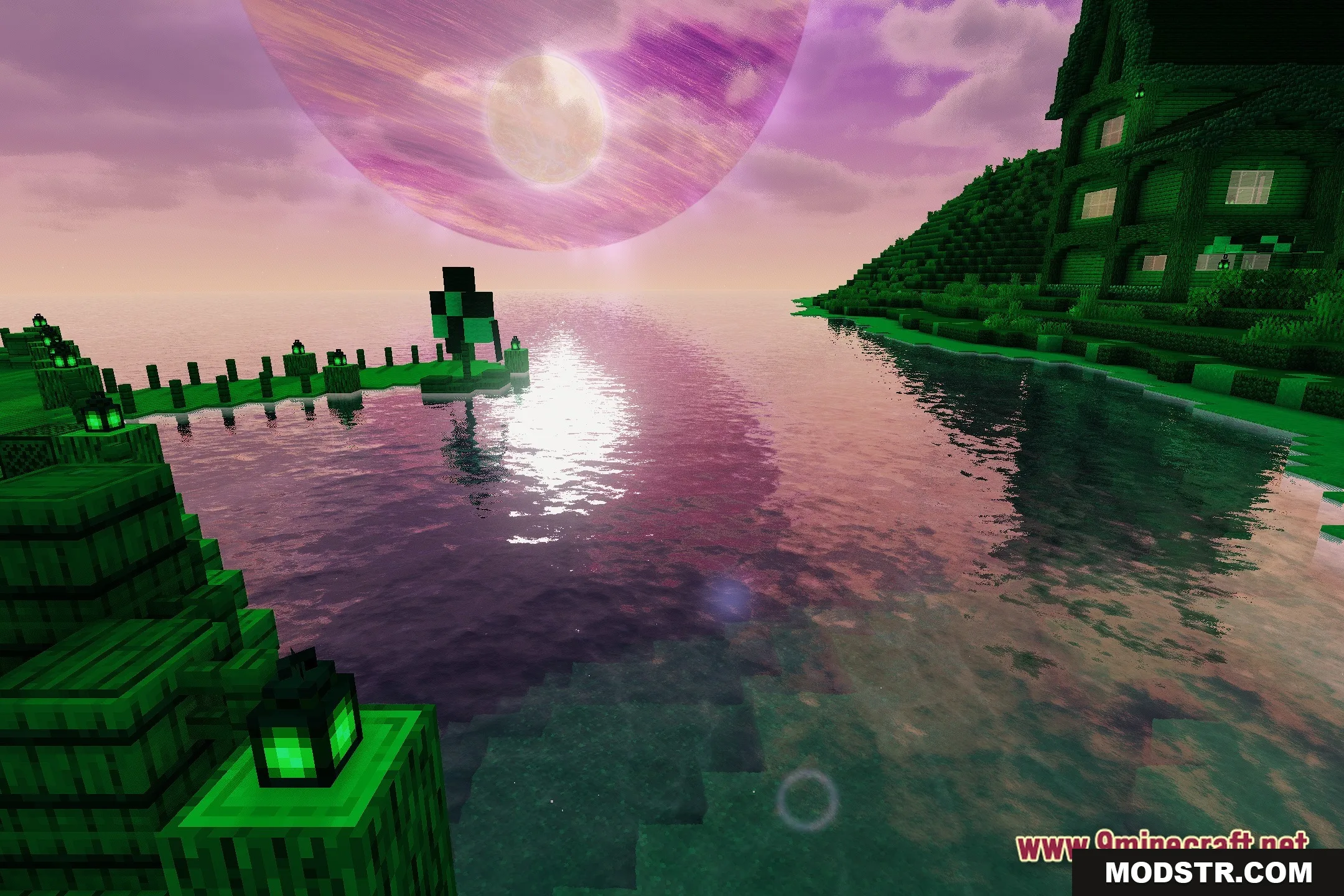
- Displays massive celestial planets hanging over the horizon.
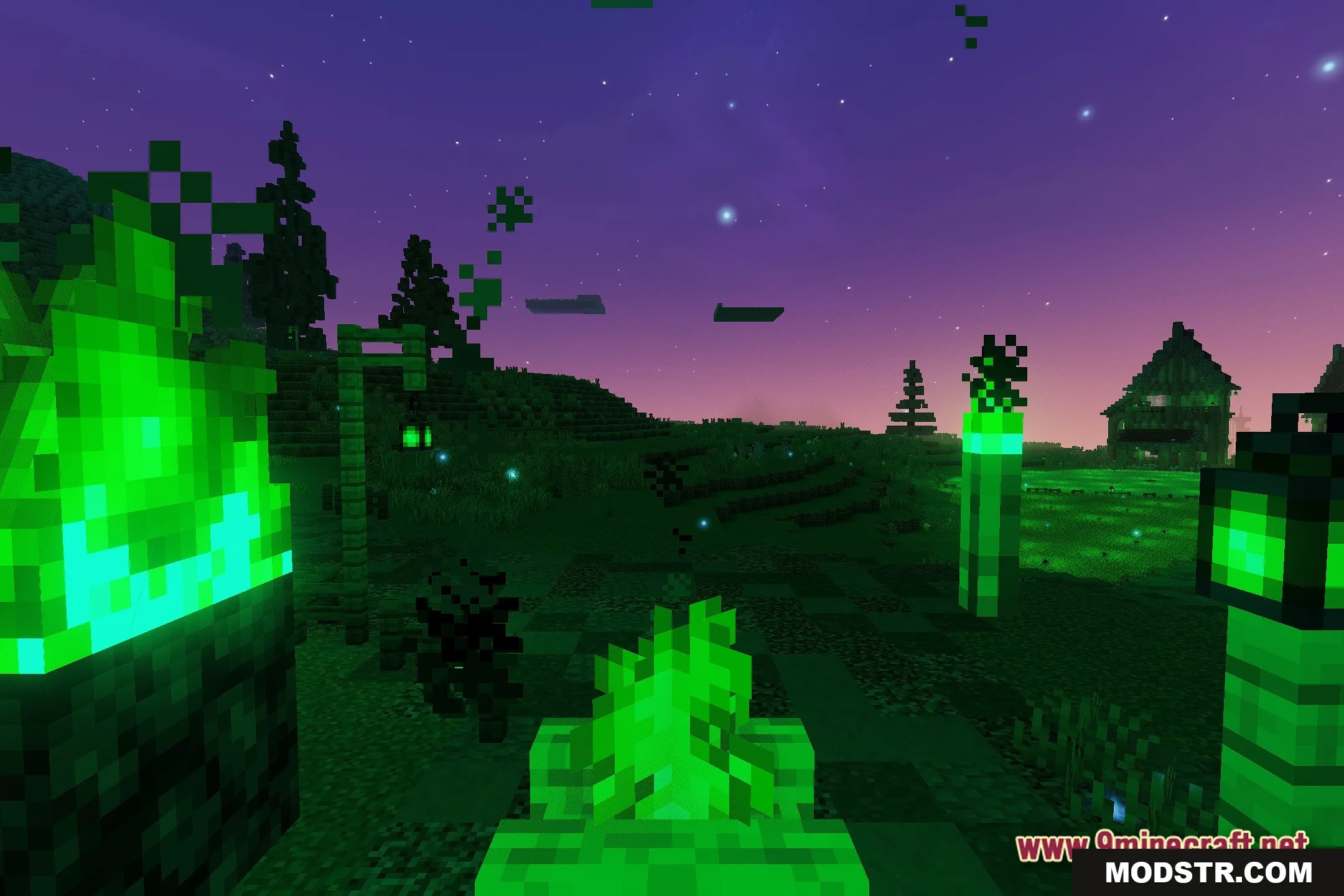
- Adds glowing astral rifts that ripple across the night sky.
- Includes an evolving galactic starfield that slowly shifts over time.
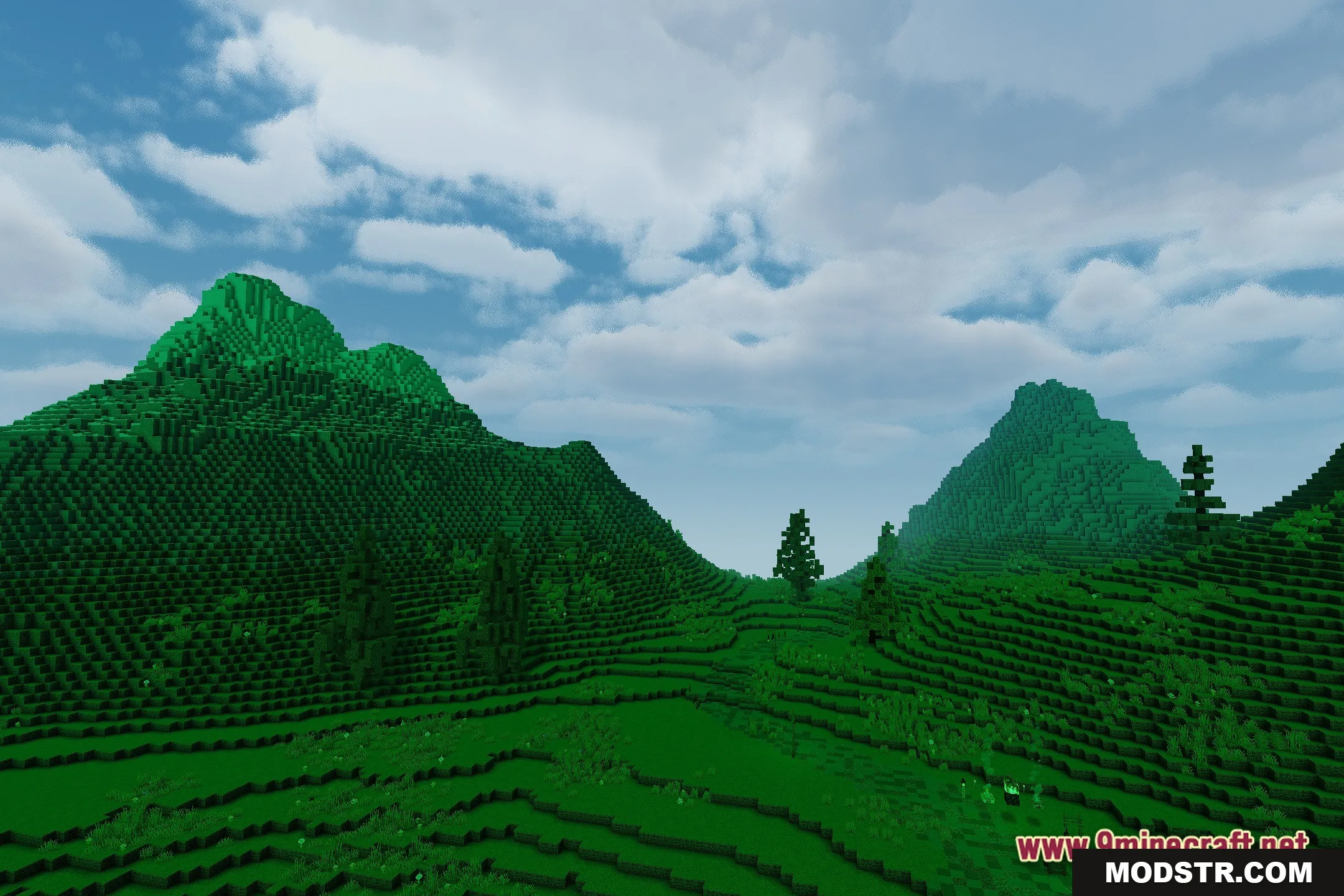
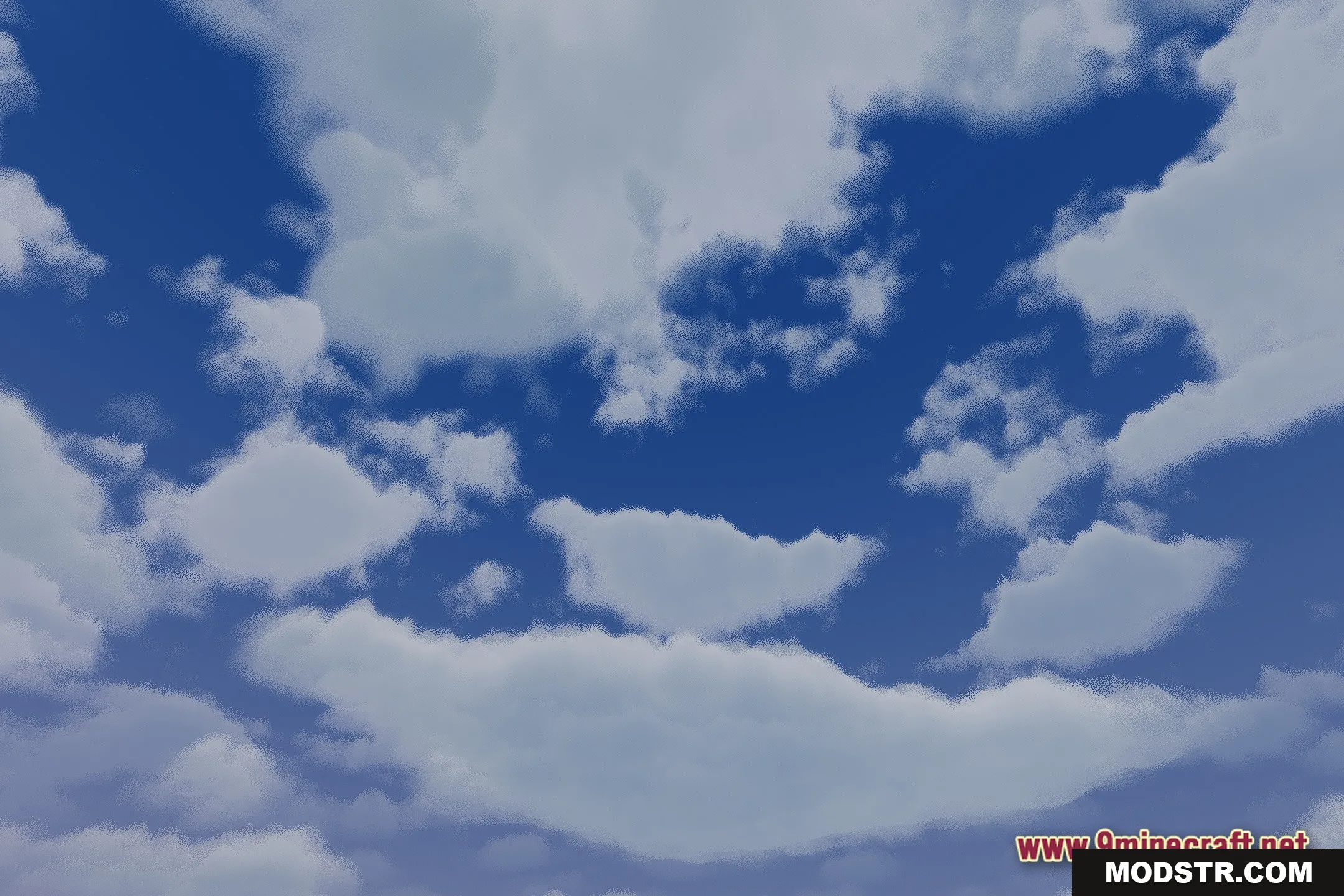
- Brings a colorful space theme to both day and night cycles.
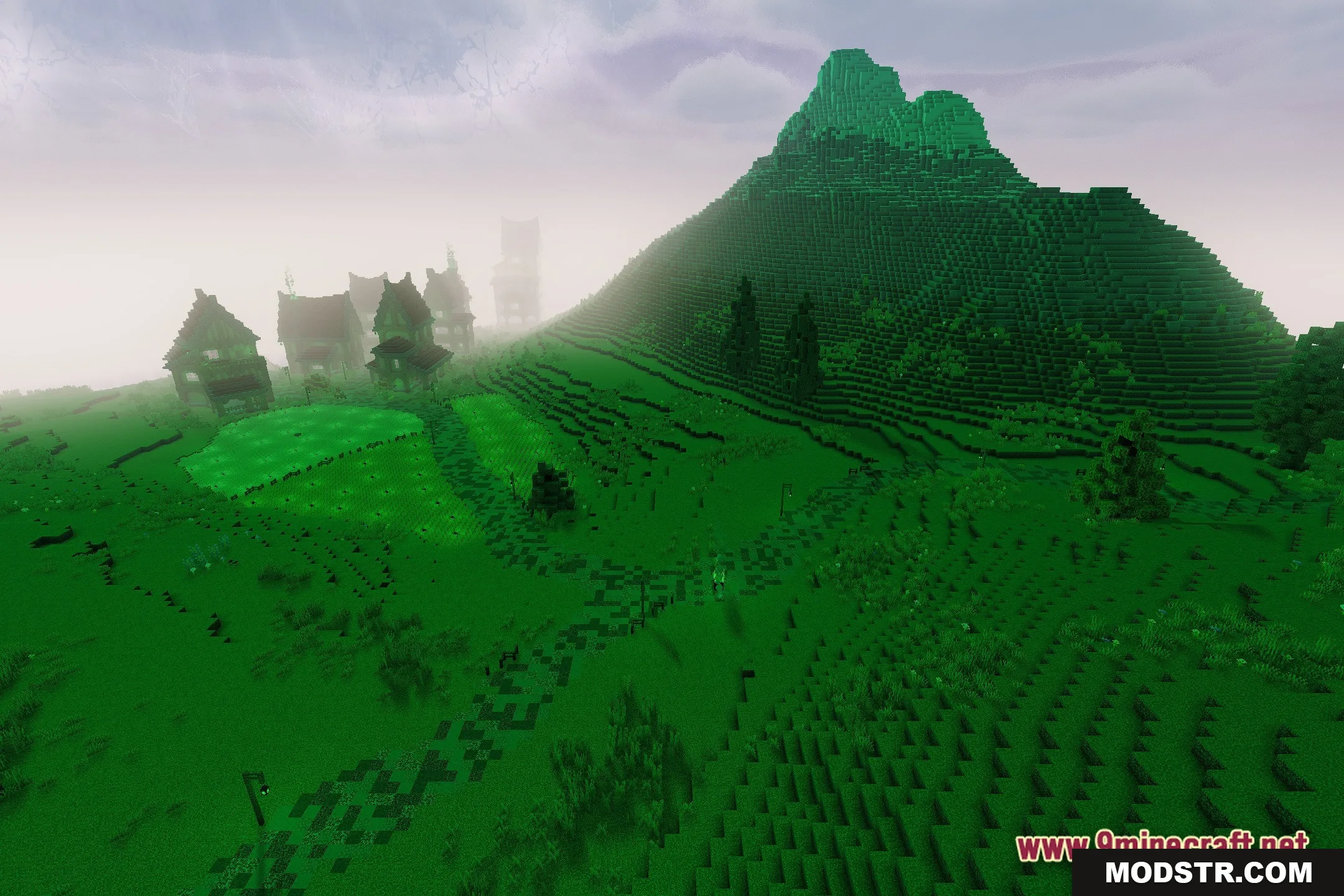
- Preserves standard world lighting while upgrading the sky visuals.
Installation
- Download the shader file from a trusted source.
- Open the Minecraft launcher and navigate to the “Options” menu.
- Select “Video Settings” and then go to “Shaders.”
- Click on “Shaders Folder” to open the directory where shaders can be added.
- Place the downloaded shader file into the folder and select it in the Shaders menu.
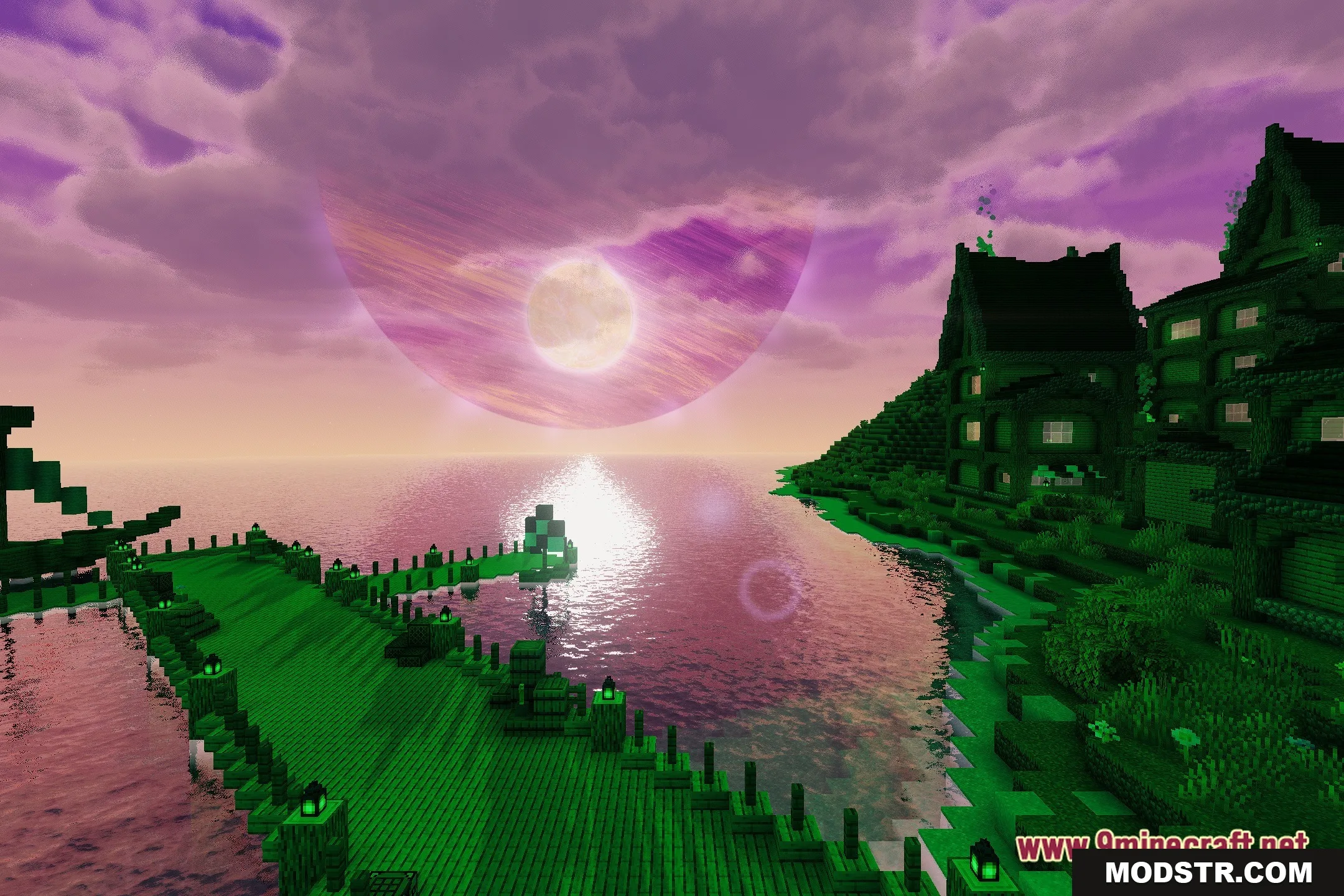
Screenshots
DOWNLOAD FILES
- shader