
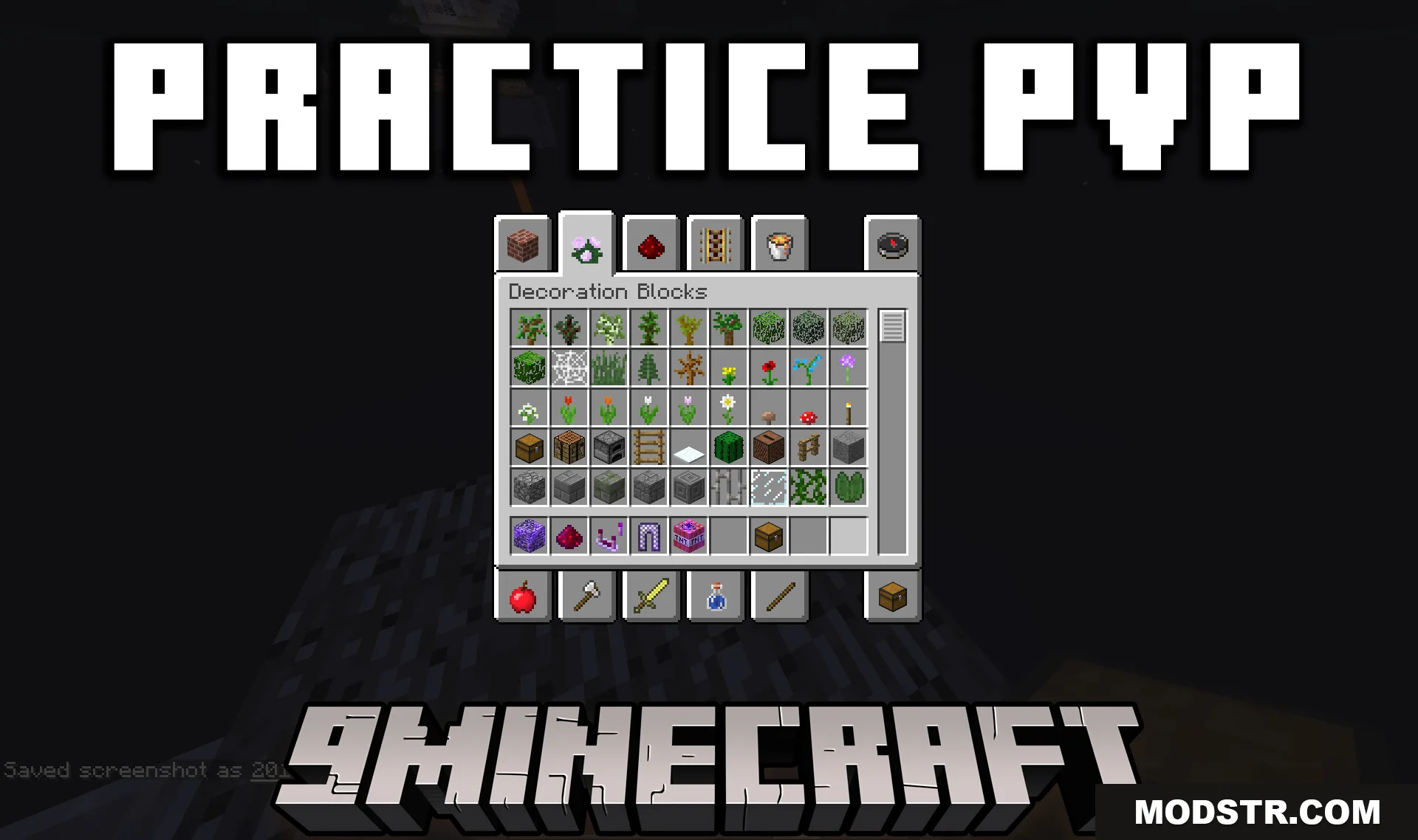
Practice PVP Plugin (1.12.2) – Instant Combat Gear So Fights Start Faster
A Spigot plugin for Minecraft 1.12.2 that lets players access combat gear from a clickable block. Useful for practice PVP servers where players need quick access to equipment.
- 1.12.2
- 1.12
- 1.8.9
- 1.8
Practice PVP Plugin provides a fast way for players to obtain combat items on your server. It adds a menu that opens when players click a designated block, letting them grab gear without searching through chests or crafting.
Features
- Players open an item menu by clicking a specific block in the world.
- Clicking items in the menu transfers them directly to the player's inventory.
- Menu items are not consumed, allowing unlimited access to gear.
- Server administrators can set the block's location using configurable X, Y, and Z coordinates.
Installation
- Place the plugin JAR file in your server's plugins folder.
- Start the server to generate the config.yml file.
- Open config.yml and set the X, Y, Z coordinates for the block's location.
- Update the worldName setting to match your desired world.
- Restart the server and click the block to access the item menu.
Compatibility
This plugin is designed for Minecraft 1.12.2 and requires a Spigot-based server.
DOWNLOAD FILES
- jar
- jar