Telegram
Multiverse Portals Plugin (26.1.2, 1.20.1) – Create Custom Teleportation Portals cover art

Multiverse Portals Plugin (26.1.2, 1.20.1) – Create Custom Teleportation Portals

Multiverse Portals Plugin lets you build custom portals to send players anywhere on your server. You can make these portals out of any block, not just obsidian. It helps you link different worlds, exact map coordinates, or specific saved spots. You can even set up portals to run server commands when a player walks into

85 JAVA
  • 1.21.11
  • 1.21.4
  • 1.19.2

Multiverse Portals Plugin

Features:

  • Custom Portal Shapes: Build portals in any shape or size you want, using any blocks.
  • Multiple Destinations: Send players to different worlds, exact map coordinates, or other portals.
  • Set rules on who can enter specific portals.
  • Charge players a fee to travel through a portal.
  • Let some players use portals for free without paying the fee.
  • Shoot players up into the air when they step inside.
  • Ride boats and minecarts straight through the portals.
  • Add cooldown timers so players cannot use the portal too fast.

Commands:

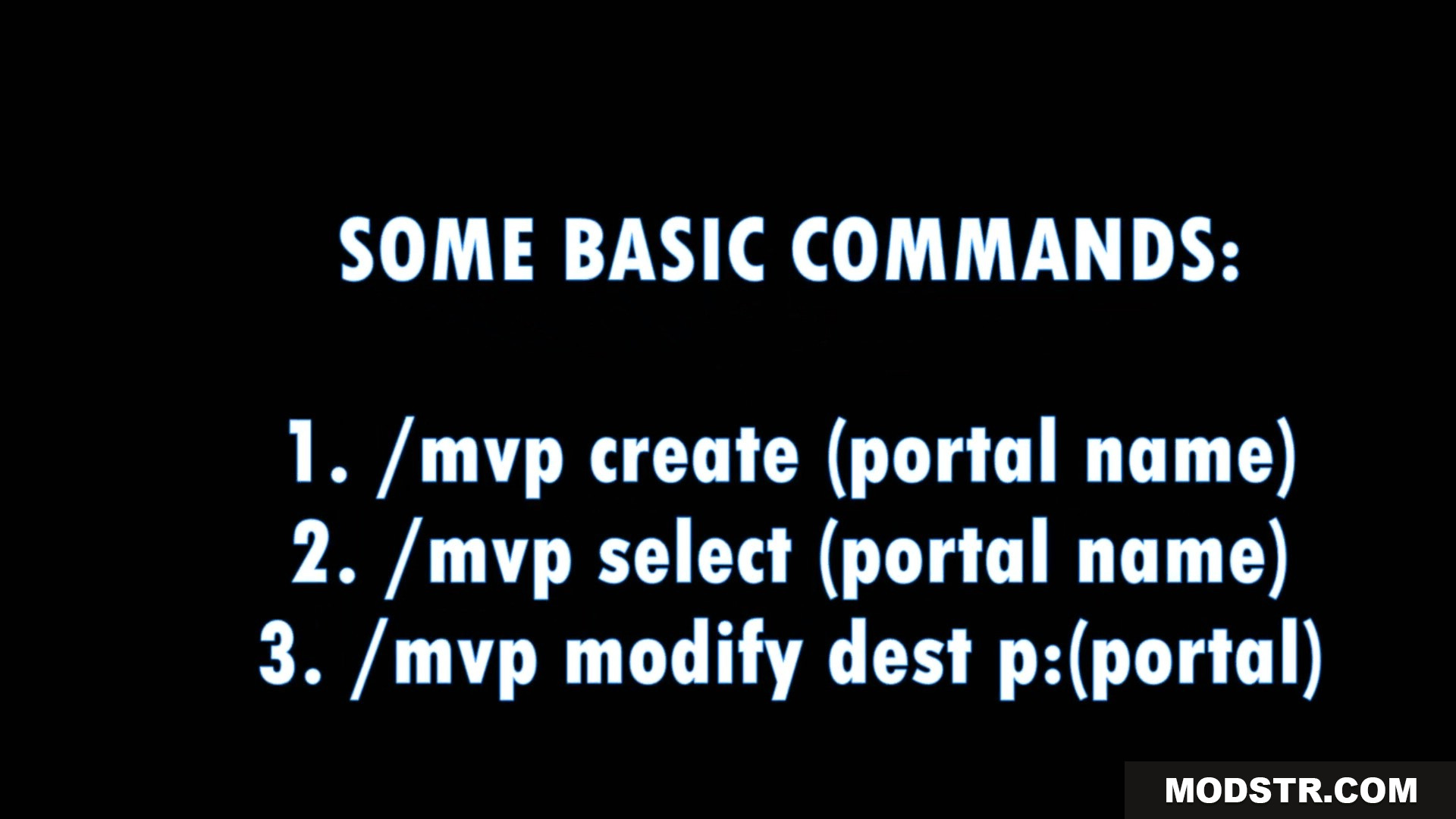
  • /mvp create [name]: Makes a new portal in your selected area.
  • /mvp modify dest [destination]: Tells the portal where to send players.
  • /mvp delete [name]: Removes a portal.
  • /mvp list: Shows all the portals on the server.

How to Use:

  • Select an area with two points using WorldEdit.
  • Type the create command to make the portal in that area.
  • Type the modify command to set where the portal goes.
  • Walk into the area to teleport.

Screenshots:
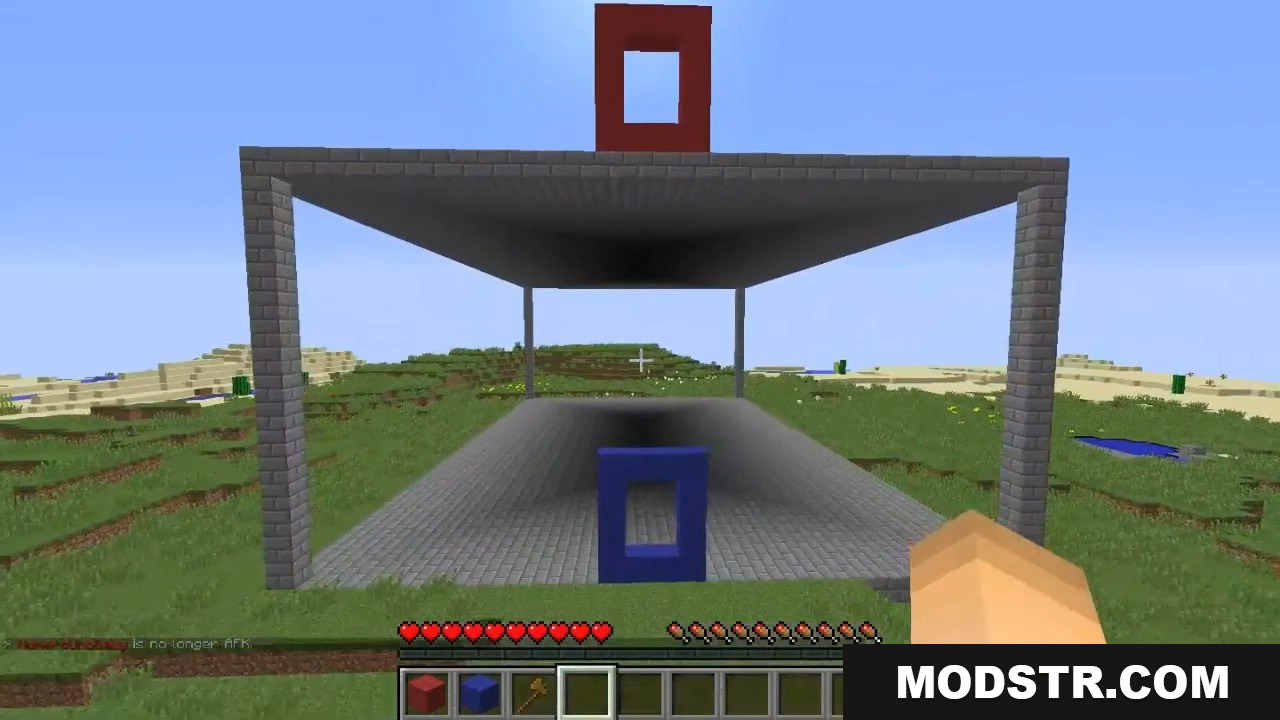
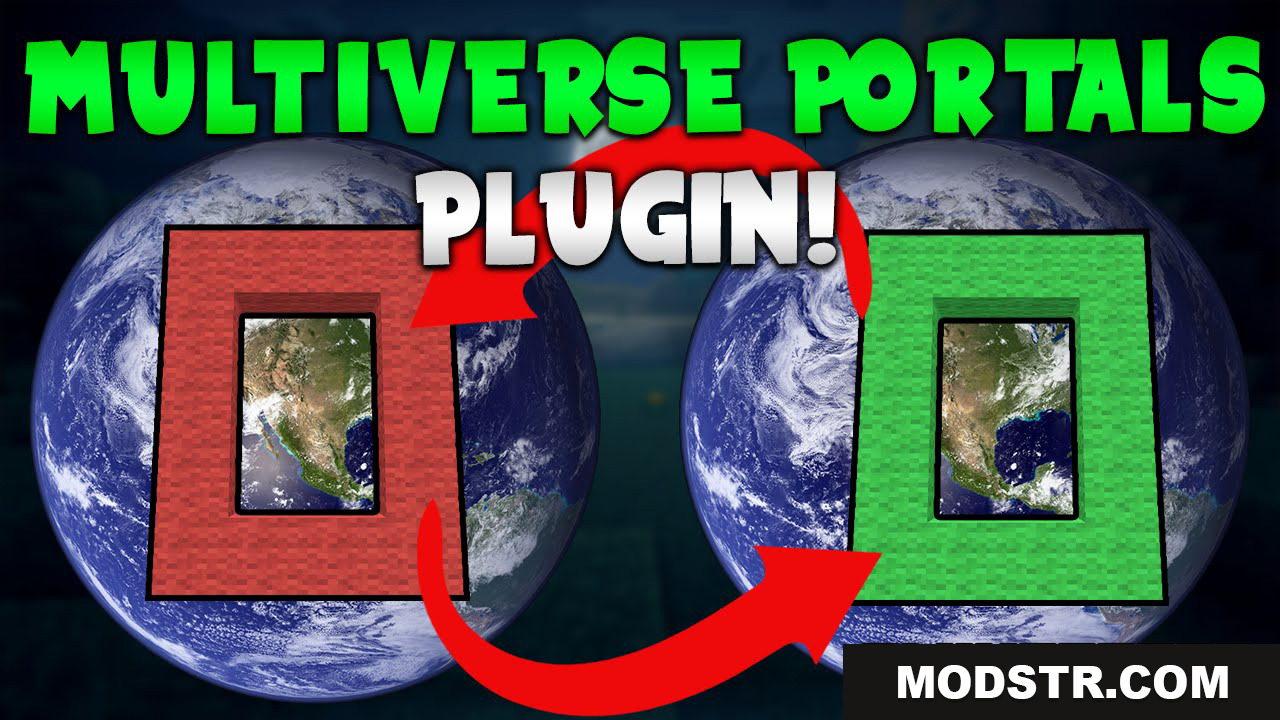
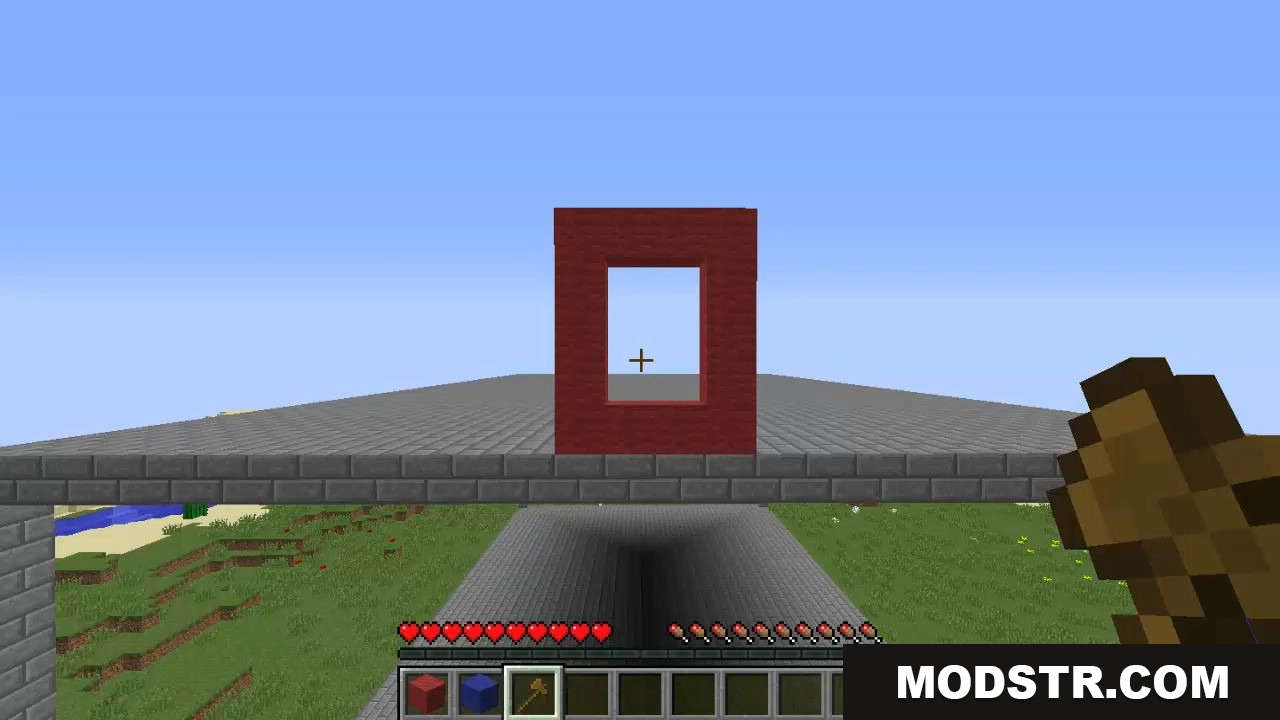
Two custom portal frames built from red and blue blocks
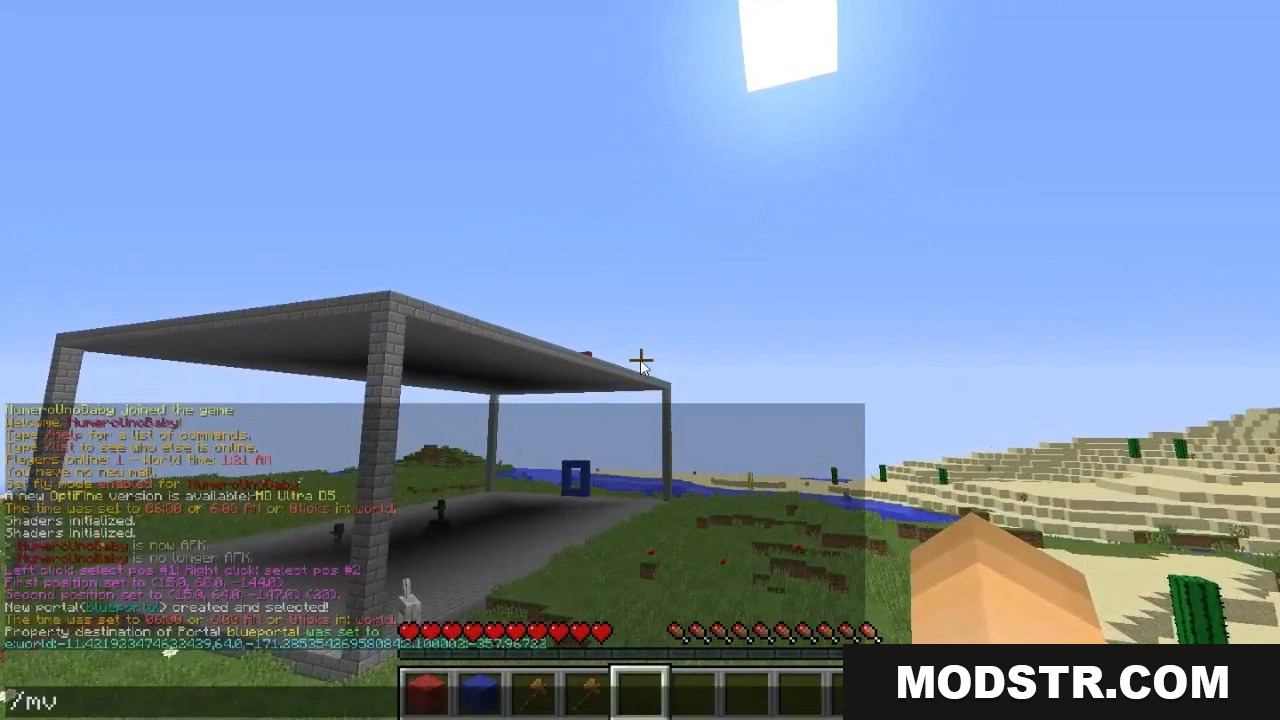
Player using chat commands to create custom teleportation portals
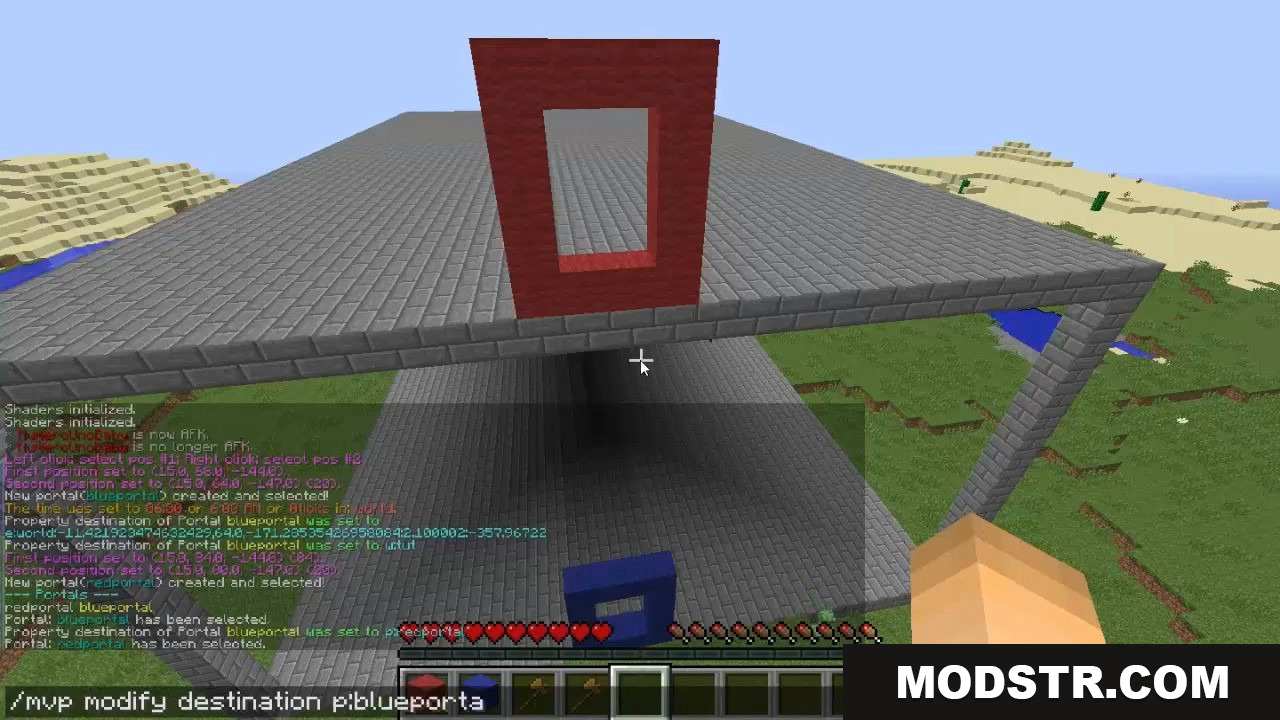
Setting portal destination using Multiverse Portals Plugin command in chat
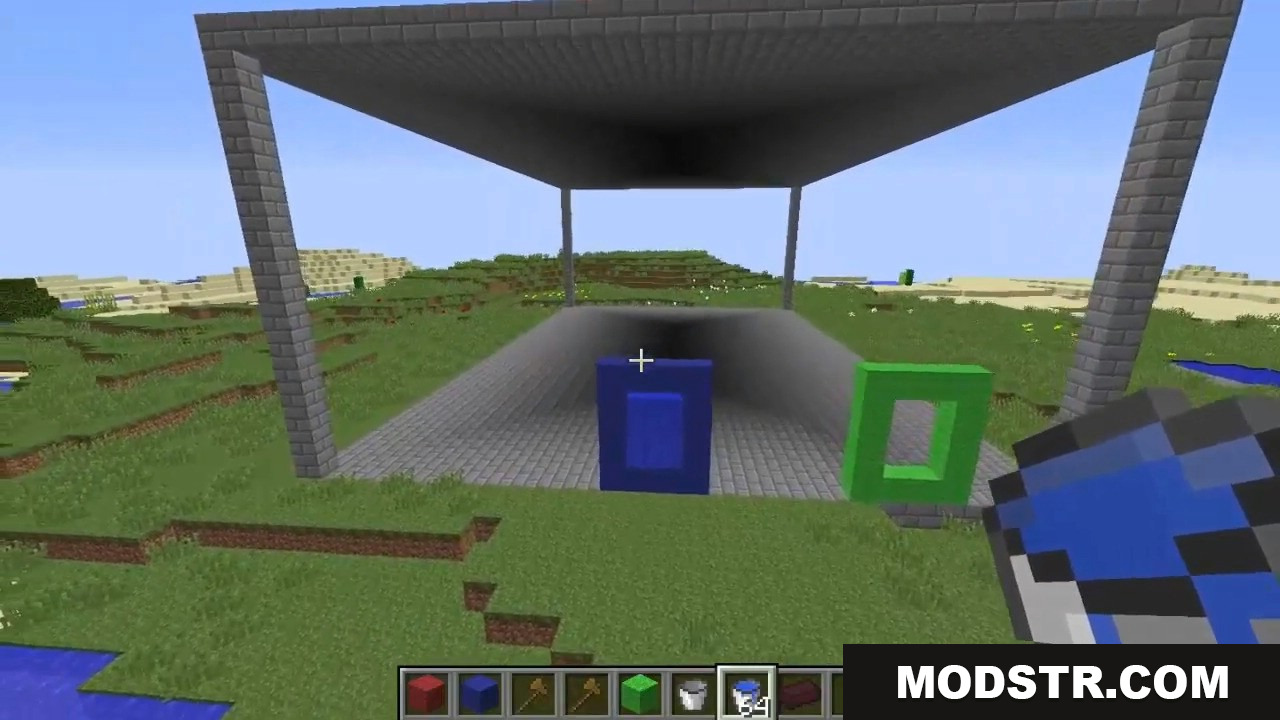
Player building custom portals with blue and green blocks and water
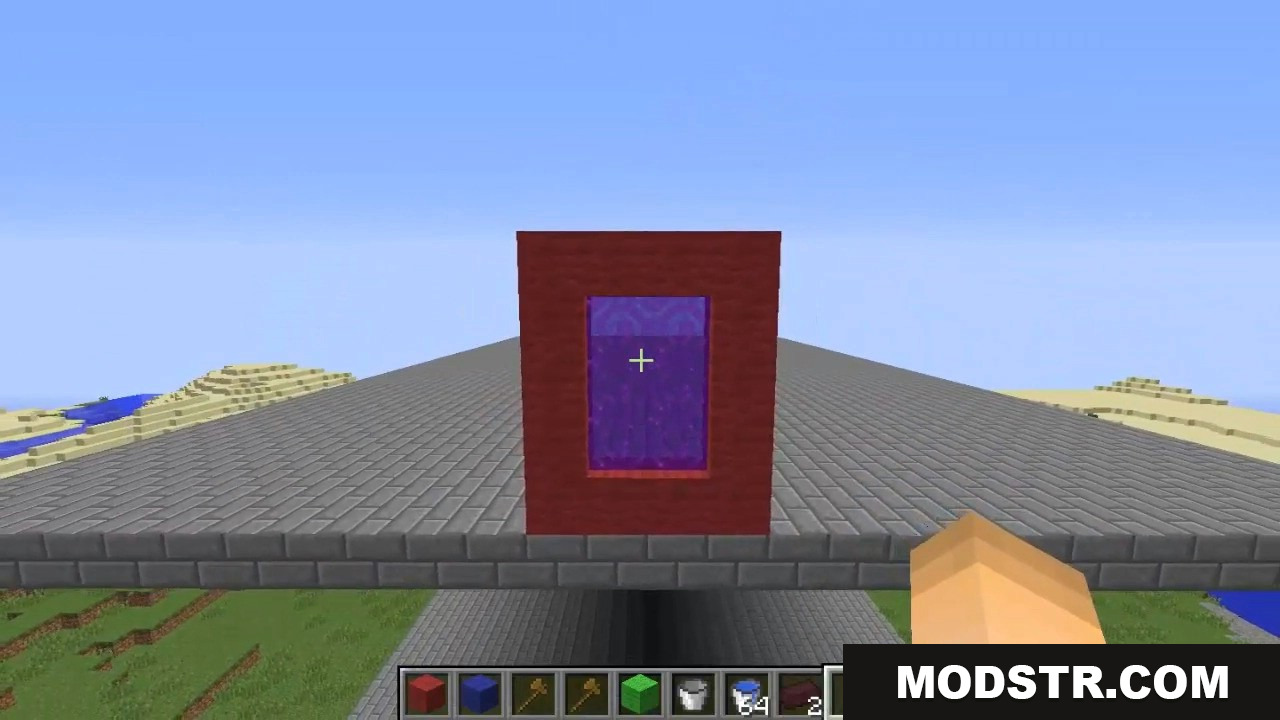
Custom red block portal with purple texture built on a platform
List of basic commands for creating and modifying custom portals
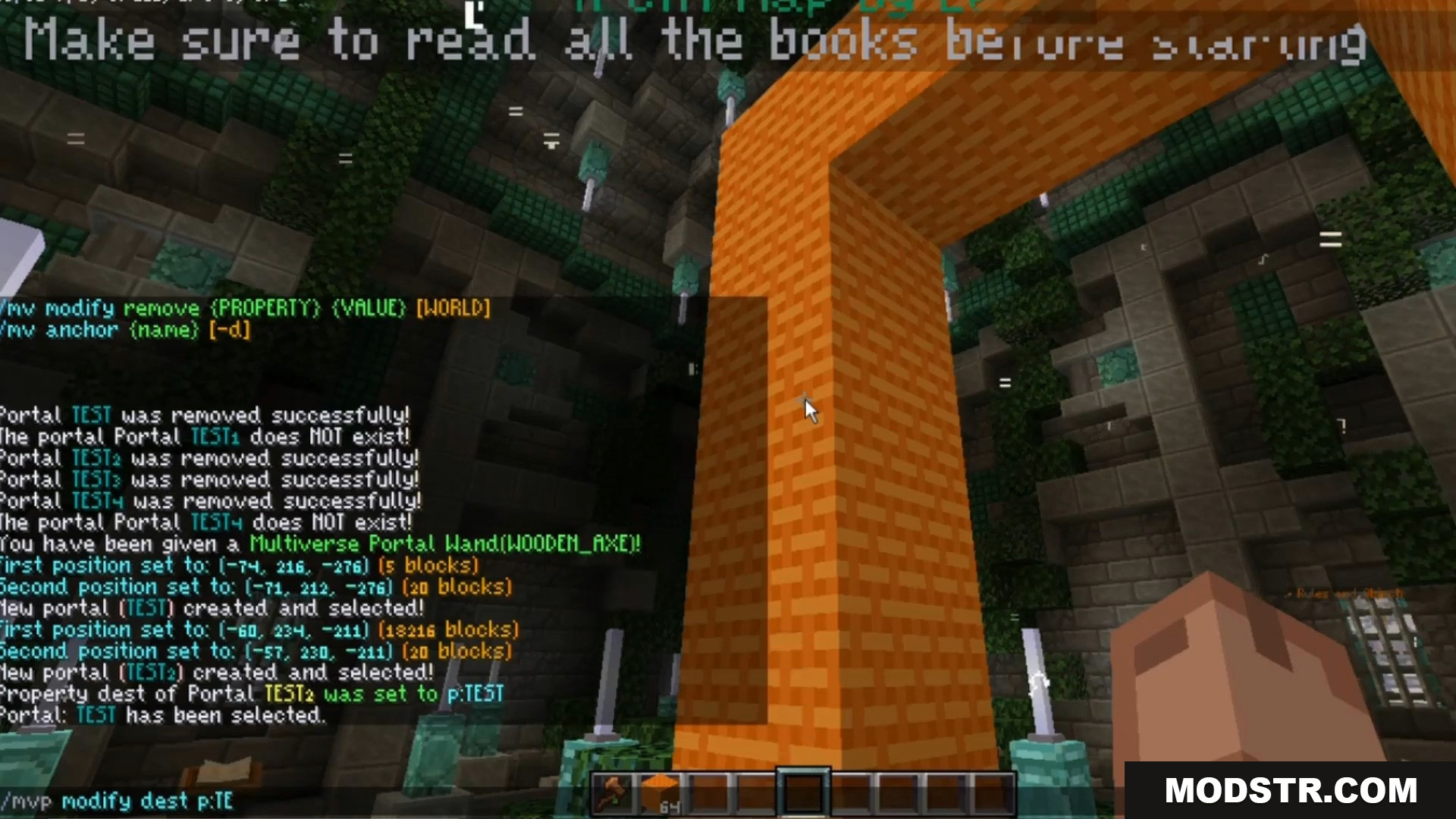
Player using Multiverse Portals commands to configure an orange portal
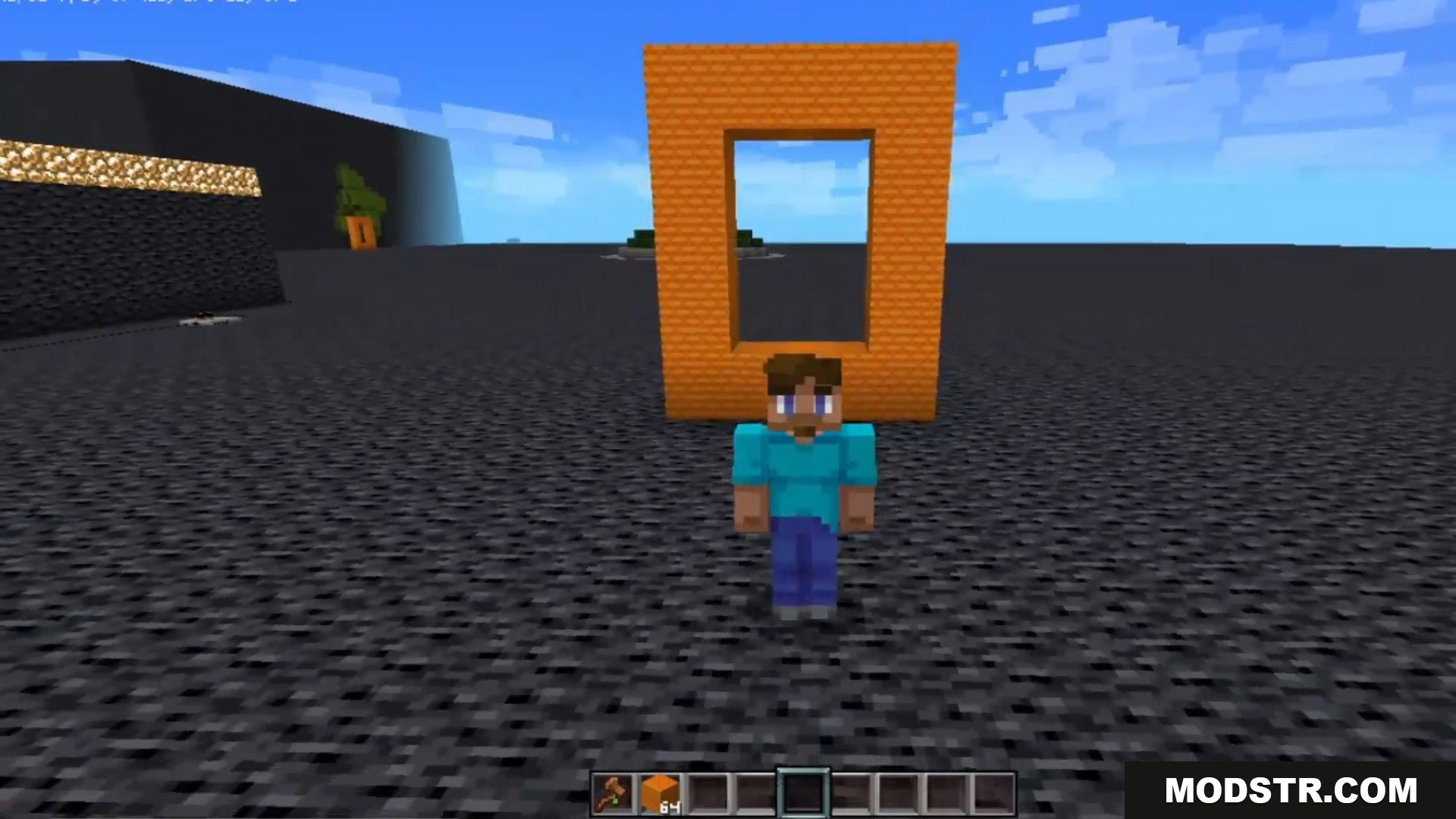
Player standing in front of a custom orange block portal frame

DOWNLOAD FILES

  • jar
    26.1.2 · Multiverse-Portals-Plugin-Paper-Purpur-Spigot-Bukkit-26.1.2.jar
  • jar
    1.21.11 · Multiverse-Portals-Plugin-Paper-Purpur-Spigot-Bukkit-1.21.11.jar
    • 1.21.11
  • jar
    1.21.4 · Multiverse-Portals-Plugin-Paper-Spigot-Bukkit-1.21.4.jar
    • 1.21.4
  • jar
    1.19.2 · Multiverse-Portals-Plugin-1.19.2.jar
    • 1.19.2