

Mclogs Plugin (26.2, 1.21.1) – One Command To Share It All
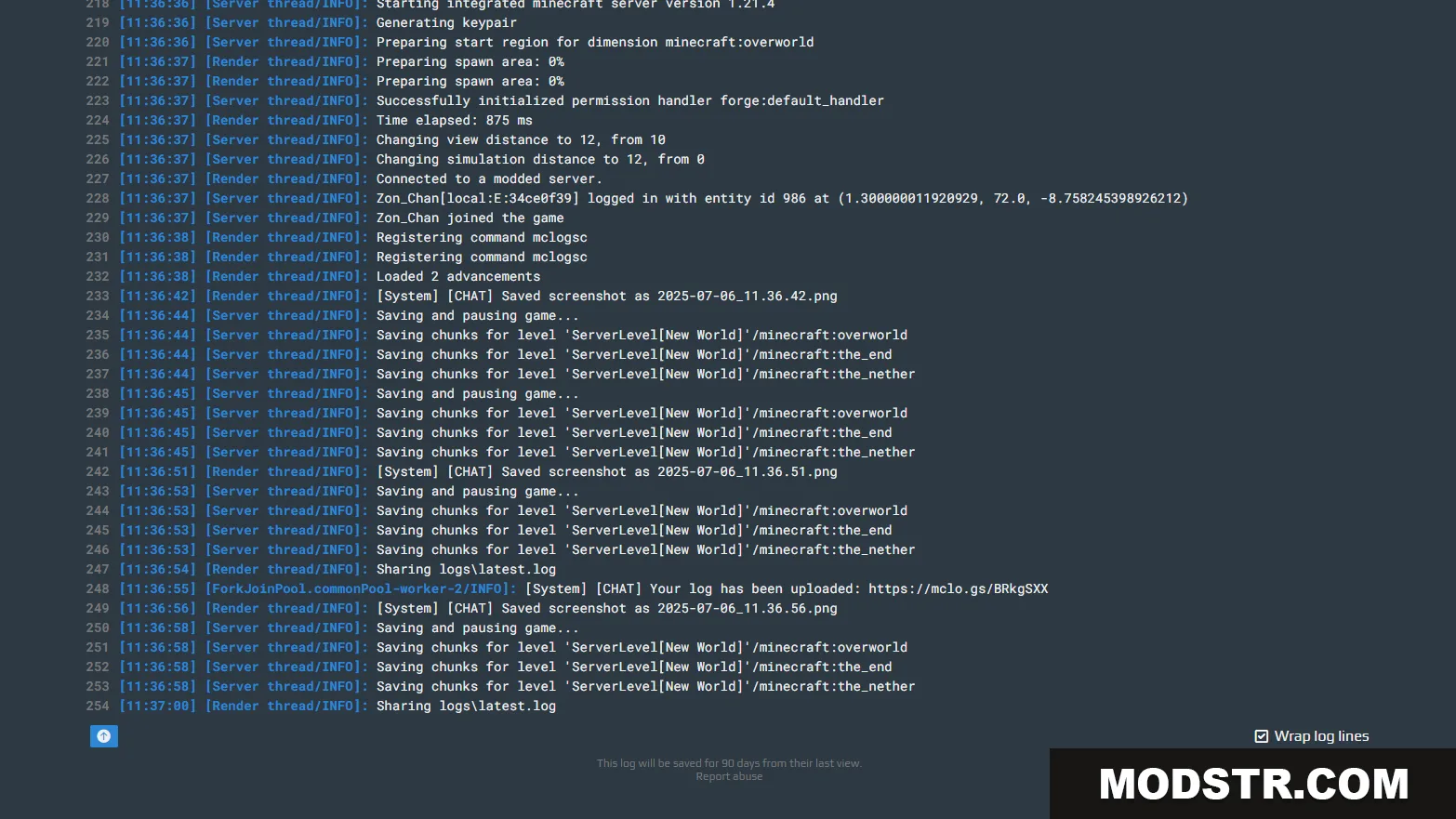
Upload and share Minecraft logs to mclo.gs with a single command. Automatically redacts sensitive information and highlights errors for quick troubleshooting.
- 1.21.11
- 1.21.10
- 1.21.9
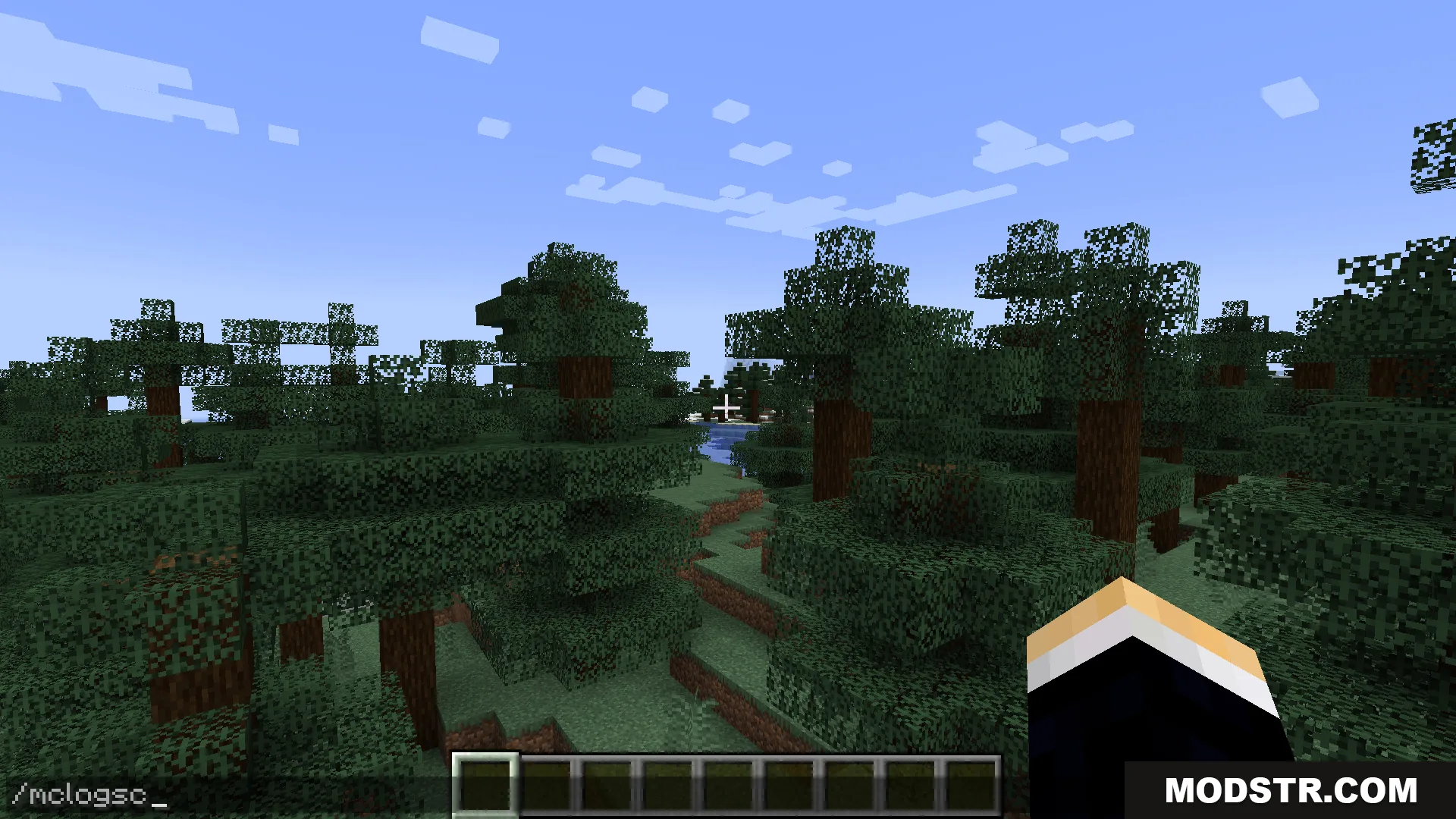
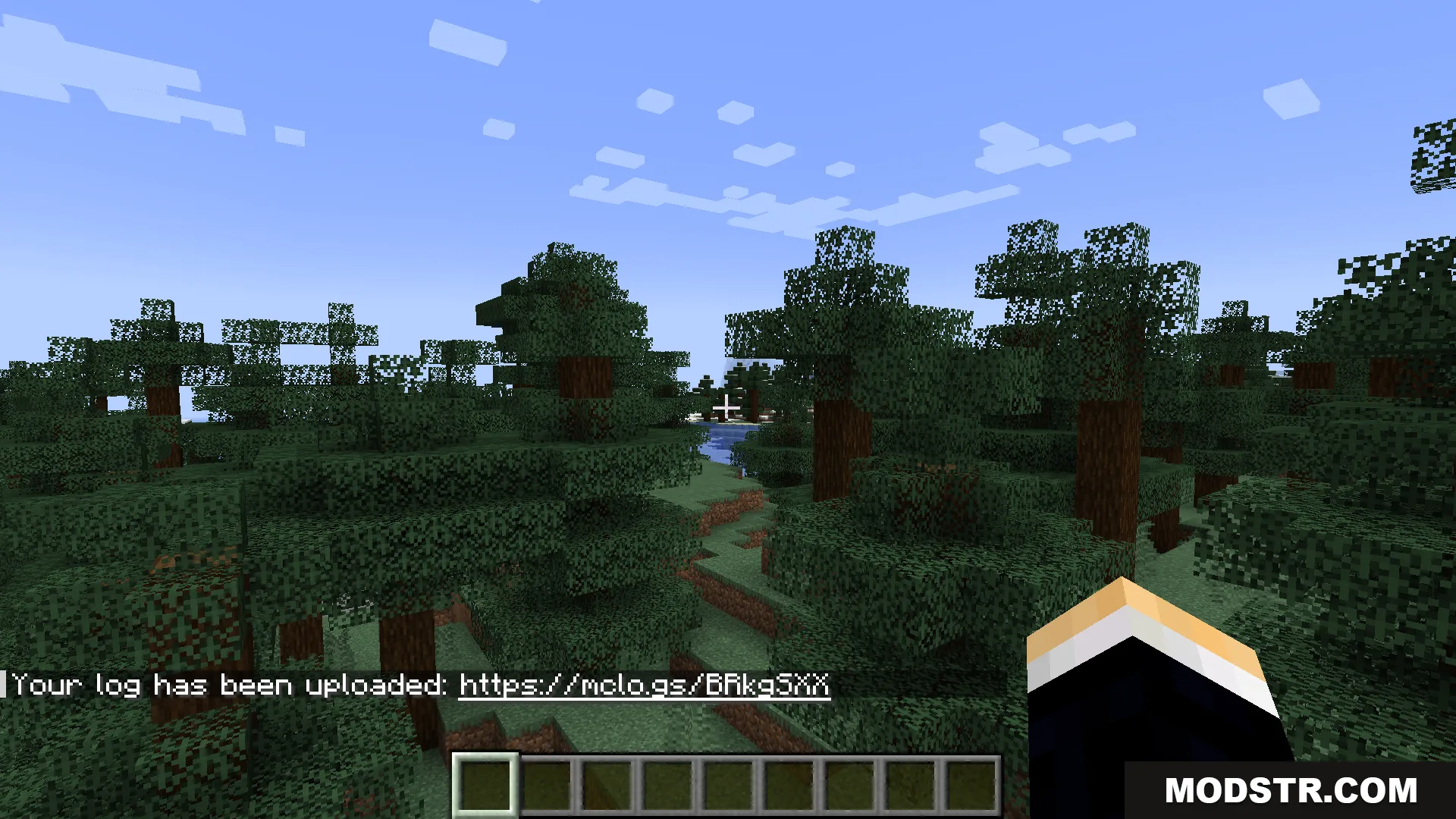
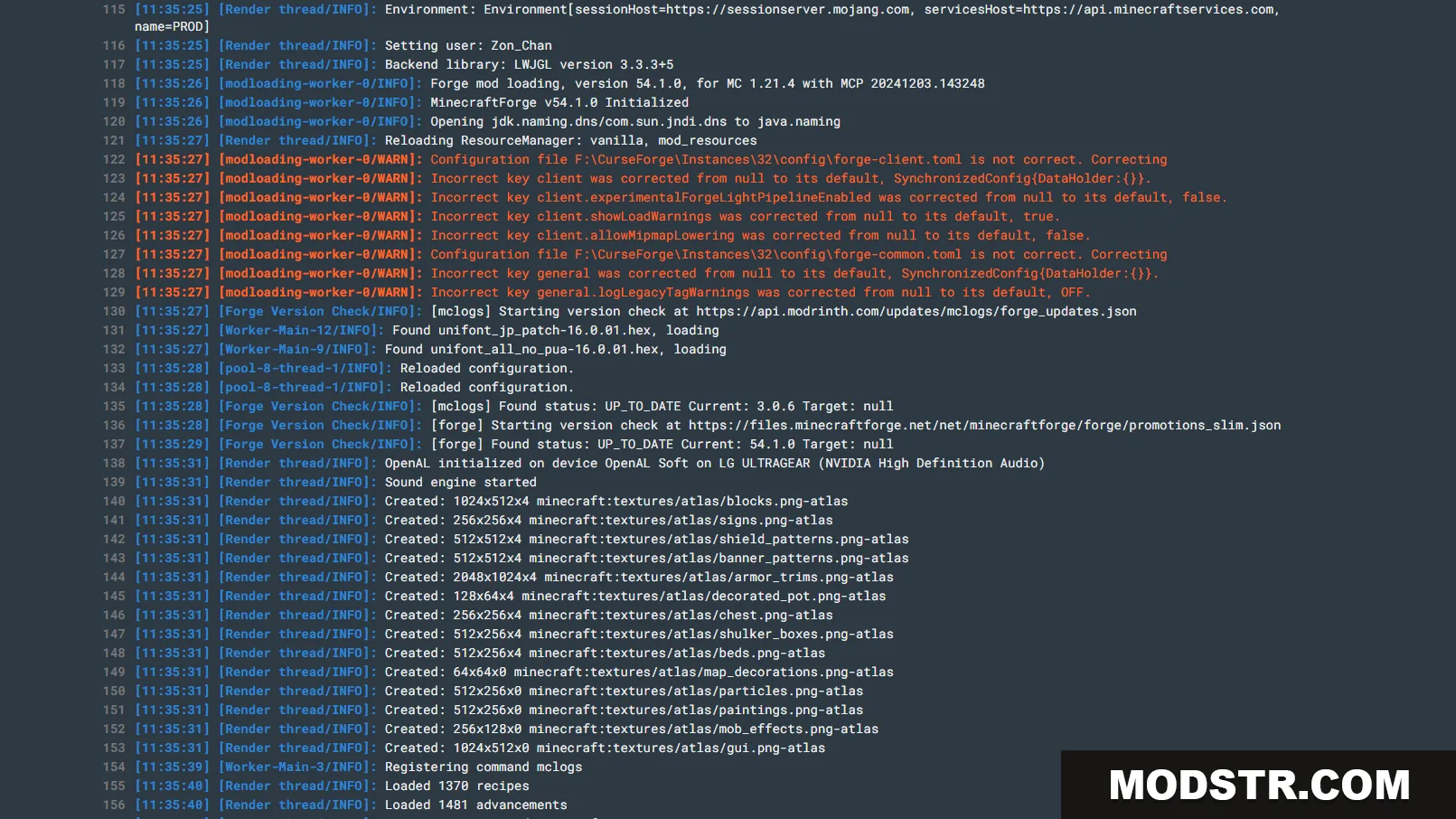
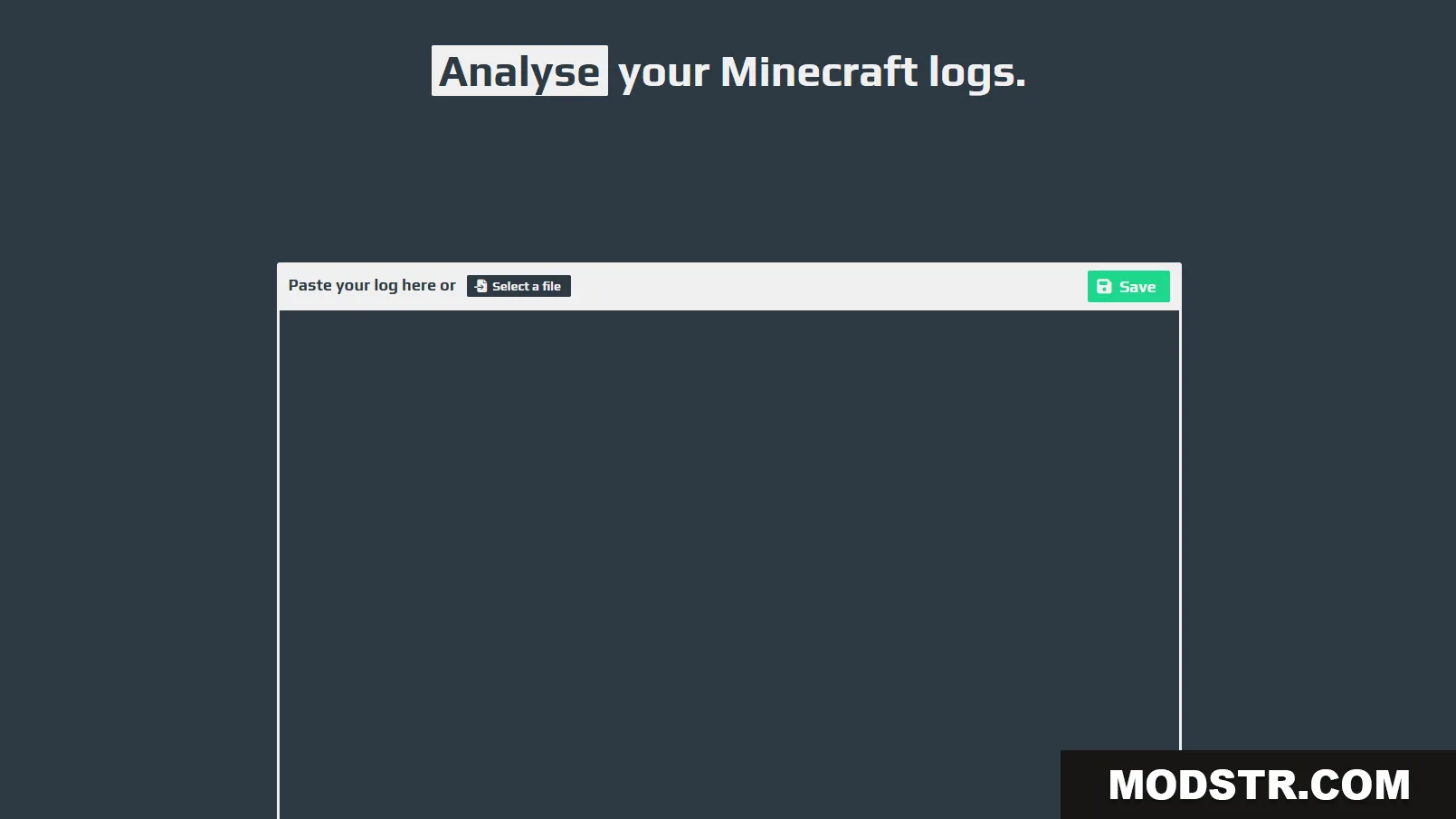
Mclogs is a plugin that lets you upload and share Minecraft logs directly to mclo.gs using a simple command. It's designed for debugging crash reports, network errors, and other issues that need quick analysis. The plugin works on both client and server setups and automatically handles sensitive data.
Features
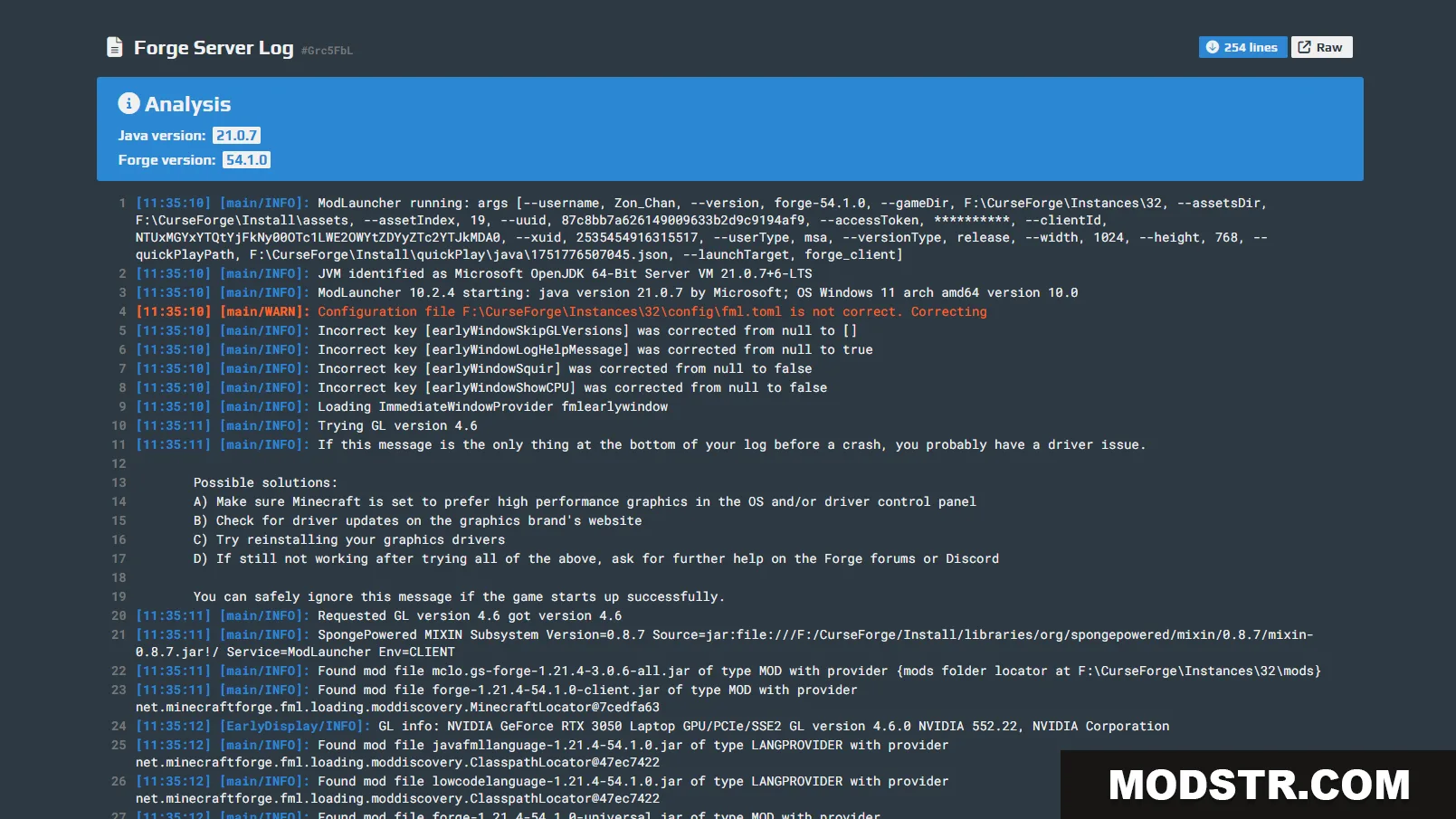
- Export old logs, crash reports, and network errors to mclo.gs
- Automatically hides sensitive information like IP addresses
- Highlights errors, warnings, and version information for easy analysis
- Supports custom frontends through config.toml configuration
Commands
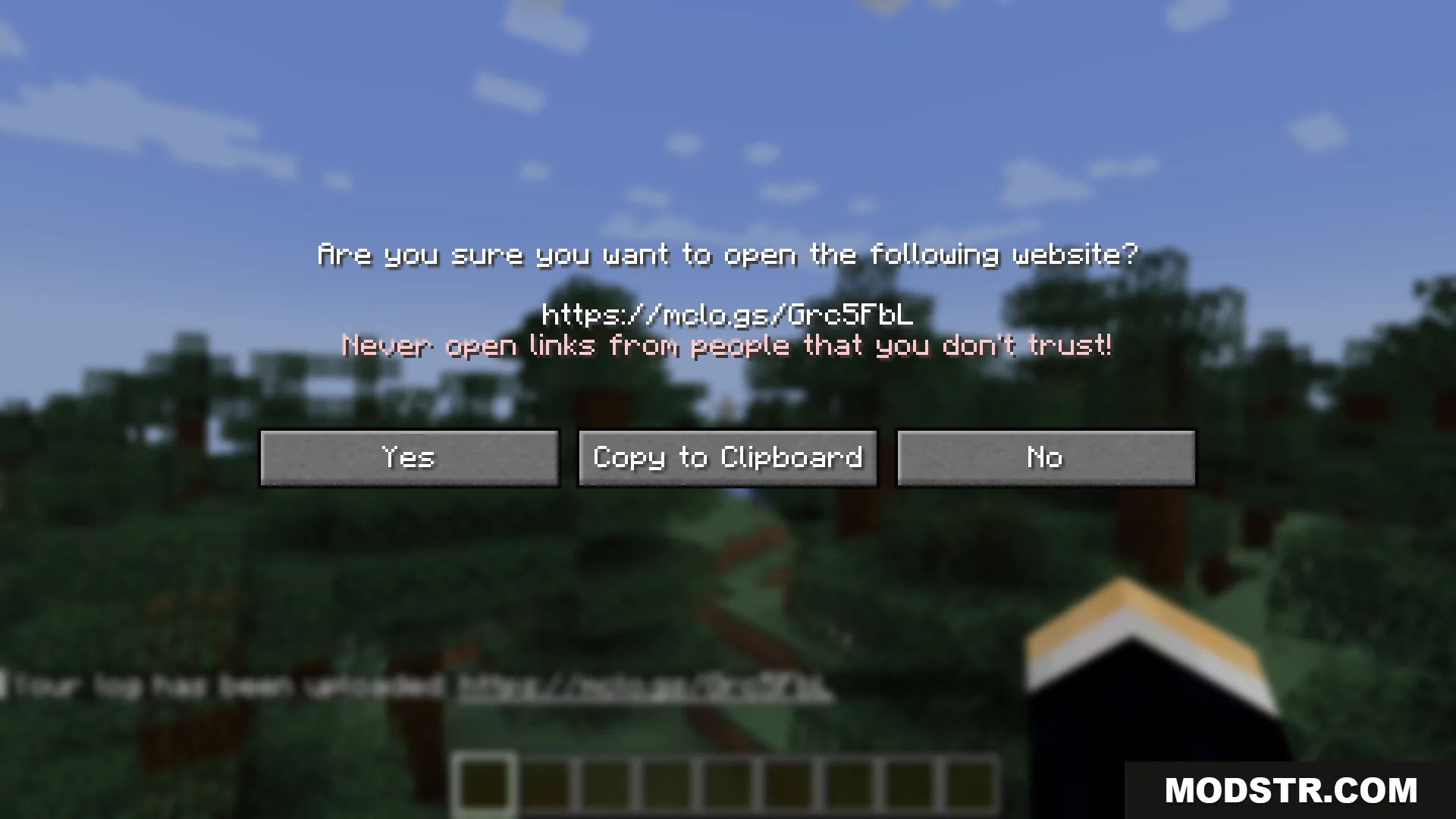
- /mclogs – Upload and share the current server log
- /mclogs list – View available server logs, crash reports, and network protocol error reports
- /mclogs share – Upload a specific log, crash report, or network protocol error report
Permissions
- mclogs.mclogs
- mclogs.list
- mclogs.share
Installation
- Download the plugin jar file
- Place the jar in your server's plugins folder
- Restart your server
- Configure frontend settings in config.toml if needed
- Grant appropriate permissions to players or commands
DOWNLOAD FILES
- jar
- jar
- jar
- jar