
BuildTools (26.2, 1.20.1) – Create JAR files for Spigot/CraftBukkit
Compile JAR files for Spigot and CraftBukkit servers from source code. Includes Spigot-API for plugin development.
- 1.20.1
BuildTools is the official compilation tool from SpigotMC. It downloads Minecraft Server source code, applies Spigot patches, and compiles optimized JAR files for running Spigot or CraftBukkit servers. The resulting server JAR supports plugins and offers better performance and customization compared to vanilla Minecraft Server.
Features
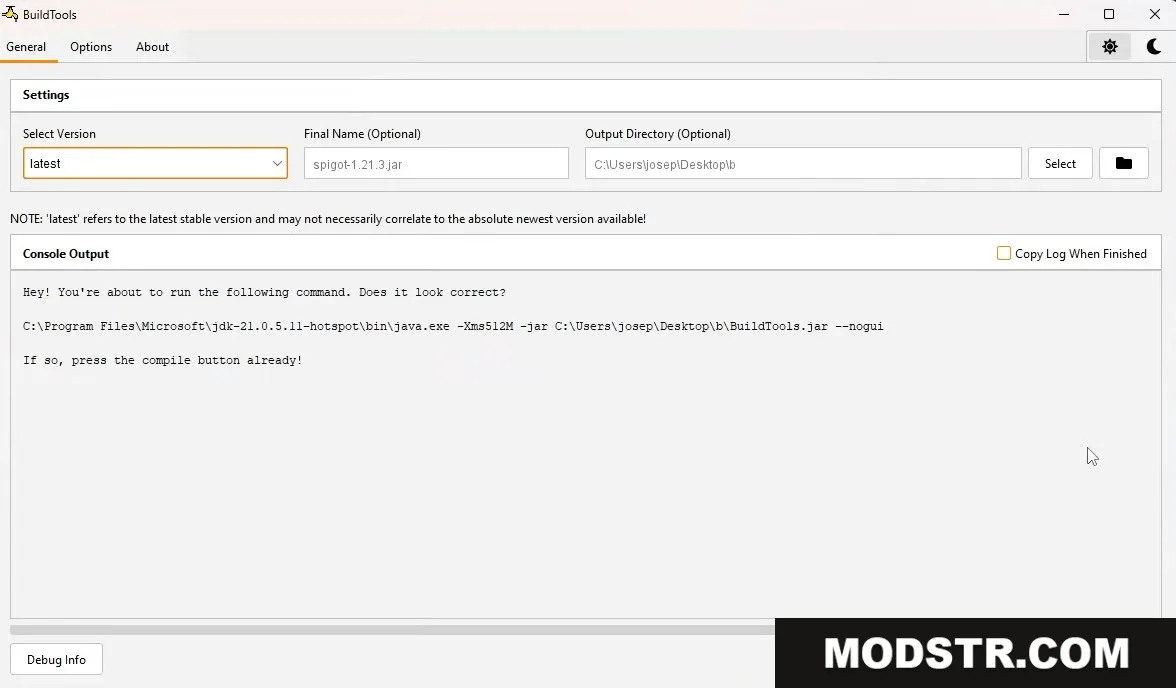
- Downloads vanilla Minecraft Server, Bukkit, CraftBukkit, and Spigot source, then compiles them into a single optimized JAR file.
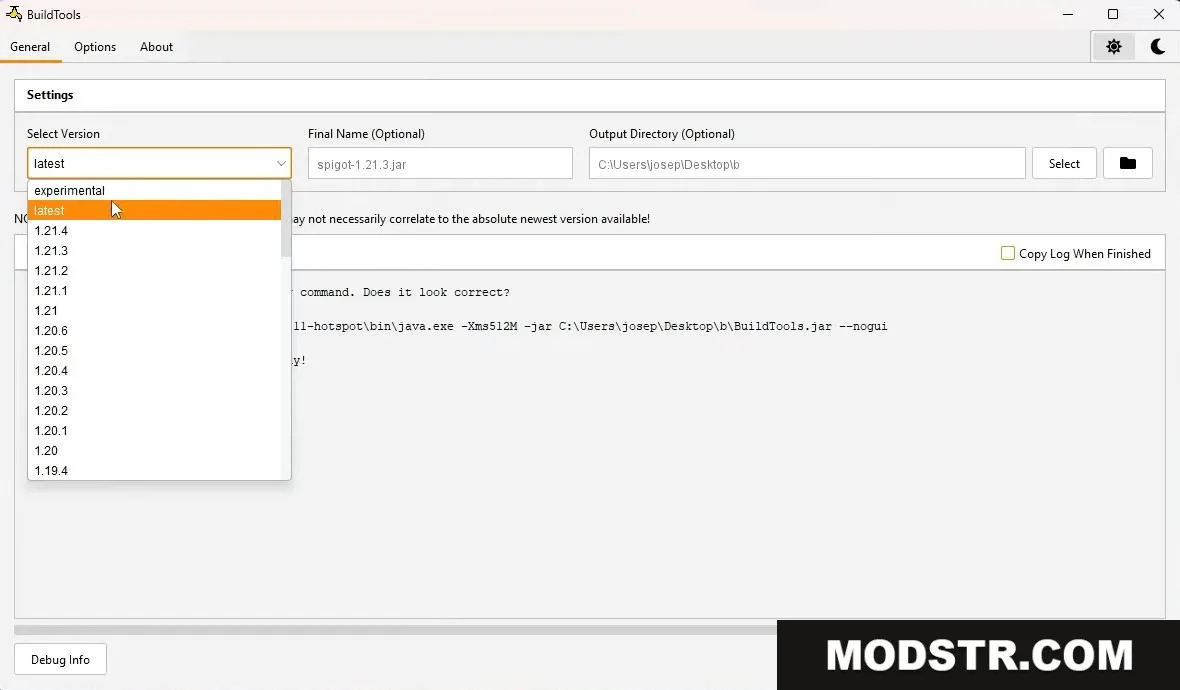
- Supports compilation of specific Minecraft versions using the --rev parameter (e.g., 1.19, 1.20.1).
- Generates Spigot-API for developers creating custom plugins for Spigot servers.
- Allows local compilation to comply with copyright restrictions on direct JAR distribution.
Installation
- Download BuildTools from the official SpigotMC repository.
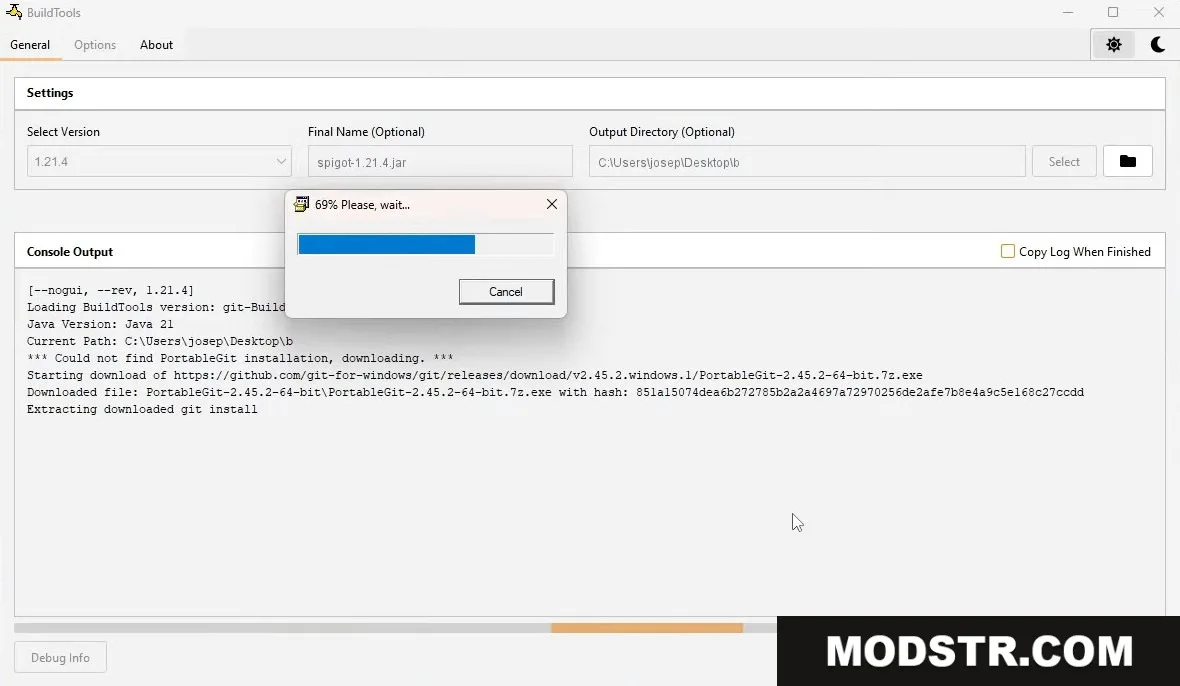
- Run BuildTools using Java (requires Java 8 or higher and a Git installation).
- Specify your desired Minecraft version with the --rev parameter if needed, otherwise it will default to the latest version.
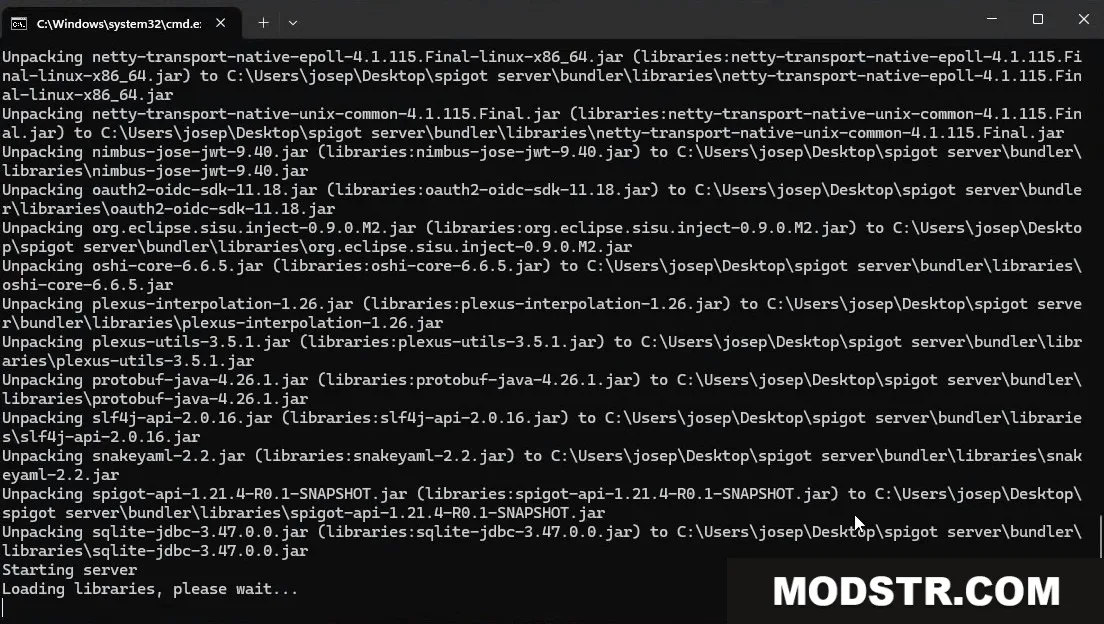
- Wait for the compilation process to complete; this may take several minutes depending on your system.
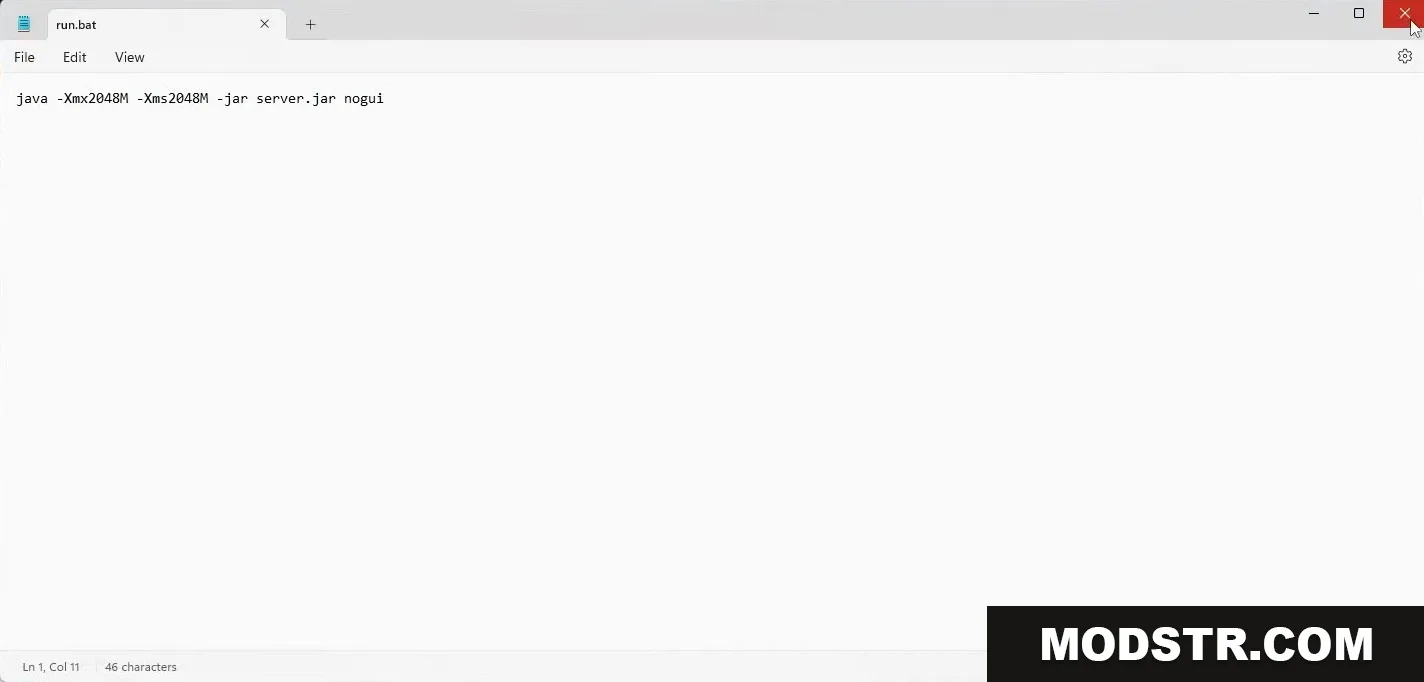
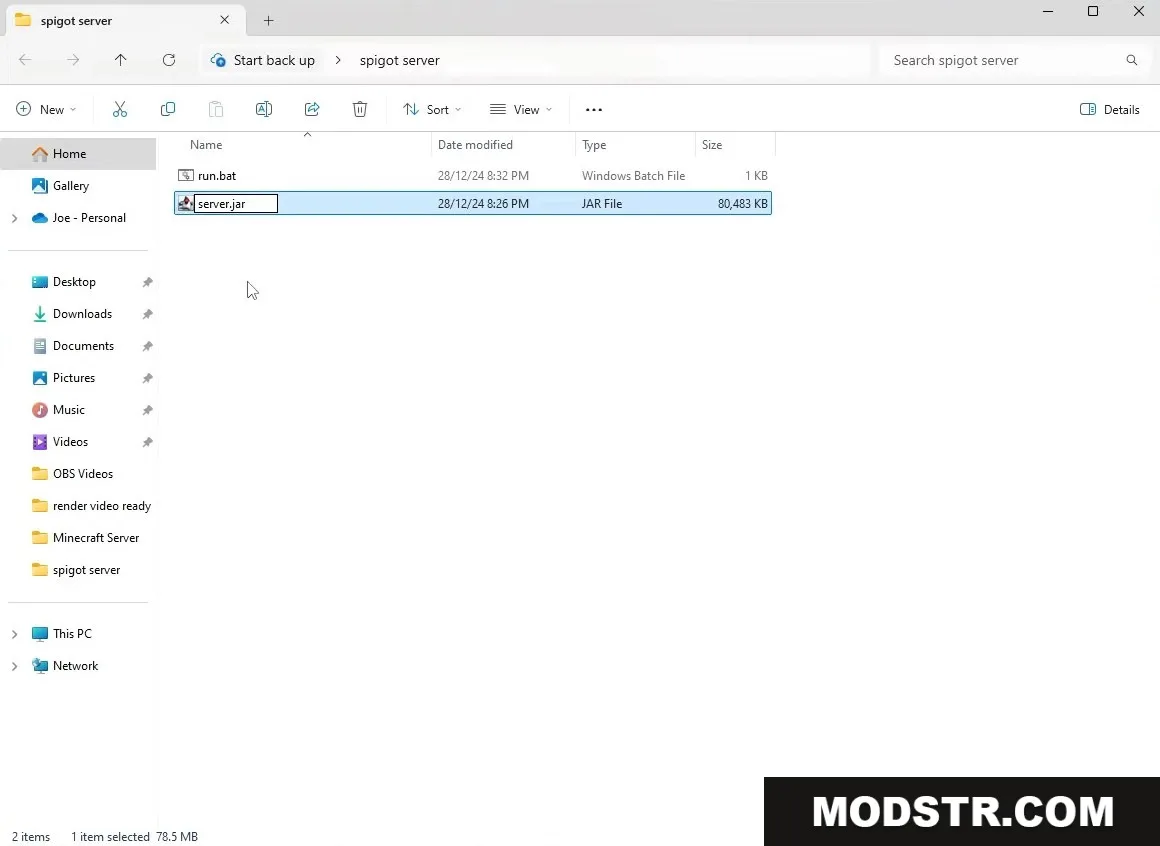
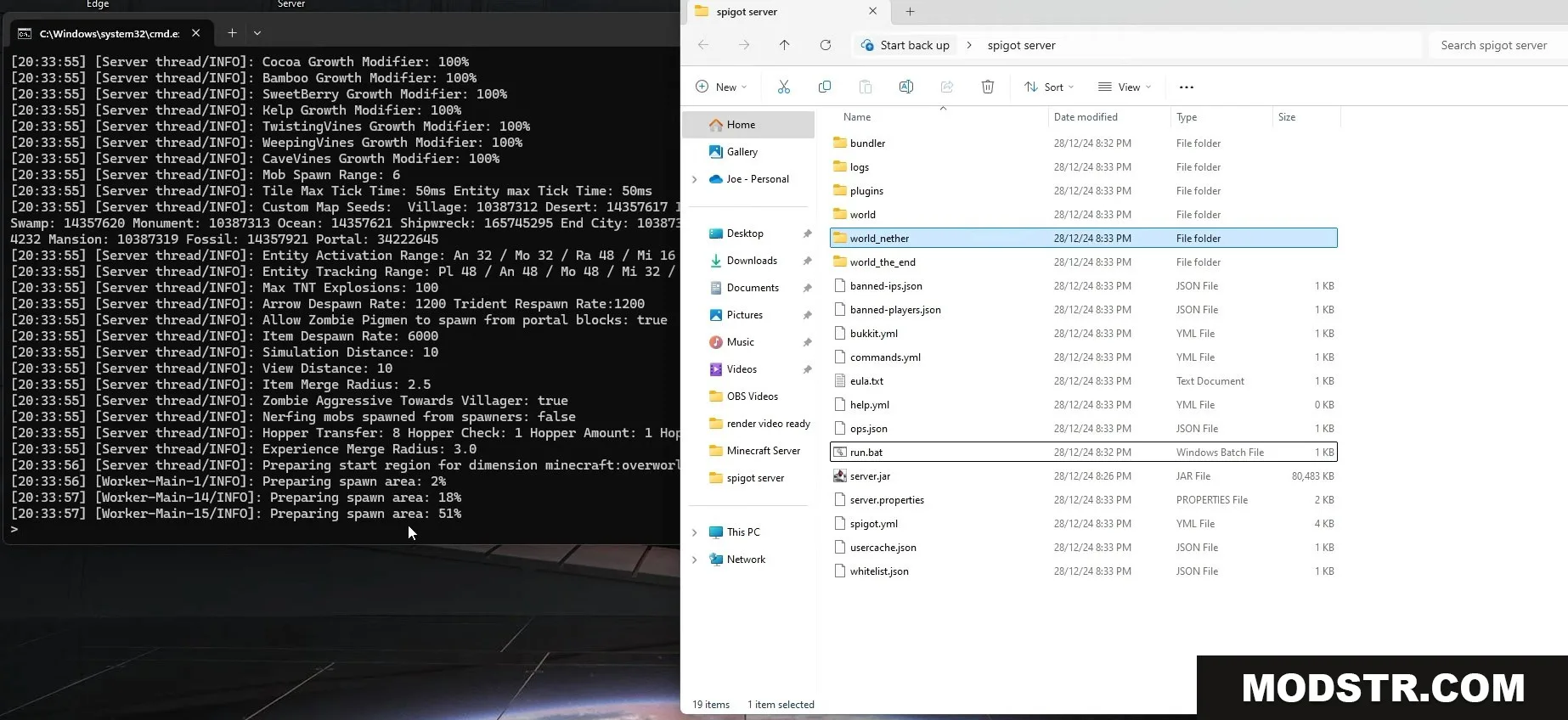
- Locate the compiled JAR file in the output directory and use it to start your server.
Compatibility
BuildTools version 26.2 supports Minecraft 1.20.1. Version compatibility depends on the --rev parameter used during compilation. Earlier or newer Minecraft versions may require different BuildTools versions or updates.
DOWNLOAD FILES
- file