
Better Days Played Texture Pack (26.x) – Move Coordinates And Days
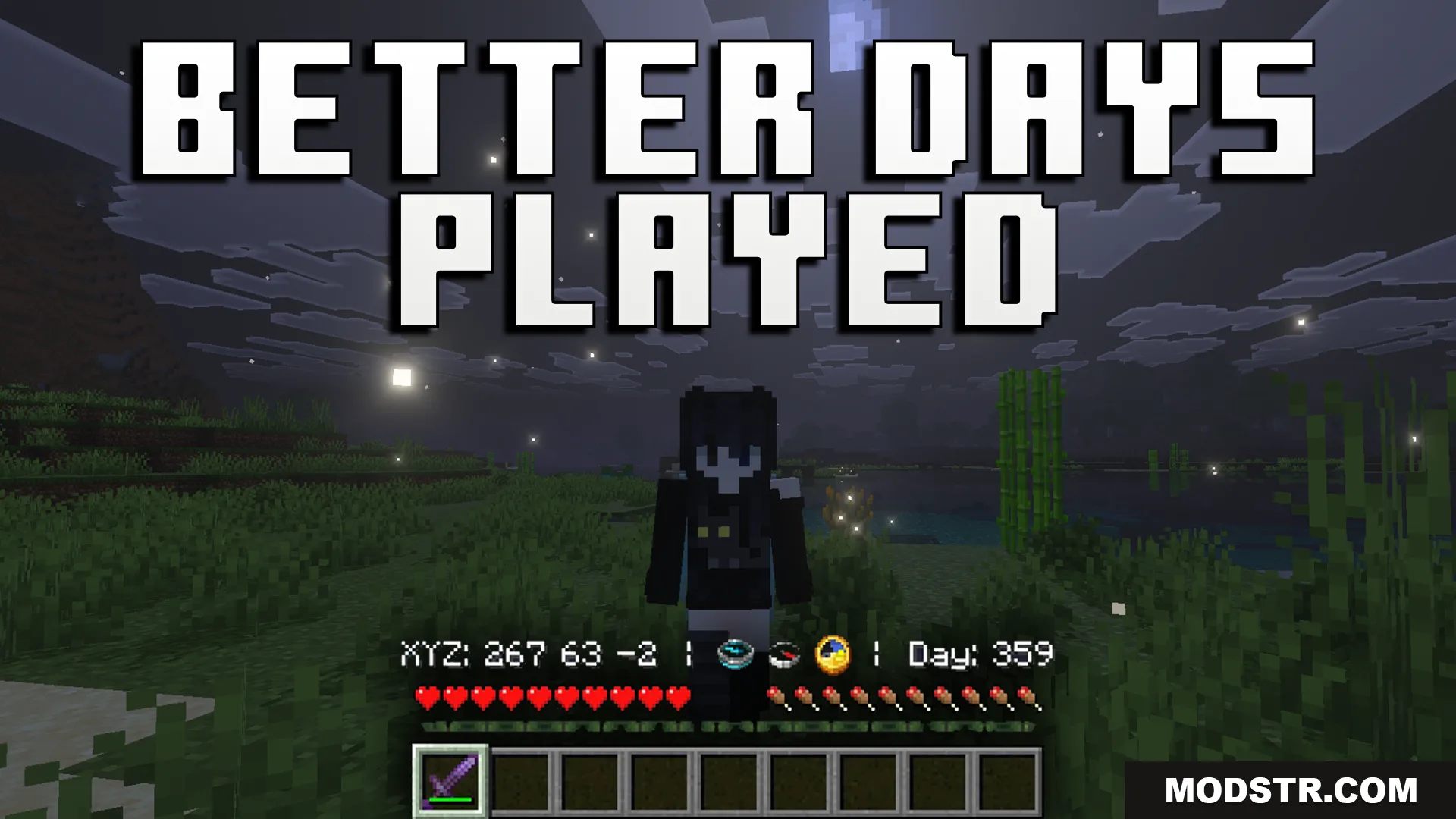
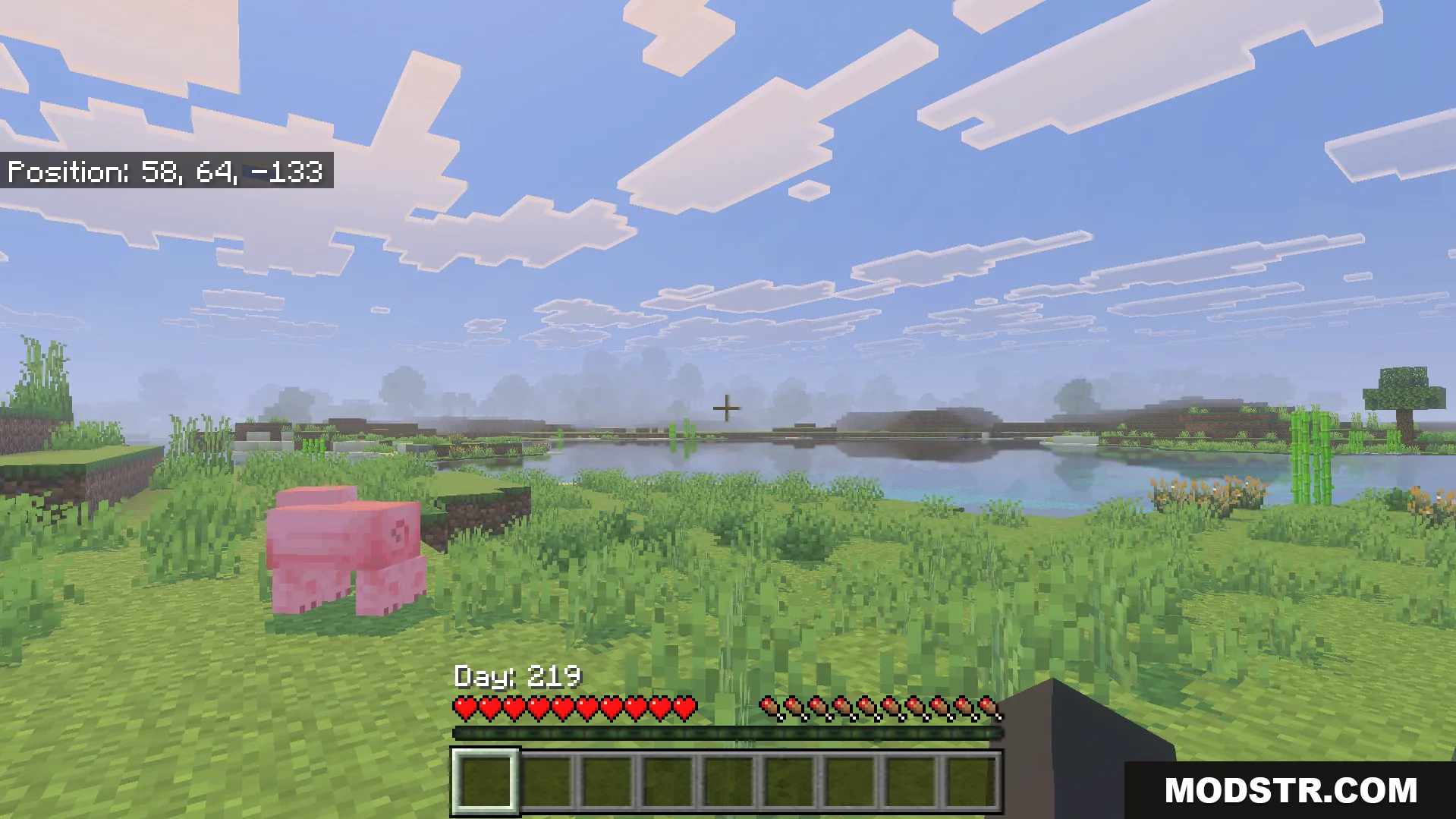
Texture pack that repositions your coordinates and days played counter from the top-left corner to above the hotbar for better visibility during gameplay.
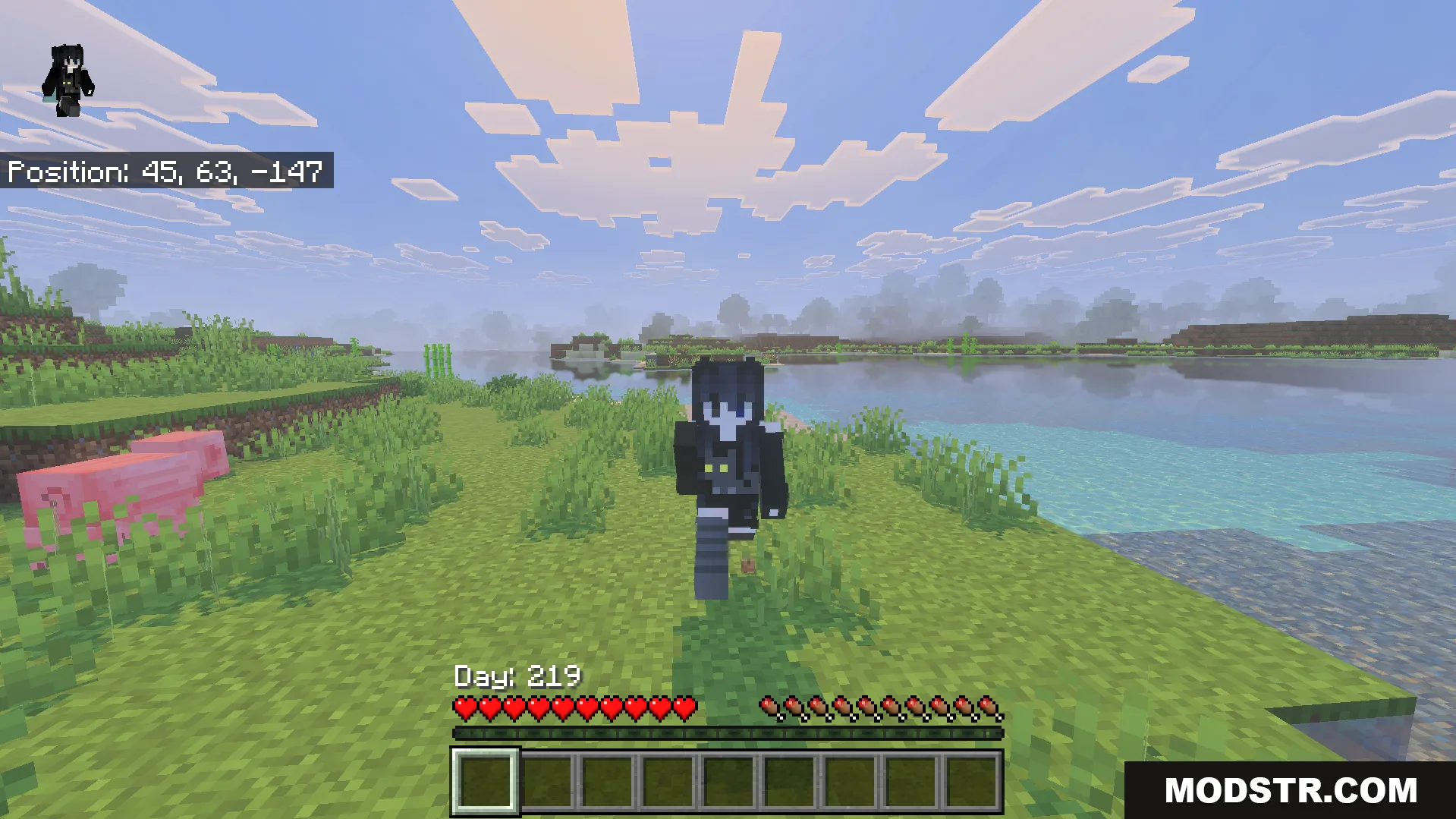
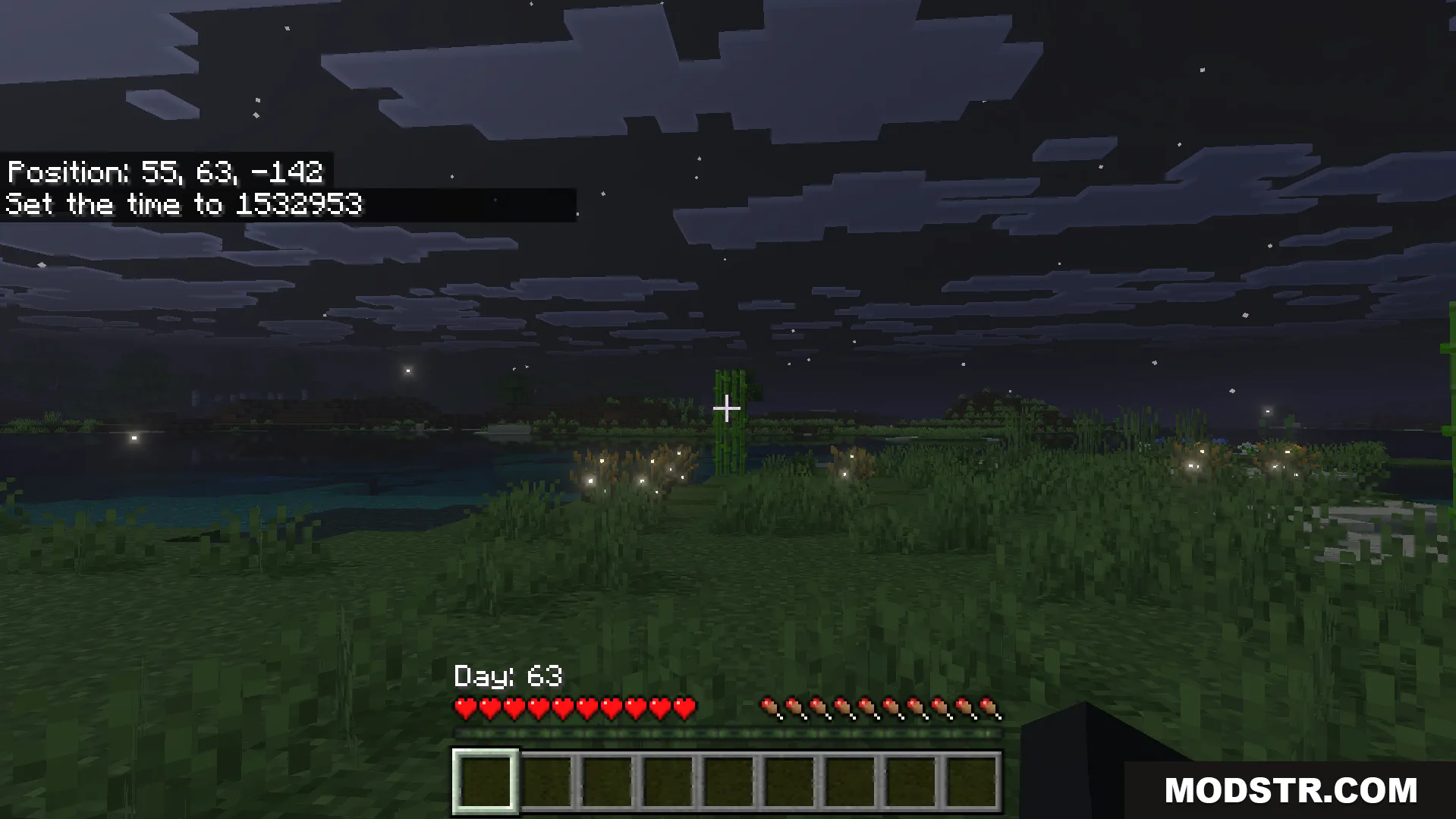
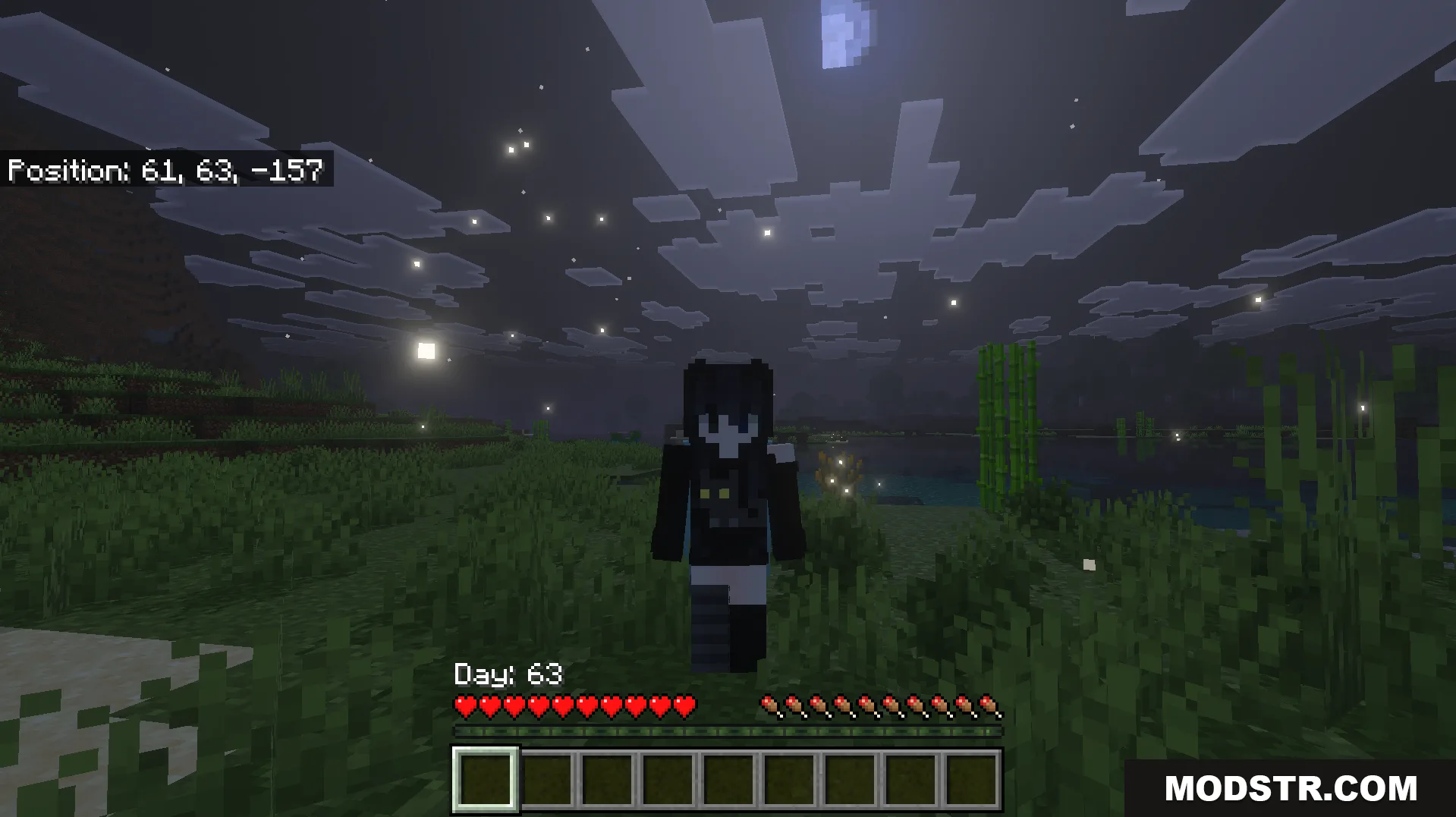
Better Days Played is a texture pack that moves your coordinates and days played information to a more convenient location on your screen. Instead of displaying in the top-left corner, this pack places both elements right above your hotbar, letting you monitor your progress without losing focus on the action.
Features
- Repositions coordinates and days played counter above the hotbar.
- Includes multiple subpacks with different screen layout options.
- Clears the top-left corner for a cleaner HUD.
- Supports custom item modifications through compass ID adjustment.
Installation
- Download and extract the texture pack to your resourcepacks folder.
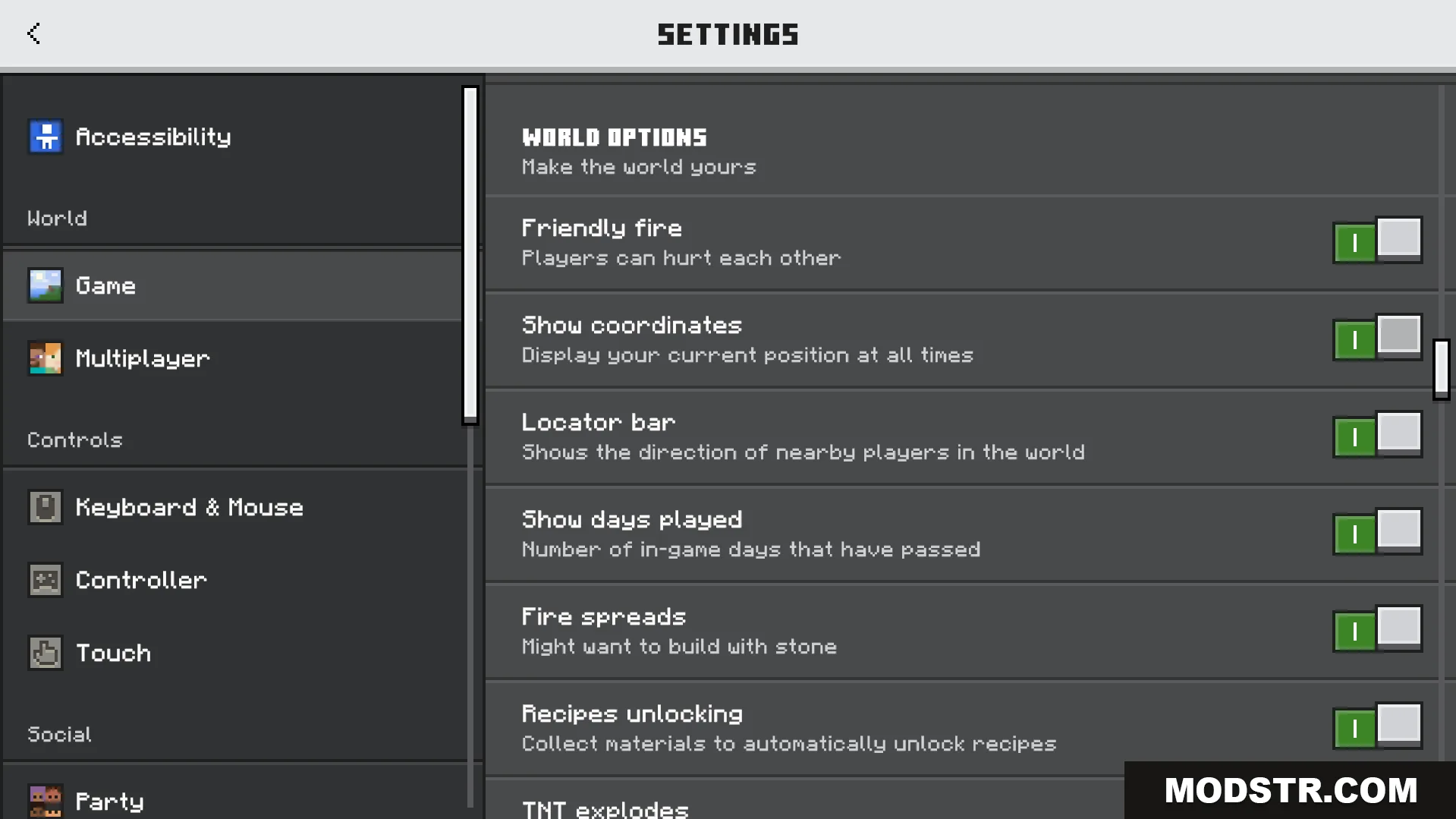
- Open your game settings and enable "Show Coordinates" and "Show Days Played."
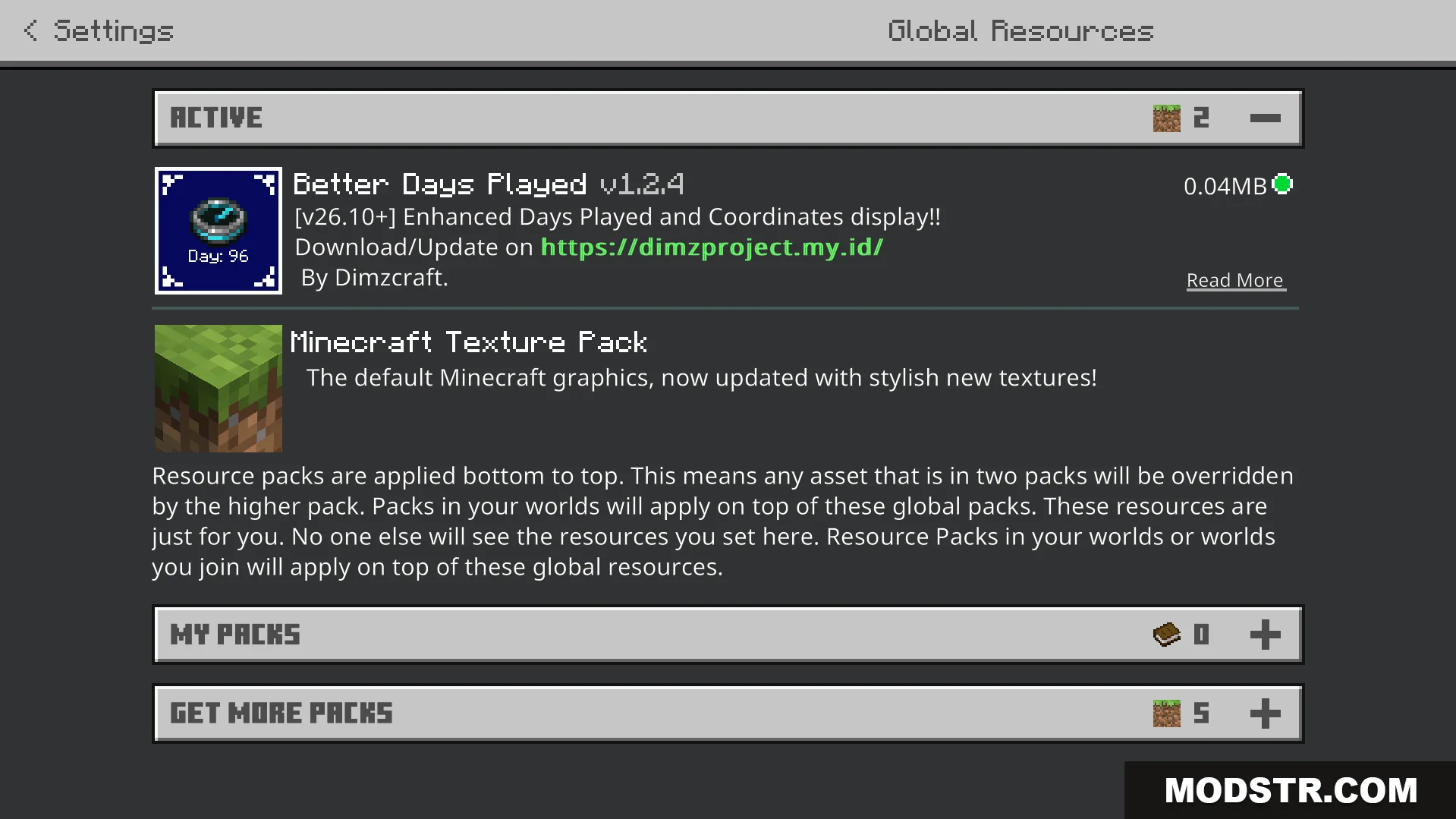
- Select the pack from your resource pack list and activate it.
- Choose your preferred layout subpack from the pack settings menu.
Configuration
You must enable both "Show Coordinates" and "Show Days Played" in your game settings for this pack to function properly. You can switch between different screen layouts by selecting alternative subpacks through the pack settings. Advanced users who work with custom items can modify the compass ID in the pack files if conflicts arise.
DOWNLOAD FILES
- mcpack