
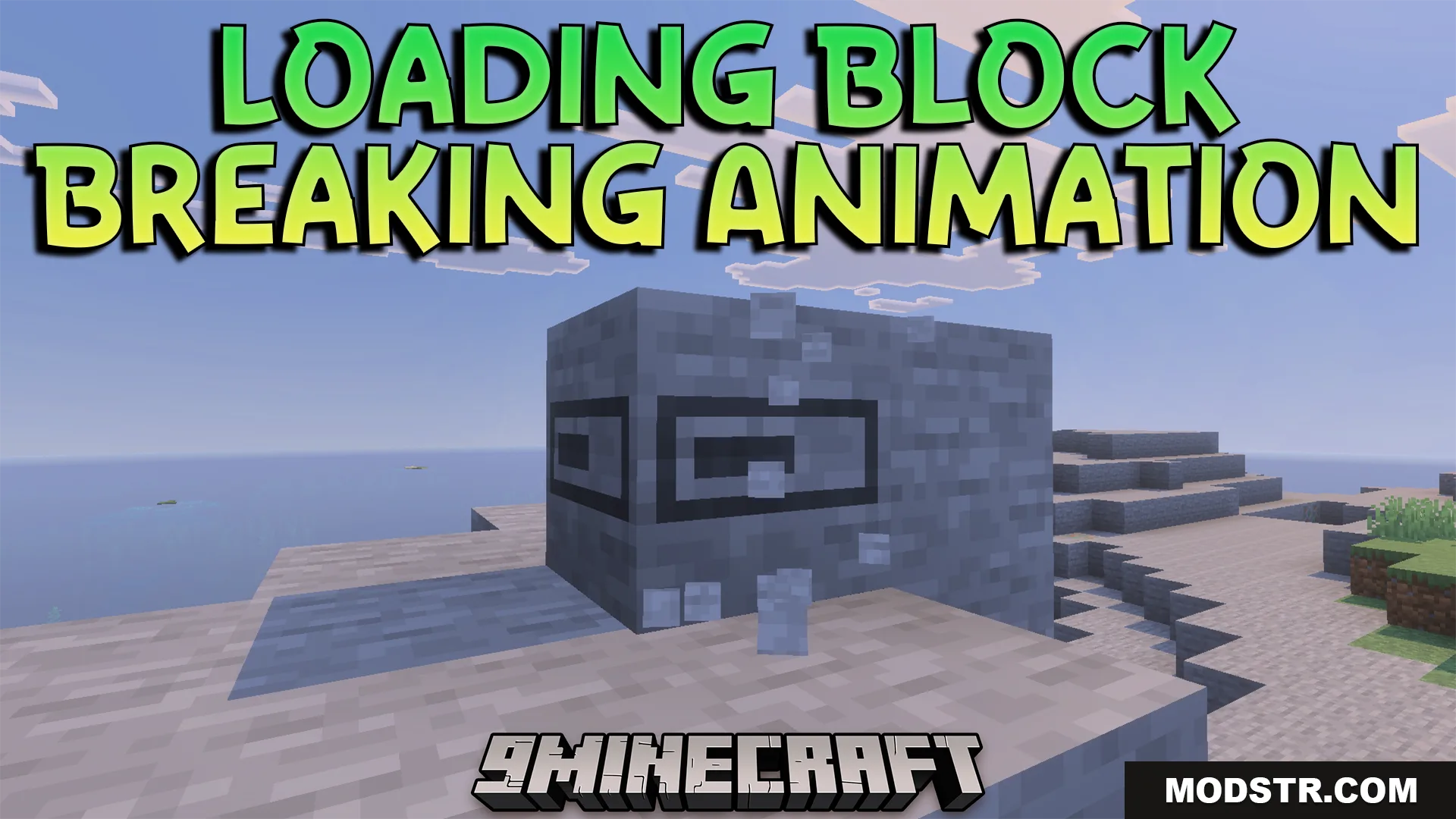
Loading Block Breaking Animation Texture Pack (26.x) – Visual Mining Progress Bar
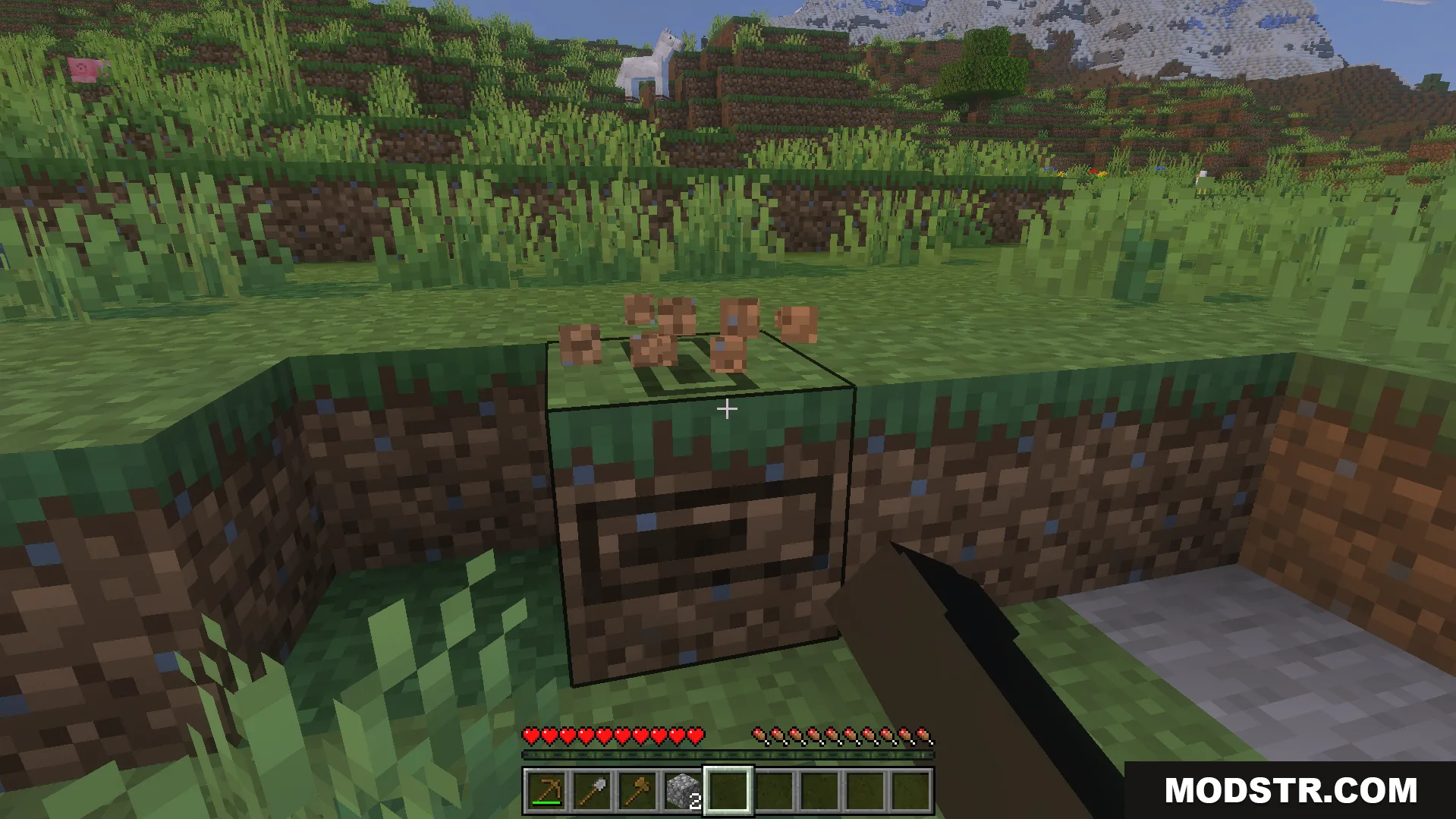
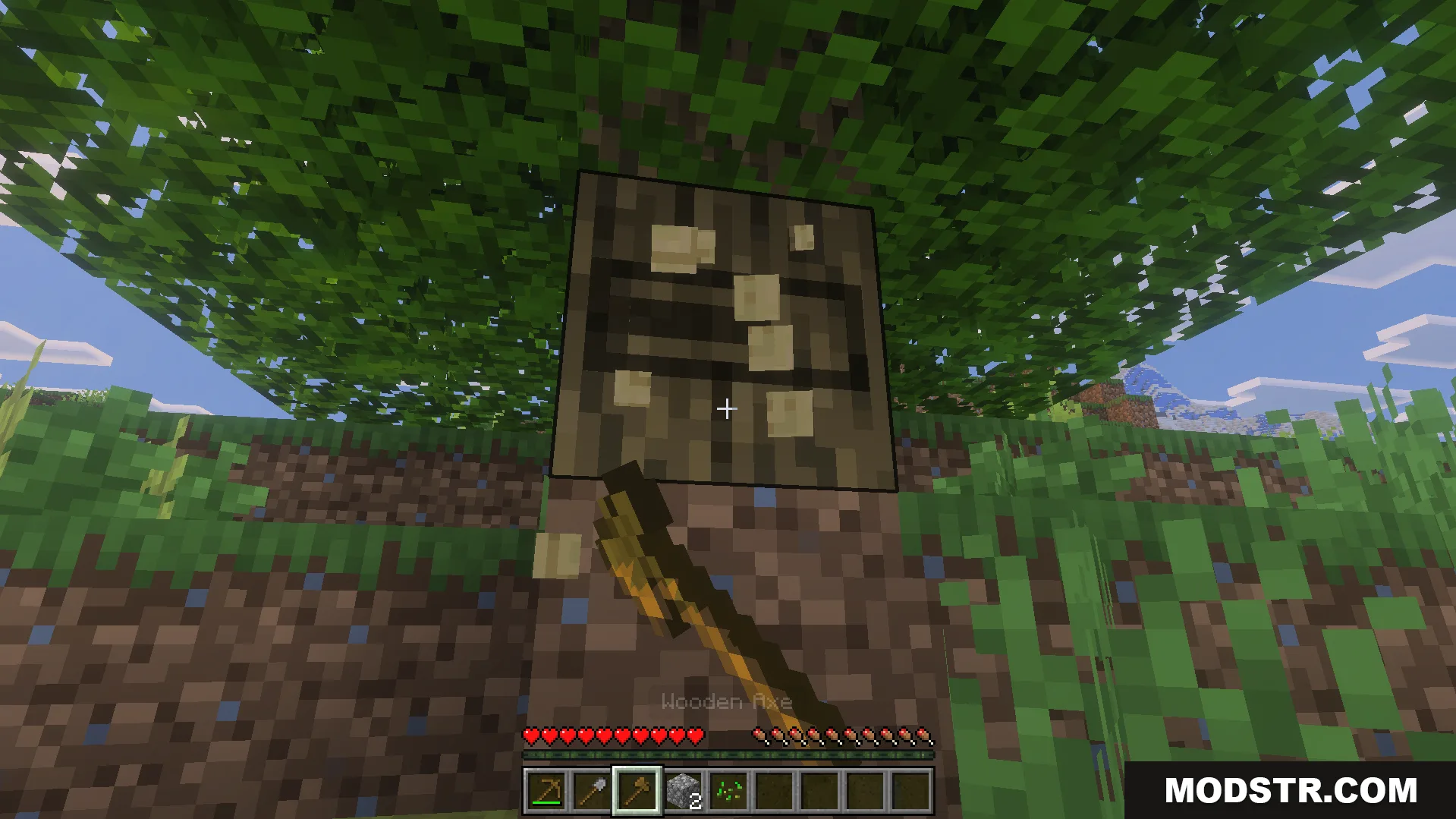
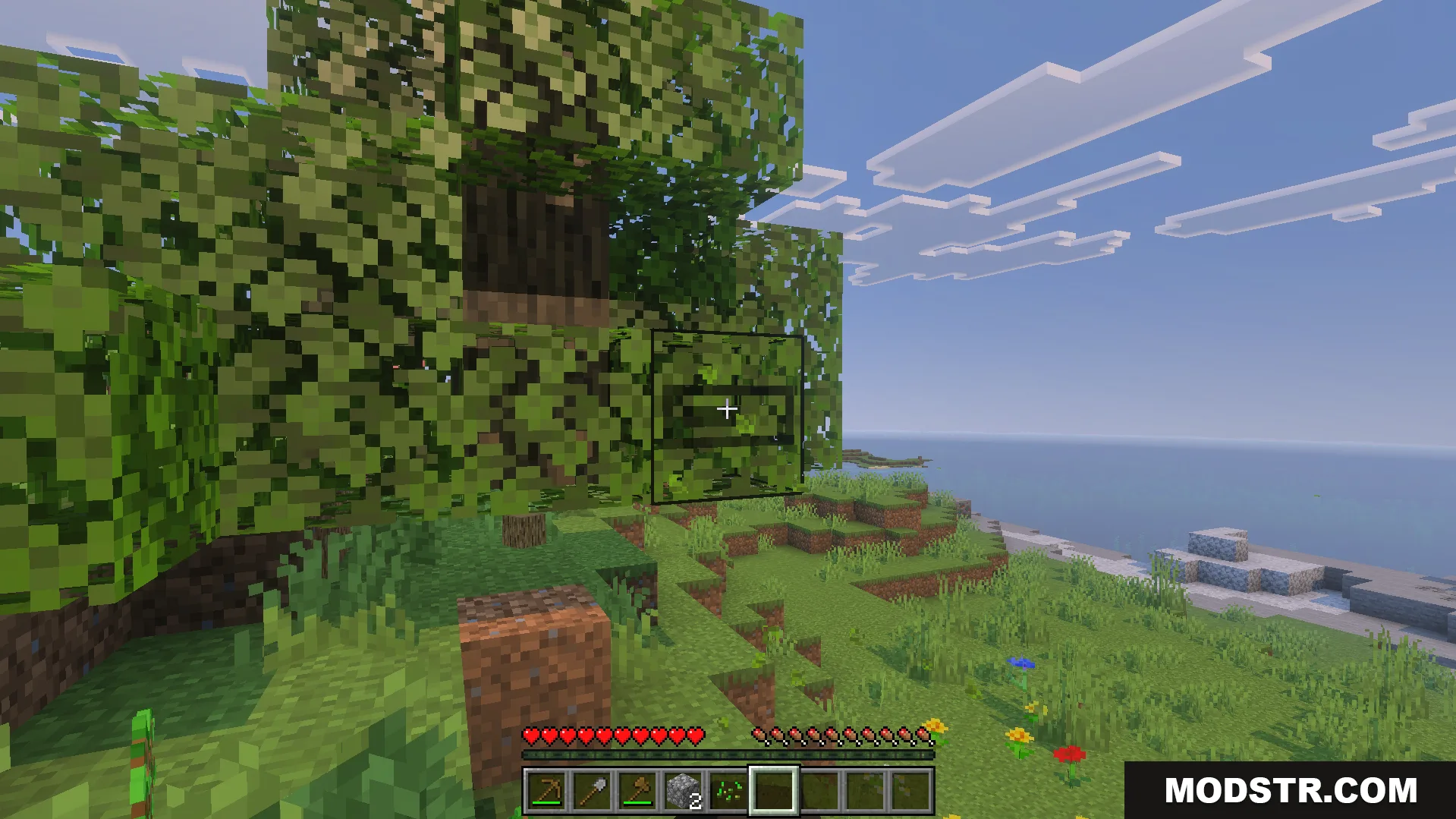
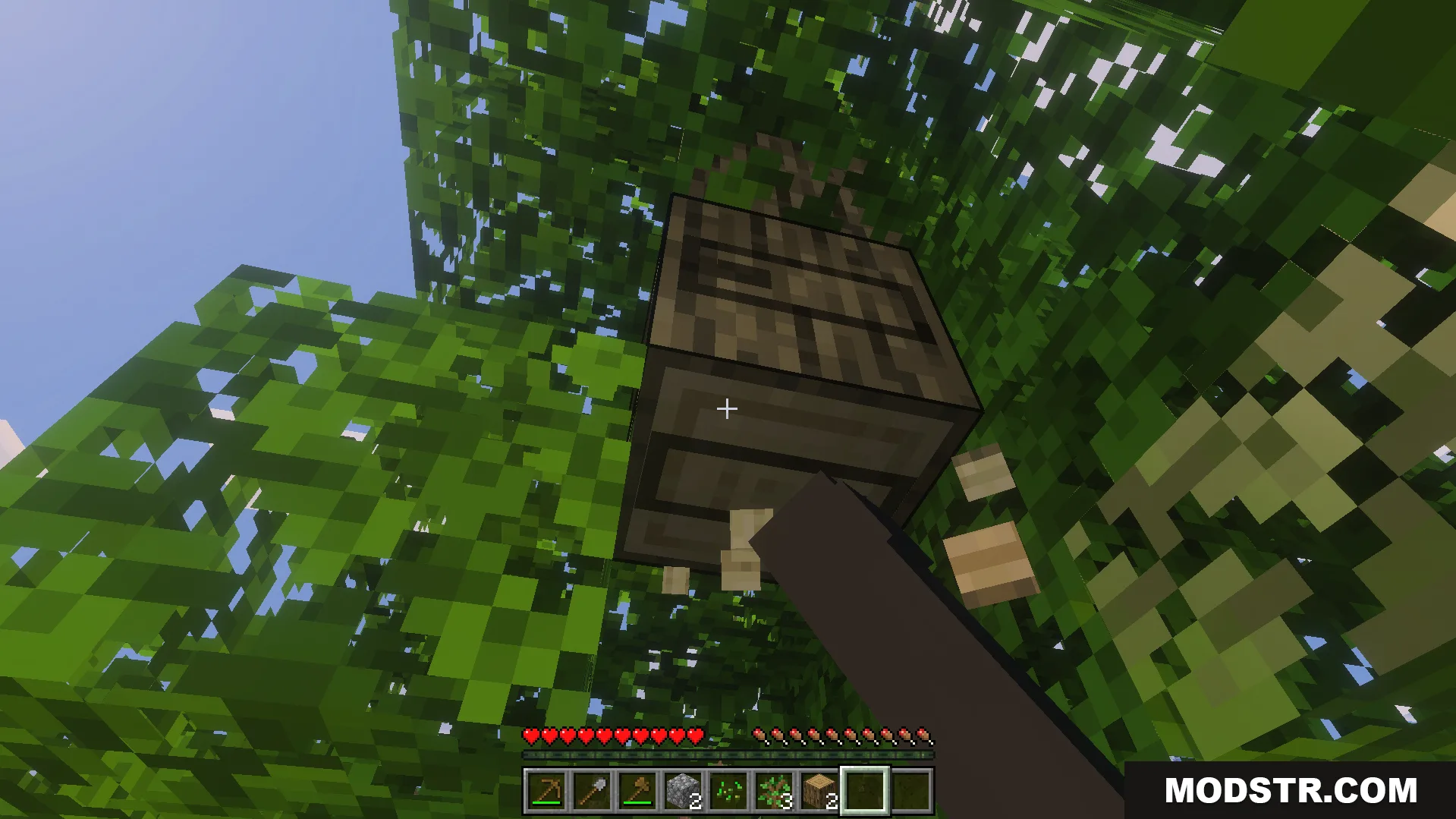
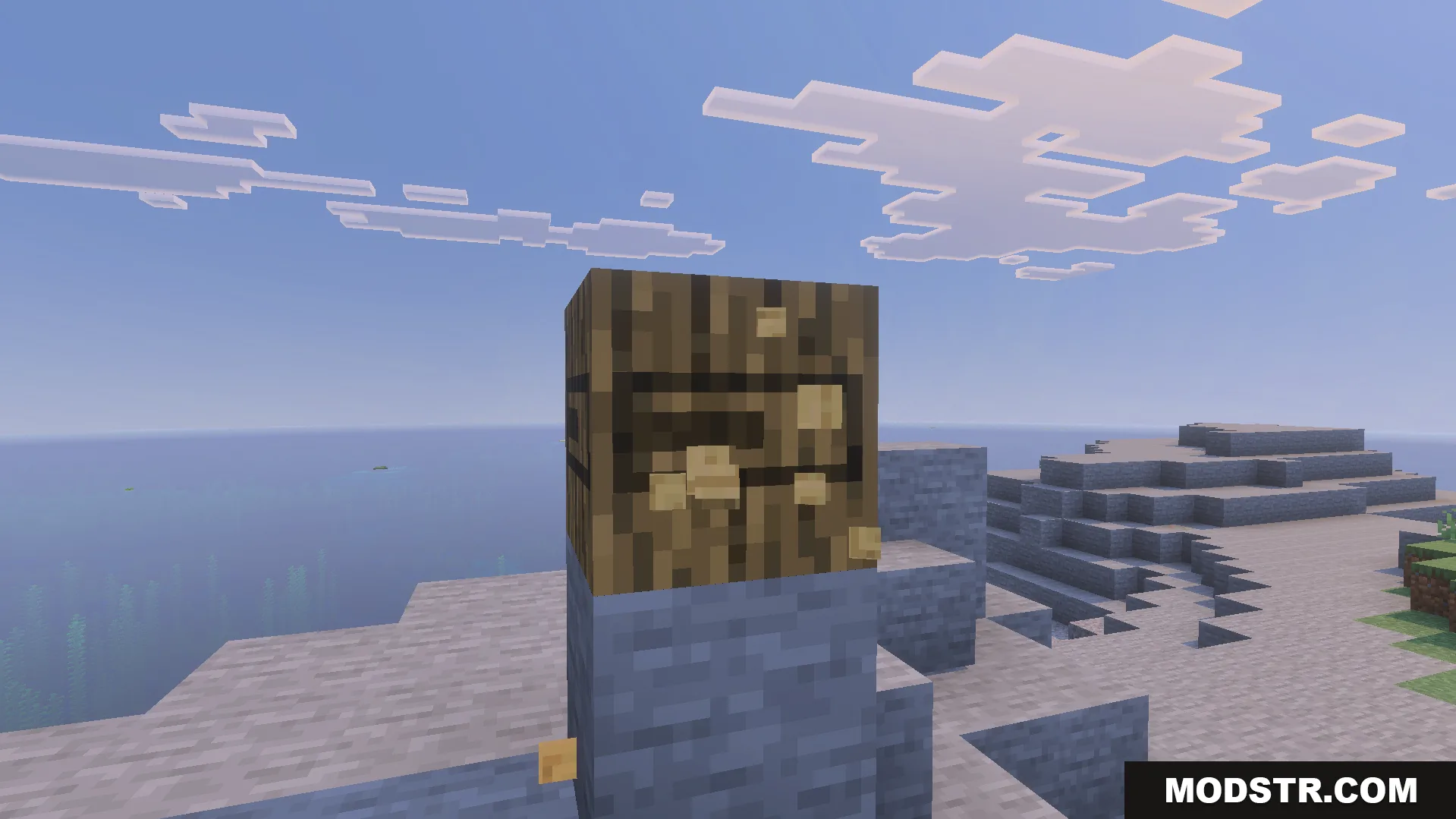
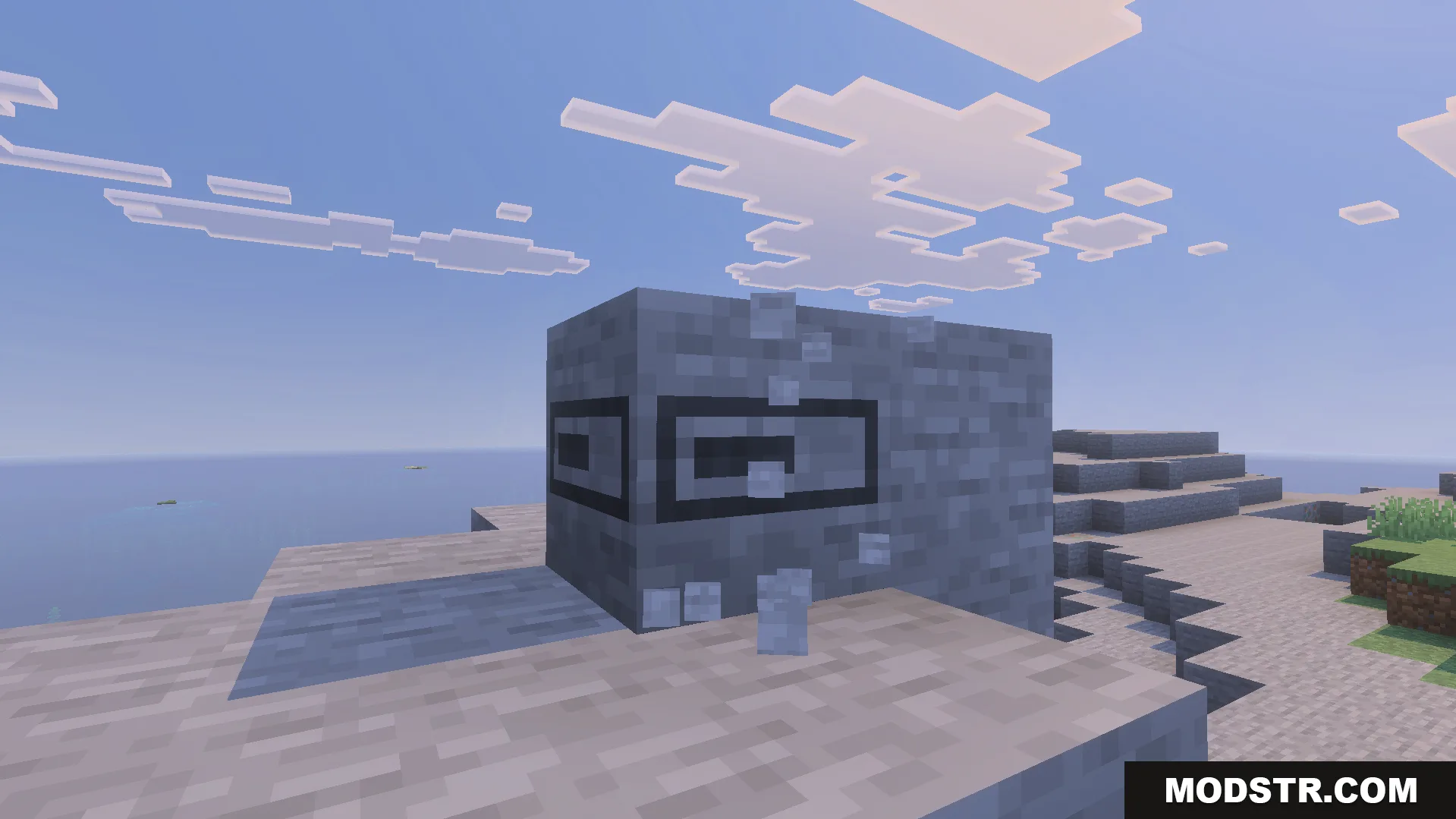
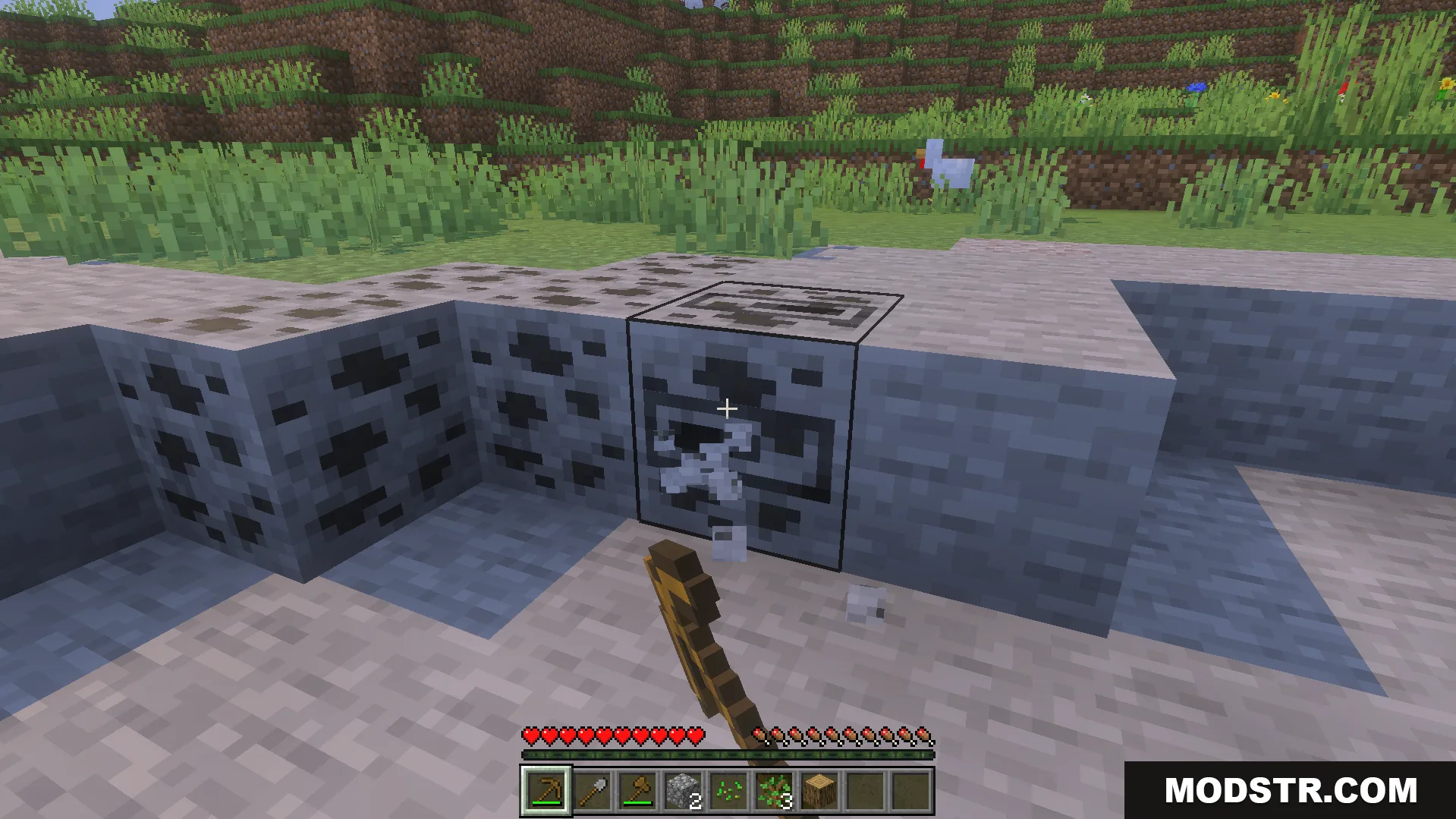
Replaces block cracking textures with a smooth loading bar to display mining progress visually. Helps identify break times across different tools and materials.
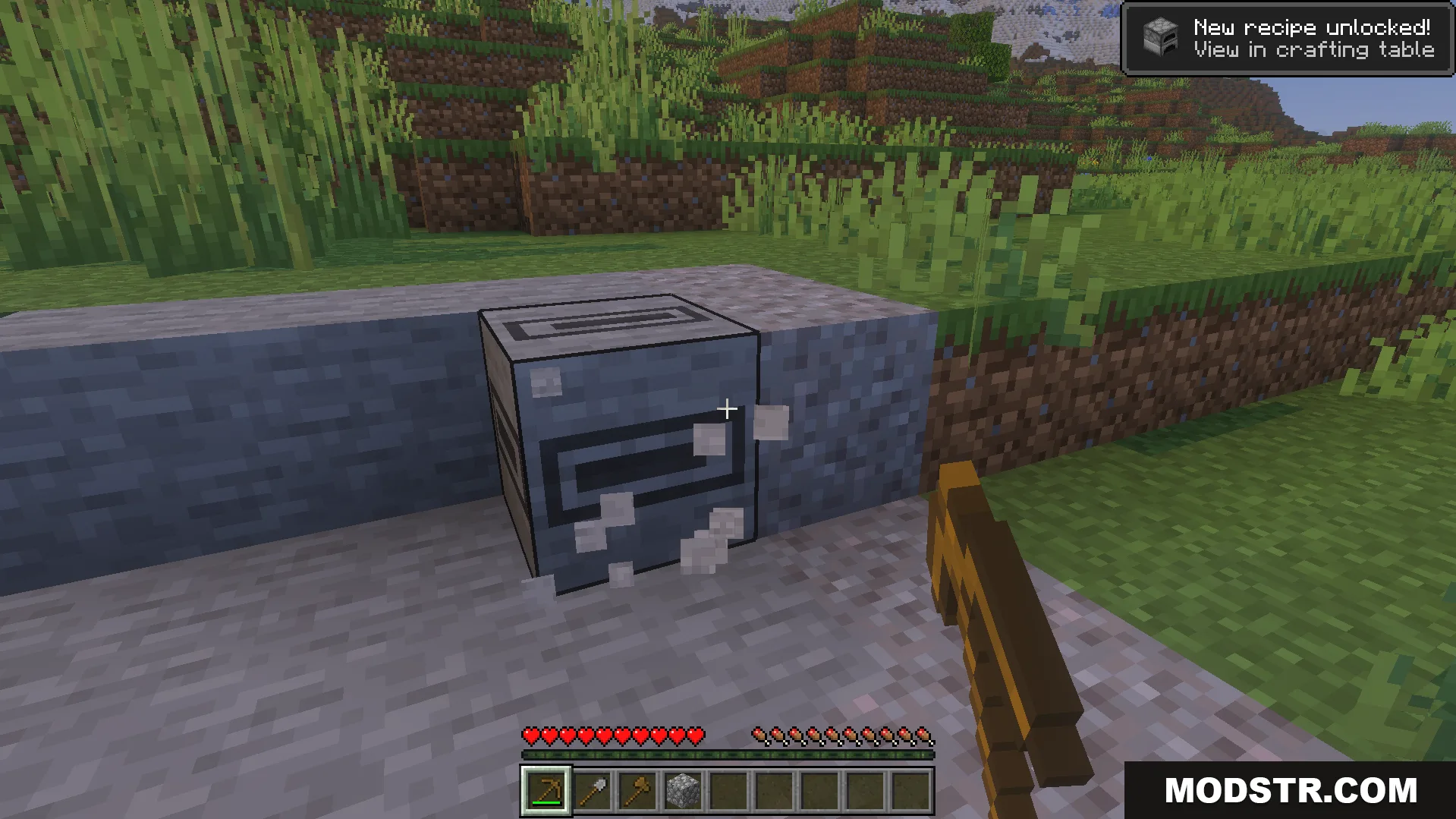
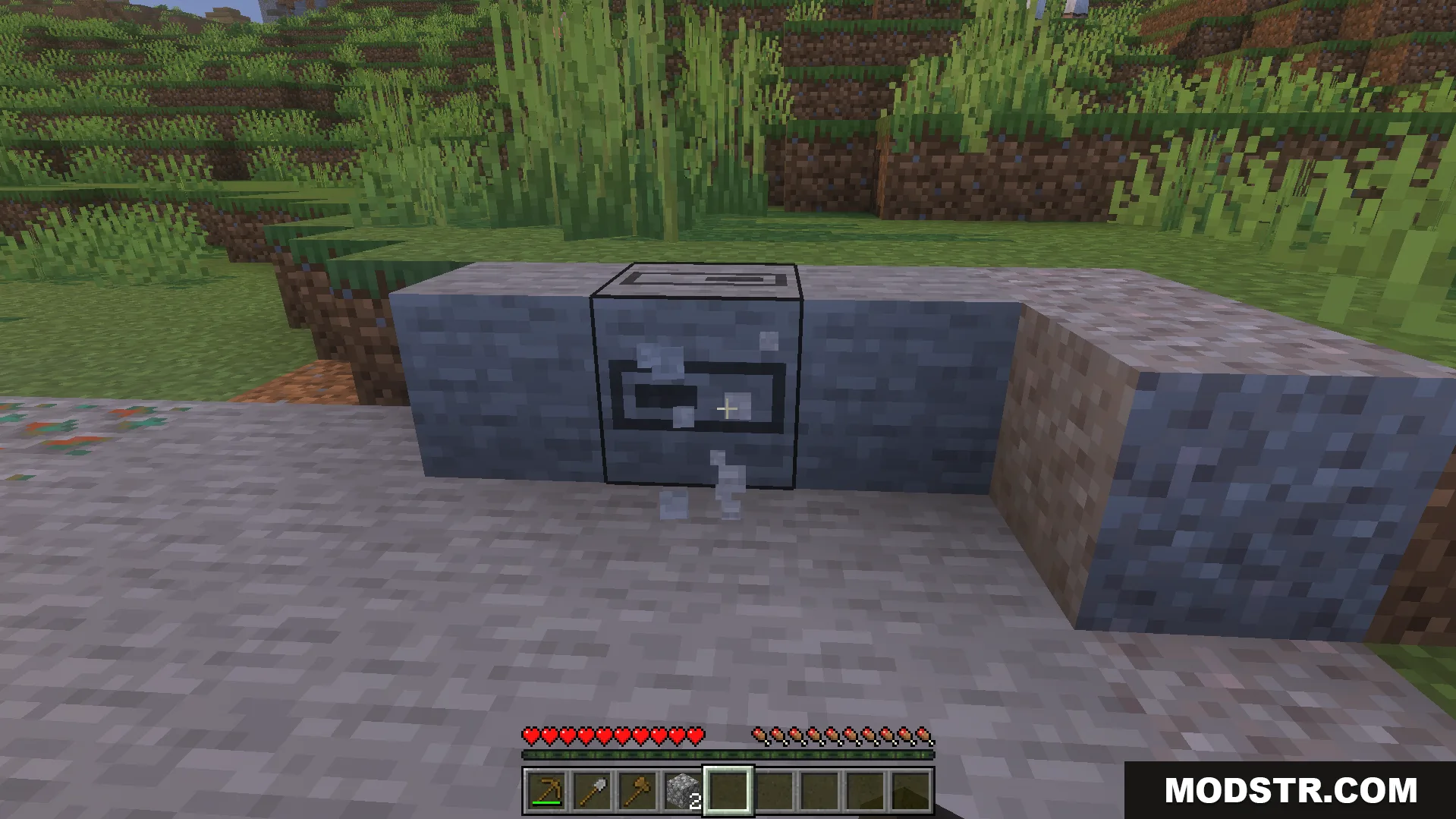
This texture pack replaces the default block cracking effect with a dynamic loading bar. Instead of the standard cracking animation, you'll see a smooth progress indicator while mining any block. The pack is designed to give you a clearer sense of how long each block takes to break, which is useful when switching between tools or materials.
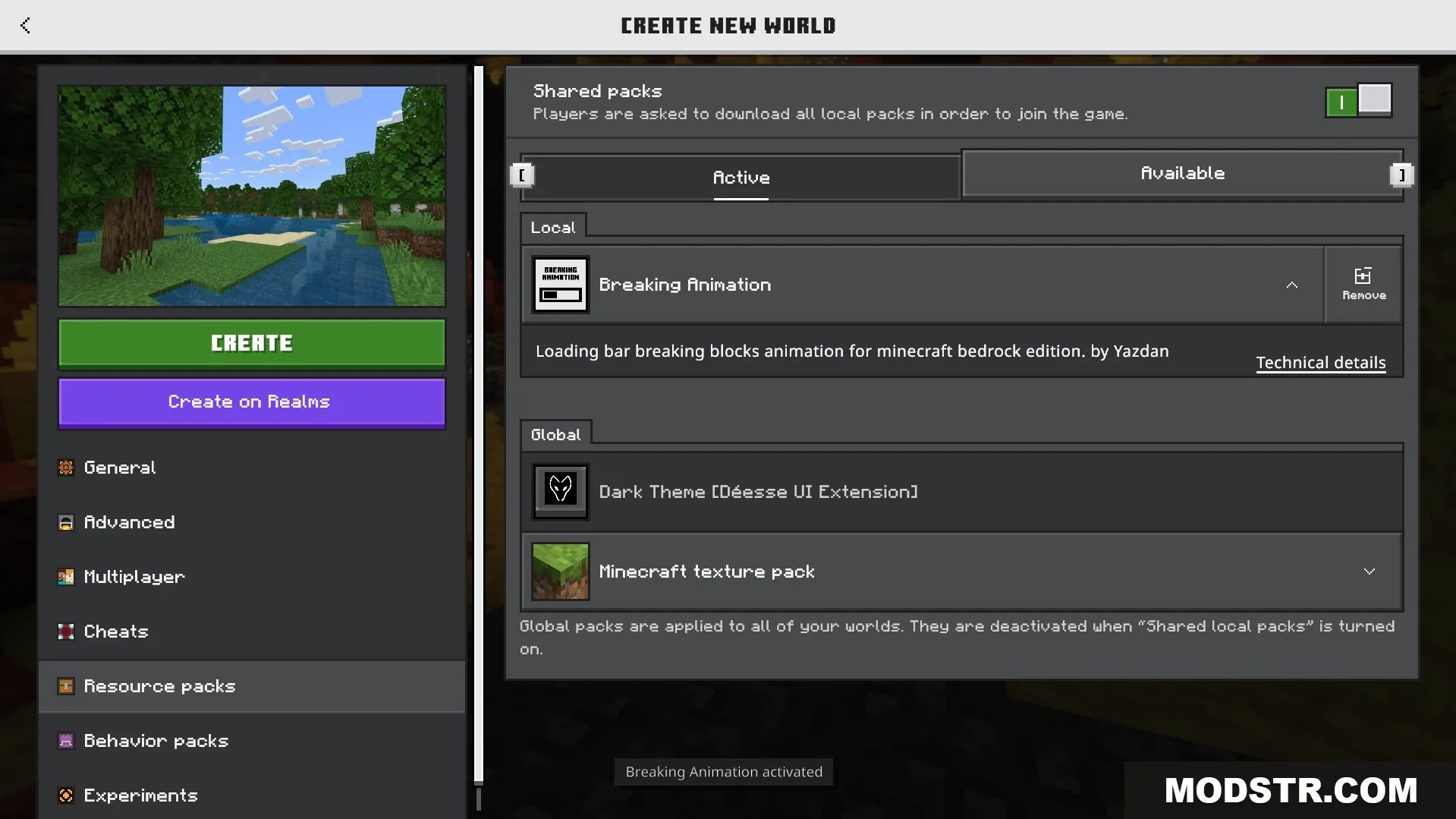
Features
- Replaces the standard cracking effect with a dynamic loading bar animation.
- Displays clear visual progress while mining blocks.
- Makes it easier to estimate break times for different block types.
- Provides a modern visual style without changing core gameplay.
- Works with all standard mining tools and block types.
Installation
- Download the texture pack file.
- Open the Minecraft launcher and navigate to Resource Packs.
- Click Open Resource Pack Folder and paste the file into the directory.
- Select the pack from the available list and click the arrow to activate it.
- Restart your world or game session for changes to apply.
DOWNLOAD FILES
- mcpack