
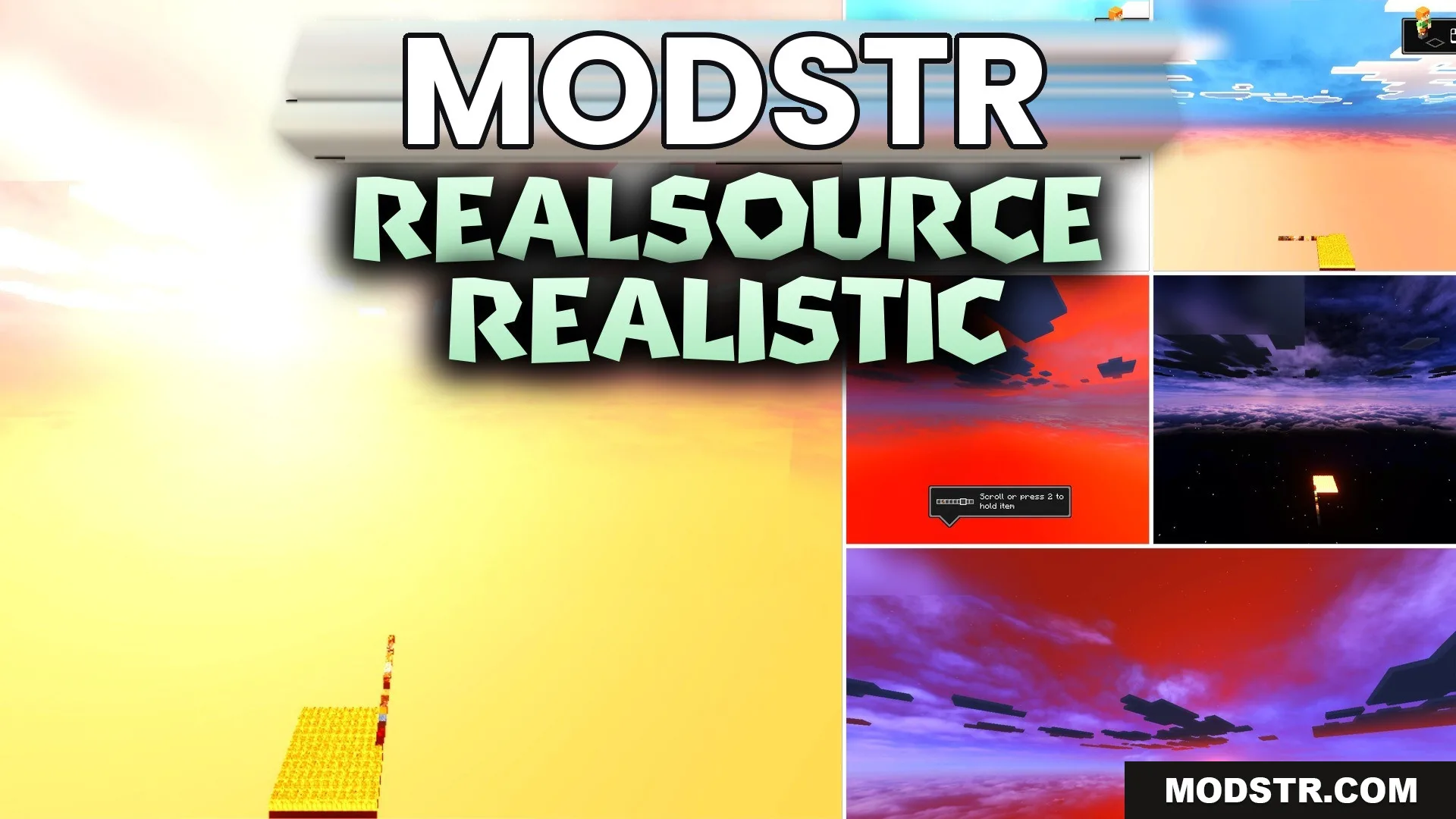
RealSource Realistic Texture Pack (26.x, 1.21) – Stunning Next-gen Lighting
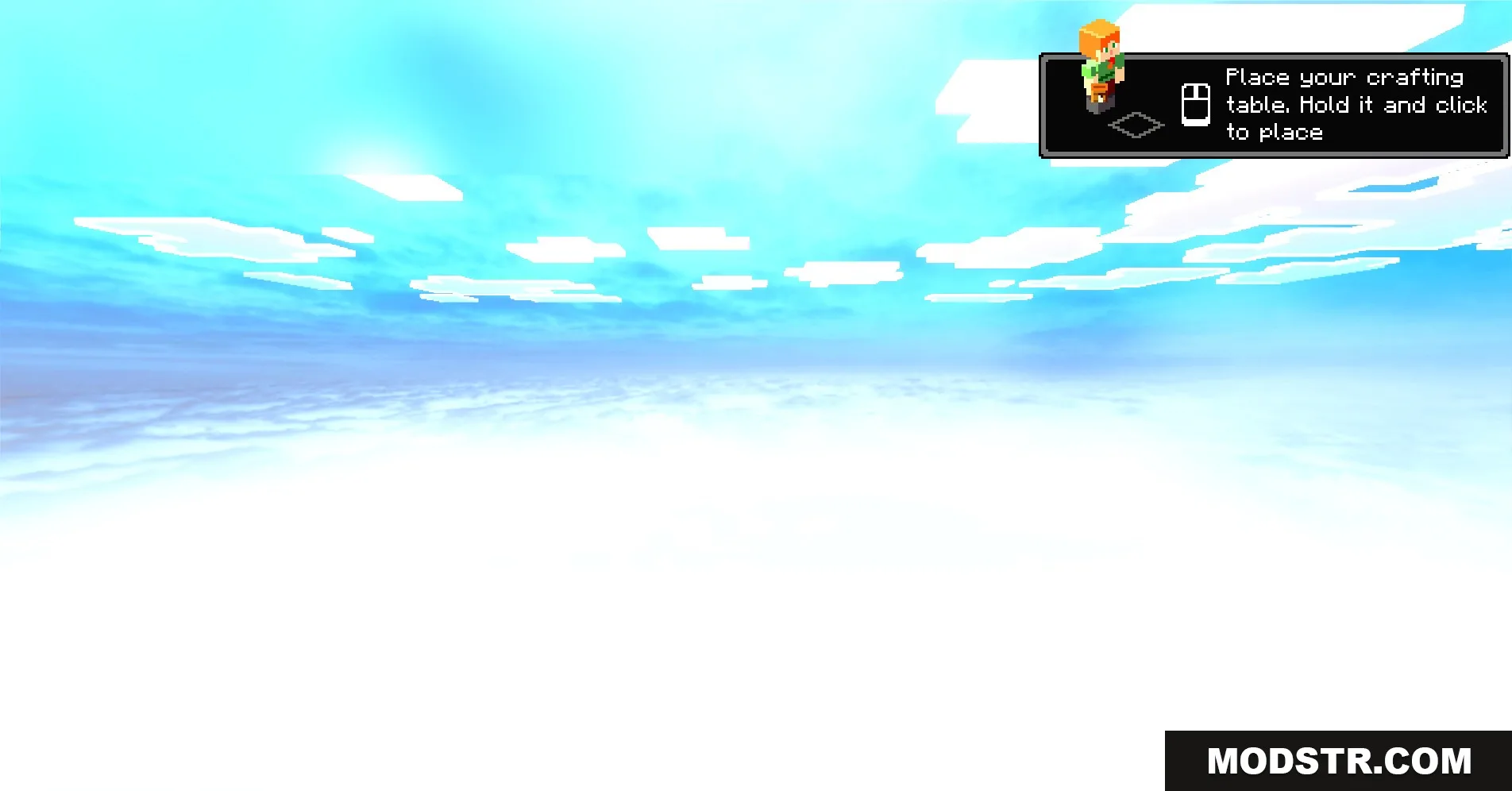
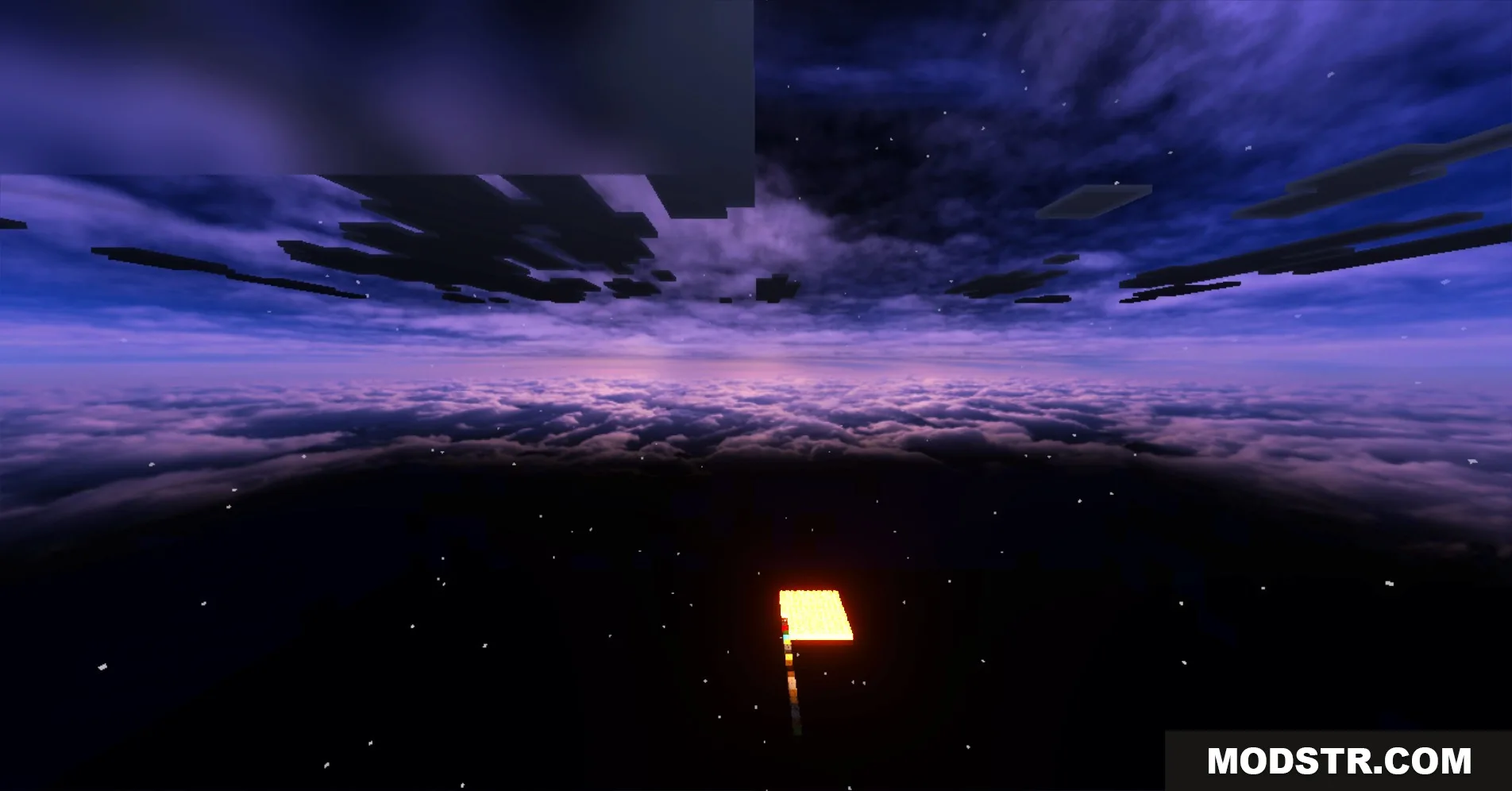
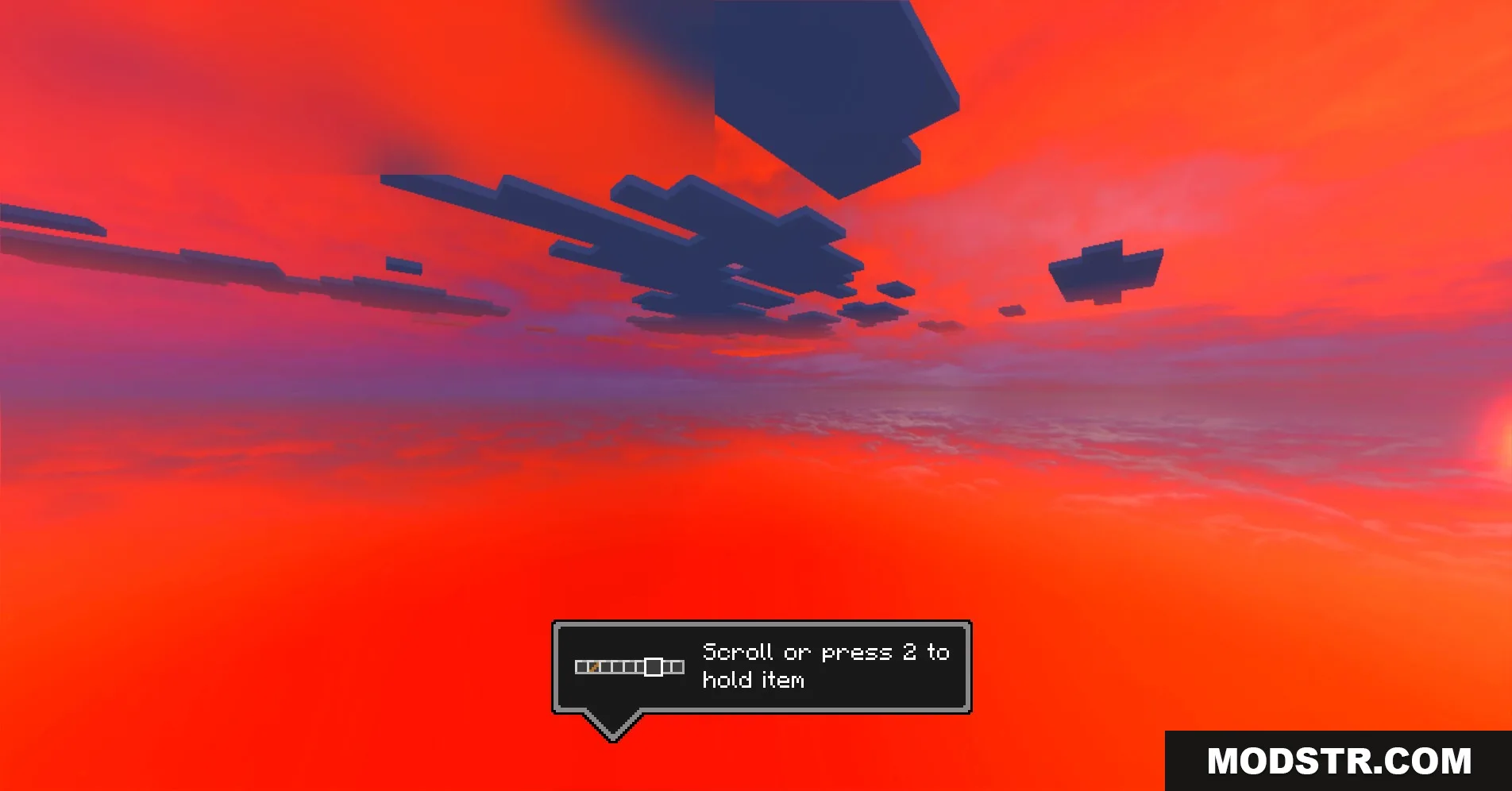
RealSource Realistic Texture Pack enhances the visual quality of your Minecraft Bedrock world with HD textures and improved lighting effects. It's designed for players who want realistic graphics without needing RTX hardware.
- 1.21
- 1.20
- 1.19
- 1.18
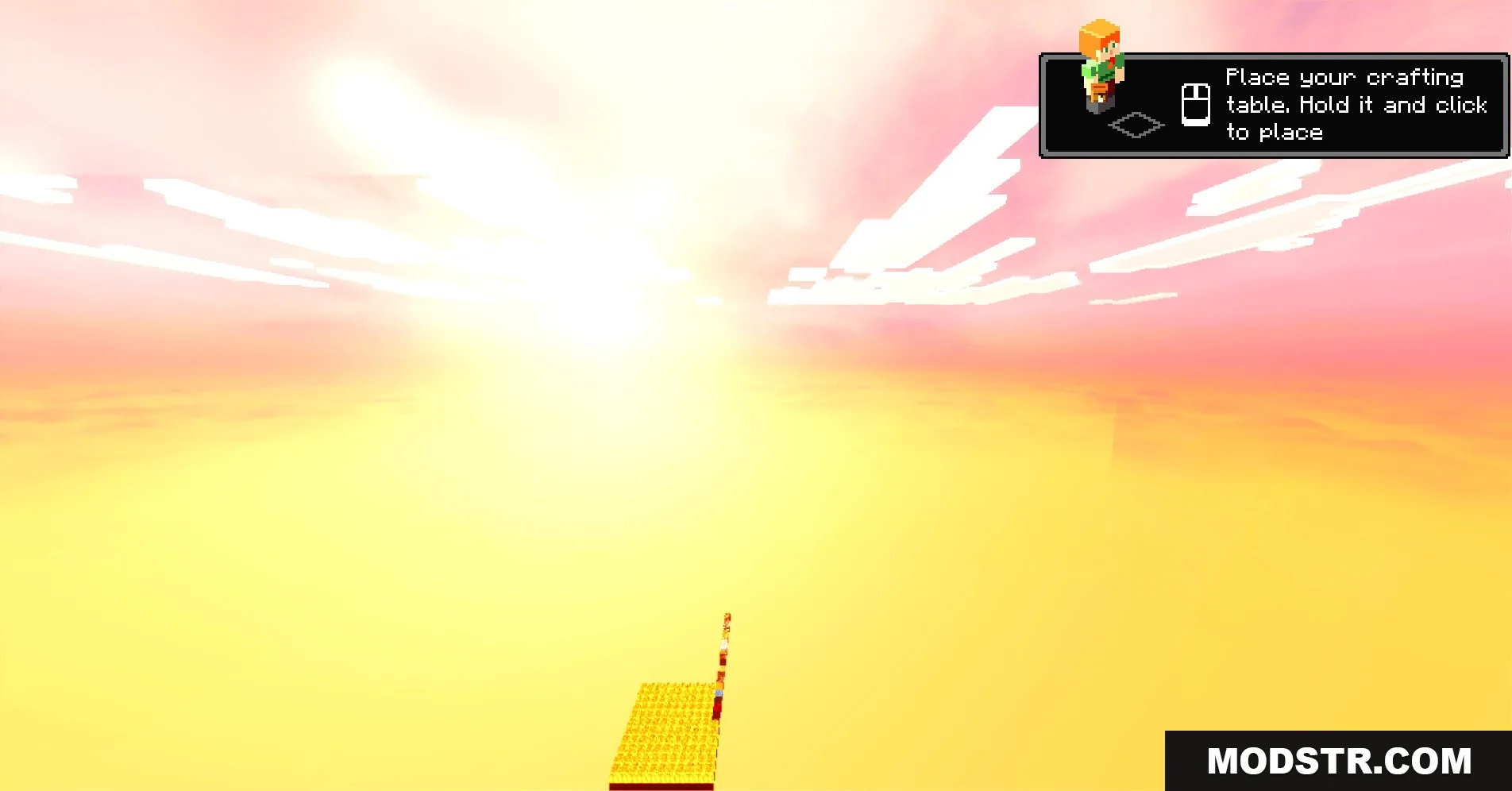
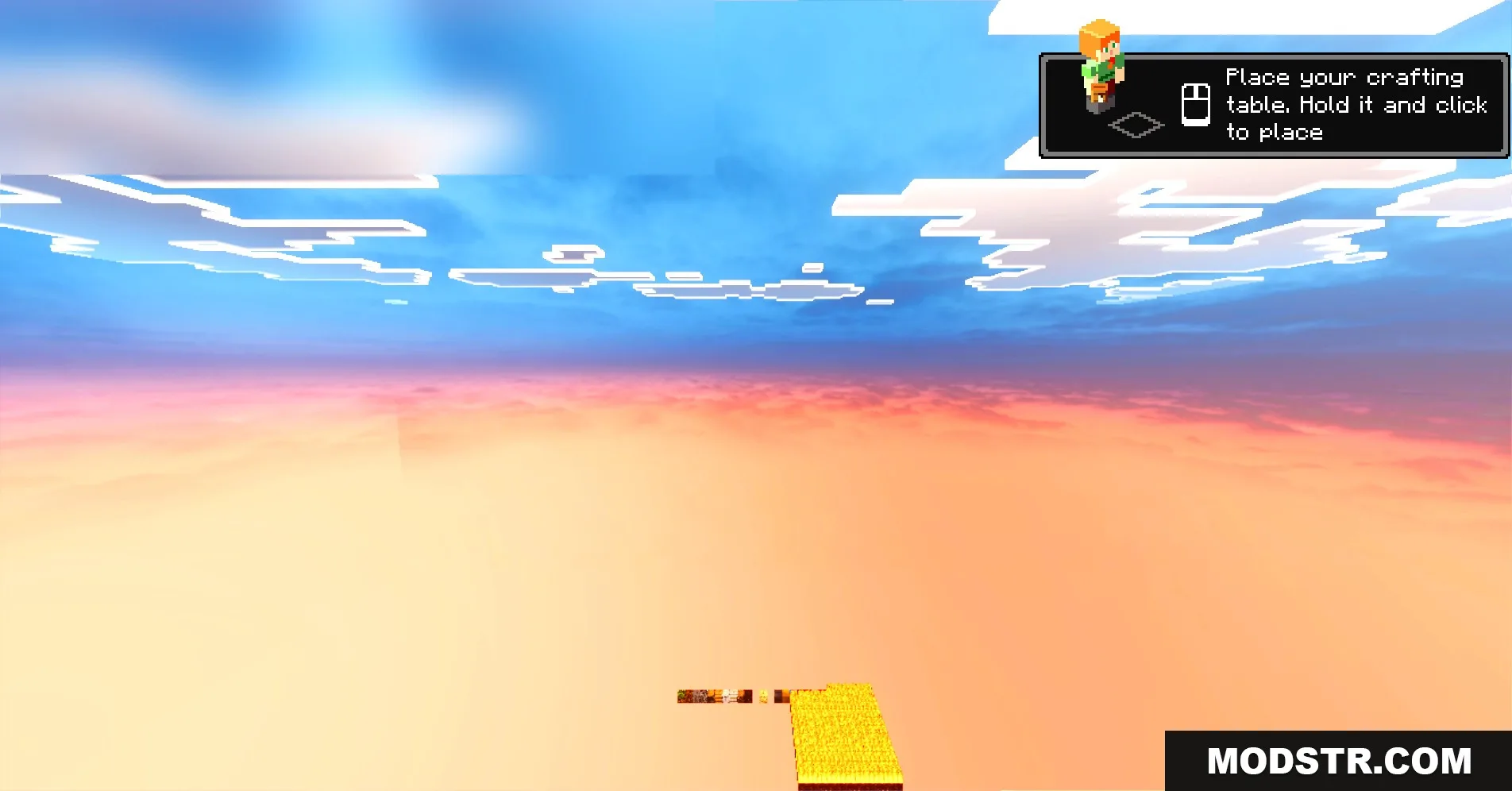
This texture pack improves the visual fidelity of your Minecraft Bedrock experience by adding ultra-realistic HD textures while maintaining the standard vanilla appearance. It allows players to enjoy detailed graphics, including advanced lighting and reflections, without the need for RTX graphics cards.
Features
- Adds detailed textures with PBR support for realism.
- Lets you use full RTX and deferred rendering features.
- Includes highly optimized versions for low and high graphics settings.
- Adds realistic water surfaces with floating green leaves.
- Brings glowing blocks and dark reflective stone surfaces.
Installation
- Download the texture pack file.
- Open Minecraft and navigate to the Settings menu.
- Select 'Storage' and then go to 'Resource Packs.'
- Import the downloaded texture pack.
- Activate the pack in your world settings.

DOWNLOAD FILES
- mcpack