
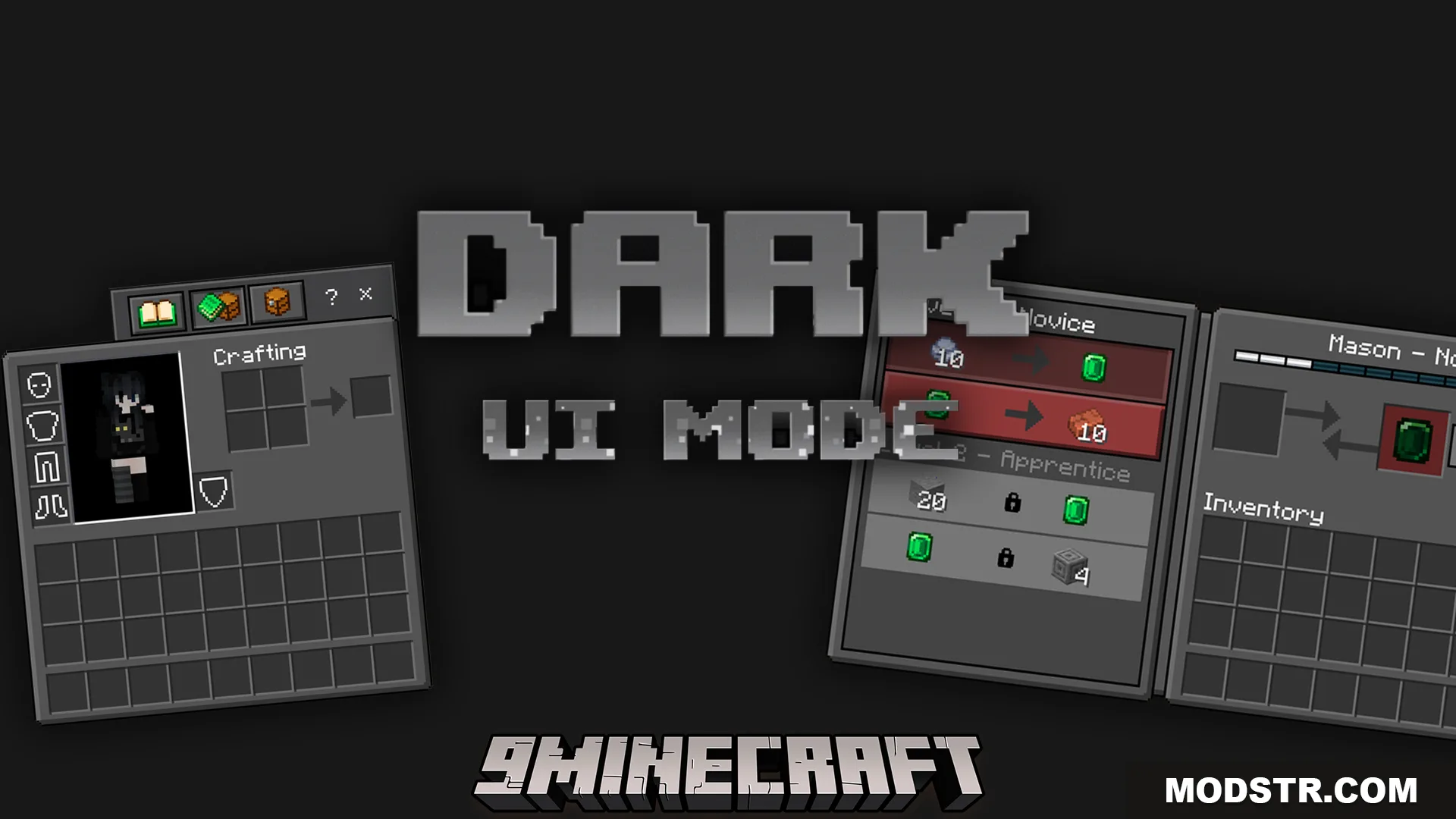
Dark UI Mode Texture Pack (26.x, 1.21) – Friendly Dark Theme For All Game Menus
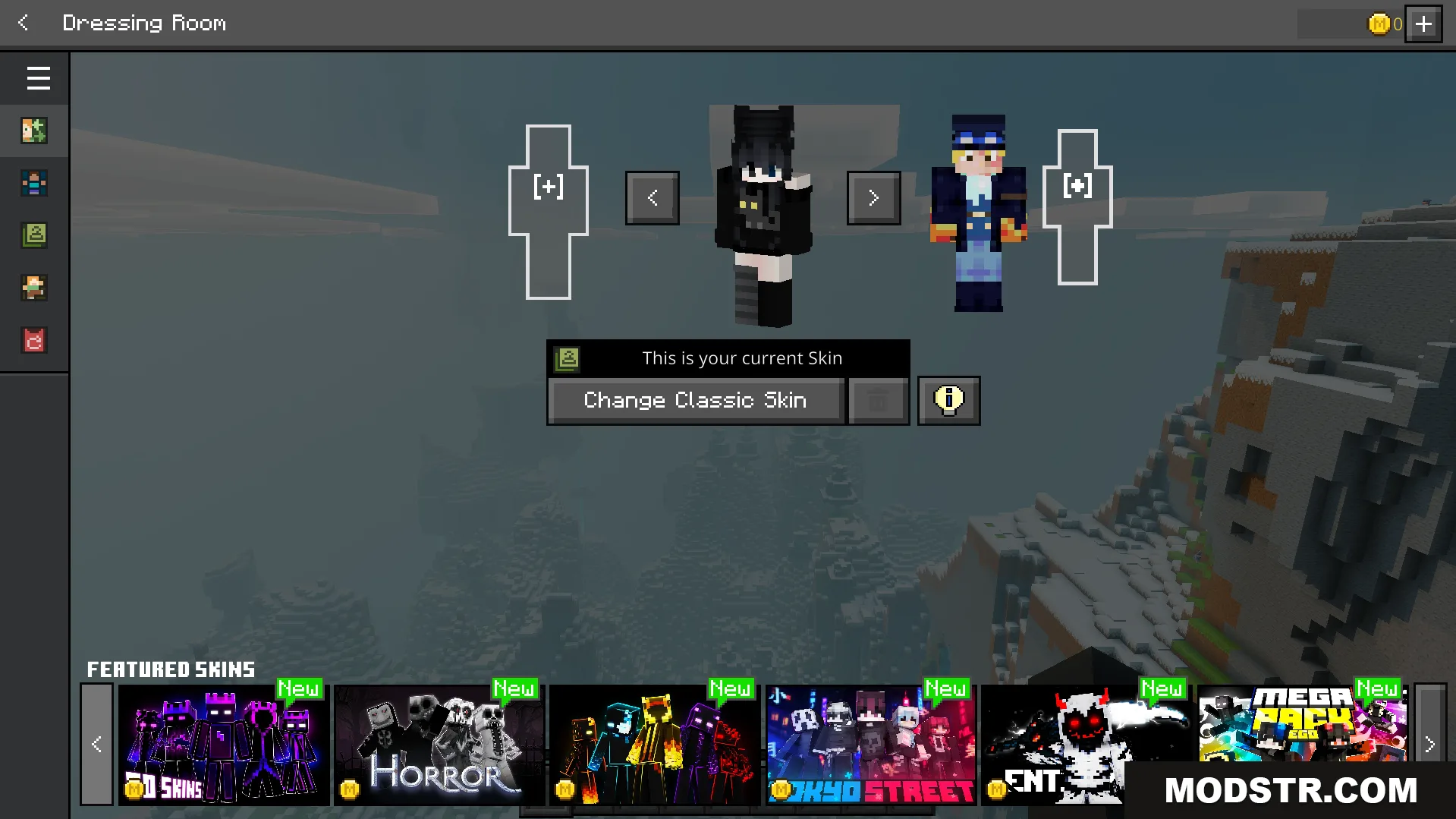
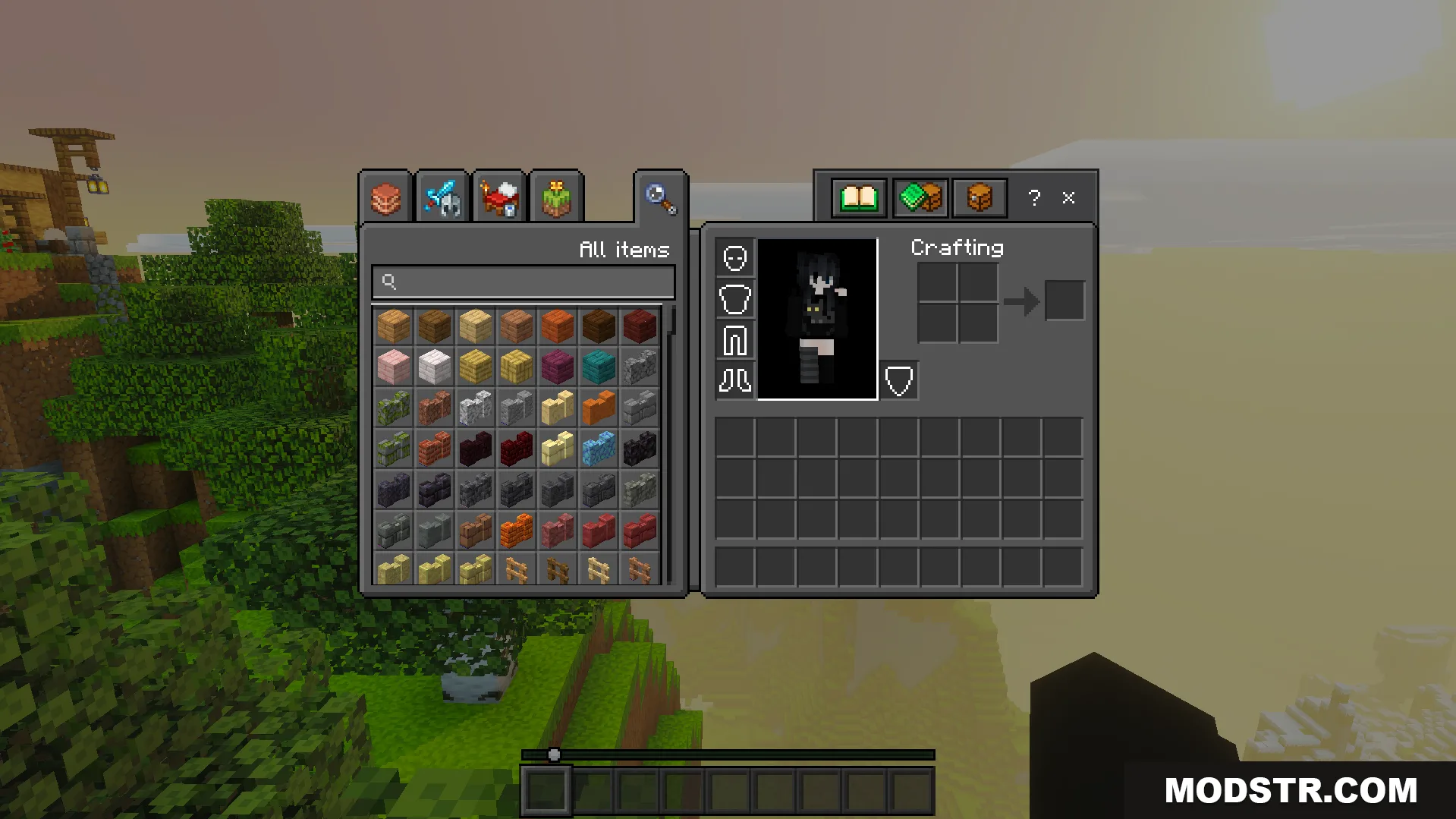
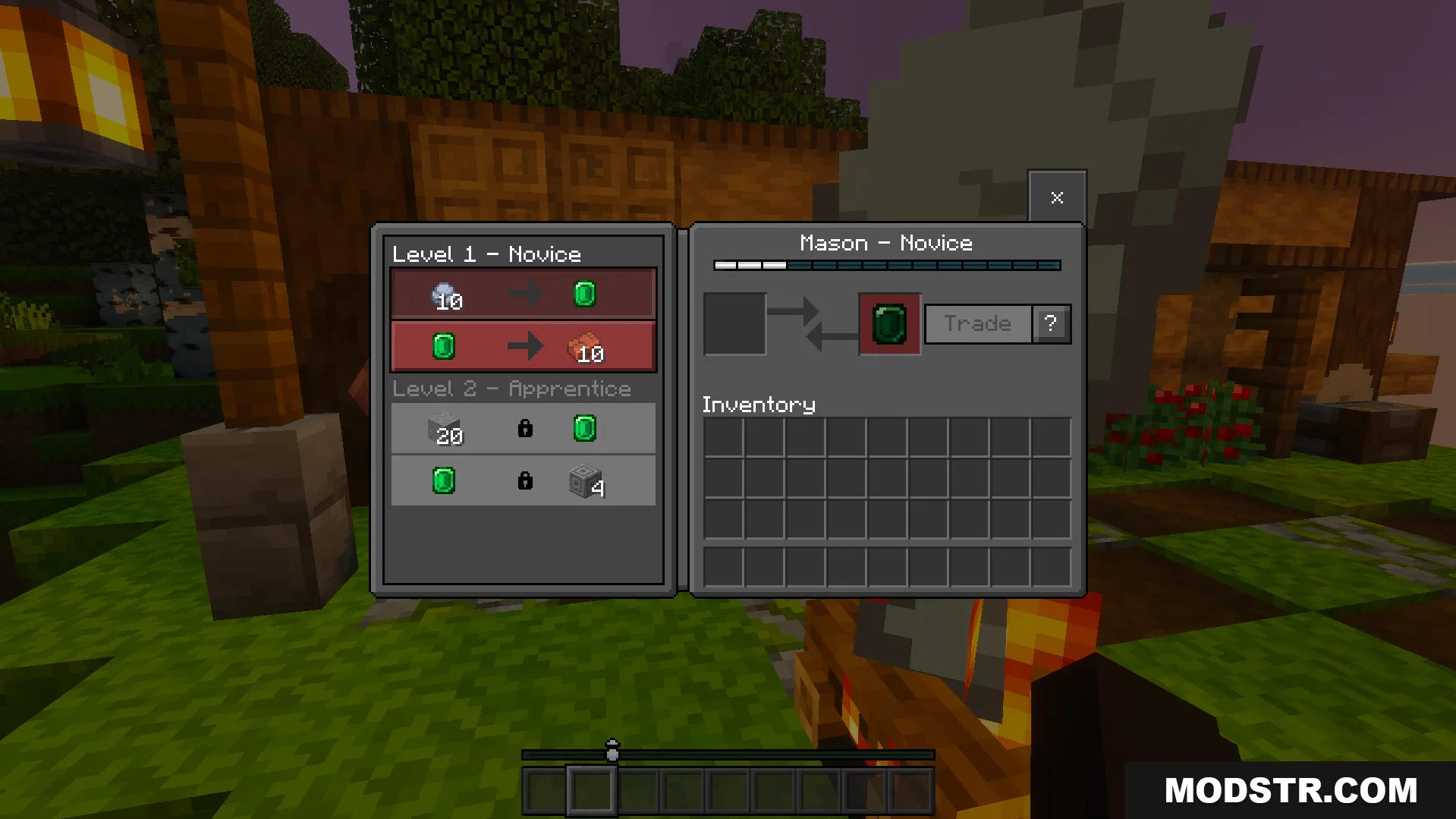
A texture pack that applies a dark grey theme to all in-game menus and UI elements, reducing eye strain during extended play sessions.
- 1.21
- 1.20
- 1.19
- 1.18
Dark UI Mode is a texture pack that reskins your game menus and inventory screens with a dark grey color scheme. This pack is useful for players who prefer darker interfaces or play during evening hours when bright menu screens can be uncomfortable.
Features
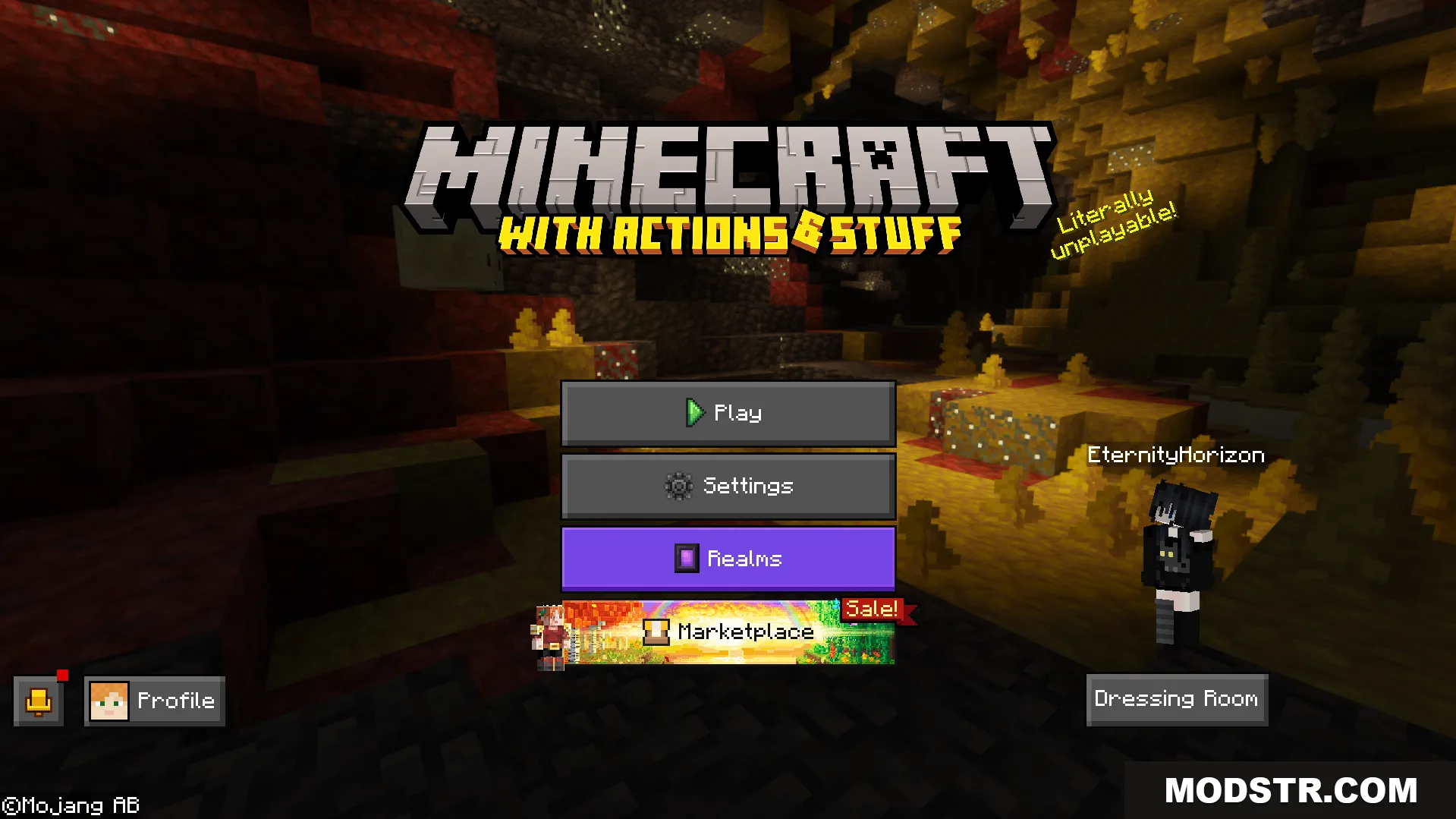
- Changes the main menu and home screen to dark grey tones.
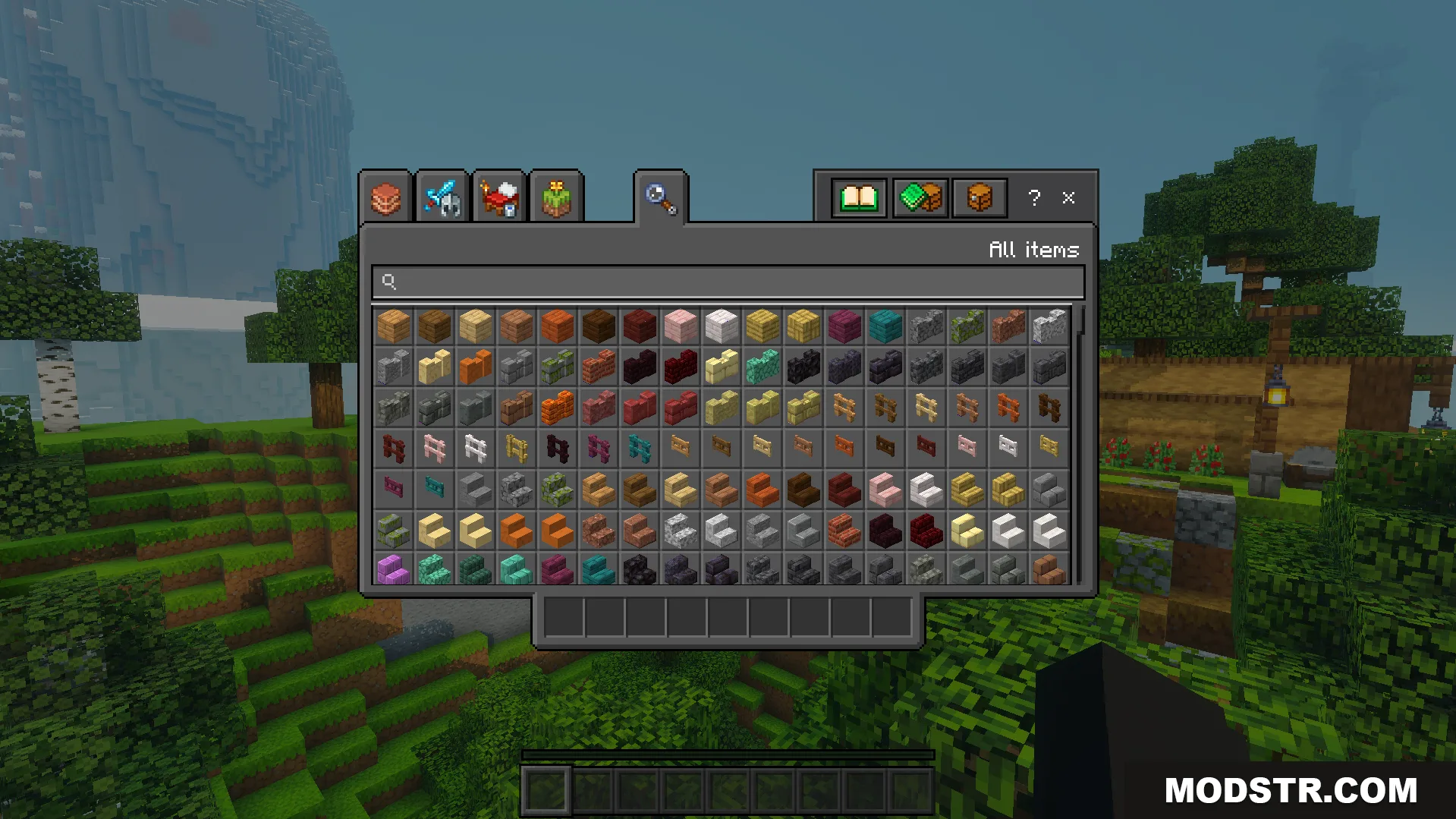
- Applies dark mode styling to chest inventories and pause menus.
- Compatible with other resource packs installed on your device.
- Darkens the multiplayer server list background.
- Requires no experimental features to function.
Installation
- Download the texture pack file to your device.
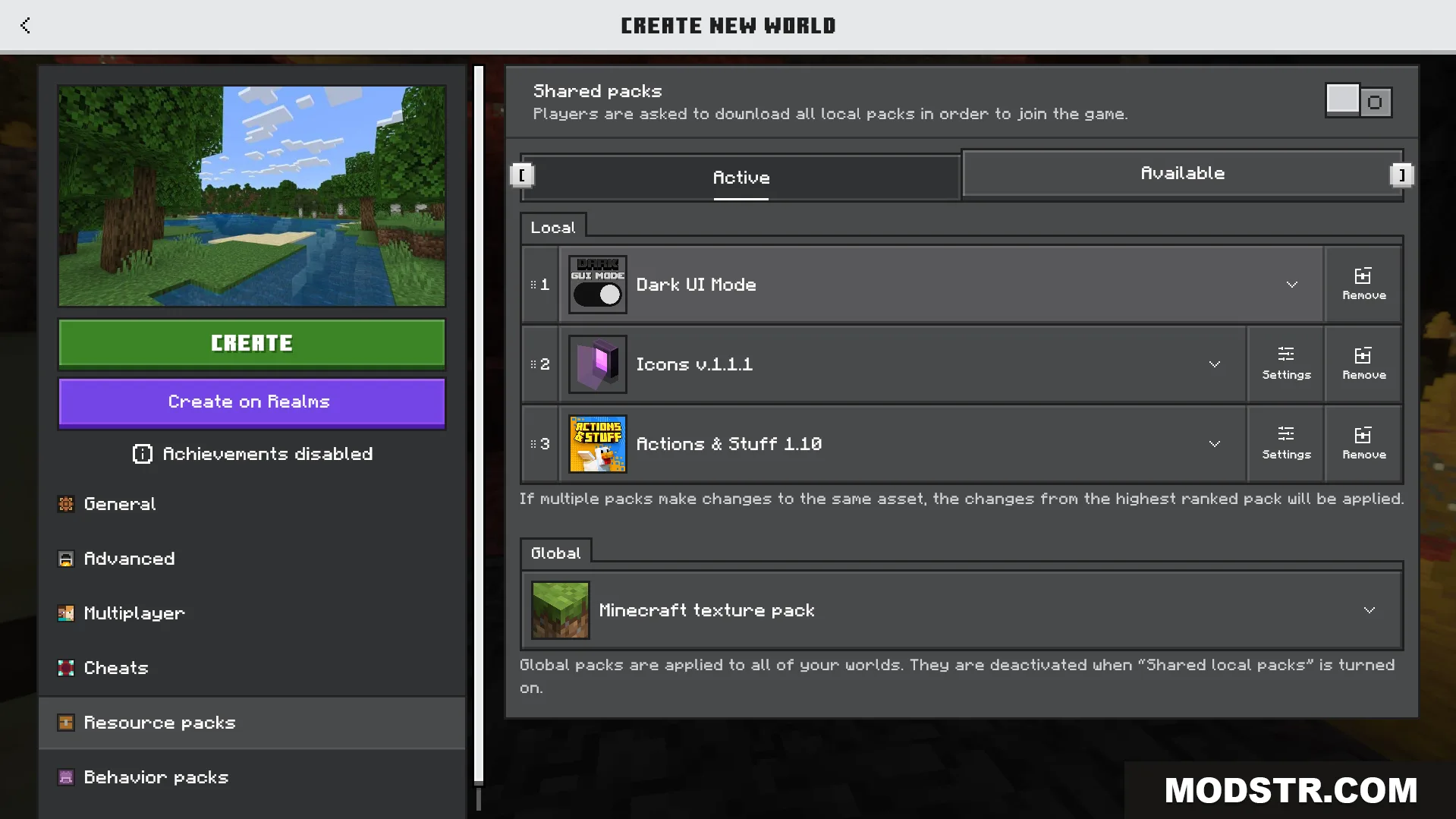
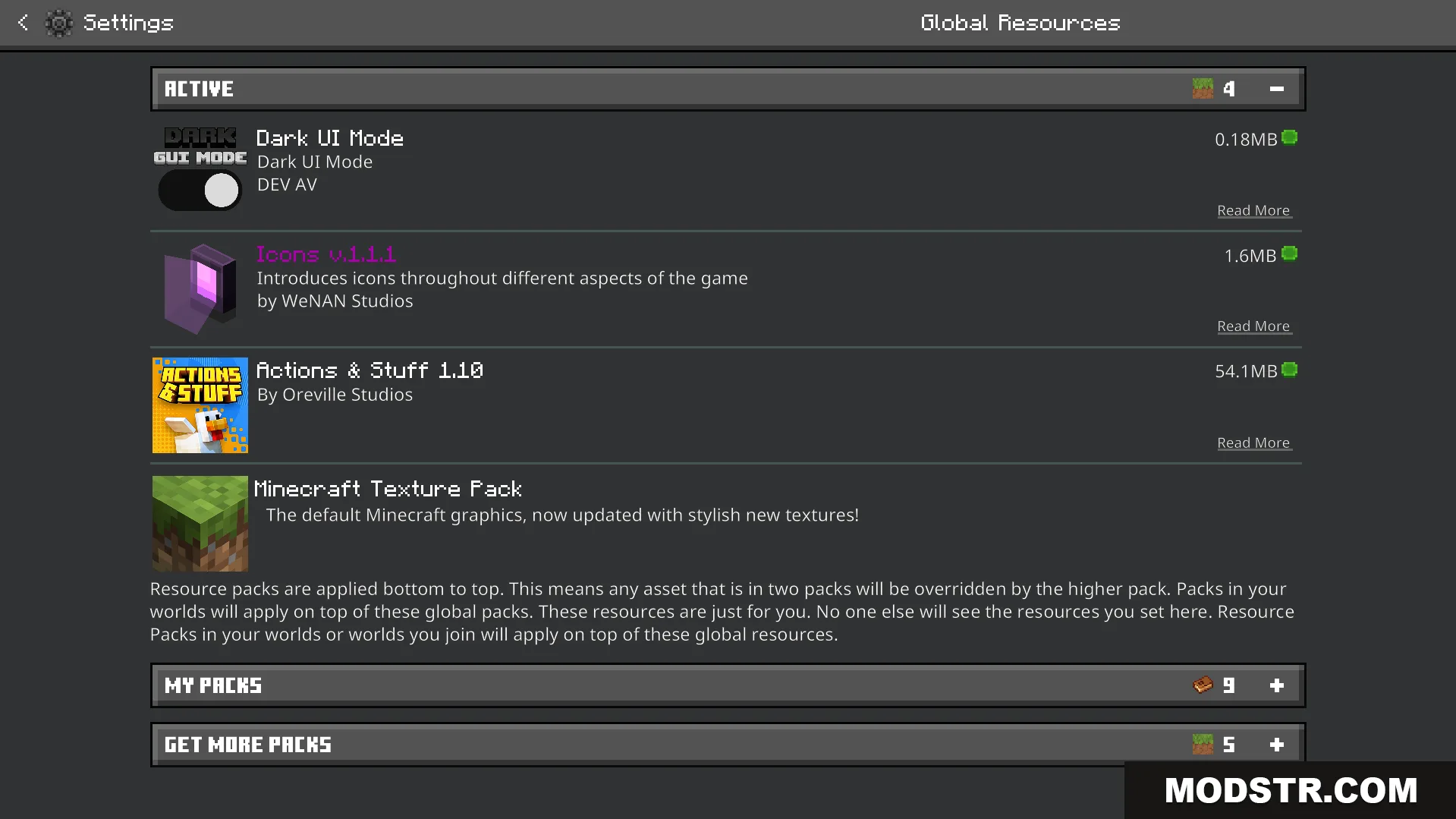
- Open Minecraft and navigate to the resource packs menu.
- Select the option to import or add the pack from your downloads.
- Activate the pack in your resource pack list.
- Start or load a world to apply the dark UI theme.
Compatibility
This pack is designed for Minecraft version 1.21 and supports Java Edition. It works alongside other resource packs without conflicts.
DOWNLOAD FILES
- mcpack
- mcpack