
CraftStudios Better FPS Texture Pack (26.x, 1.21) – Increase FPS And Reduce Animation Lag
A Minecraft texture pack for 1.21 that reduces lag by removing block animations and particle effects while maintaining vanilla aesthetics. Includes food hunger displays and enchantment icons.
- 1.21
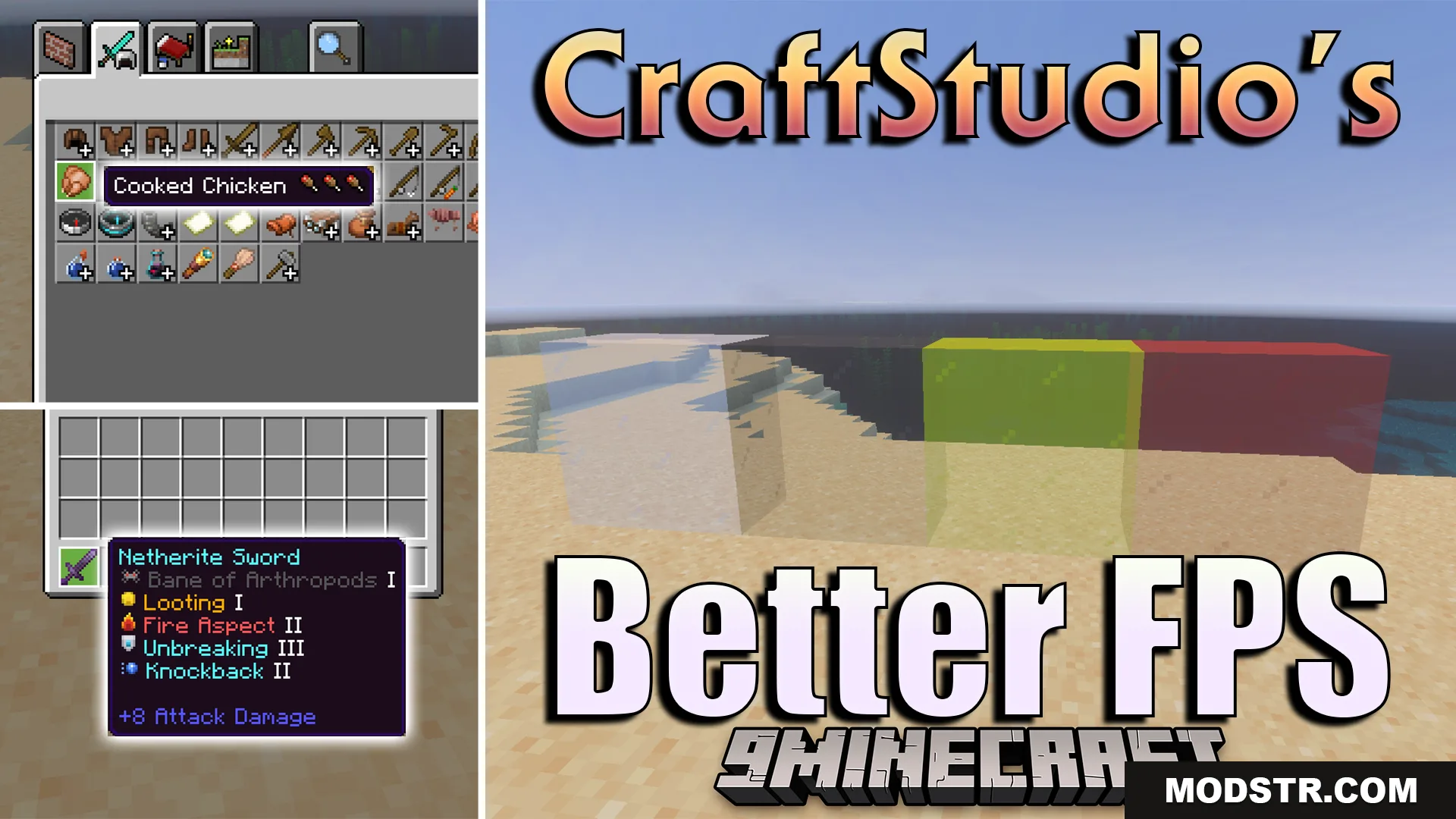
CraftStudios Better FPS Texture Pack is designed to improve performance without changing the vanilla look of Minecraft. It removes or freezes animations on certain blocks and offers configurable particle settings to help reduce lag during gameplay.
Features
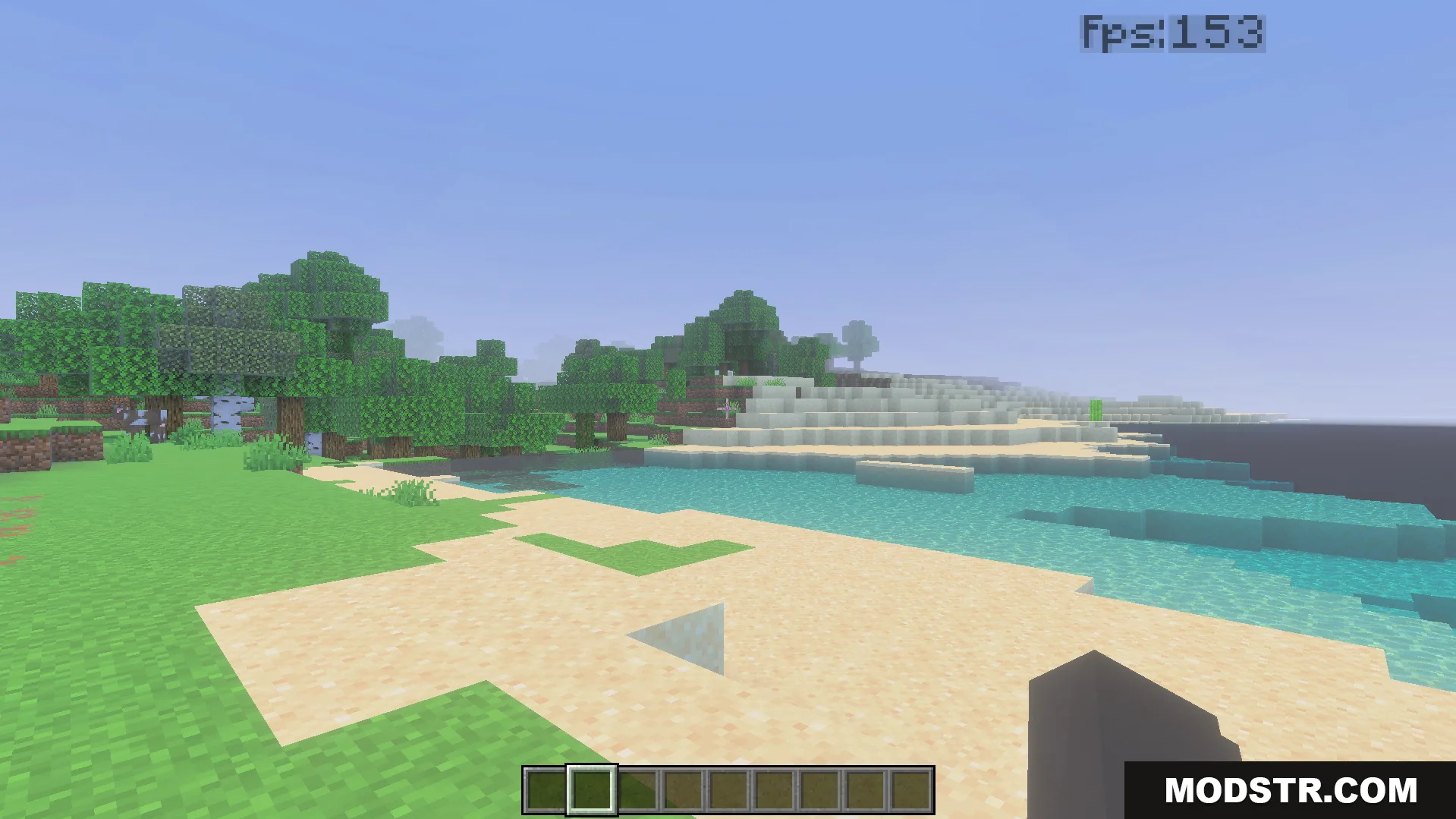
- Removes animations from water and lava blocks.
- Freezes campfire and nether portal textures.
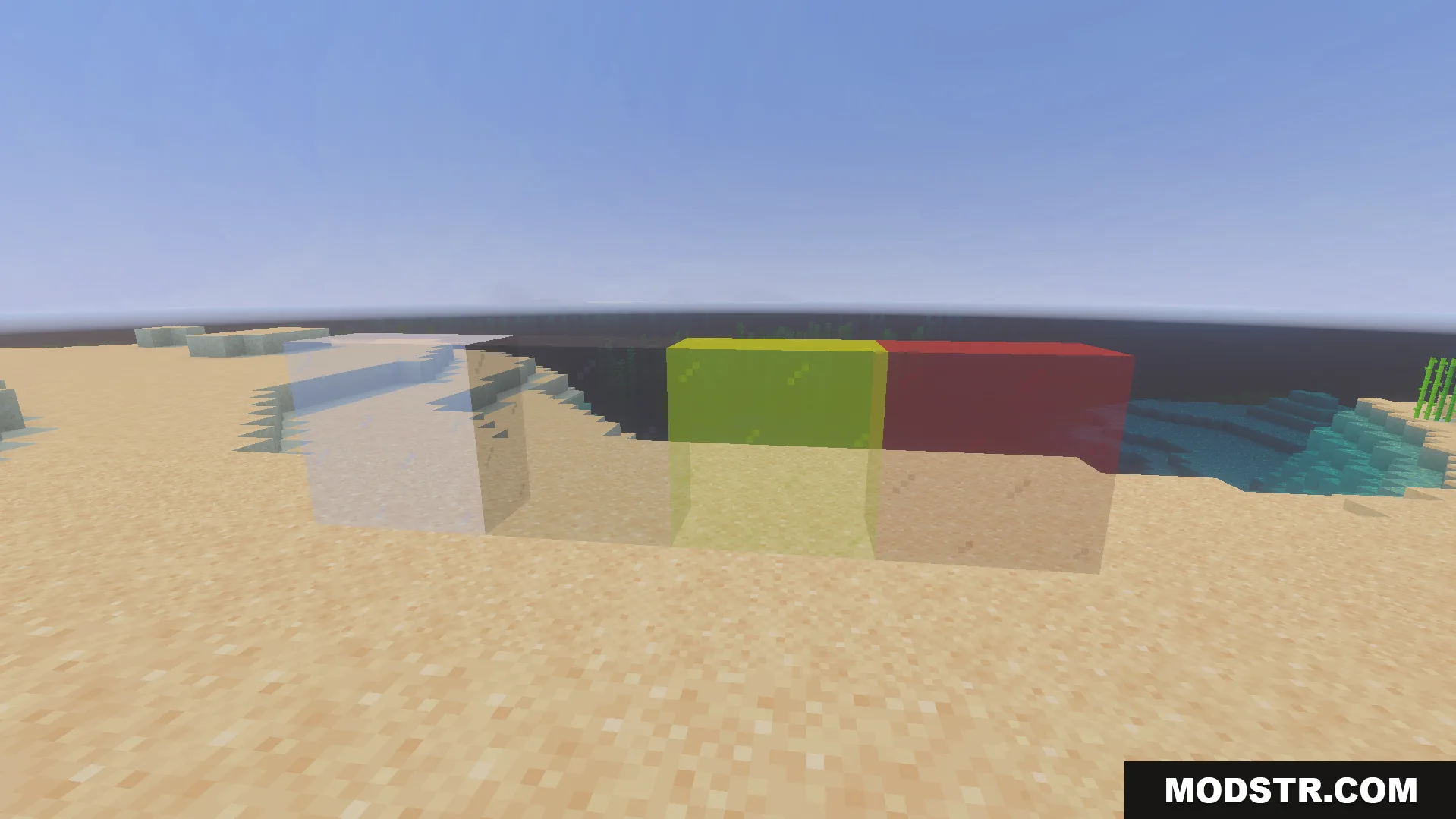
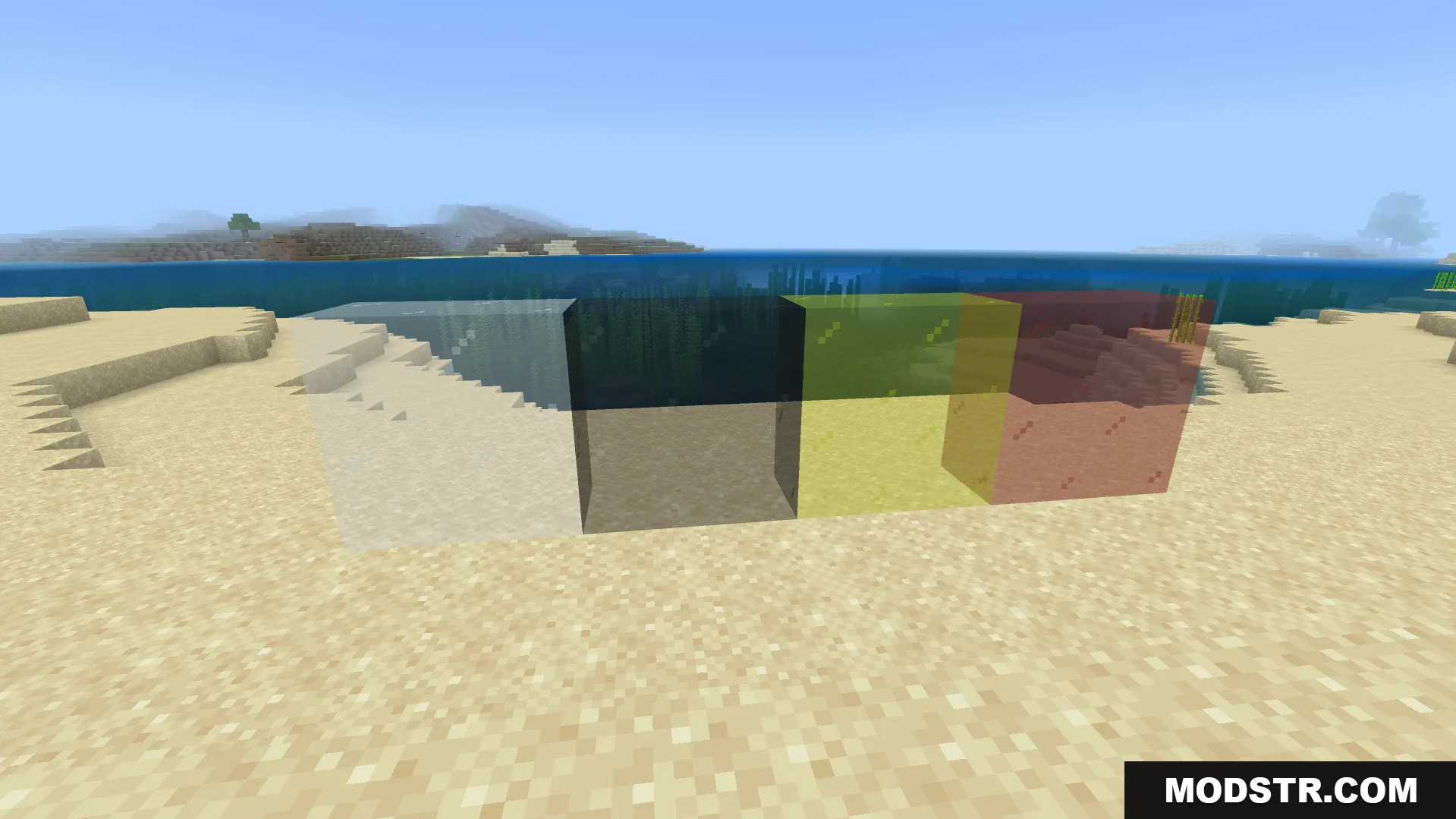
- Removes glass block borders for a cleaner appearance.
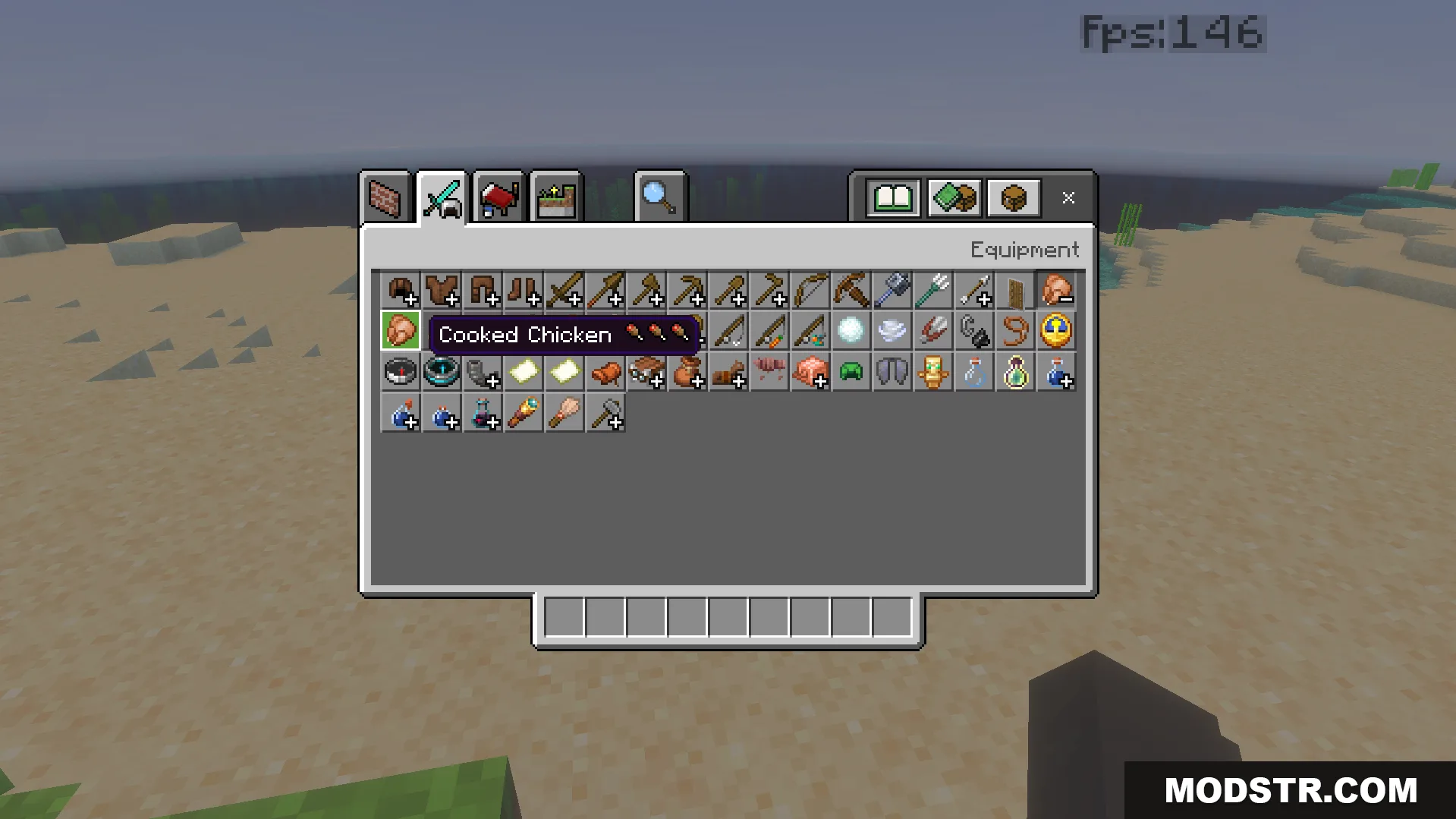
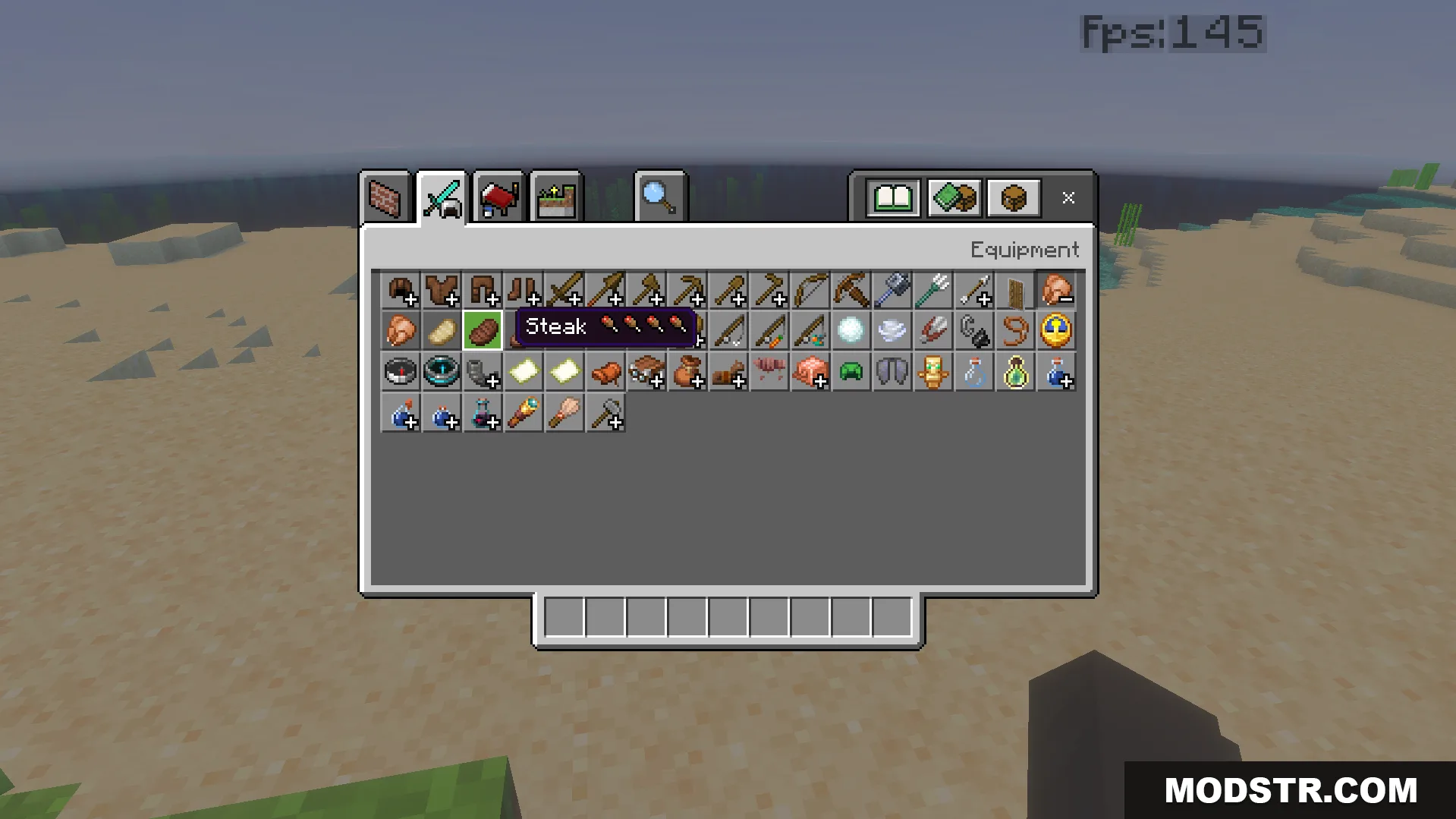
- Displays hunger point values directly on food item names in your inventory.
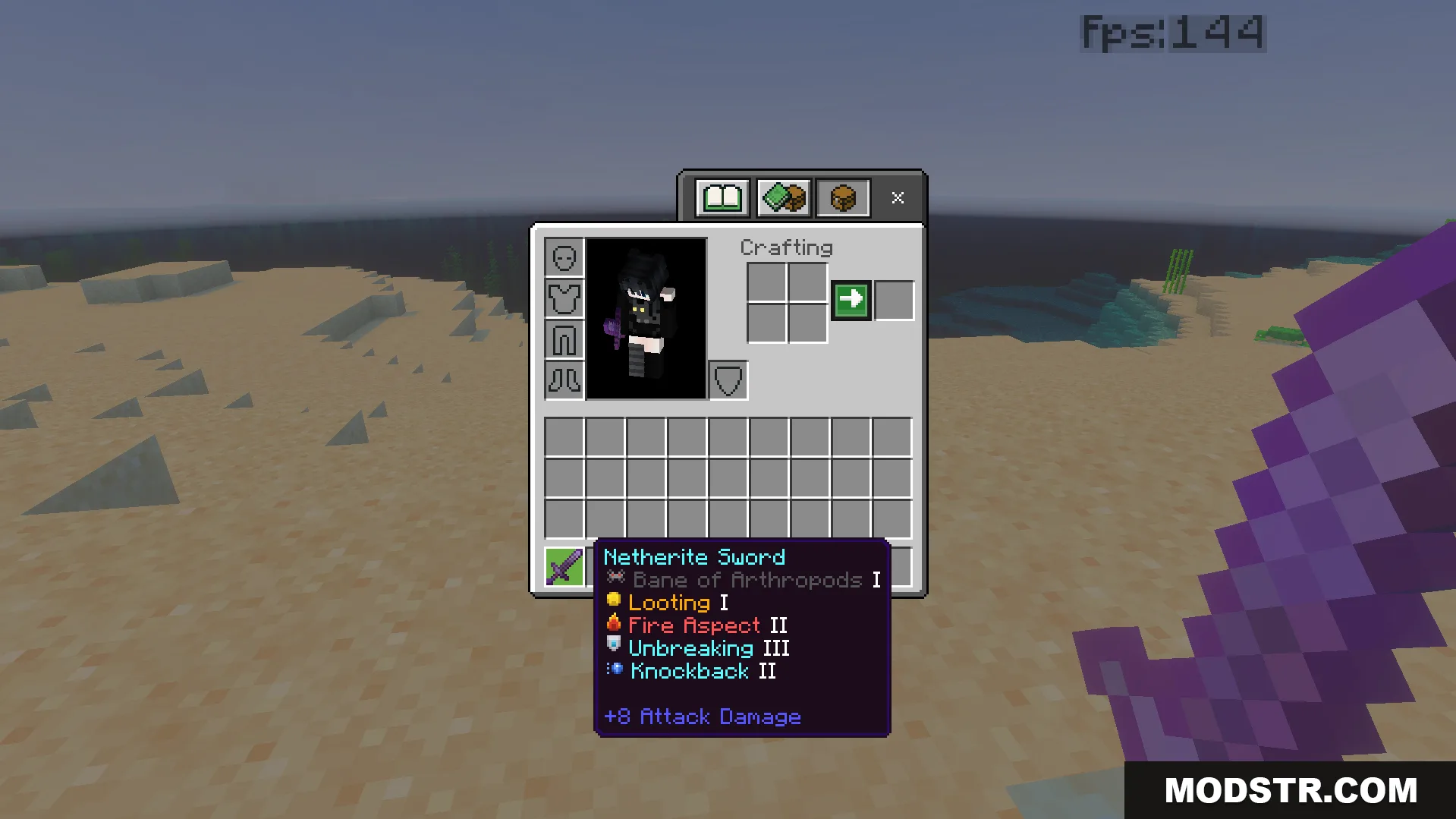
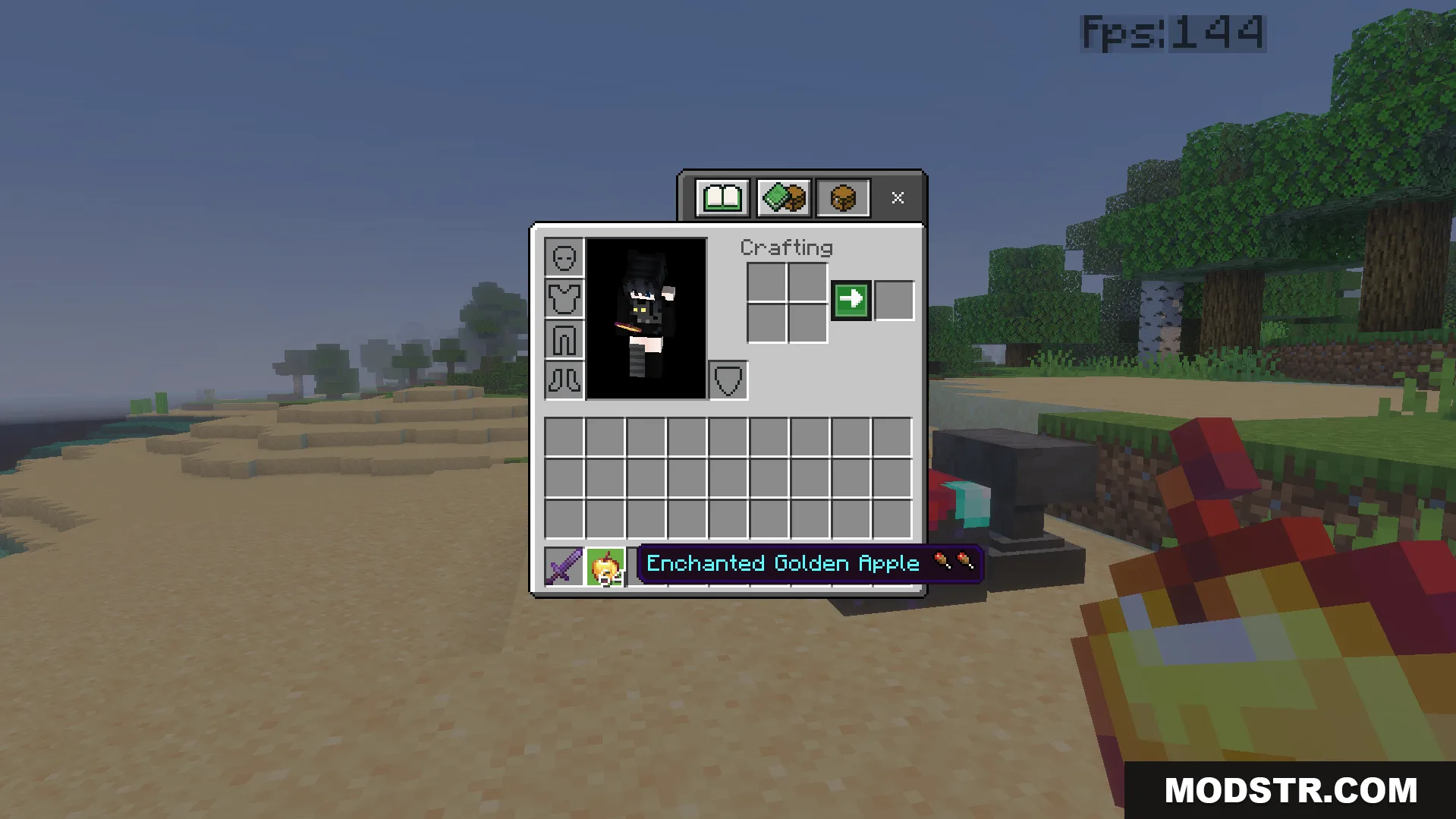
- Adds colored pixel art icons next to enchantments for easier identification.
Configuration
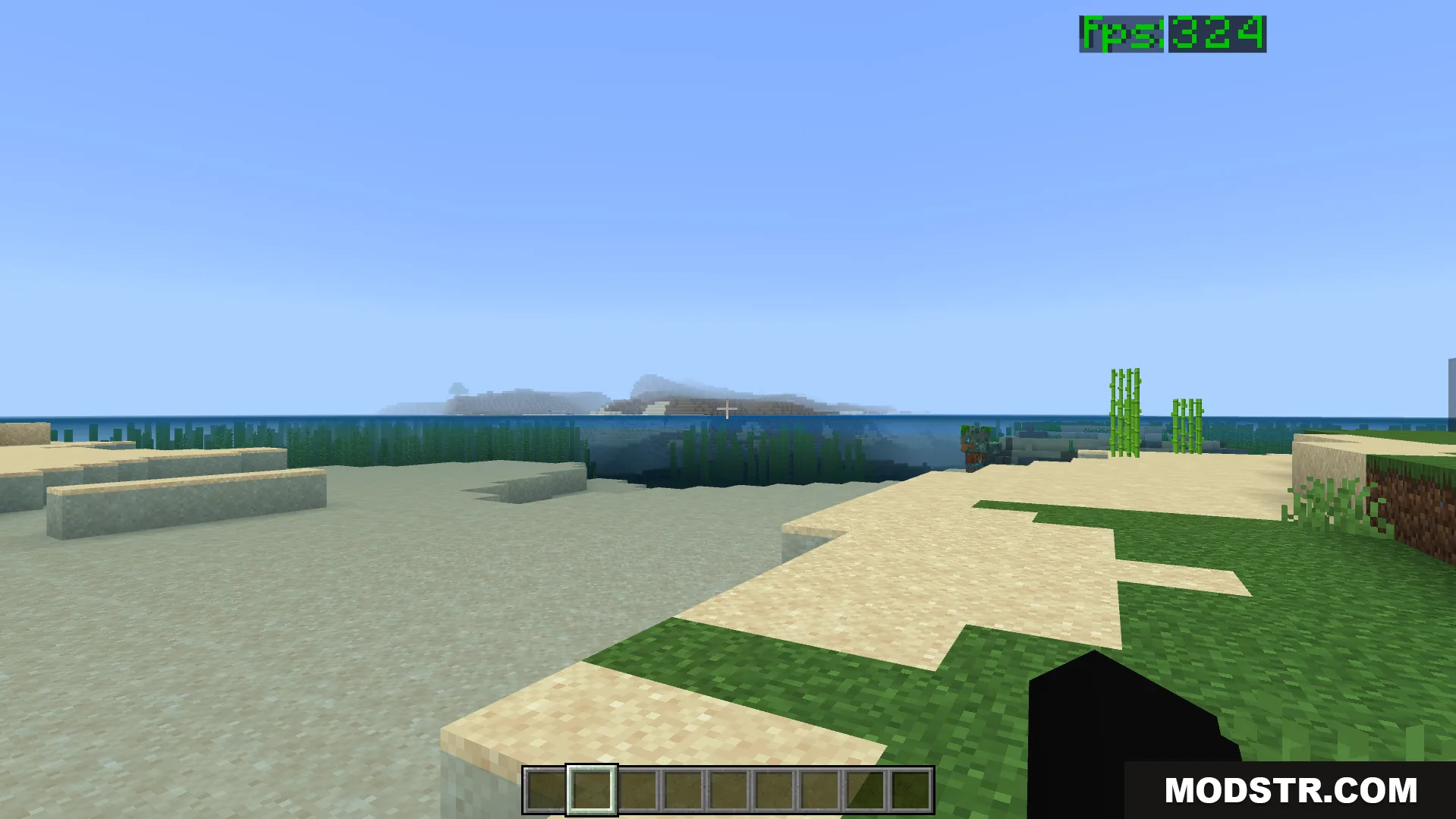
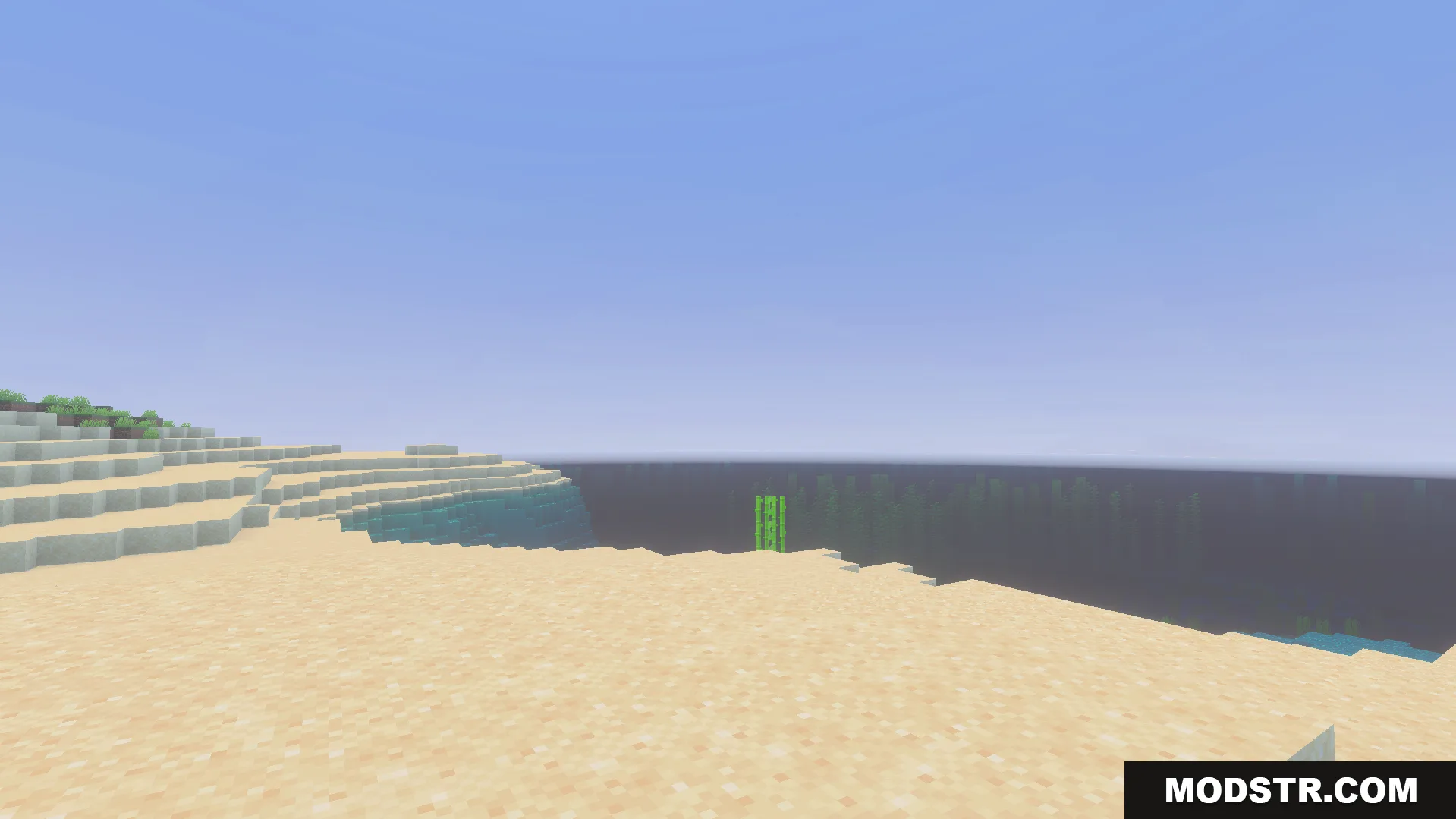
The pack includes performance level options in the settings menu. The default configuration keeps all particles enabled for standard gameplay. The max FPS option removes all particles entirely and enables fast grass rendering for maximum performance gains.
Installation
- Download the texture pack file.
- Open your Minecraft launcher and navigate to the resource packs folder.
- Place the downloaded file into the resource packs directory.
- Open Minecraft and select the pack from the resource packs menu.
- Adjust the performance settings in-game as needed.
Compatibility
This pack is designed for Minecraft 1.21 and version 26.x. It maintains compatibility with the vanilla texture system and does not require additional mods to function.
DOWNLOAD FILES
- mcpack