
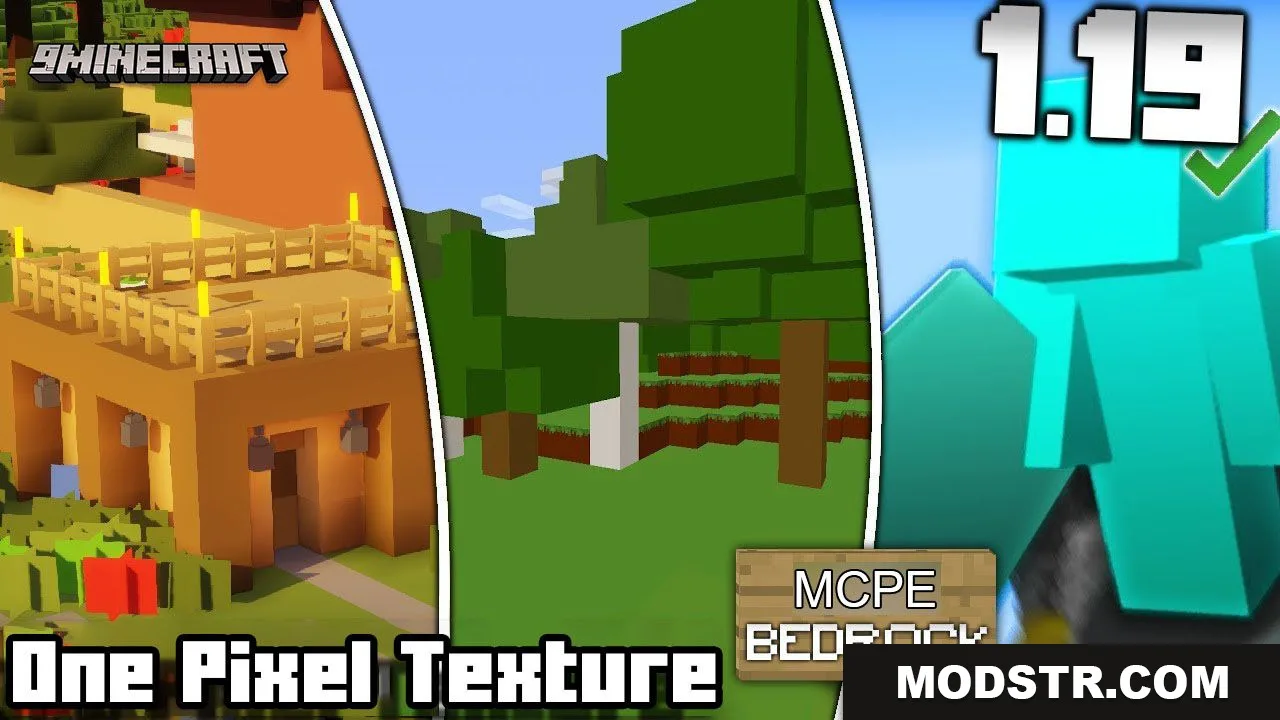
One Pixel Texture Pack (26.x, 1.21) – MCPE/Bedrock 1×1 Pack
A minimalist 1×1 texture pack for Bedrock Edition that reduces all blocks and items to single-pixel representations, adding identification difficulty to survival gameplay.
- 1.21
- 1.19
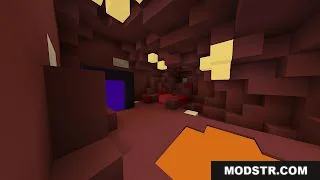
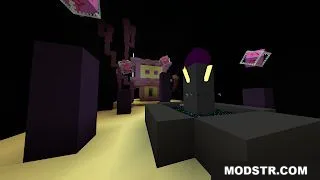
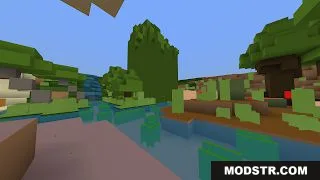
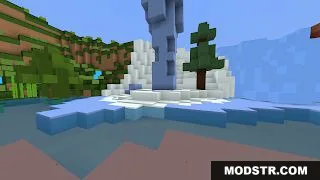
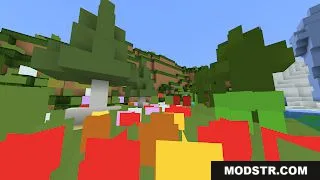
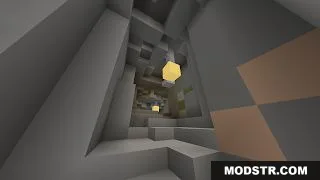
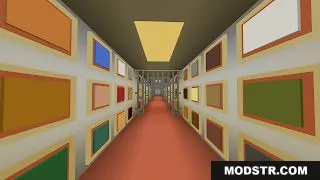
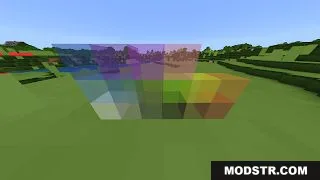
One Pixel Texture Pack strips Minecraft down to its simplest visual form. Every block and item becomes a single-pixel colored square, eliminating all detail and texture variation. This pack is designed for players looking to add a survival challenge by making block and item identification significantly harder.
Features
- All block faces are reduced to single colors with no surface detail or shading.
- Adds difficulty to survival mode by making it hard to identify what you are placing, eating, or storing without careful inventory management.
- All items also render as single pixels, requiring organized chest systems to keep track of valuables.
Installation
- Download the pack file (.mcpack format) for your Minecraft Bedrock version.
- Open the downloaded file with Minecraft Bedrock Edition.
- Select the pack and apply it to your world or create a new world with it enabled.
- Launch your world and the single-pixel textures will be active.
Compatibility
This texture pack is designed for Minecraft Bedrock Edition (MCPE) version 1.21 and later. Compatibility with earlier versions may vary.
DOWNLOAD FILES
- mcpack
- mcpack