
JEI Recipe Book Layout Texture Pack (26.x, 1.21) – MCPE/Bedrock
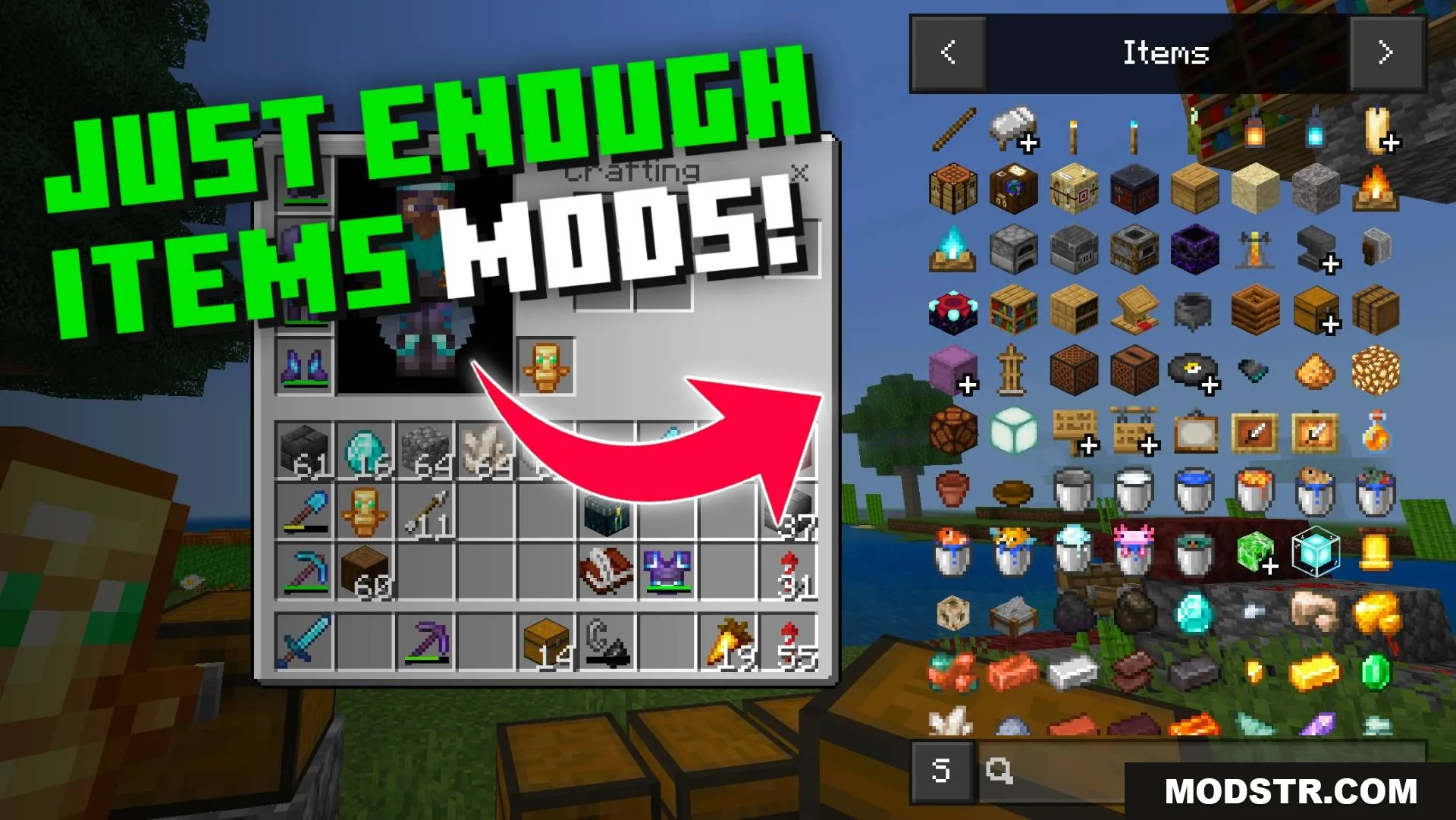
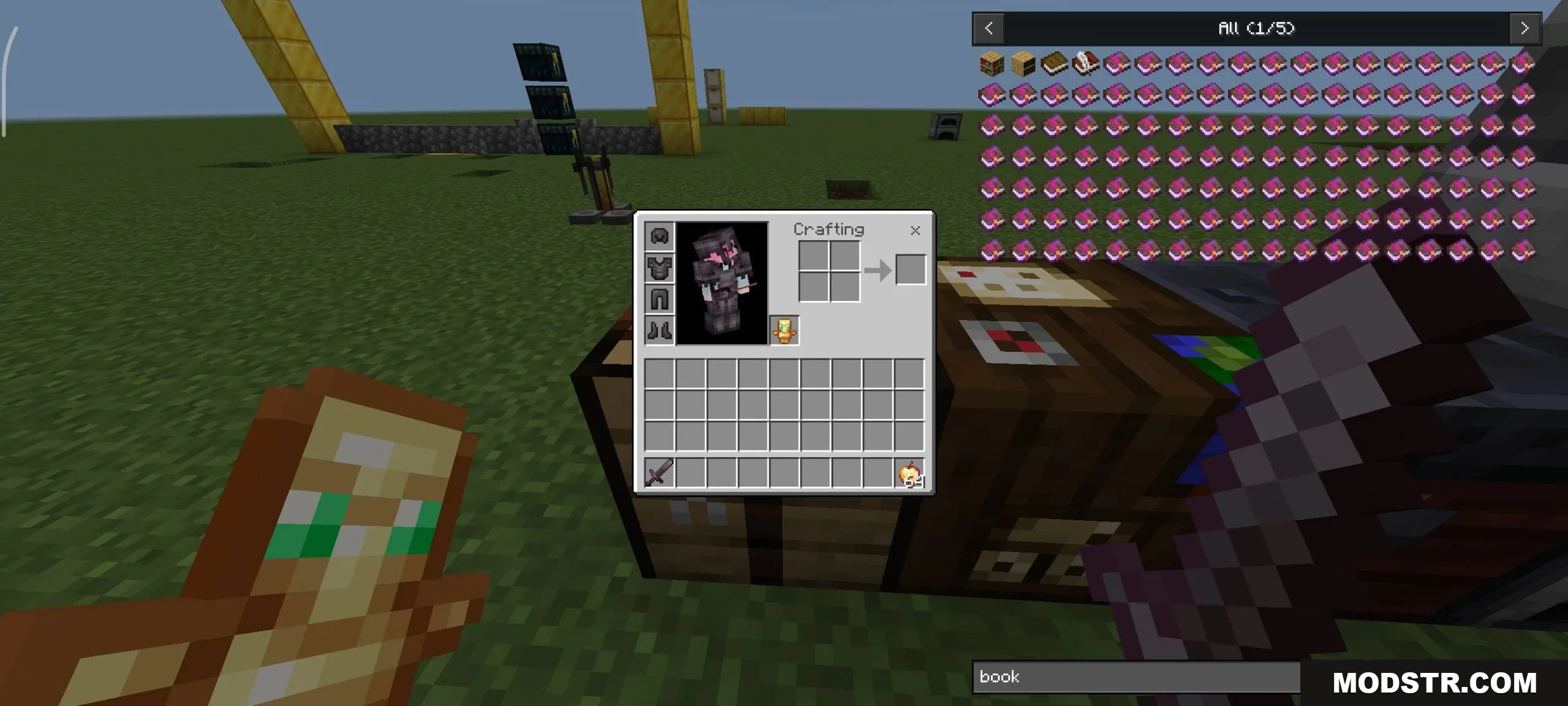
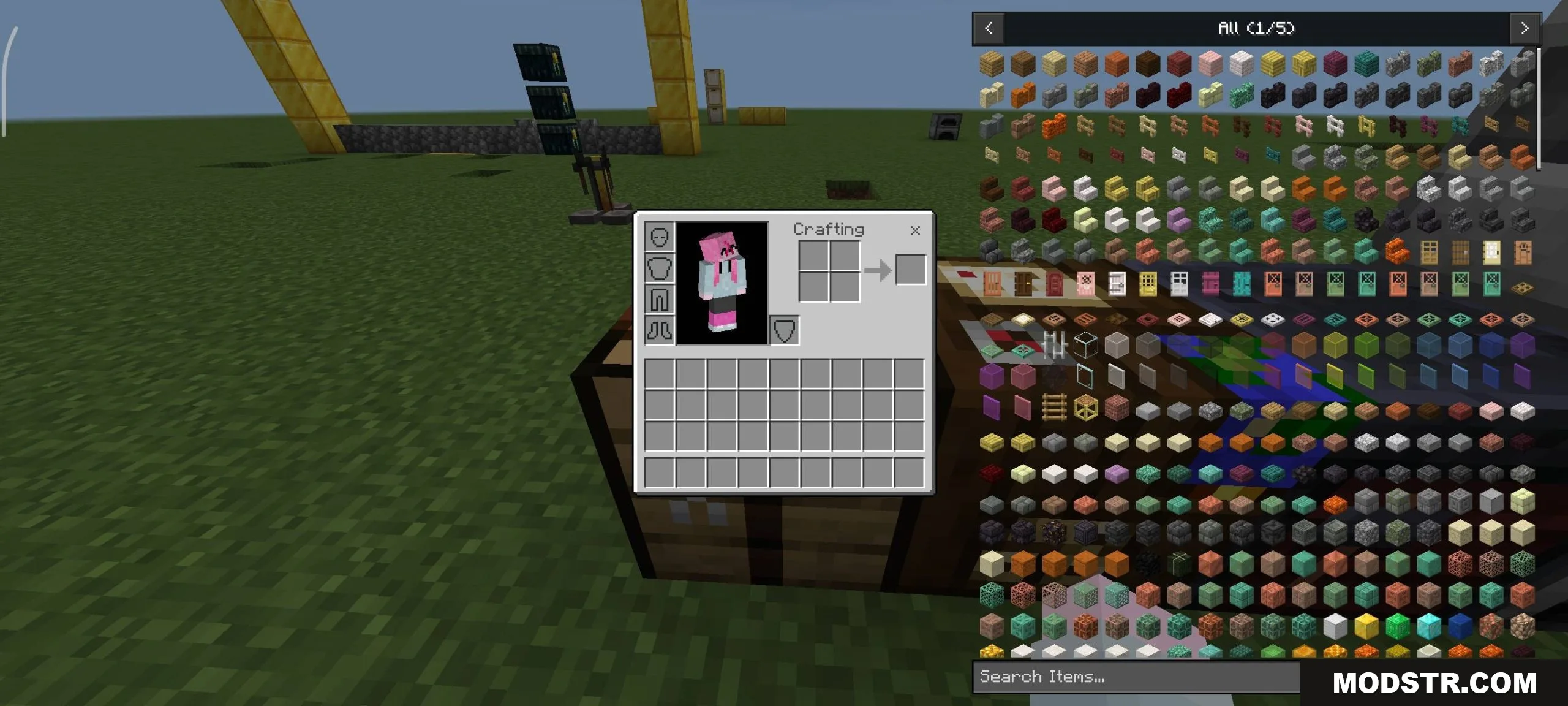
Texture pack that redesigns the JEI recipe book interface for better usability. Optimized across multiple GUI scales for Minecraft 1.21.
- 1.21
- 1.20
- 1.19
- 1.18
This texture pack modifies the JEI recipe book layout to improve the inventory screen interface. It's designed to make navigation more straightforward and works across different GUI scale settings without compromising readability or functionality.
Features
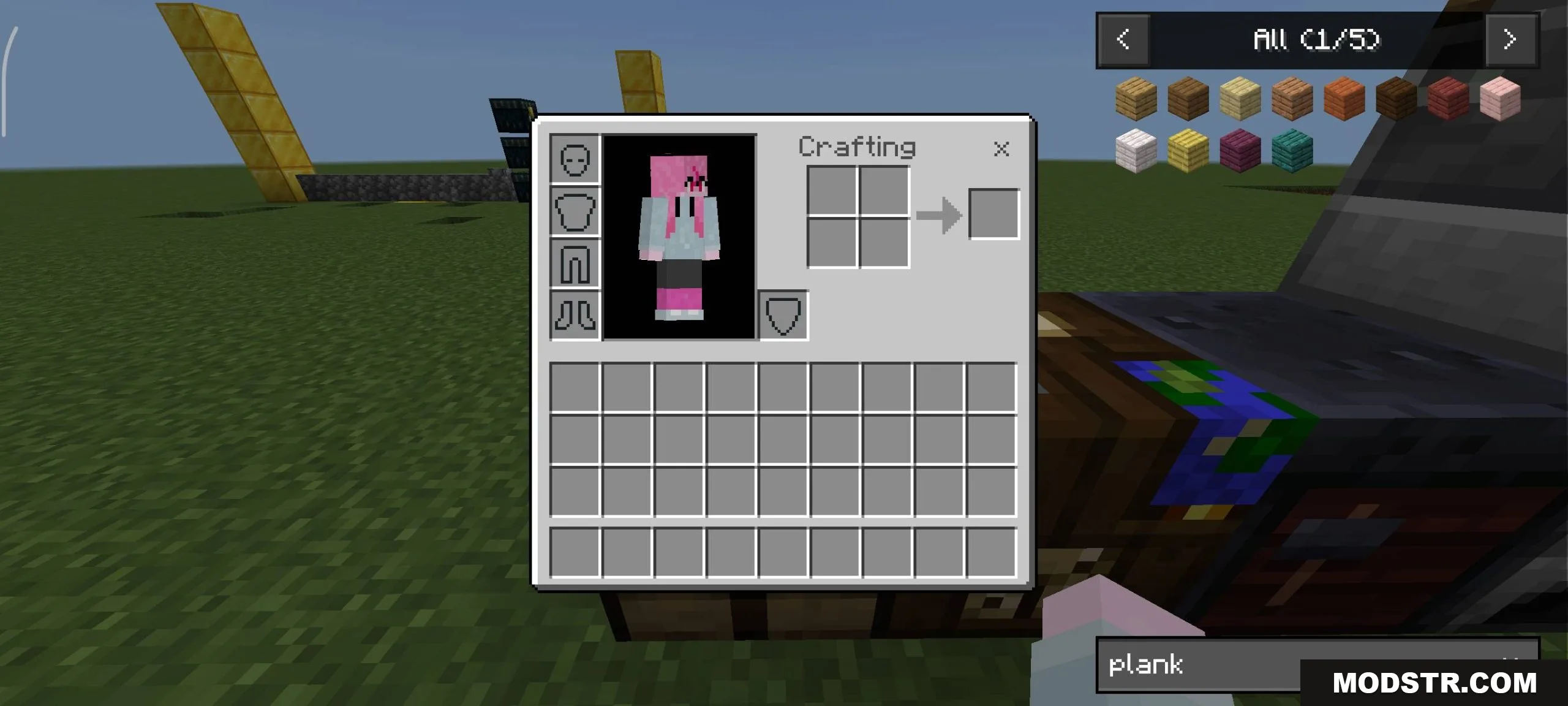
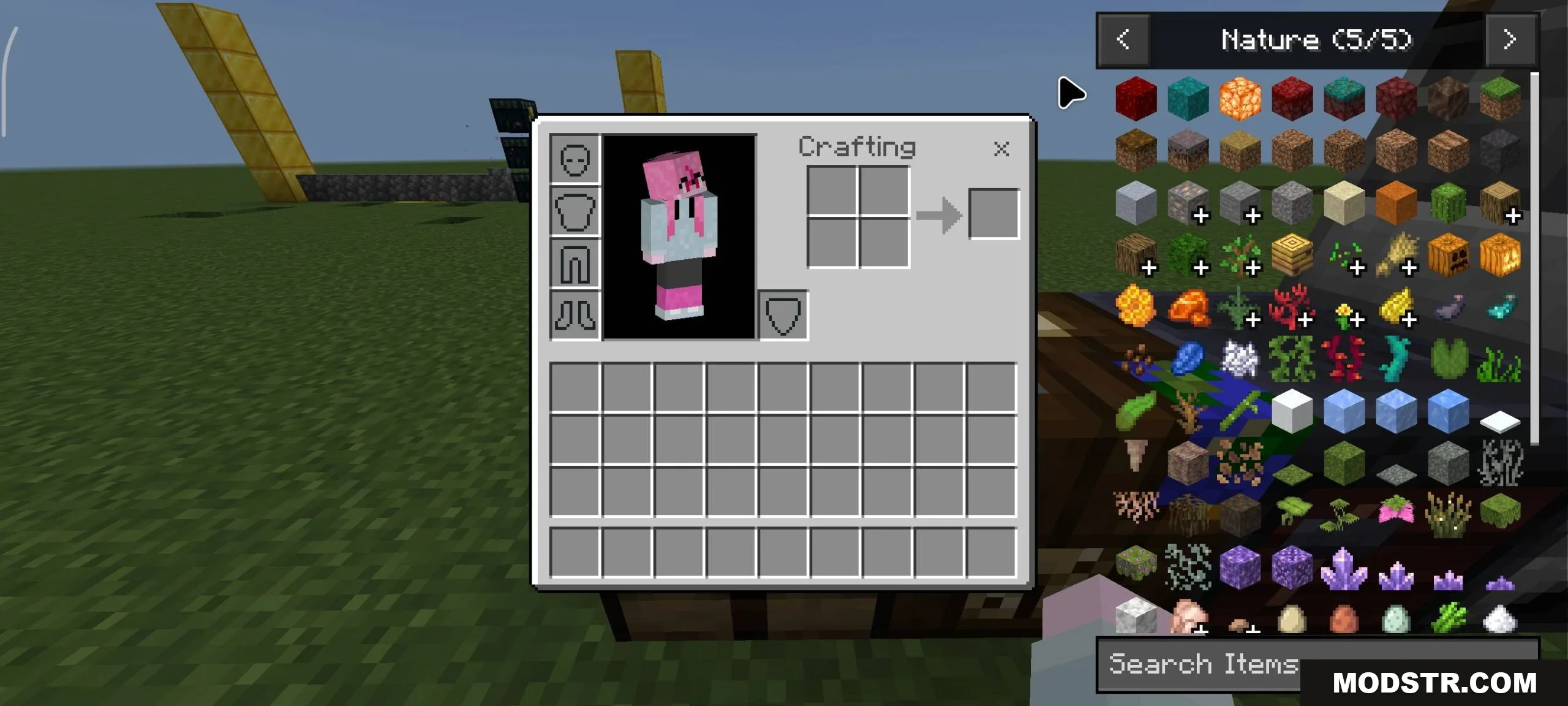
- Redesigned JEI recipe book interface for improved usability
- Optimized layout for the inventory screen
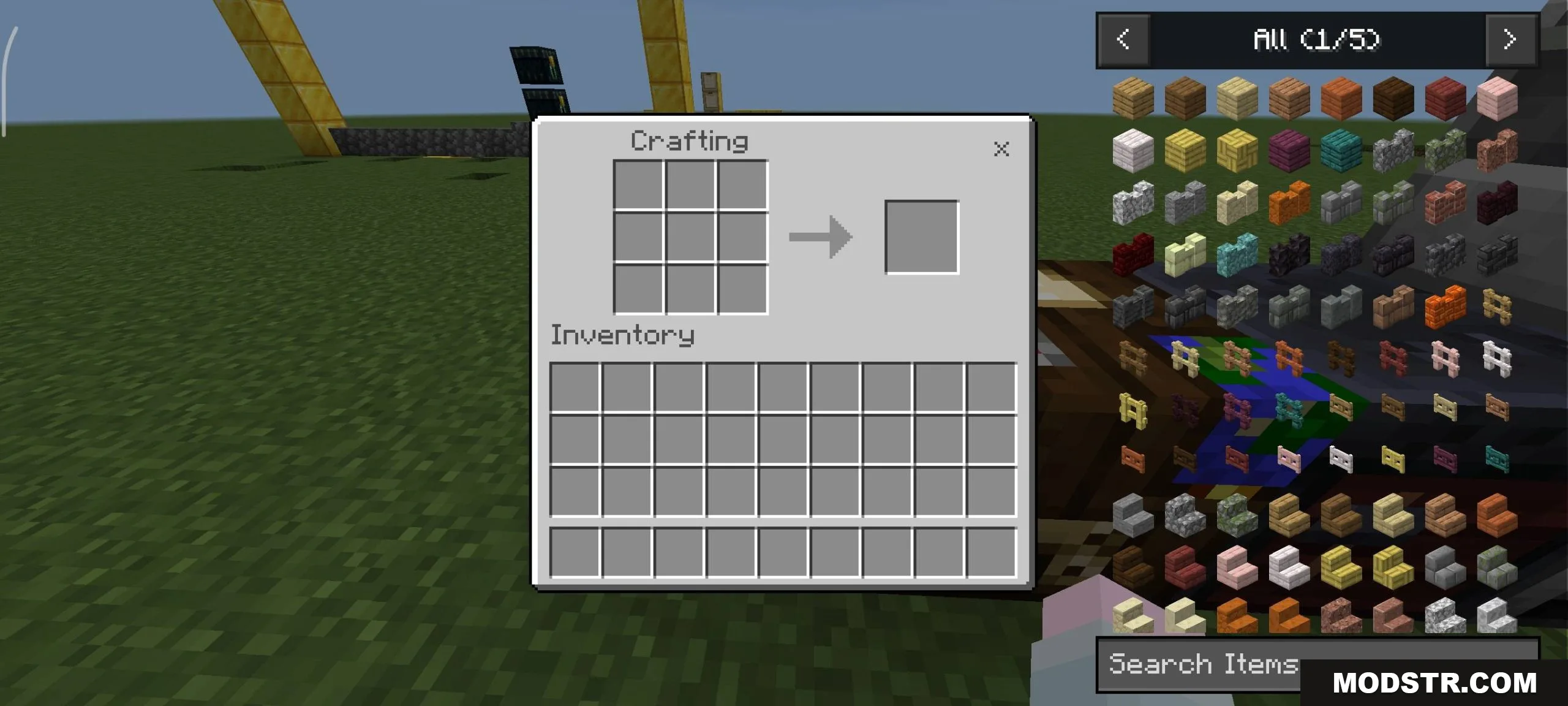
- Supports multiple GUI scale settings
- Maintains compatibility across different screen sizes
Installation
- Download the texture pack file
- Open your Minecraft launcher and navigate to Resource Packs or Texture Packs
- Select "Open Pack Folder" and move the downloaded file into the folder
- Return to the launcher and enable the pack in your active list
- Launch the game and verify the interface changes have been applied
Compatibility
This texture pack is designed for Minecraft Java Edition 1.21 with JEI version 26.x and later. It may require JEI to be installed as a dependency. Check that your JEI version matches the requirement before installing.
DOWNLOAD FILES
- mcpack
- mcpack