
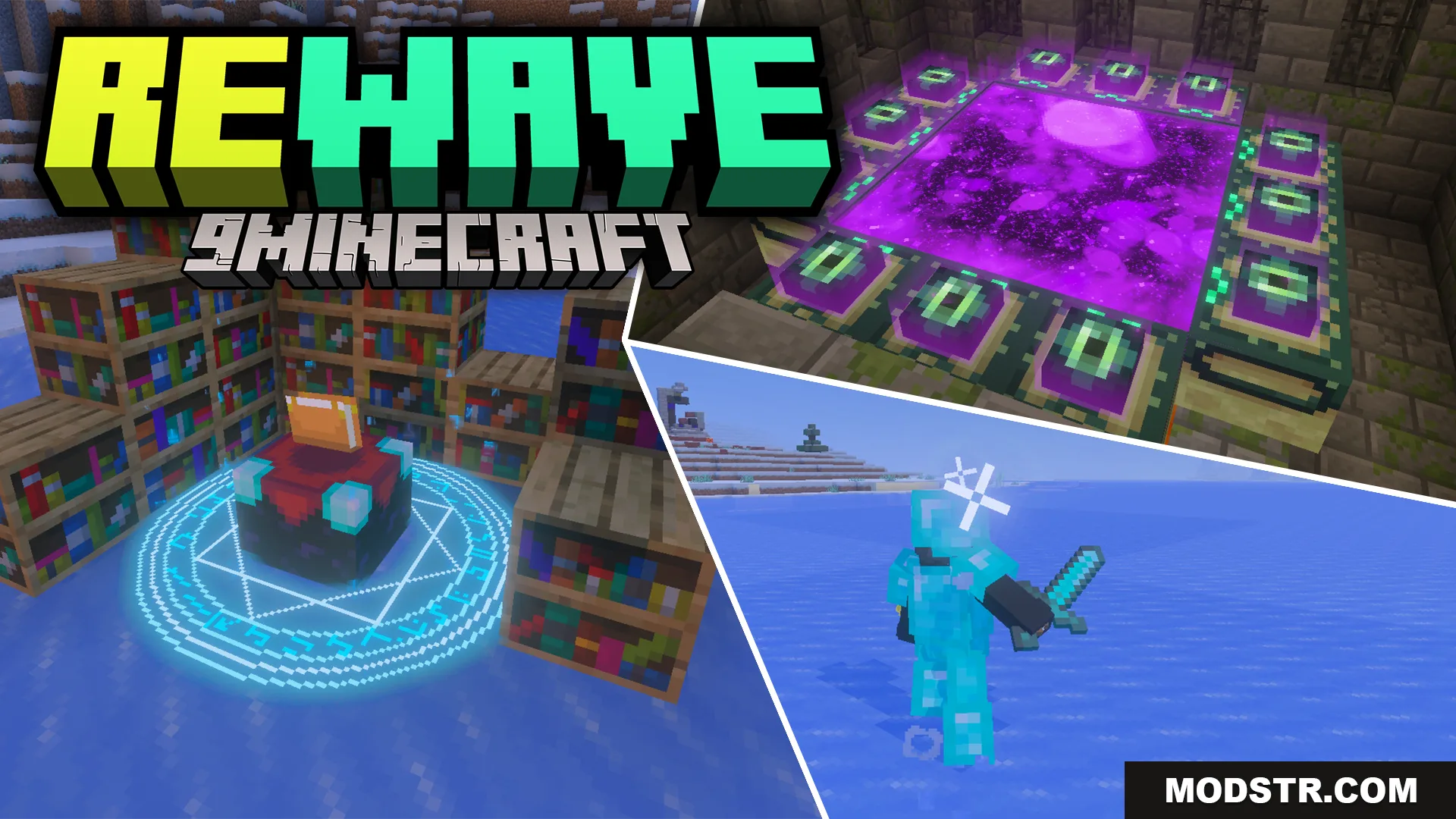
ReWave Texture Pack (26.x) – Update Your World With Custom Particles And 3D Items
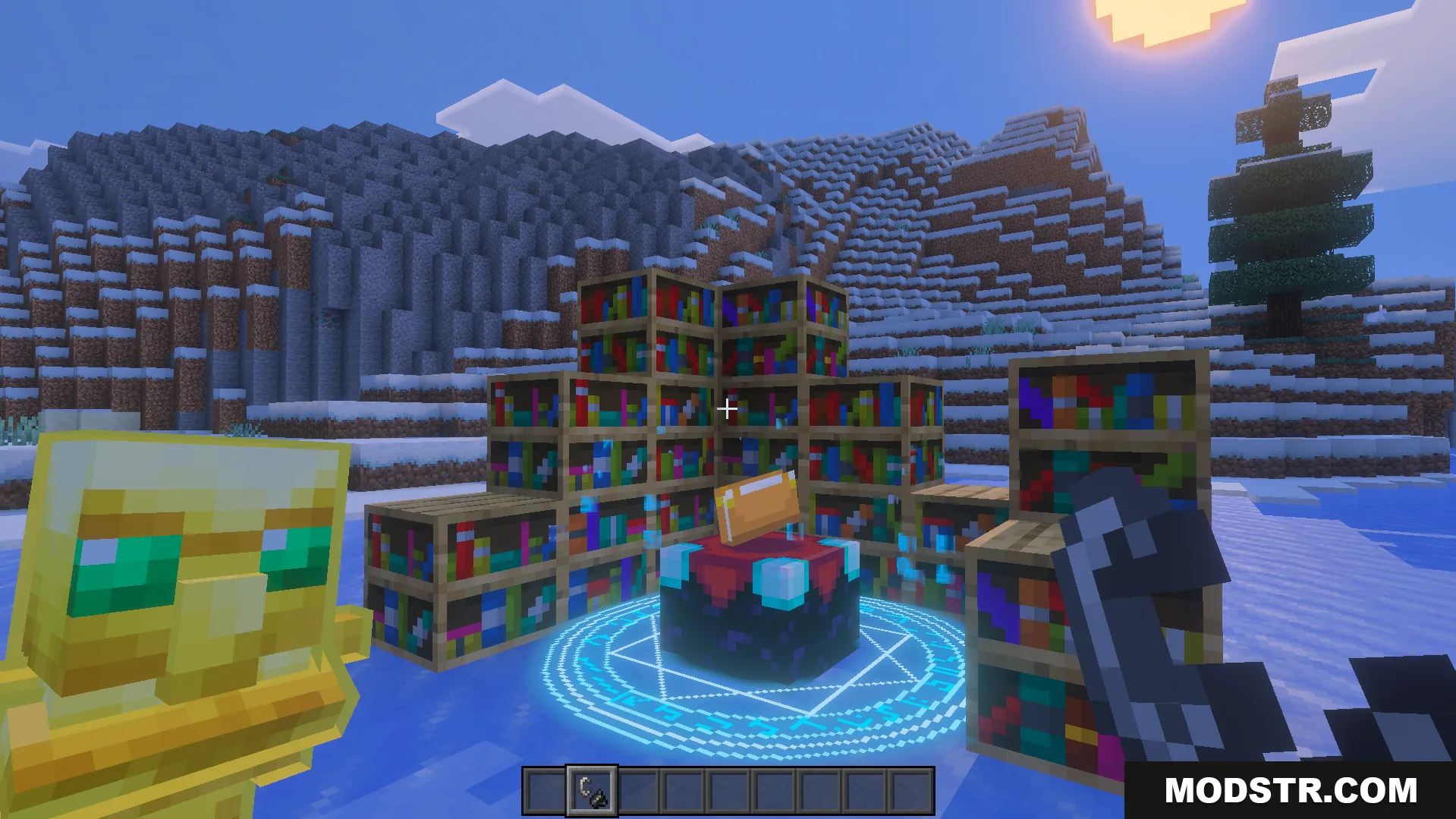
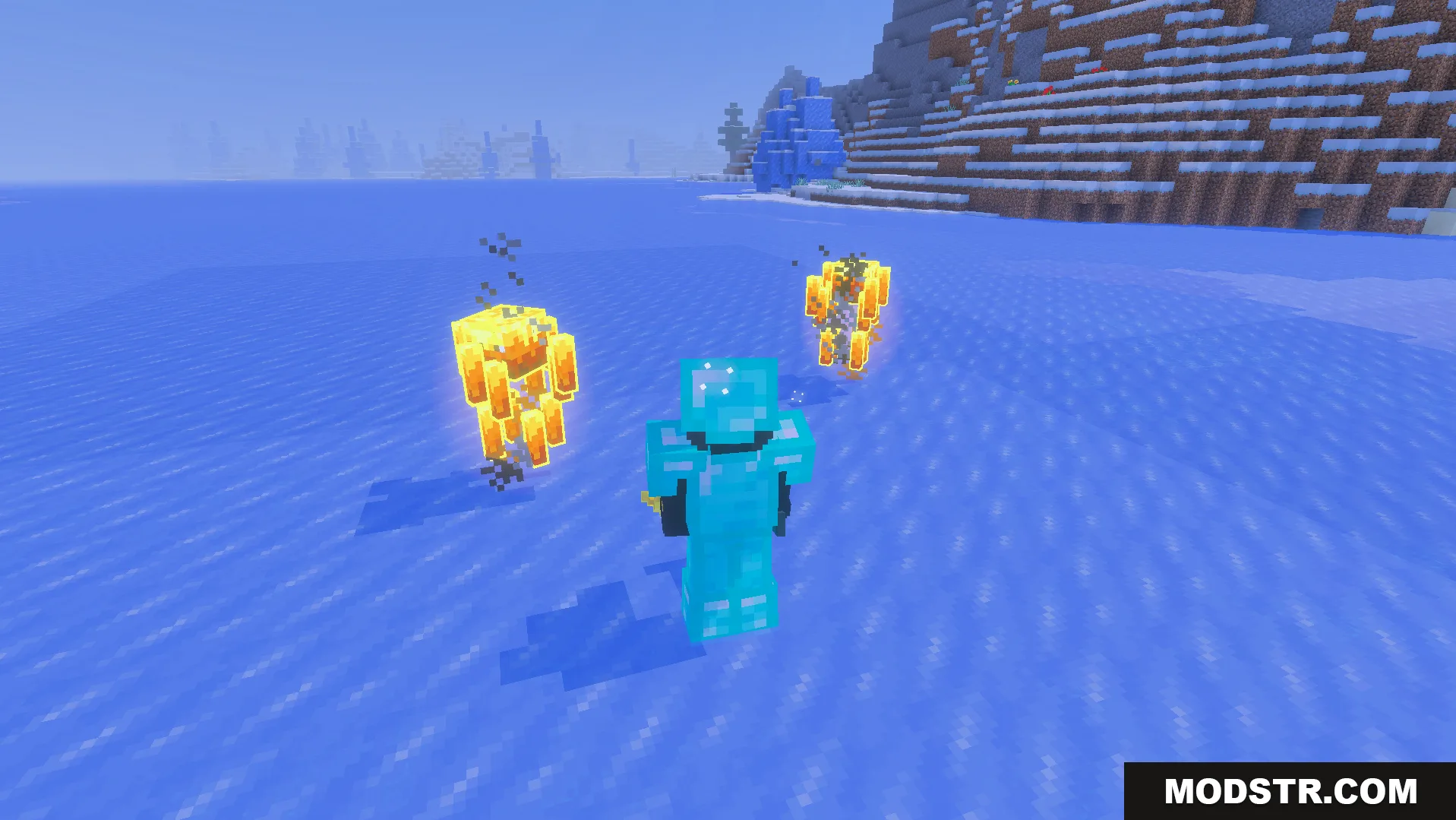
ReWave Texture Pack adds custom particles, 3D item models, and biome-specific visual effects while maintaining Minecraft's original aesthetic.
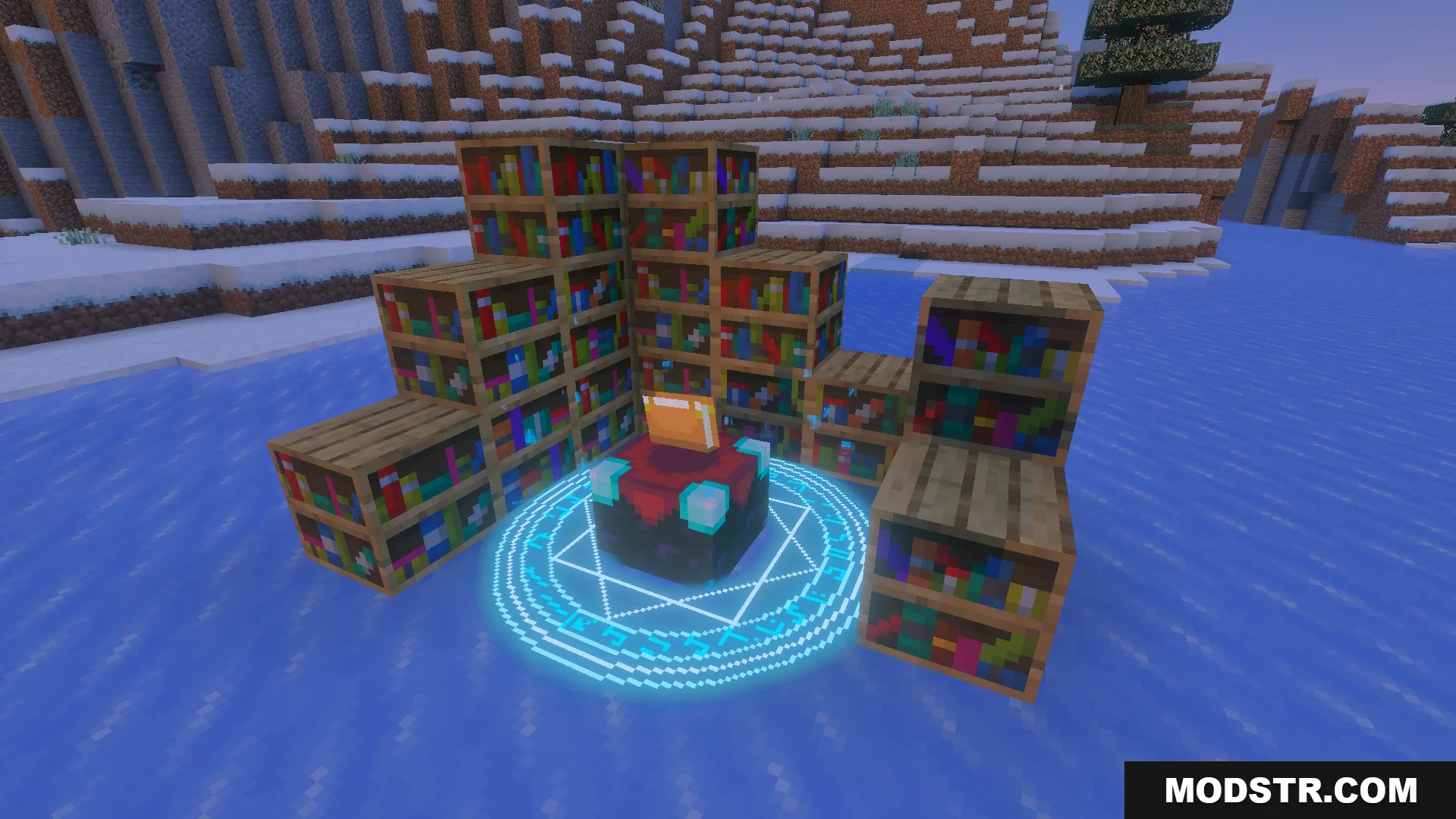
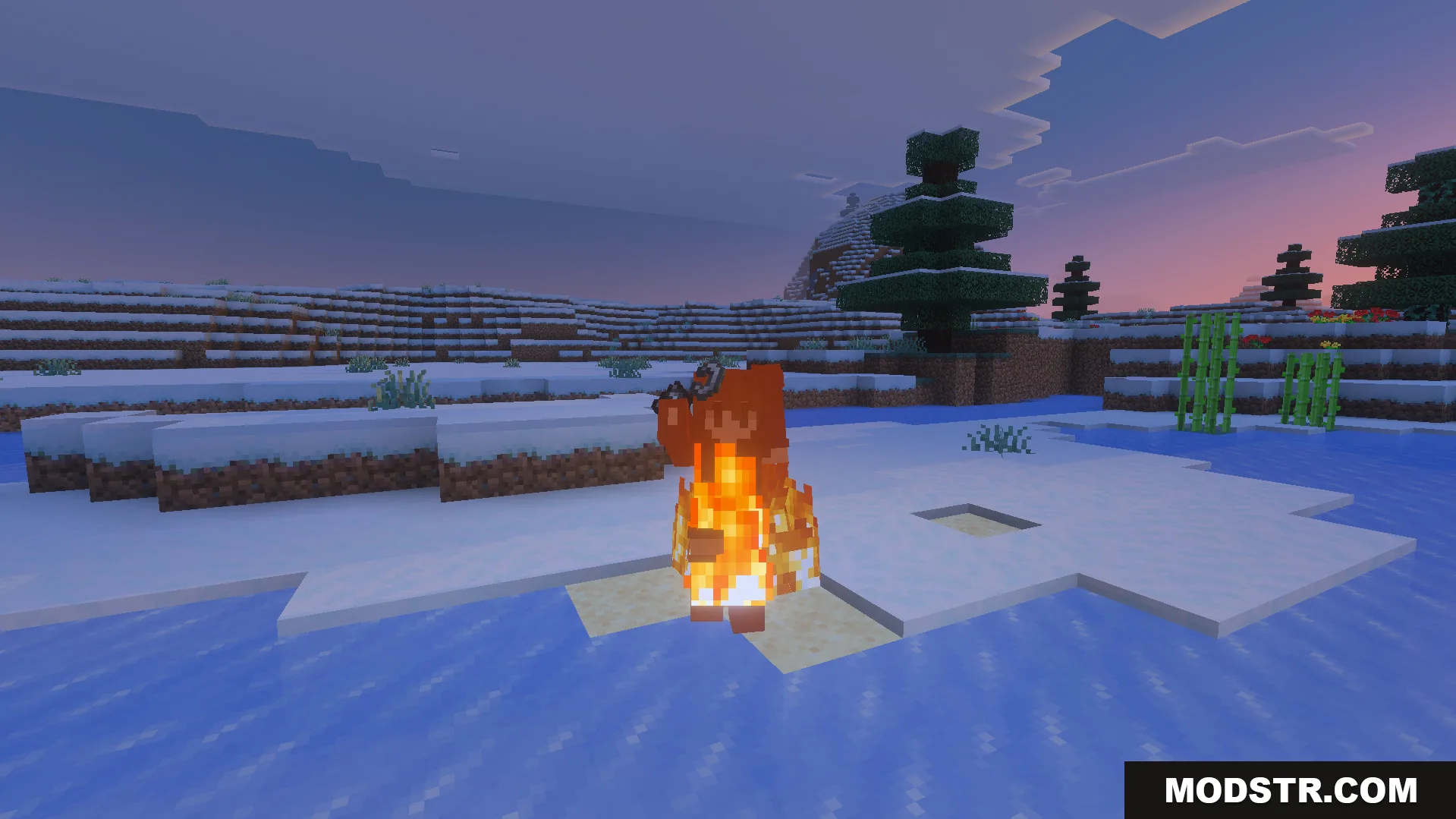
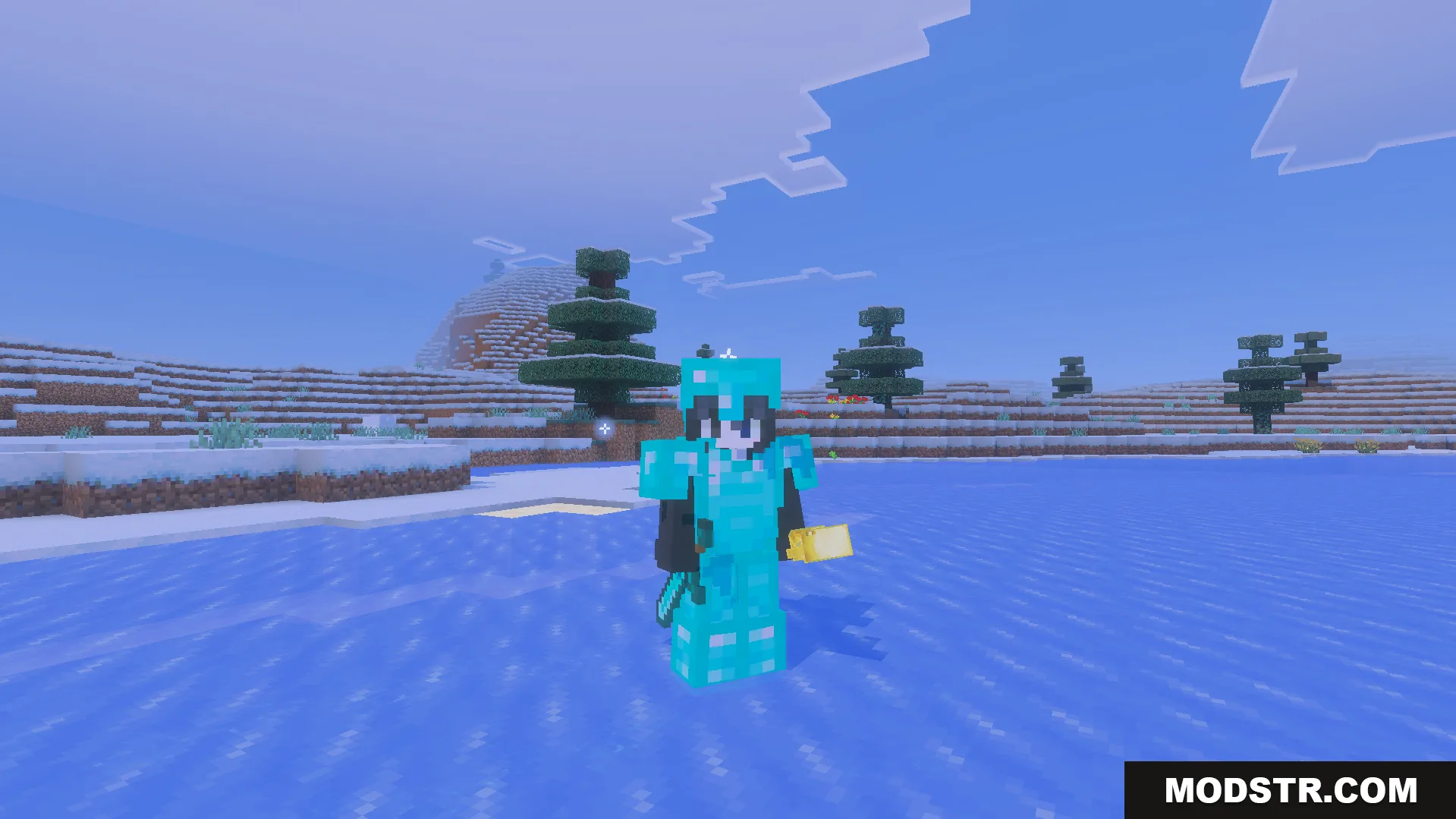
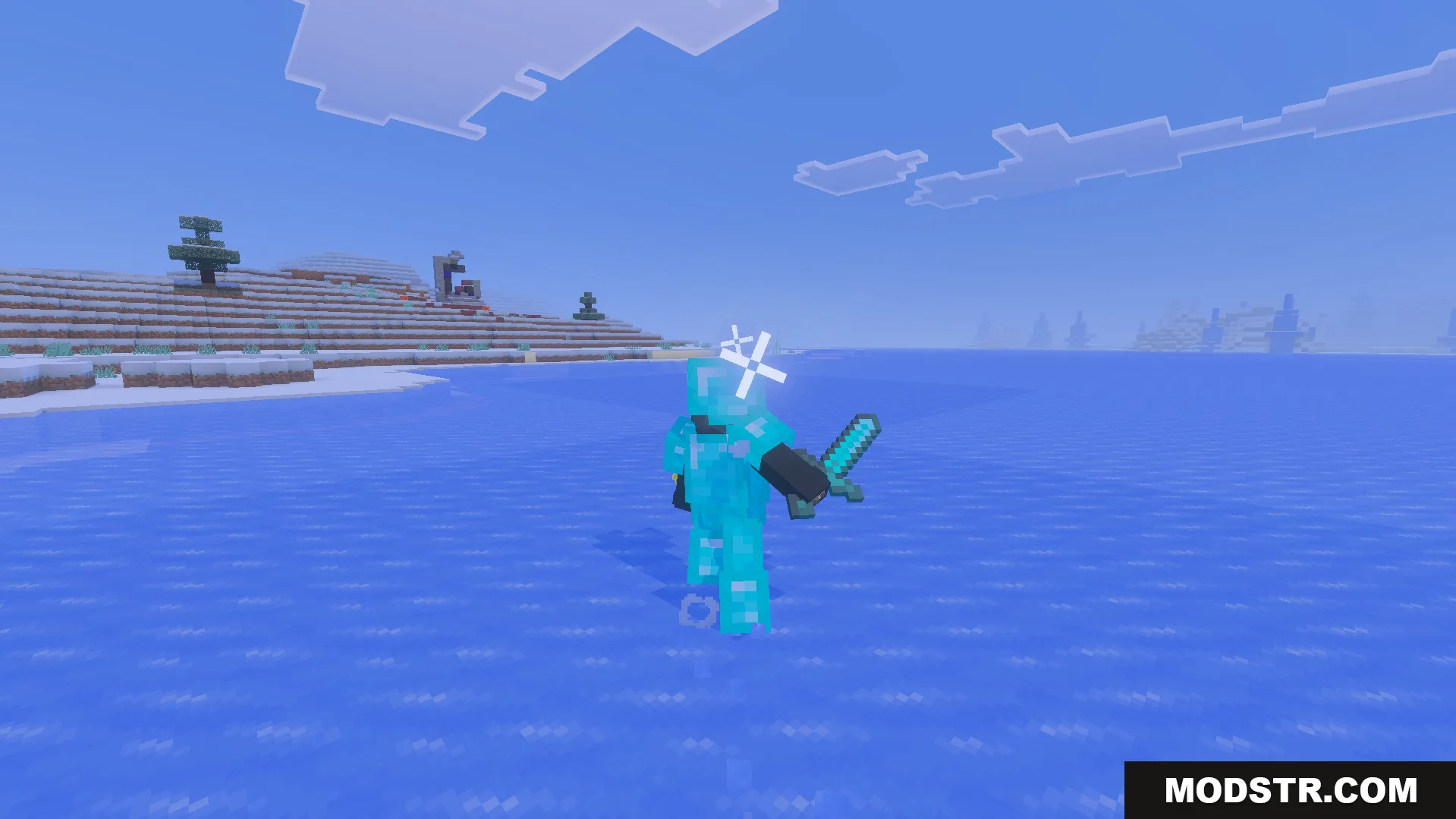
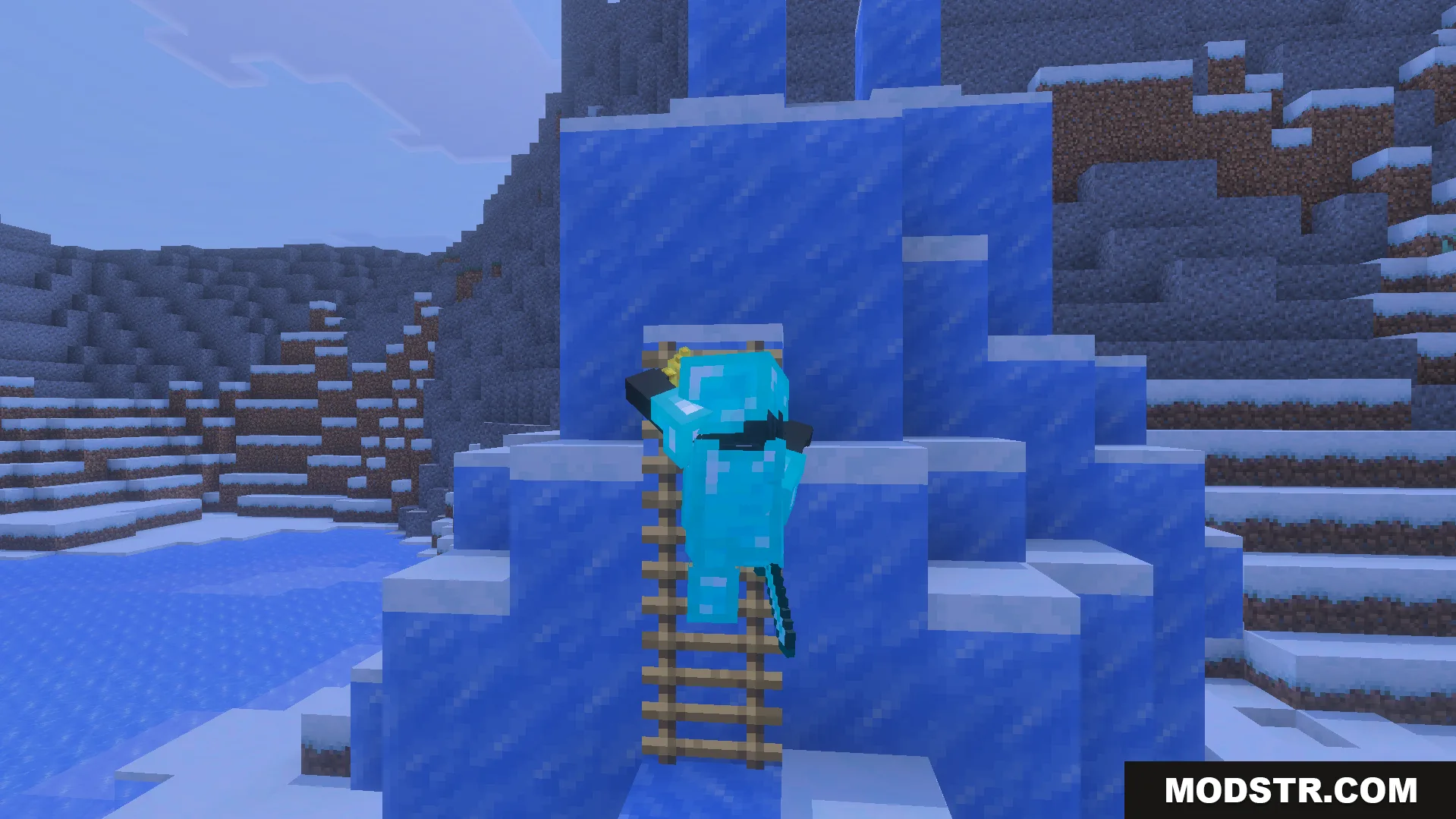
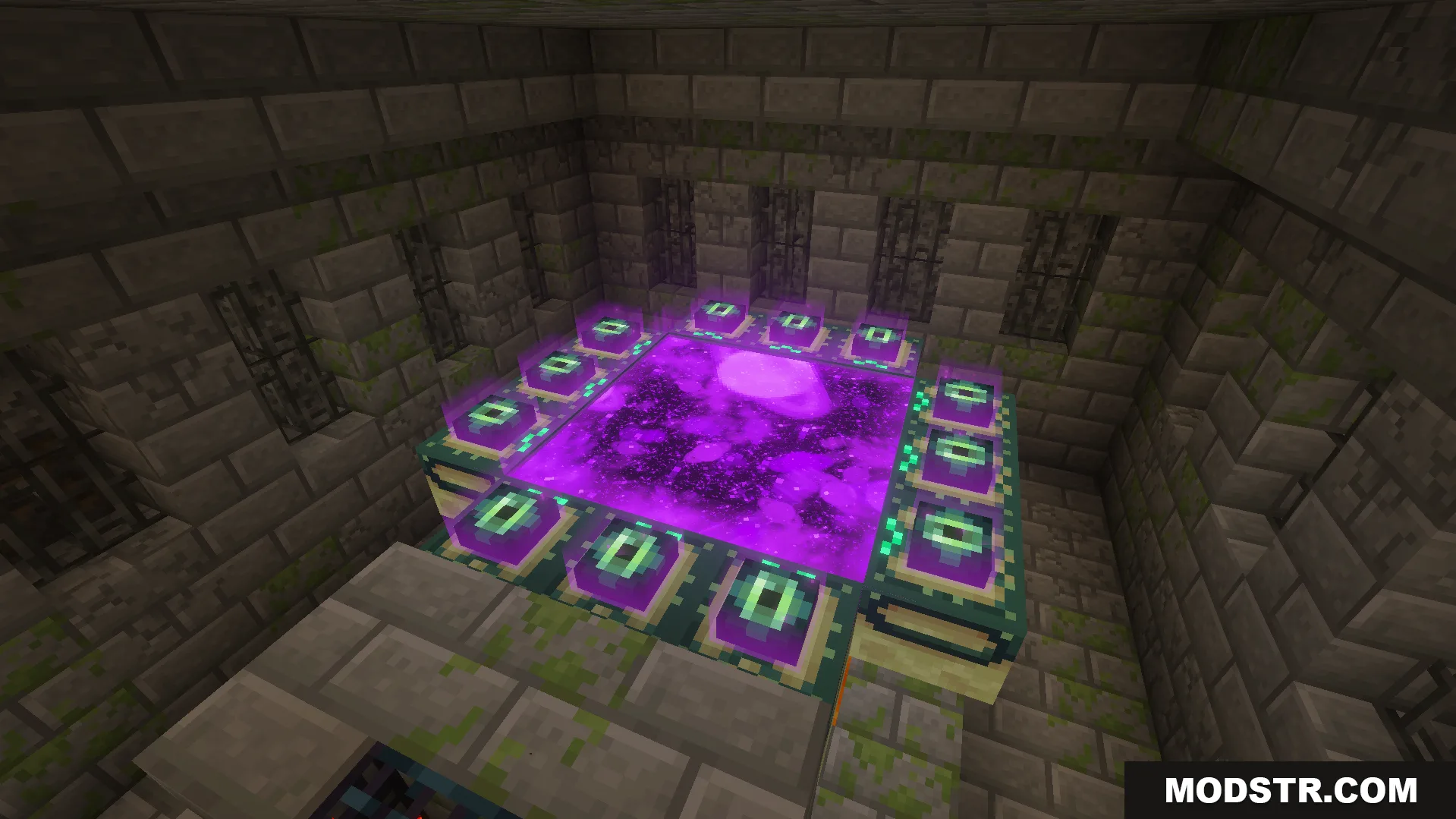
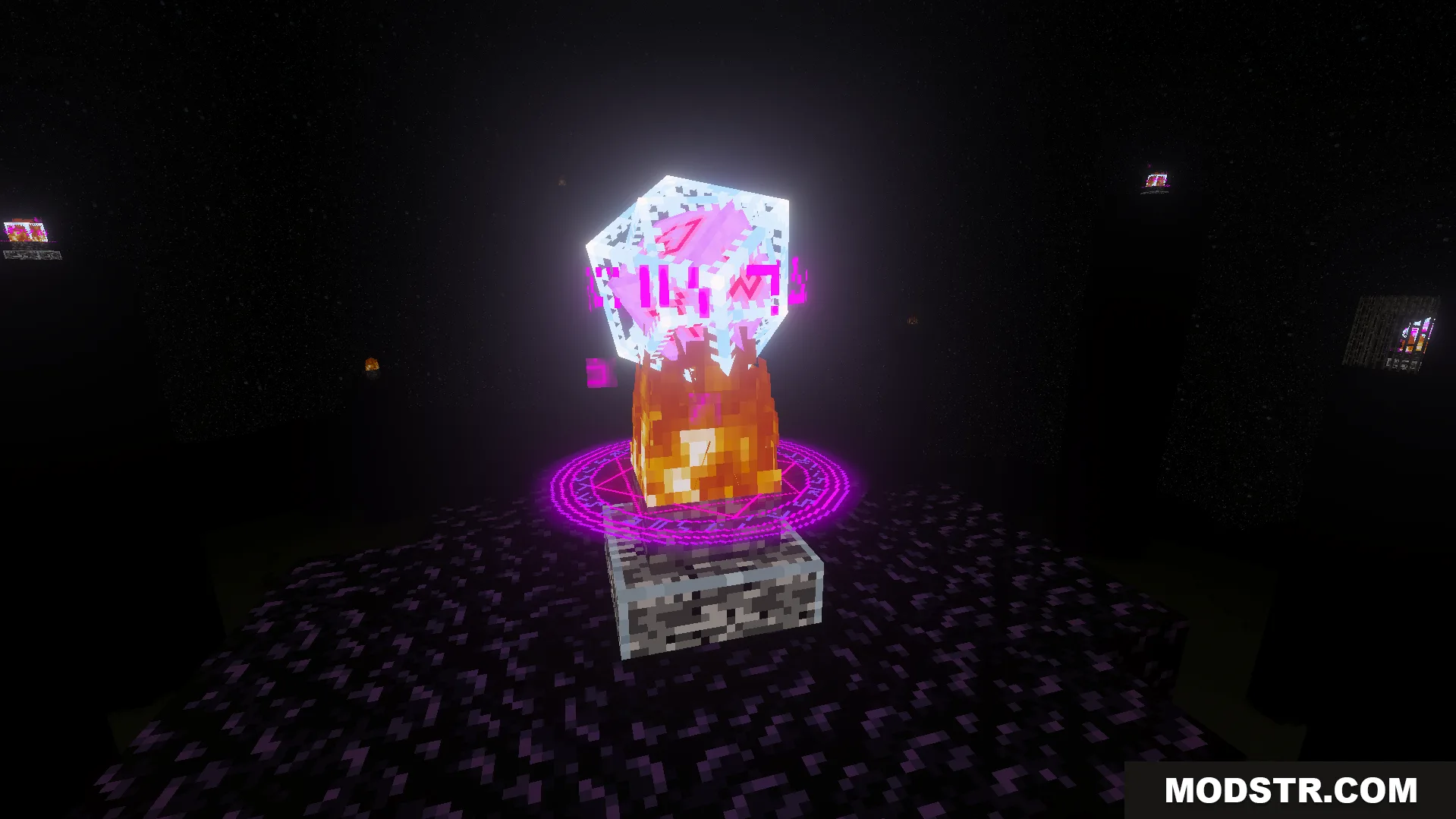
ReWave Texture Pack modifies visual elements including particles, textures, and item models to refresh your world's appearance. The pack introduces custom player animations, weather effects, and biome-specific fog while preserving the core style of vanilla Minecraft.
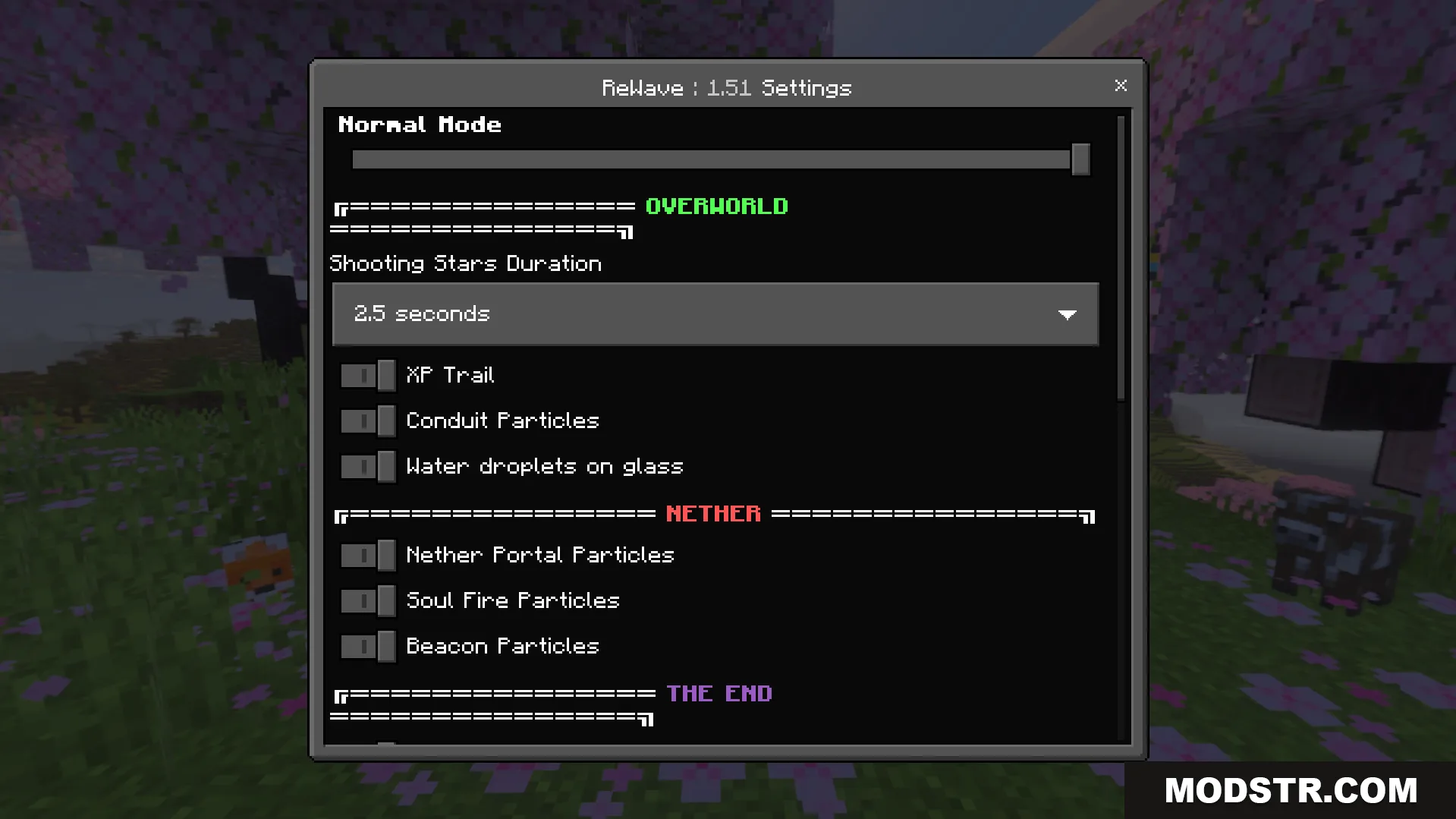
Features
- Custom walking and running animations for players.
- Modified weather particle effects, including rain.
- 3D model variants for items such as lanterns and torches.
- Updated mob textures, including the glow squid.
- Biome-specific fog colors for visual variety.
Installation
- Download the ReWave Texture Pack file.
- Open your Minecraft launcher and navigate to the resource packs folder.
- Place the downloaded file into the resource packs directory.
- Launch Minecraft and select the pack from the resource packs menu.
- Apply the changes and start your world.
DOWNLOAD FILES
- mcpack