
No Particles FPS Texture Pack (26.x, 1.21) – Delete Visual Particles For Faster Gameplay
Texture pack that removes visual particles to improve frame rate and reduce lag, especially on low-end devices. Includes configurable removal levels.
- 1.21
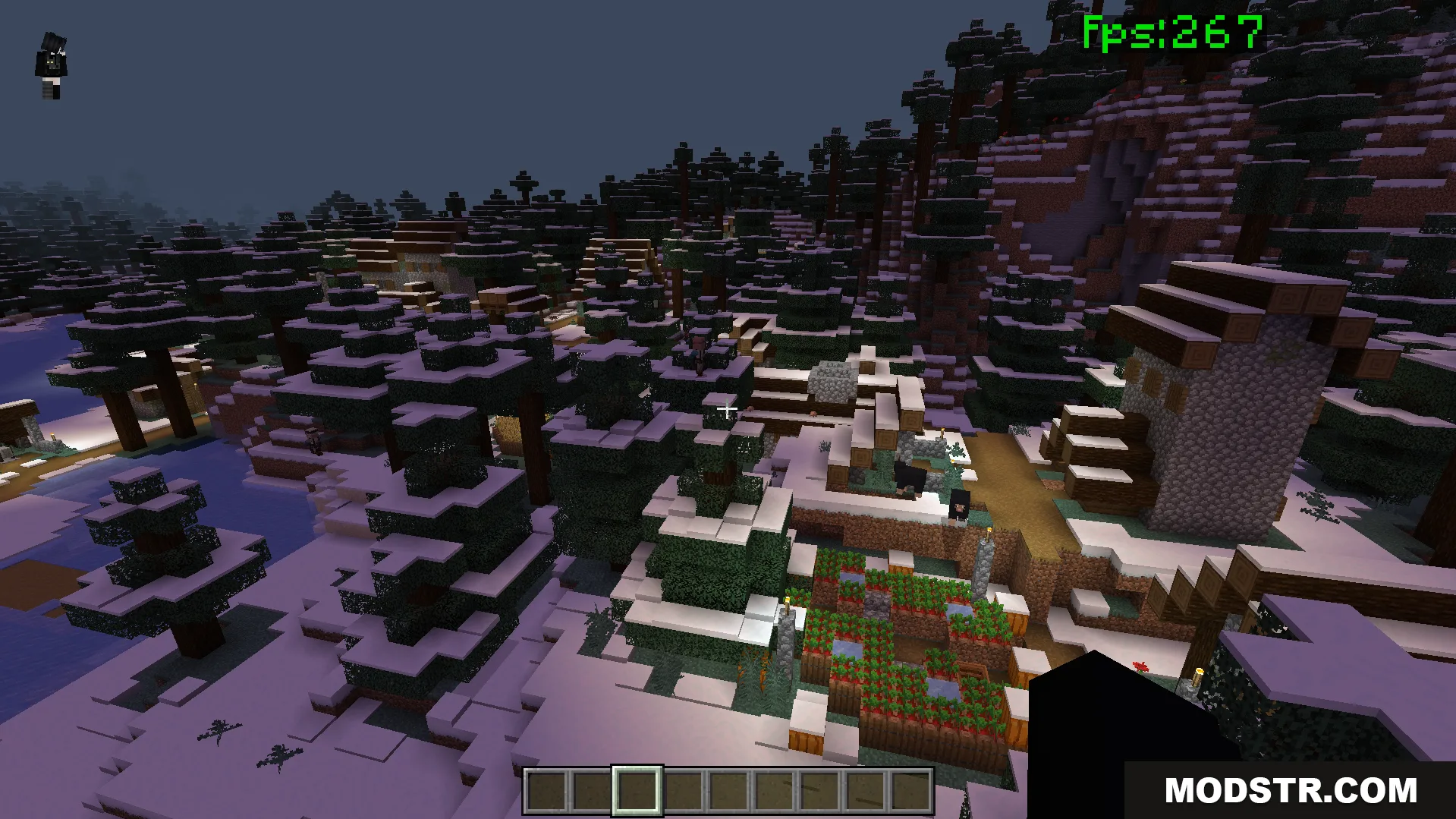
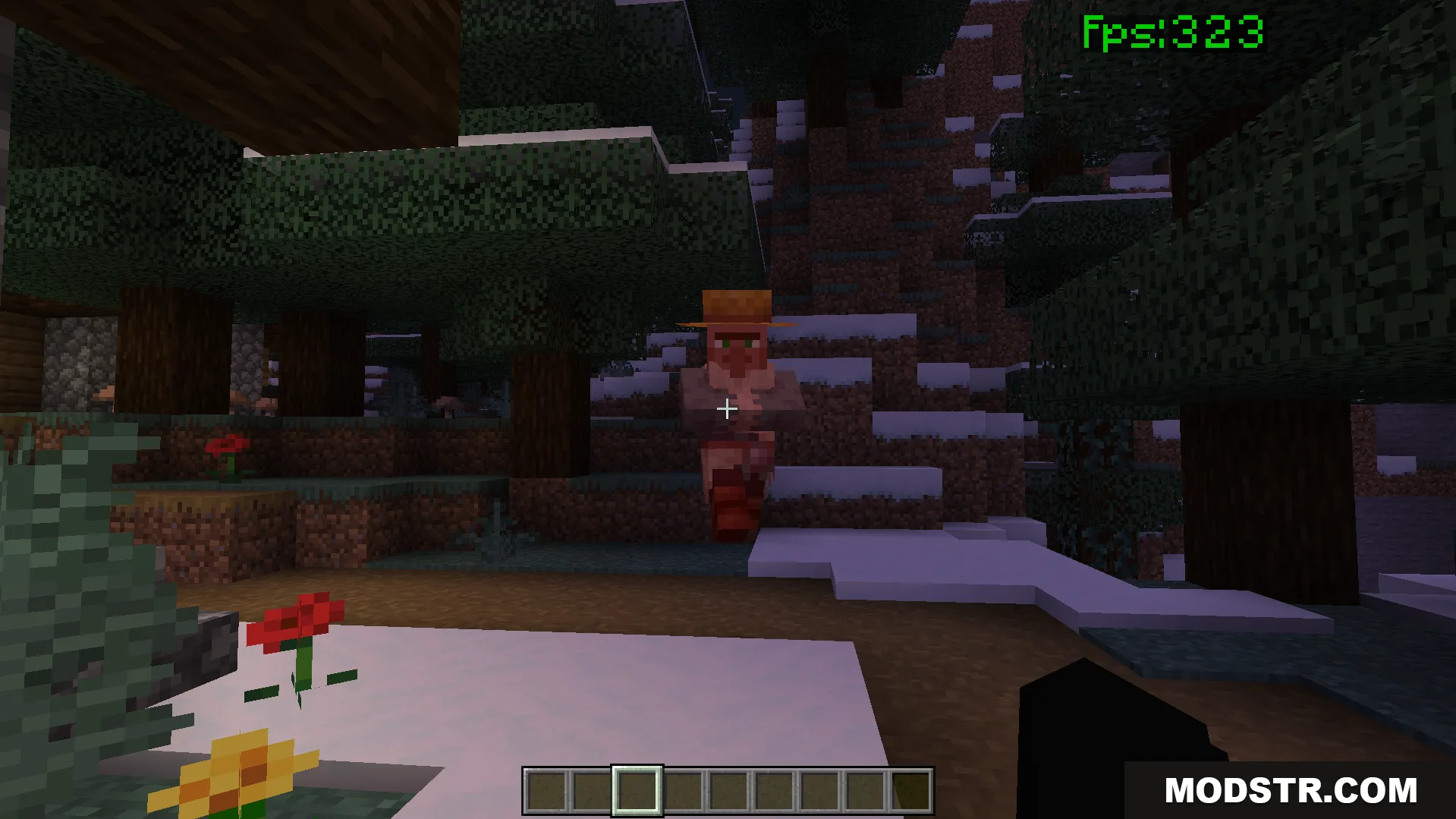
No Particles FPS Texture Pack removes unnecessary particle effects to improve game performance. This pack is designed for players on low-end devices or those seeking smoother gameplay during combat and exploration, without altering the core appearance of the game.
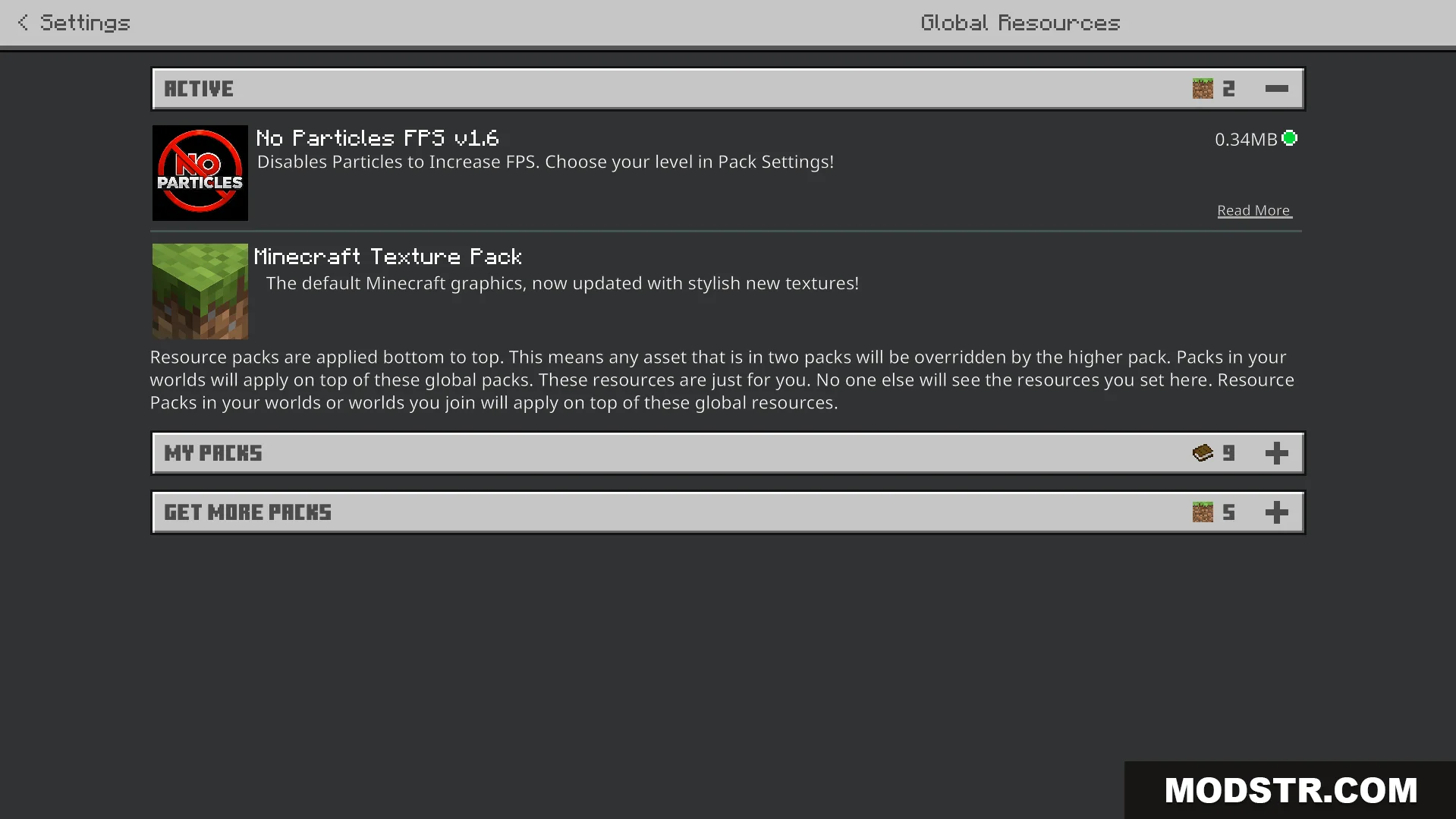
Features
- Removes smoke and fire sparks to reduce rendering load.
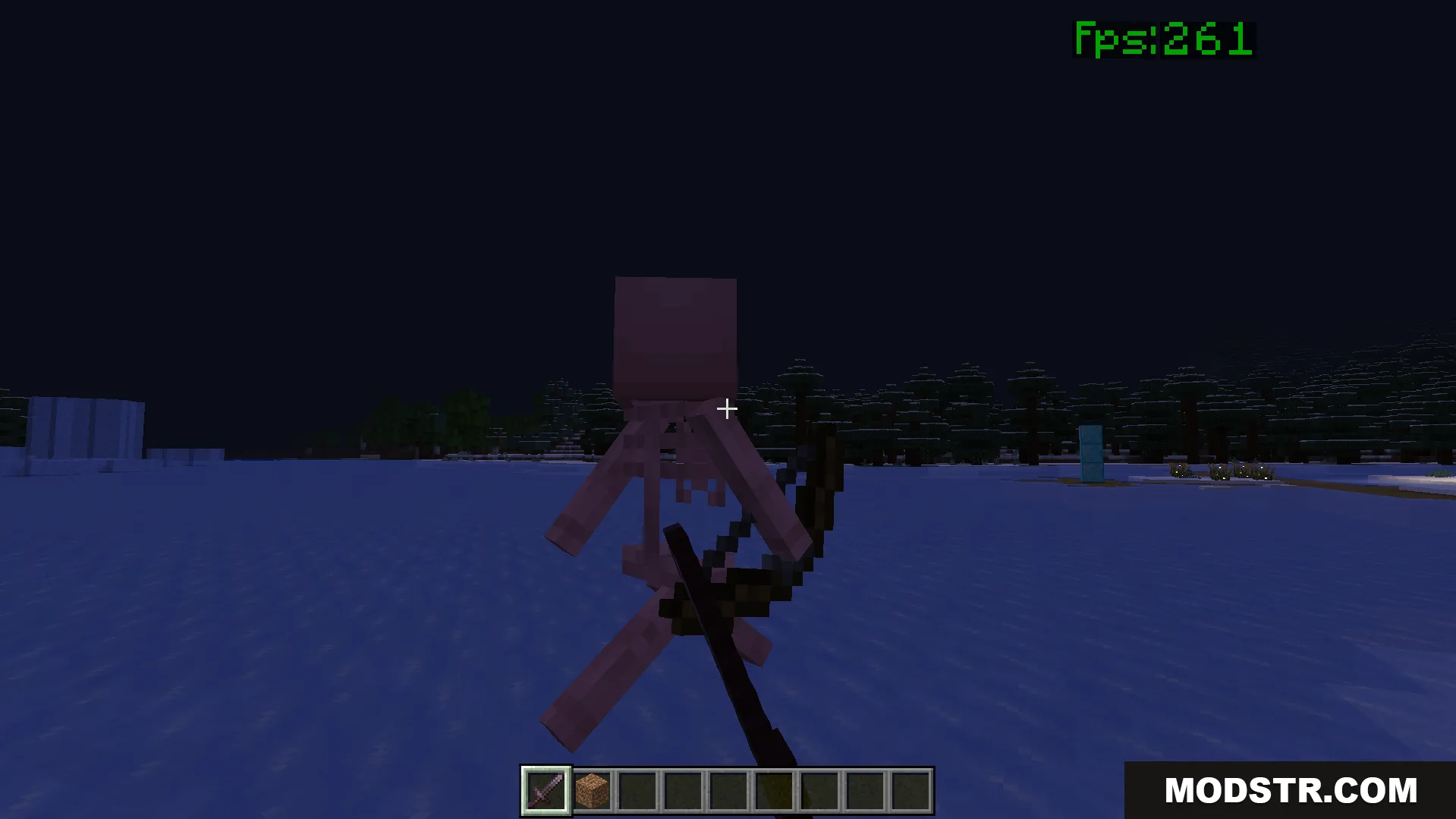
- Reduces on-screen visual clutter for improved visibility during combat.
- Lowers system heat generation during extended play sessions.
- Compatible with other resource packs and shader mods.
- Minimizes lag spikes on mobile devices and older computers.
Configuration
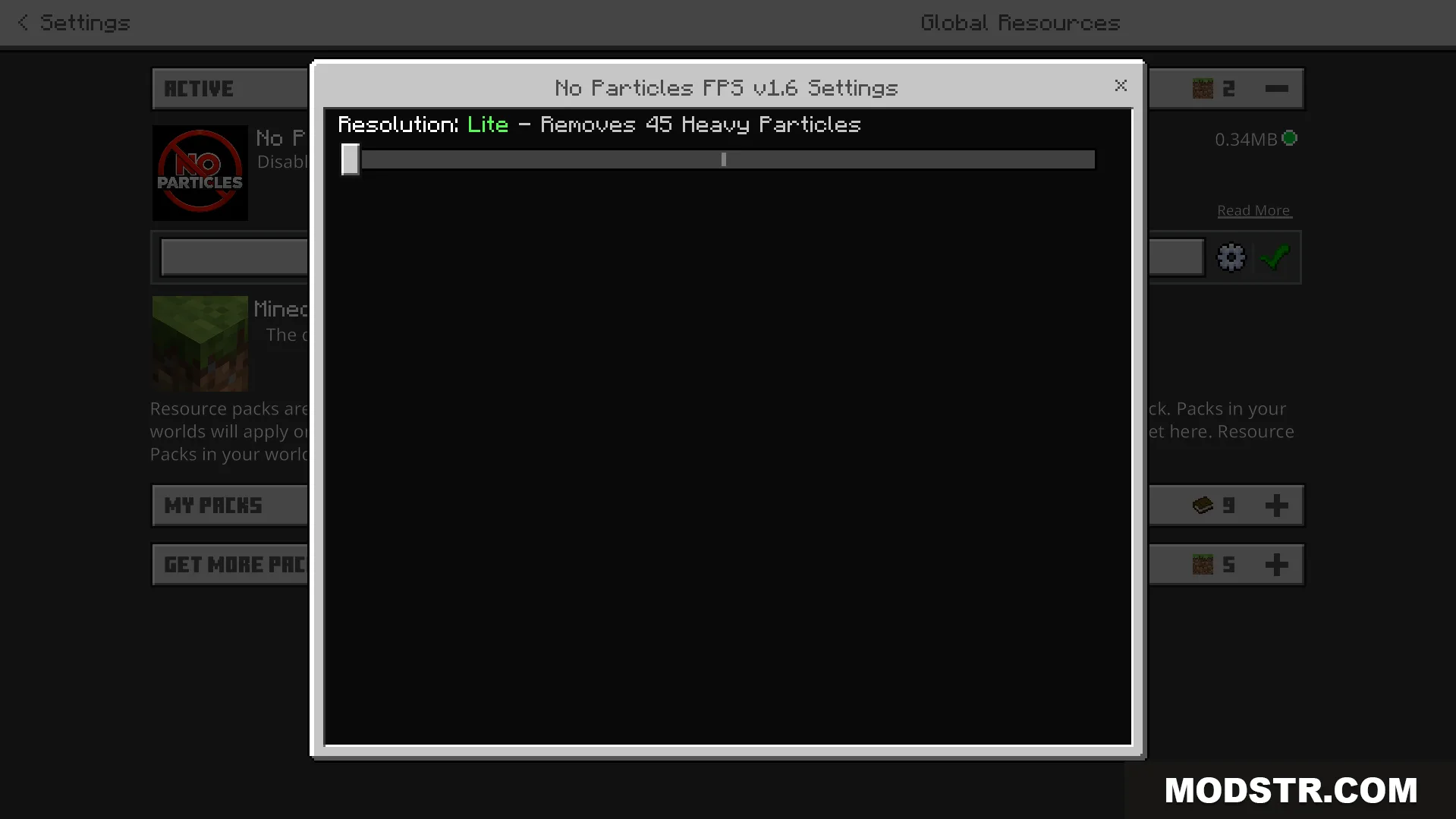
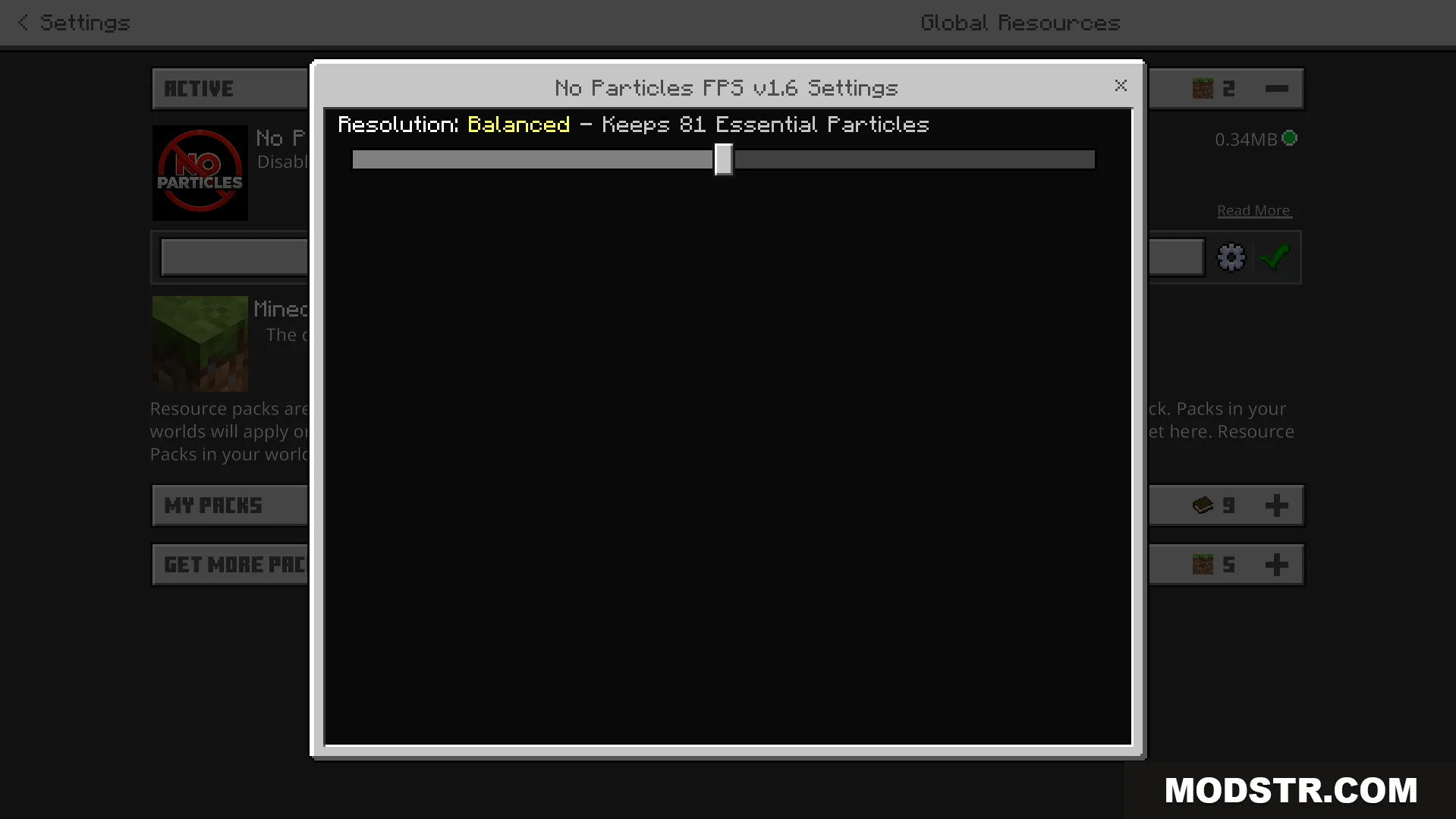
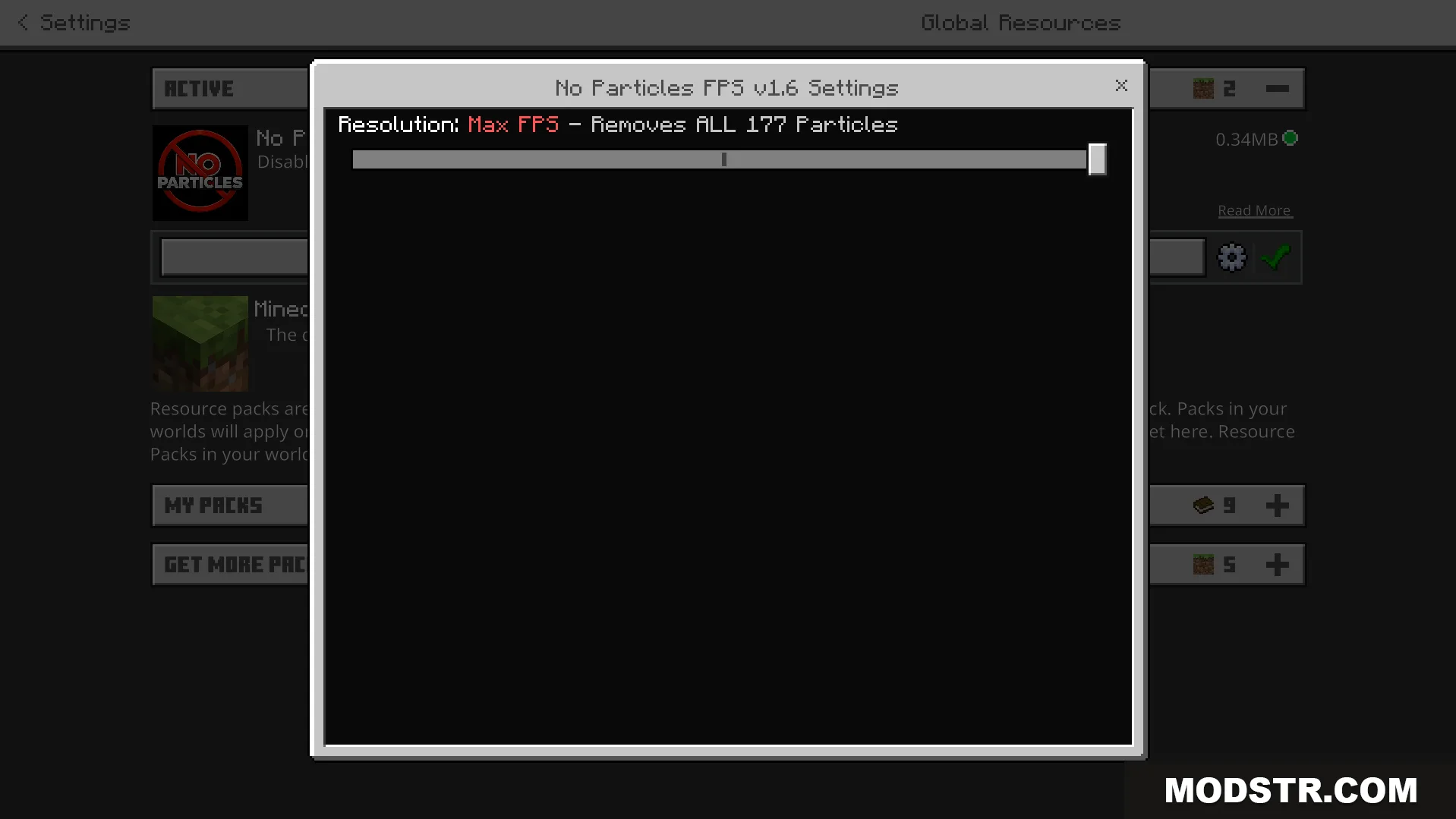
The pack offers three configurable modes. Access the pack settings and select the gear icon to adjust the particle removal level. Lite mode removes heavy weather and fire effects while preserving some particles. Balanced mode maintains gameplay-relevant particles such as potion effect indicators. Max FPS mode removes all particles for maximum performance gain.
Installation
- Download the texture pack for your game version (1.21 or 26.x).
- Open your Minecraft settings and navigate to resource packs.
- Click the folder icon to open the resource packs directory.
- Place the downloaded file in this folder.
- Select the pack from your resource packs list and move it to the active section.
DOWNLOAD FILES
- mcpack