
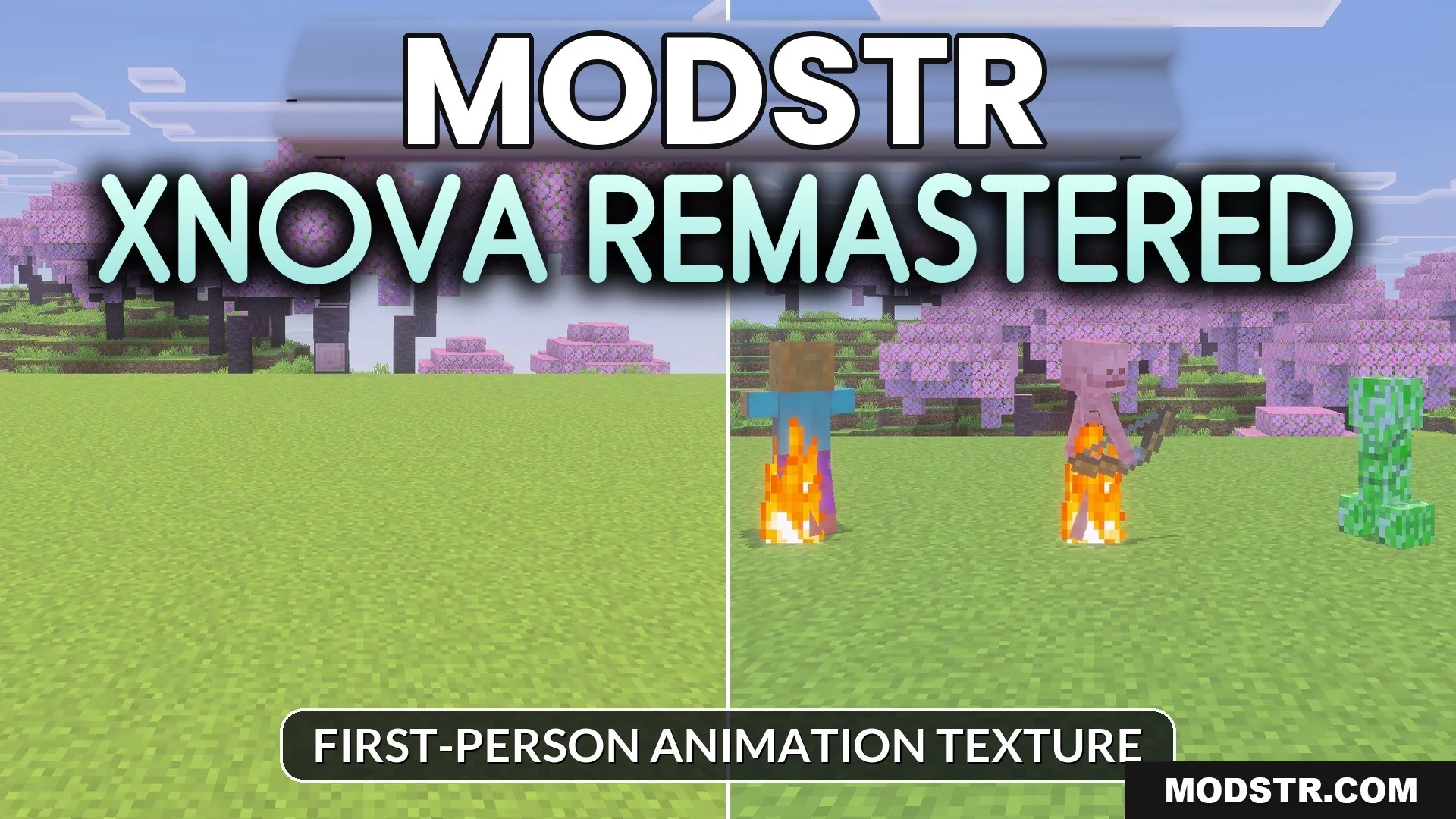
Xnova Remastered Texture Pack (26.x, 1.21) – Custom First-Person Animations
Xnova Remastered Texture Pack enhances first-person animations and 3D models for an improved visual experience. It allows for customizable hand modes and realistic skin layers for character models.
- 1.21
Xnova Remastered Texture Pack enhances player animations and item models in Minecraft. This pack is suitable for players looking to improve their first-person perspective with more realistic visuals.
Features
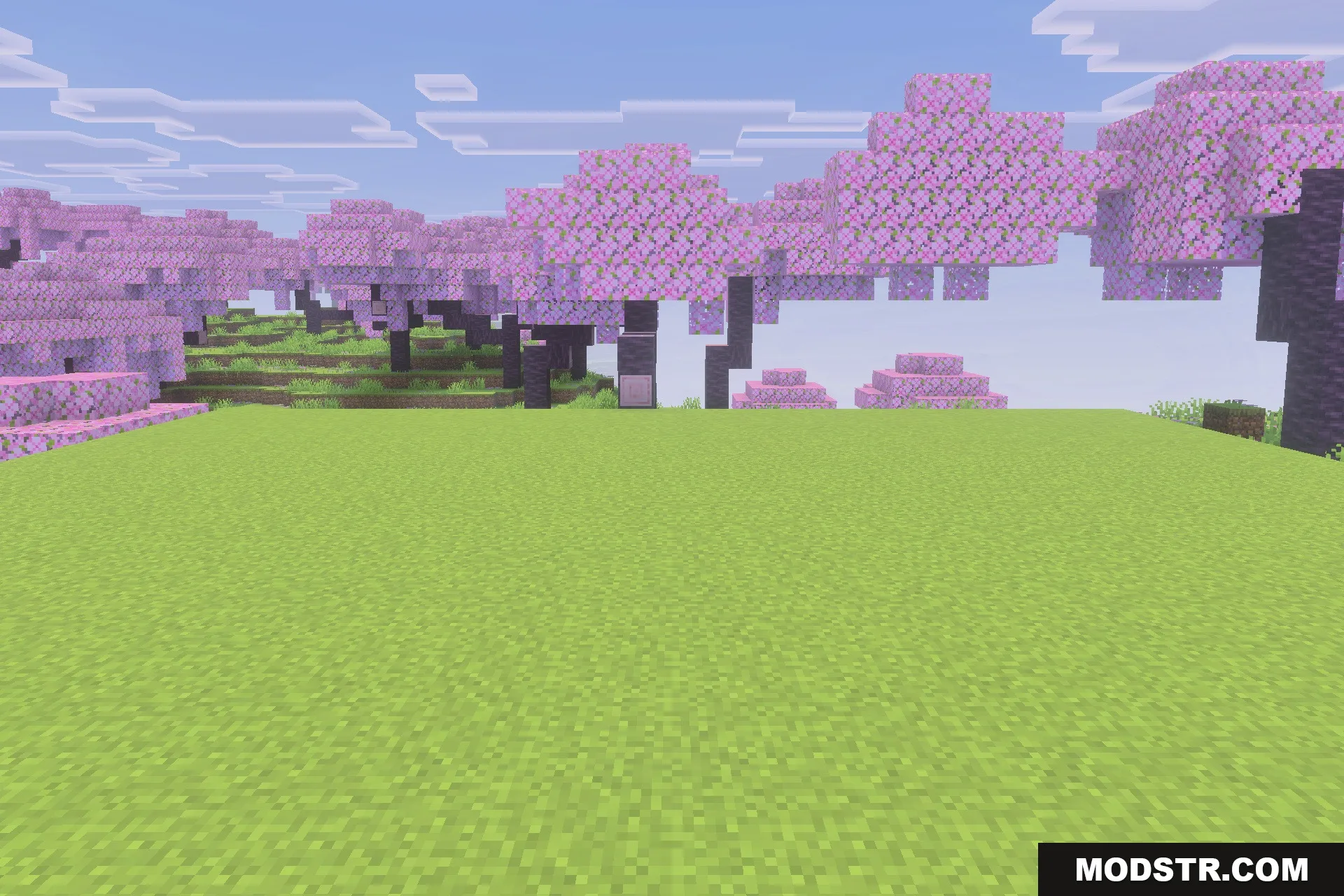
- Adds new and improved first-person player animations.
- Introduces detailed 3D models for tools and items.
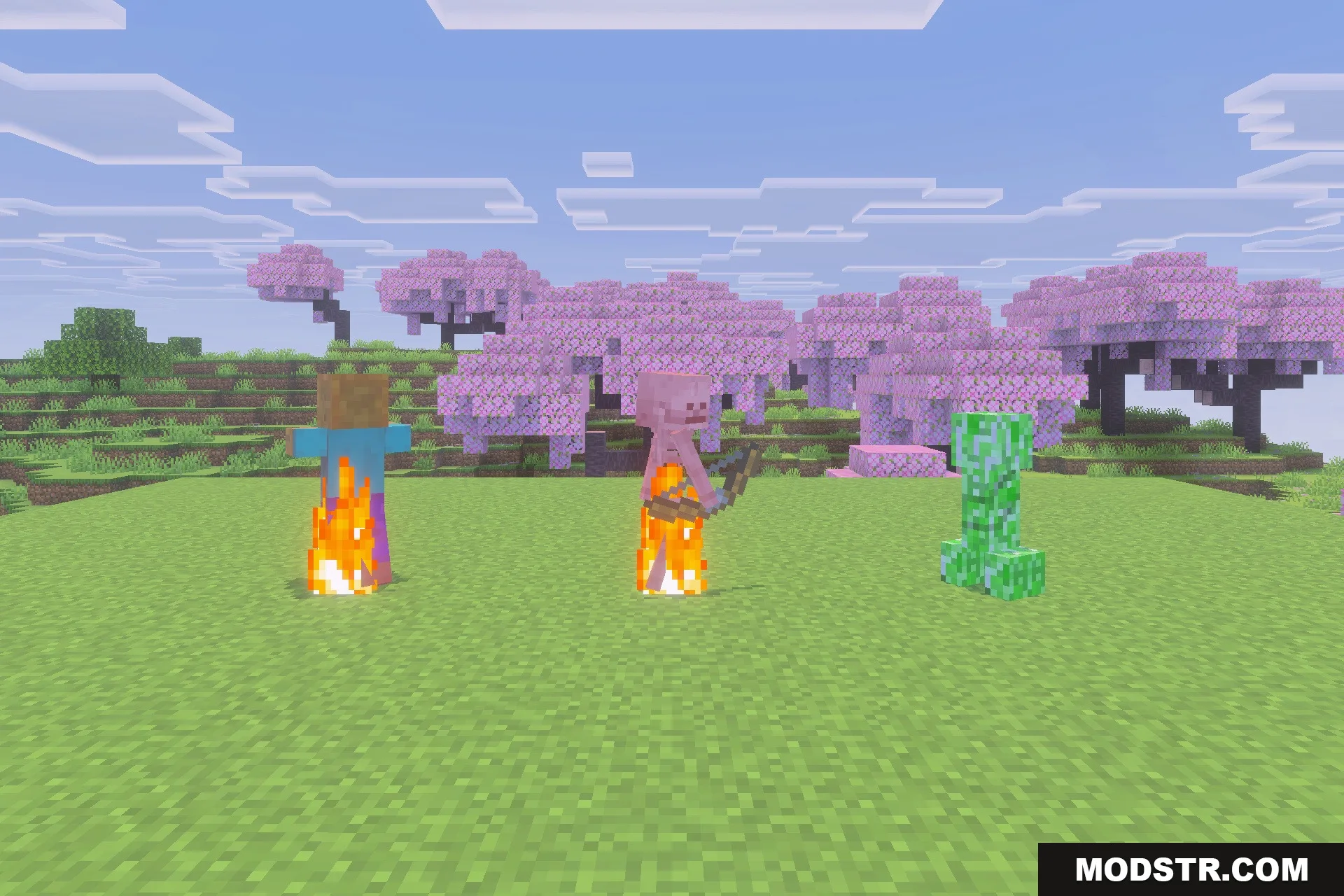
- Adds 3D skin layers for Steve and Alex.
- Lets you customize hand modes using an in-game panel.
- Allows switching between custom and default animations.
Installation
- Download the Xnova Remastered Texture Pack.
- Open Minecraft and go to the Options menu.
- Select the Resource Packs option.
- Click on the Open Resource Pack Folder button.
- Place the downloaded pack in the folder and activate it in the game.
Screenshots
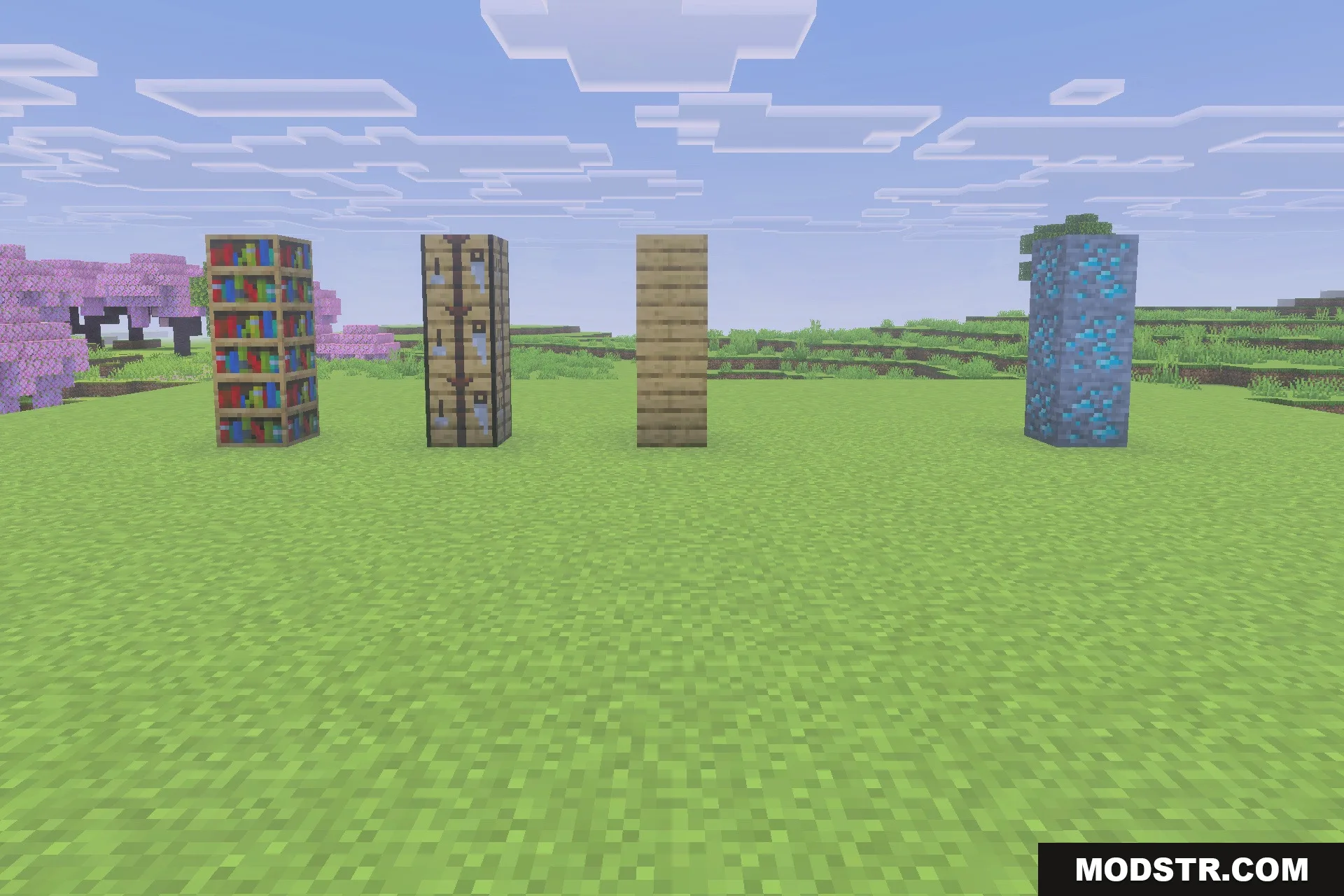
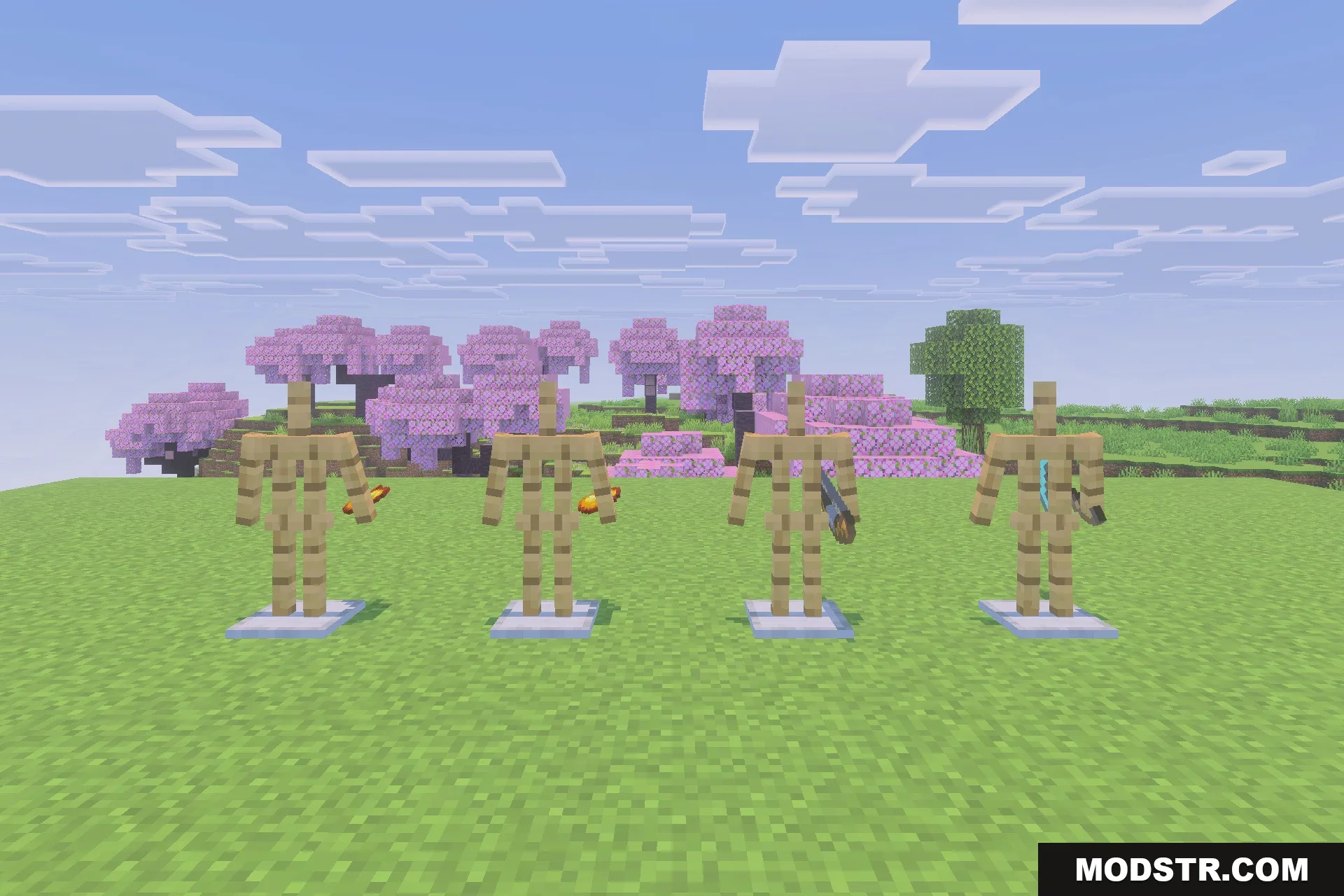
DOWNLOAD FILES
- mcpack