
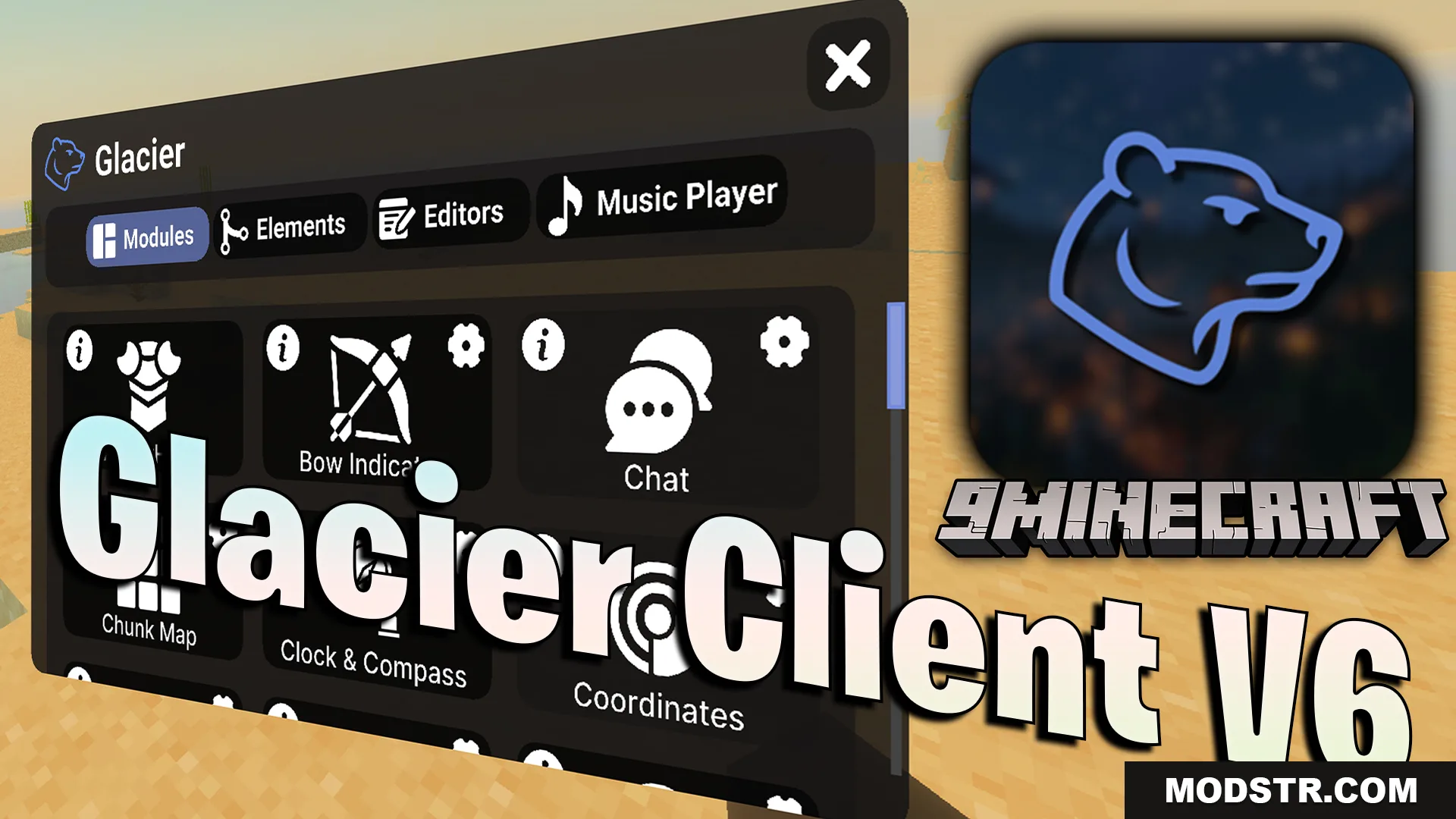
Glacier Client V6 Texture Pack (26.x, 1.21) – Boost Frame Rates And Customize Game Menus
Glacier Client V6 is a texture pack for Minecraft 1.21 that redesigns game menus and includes customization tools for crosshairs, hotbars, and UI elements.
- 1.21
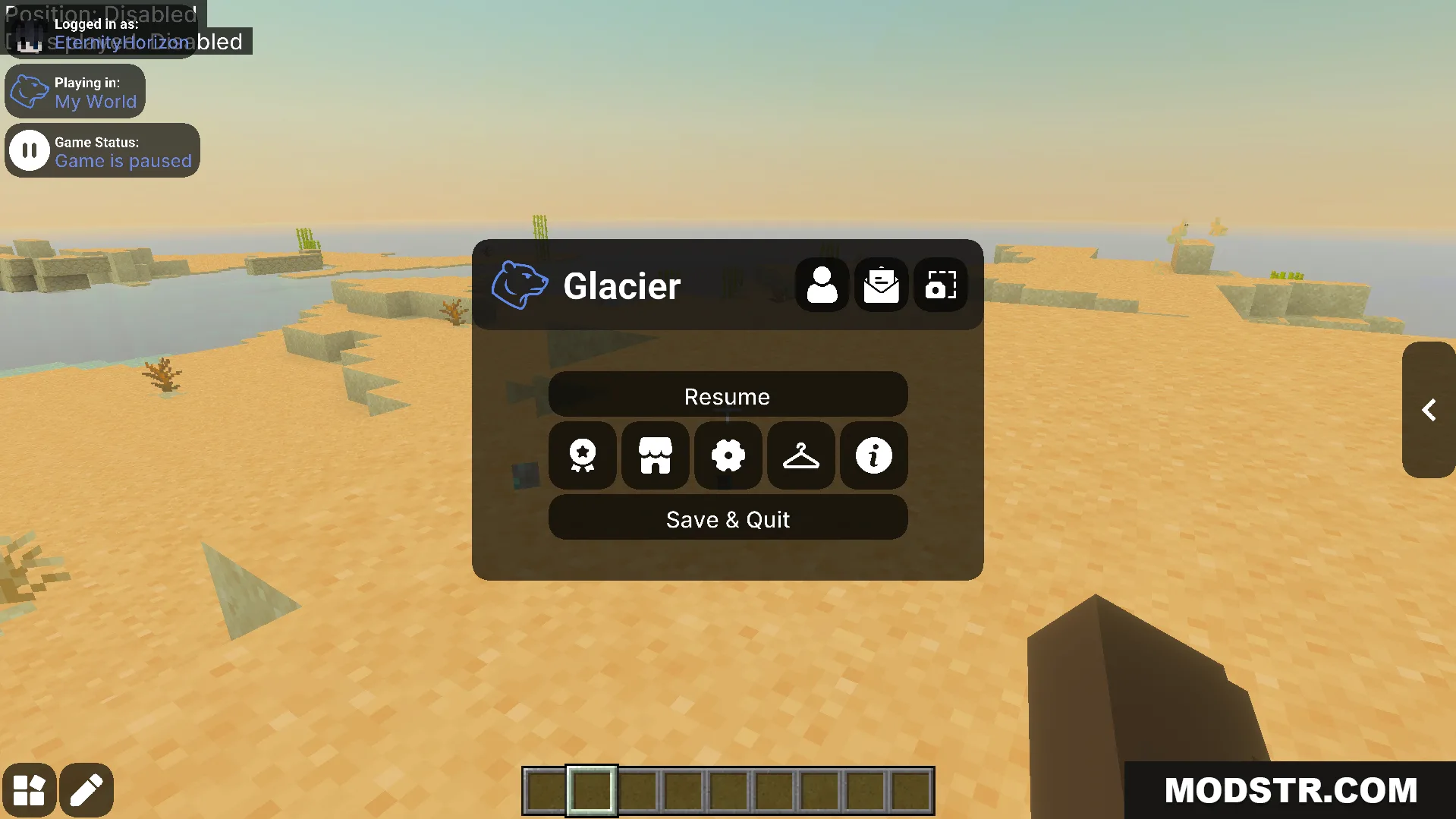
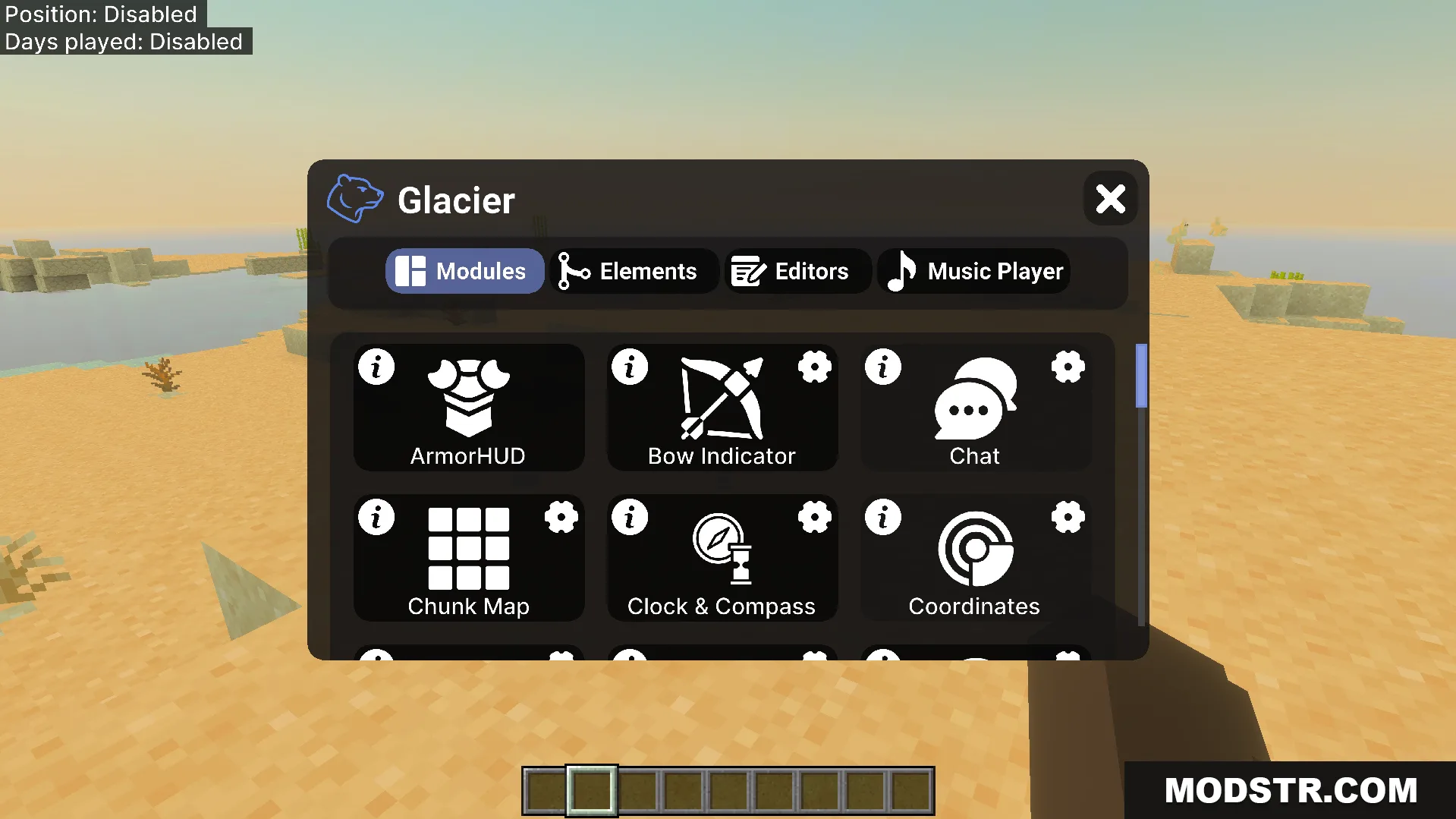
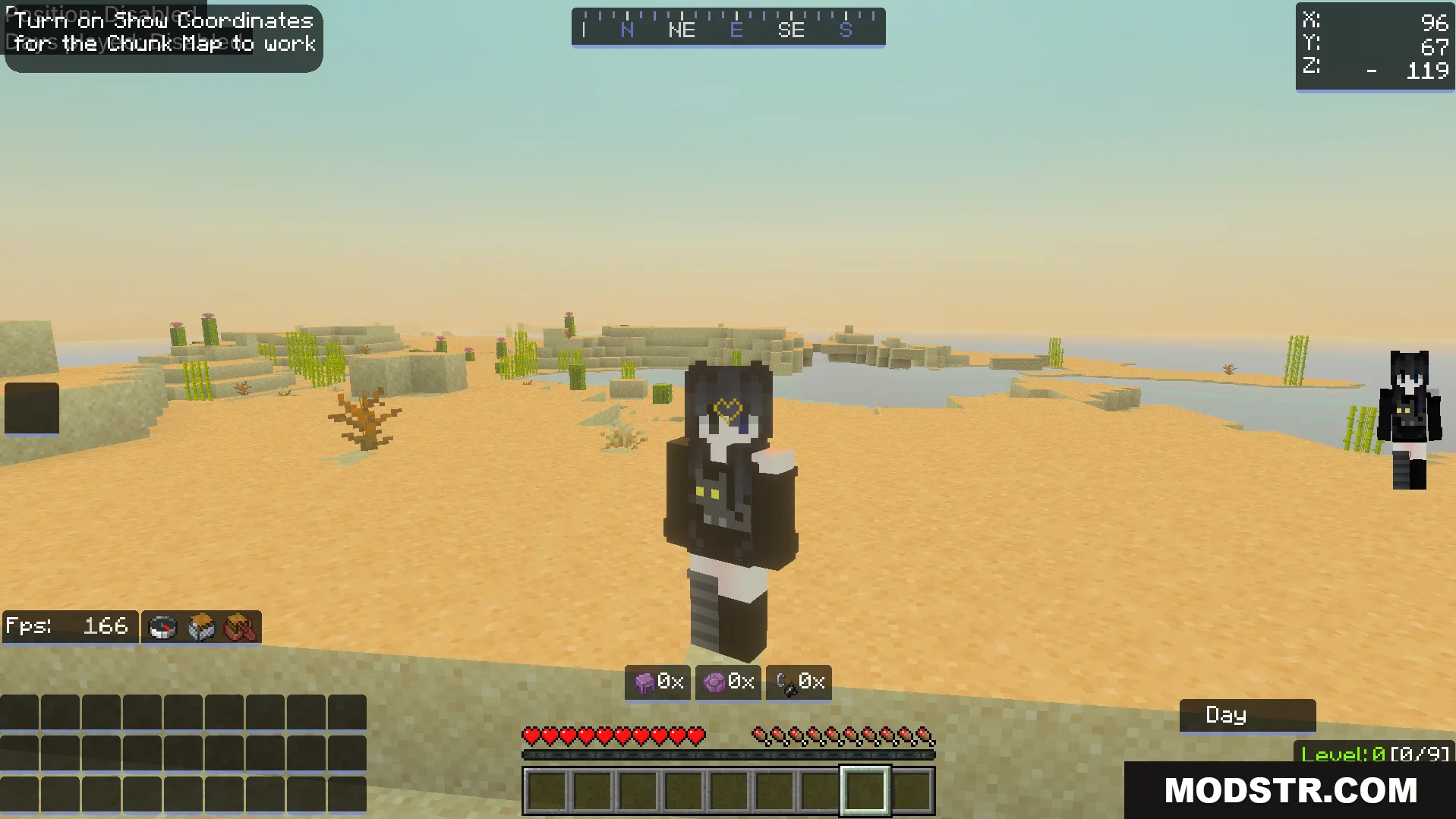
Glacier Client V6 is a texture pack that modifies your game menus and adds customization options for various UI elements. It works on all devices and includes tools to adjust your crosshair, hotbar, and overall interface layout.
Features
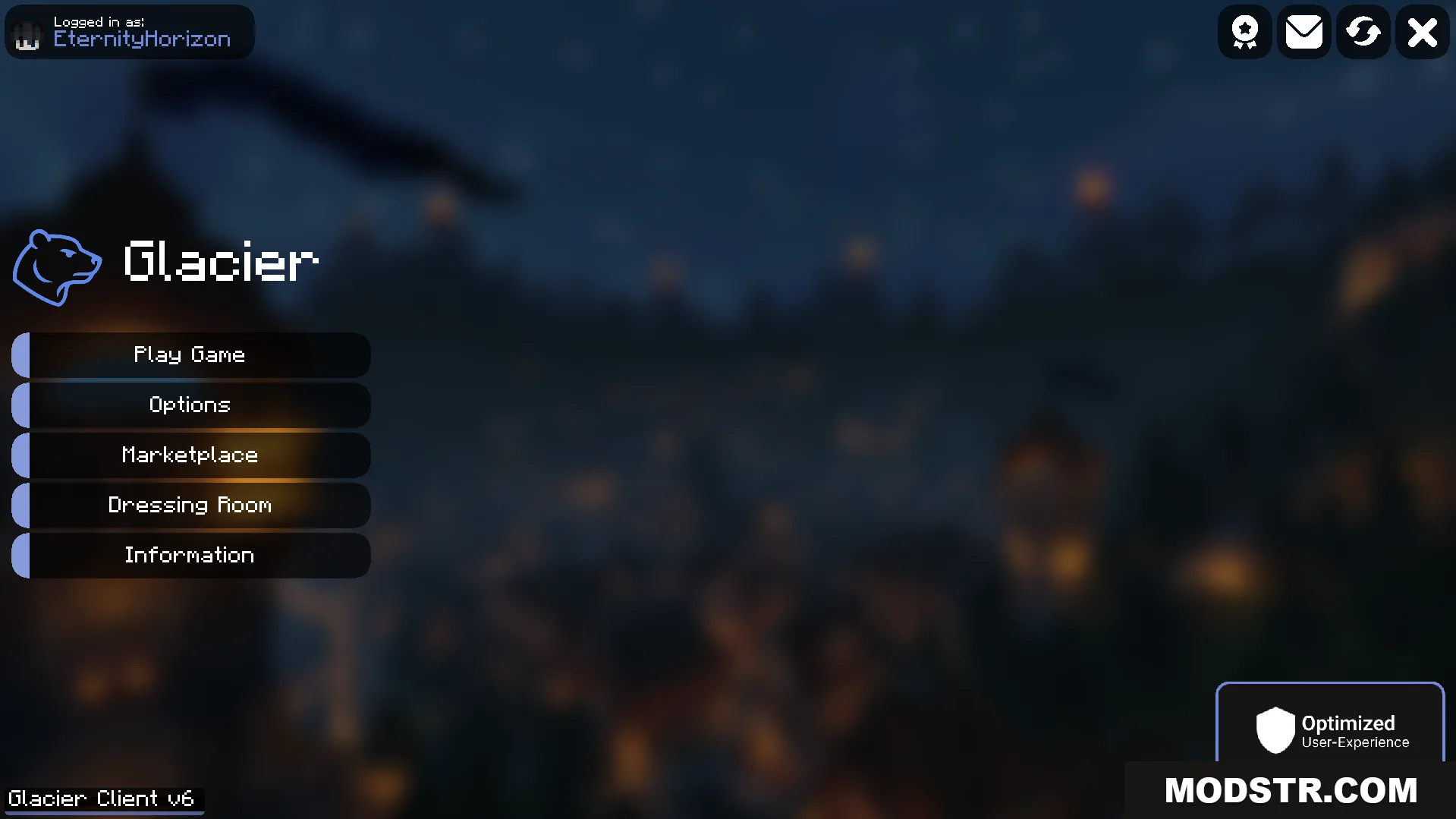
- Redesigns menu interface with new icons and hover text.
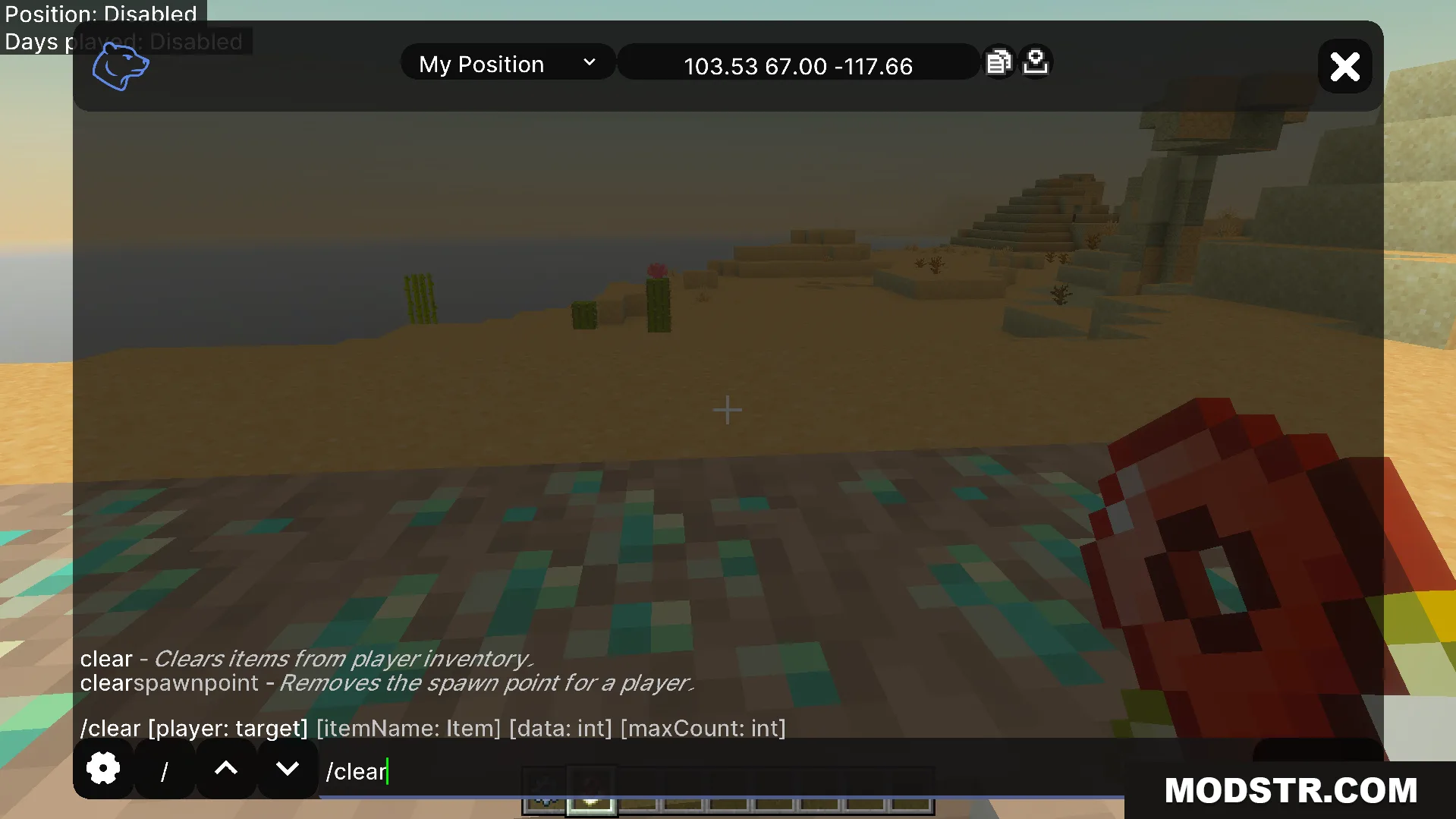
- Combines hotbar and crosshair customization into a single editor screen.
- Includes mobile buttons to toggle screen details and display armor information.
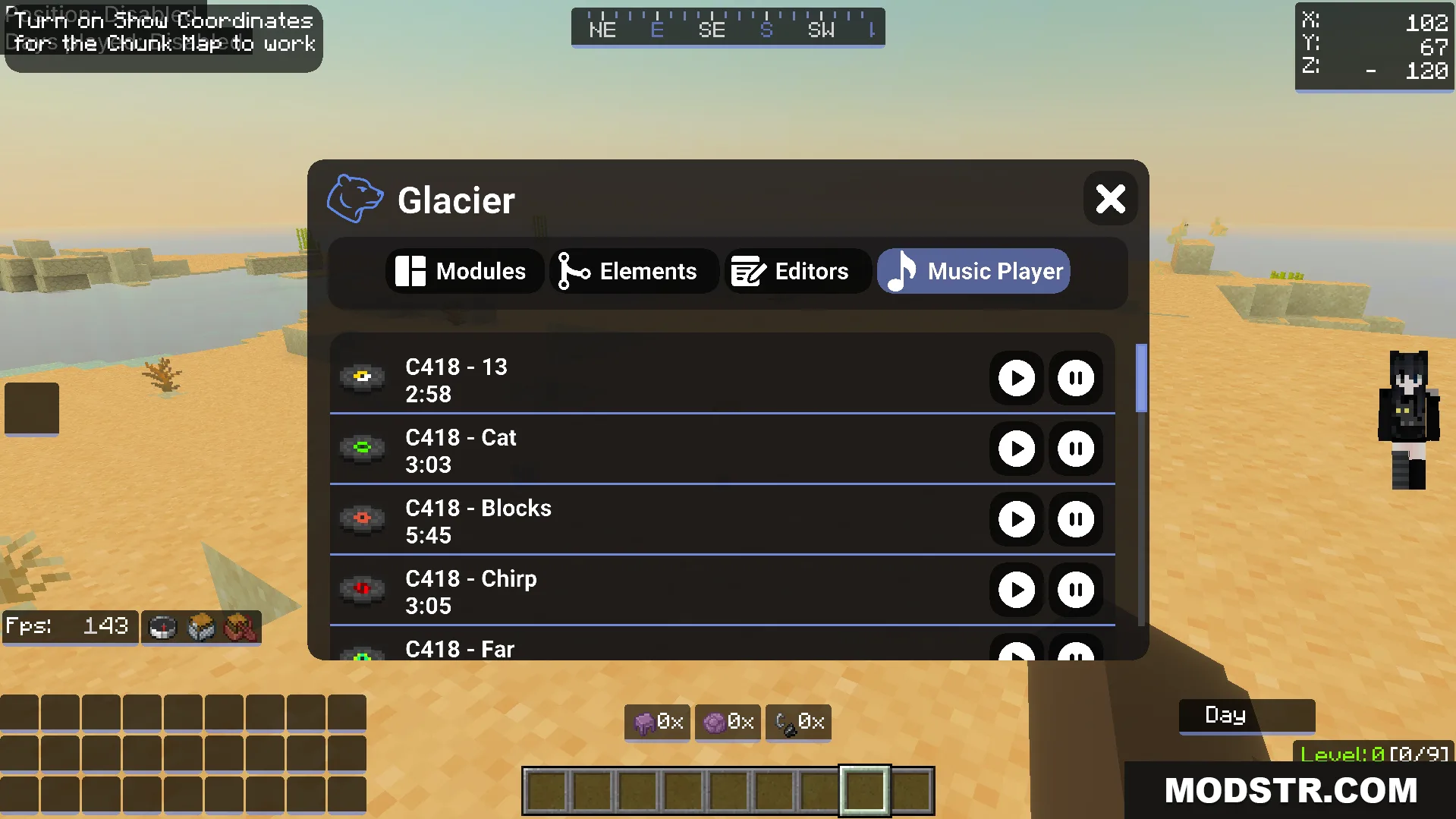
- Adds a built-in music player for listening to all music discs during gameplay.
- Provides eight color options for the experience bar with full customization controls.
Installation
- Download the texture pack file for Minecraft 1.21.
- Open your Minecraft launcher and navigate to the resource packs folder.
- Place the downloaded file into the resource packs directory.
- Launch Minecraft and select Glacier Client V6 from your active resource packs list.
- Adjust crosshair, hotbar, and other settings through the texture pack's menu options.
DOWNLOAD FILES
- mcpack
- mcpack