
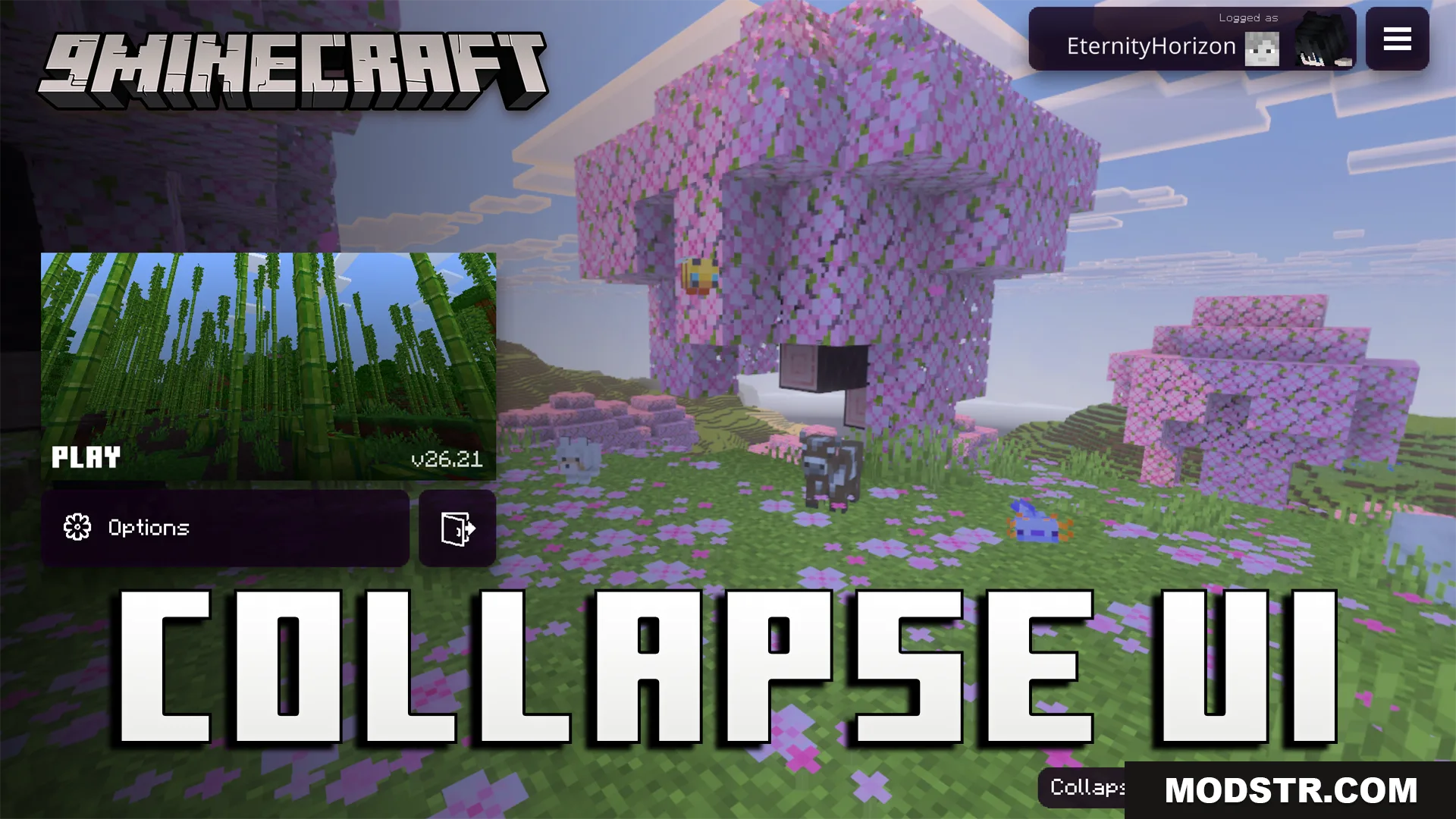
Collapse UI Texture Pack (26.x, 1.21) – Custom Console Style Menus For Bedrock
Console-style UI texture pack for Bedrock that redesigns menus with faster loading, controller-friendly options, and custom HUD elements.
- 1.21
Collapse UI Texture Pack reskins Bedrock Edition menus to match a console interface style. The pack includes optimized code for faster menu loading and adds mobile-friendly UI improvements throughout the game.
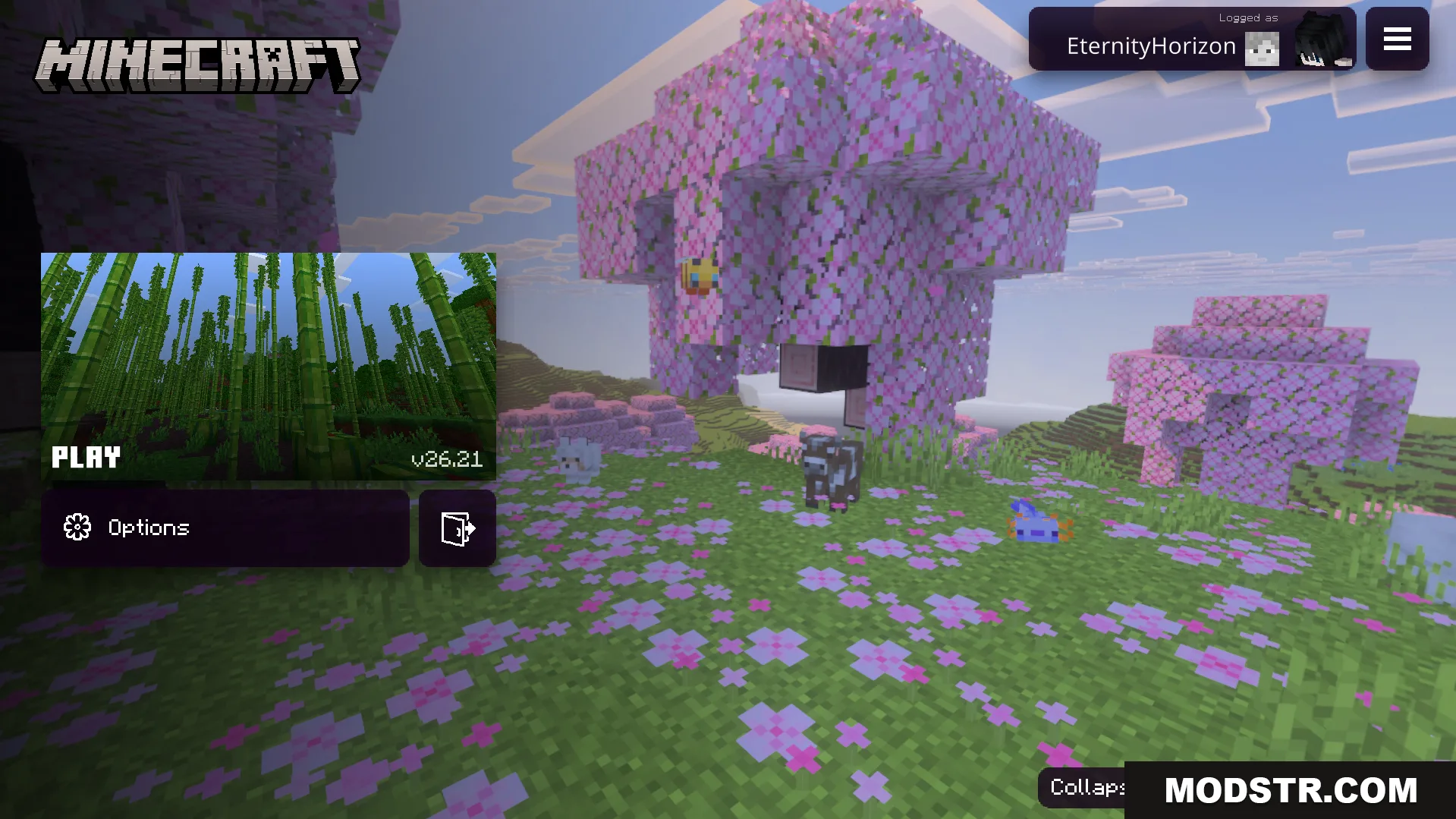
Features
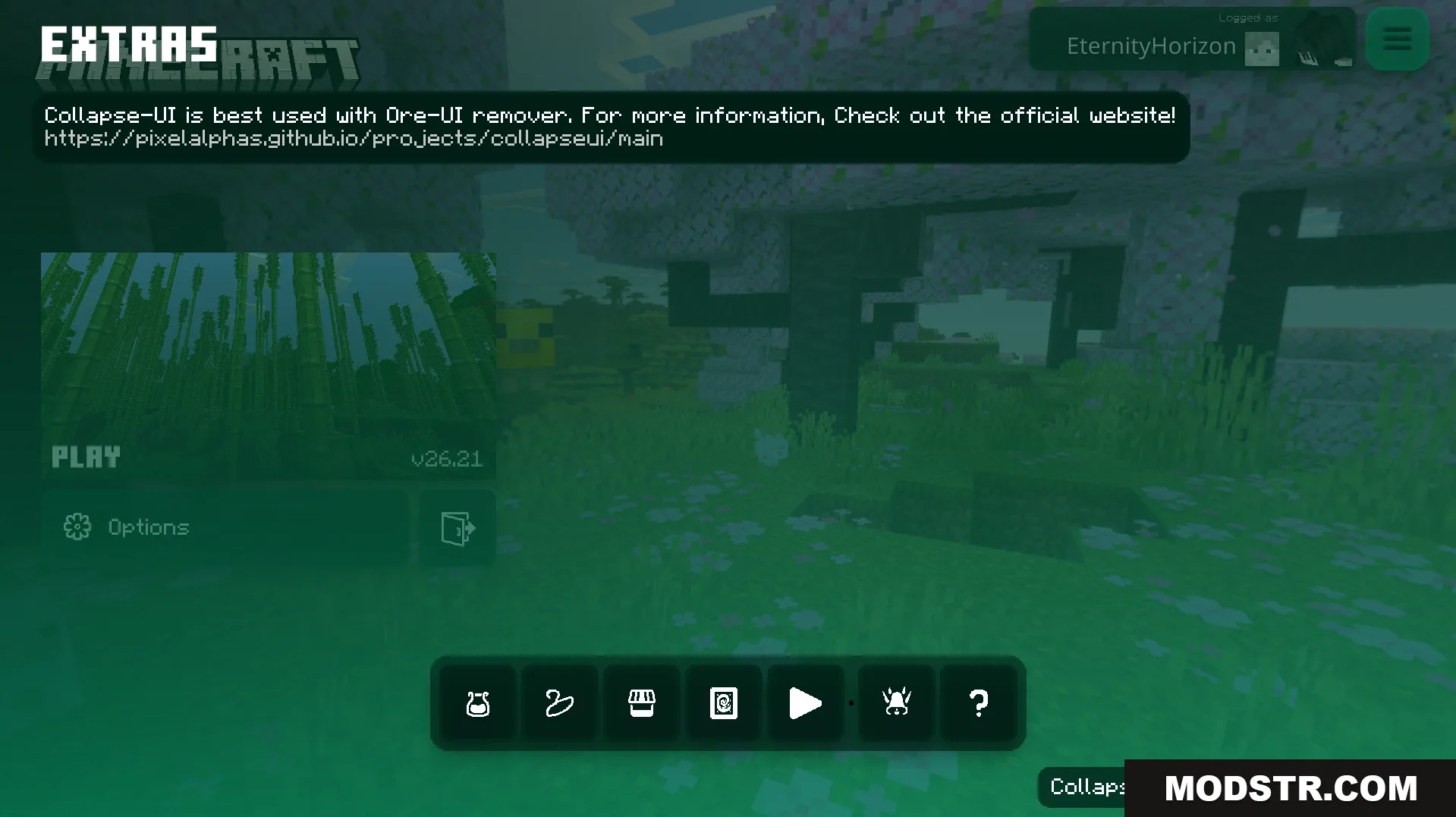
- Adds a dedicated menu with quick-access options for controller and keyboard layouts.
- Includes descriptive text within the settings screen for better clarity.
- Redesigns the safe zone configuration screen with a clean border outline.
- Updates the HUD with a themed experience bar and chat message display area.
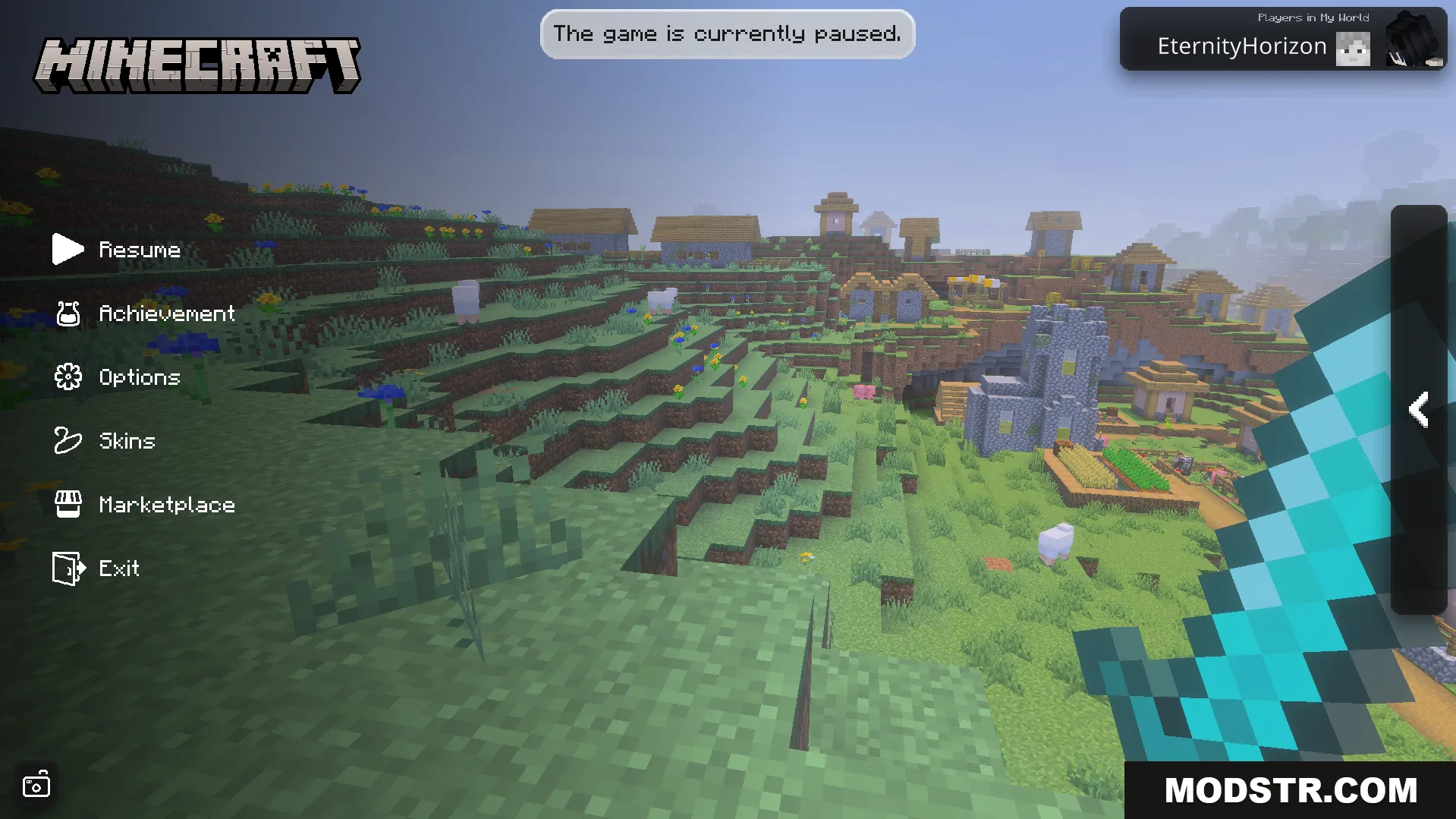
- Allows viewing the player list directly from the pause menu without additional navigation.
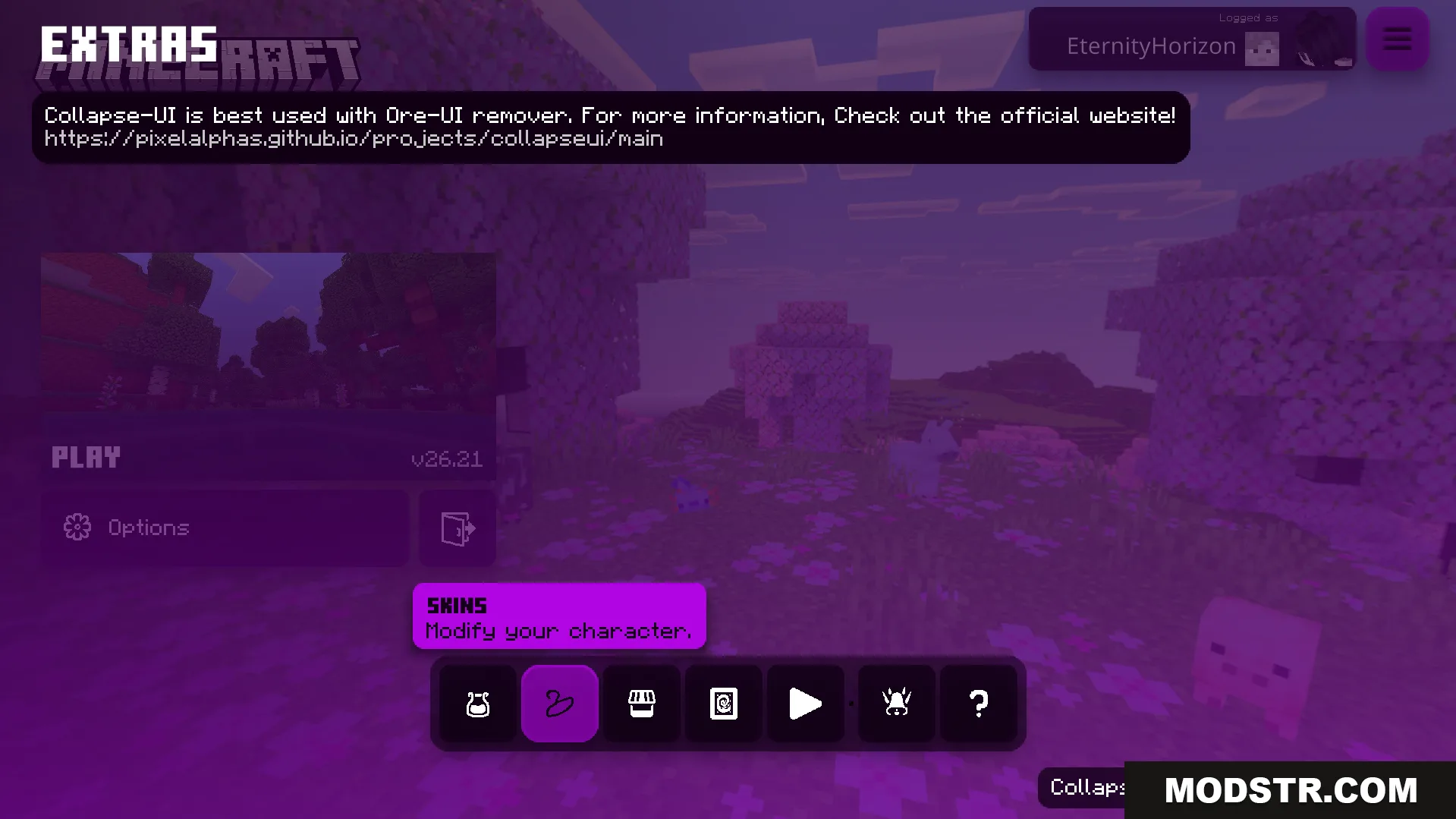
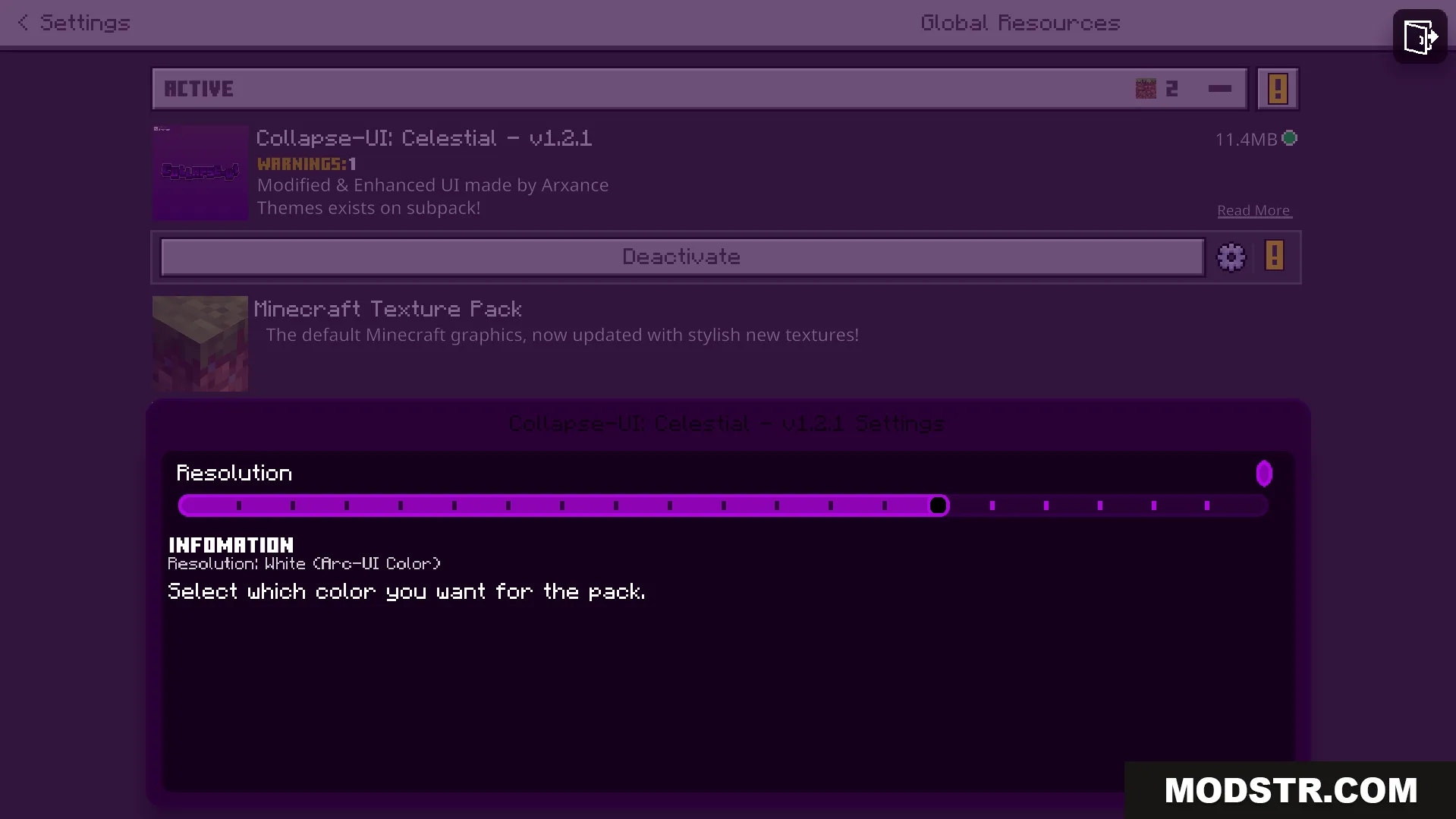
Configuration
The texture pack supports customization through a configuration file, letting you adjust settings to suit your preferences.
Installation
- Download the texture pack file.
- Open Minecraft Bedrock Edition.
- Go to Settings and select Resource Packs.
- Click Add Pack and choose the downloaded file.
- Apply the pack and restart the game.
Compatibility
This texture pack is designed for Minecraft Bedrock Edition version 26.x and 1.21.
DOWNLOAD FILES
- mcpack
- mcaddon