
Visible Og Ores Plus Texture Pack (1.21, 1.20) – MCPE/Bedrock
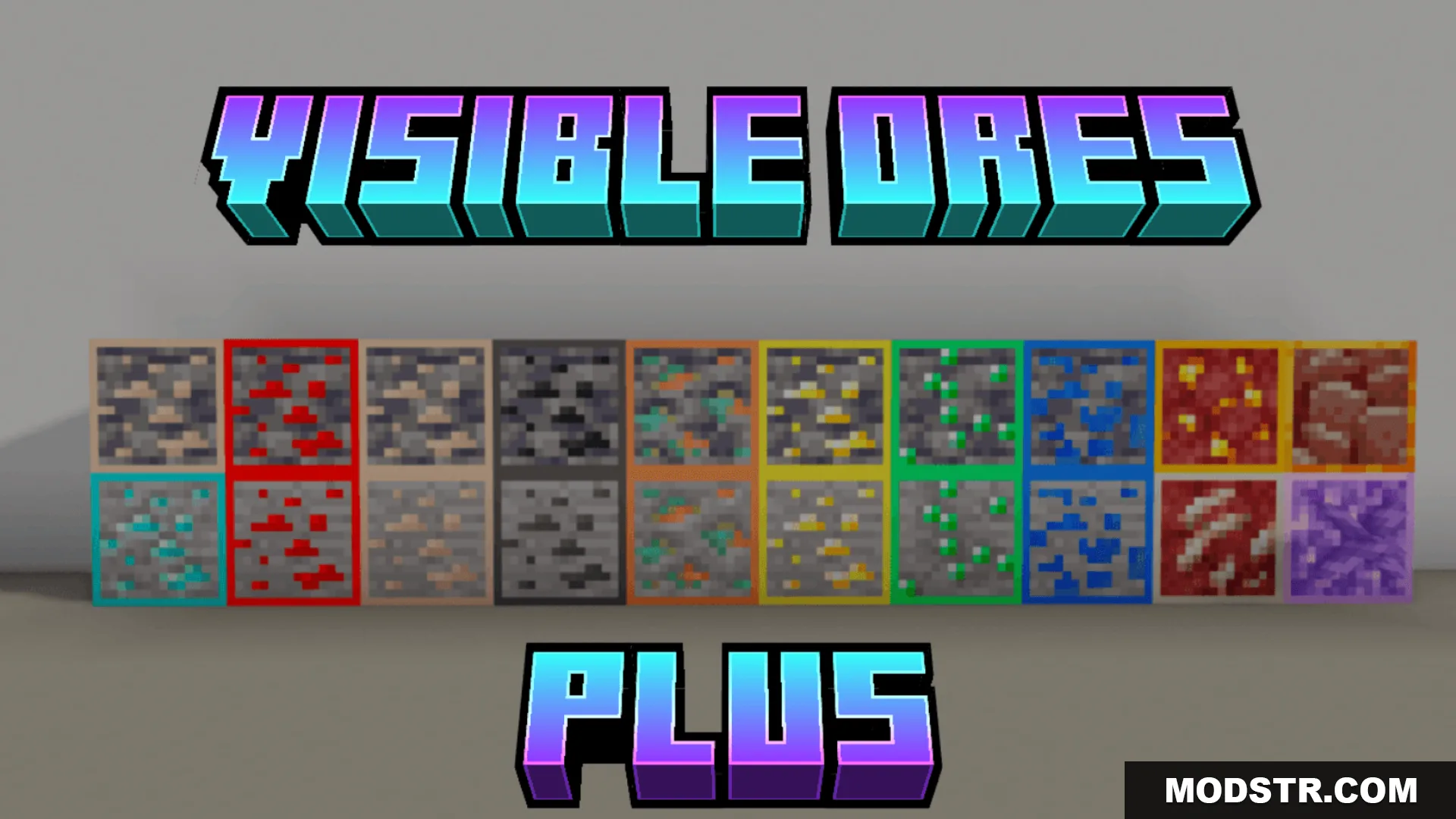
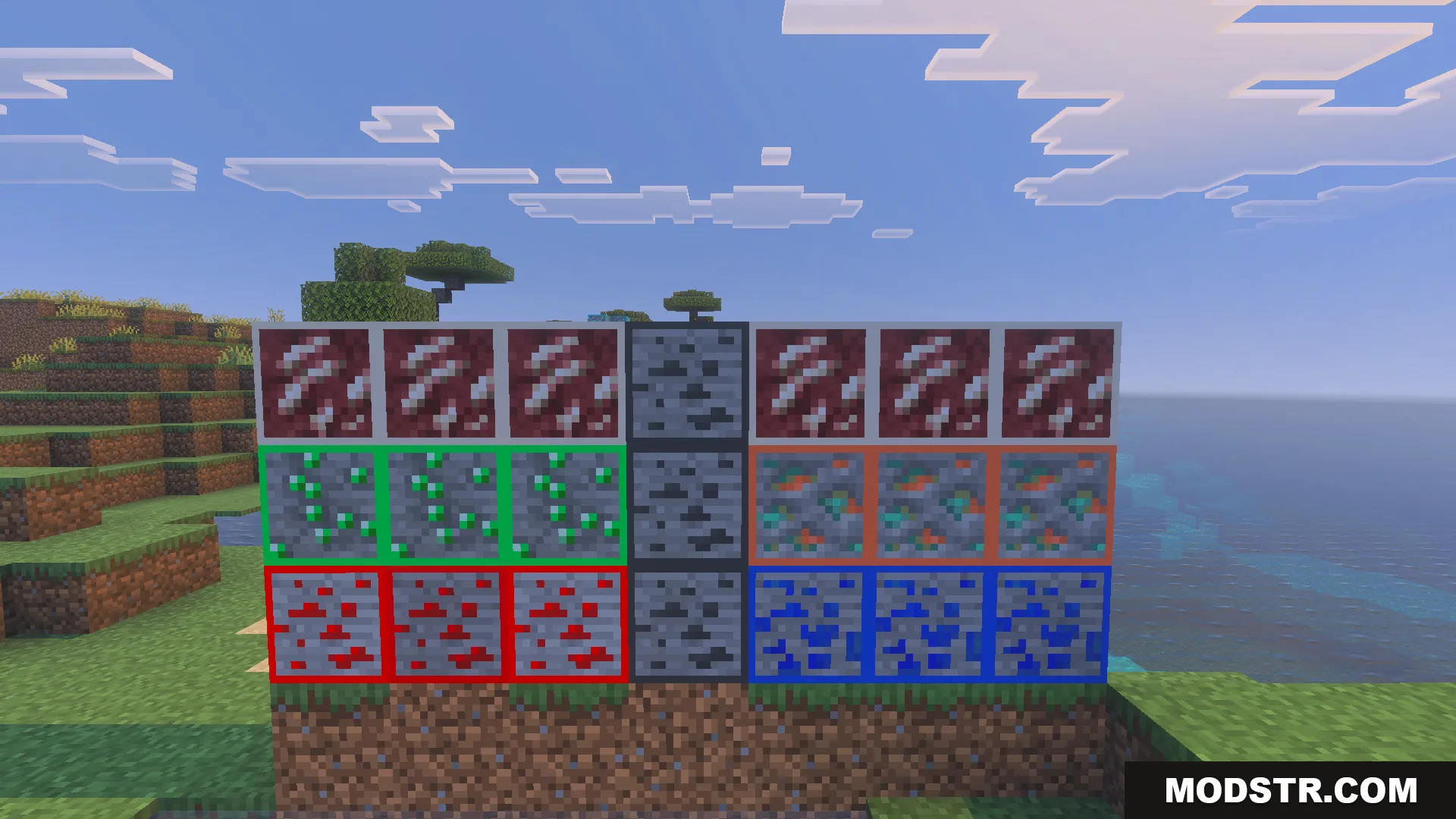
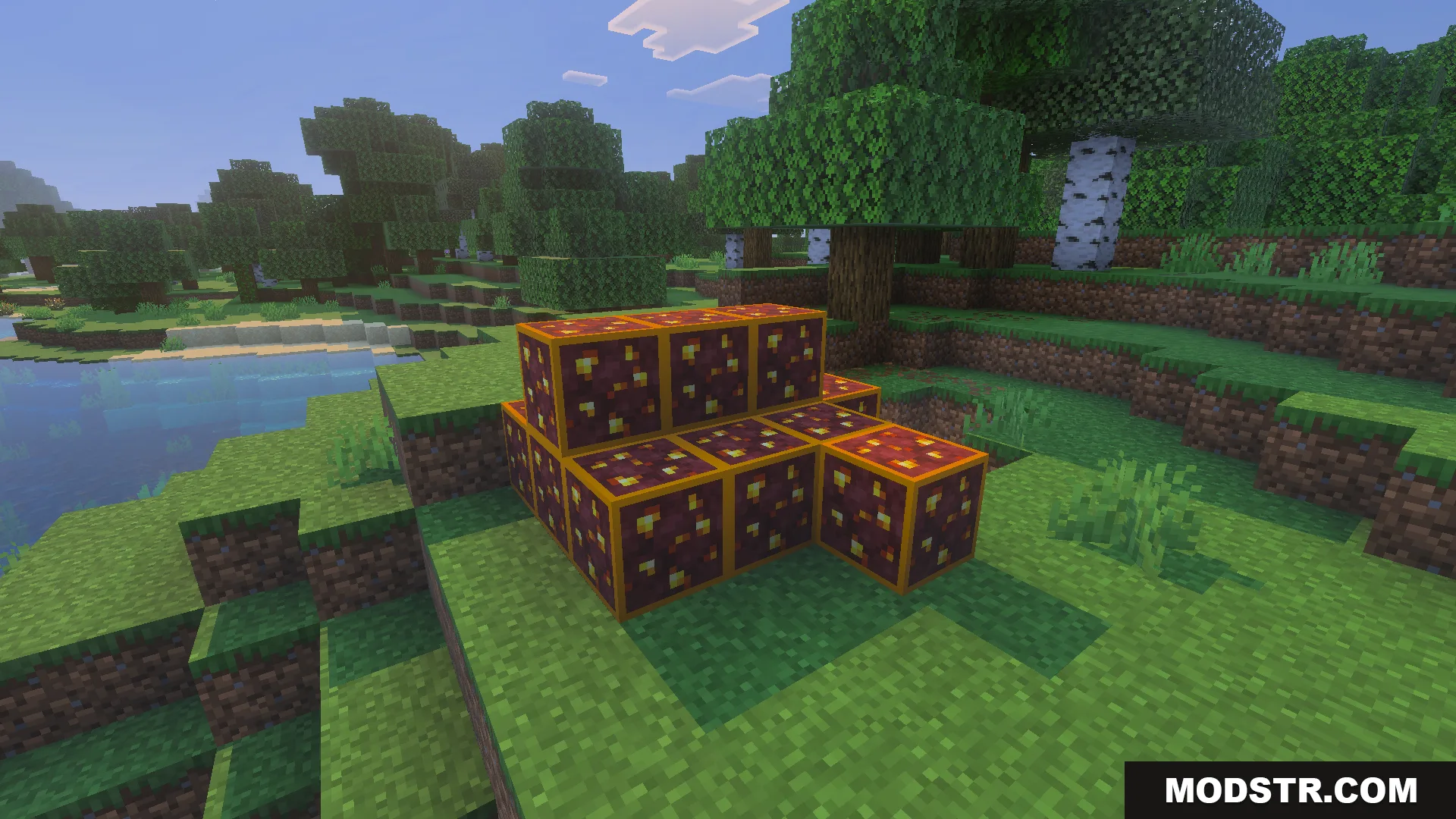
Texture pack that makes ores glow and stand out from stone, restoring their classic pre-Caves Update appearance with added sparkly flowers.
- 1.21
- 1.20
- 1.19
- 1.18
Visible Og Ores Plus is a texture pack that modifies ore appearance to make resource gathering easier. Ores emit a glow in dark conditions and contrast sharply against surrounding stone blocks, while the pack restores the classic ore visuals from before the Caves & Cliffs update and includes sparkly flower textures.
Features
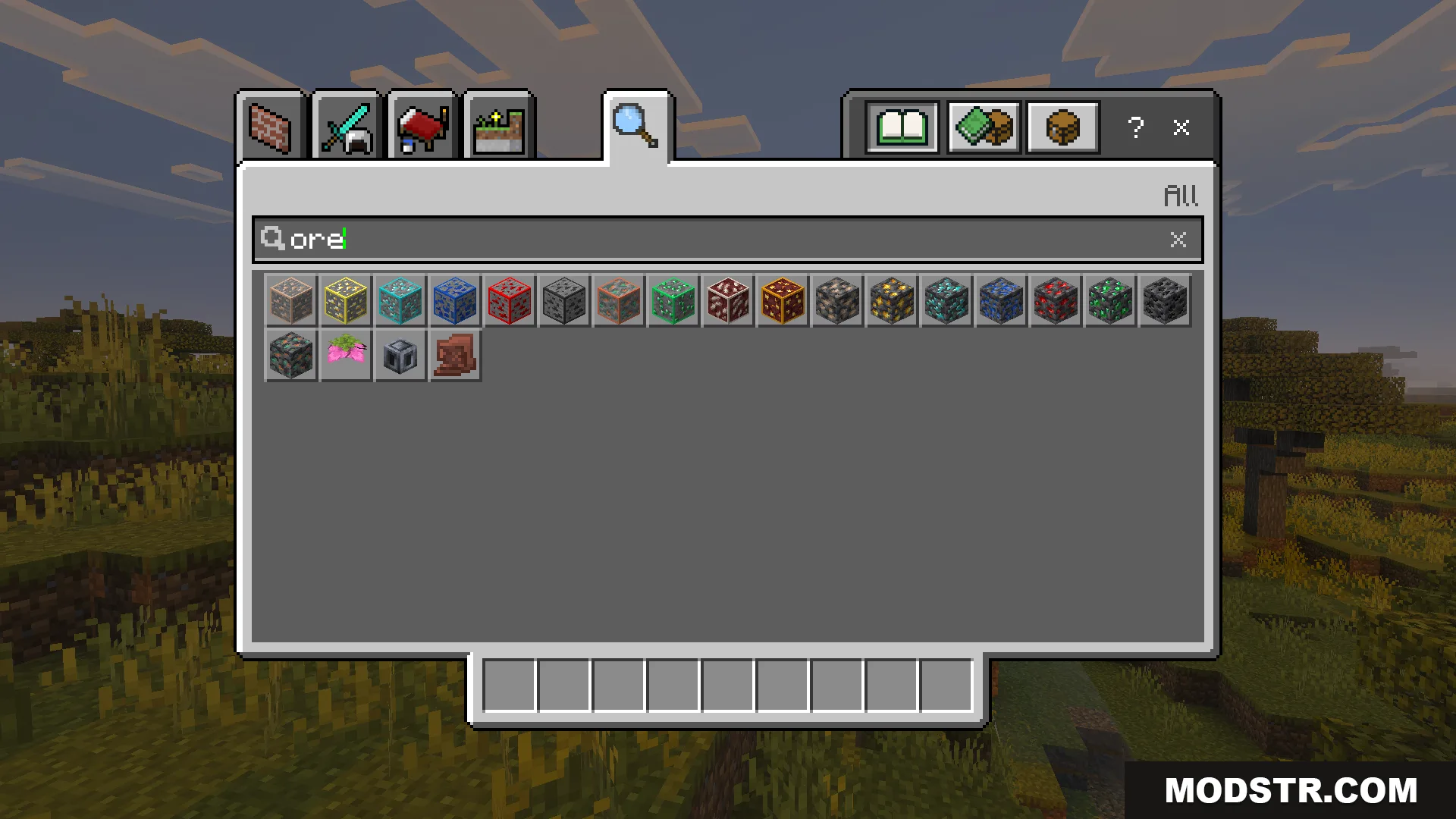
- Ores glow in dark environments for improved visibility.
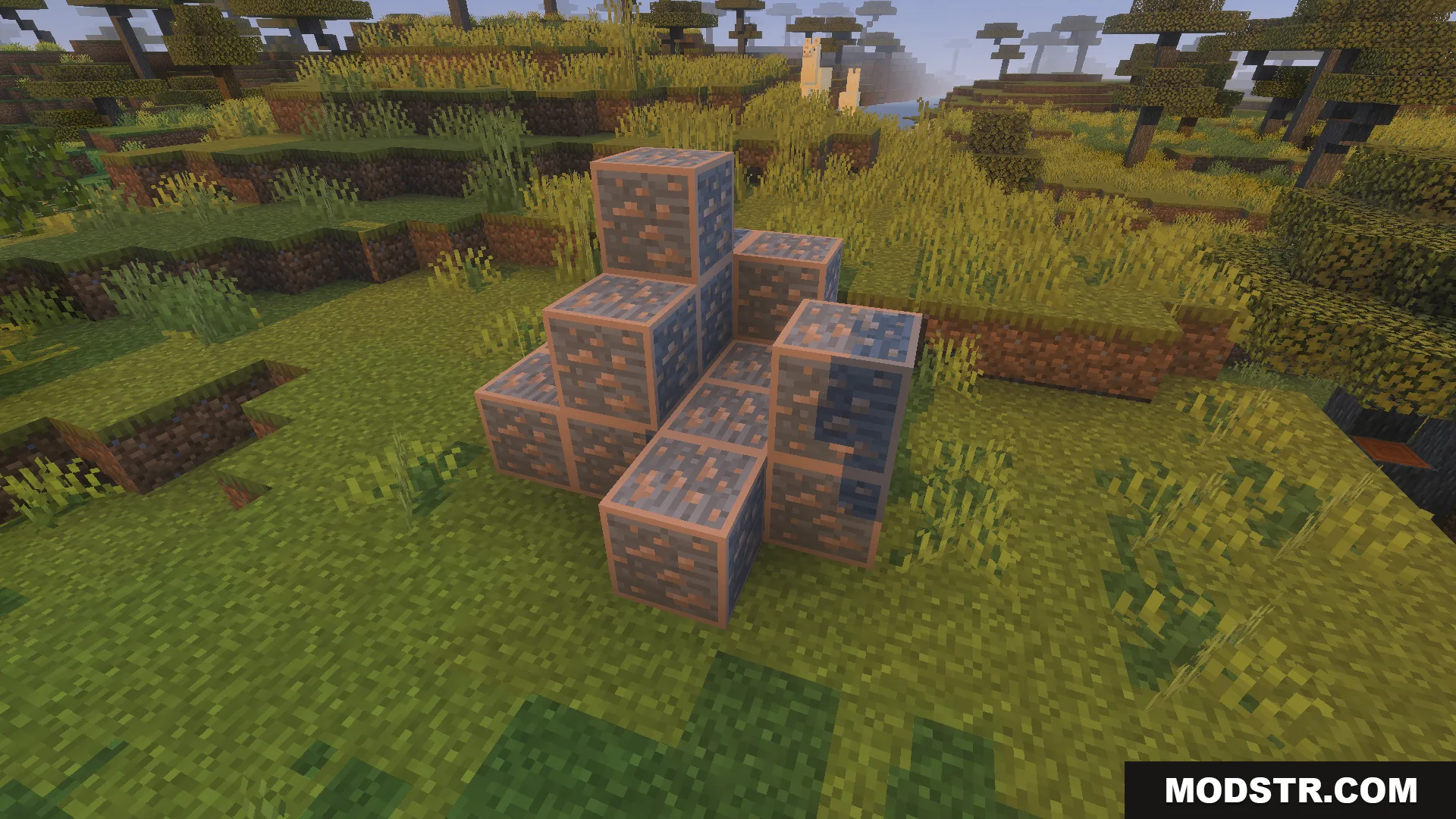
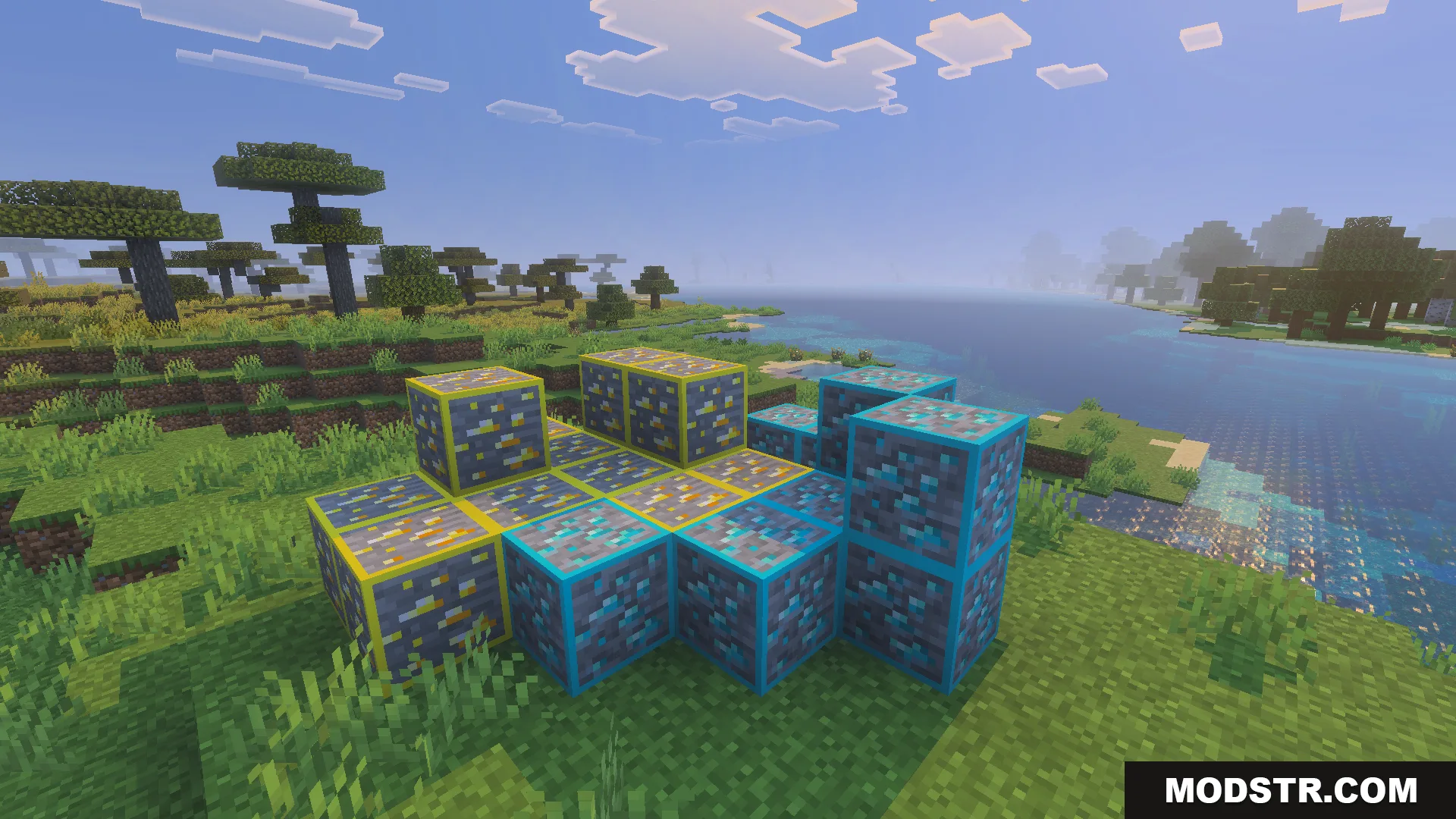
- Ore textures contrast distinctly with stone blocks.
- Restores classic ore appearance from before the Caves & Cliffs update.
- Adds sparkly flower textures.
Installation
- Download the texture pack file.
- Open Minecraft and navigate to Settings.
- Select Resource Packs and choose the downloaded file to activate.
- Apply the pack and create or load a world to see the changes.
Compatibility
This texture pack is designed for Minecraft Bedrock Edition and works on versions 1.21 and 1.20.
DOWNLOAD FILES
- mcpack