
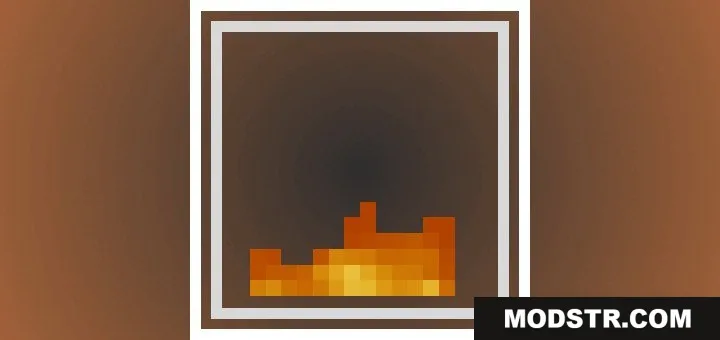
Low Fire Texture Pack (26.x, 1.21) – Adjustable Fire Height Sliders
The Low Fire Texture Pack modifies fire visuals to enhance clarity during gameplay. This pack is designed for players looking to improve visibility while in combat or survival scenarios.
- 1.21
Features
- Reduces the height of fire on your screen.
- Improves your vision during combat and survival gameplay.
- Works perfectly with vibrant visual settings.
- Includes a new pixelated fire icon for fuel indicators.
- Adjusts easily from the resource pack menu.
Installation
- Download the resource pack file.
- Open Minecraft and navigate to the Options menu.
- Select Resource Packs and choose Open Resource Pack Folder.
- Place the downloaded file into the folder.
- Return to Minecraft and activate the resource pack from the menu.
Configuration
You can change the fire height by clicking the settings gear icon next to the resource pack. A slider bar lets you adjust the fire resolution up to level nine.
DOWNLOAD FILES
- mcaddon