
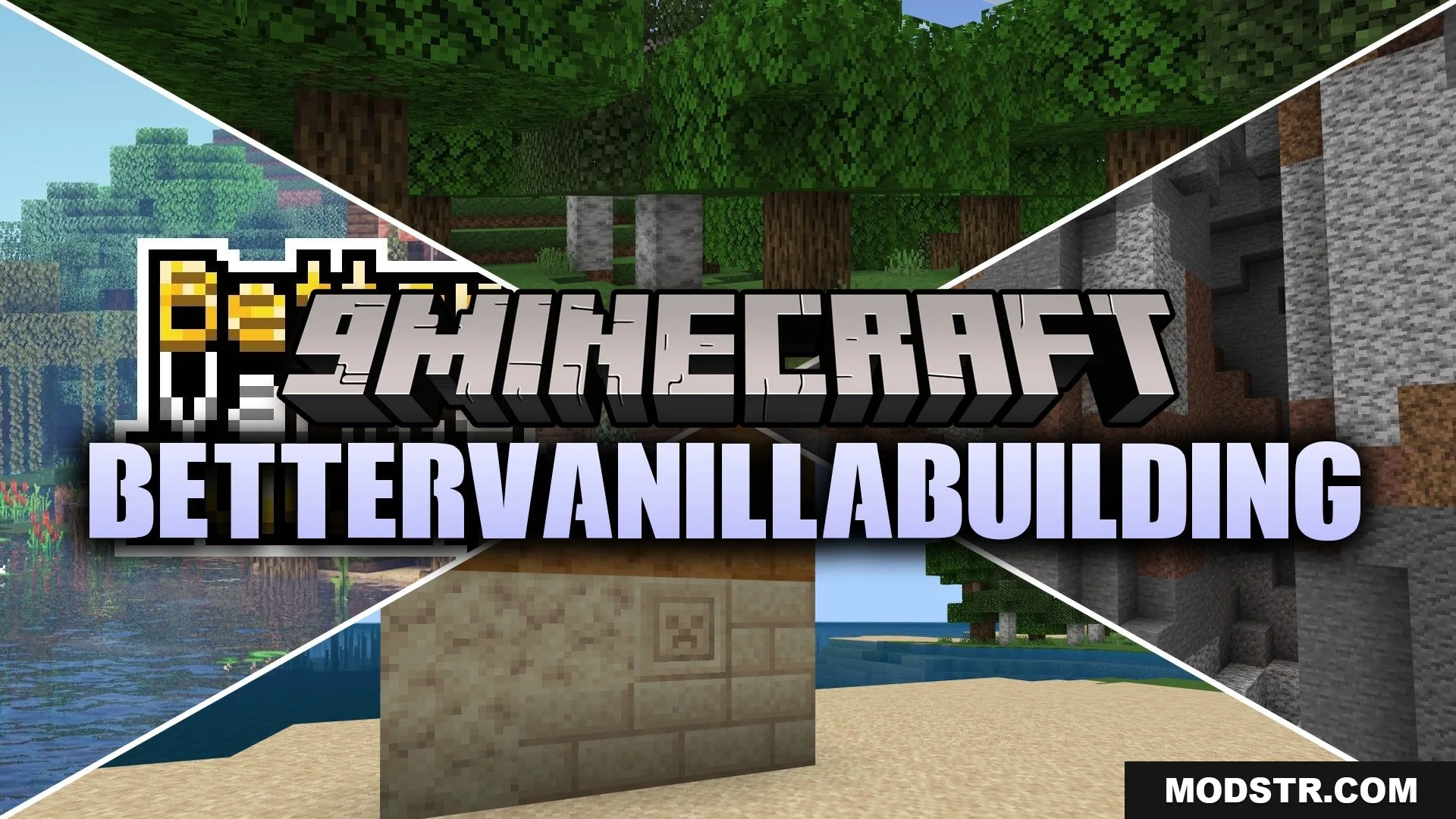
BetterVanillaBuilding Texture Pack (1.21, 1.19) – Enhanced Building Textures
This texture pack alters the appearance of standard blocks, providing a refreshed aesthetic for building in Minecraft. Designed for players seeking an enhanced visual experience, it offers updated textures for various in-game blocks.
- 1.21
- 1.19
BetterVanillaBuilding Texture Pack modifies the textures of standard blocks to give players a renewed perspective on building in Minecraft. This pack is suitable for anyone looking to improve the visual quality of their game world.
Features
- Retextures many standard vanilla blocks.
- Updates the look of sand blocks.
- Changes underground block appearances.
- Improves the style of the overworld.
- Adds custom armor sets over time.
Installation
- Download the texture pack file.
- Open Minecraft and go to the Options menu.
- Select Resource Packs.
- Click on Open Pack Folder and move the downloaded file into this folder.
- Return to the game and select the pack to apply it.
DOWNLOAD FILES
- mcpack