
Clear Glass Texture Pack v5 (26.x, 1.21) – MCPE/Bedrock
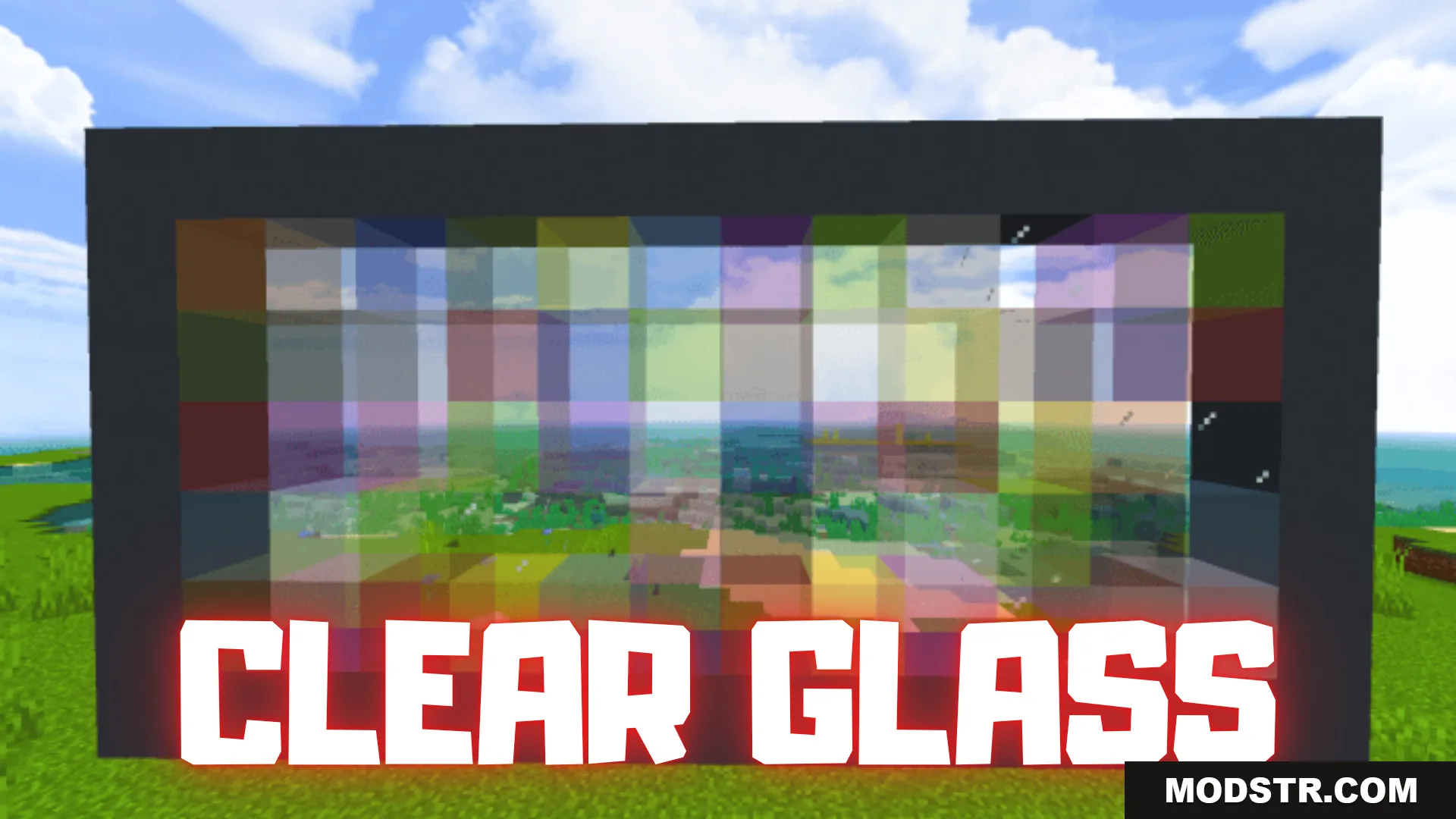
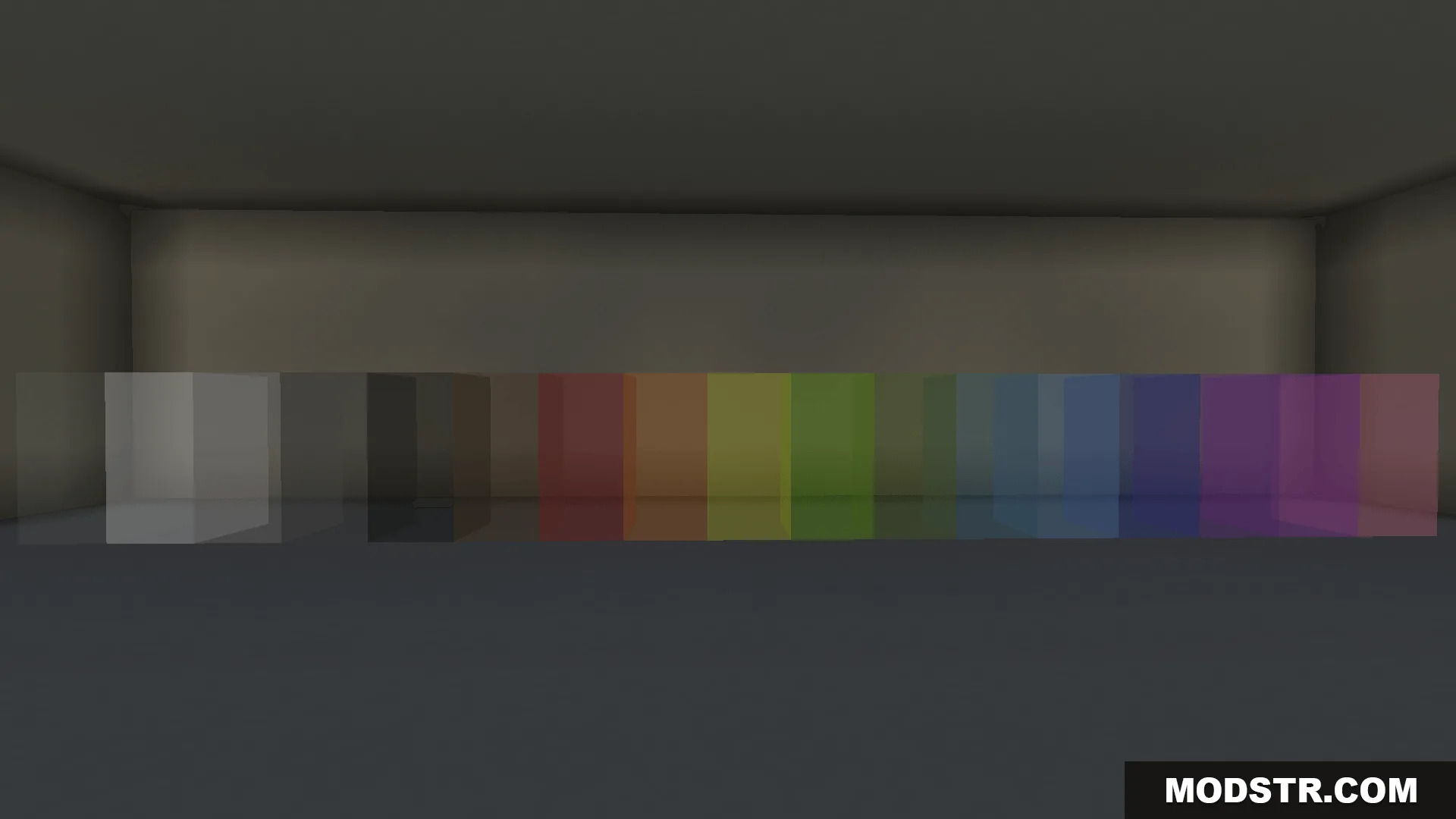
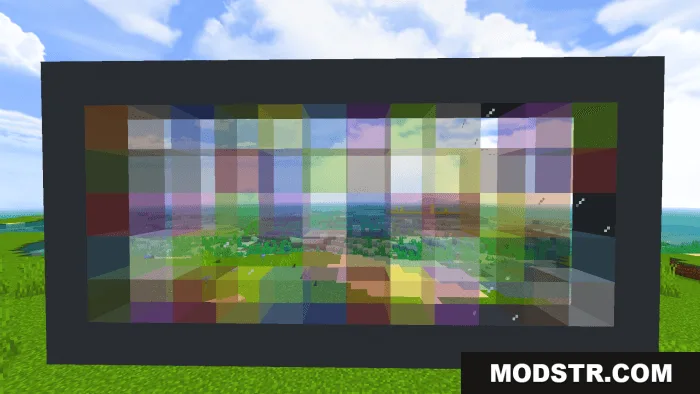
Texture pack that removes the default glass texture's visual noise and edges, making glass blocks fully transparent for clearer sightlines in Minecraft Bedrock.
- 1.21
- 1.20
- 1.19
- 1.18
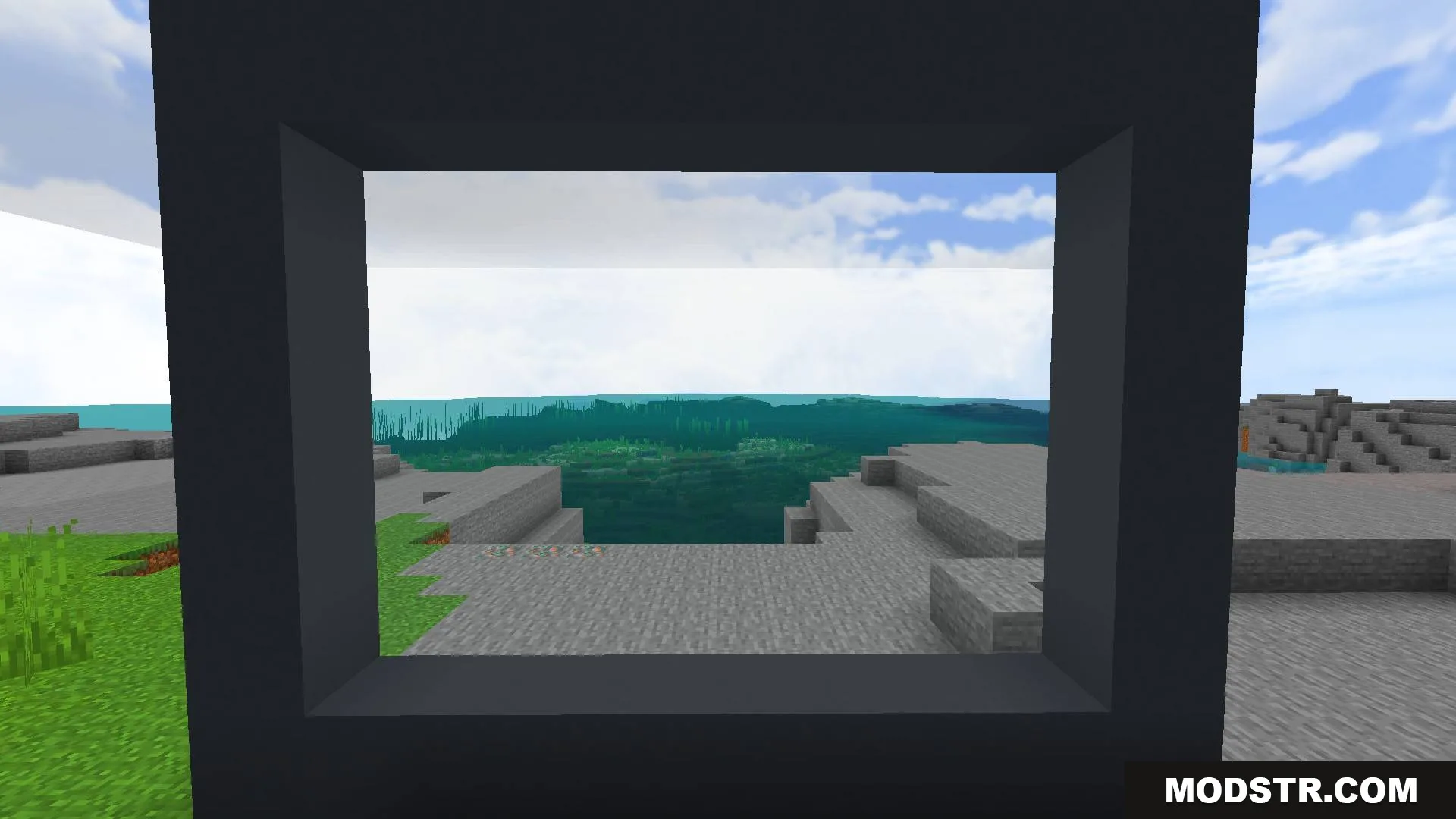
Clear Glass Texture Pack v5 modifies the glass block texture to be completely transparent without the default pixelated or jagged appearance. This allows you to see through glass blocks with minimal visual obstruction, making it useful for windows, builds, and sightlines where clarity matters.
Features
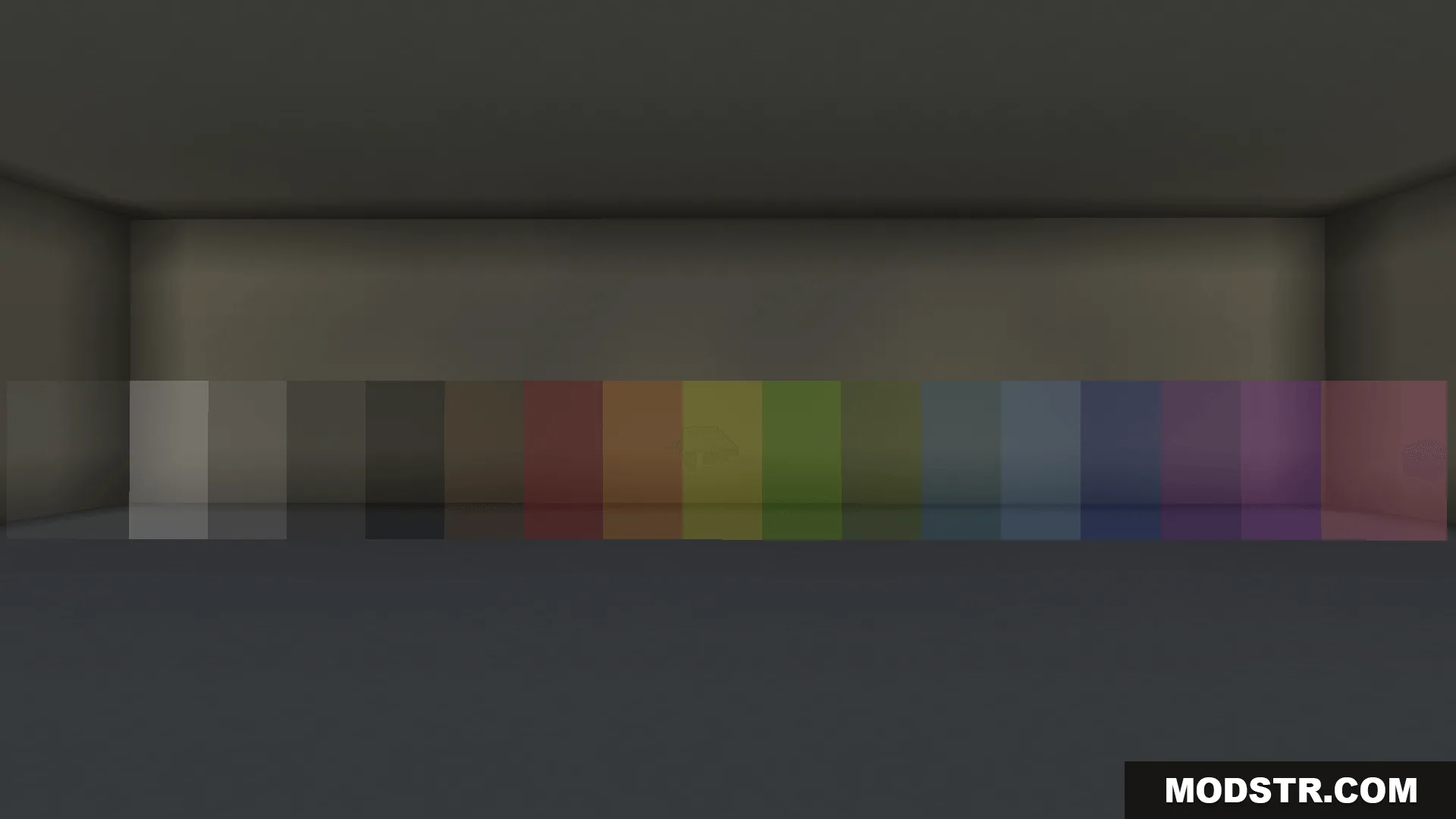
- Removes the blurry default glass texture details.
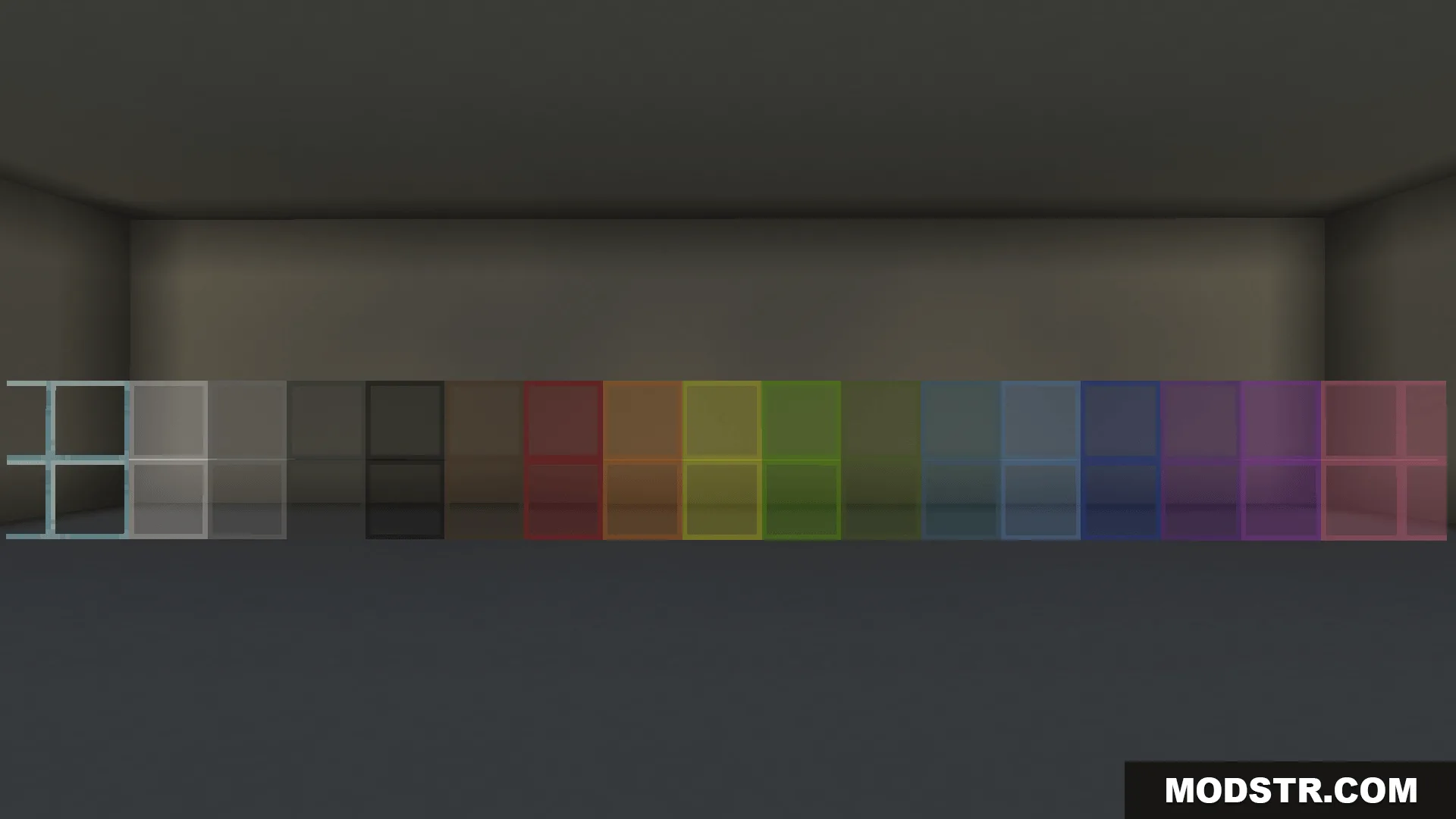
- Eliminates jagged edges on glass blocks.
- Makes glass fully transparent for unobstructed vision.
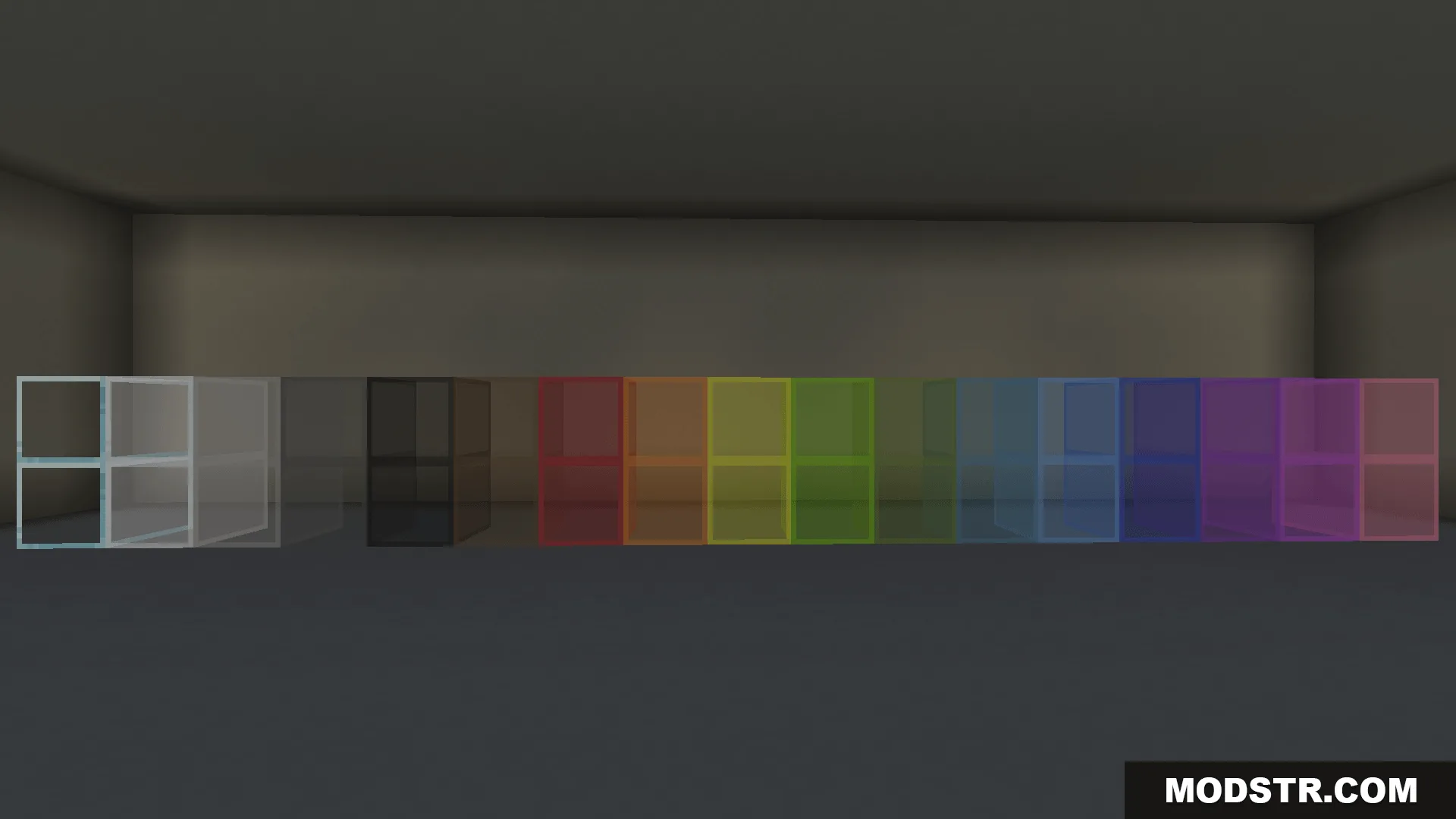
- Works with standard glass blocks in your builds.
Installation
- Download the texture pack file.
- Open Minecraft Bedrock Edition.
- Navigate to Settings and select Resource Packs.
- Choose to import the downloaded pack.
- Activate the pack in your world or game settings.
Compatibility
This pack is designed for Minecraft Bedrock Edition version 1.21 and supports resource pack format 26.x.
DOWNLOAD FILES
- mcpack
- mcpack