
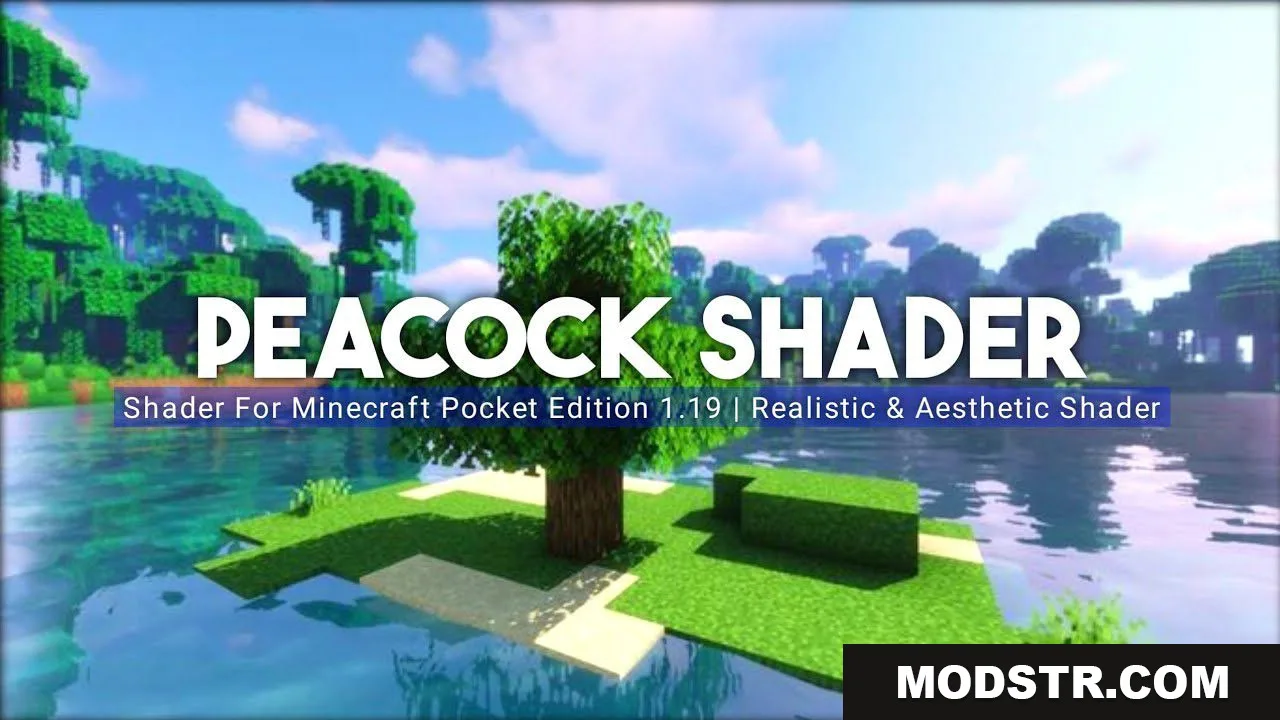
Peacock Shader (26.x, 1.19) – Aesthetic Shaders for Render Dragon
A lightweight shader for Render Dragon designed for low-end devices with 2-8GB RAM. Features pale lighting, heavy fog effects, and performance optimization.
- 1.19
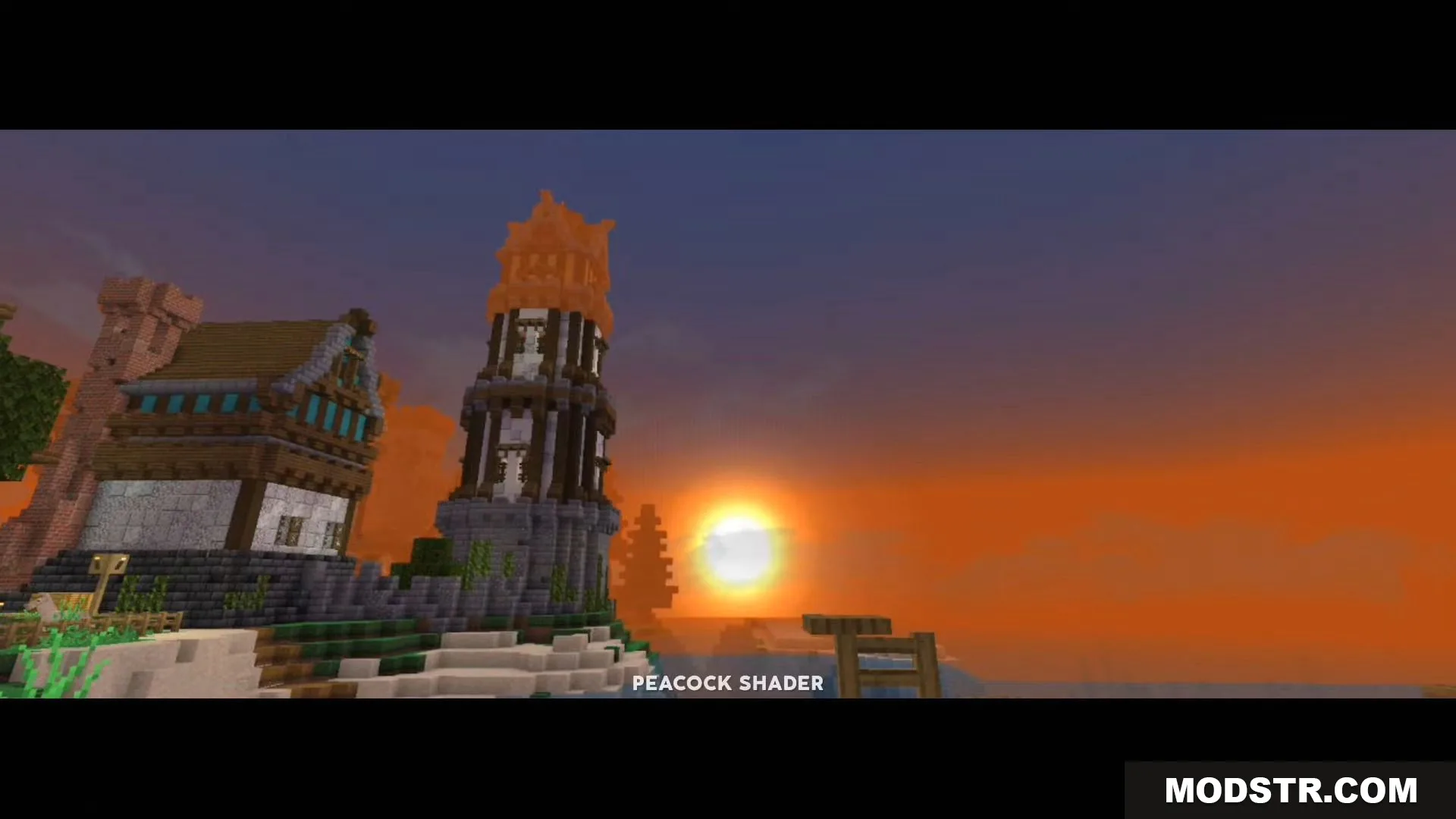
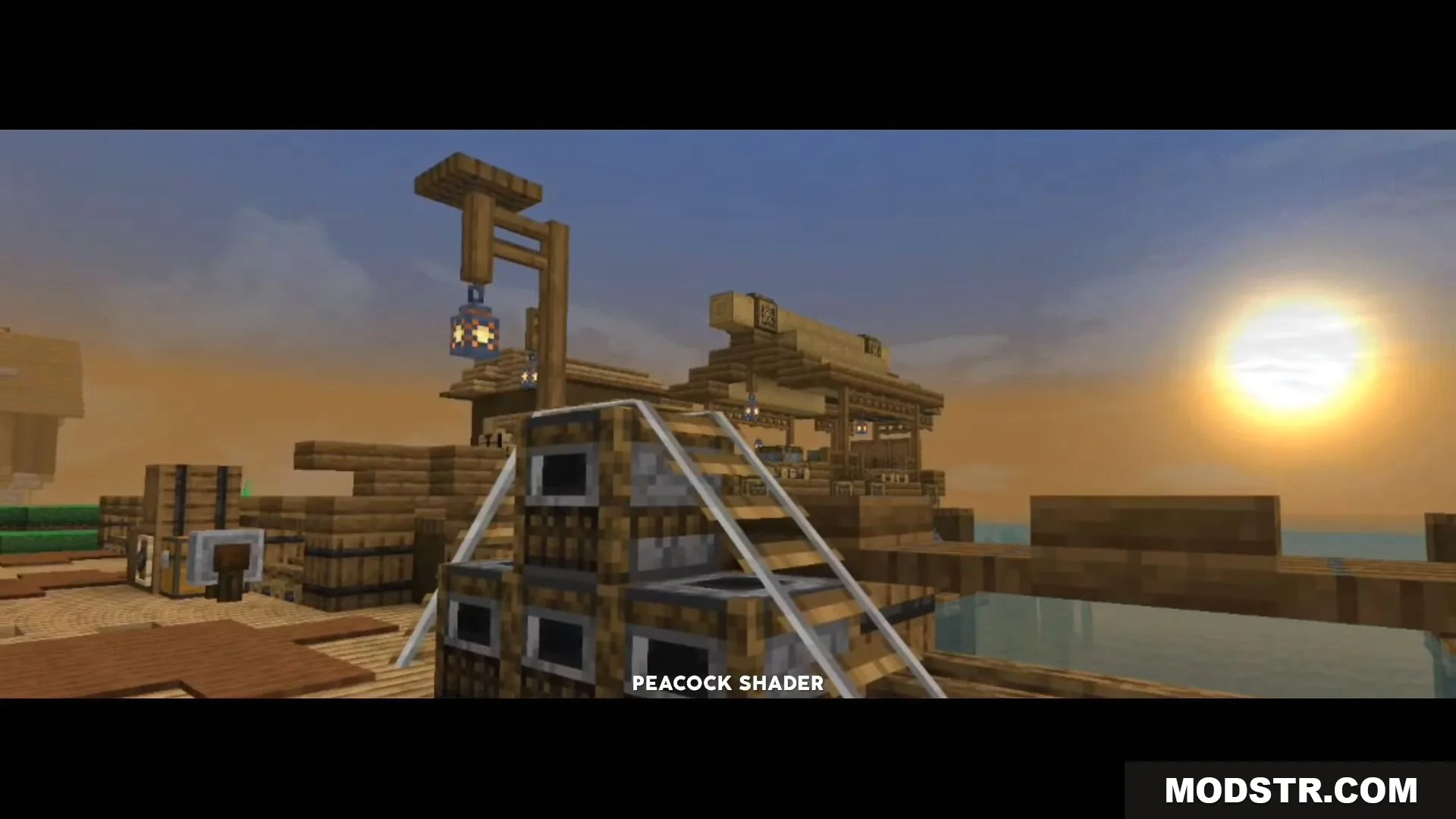
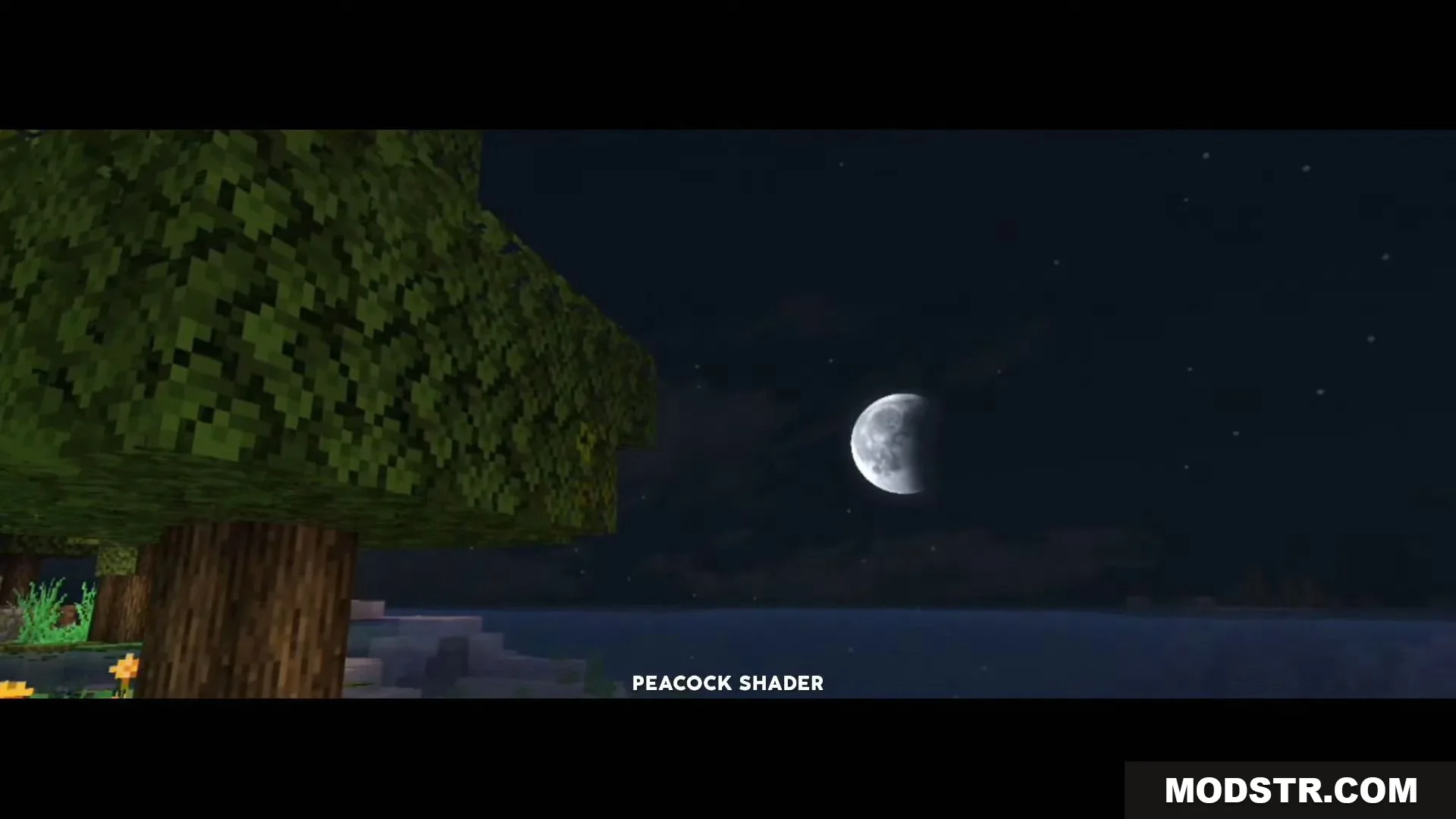
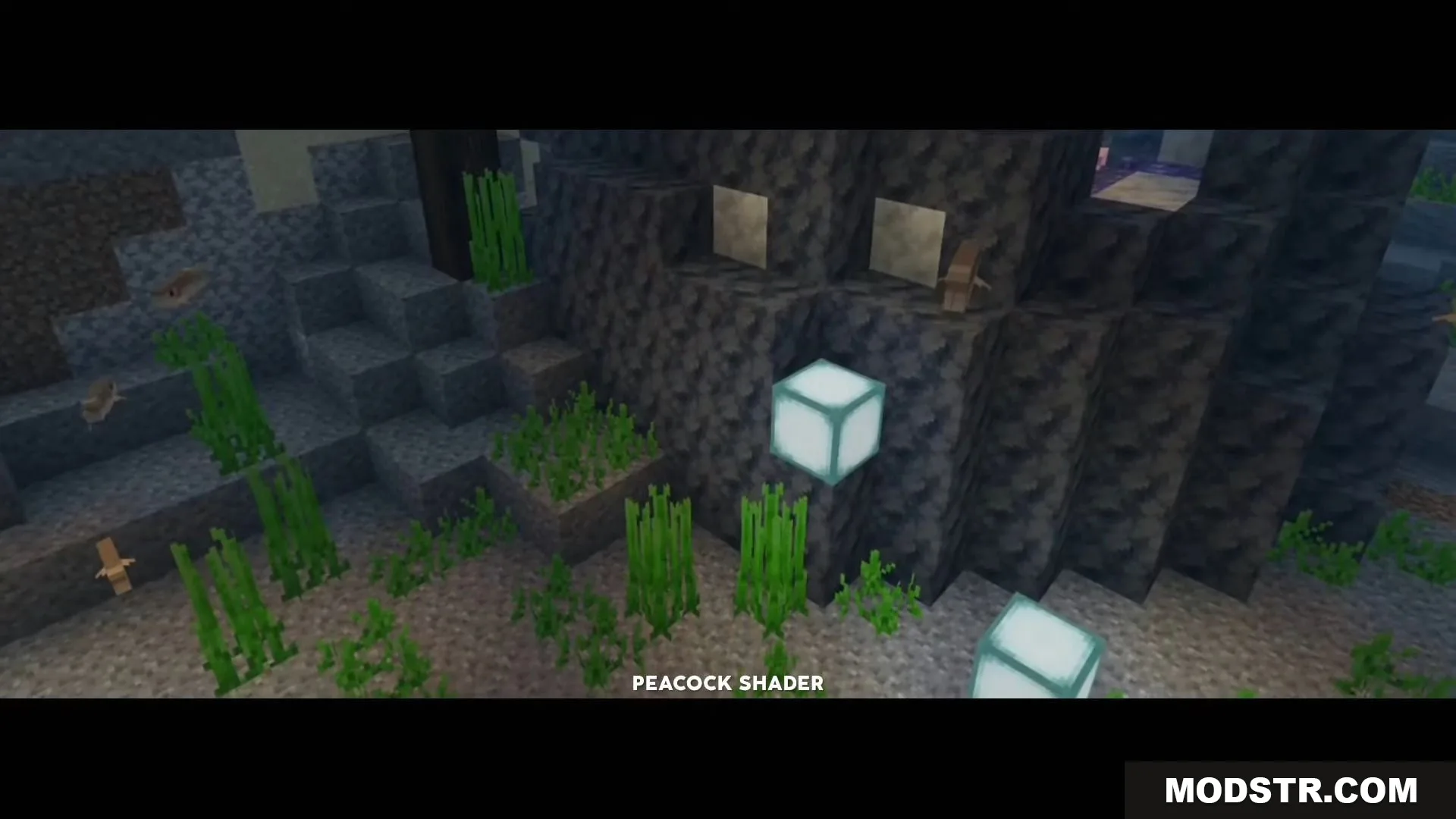
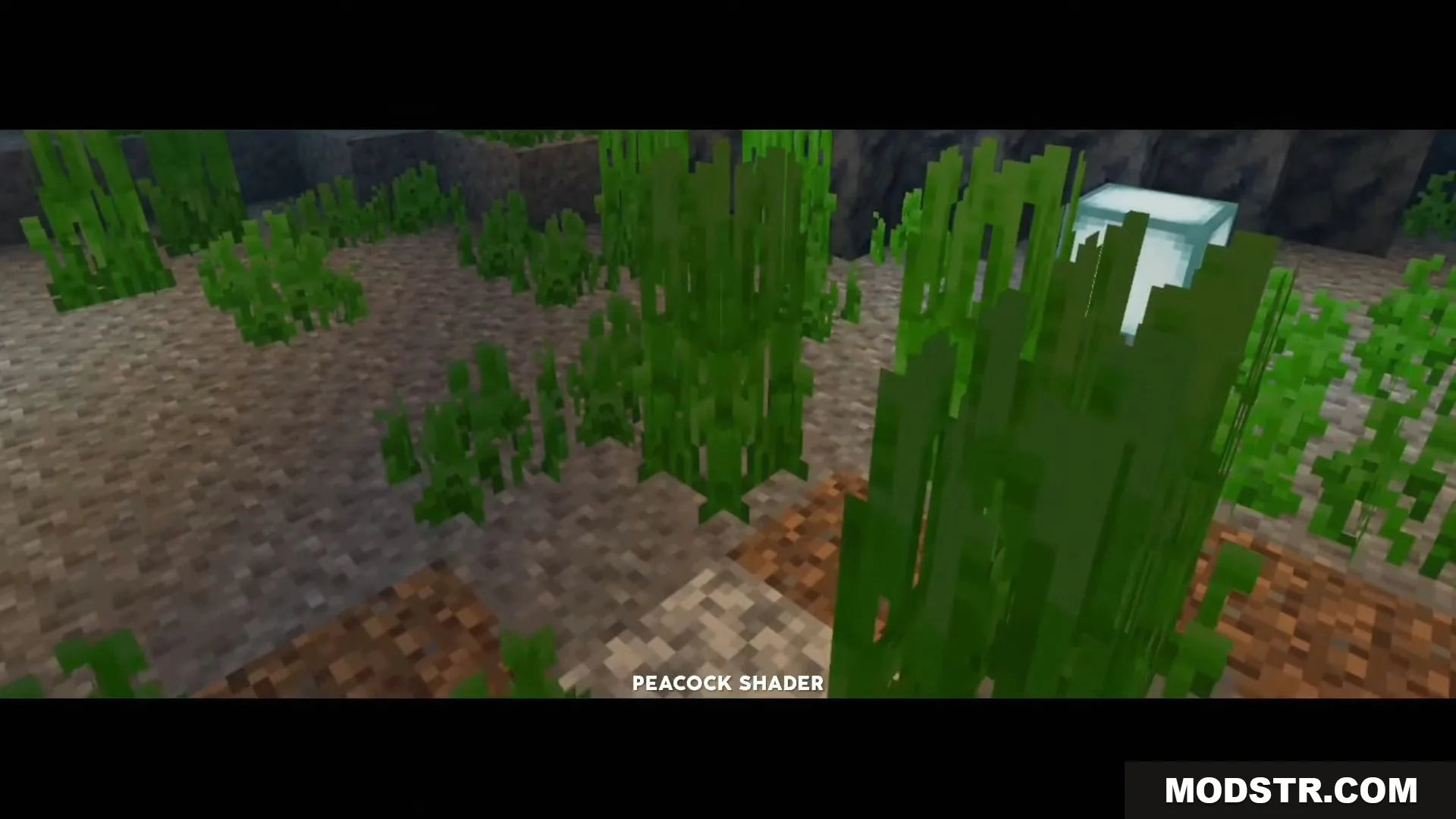
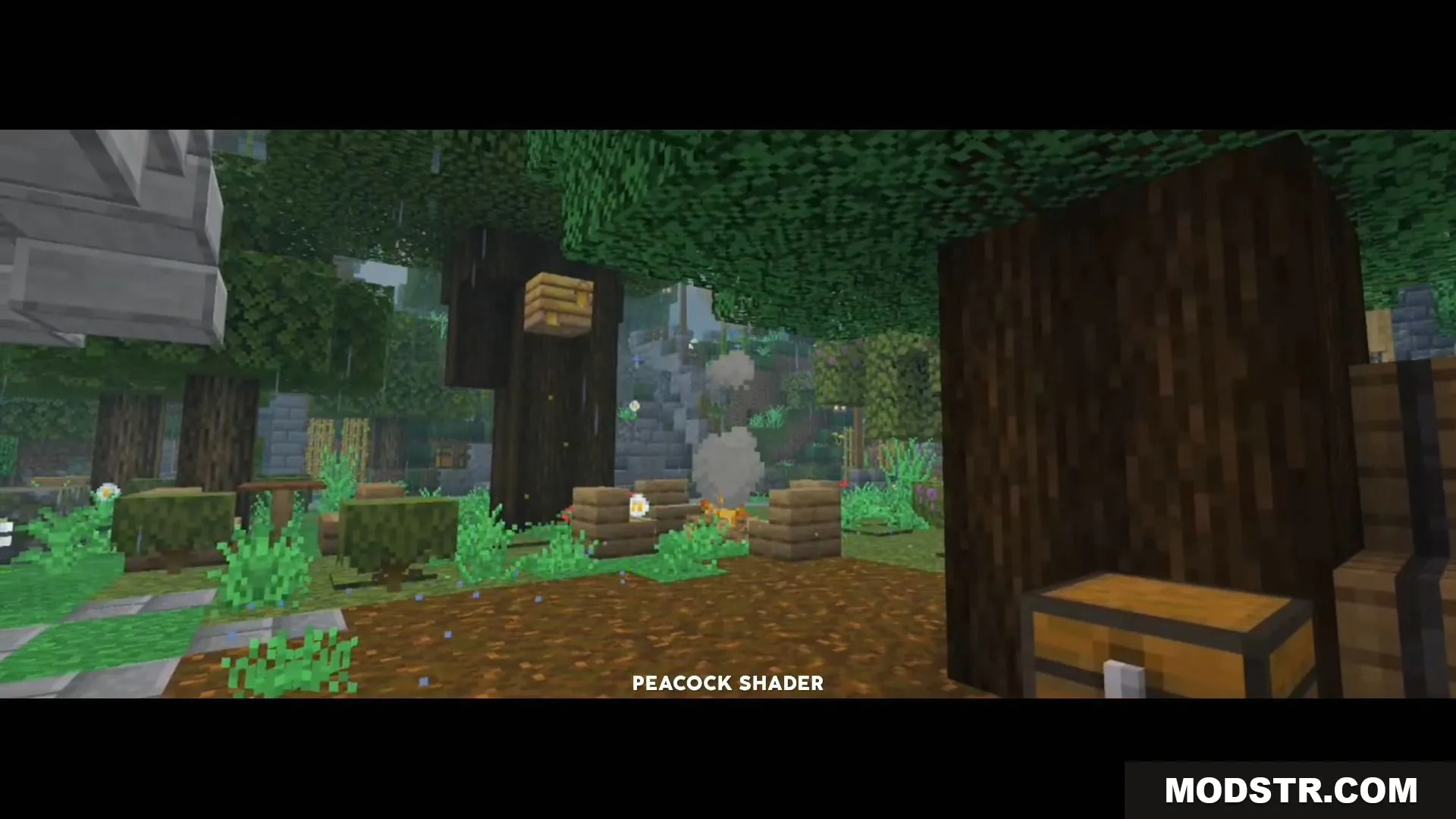
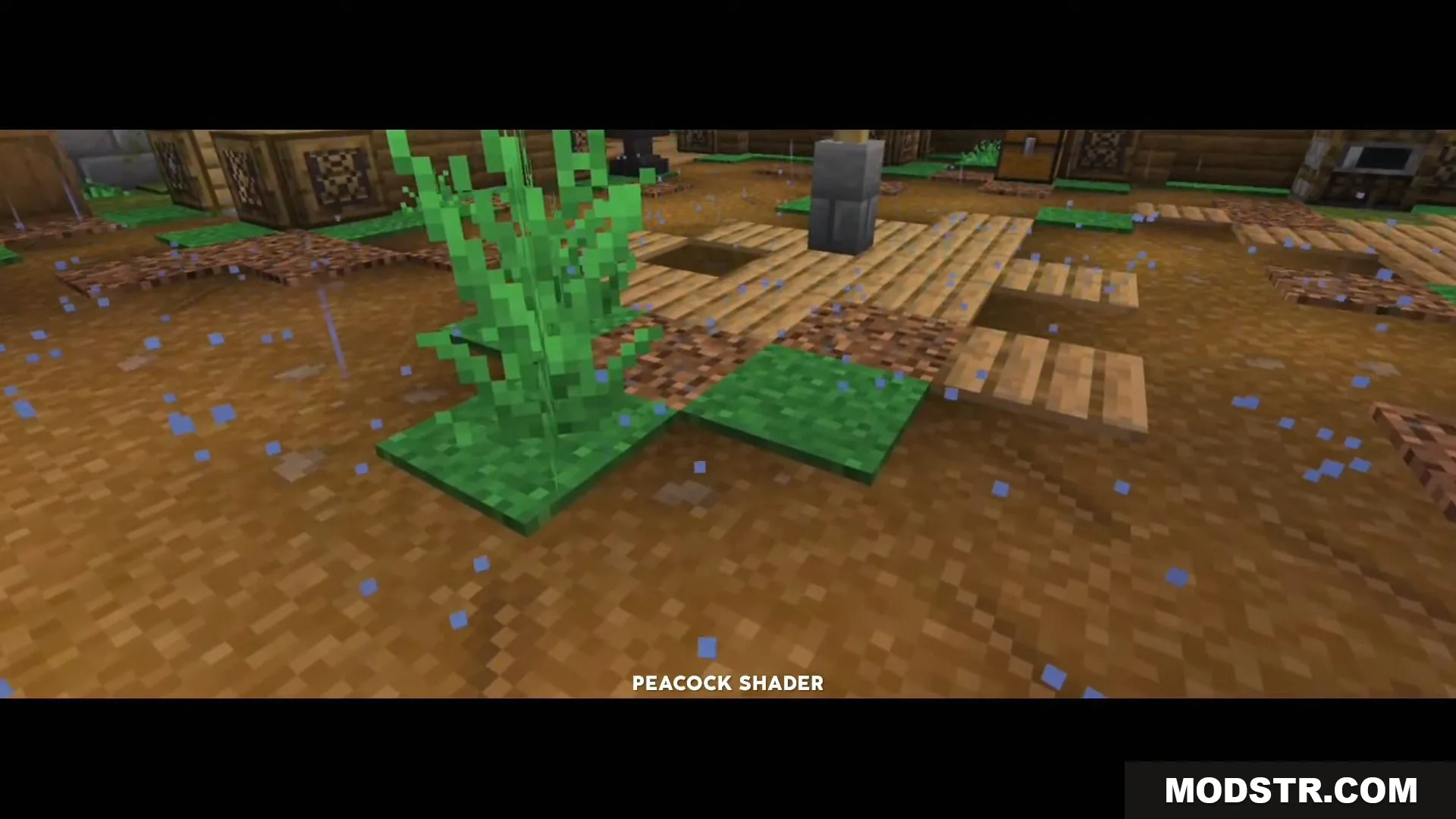
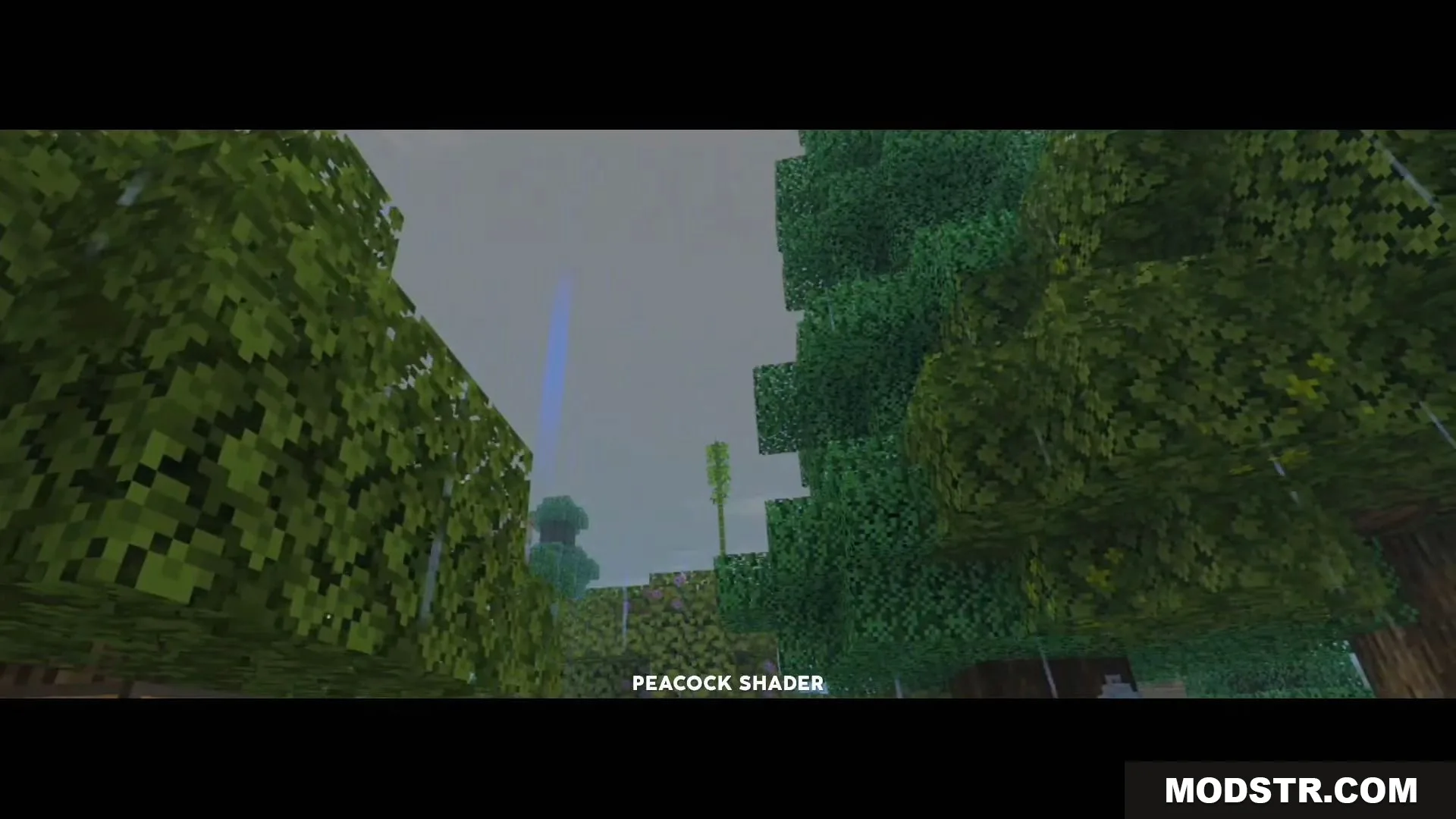
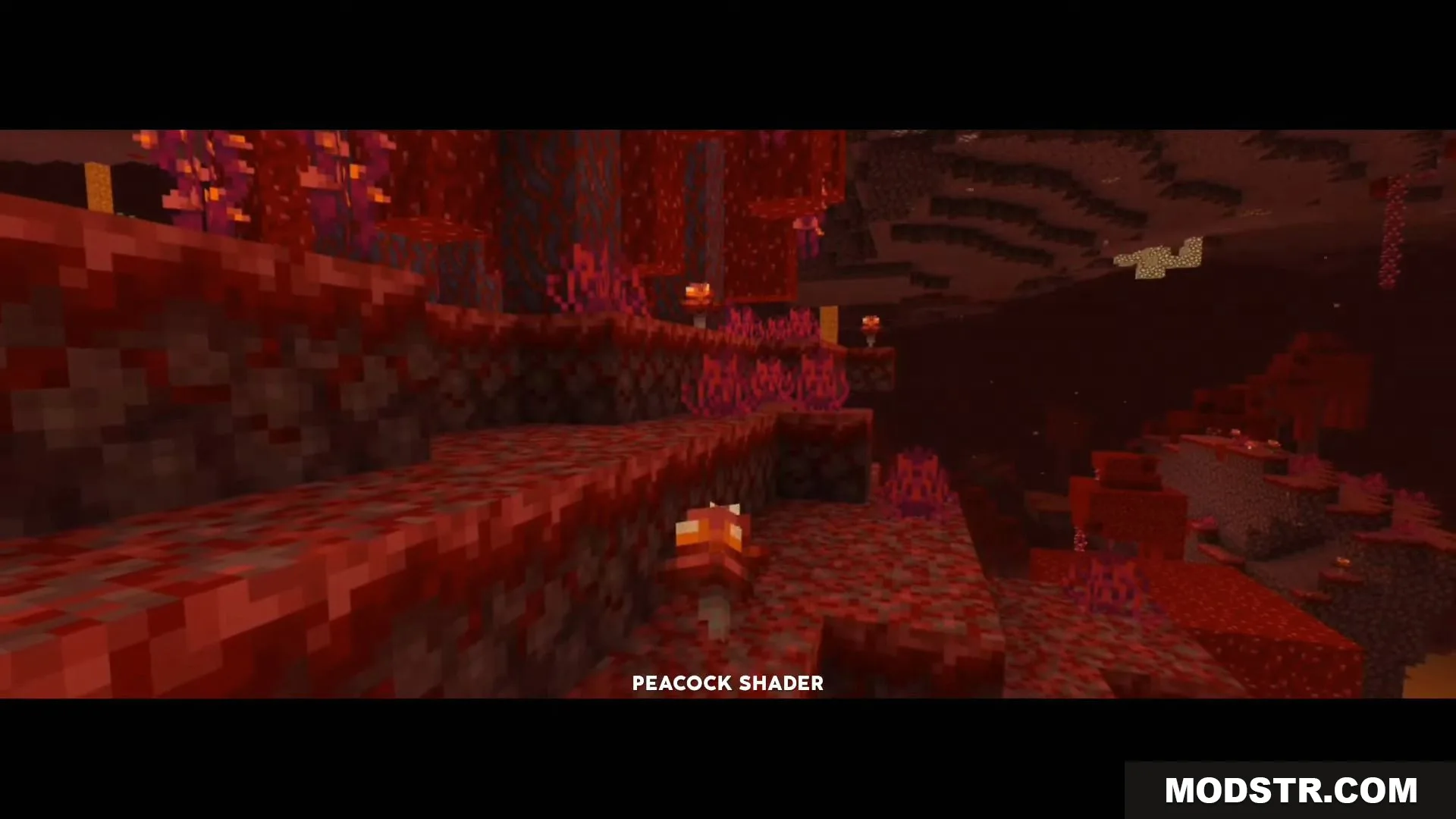
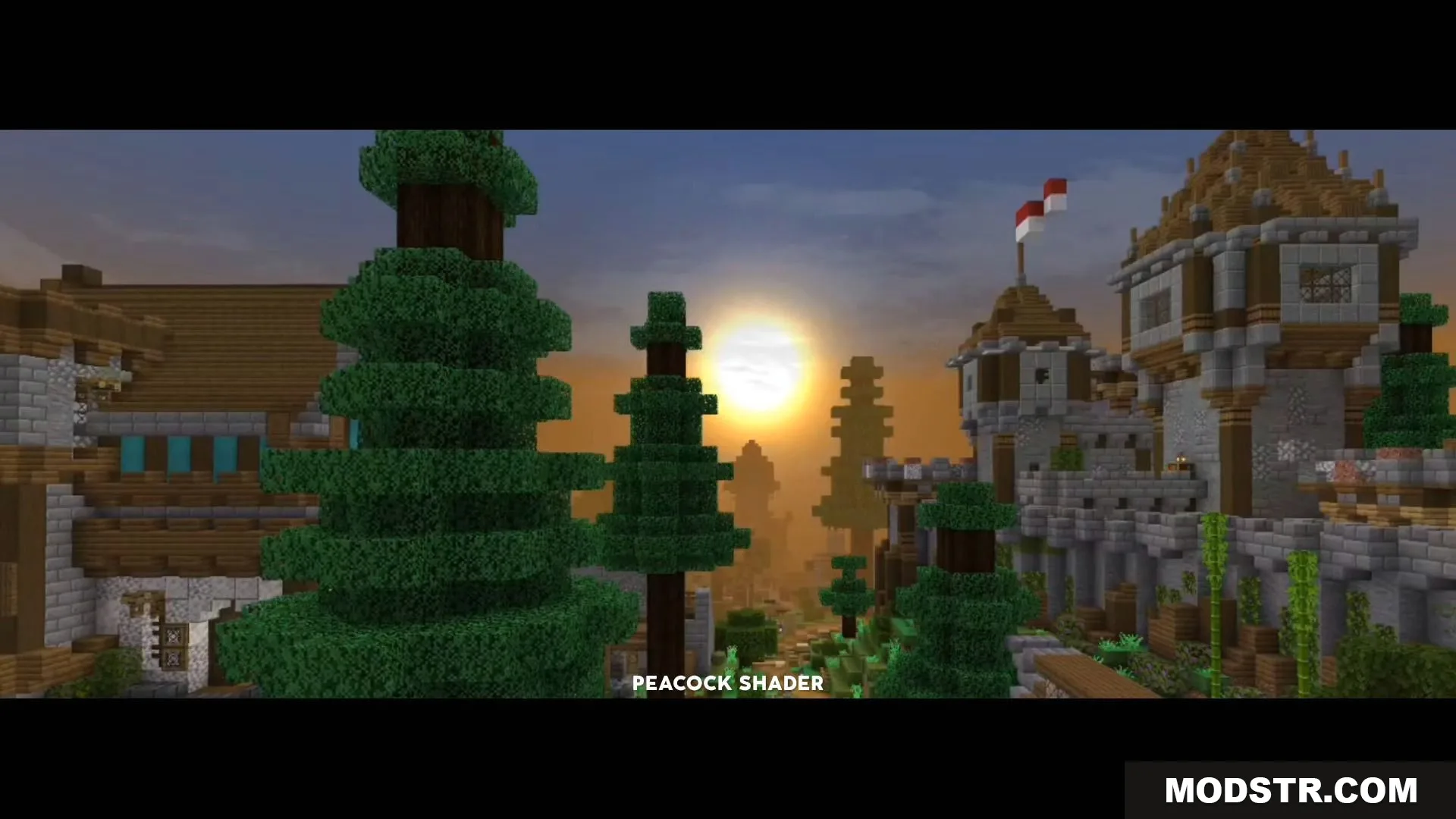
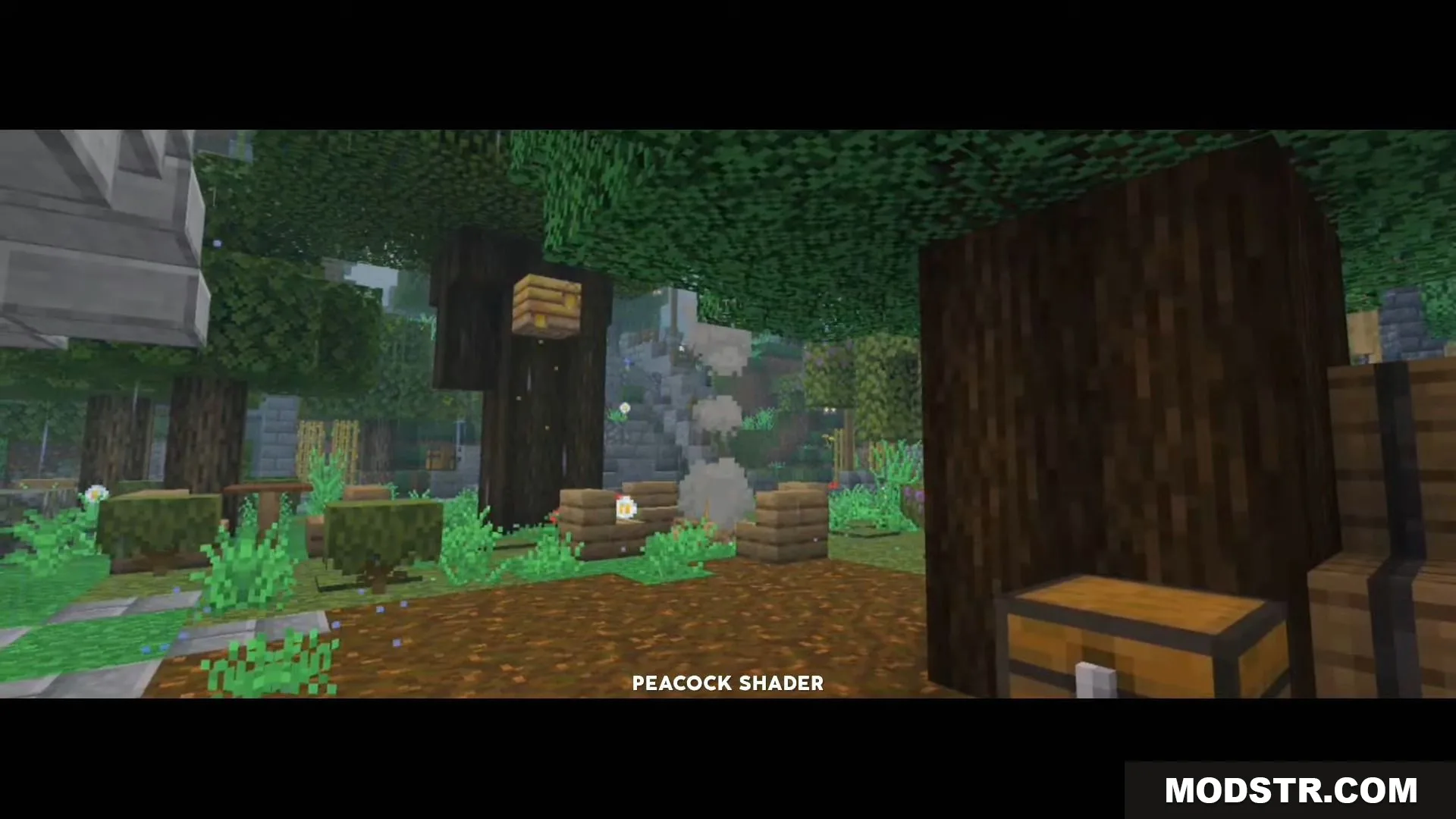
Peacock Shader is a lightweight shader built for Render Dragon that prioritizes performance on low-end devices. It uses pale environmental lighting and heavy background fog to reduce visual draw distance while maintaining playability on systems with 2-8GB of RAM.
Features
- Lightweight design optimized for devices with 2-8GB RAM.
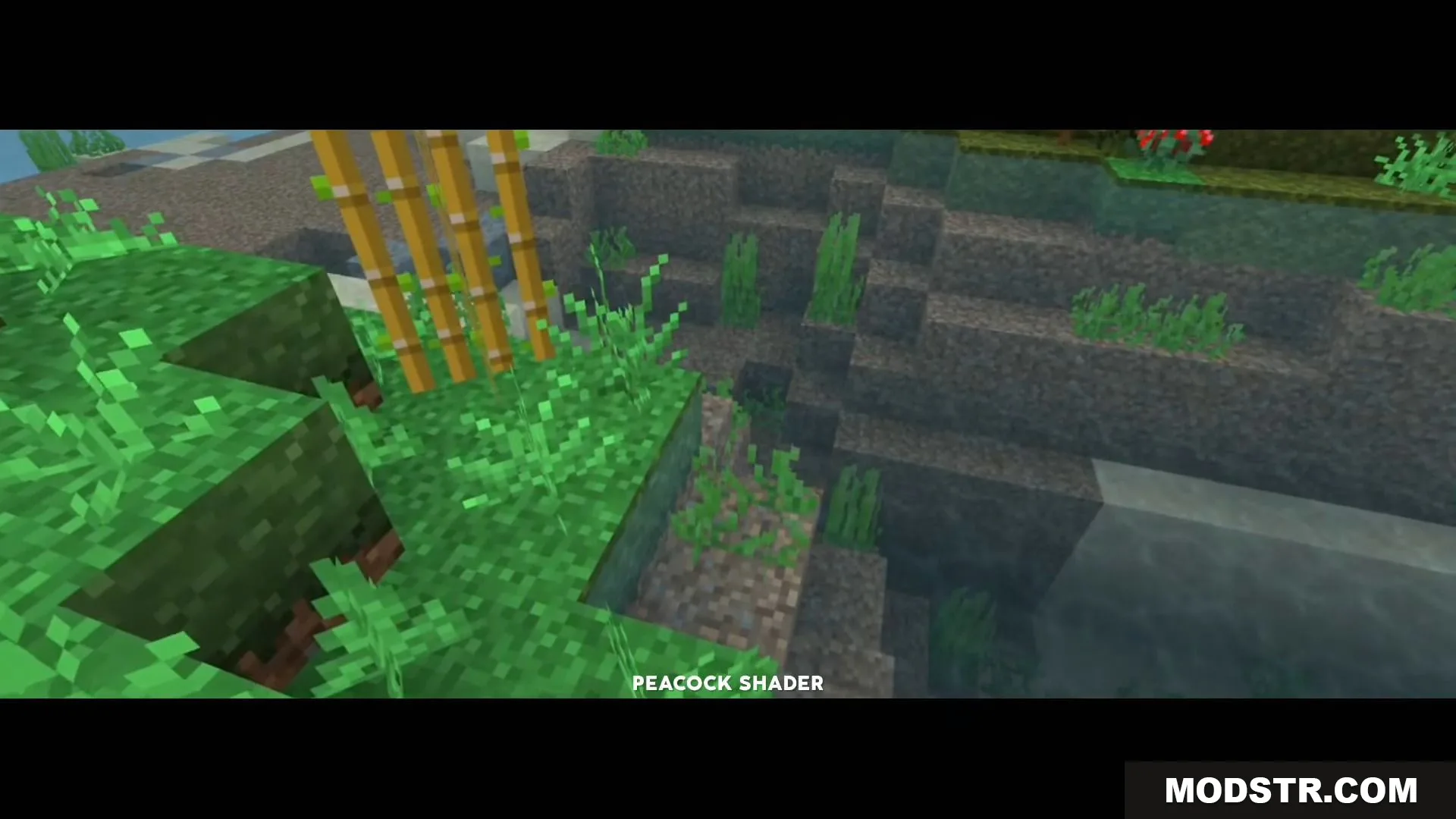
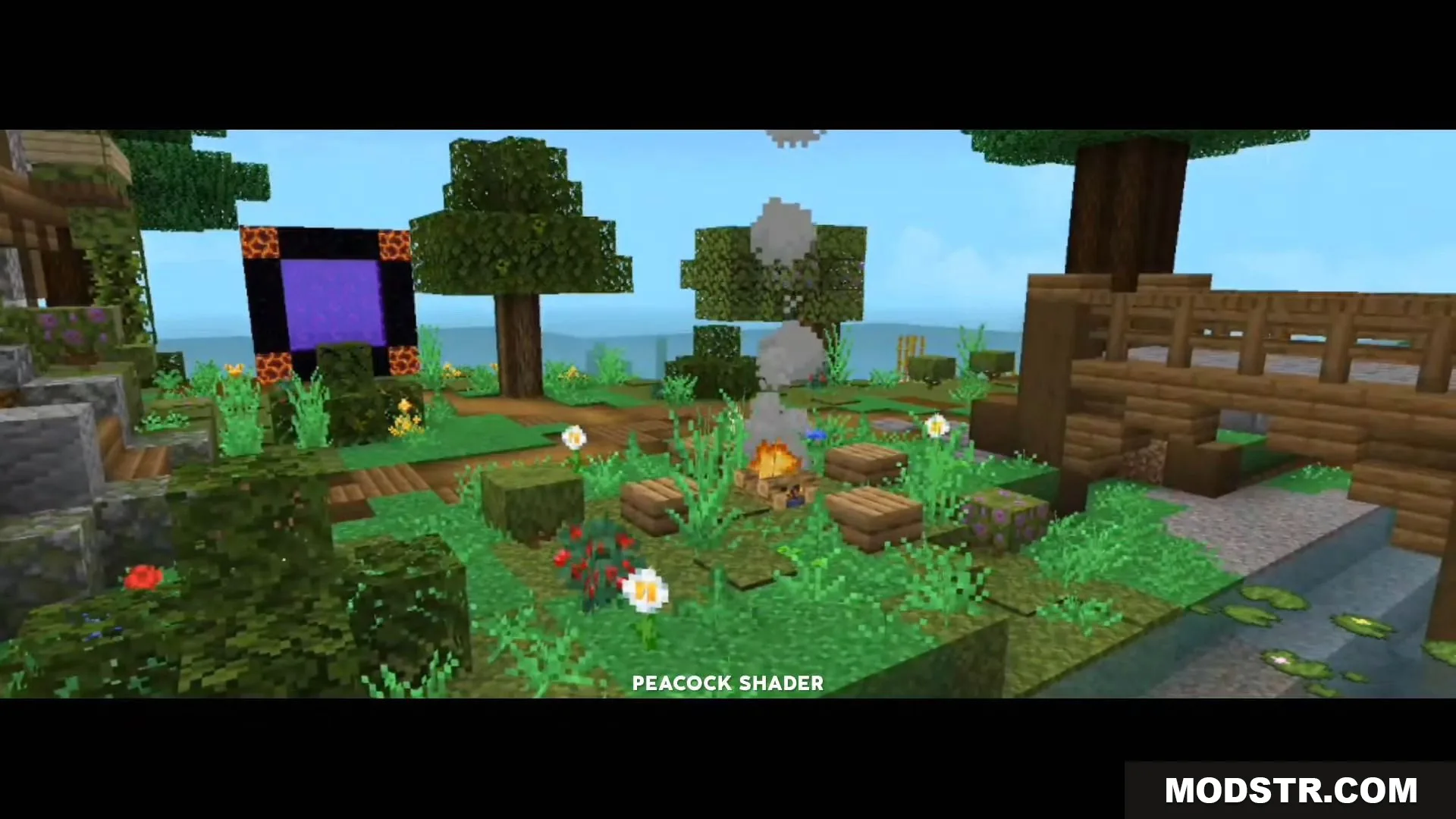
- Pale environment lighting for a consistent visual style.
- Heavy fog effects that reduce chunk rendering distance.
- Performance-focused optimization to maintain stable framerates.
Installation
- Download the shader pack file for your Minecraft version.
- Locate your Minecraft resource pack folder or import the file through the game launcher.
- Enable the shader pack in your world or global settings.
- Adjust fog and lighting settings if your device requires further optimization.
Compatibility
Peacock Shader is designed for Minecraft Bedrock Edition 1.19 with Render Dragon support. It is intended for use on low-end devices and may require performance adjustments depending on your specific hardware.
DOWNLOAD FILES
- shader
- mcpack