Telegram
Vibrant Rtx Visuals Shader (26.x) – Saturated Colors and Smooth Shadows cover art

Vibrant Rtx Visuals Shader (26.x) – Saturated Colors and Smooth Shadows

Vibrant Rtx Visuals Shader enhances the visual quality of Minecraft by introducing rich colors and smooth shadows. Suitable for players seeking improved aesthetics in their game world.

71 MCPE

Vibrant Rtx Visuals Shader modifies the appearance of your Minecraft world with vibrant colors across all biomes. It provides a deep blue sky and enhances cloud details, improving contrast and lighting for all blocks.

Features

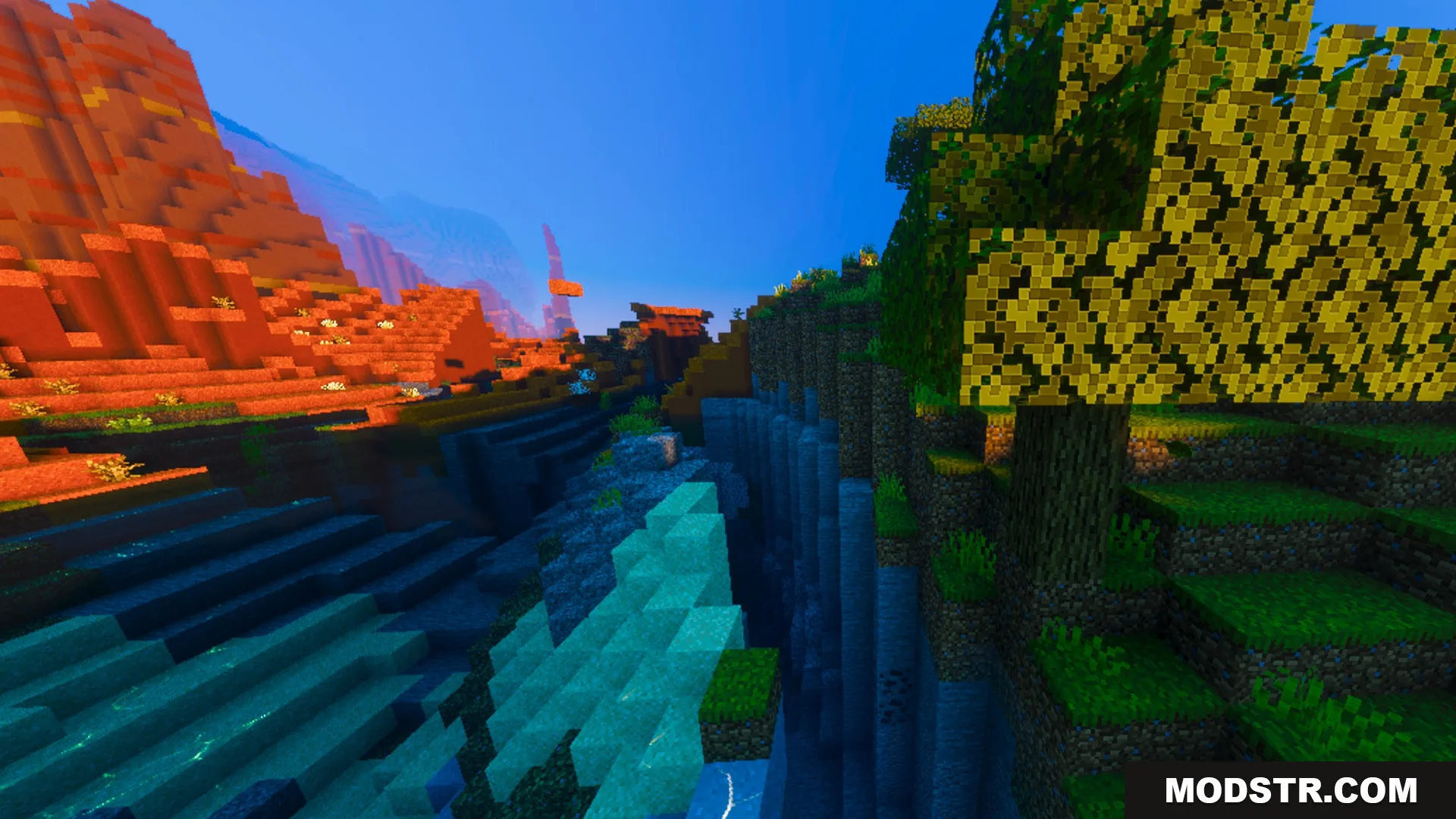
  • Deeply saturated grass and leaf colors.
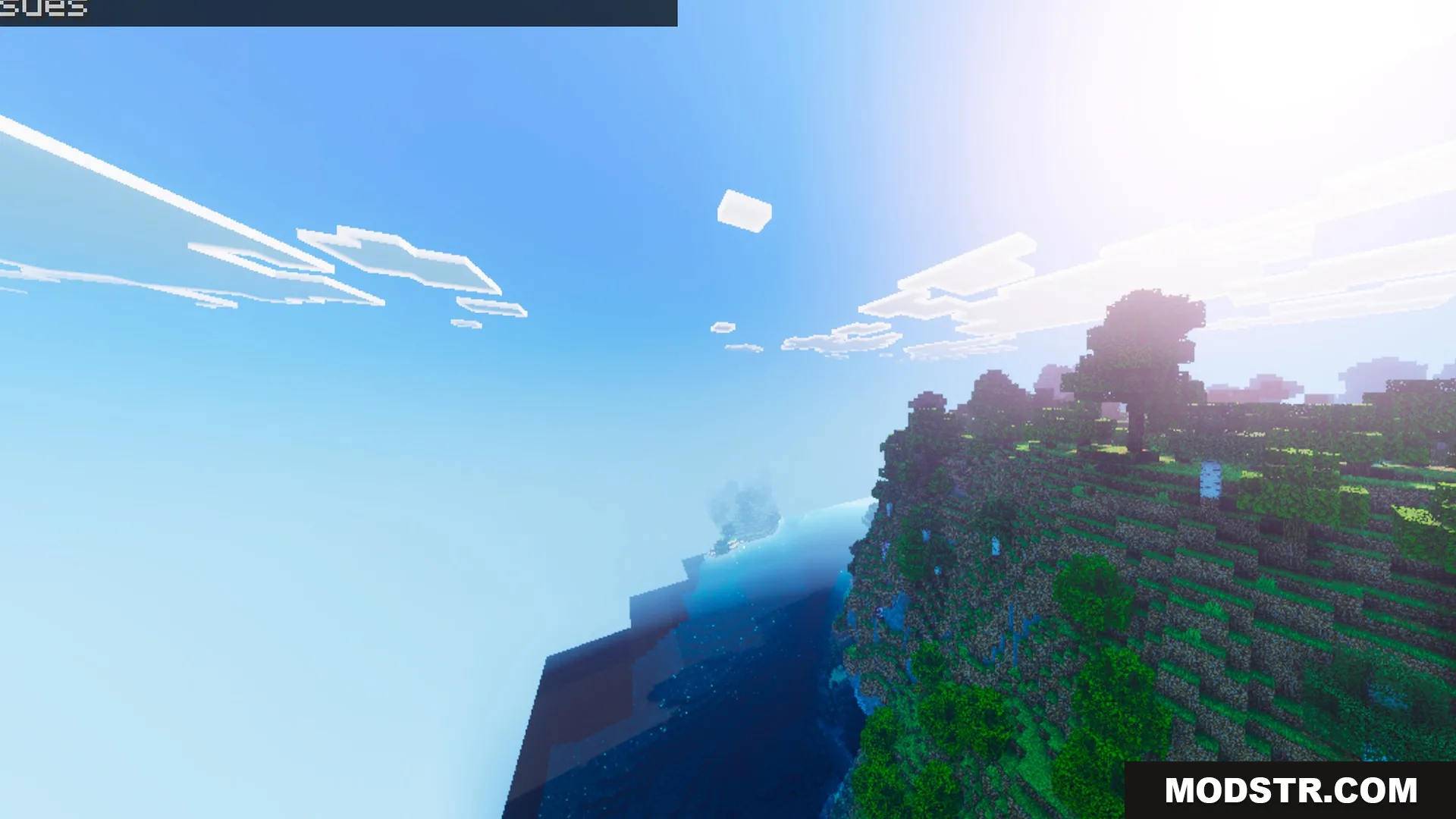
  • Clear blue skies with sharp cloud details.
  • Realistic contrast that makes blocks pop.
  • Tall grass and terrain with crisp textures.
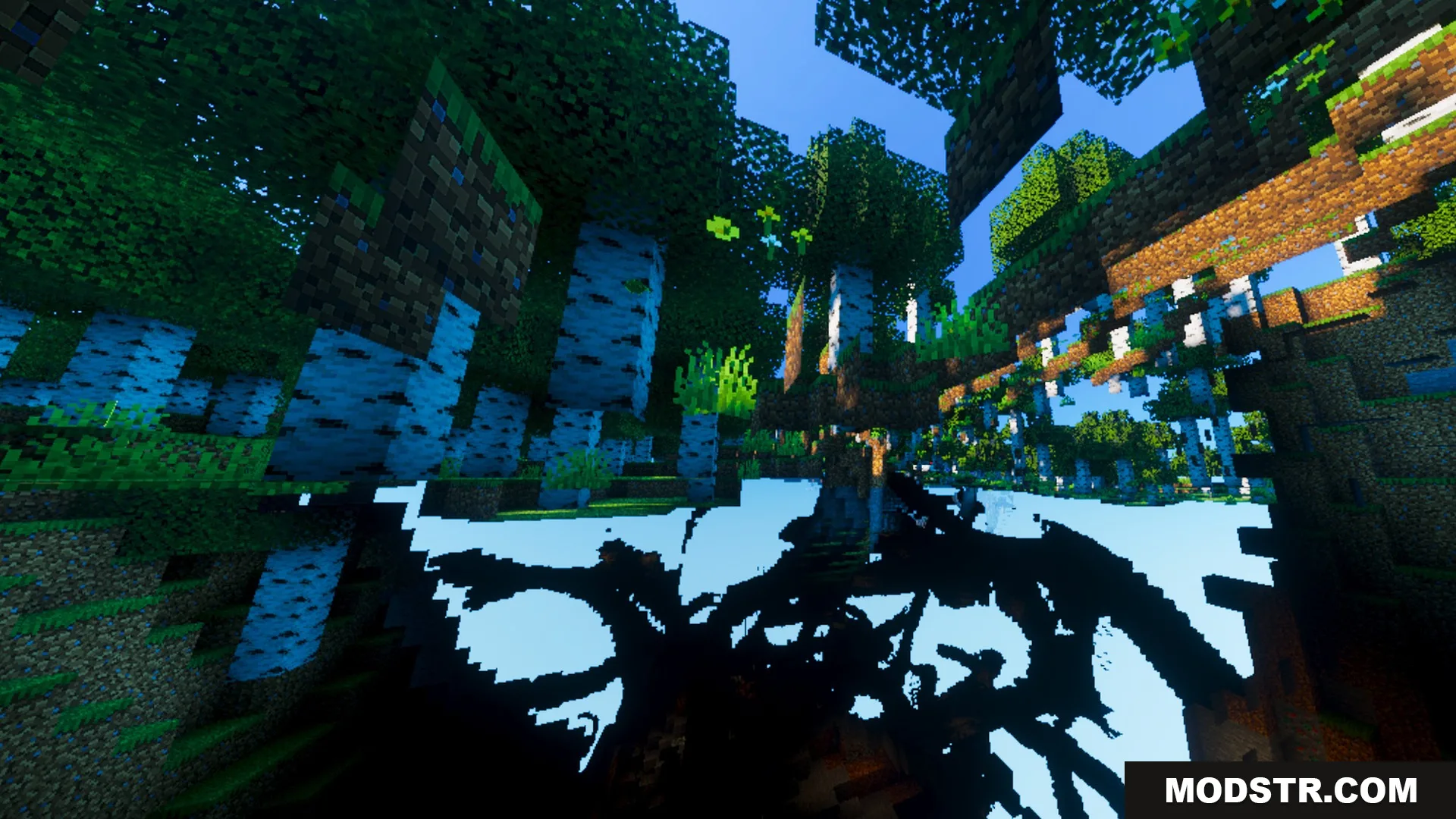
  • Smooth shadows that cast across the landscape.
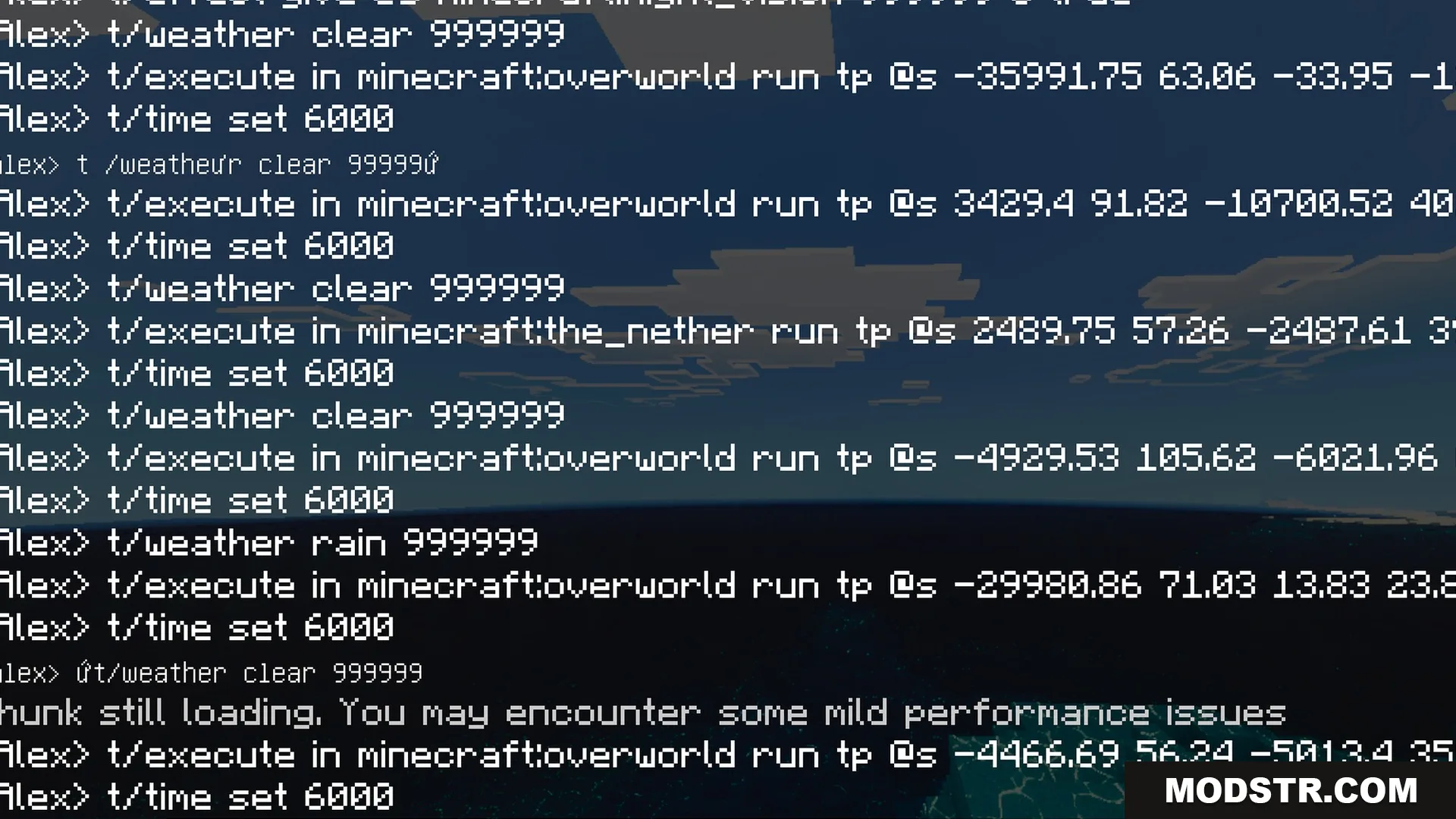
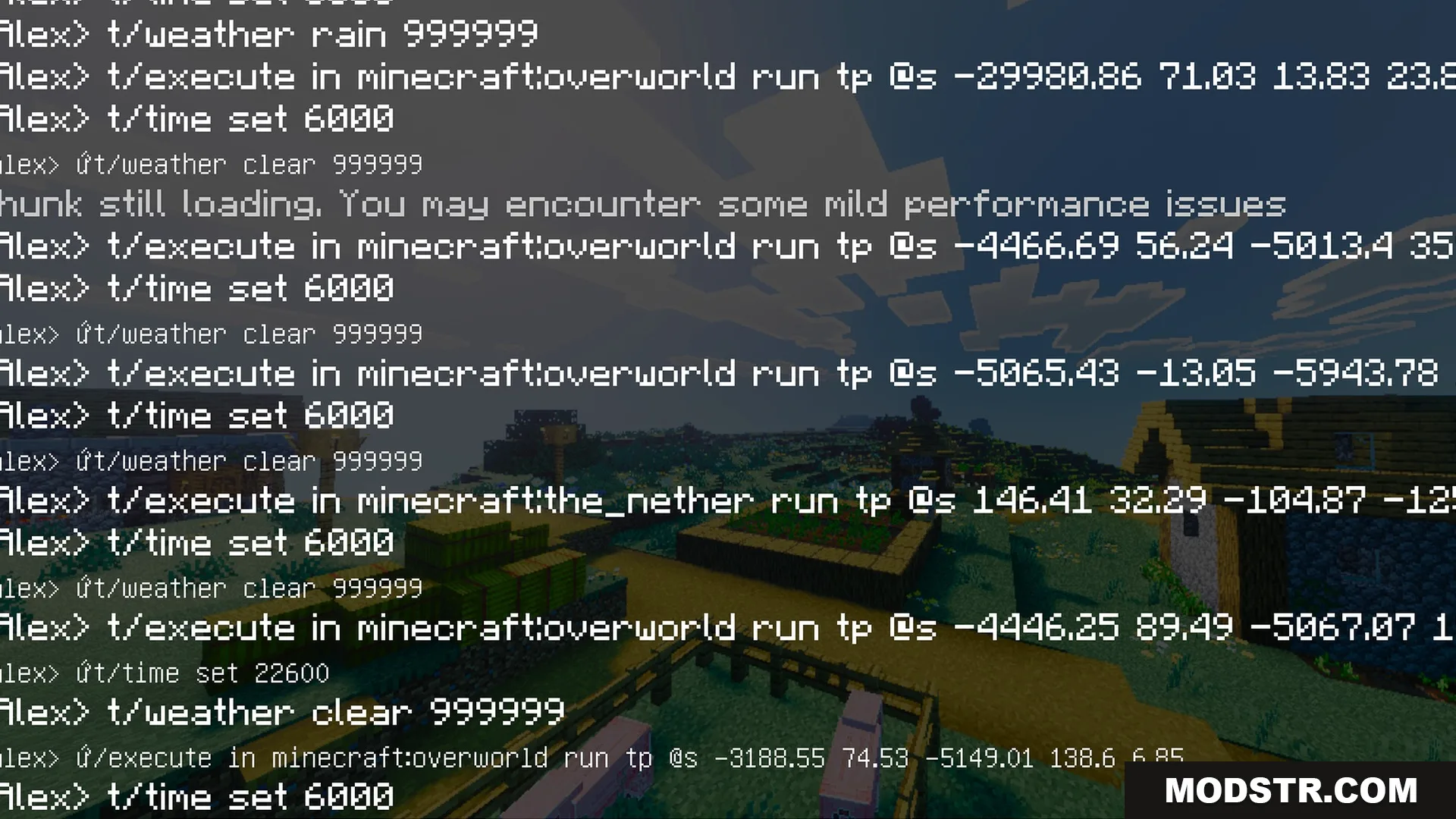
Minecraft chat screen showing teleportation and weather commands over a dark background
Minecraft chat log showing commands over a landscape with bright saturated grass colors
Minecraft chat log showing teleport and weather commands over a dark landscape
Minecraft chat log showing teleport and weather commands over a vibrant village
Minecraft chat log showing teleport and weather commands over a green valley
Chat commands displayed over a village with vibrant grass and clear blue sky
Vibrant Rtx Visuals creates a scenic coastal landscape with a bright blue ocean
Lush green trees and birch trunks with sharp shadows in a dense forest
A colorful Minecraft landscape with red mesa mountains and green forest trees
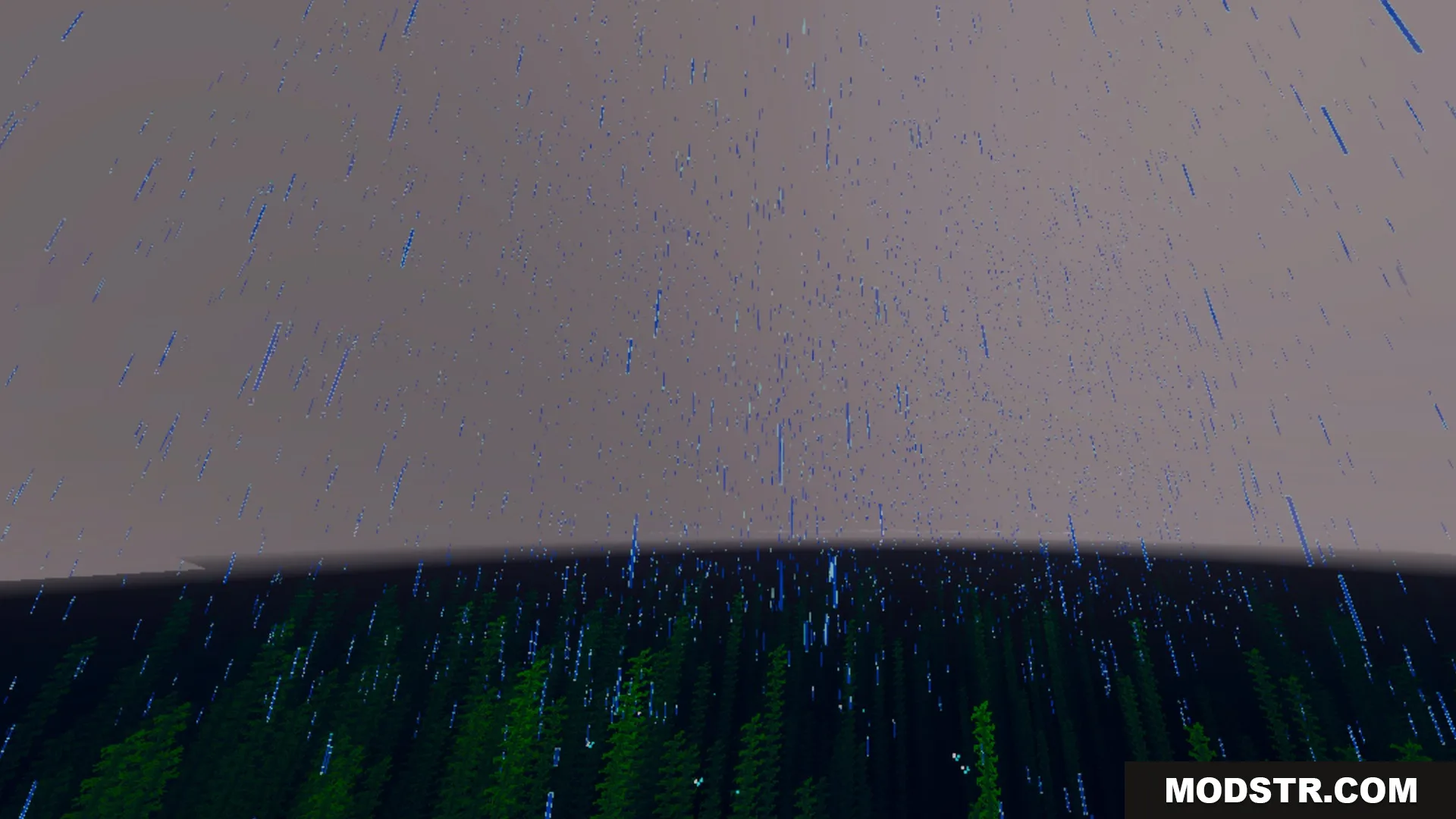
Heavy blue rain falling over a dark green forest in Minecraft

Installation

  1. Download the Vibrant Rtx Visuals Shader file.
  2. Open the Minecraft application and go to the settings.
  3. Select 'Shaders' and then 'Shaders Folder.'
  4. Move the shader file into the Shaders Folder.
  5. Activate the shader in the Shaders menu.

DOWNLOAD FILES

  • mcpack
    For MCPE/Bedrock 26.x · Vibrant-Rtx-Visuals-Shader-26x.mcpack