
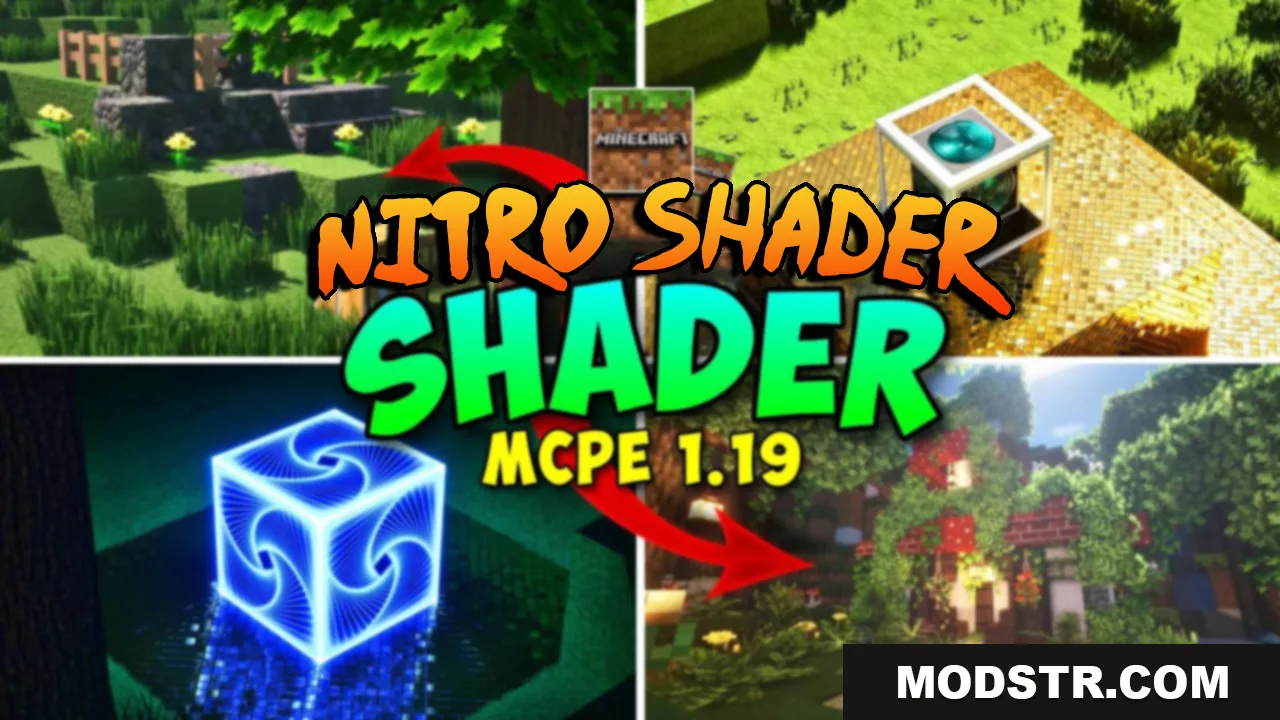
Nitro Shader (26.x, 1.21) – RenderDragon Support
RenderDragon shader with fog effects, bright textures, and environment subpacks for Minecraft 1.21. Includes cherry grove, connected glass, waving animations, and customizable visual settings.
- 1.21
- 1.20
- 1.19
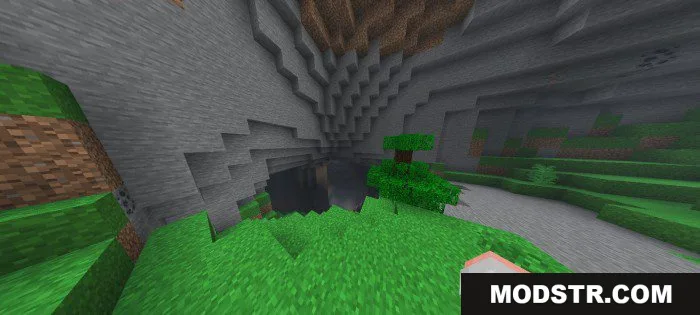
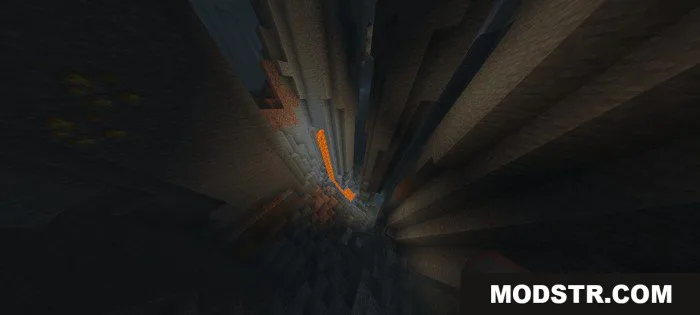
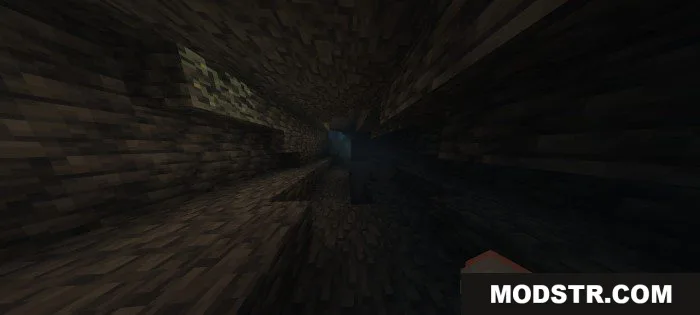
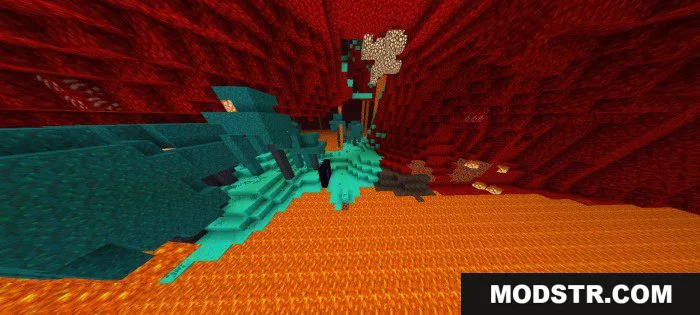
Nitro Shader is a RenderDragon-compatible shader designed for Bedrock Edition. It provides enhanced visuals including fog effects, bright textures and colormaps, waving animations, and environment-specific subpacks to customize your world's appearance.
Features
- RenderDragon support with version 3 update including cherry grove visuals.
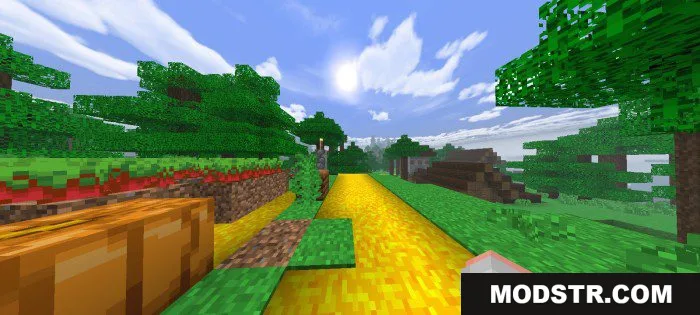
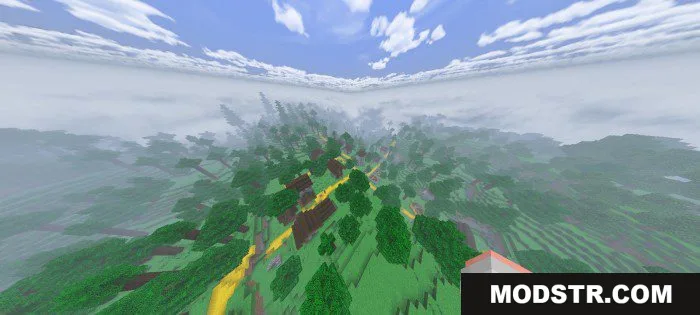
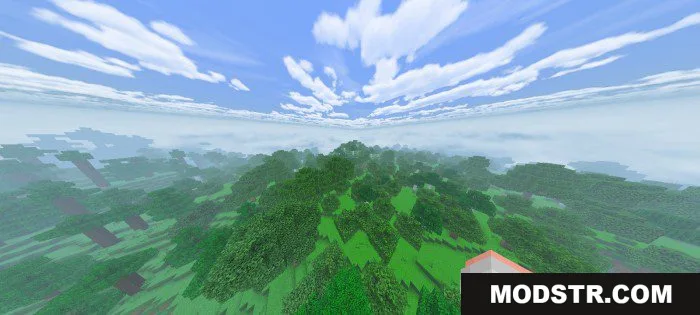
- Fog effects with adjustable intensity for different atmospheric styles.
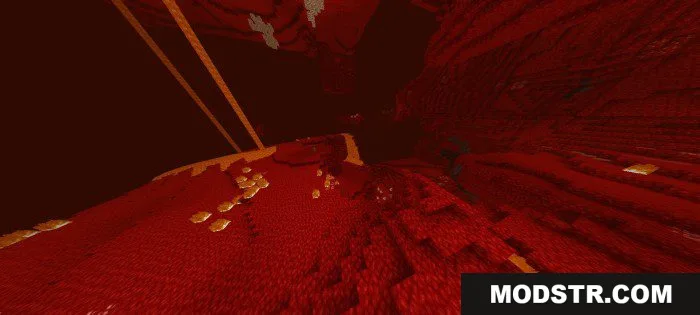
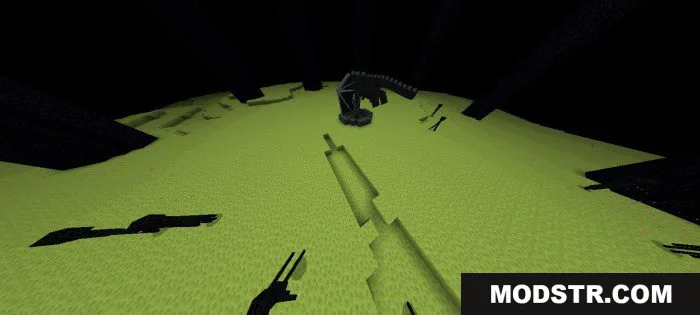
- Bright textures, colormap, and enhanced nether and end dimensions.
- Environment subpacks for jungle, savanna, and other biomes with unique visual enhancements.
- Connected glass and full grass rendering.
- Waving animation support with customizable settings.
- Hill textures and configuration tips for adjusting visual effects.
Installation
- Download the shader pack in .mcpack format for your Minecraft version.
- Open the file with Minecraft to import it into your shader packs.
- Launch Minecraft and navigate to Settings, then Graphics.
- Select Nitro Shader from your available shader packs.
- Adjust fog, brightness, and other settings in the shader options as desired.
Compatibility
Nitro Shader is compatible with Minecraft Bedrock Edition 1.21 and 1.20. A separate version is available for 1.19. The shader requires RenderDragon support and is designed for Minecraft PE and Bedrock platforms.
DOWNLOAD FILES
- mcpack
- mcpack
- mcpack