
Lunac Shader (26.x, 1.21) – MCPE/Bedrock
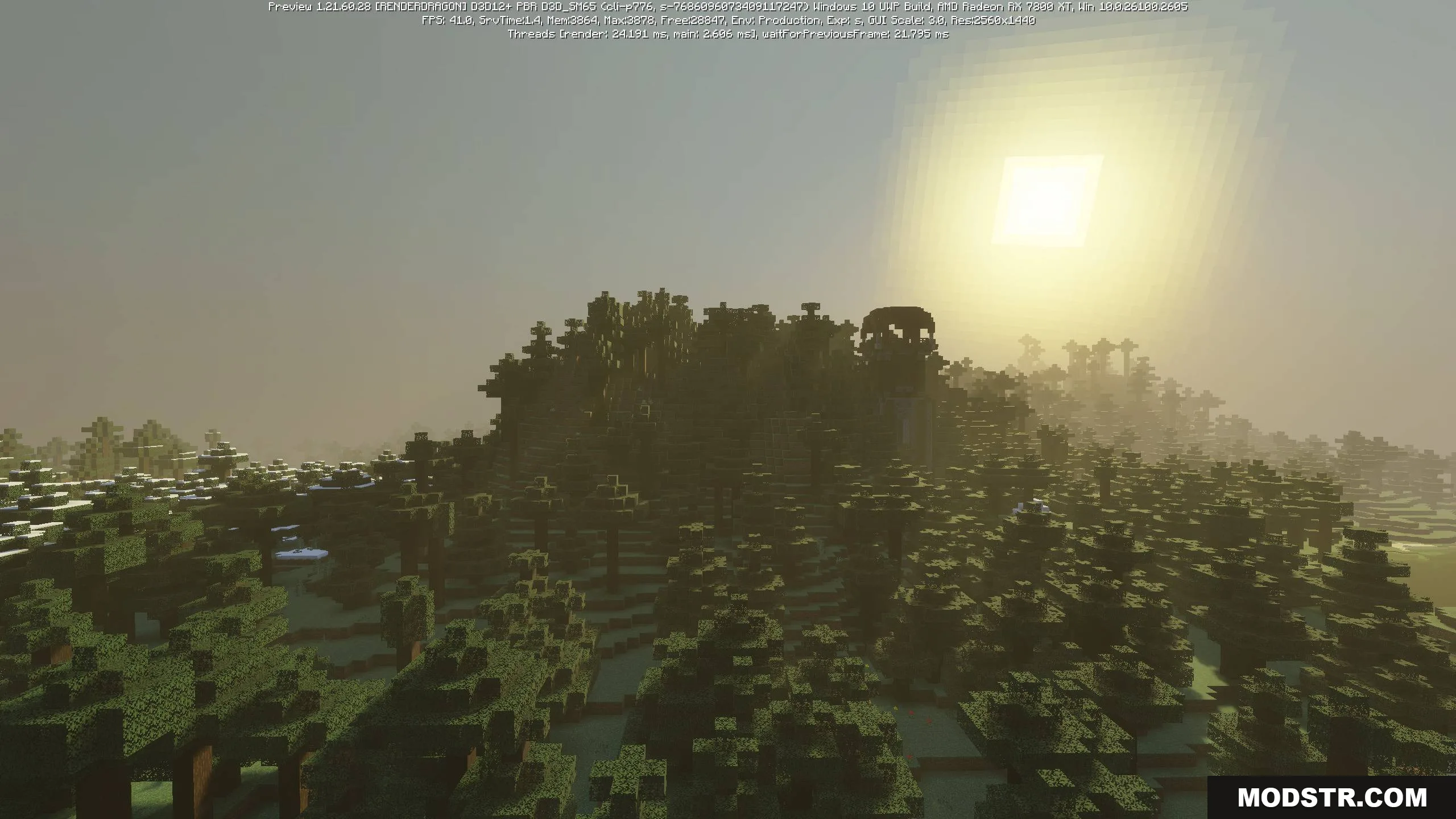
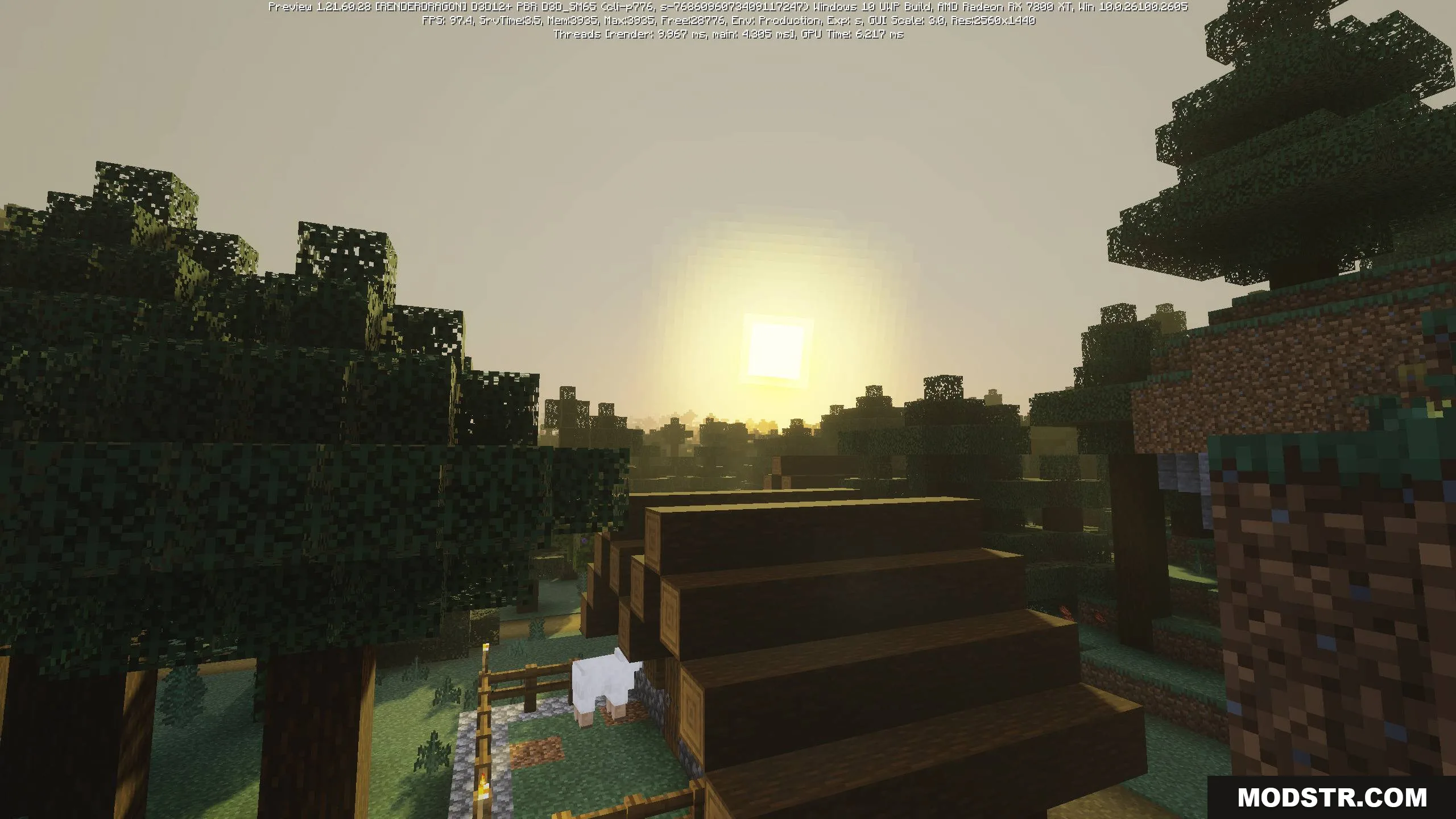
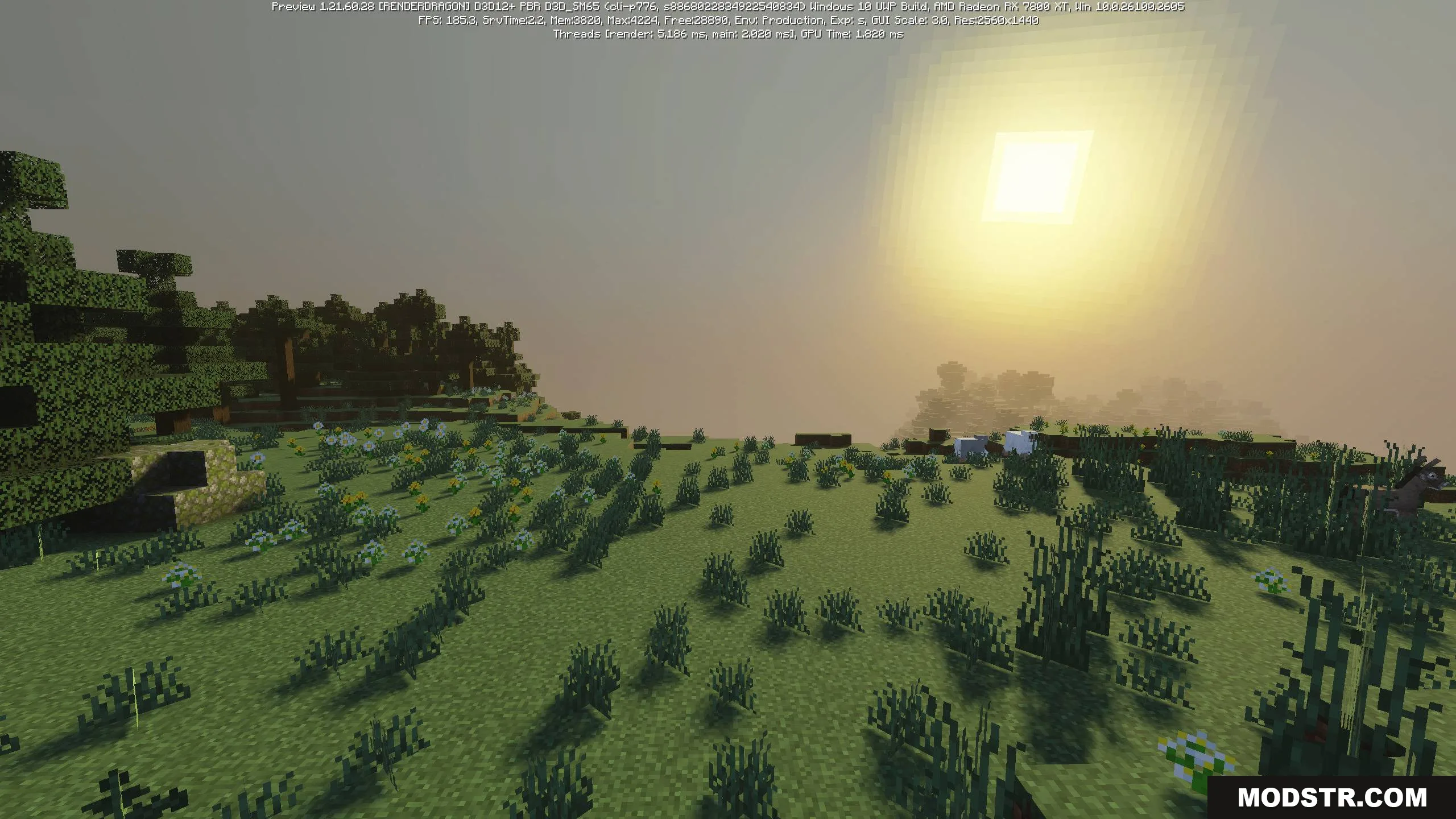
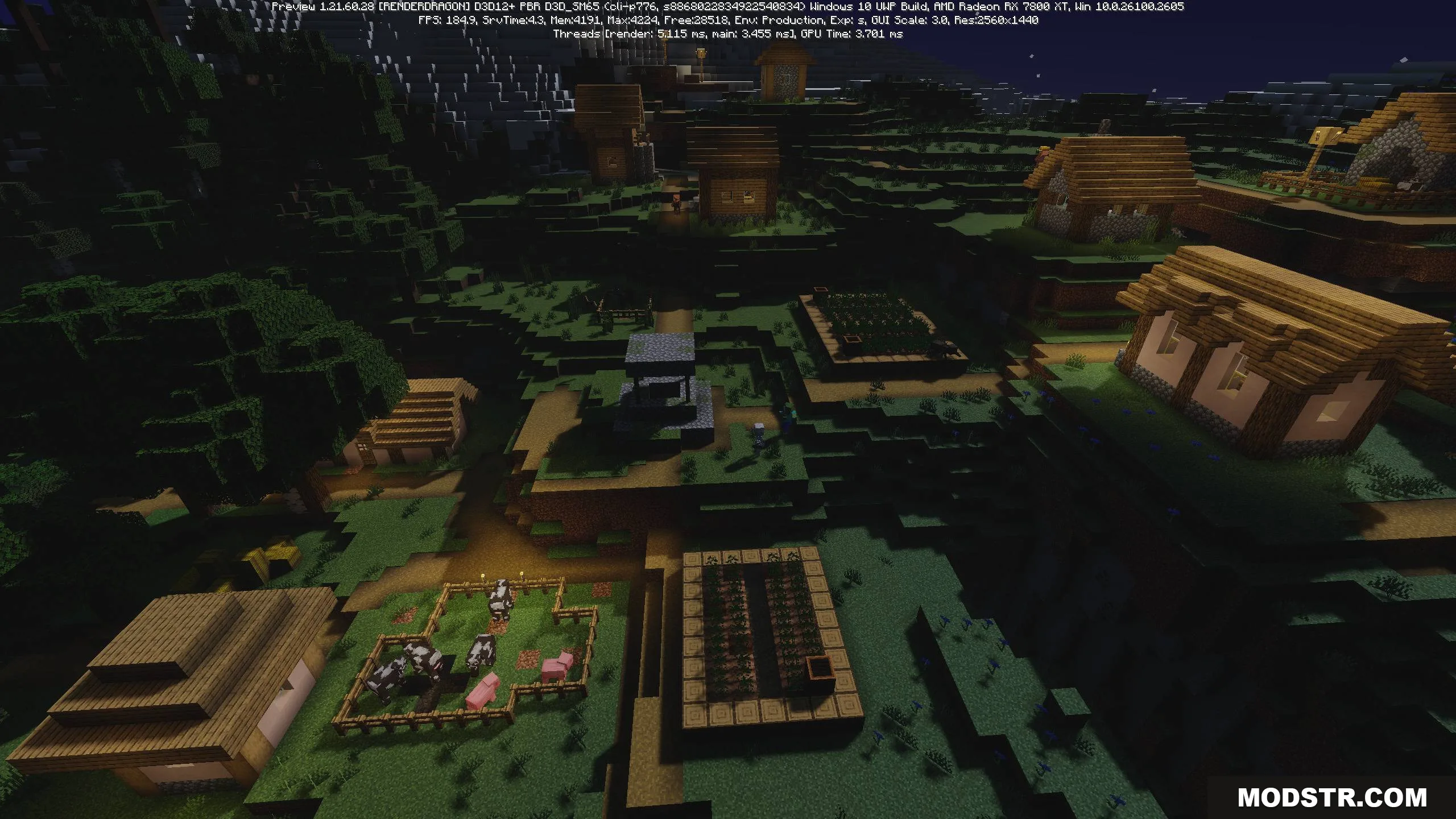
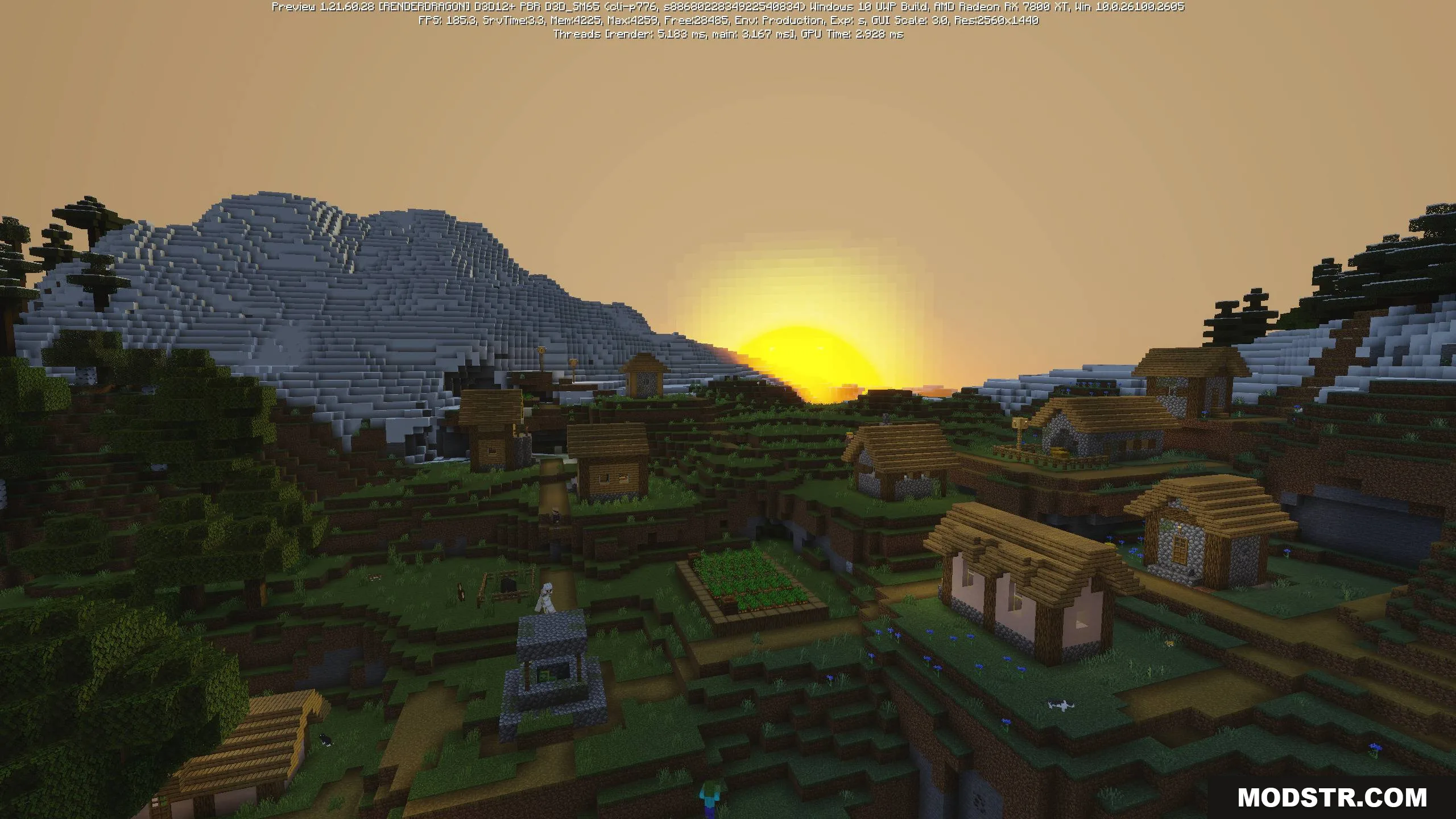
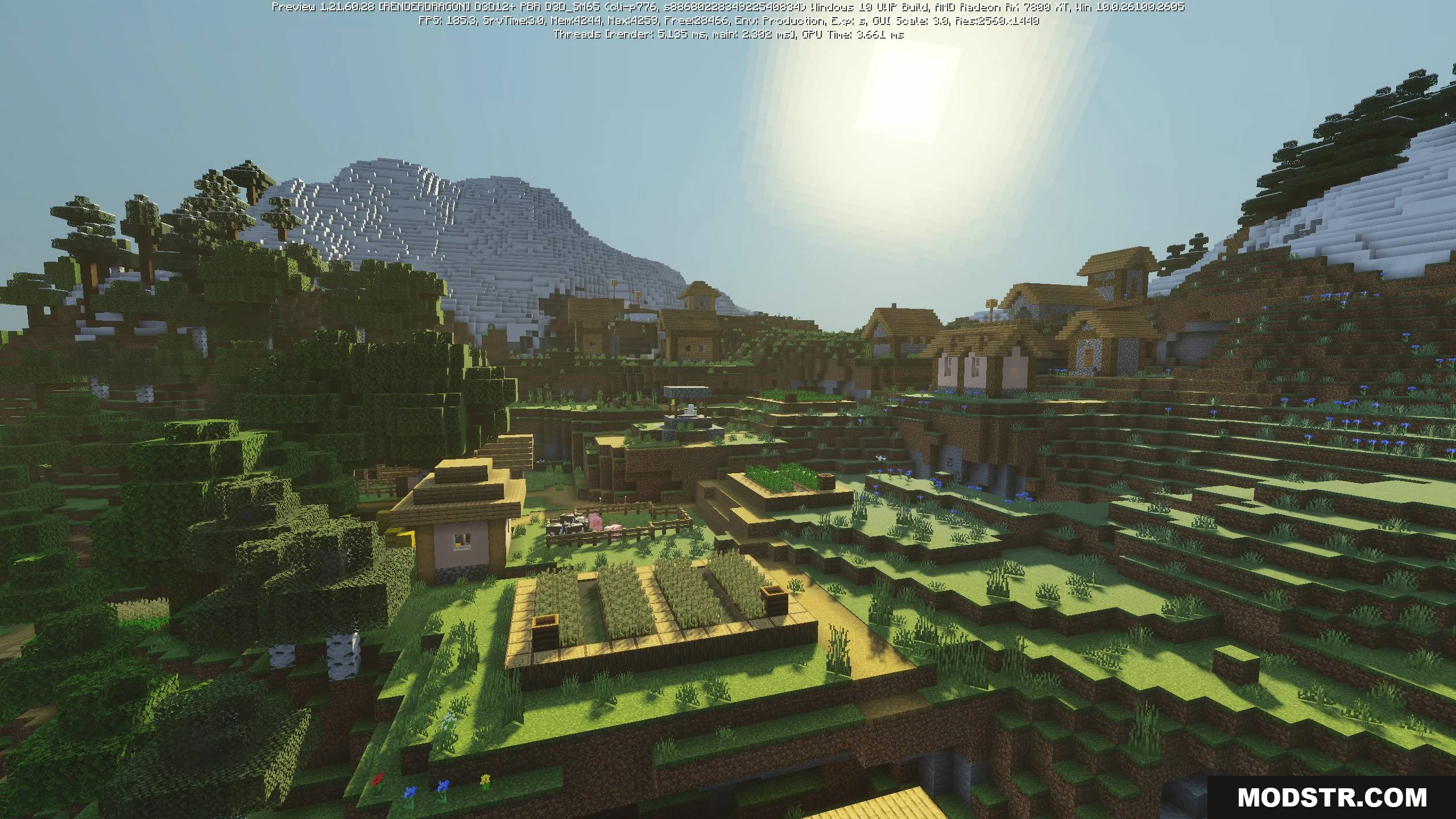
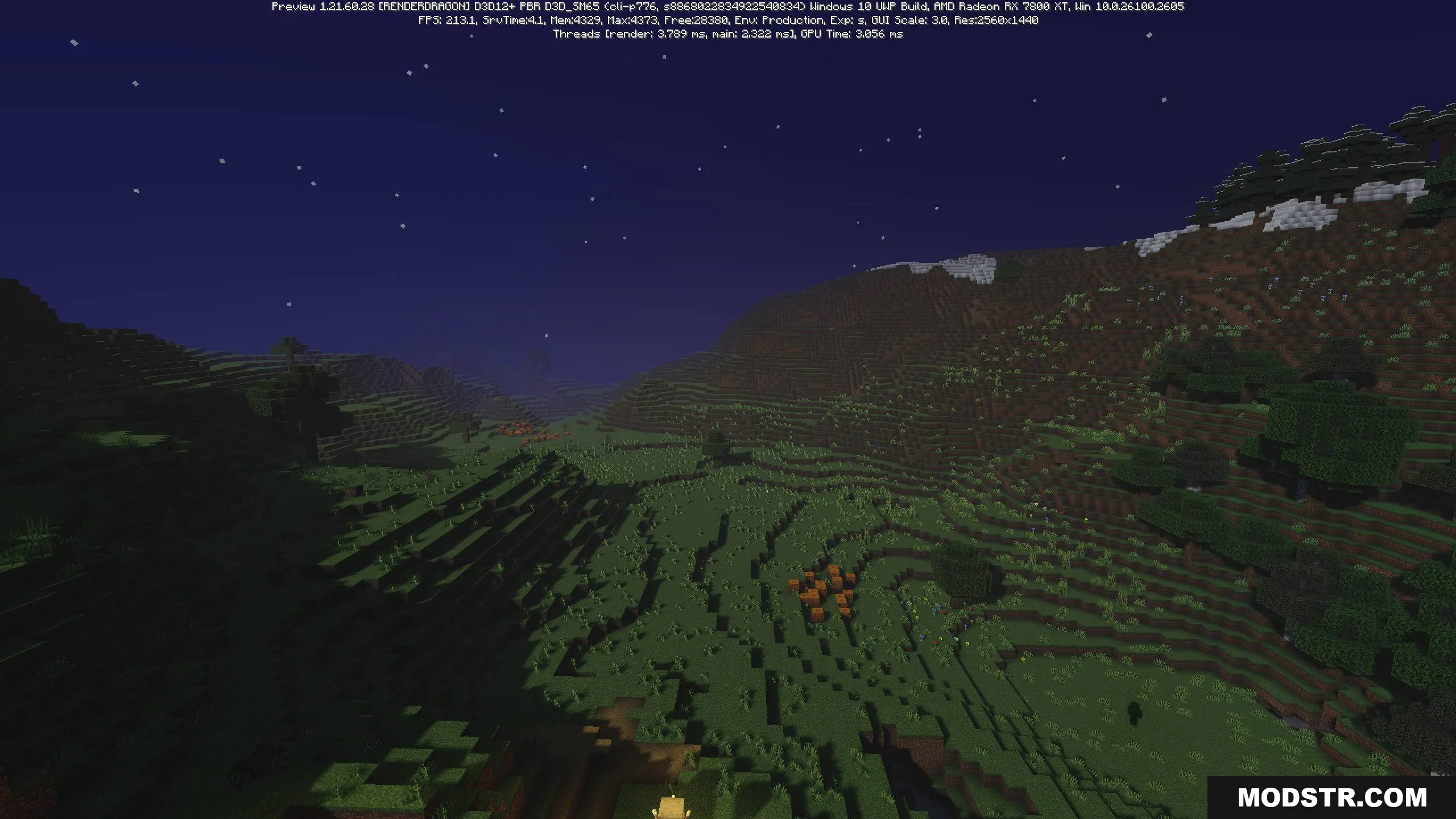
Lunac Shader adds ray-traced lighting, dynamic skies, and realistic water effects to Minecraft Bedrock without requiring RTX hardware.
- 1.21
- 1.20
Lunac Shader is a graphics enhancement for Minecraft Bedrock Edition that applies ray tracing-style effects to improve lighting, reflections, and overall visual quality. The shader is designed to work on mid-to-high-end devices while maintaining reasonable performance costs.
Features
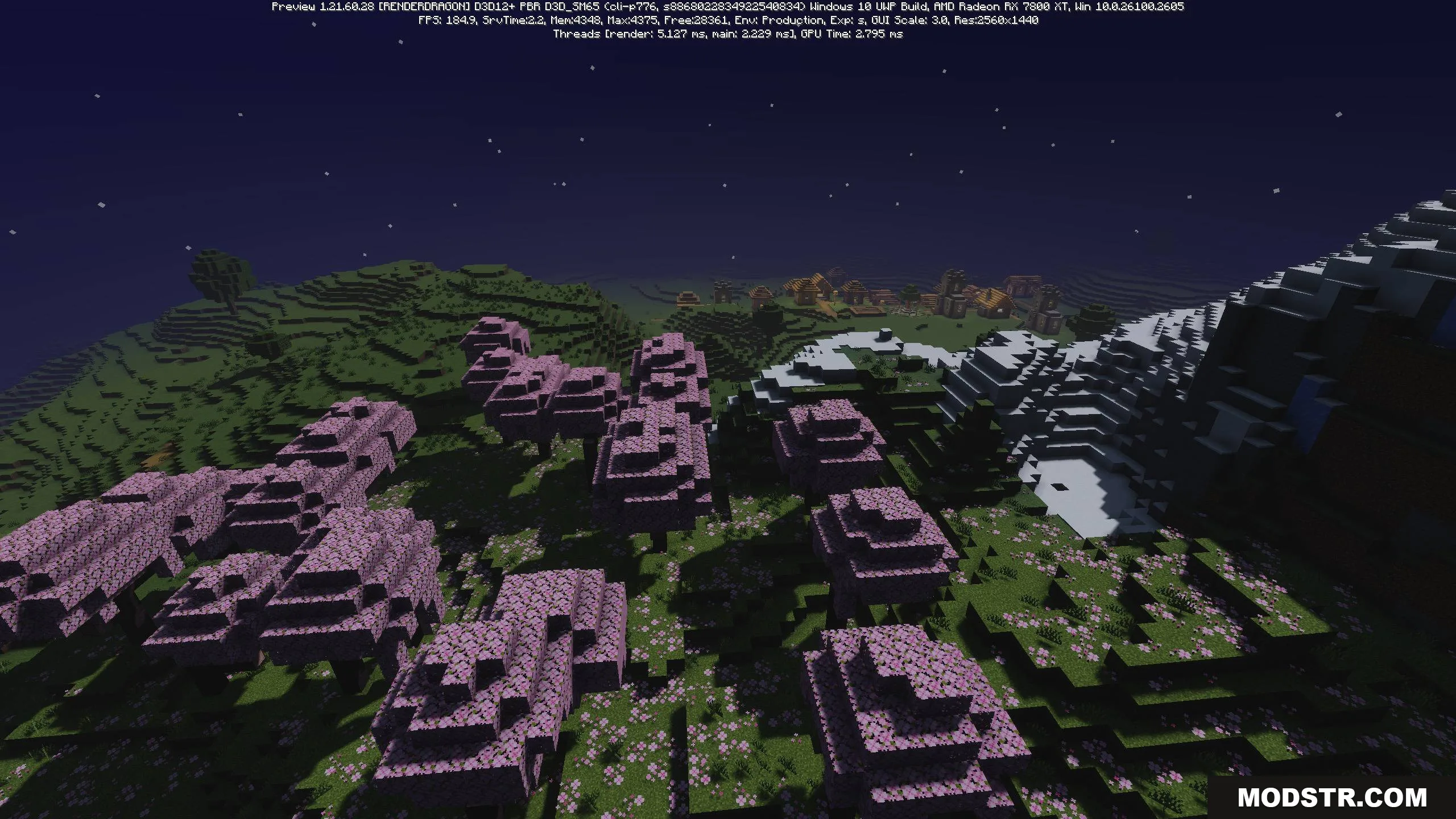
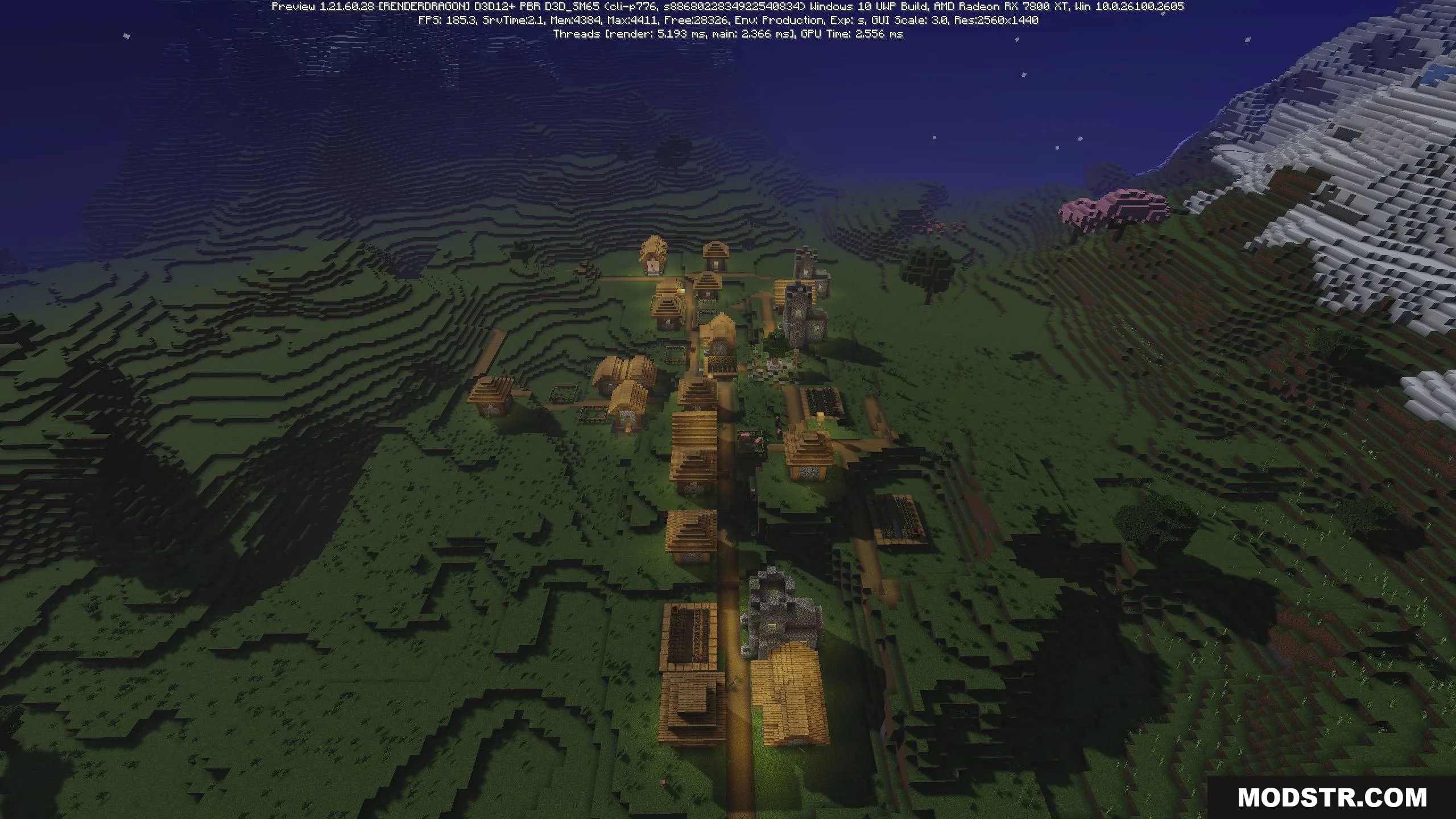
- Ray tracing effects with vibrant lighting and reflections optimized for strong devices.
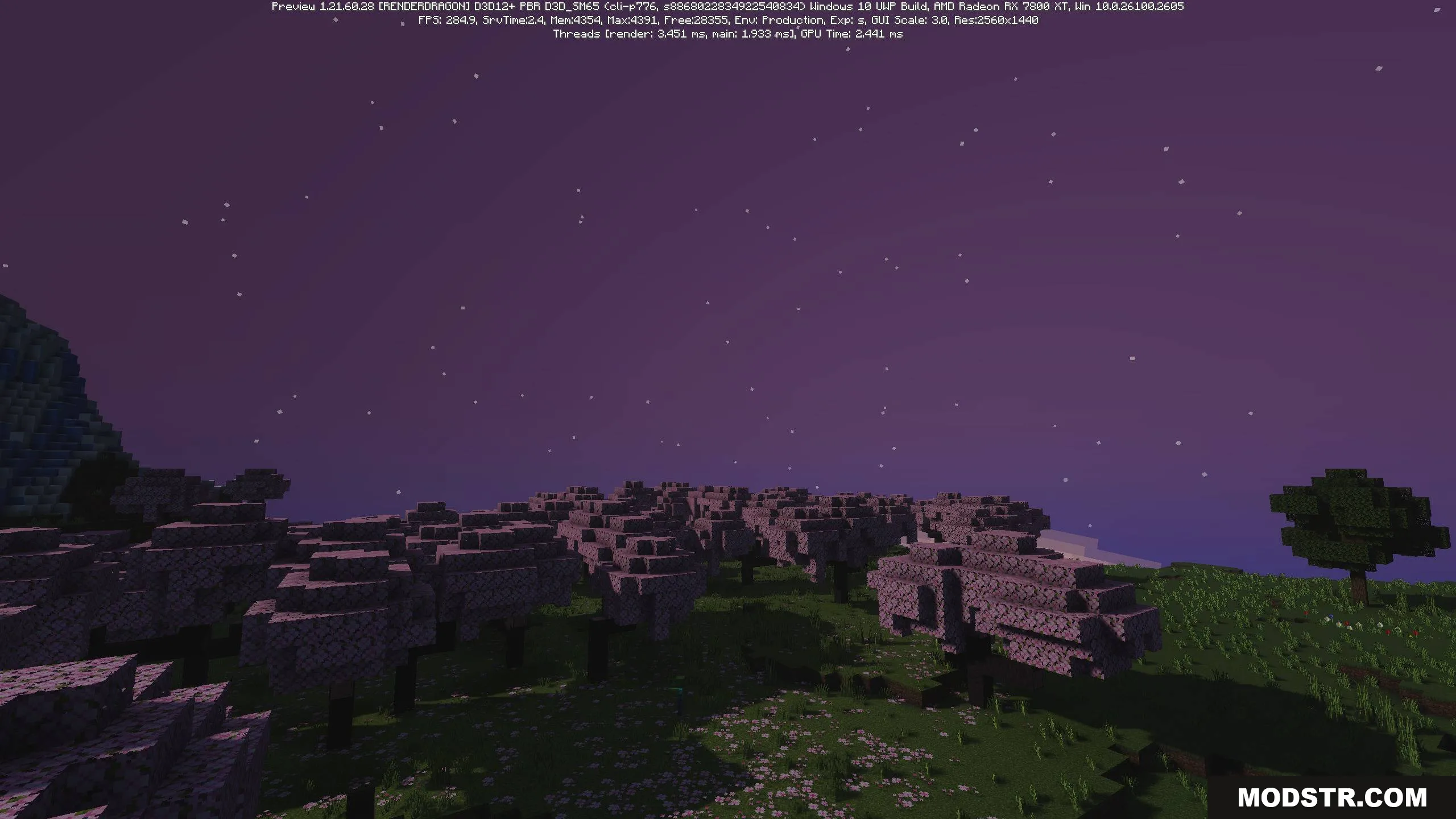
- Dynamic skies that change appearance throughout the day across different biomes.
- Balanced lighting and lifelike reflections for a polished appearance.
- Realistic water with wave effects and blocky shadow details matching Minecraft's style.
Installation
- Download the Lunac Shader pack for your Minecraft Bedrock version.
- Locate your resource packs folder in your Minecraft files.
- Extract and place the shader pack in the appropriate directory.
- Launch Minecraft and enable the shader in your world or global settings.
- Adjust graphics settings as needed for your device's performance.
Compatibility
Lunac Shader is compatible with Minecraft Bedrock Edition version 1.21. Performance varies based on device specifications; stronger hardware will provide better results with the ray tracing features enabled.
DOWNLOAD FILES
- mcpack
- mcpack