
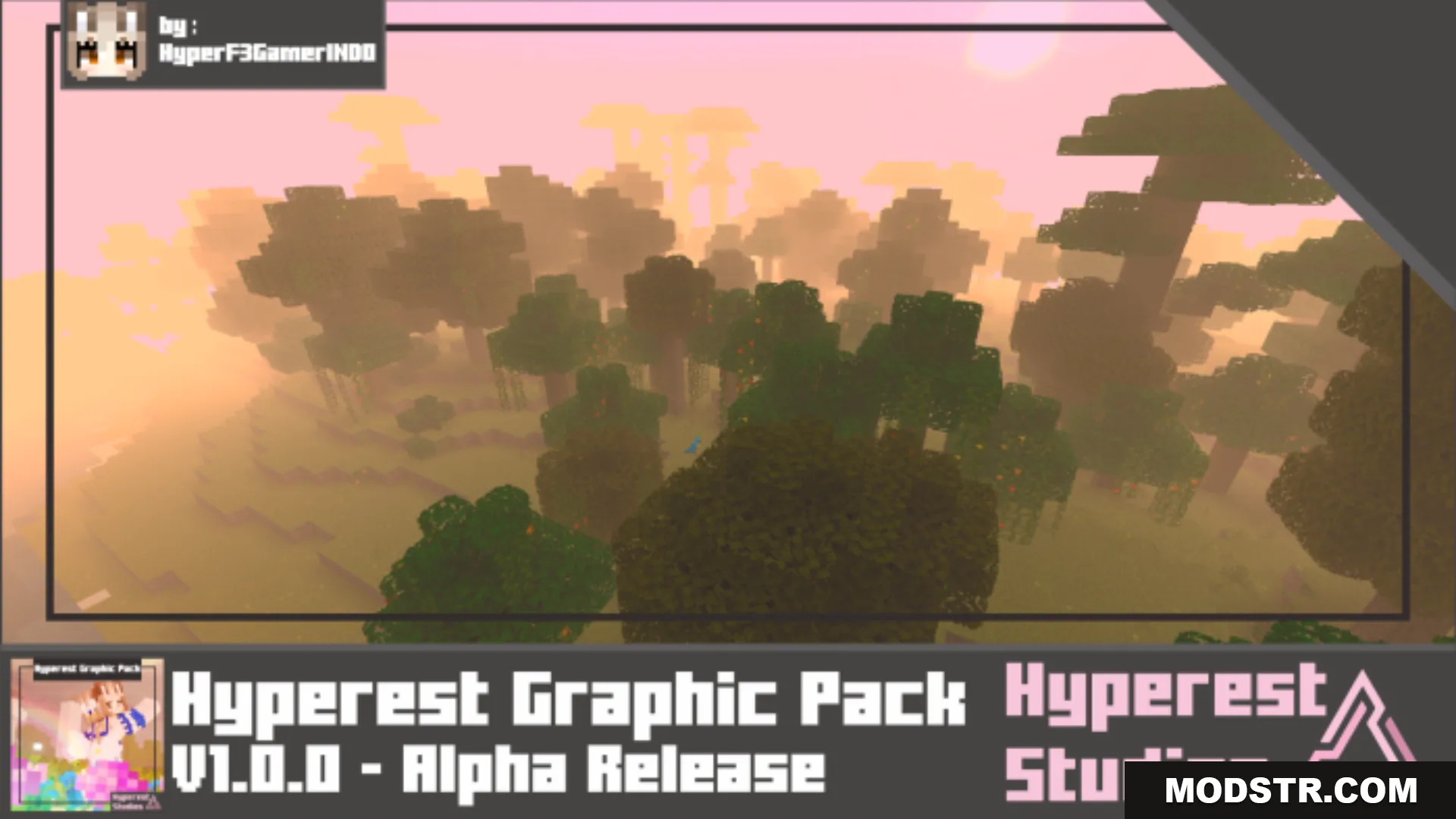
Hyperest Graphic Shader (1.26+) – MCPE/Bedrock
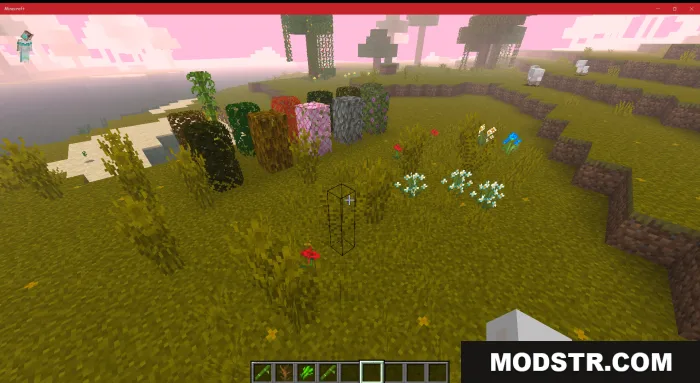
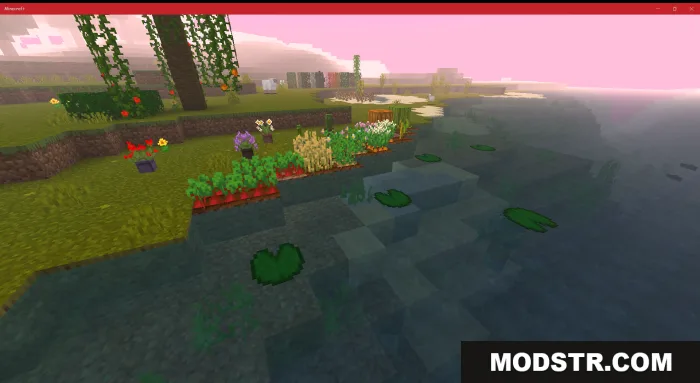
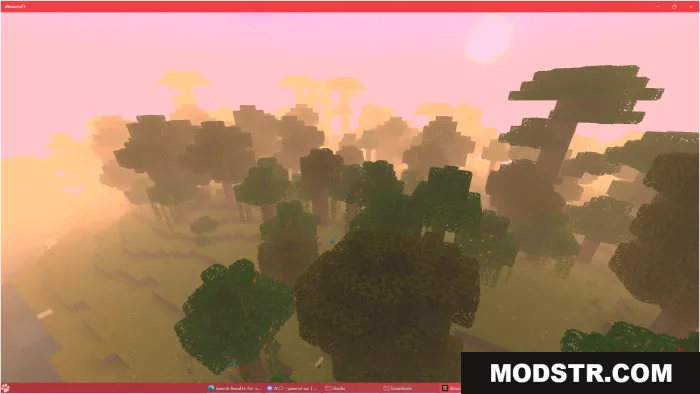
A Bedrock shader that adds fog effects and recolored skies with soft blues and purples for a more atmospheric look.
- 1.26
- 1.21
- 1.20
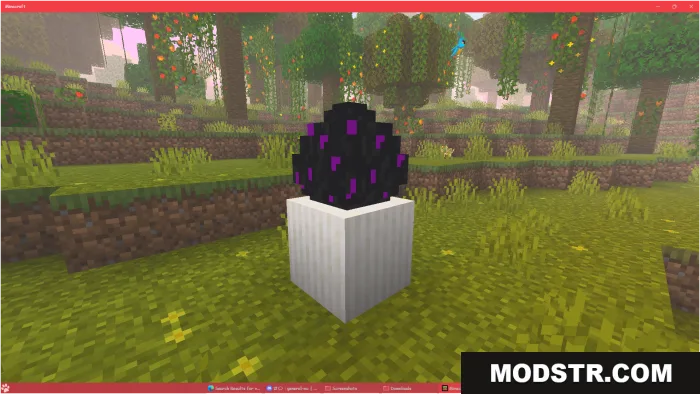
Hyperest Graphic Shader is a Bedrock shader for version 1.26 and newer that enhances the visual atmosphere by adding fog effects and adjusting the sky colors. It aims to provide a more immersive environment with softer, more natural lighting.
Features
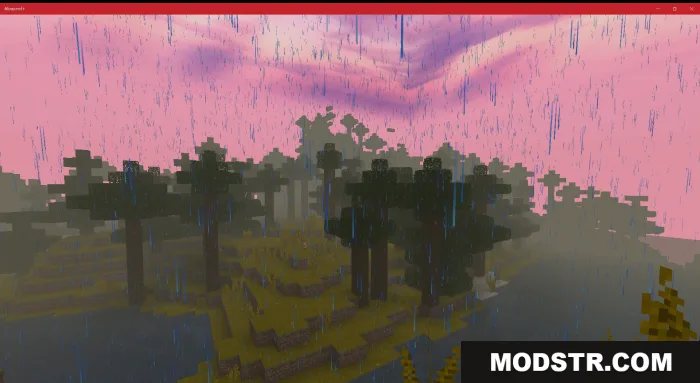
- Fog effects that scale with render distance—lower render distance produces thicker fog.
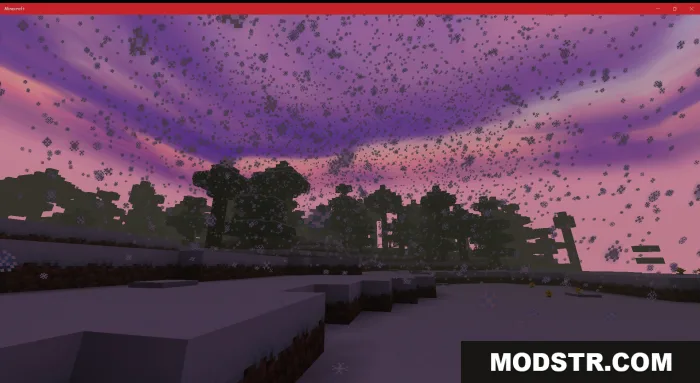
- Recolored skies featuring soft blues and warm purples.
- Option to enable or disable Polluted Cloud through Video Settings under Render Cloud.
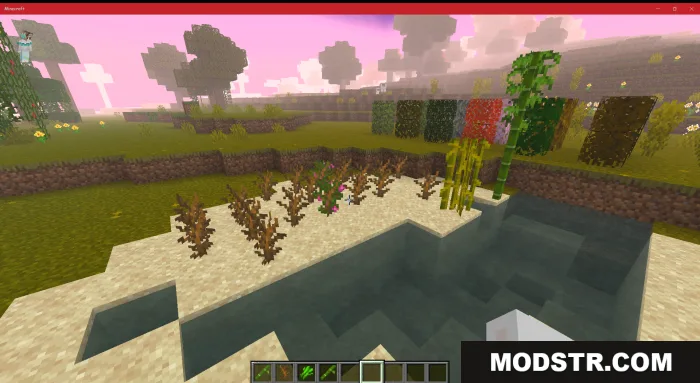
- Recommended to set brightness to 0 in game settings to fully experience the shader's lighting.
Installation
- Download the shader pack file.
- Open Minecraft Bedrock Edition and go to Settings.
- Navigate to Resource Packs or Global Resources and select the downloaded pack.
- Apply the pack and restart the game if necessary.
- Adjust brightness to 0 in Video Settings for optimal results.
DOWNLOAD FILES
- mcpack
- mcpack