
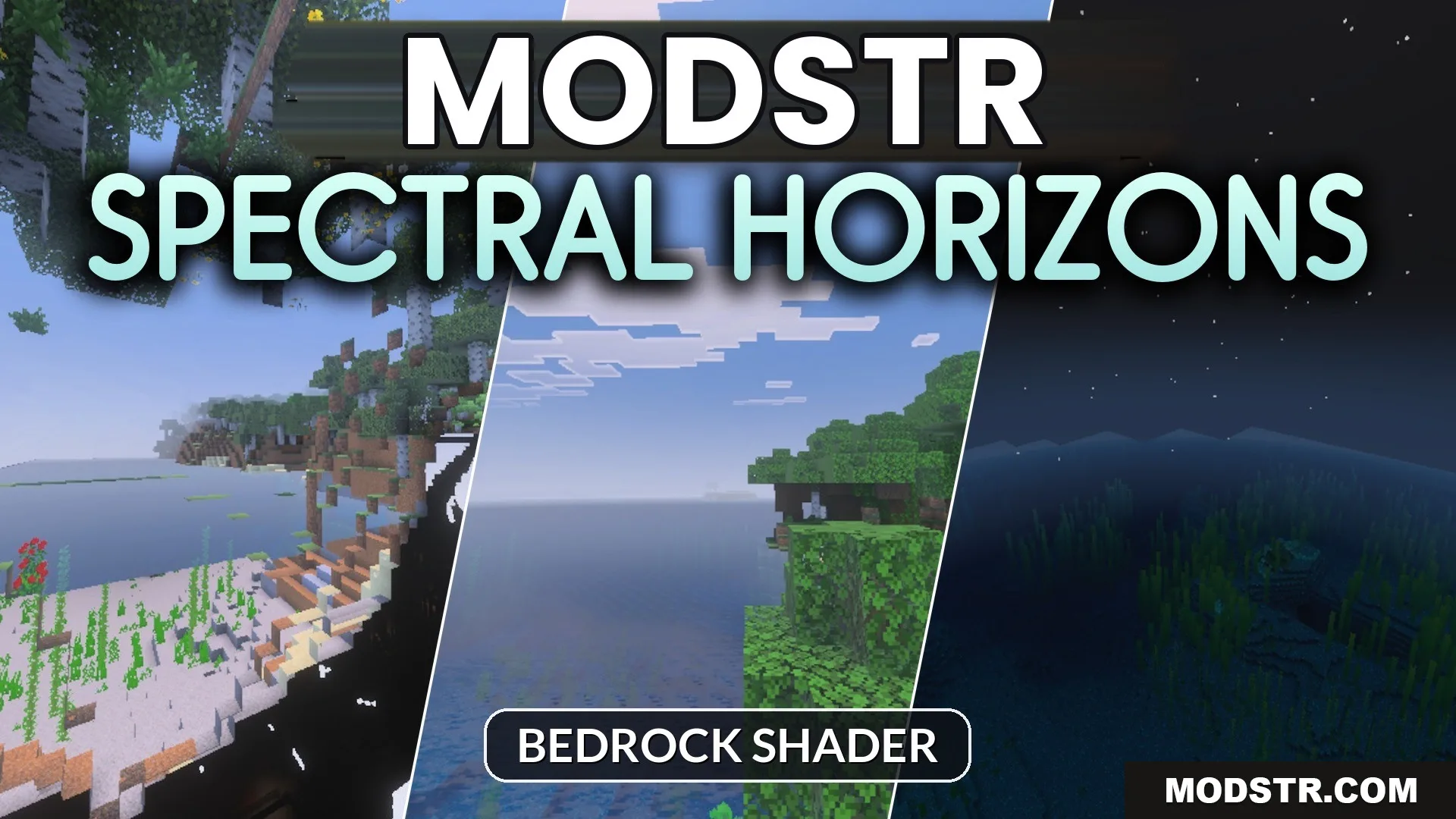
Spectral Horizons Shader (26.x) – Toggleable PBR Lighting and 64x Normal Maps
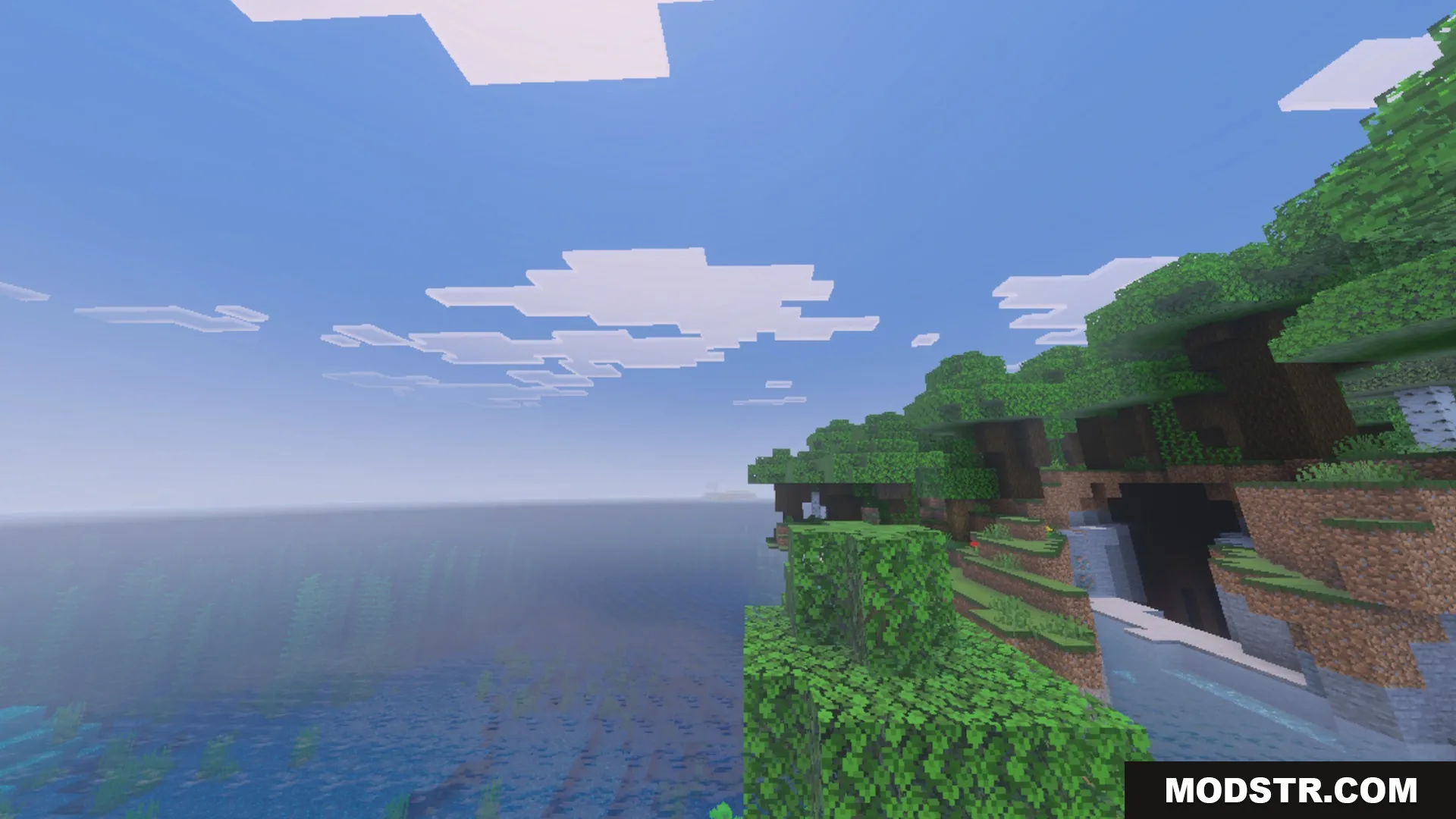
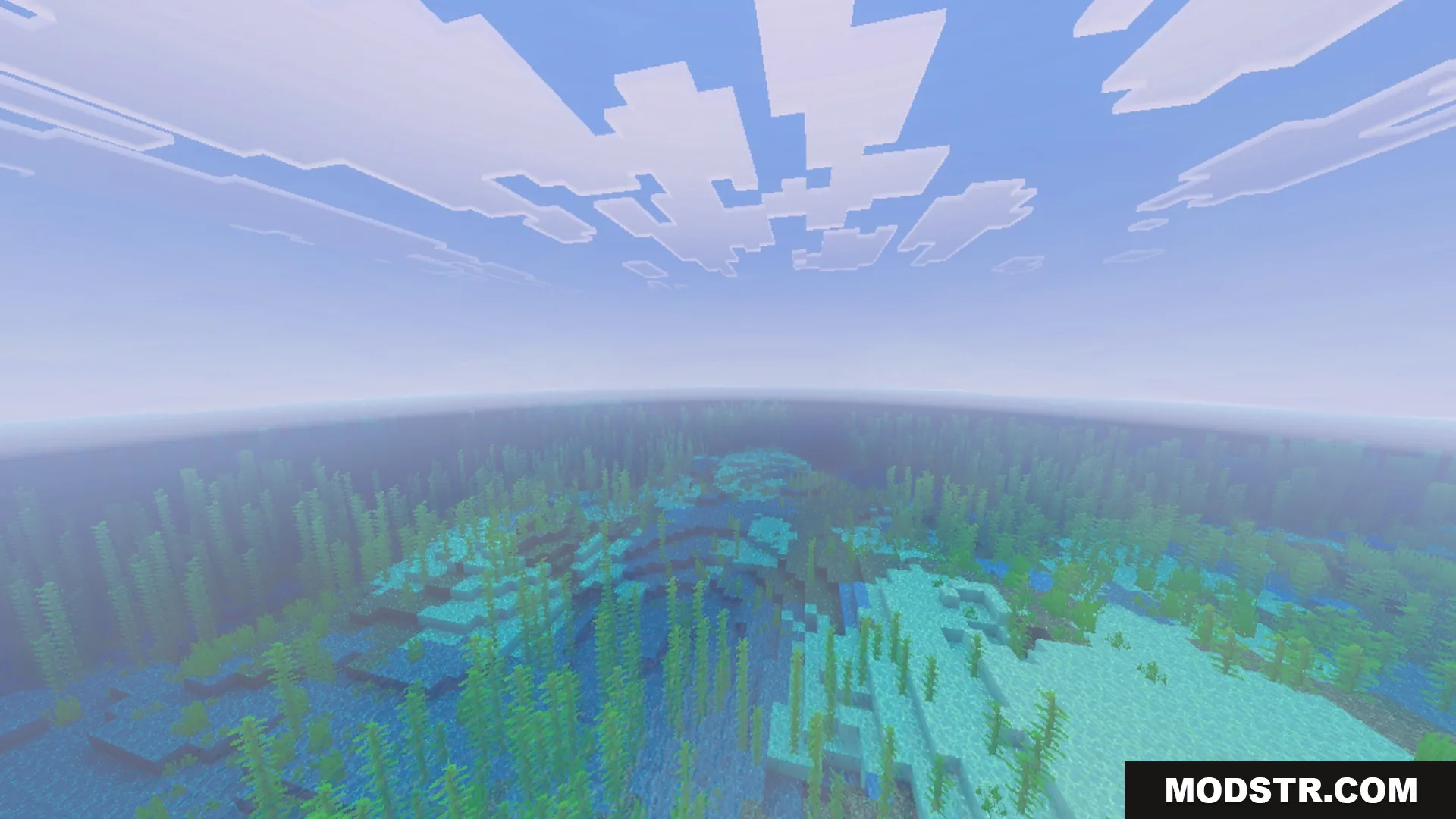
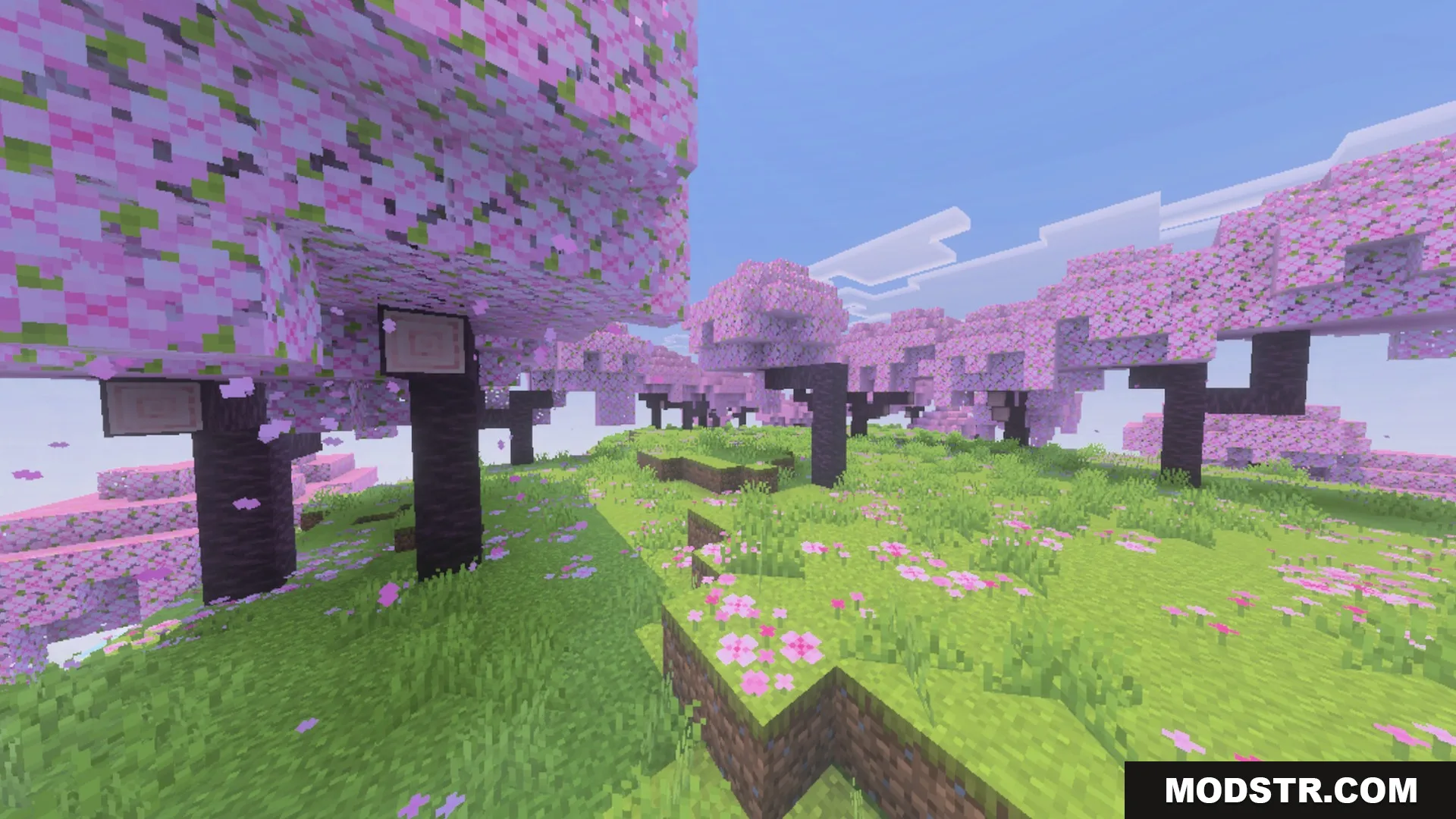
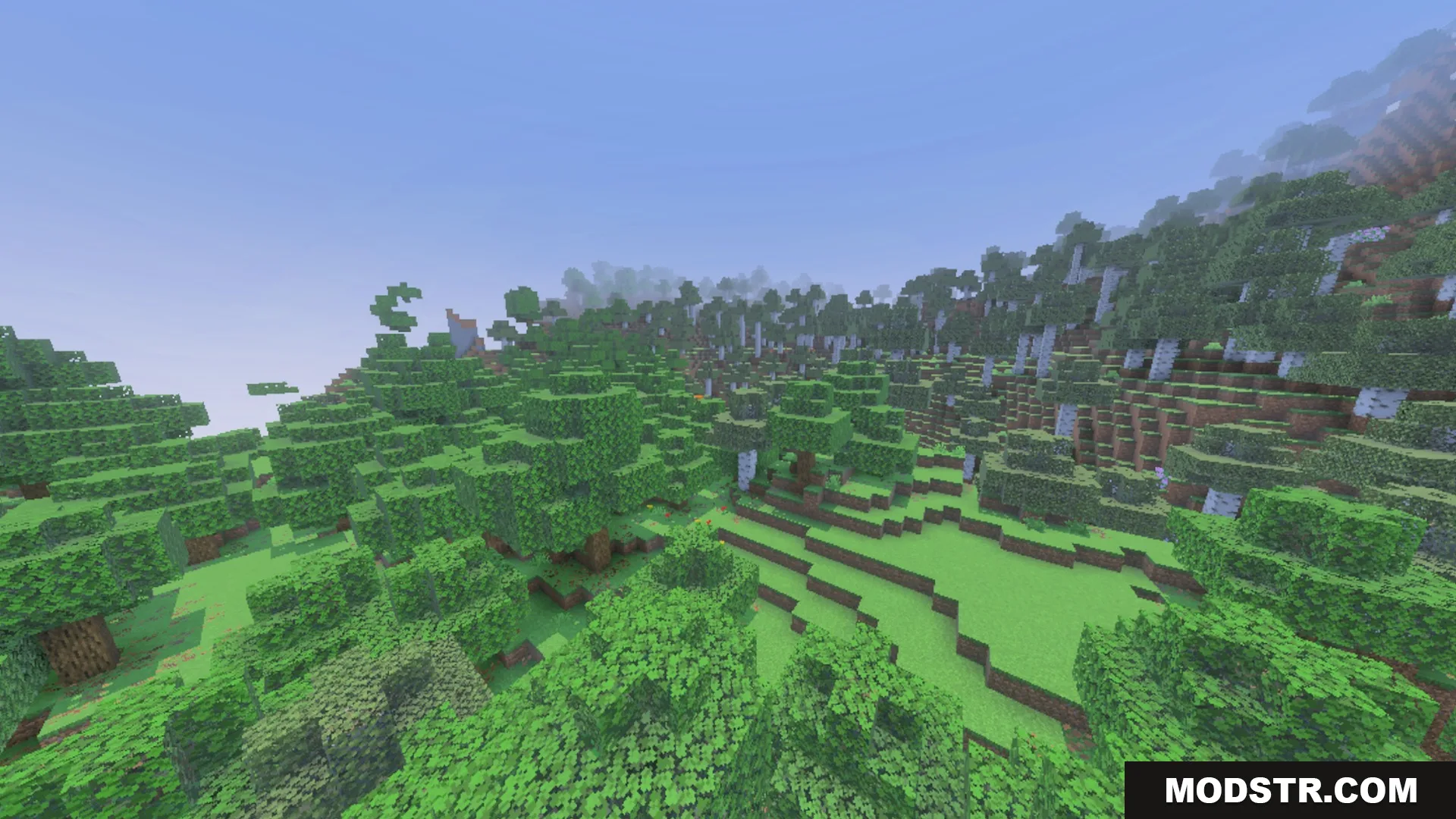
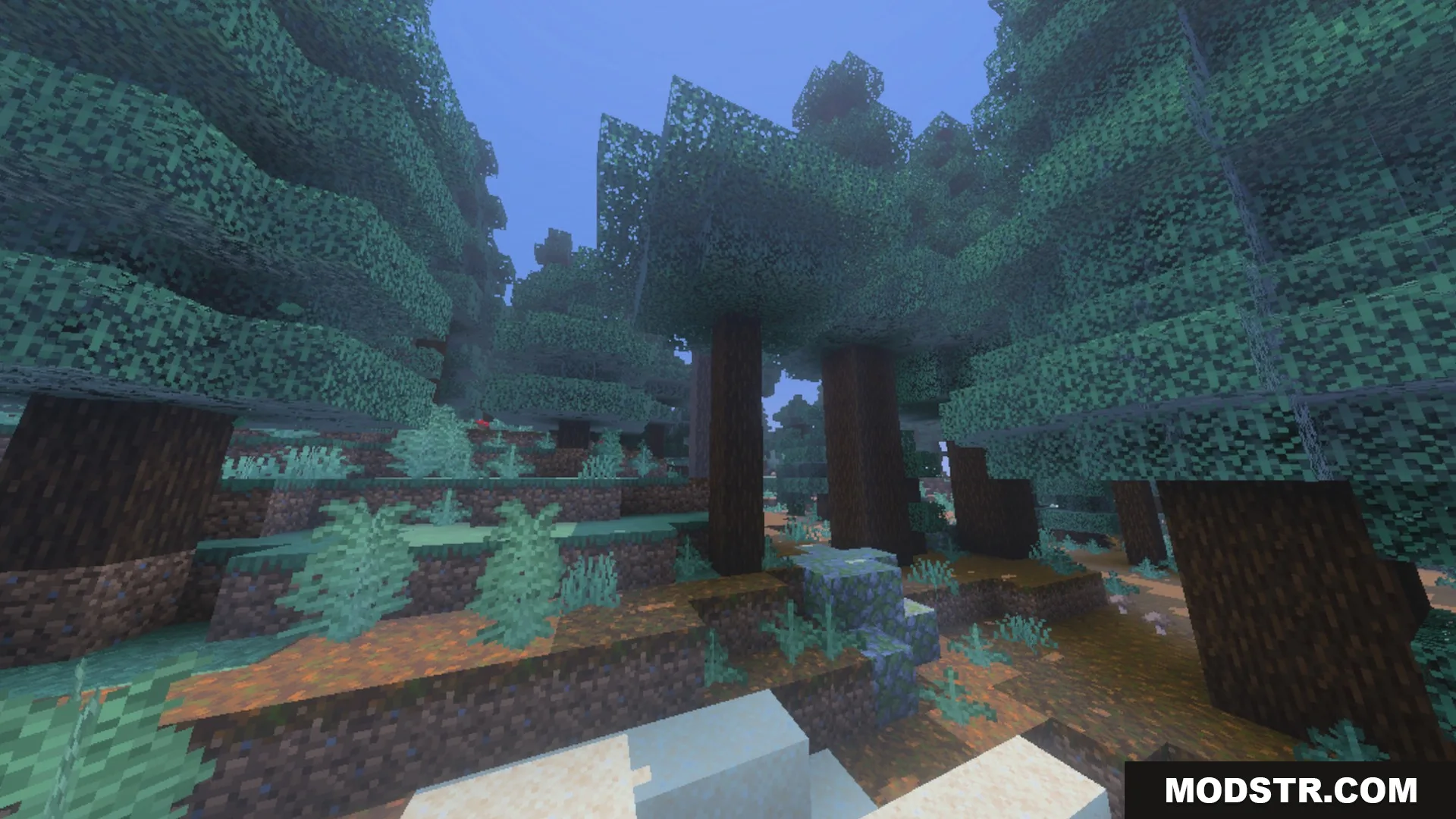
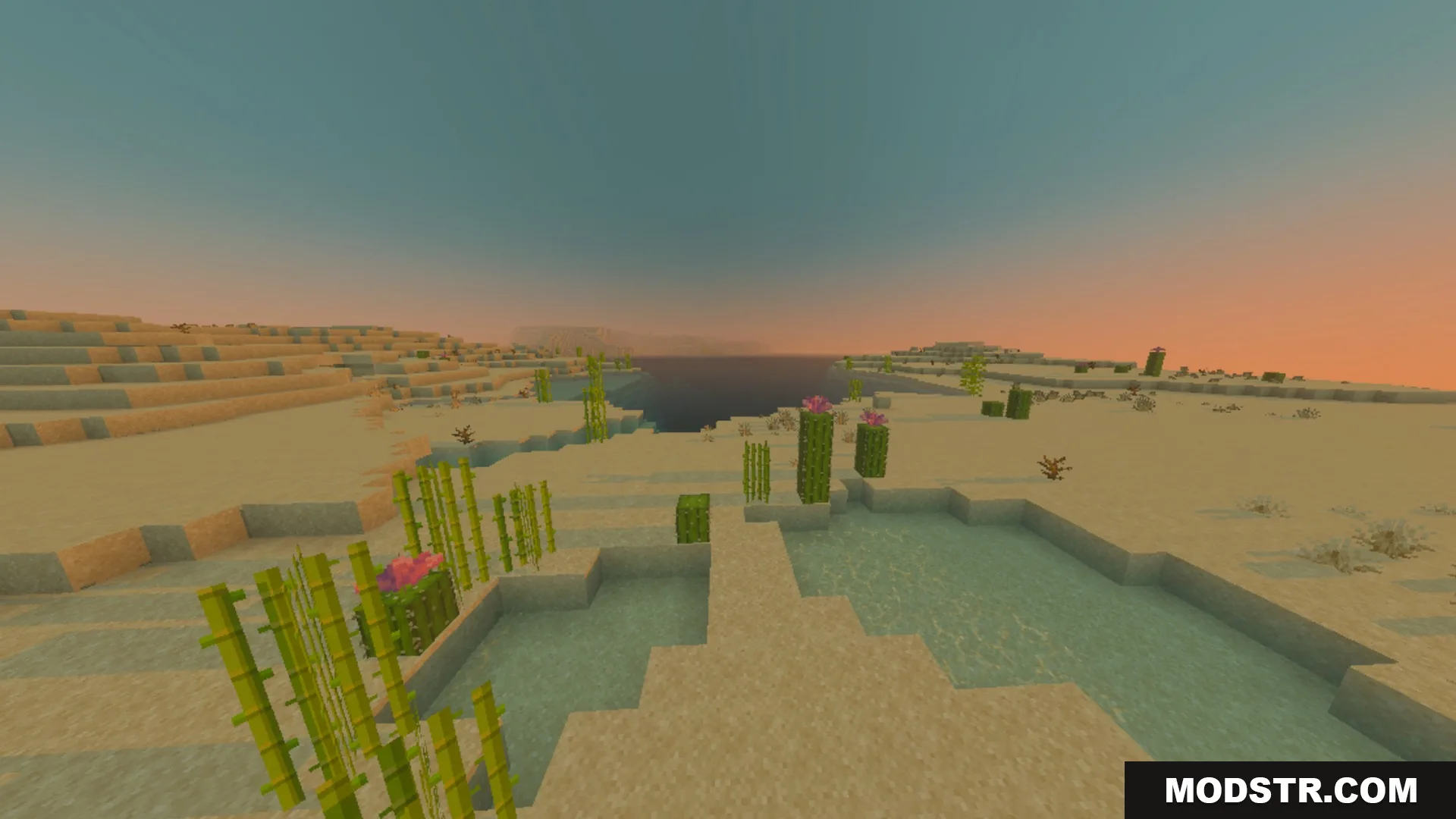
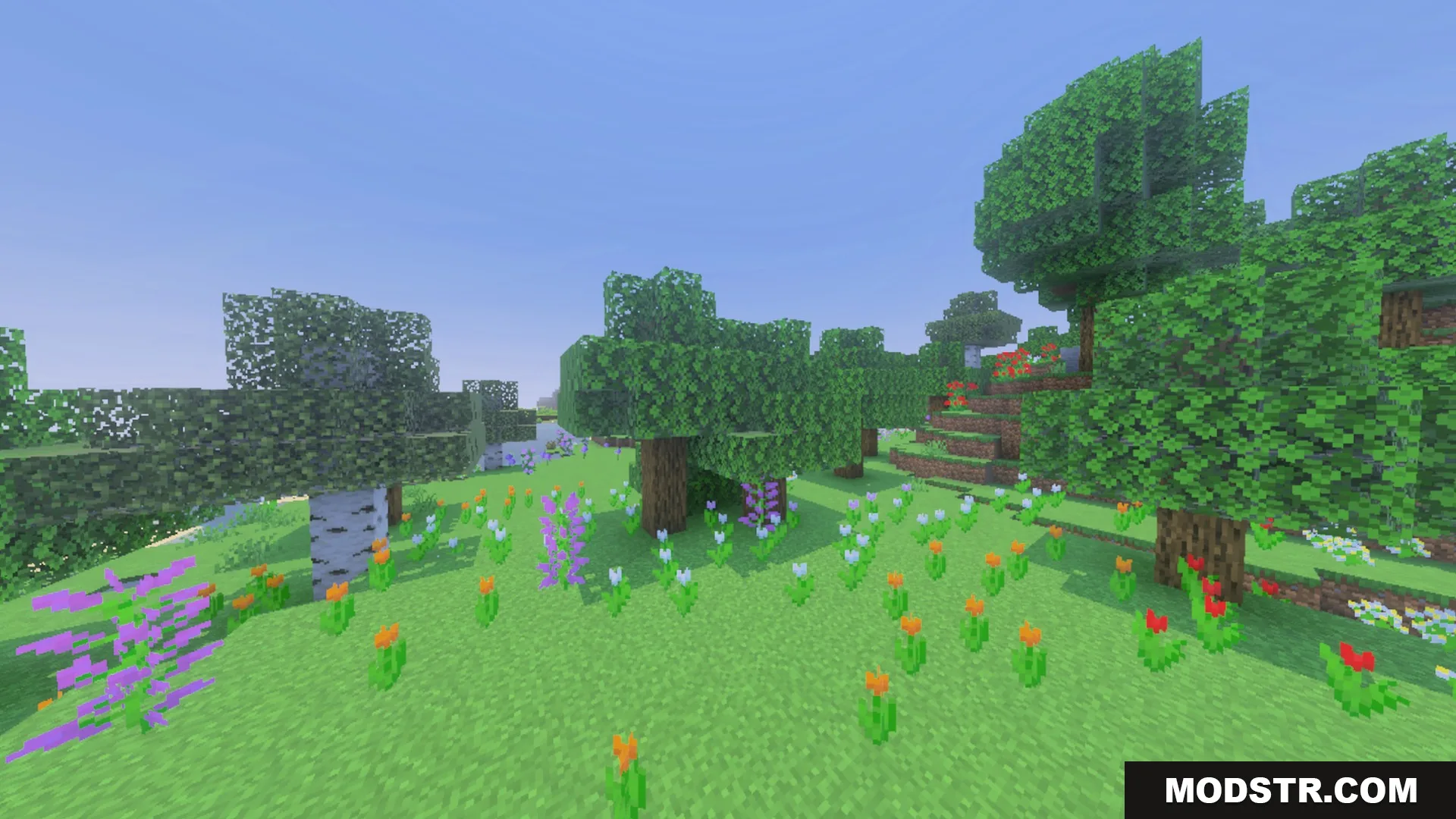
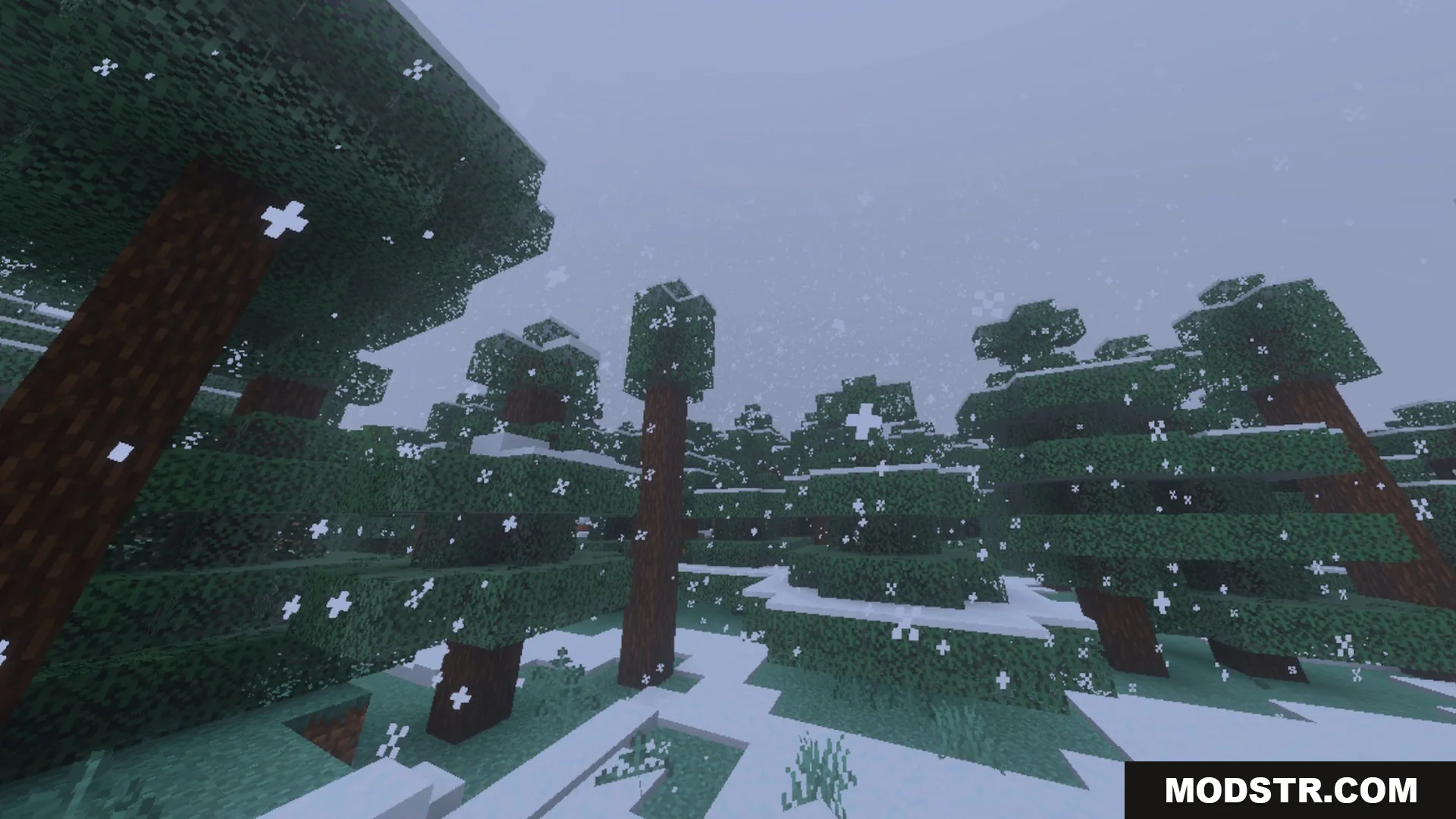
Spectral Horizons Shader enhances Bedrock worlds with vibrant visuals and atmospheric effects. It features unique lighting and color adjustments tailored for various biomes.
Spectral Horizons Shader enhances your Minecraft Bedrock experience with vivid visuals and atmospheric elements. It incorporates distinct lighting features and colorful scenery tailored for different biomes.
Features
- Adds bright color adjustments and custom atmospheric biome fog.
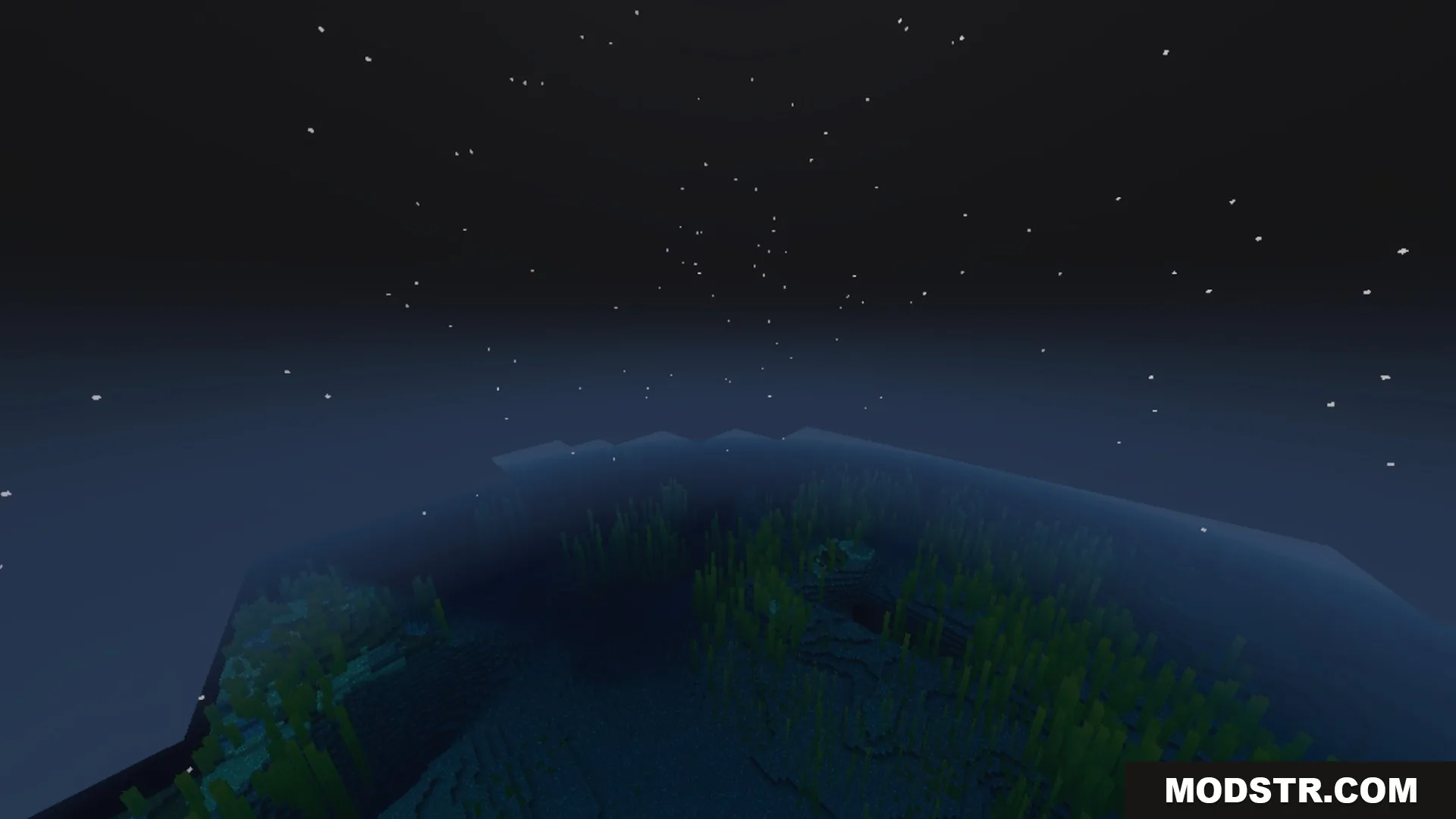
- Features unique night moon colors across different biomes.
- Updates all light blocks with colorful and bright lighting.
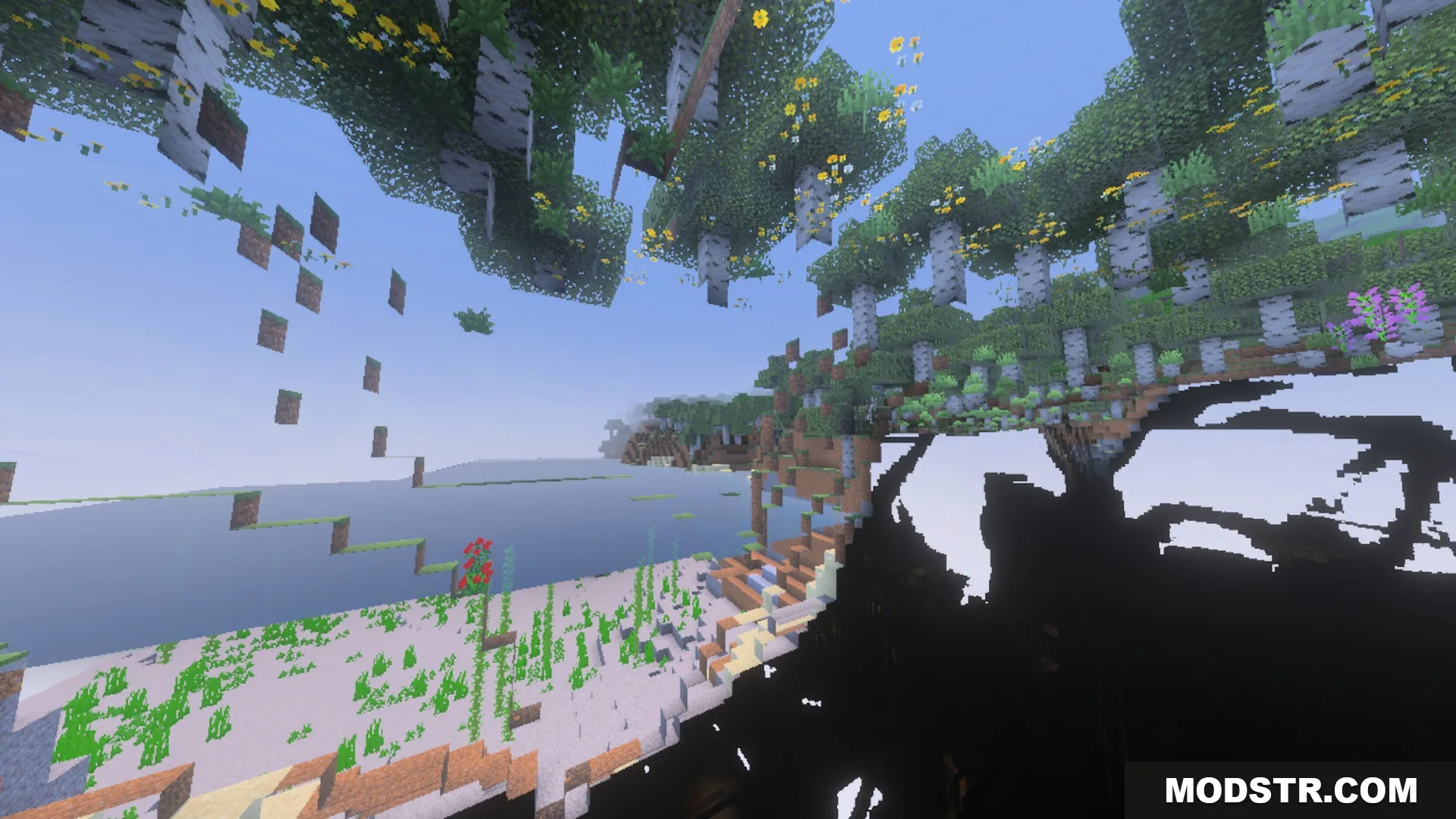
- Includes 64x normal maps and height maps for extra surface depth.
- Provides custom MER textures with toggleable PBR visual options.
Installation
- Download the shader pack.
- Move the shader file to the appropriate Minecraft shader folder.
- Launch Minecraft and navigate to the settings menu.
- Enable the shader under the graphics options.
- Adjust settings as needed for optimal performance.
Screenshots
DOWNLOAD FILES
- mcpack