
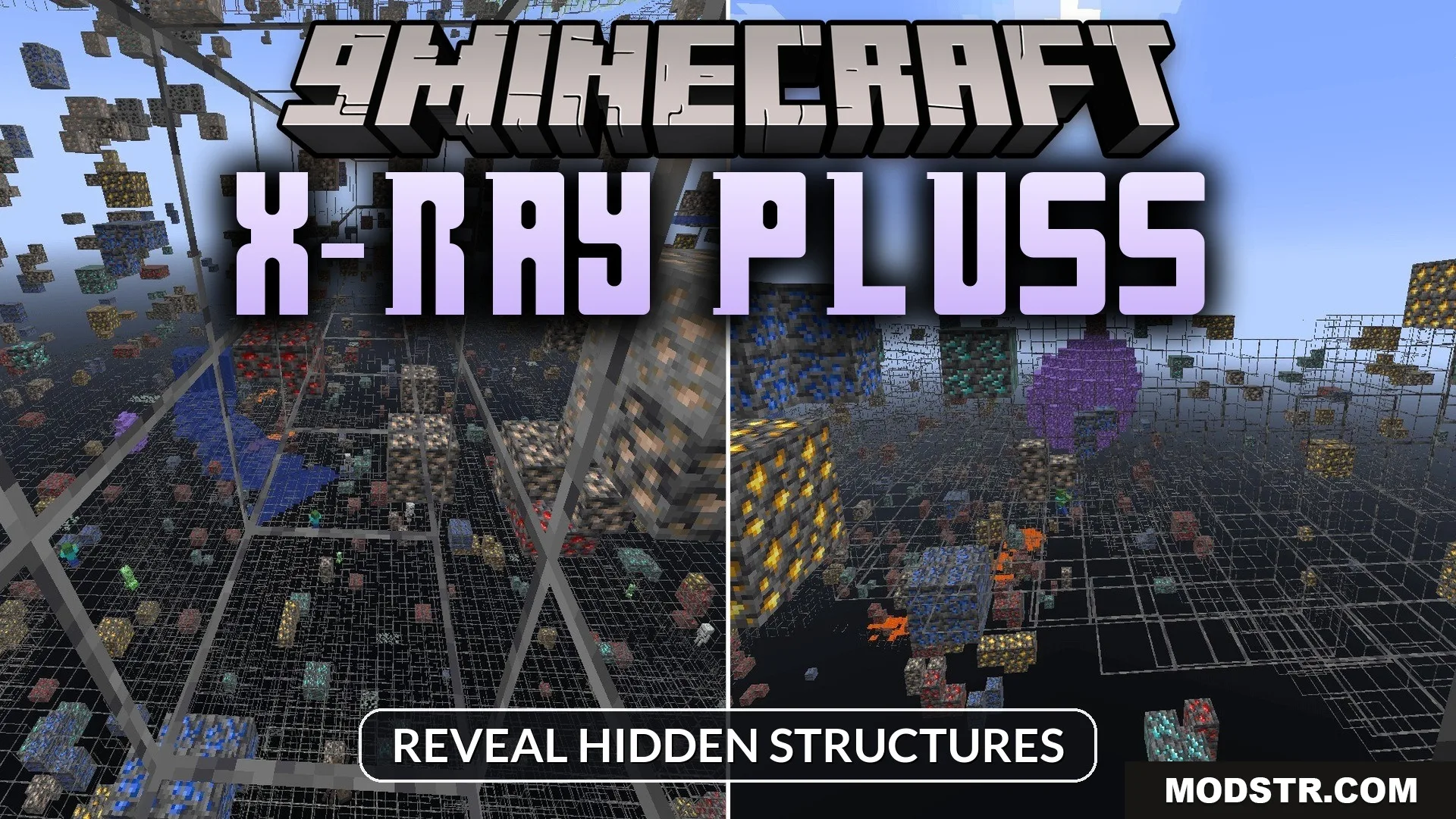
X-Ray Pluss Shader (26.x, 1.21) – Reveal Hidden Structures
Shader that renders dirt and stone as transparent to reveal ores, dungeons, and strongholds underground. Compatible with Minecraft 1.21.
- 1.21
- 1.20
- 1.19
- 1.18
X-Ray Pluss Shader makes standard ground blocks transparent, allowing you to see through dirt and stone to locate valuable ores and structures. This shader is designed for players who want to explore caves and find resources more efficiently.
Features
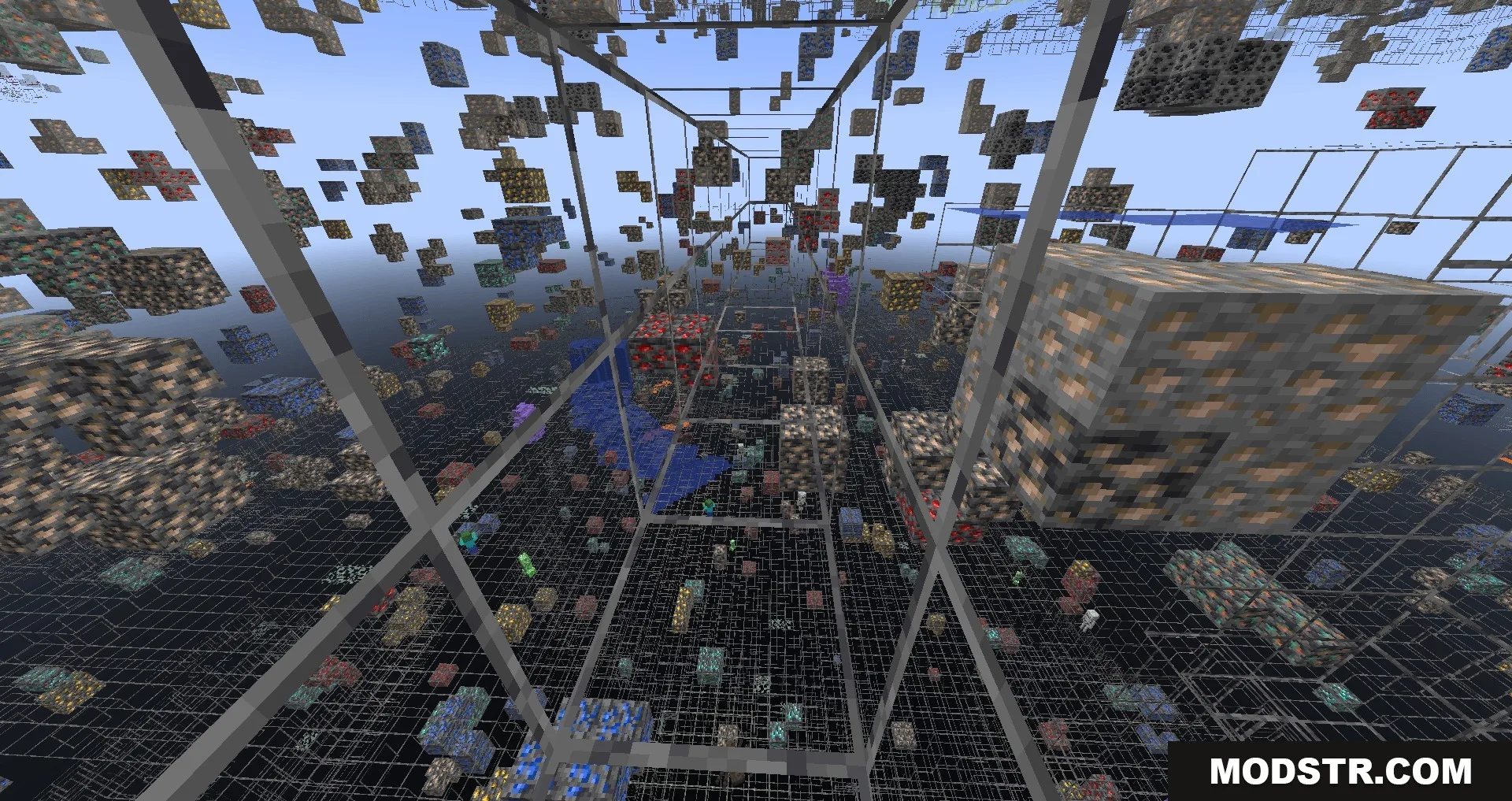
- Renders normal ground blocks as transparent.
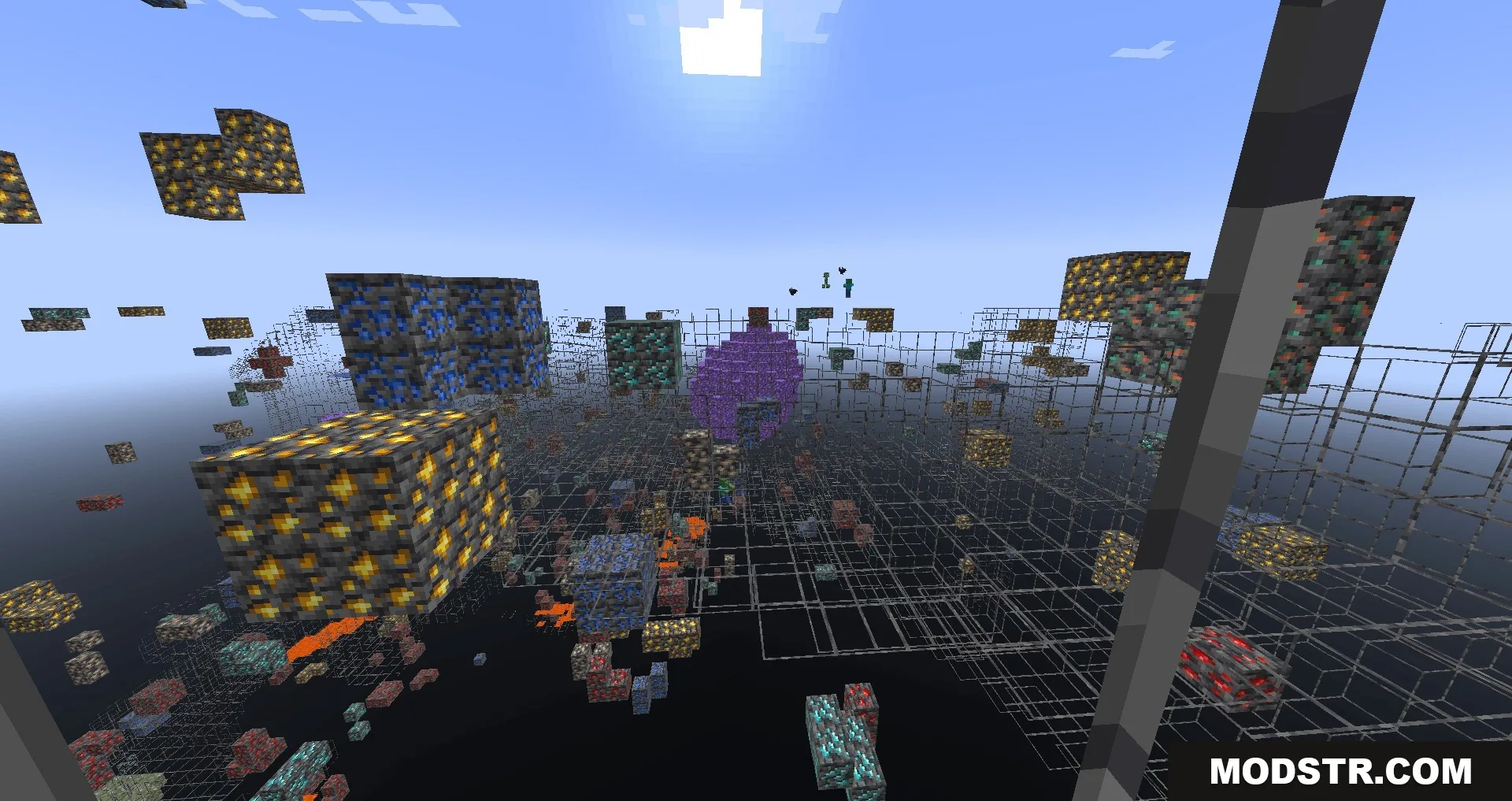
- Makes ores and amethyst geodes visible through stone.
- Shows monster spawners and stronghold locations.
- Combines effectively with night vision for better visibility in caves.
- Compatible with popular custom addons that add additional ore types.
Installation
- Ensure you have a compatible shader loader installed.
- Download the shader pack for your Minecraft version.
- Place the shader files in your shaders folder.
- Open Minecraft and select the shader from the shader options menu.
- Adjust settings as needed for your system's performance.
Compatibility
This shader supports Minecraft 1.21 and version 26.x. It works with most custom addons that add new ore types to the game.
DOWNLOAD FILES
- mcpack