
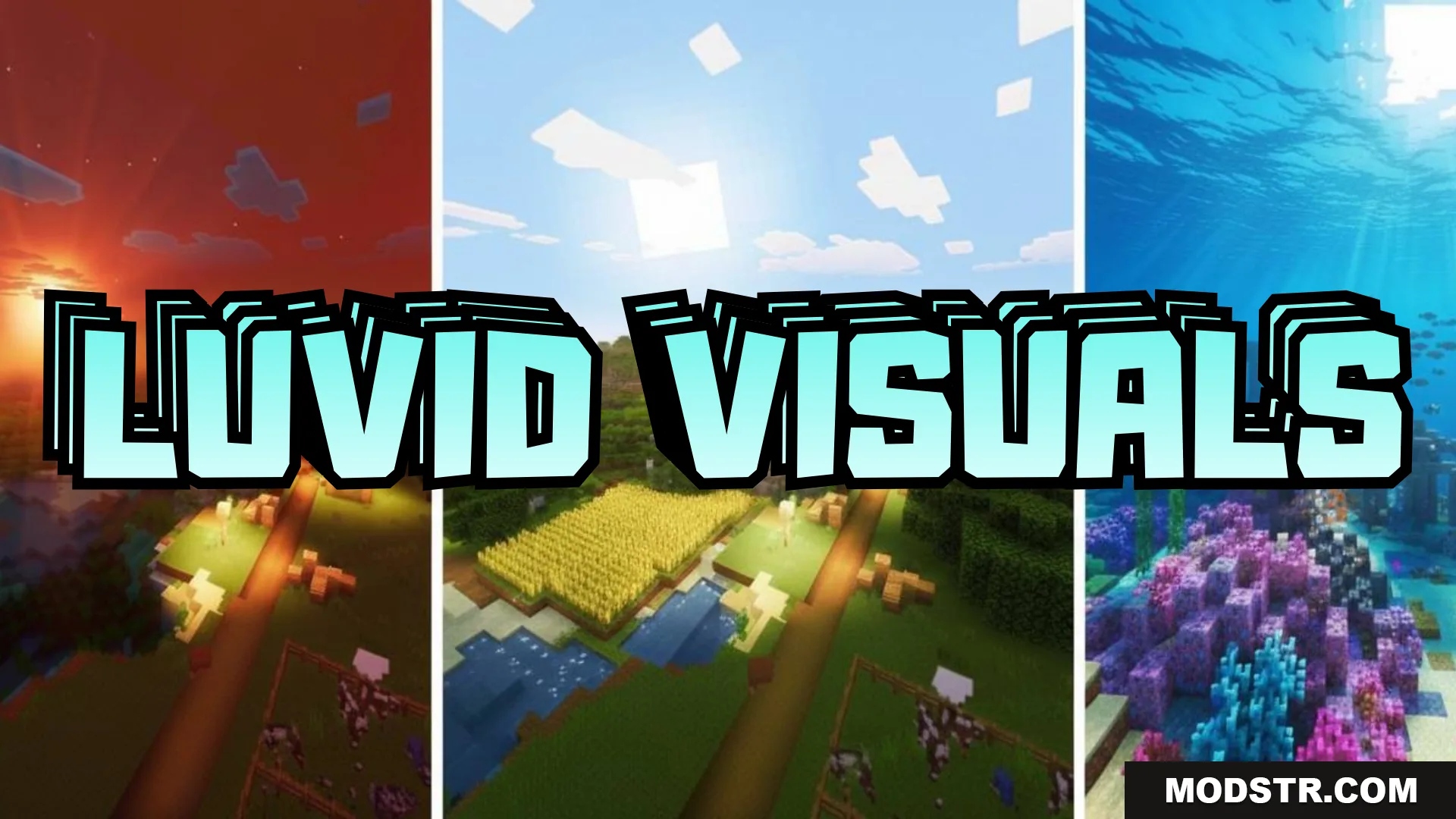
Luvid Visuals Shader (26.x, 1.21) – MCPE/Bedrock
A graphical shader for Bedrock Edition that improves lighting, sky colors, and water reflections with dynamic sunset gradients and block shadows.
- 1.21
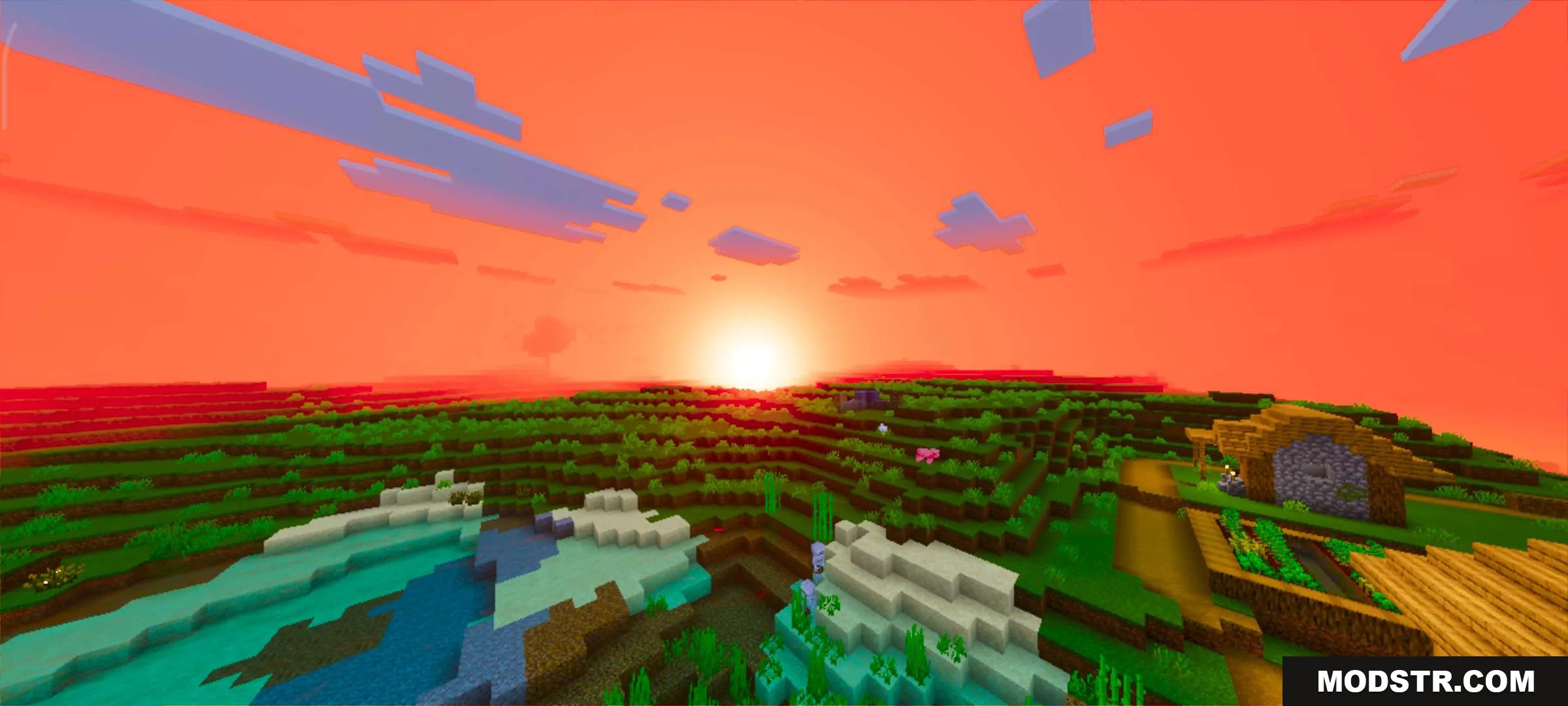
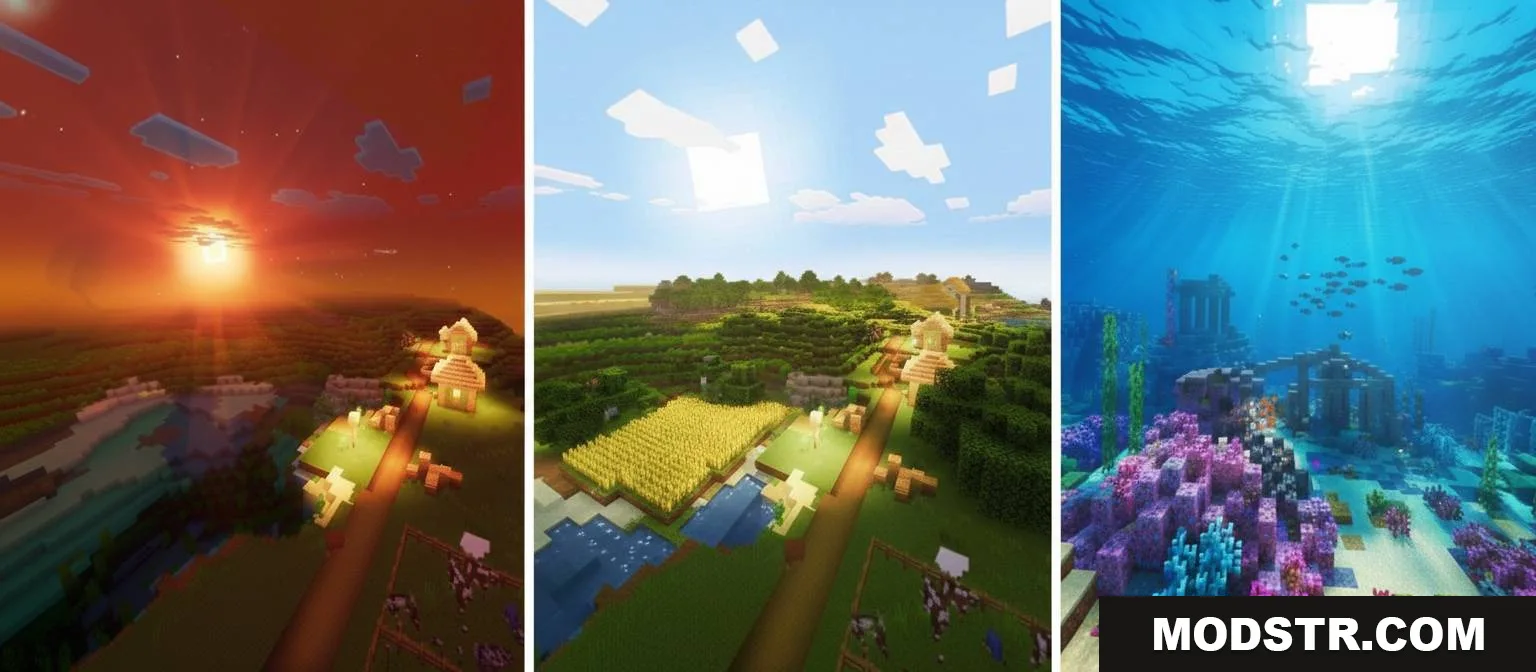
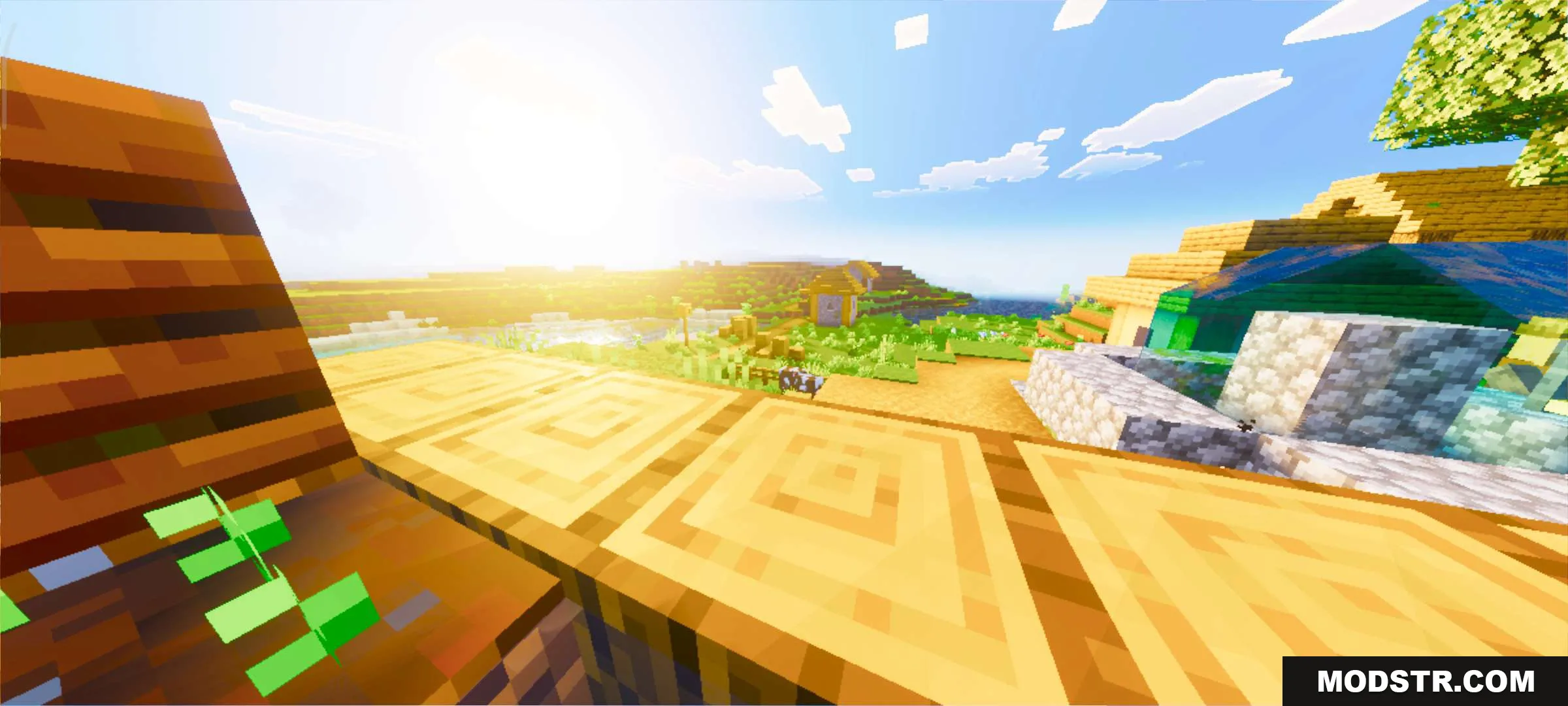
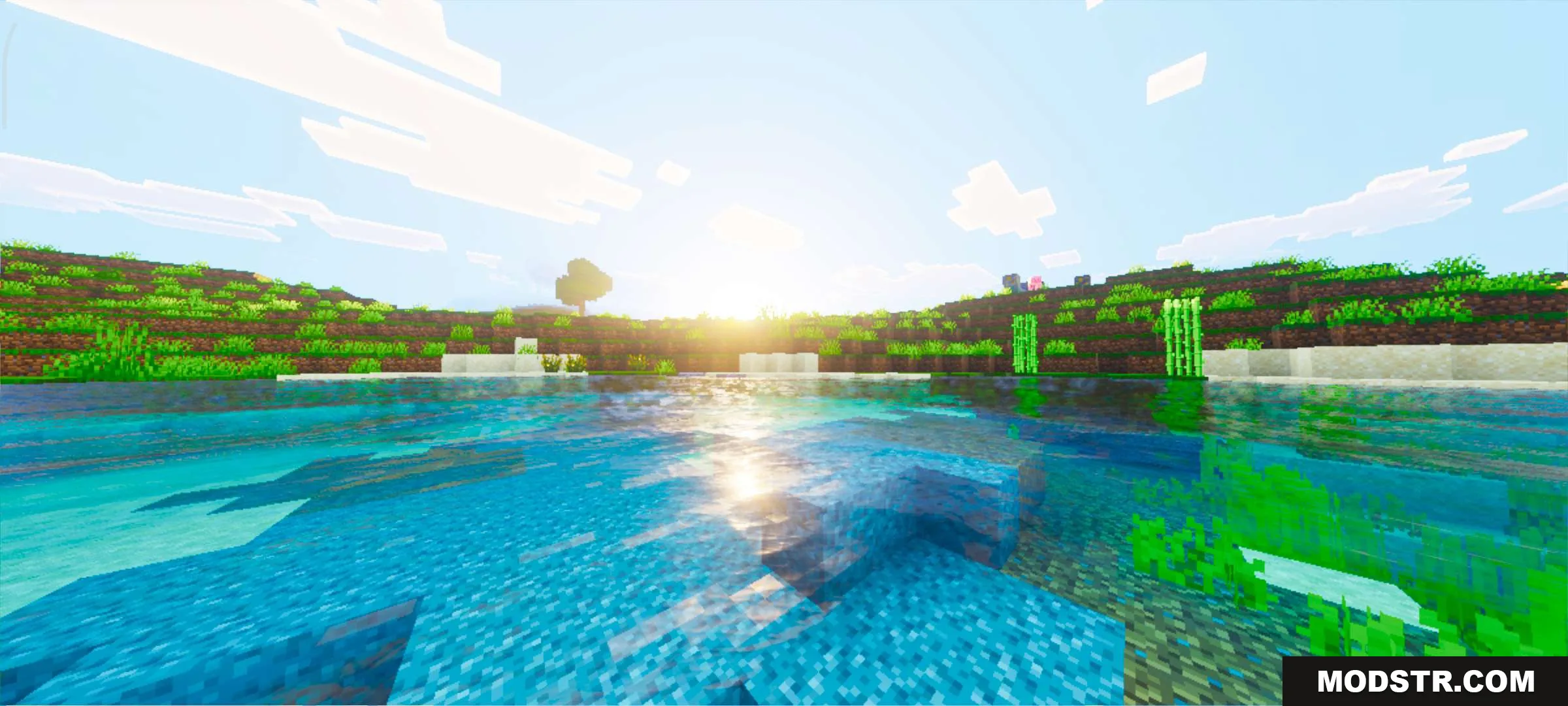
Luvid Visuals Shader is a graphical enhancement for Minecraft Bedrock Edition designed to improve visual clarity and color fidelity. It modifies lighting mechanics to create shadows on blocks through dynamic sun and moon illumination, and introduces dynamic sky coloring during sunset with gradient bands on the horizon.
Features
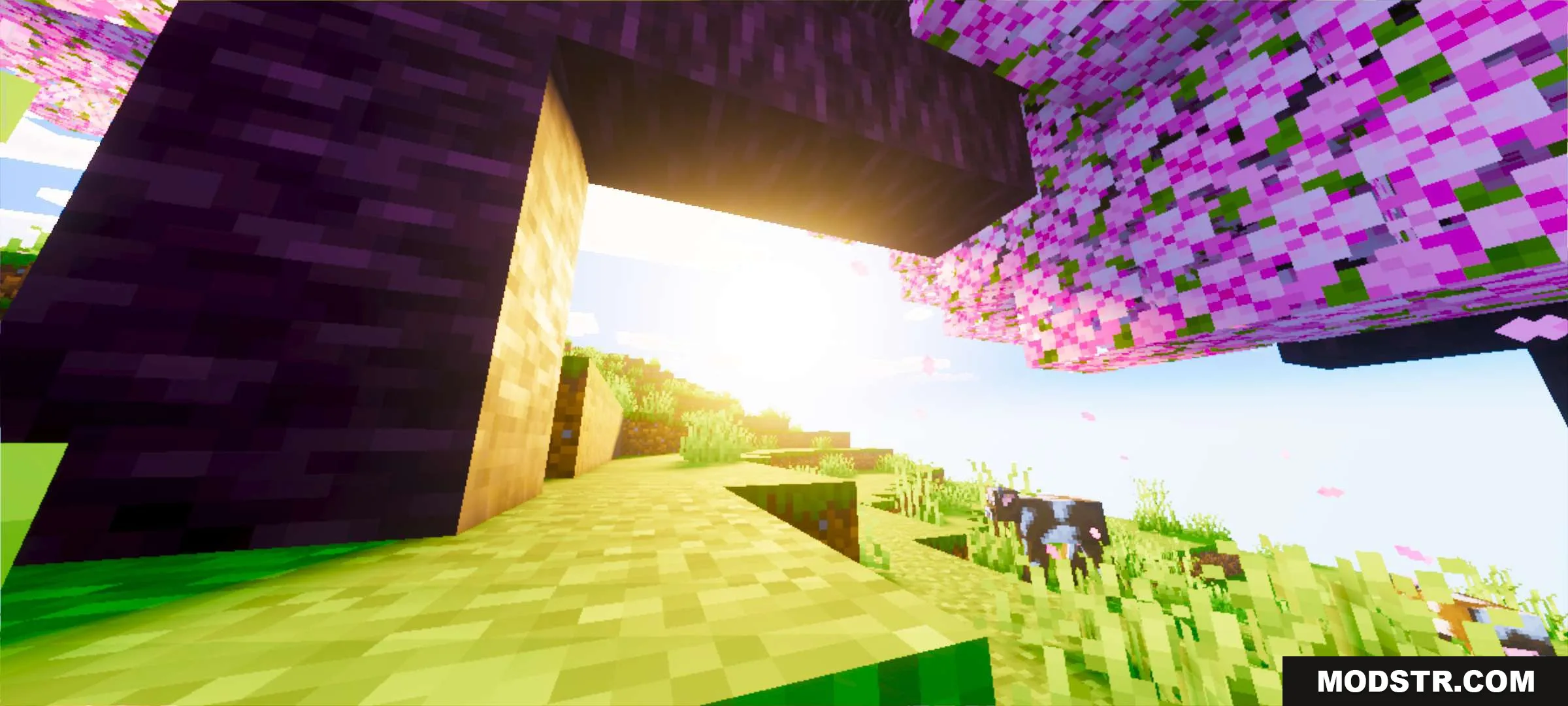
- Dynamic sun and moon lighting that casts shadows on blocks.
- Sunset sky that changes color dynamically with gradient bands on the horizon.
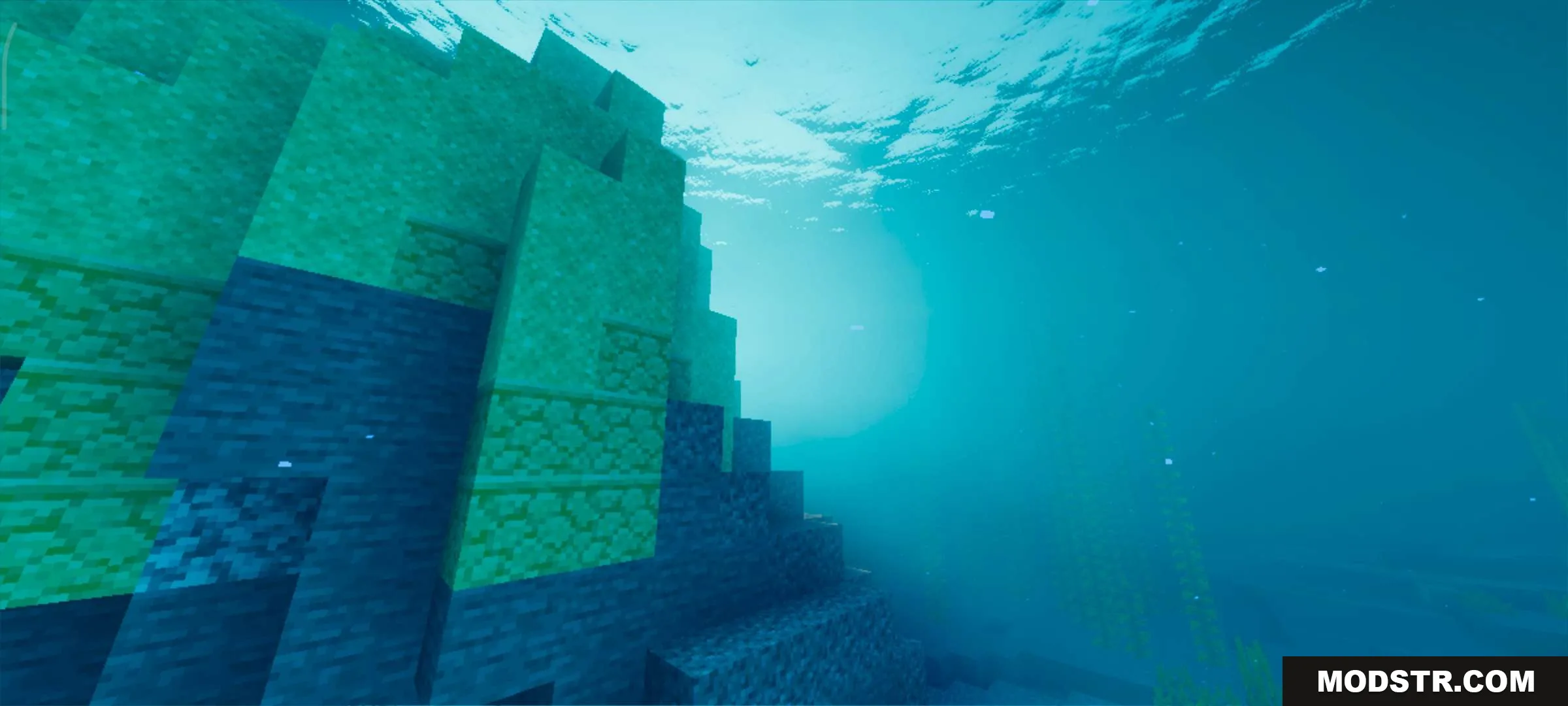
- Improved water rendering with transparency and reflection effects.
- Enhanced color and clarity for overall visual presentation.
Installation
- Download the shader pack file.
- Open Minecraft Bedrock Edition and go to Settings.
- Navigate to Video Settings and select Resource Packs.
- Locate and activate the Luvid Visuals Shader pack.
- Create or load a world to apply the shader effects.
Compatibility
This shader is designed for Minecraft Bedrock Edition version 1.21 and shader pack version 26.x. Performance may vary depending on your device specifications.
DOWNLOAD FILES
- mcpack
- mcpack