
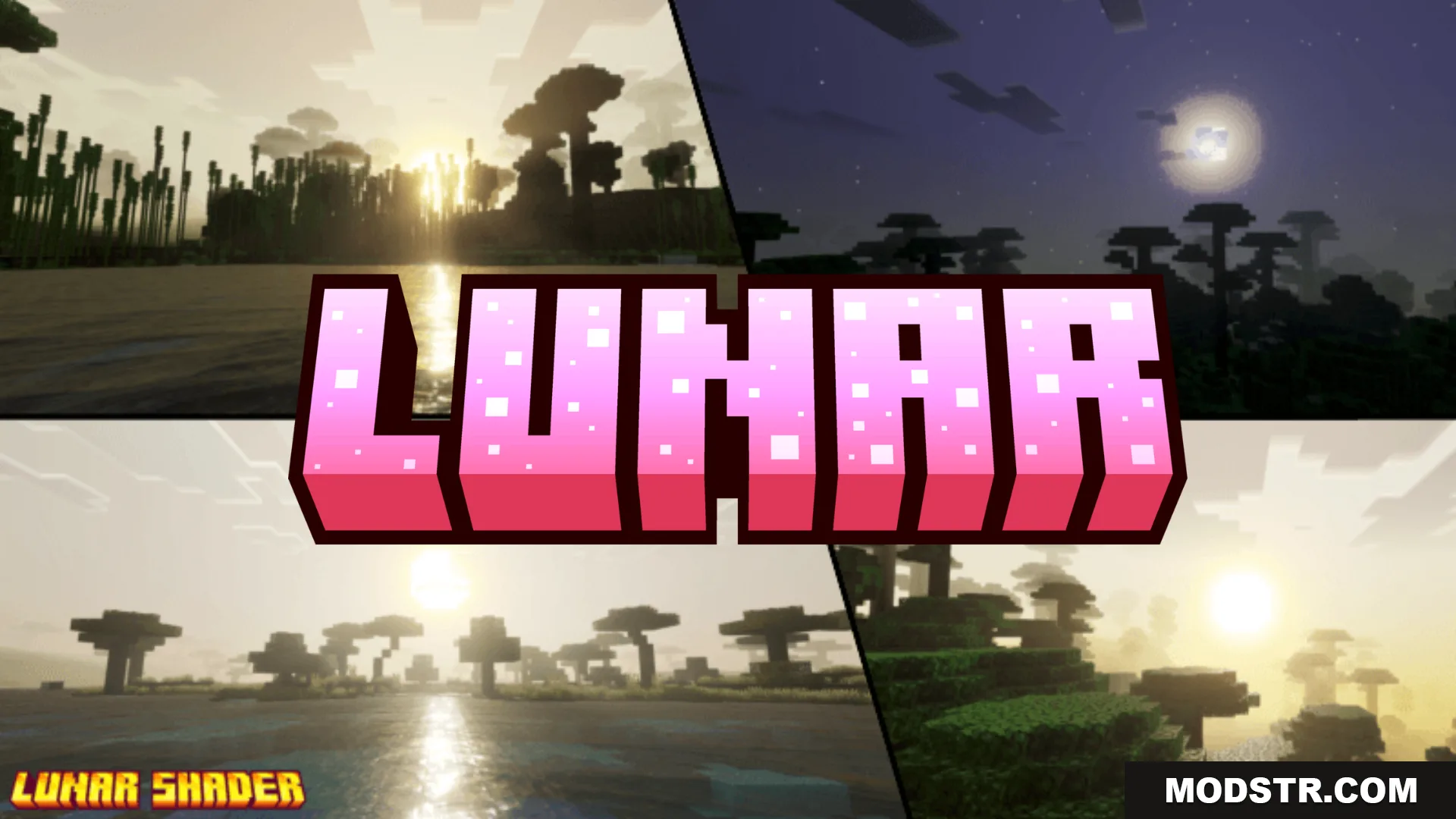
Lunar Shader (1.26+) – MCPE/Bedrock
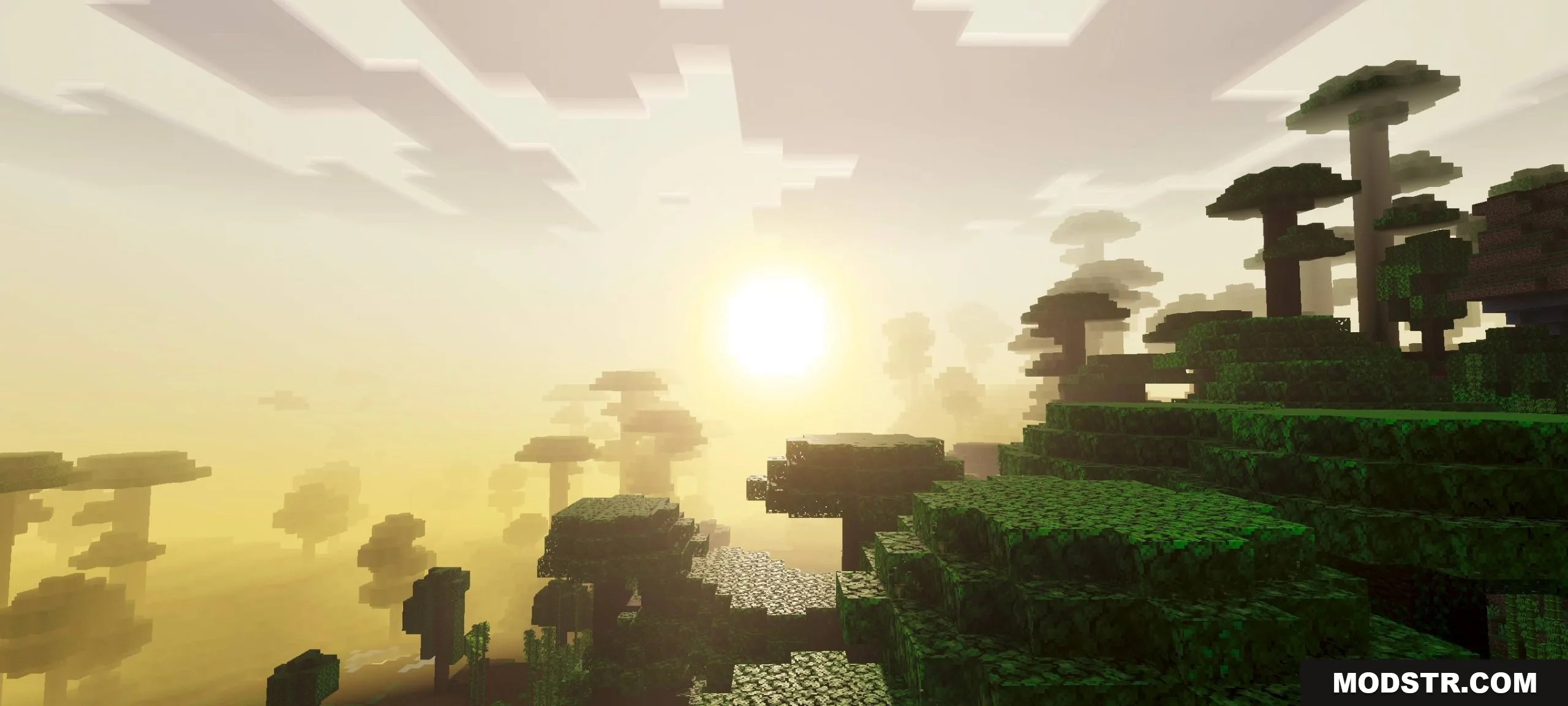
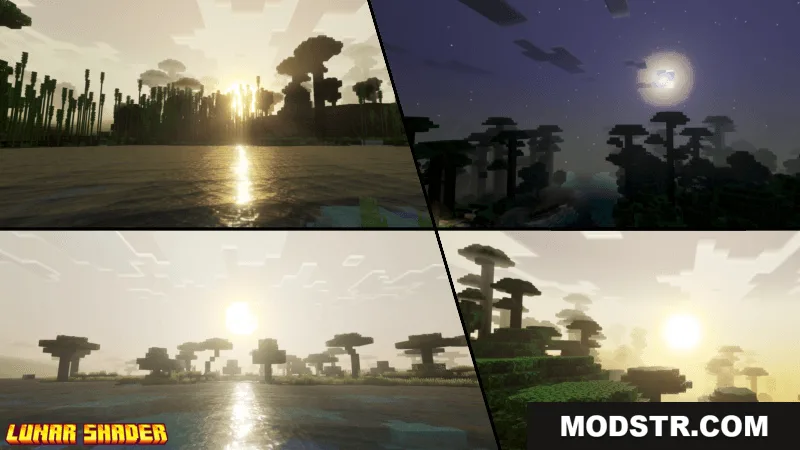
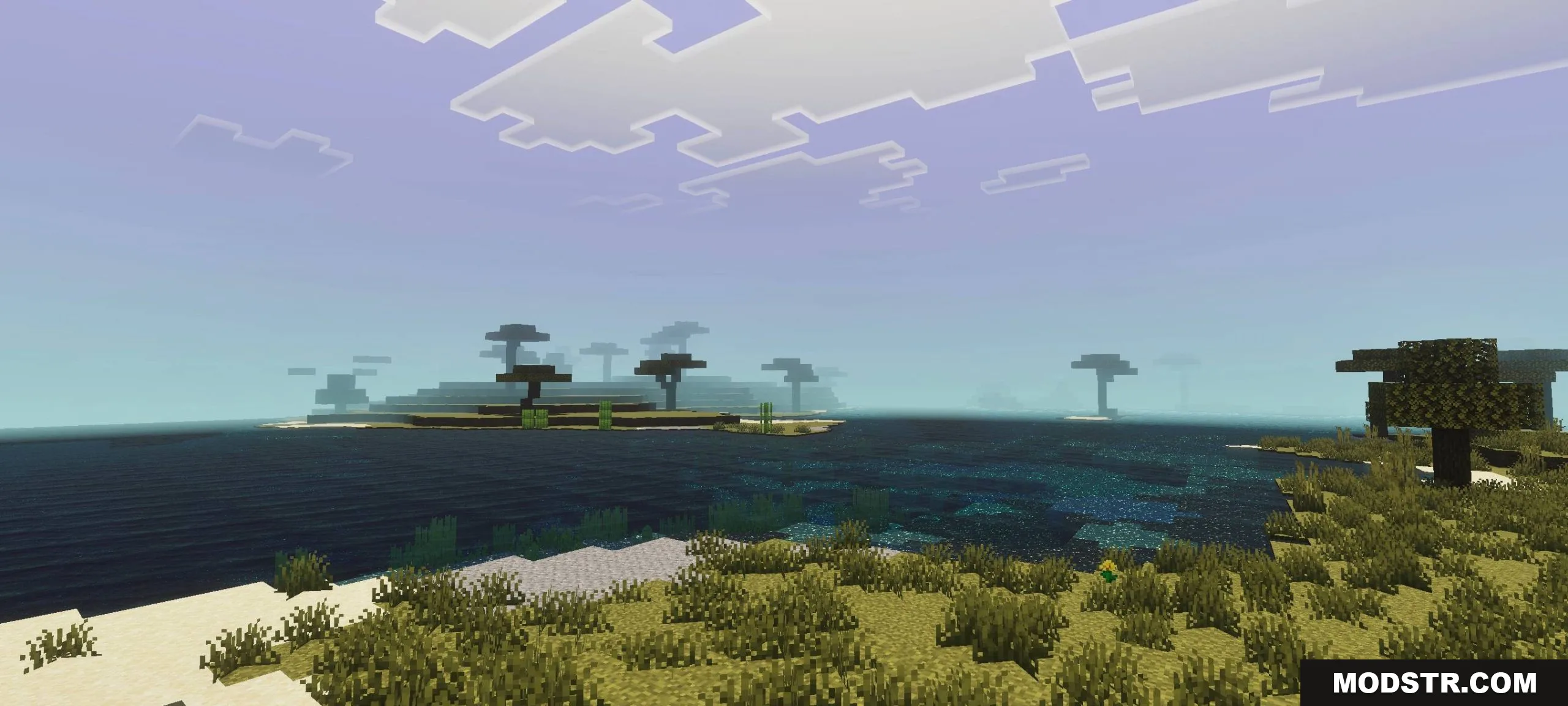
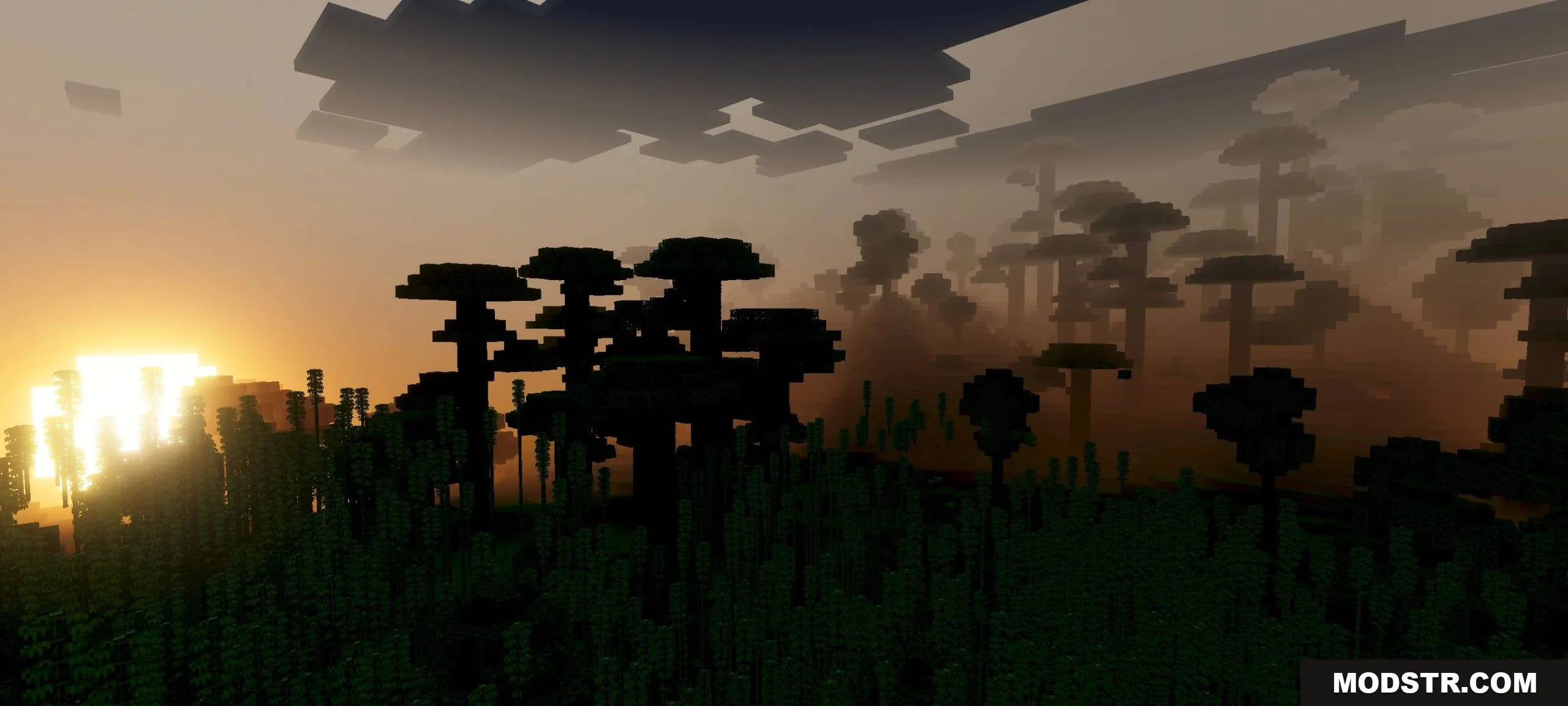
A shader for Bedrock that enhances landscape visuals with sharper details, vibrant colors, and a circular sun with dynamic visual effects.
- 1.26
- 1.21
Lunar Shader is a shader pack designed for Bedrock Edition that modifies the game's visual rendering to produce sharper terrain details and more colorful environments. The shader introduces a circular sun and includes continuously changing visual effects throughout gameplay.
Features
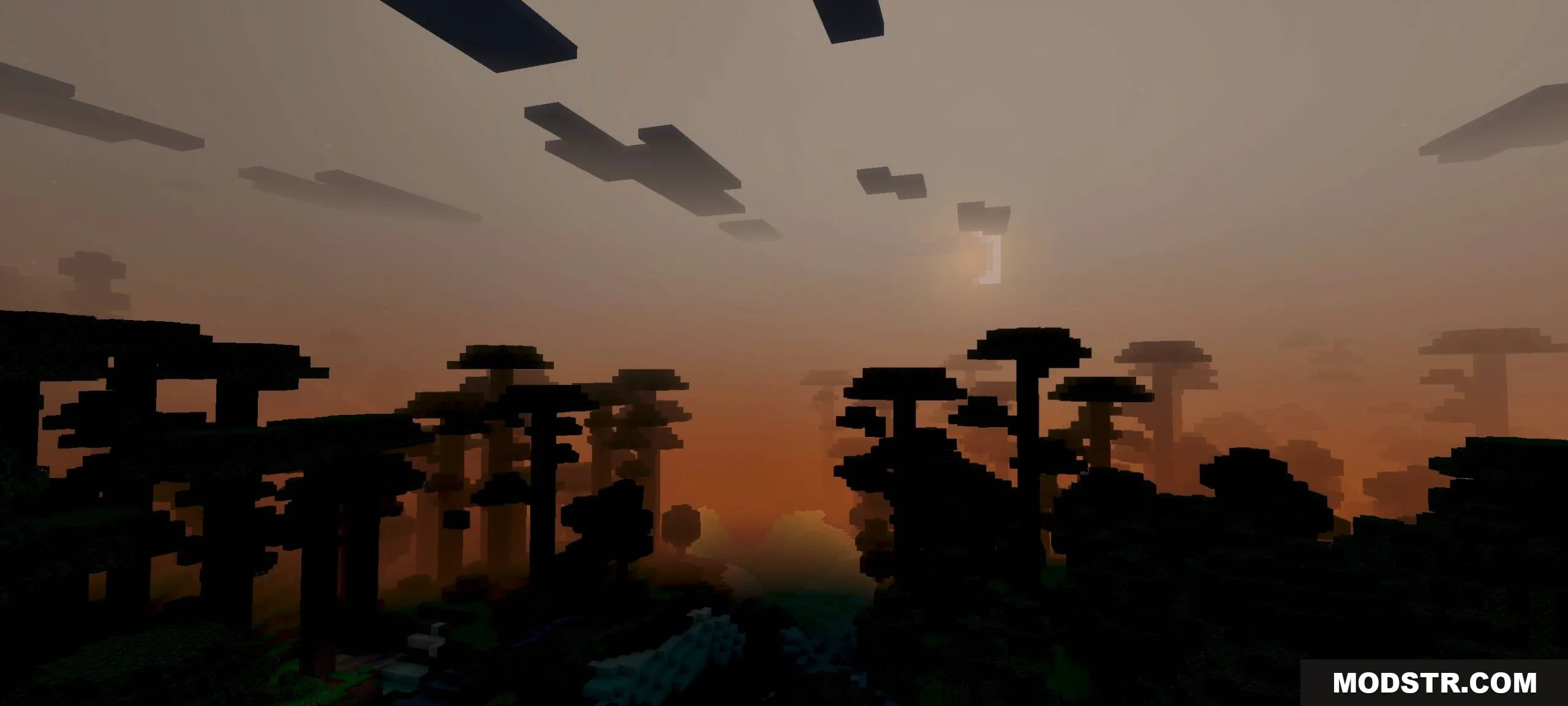
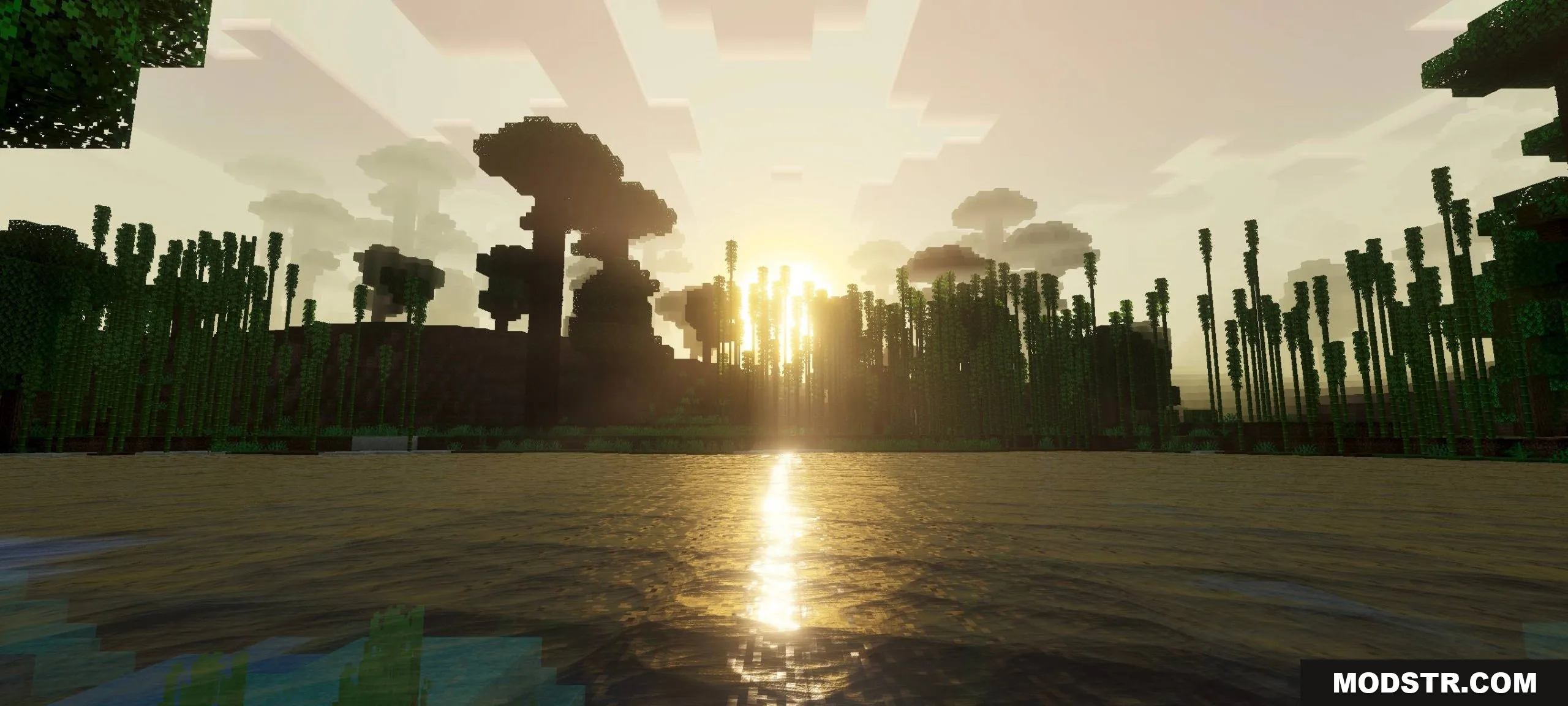
- Enhanced landscape visuals with increased sharpness and color saturation.
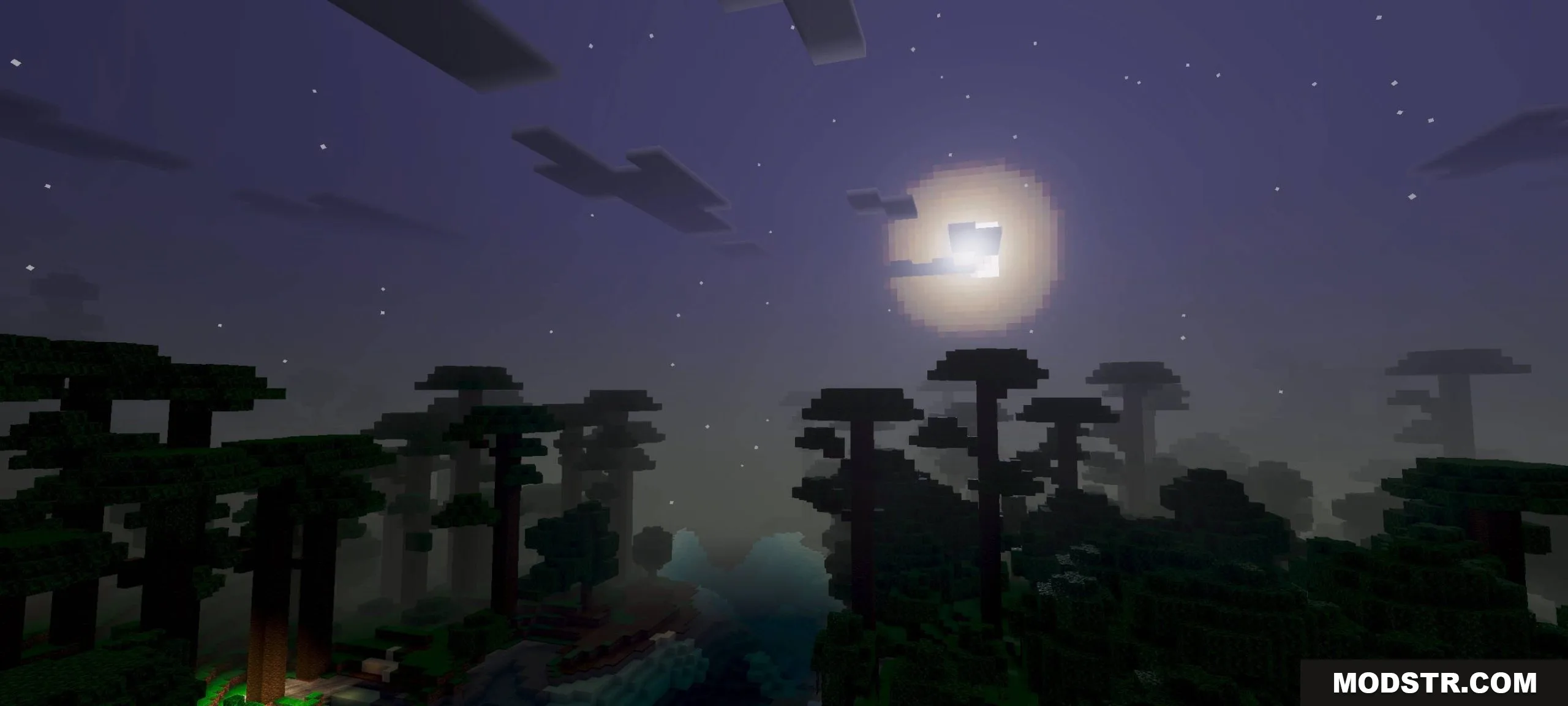
- Circular sun design replacing the default sun appearance.
- Dynamic visual effects that change continuously during gameplay.
- Reconfigured lighting and color systems for a refreshed visual style.
- Requires Vibrant Visuals setting to be enabled for stable performance.
Installation
- Download the shader pack file.
- Open Minecraft Bedrock Edition.
- Navigate to Settings and enable Vibrant Visuals in the graphics options.
- Import the shader pack into your world or global shader settings.
- Apply the shader and launch your world.
Compatibility
This shader is designed for Minecraft Bedrock Edition version 1.26 and later. Ensure that your device meets the performance requirements for running shader packs, as visual enhancements may impact frame rates on lower-end hardware.
DOWNLOAD FILES
- mcpack