

Newb X Cumulonimbus Shader (1.21.20+) – MCPE/Bedrock
A Bedrock shader overhaul for sky colors, clouds, and atmosphere with pastel tones and cloud subpack options.
- 1.21.20
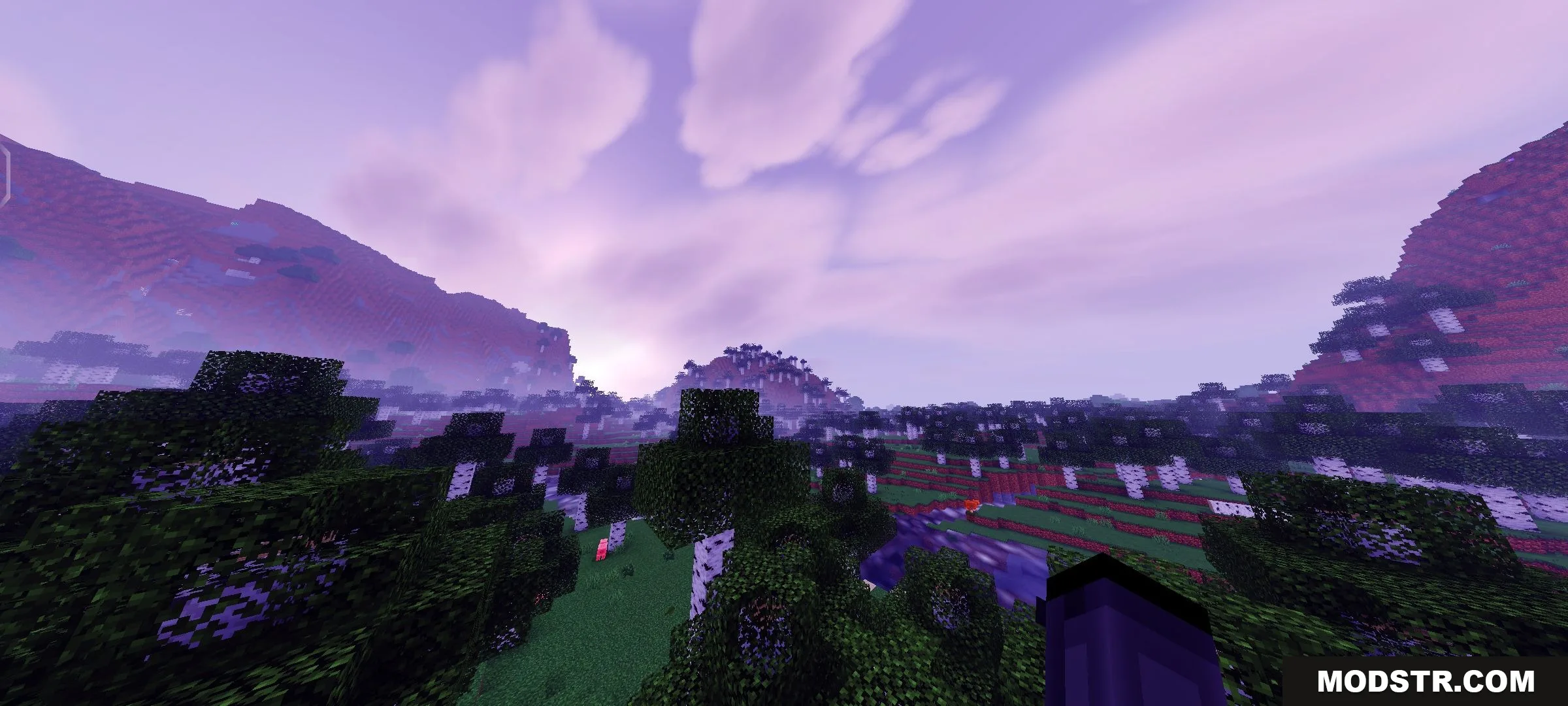
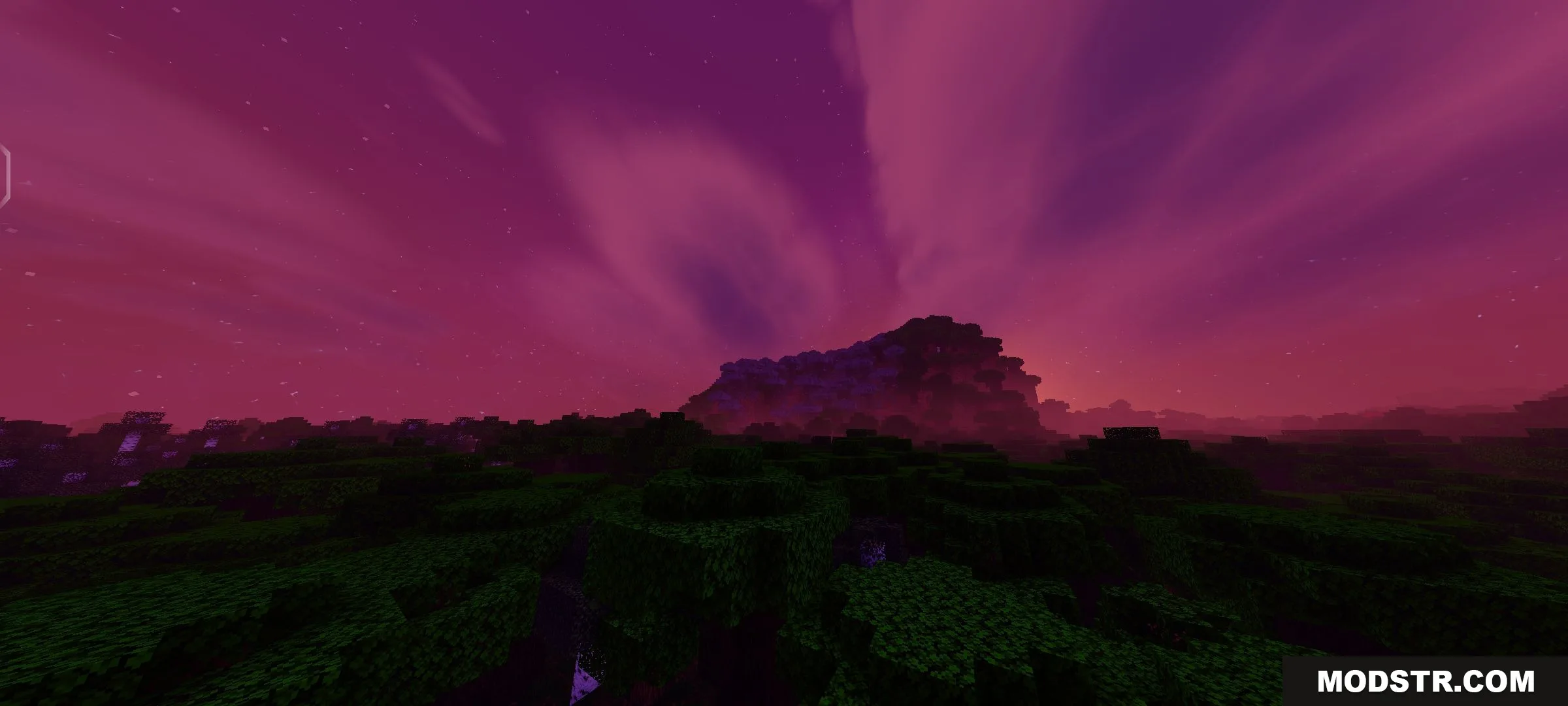
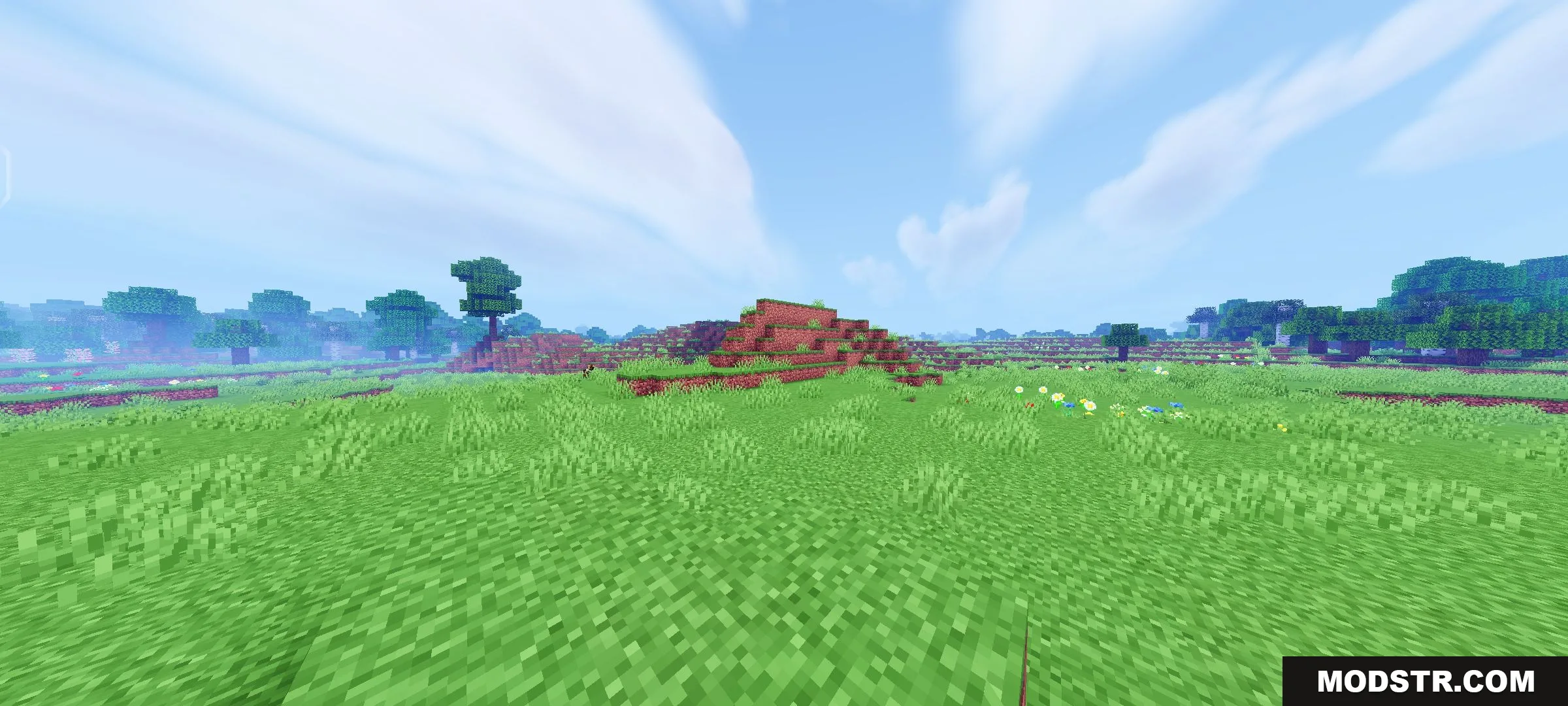
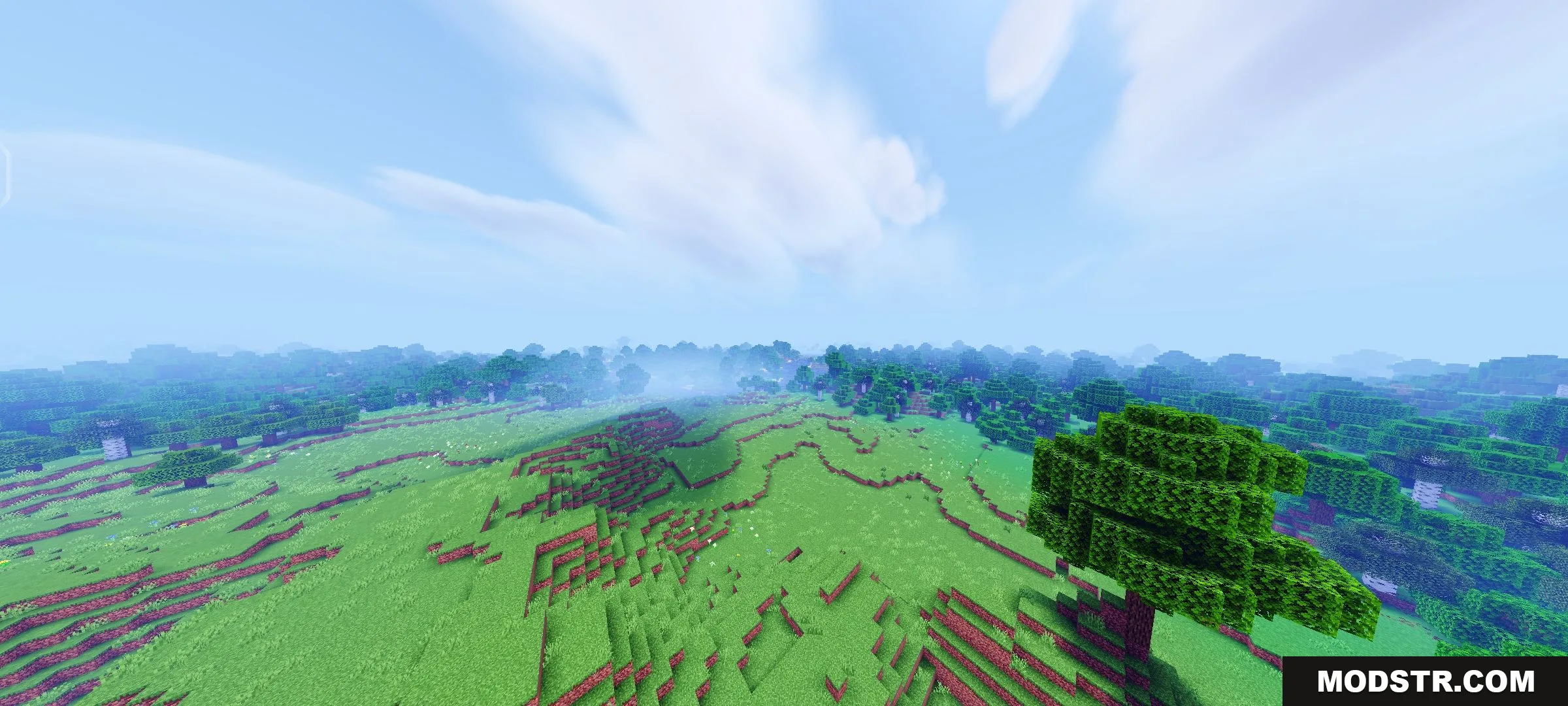
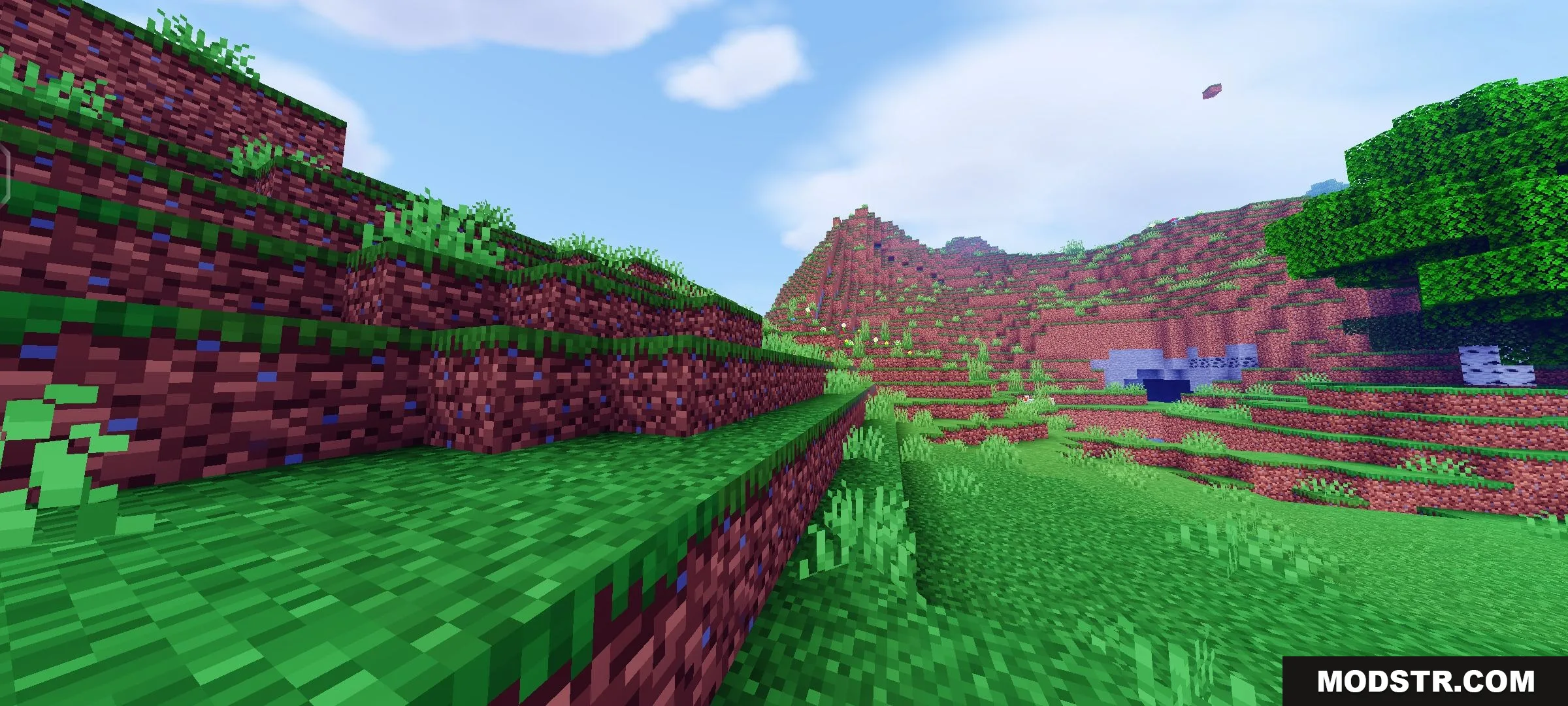
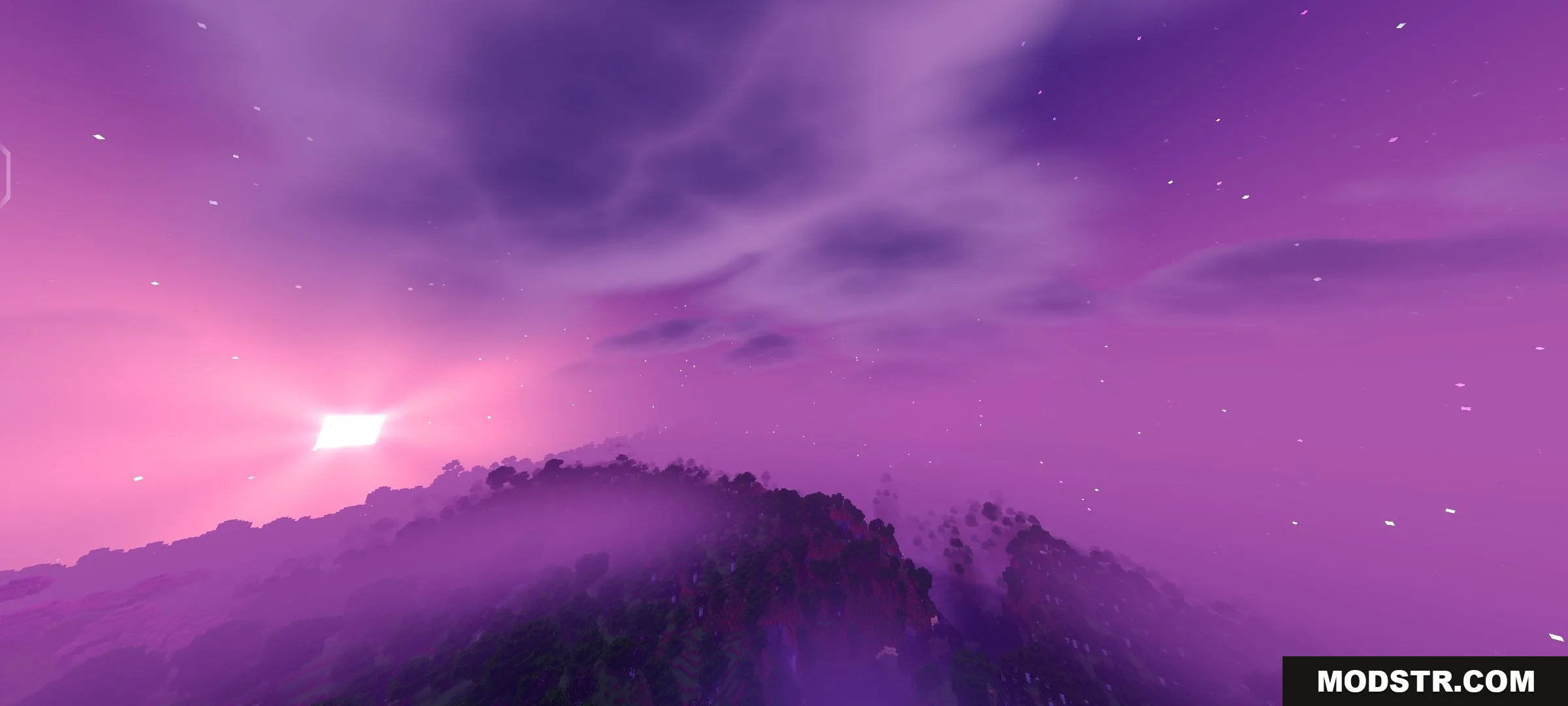
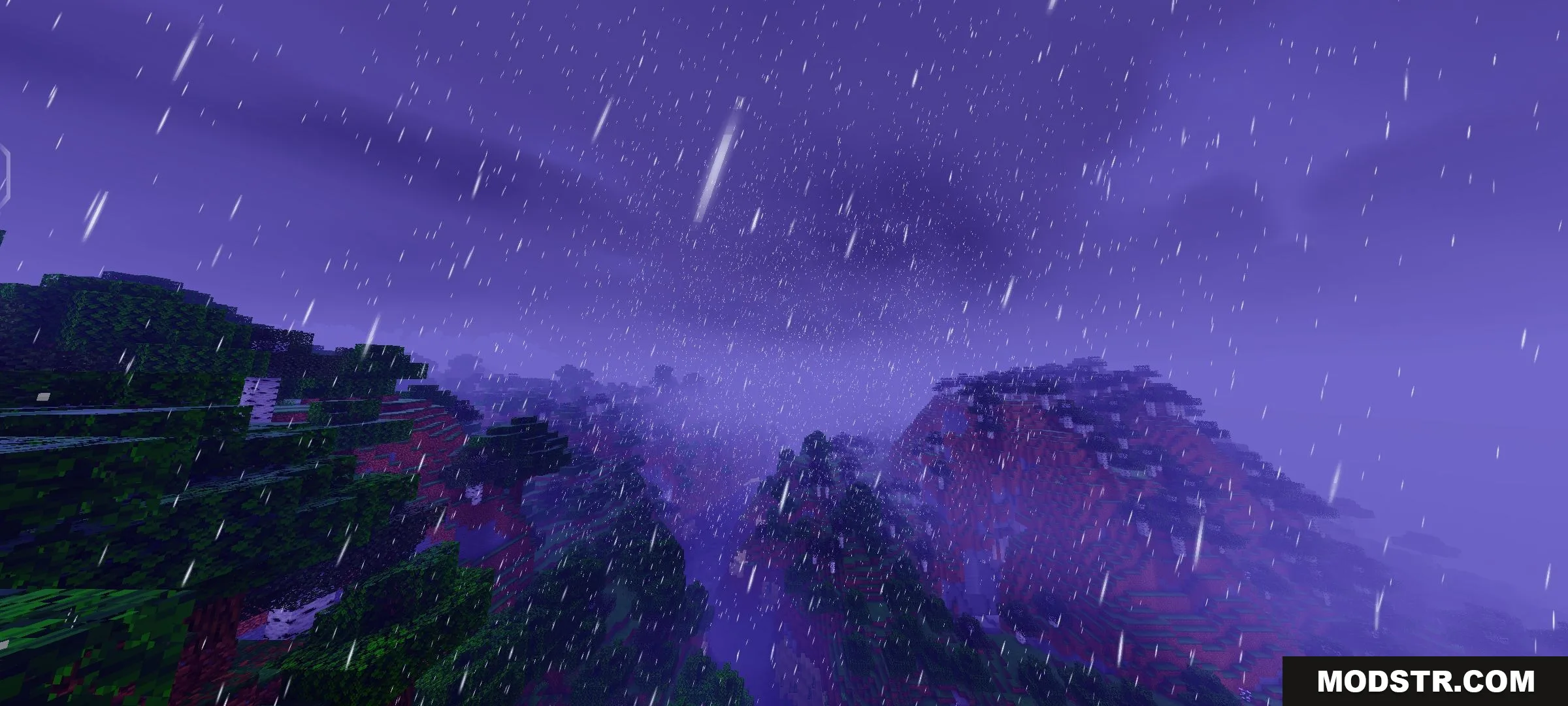
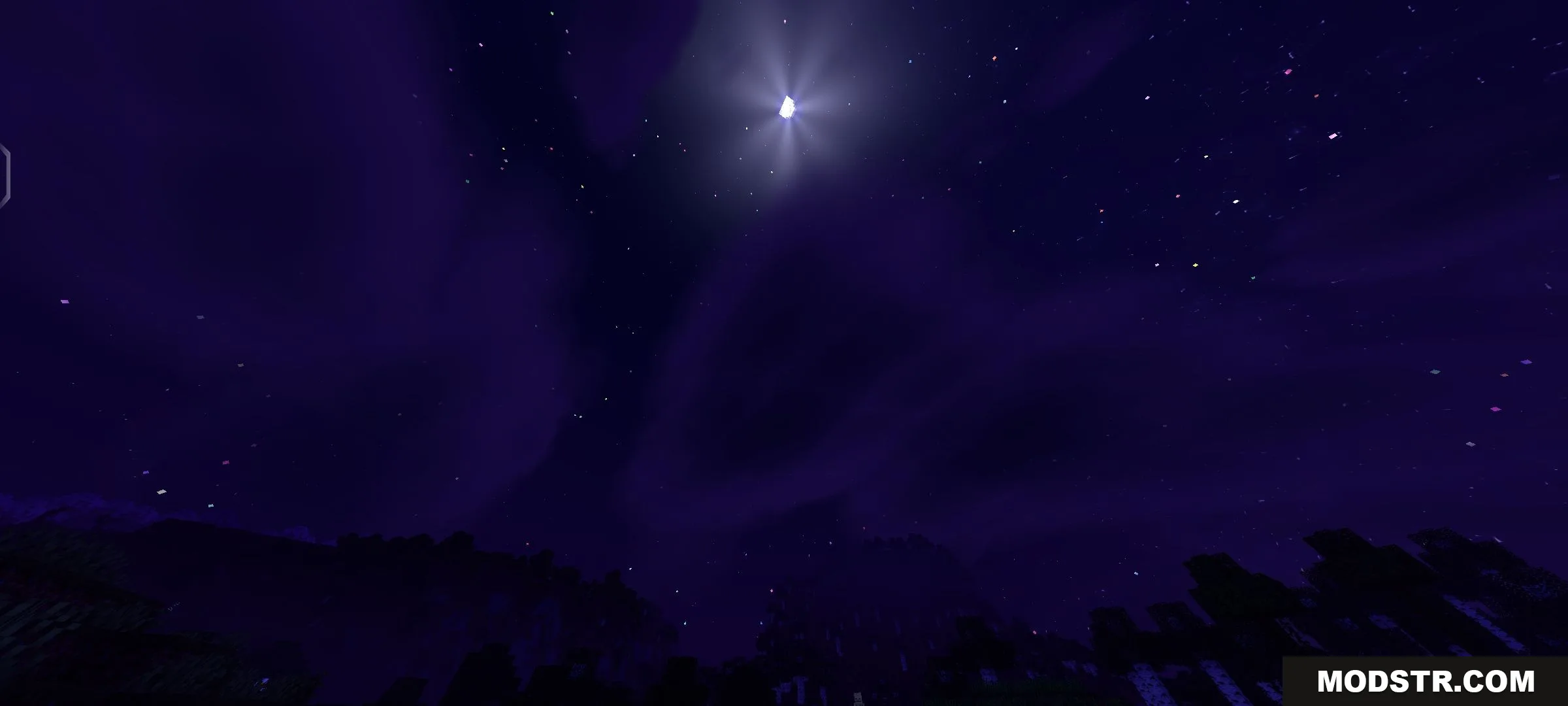
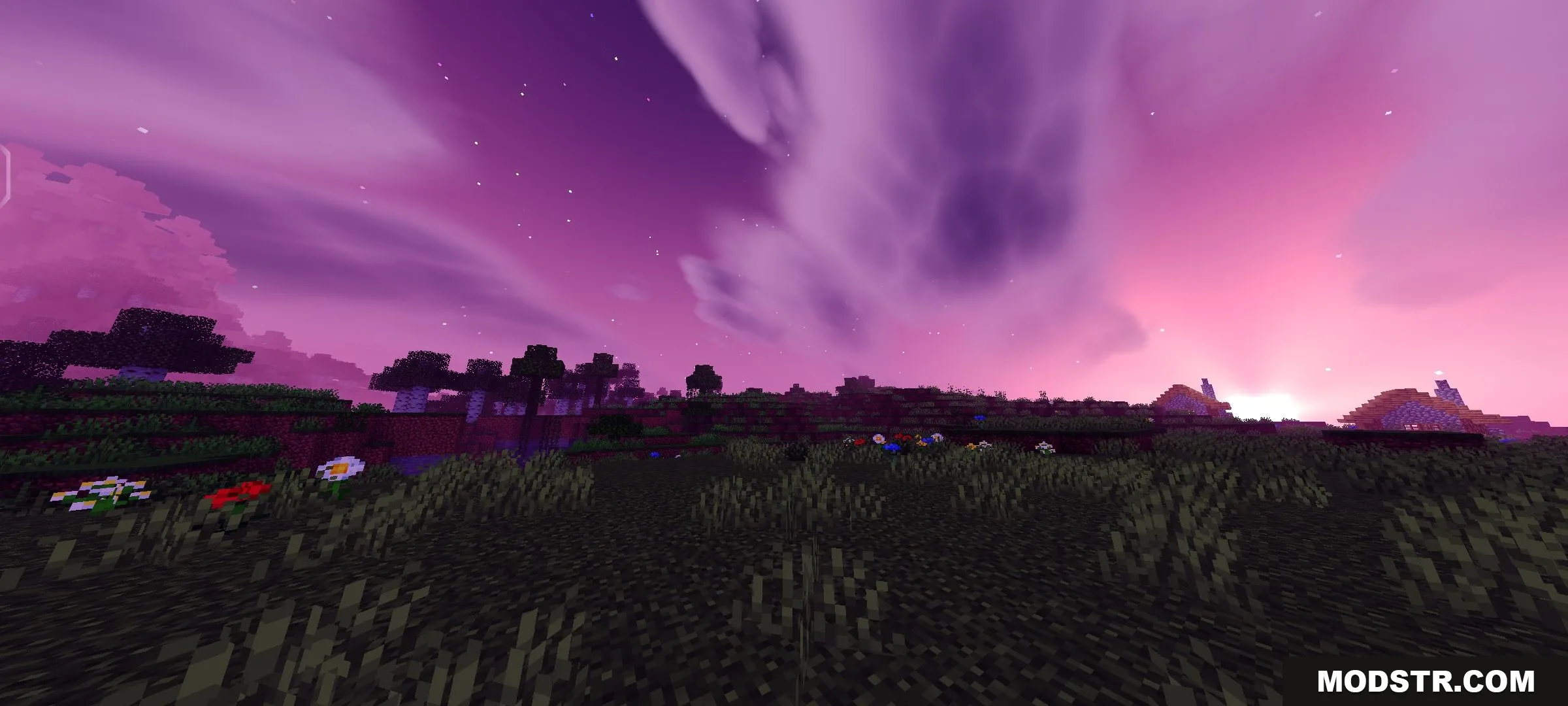
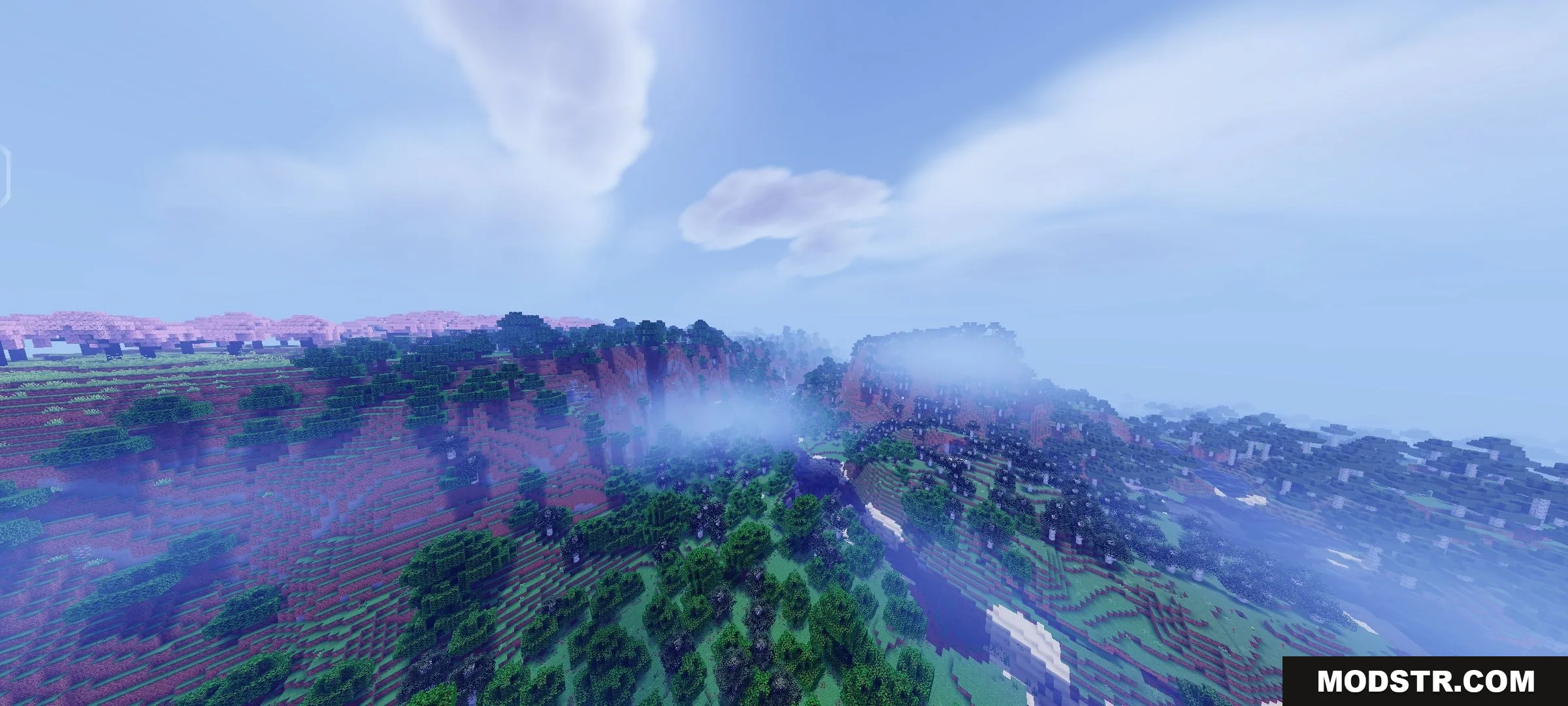
Newb X Cumulonimbus Shader is a visual overhaul for Minecraft Bedrock Edition that modifies sky colors, cloud rendering, and atmospheric effects. It includes two cloud subpack variants and environment adjustments for water and Nether fog.
Features
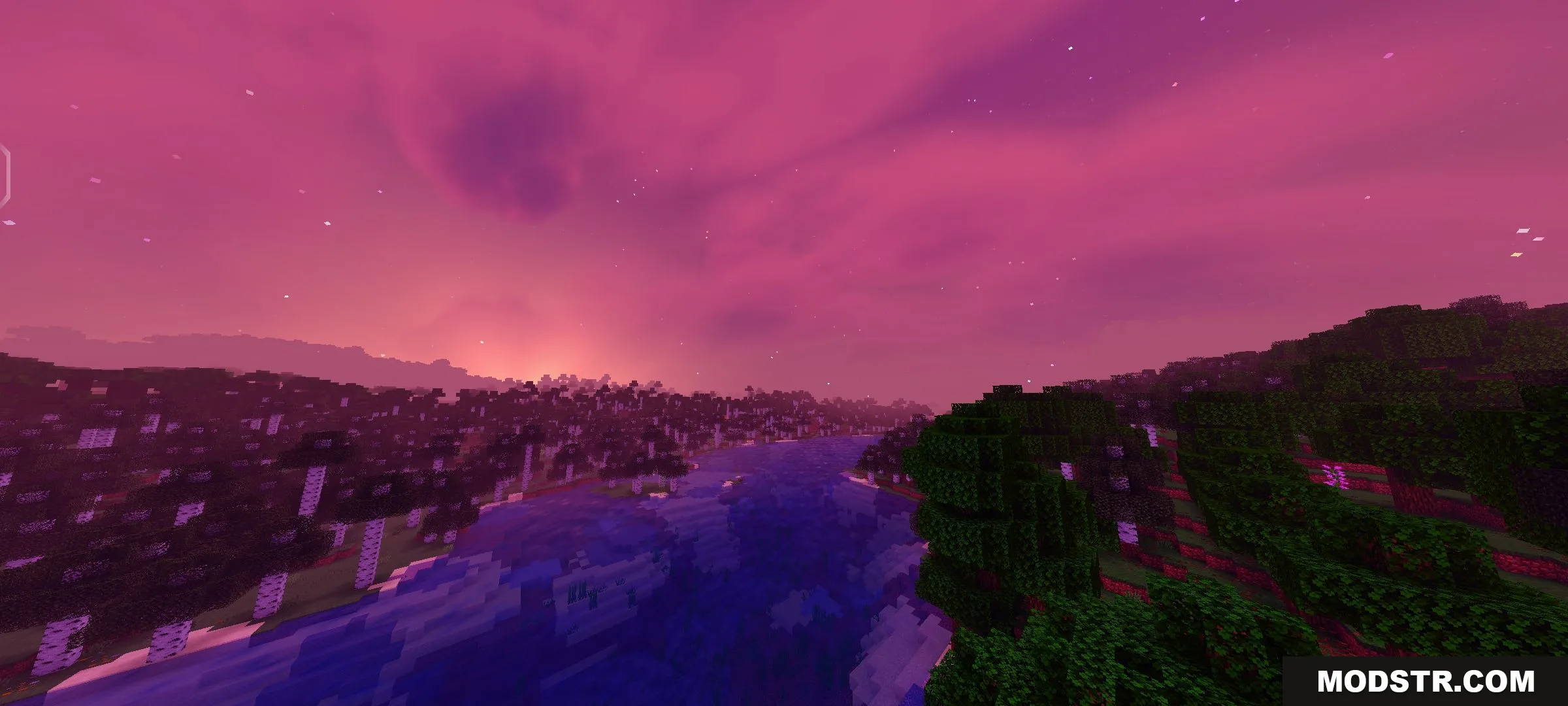
- Introduces pastel sky tones and vibrant color adjustments throughout the world.
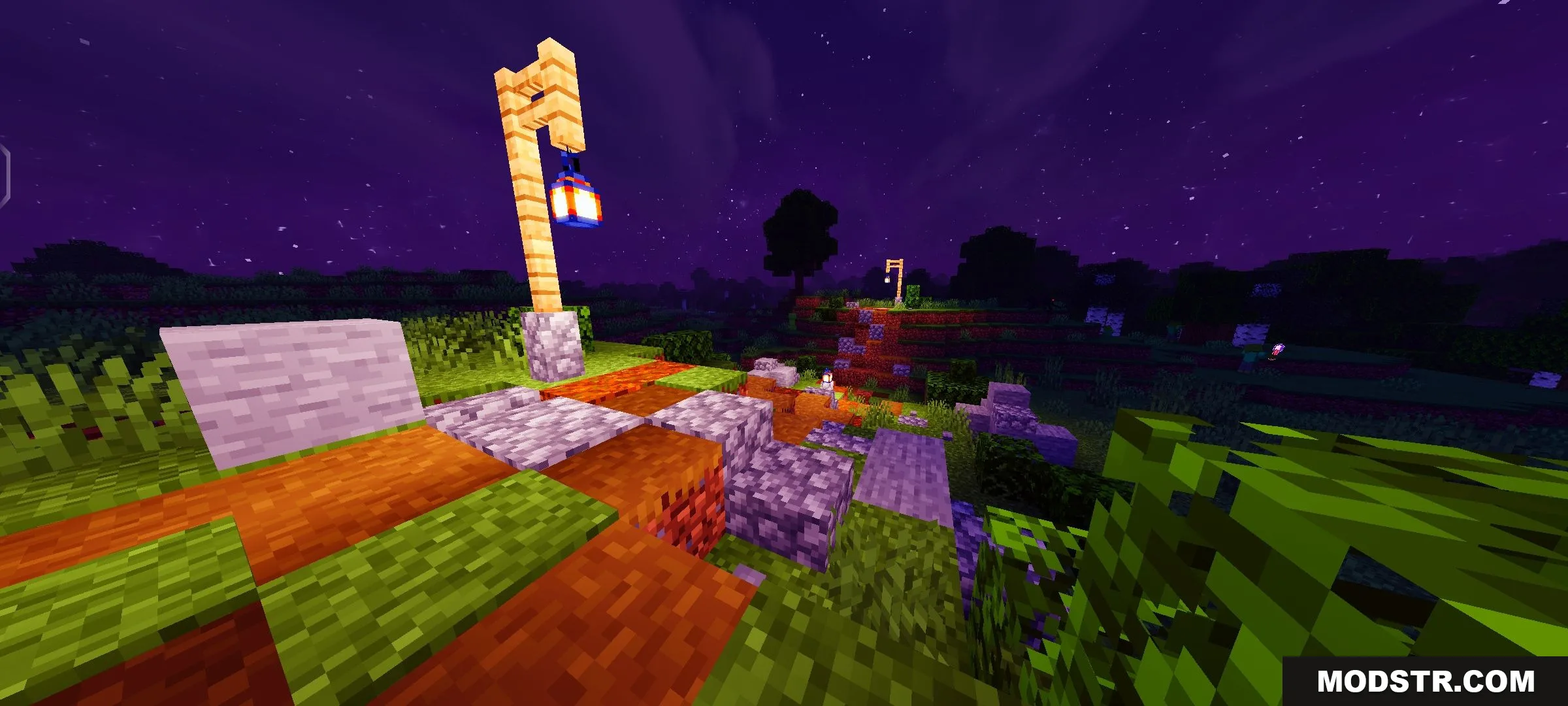
- Modifies sky gradients, color tints, lighting colors, and lantern textures.
- Adds cloud shadows and improves Cumulonimbus cloud detail.
- Includes two cloud subpack options: Cirrus and Cumulonimbus.
- Clears water fog and increases water turbulence for enhanced underwater visibility.
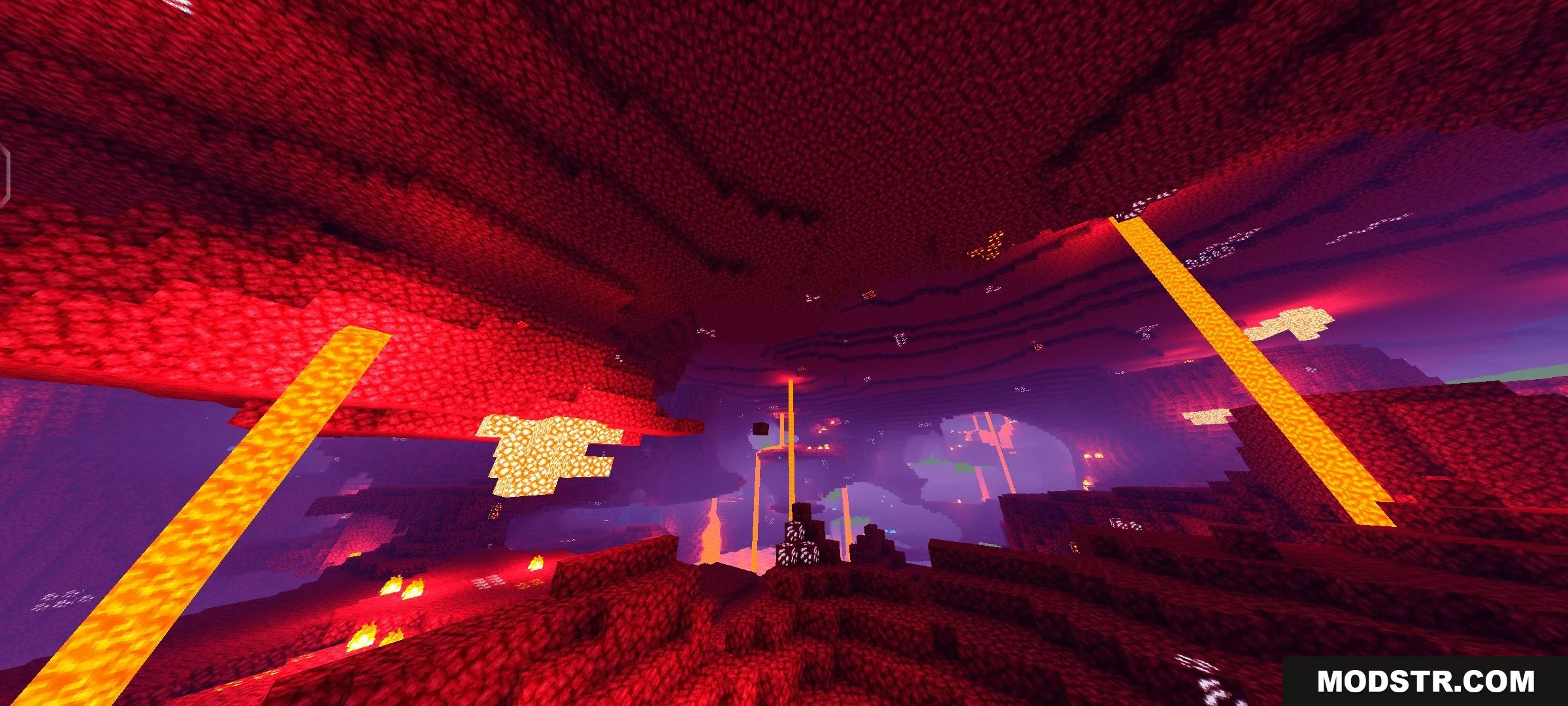
- Implements new fog variants for the Nether dimension.
Installation
- Ensure you have MCPE Patched installed, as it may be required for the shader to function.
- Download the shader pack file.
- Add the shader pack to your global resource packs folder so it loads with your worlds.
- On Windows, install BetterRenderDragon. If BetterRenderDragon does not work, replace the material.bin files manually.
- Launch Minecraft and apply the shader from your resource pack settings.
Compatibility
This shader is designed for Minecraft PE and Bedrock Edition version 1.21.20 and later.



DOWNLOAD FILES
- mcpack