
Mike’s Chroma Visuals Shader (26.x) – Cinematic Lighting Without RTX Hardware
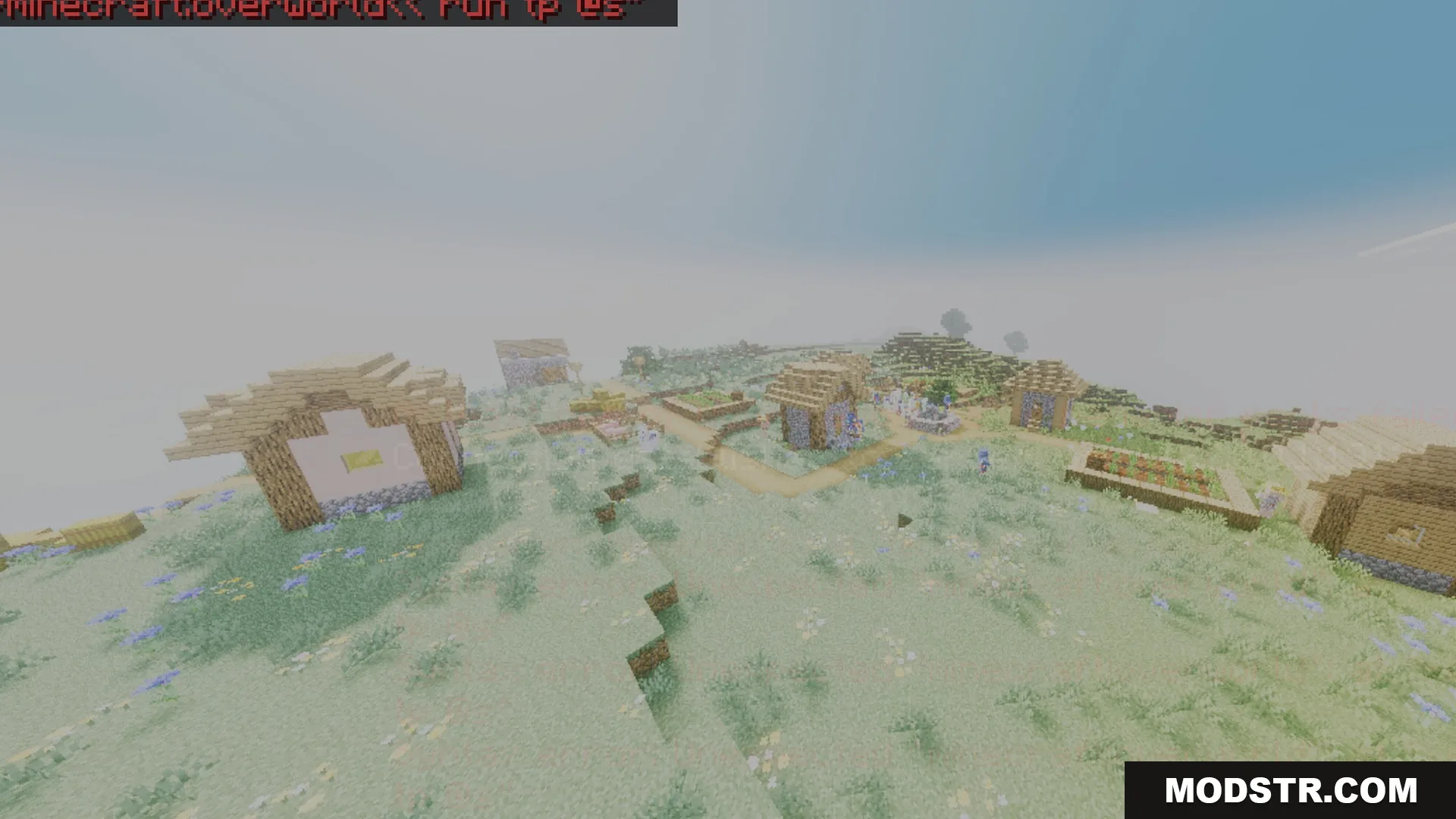
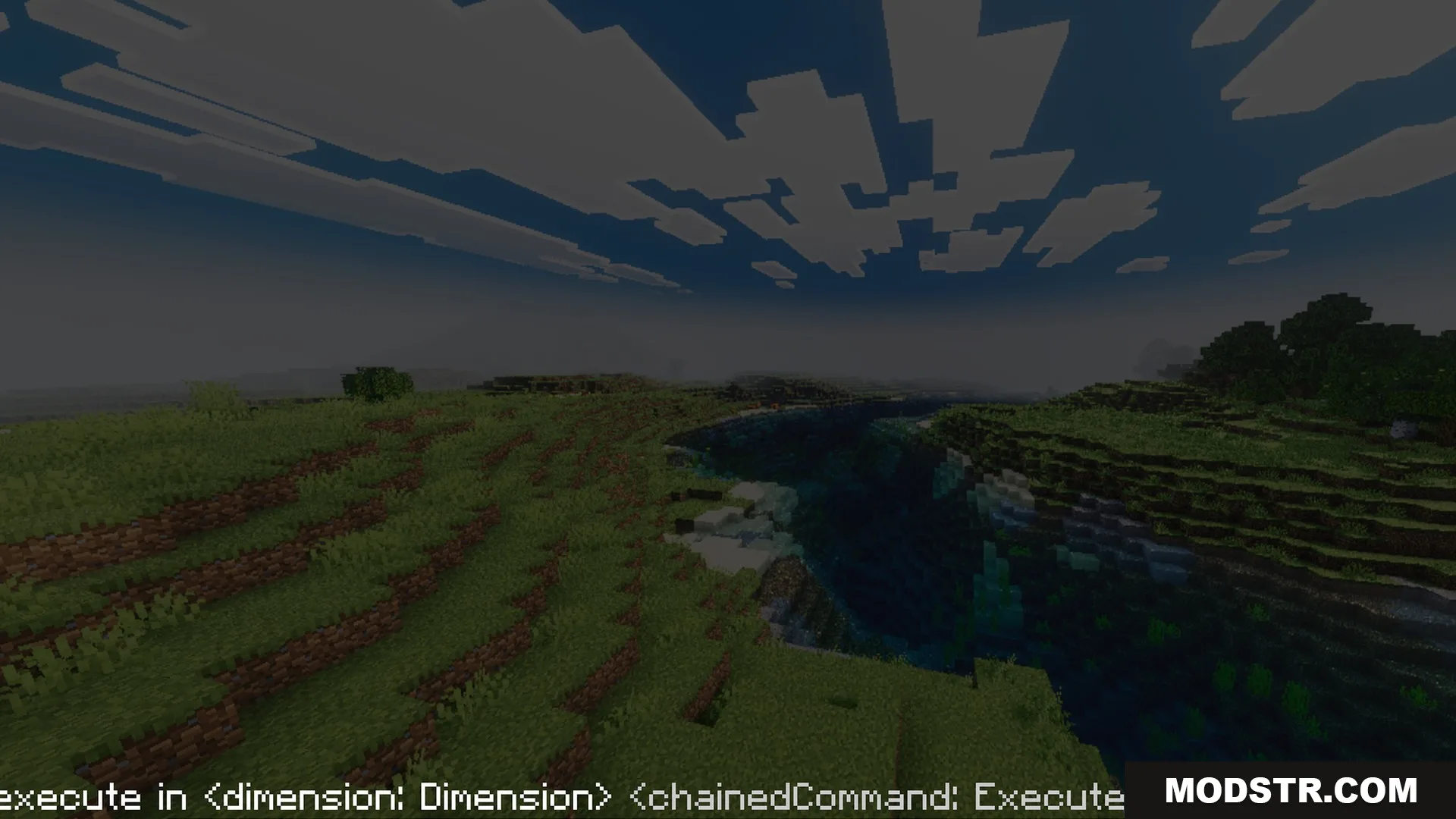
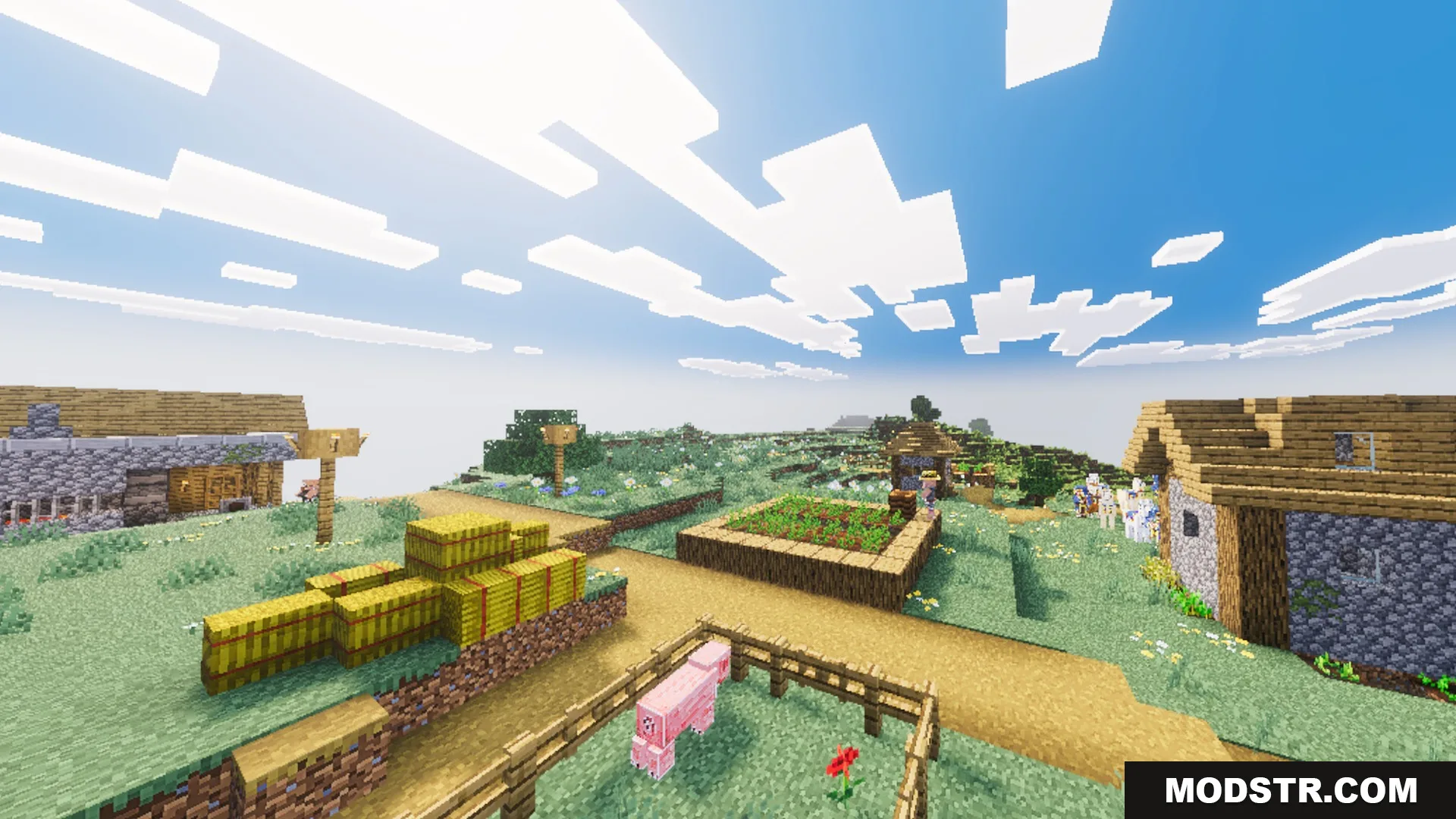
Mike’s Chroma Visuals Shader enhances visual quality in Minecraft Bedrock by adding vibrant colors and cinematic effects. It improves the look of various biomes and light sources without RTX hardware requirements.
Mike’s Chroma Visuals Shader brings improvements to the visual rendering of Minecraft Bedrock, providing enhanced color and lighting effects across multiple biomes. Suitable for players looking for a cinematic experience without the need for expensive RTX hardware.
Features
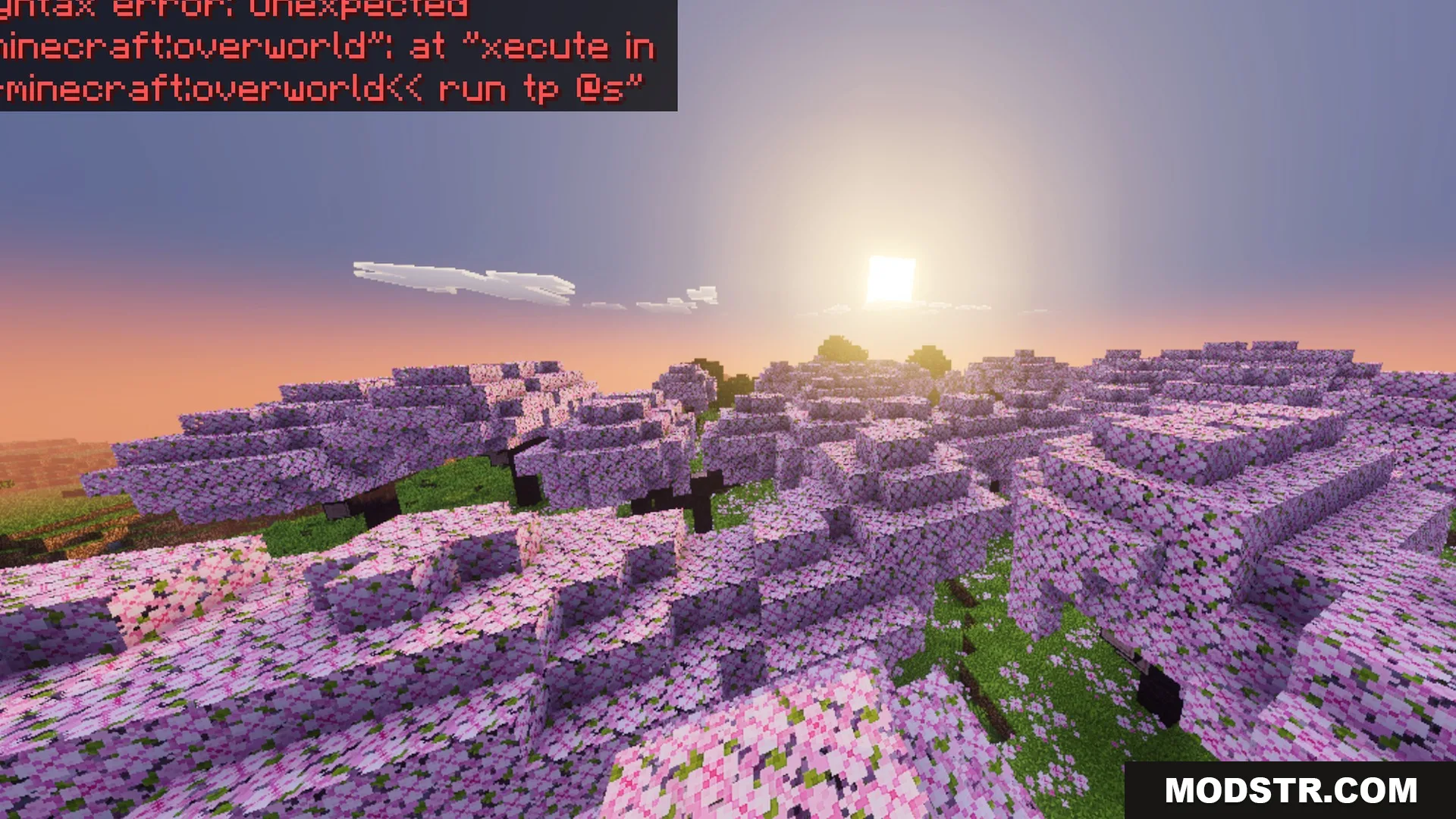
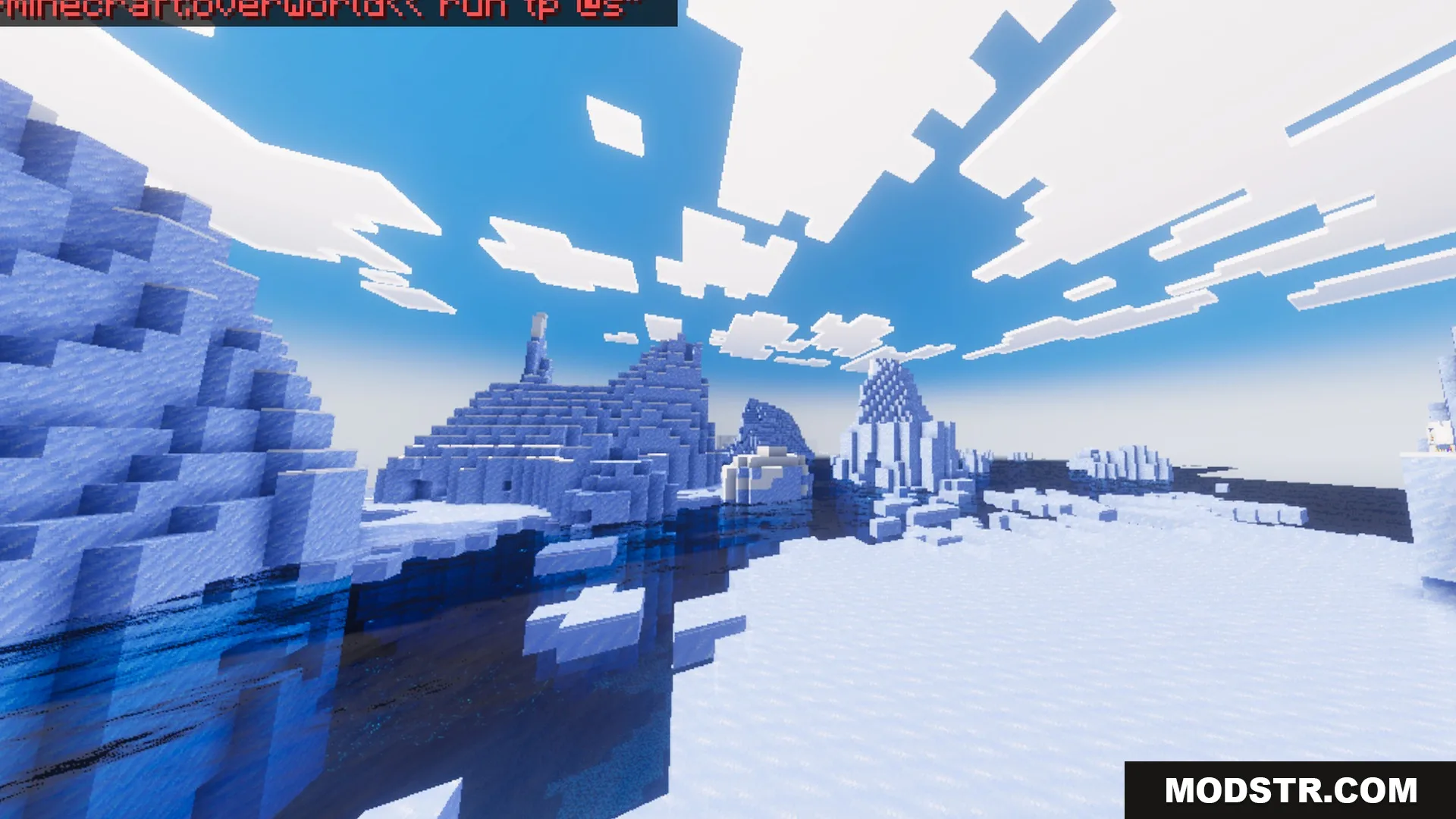
- Brings vibrant colors and rich visuals to all biomes.
- Adds beautiful northern lights to the night sky.
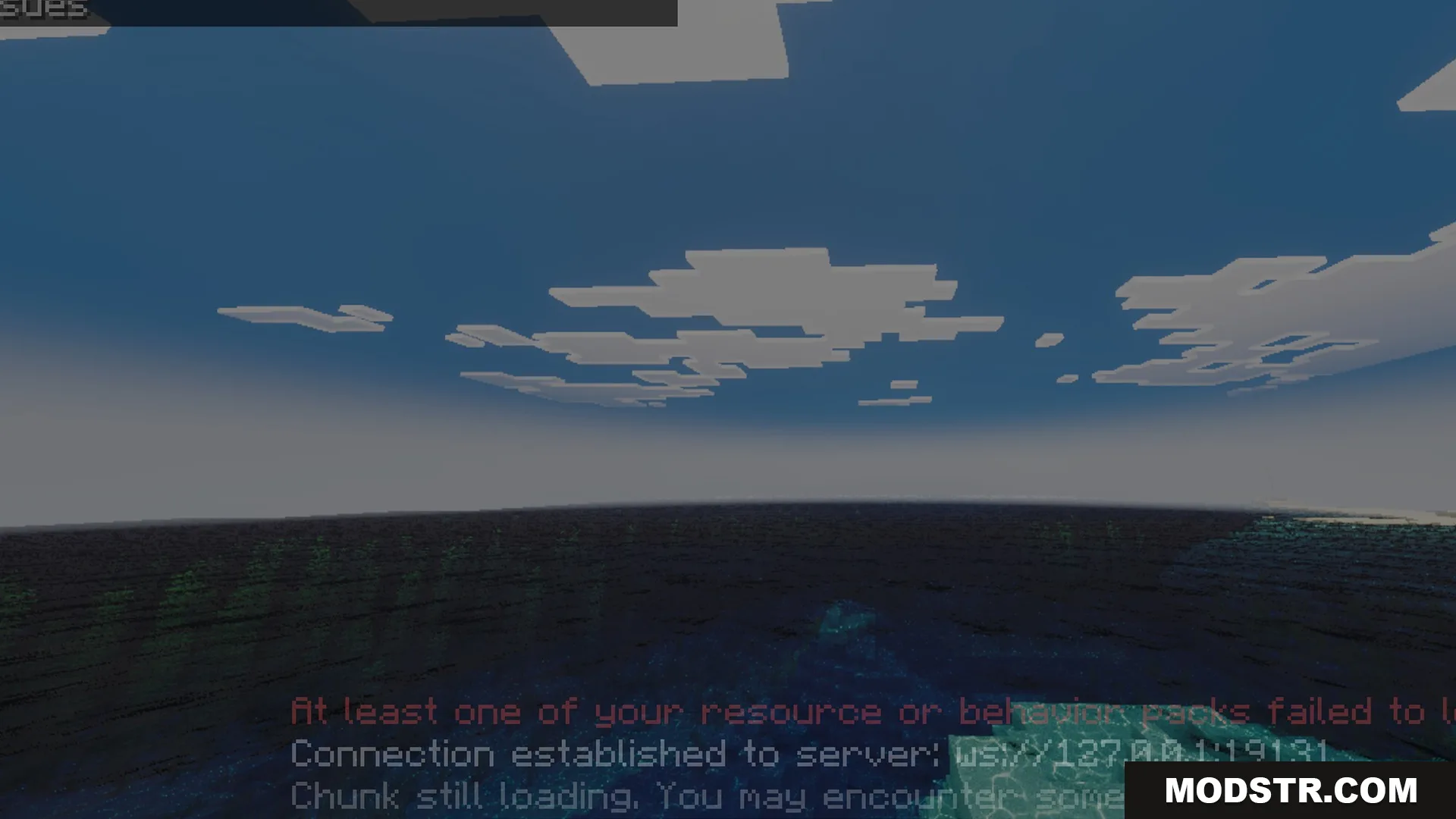
- Improves water rendering for clear oceans and rivers.
- Enhances light from redstone torches, lanterns, and end rods.
- Delivers a cinematic look without needing RTX hardware.
Installation
- Download the shader pack from a trusted source.
- Open Minecraft Bedrock and navigate to the settings.
- Select the 'Storage' option and locate the shader pack.
- Import the shader pack into your Minecraft.
- Enable the shader in the video settings under 'Shaders.'
Motion
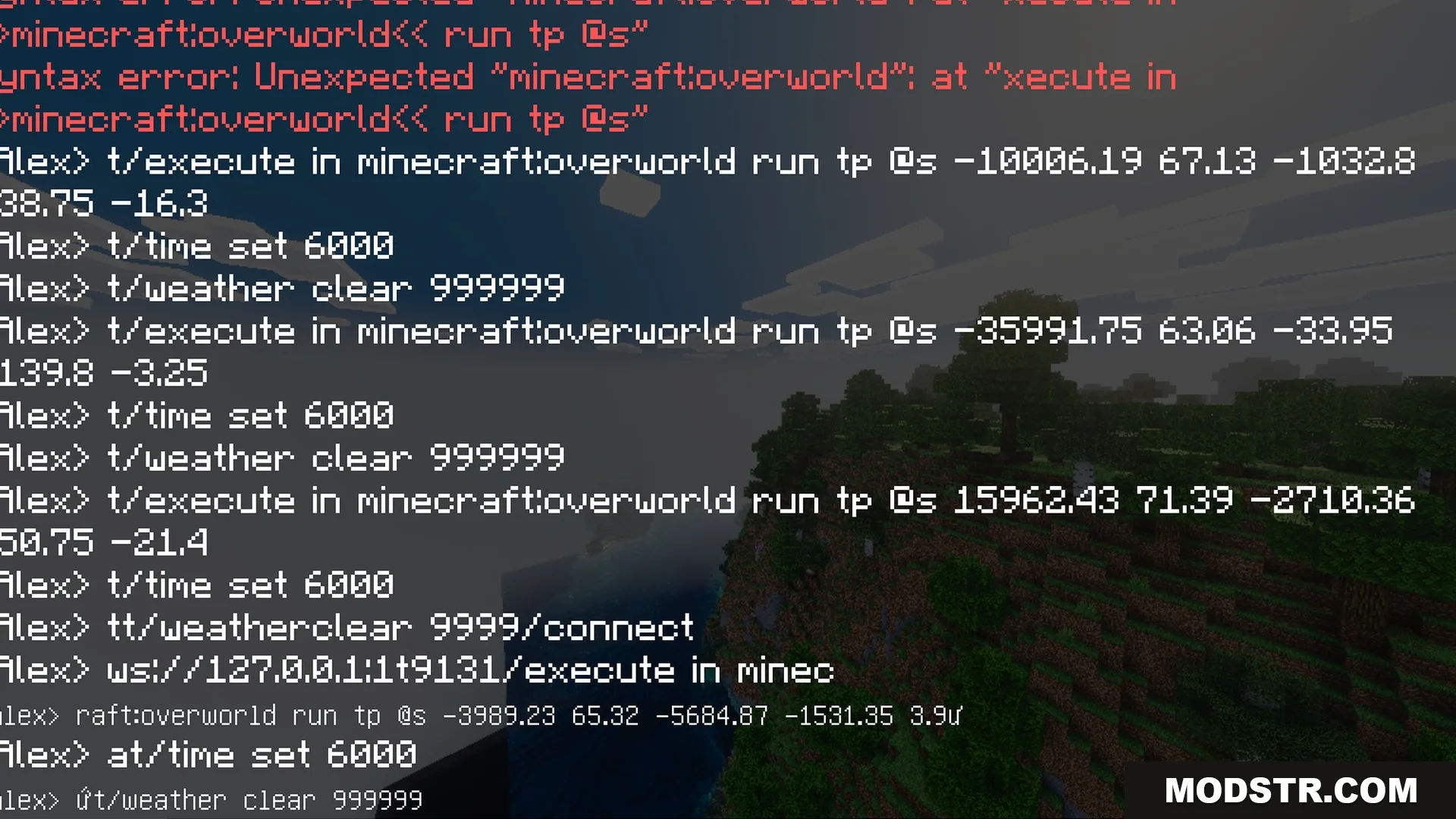
The shader adds dynamic elements to the game, including effects like falling cherry petals and moving clouds. These enhancements contribute to a more immersive gameplay experience.
DOWNLOAD FILES
- mcpack