
Chara Visual Shade Shader (26.x, 1.21) – MCPE/Bedrock
A shader for Bedrock Edition that applies Chara-inspired visuals from Undertale, with improved nighttime visibility and adjusted lighting and color processing.
- 1.21
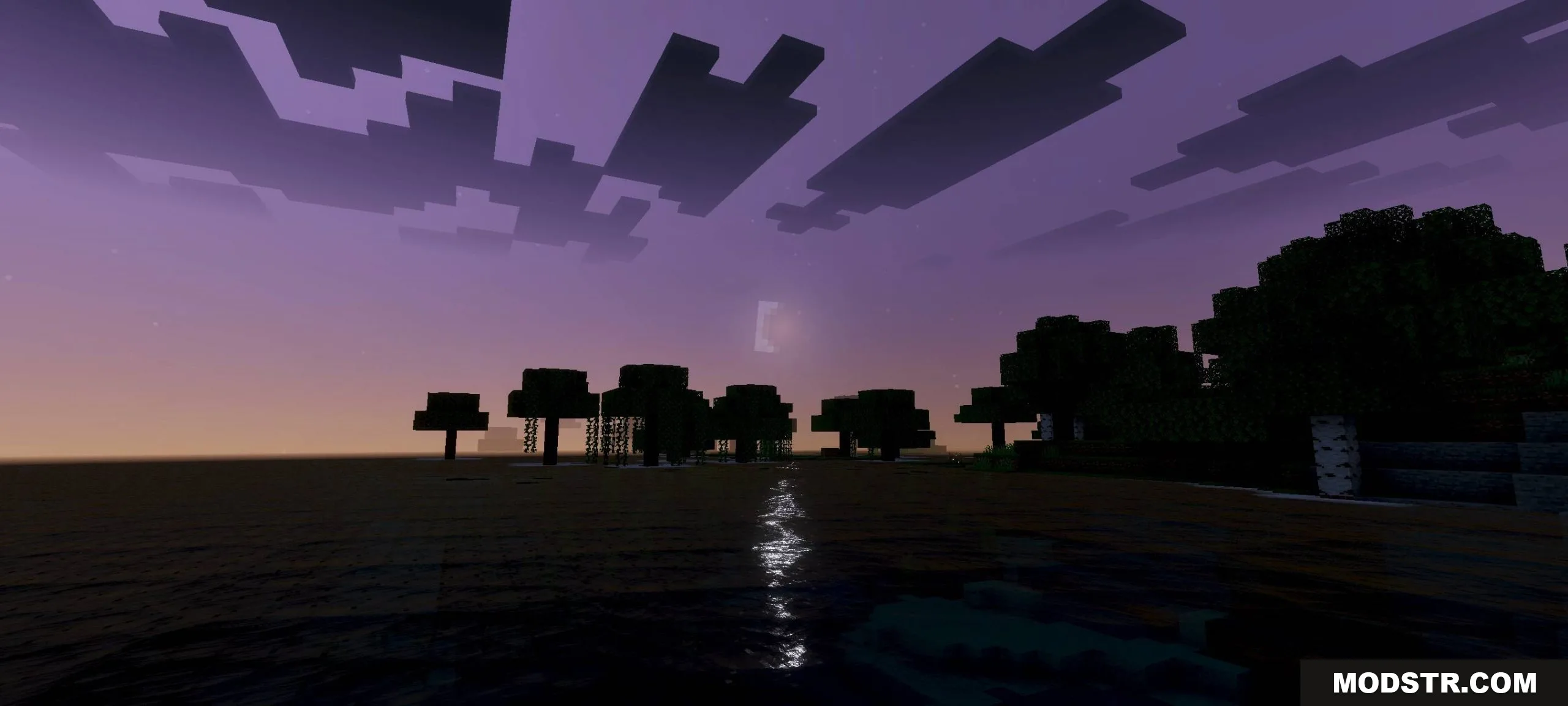
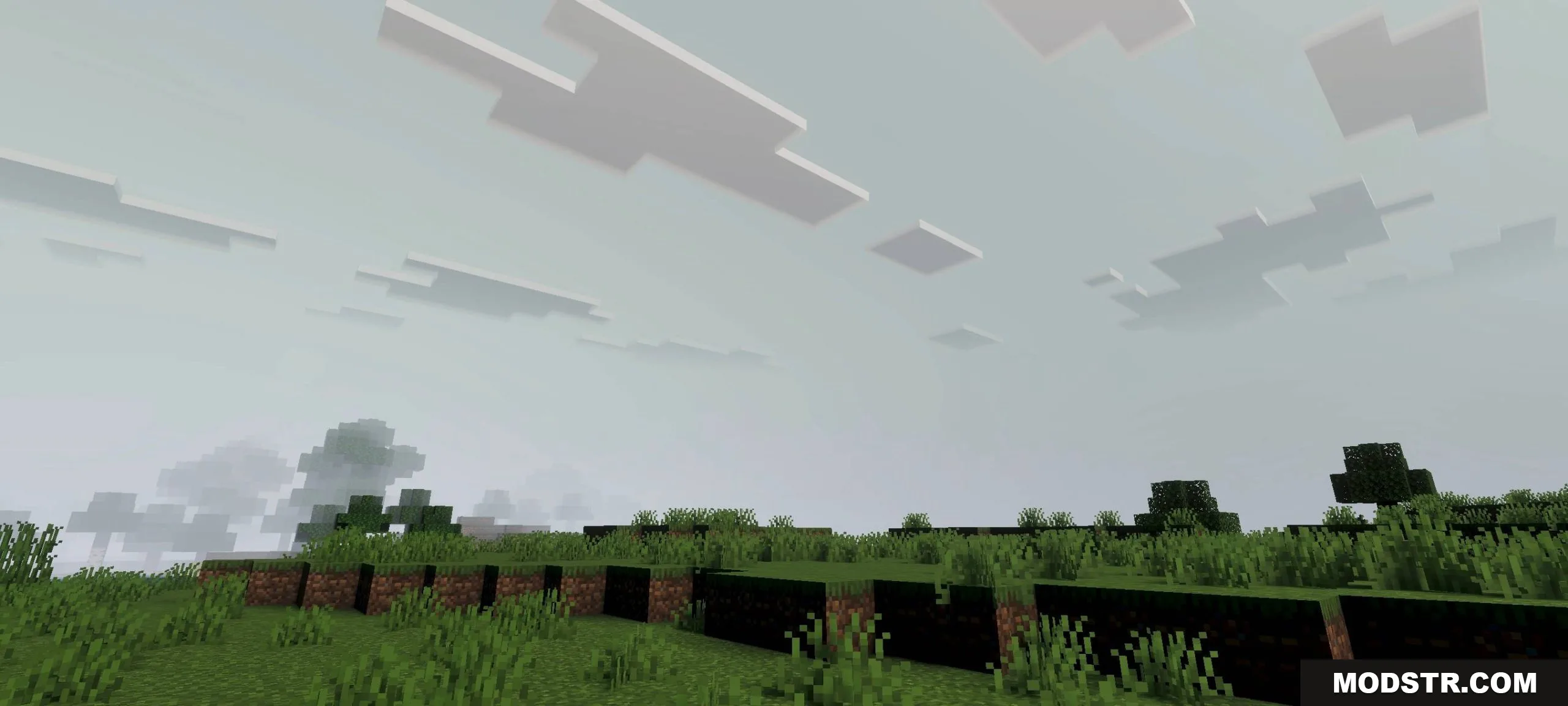
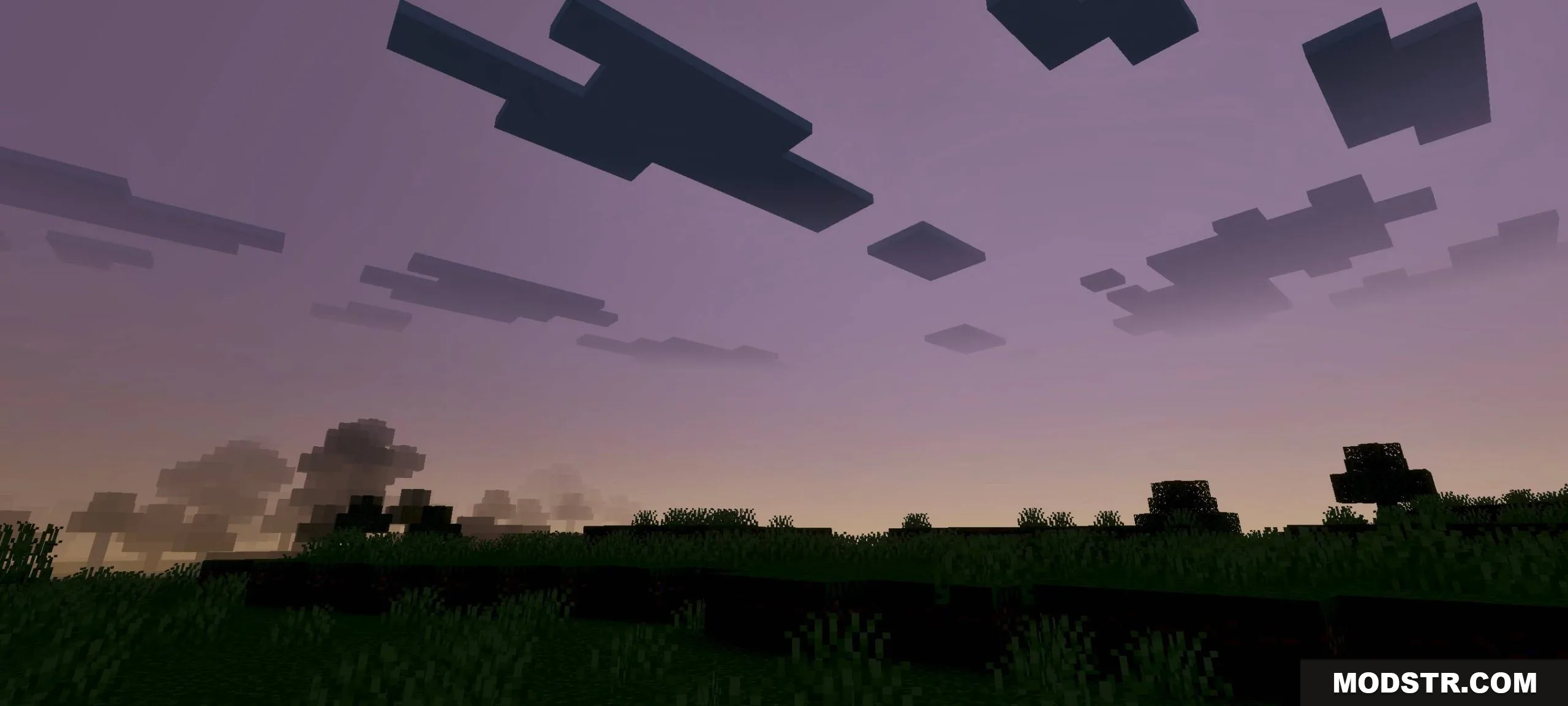
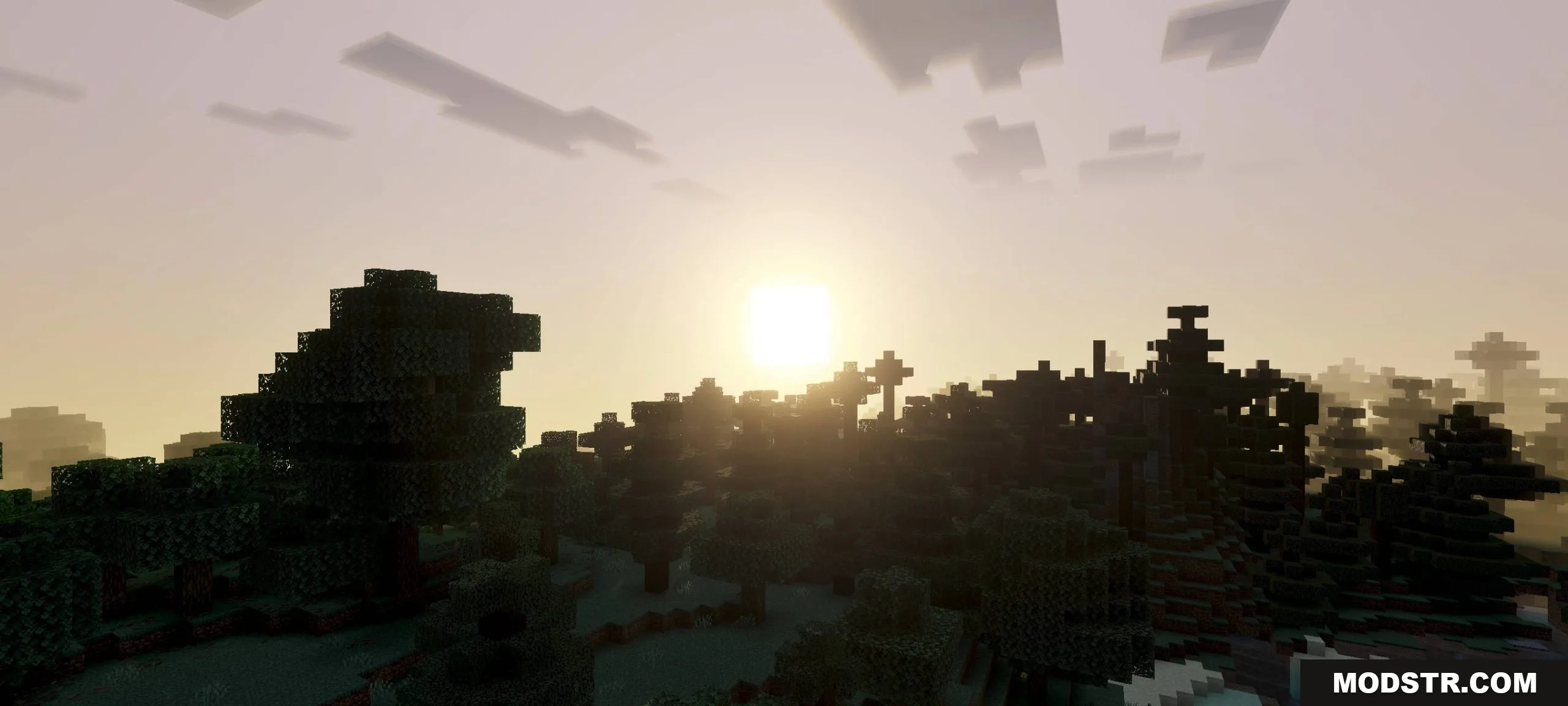
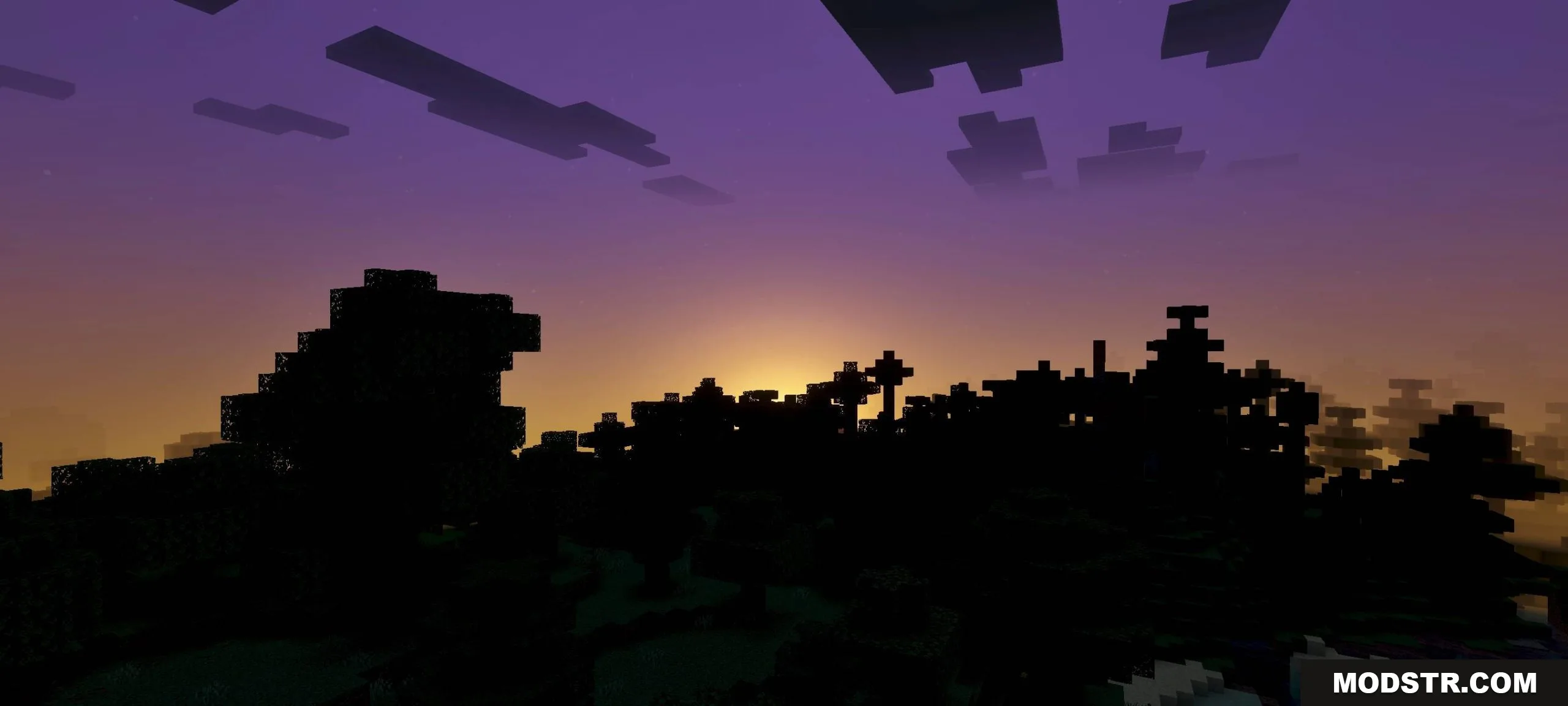
Chara Visual Shade Shader applies a visual style inspired by the character Chara from Undertale. The shader modifies the game's color and lighting system to improve visibility during nighttime play, particularly under moonlight, making exploration and combat easier in low-light conditions.
Features
- Chara-inspired visual style adapted to Minecraft's rendering.
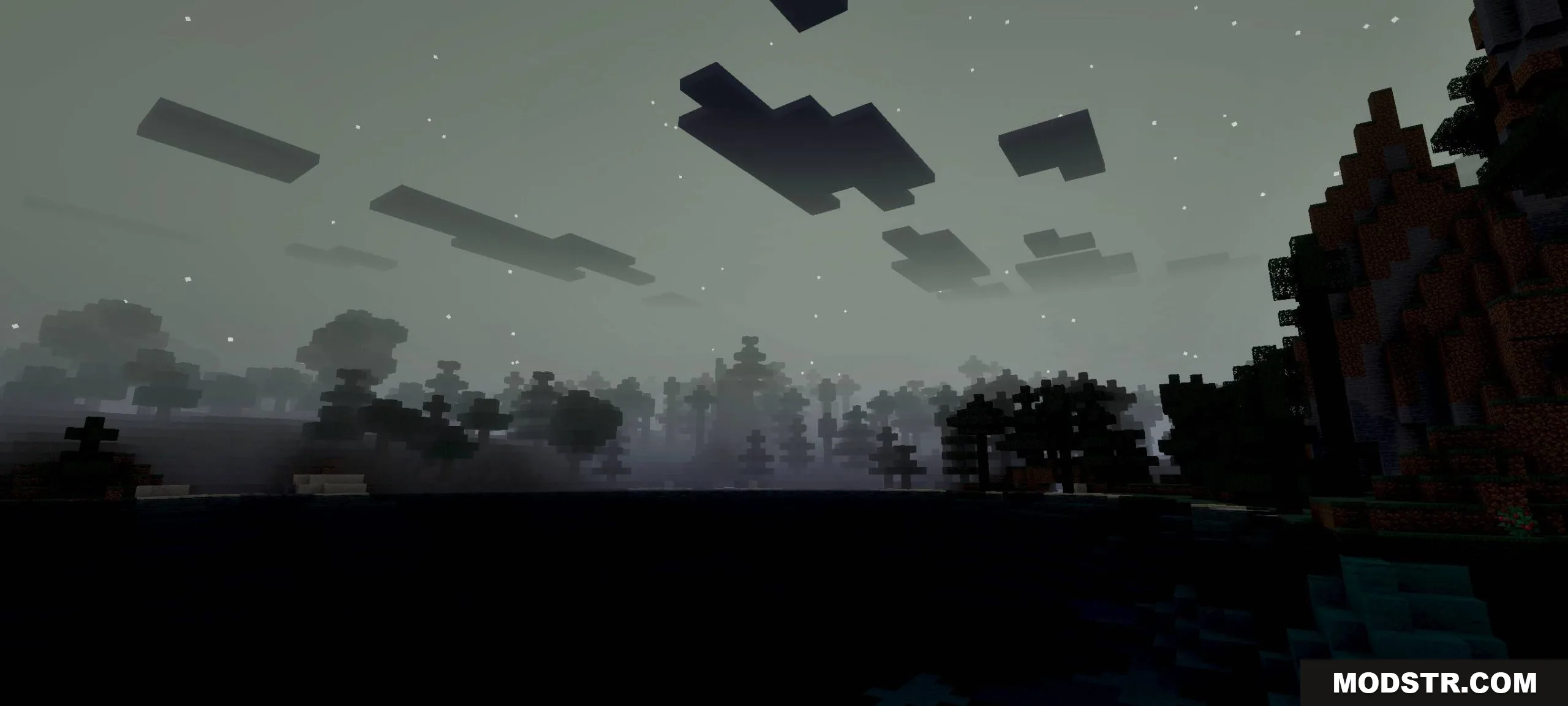
- Enhanced nighttime visibility and clearer visuals under moonlight.
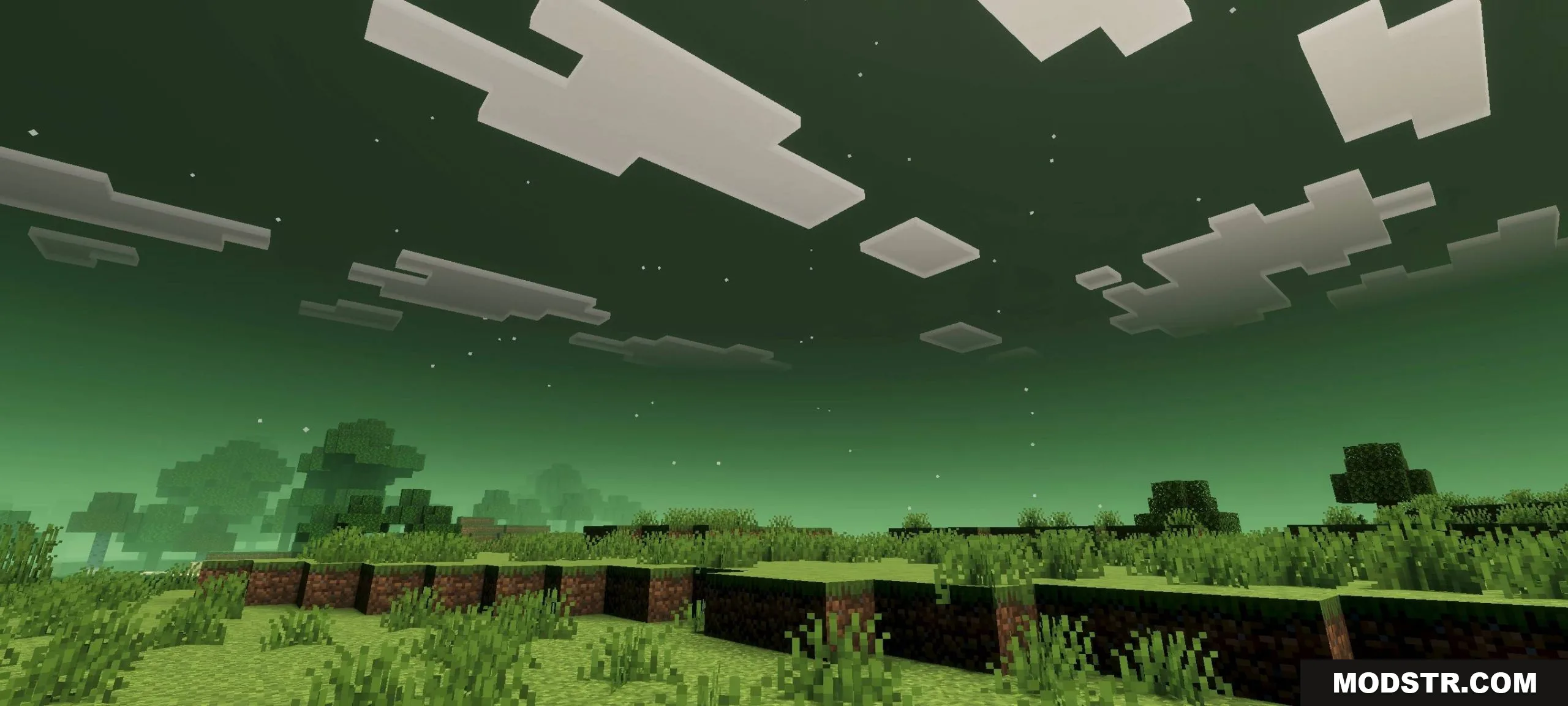
- Adjusted color and lighting processing for improved clarity.
- Designed for easier exploration and monster hunting at night.
Installation
- Download the shader file for your preferred game version.
- Open Minecraft Bedrock Edition and navigate to Settings.
- Go to Video settings and select the shader file from your downloads.
- Apply the shader and launch your world.
Compatibility
This shader is compatible with Minecraft Bedrock Edition version 1.21 and 26.x. It works on most devices running compatible Bedrock versions.
DOWNLOAD FILES
- mcpack